AI Wallpaper Generator
You'll see your lock screen close to 200 times today. Might as well make it something you actually chose, not whatever came pre-loaded or whatever you grabbed off a wallpaper app three phones ago.
You Might Also be Interested in
Community Creations
The background you look at 200 times a day
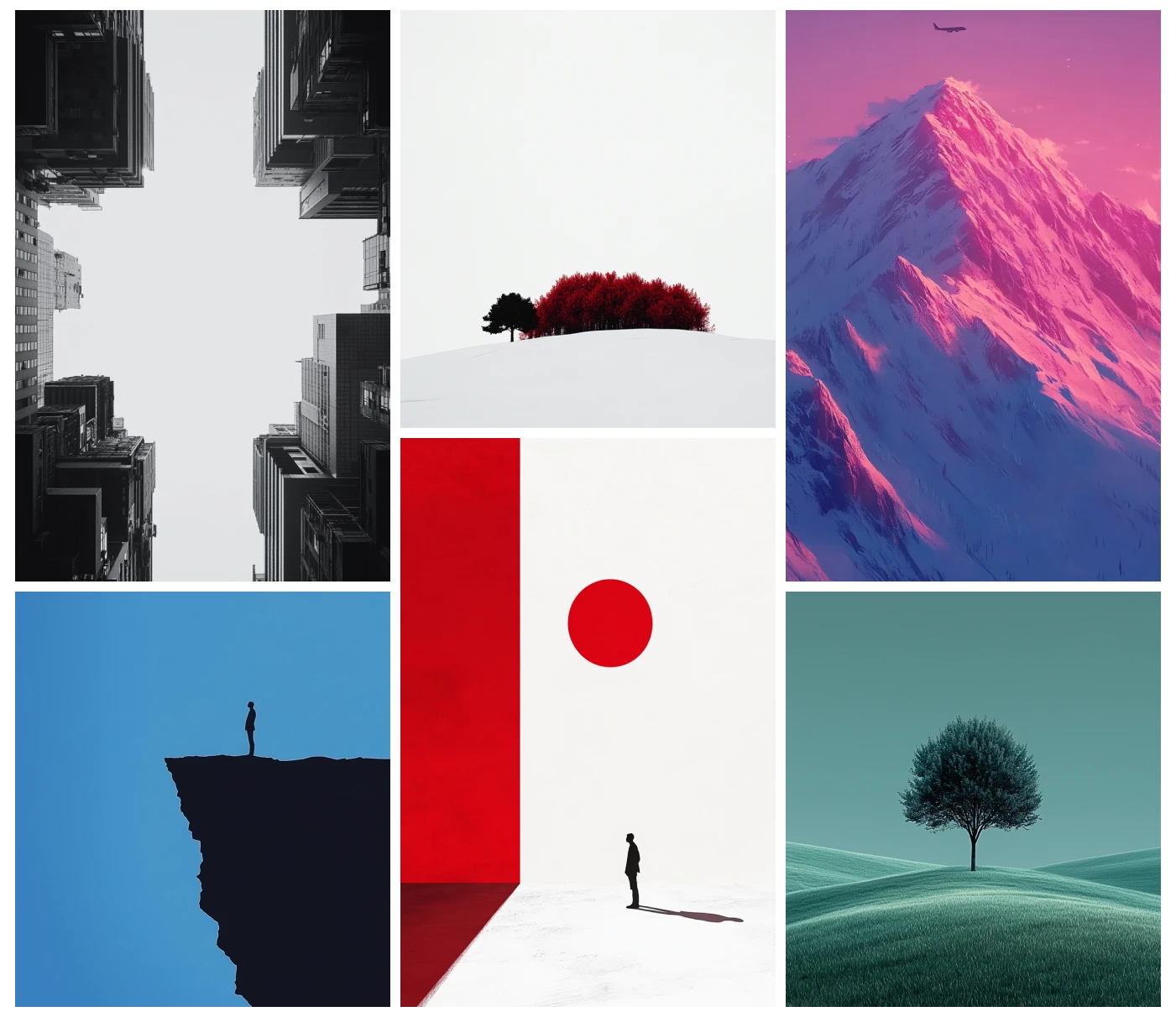
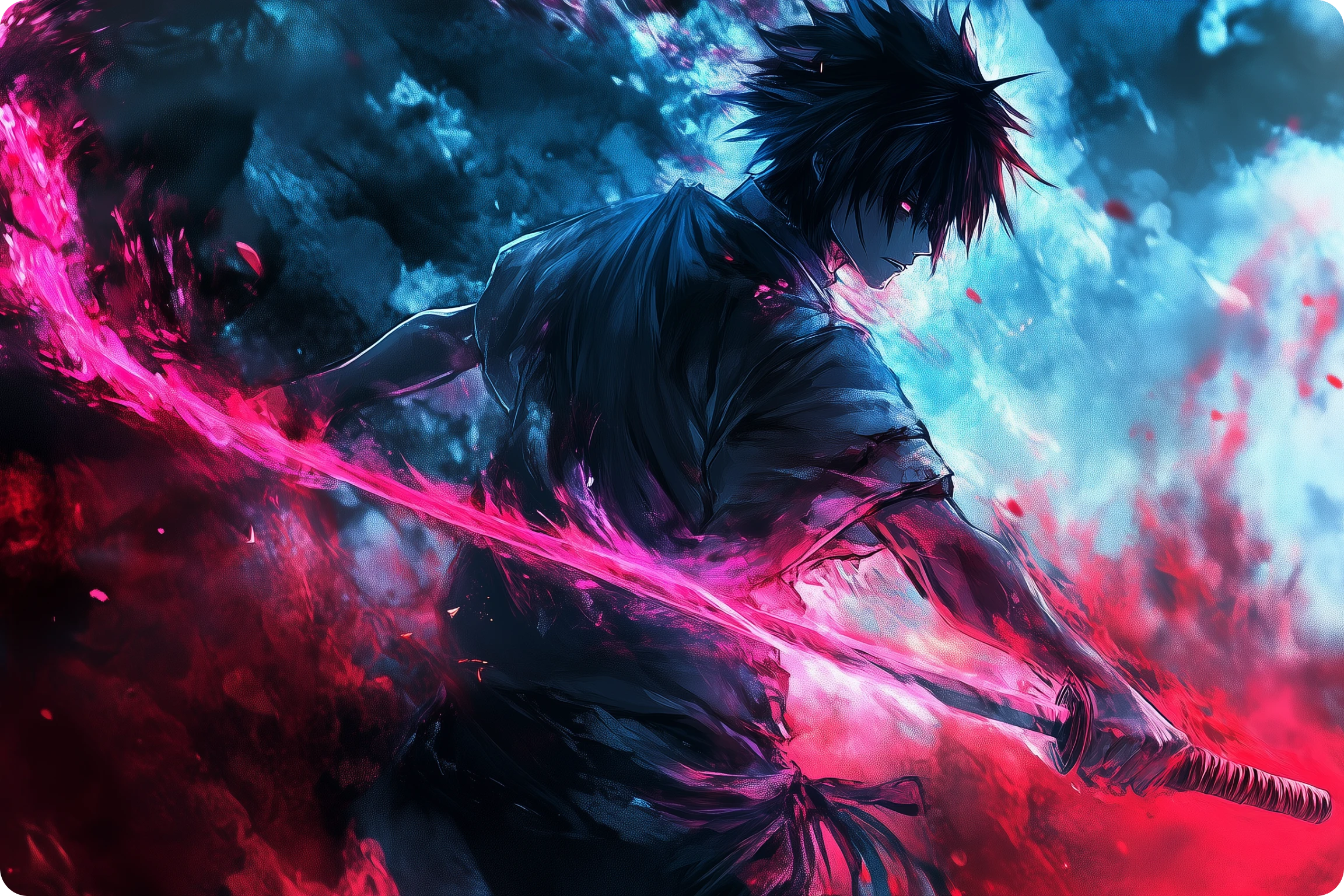
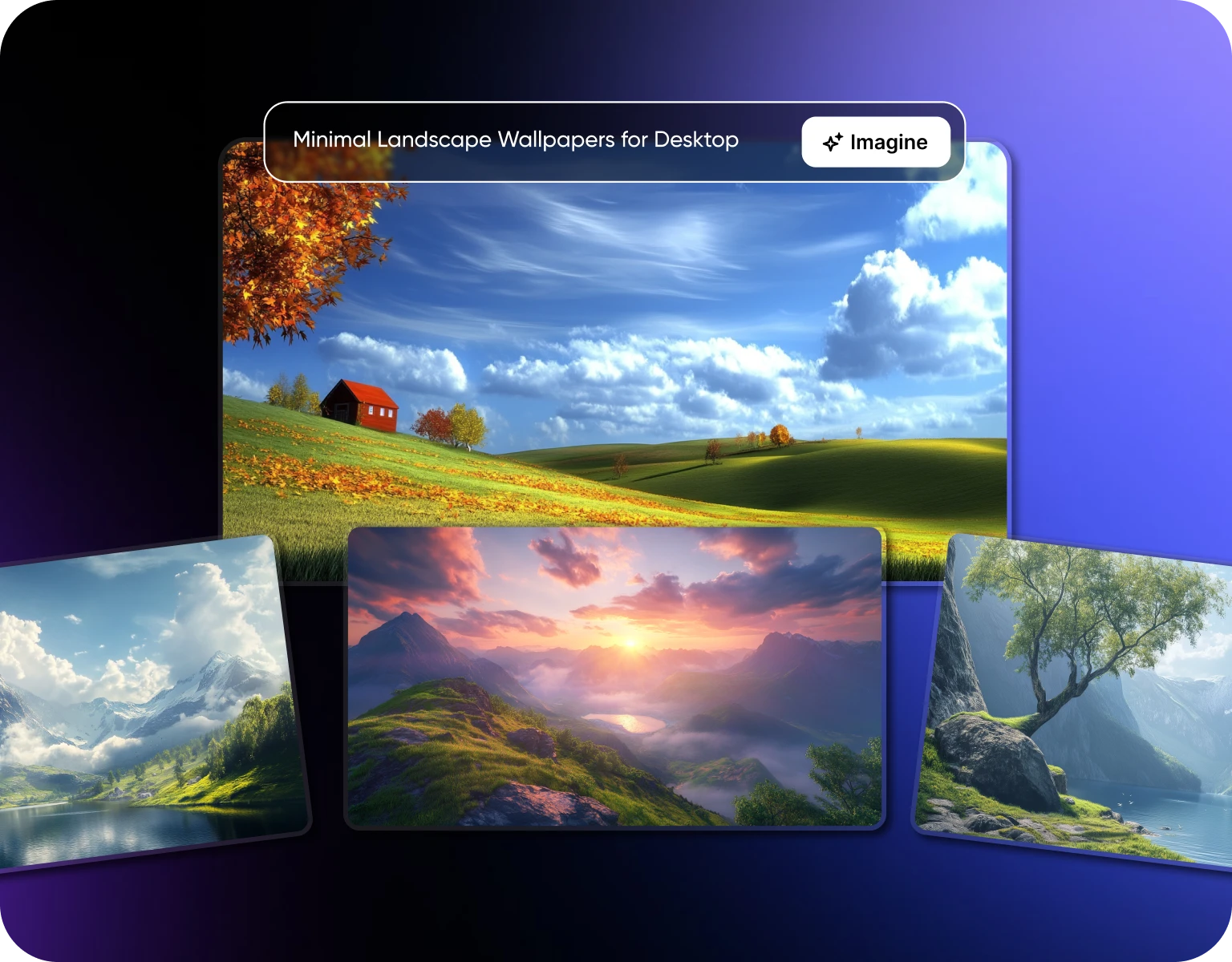
People check their phones nearly 200 times daily, roughly once every five minutes while awake, which makes your wallpaper one of the most-viewed pieces of "content" in your life without you ever really picking it on purpose. Type what you're picturing, a futuristic skyline, a minimalist abstract, a nature scene, and get a high-resolution wallpaper built around it in seconds. This runs on ImagineArt's text-to-image engine, so you're not choosing from a stock library, you're describing something that doesn't exist yet.
A lock screen that's actually yours
Plain photo lock screens had their moment about a decade ago. Upload a portrait, yours, a partner's, even a fictional character if that's the vibe, and shape it into something with real style behind it. Over 50 styles to pick from, so "AI-generated" doesn't mean it looks like everyone else's.
Turn an ordinary photo into something worth looking at daily
Got a photo that means something but doesn't quite work as a background as-is? Reimagine it, bold pattern, cottagecore, whatever direction fits, using ImagineArt's AI art generator. Same photo, completely different feel once it's built into an actual wallpaper instead of just cropped to fit.
Pick a theme, not a template
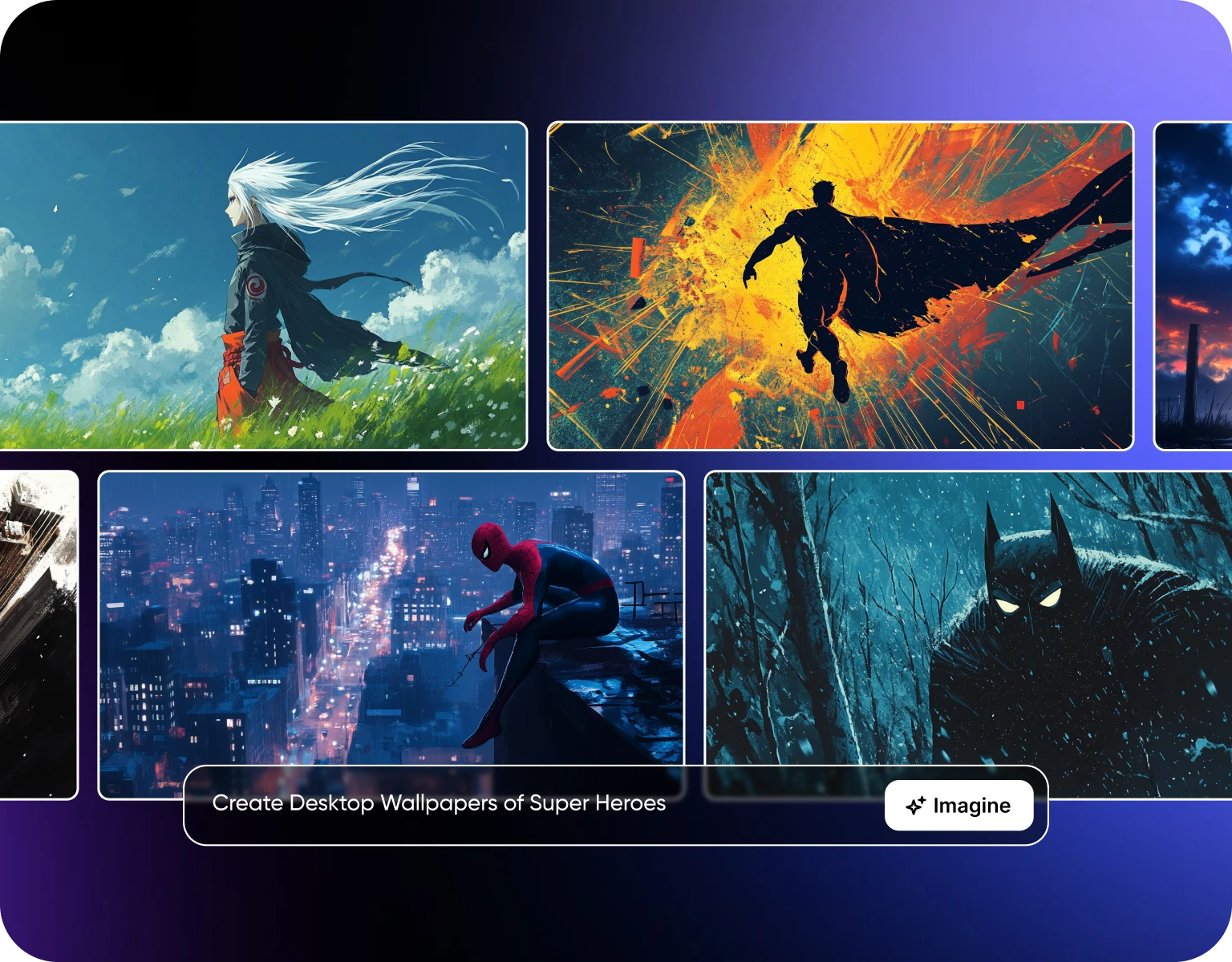
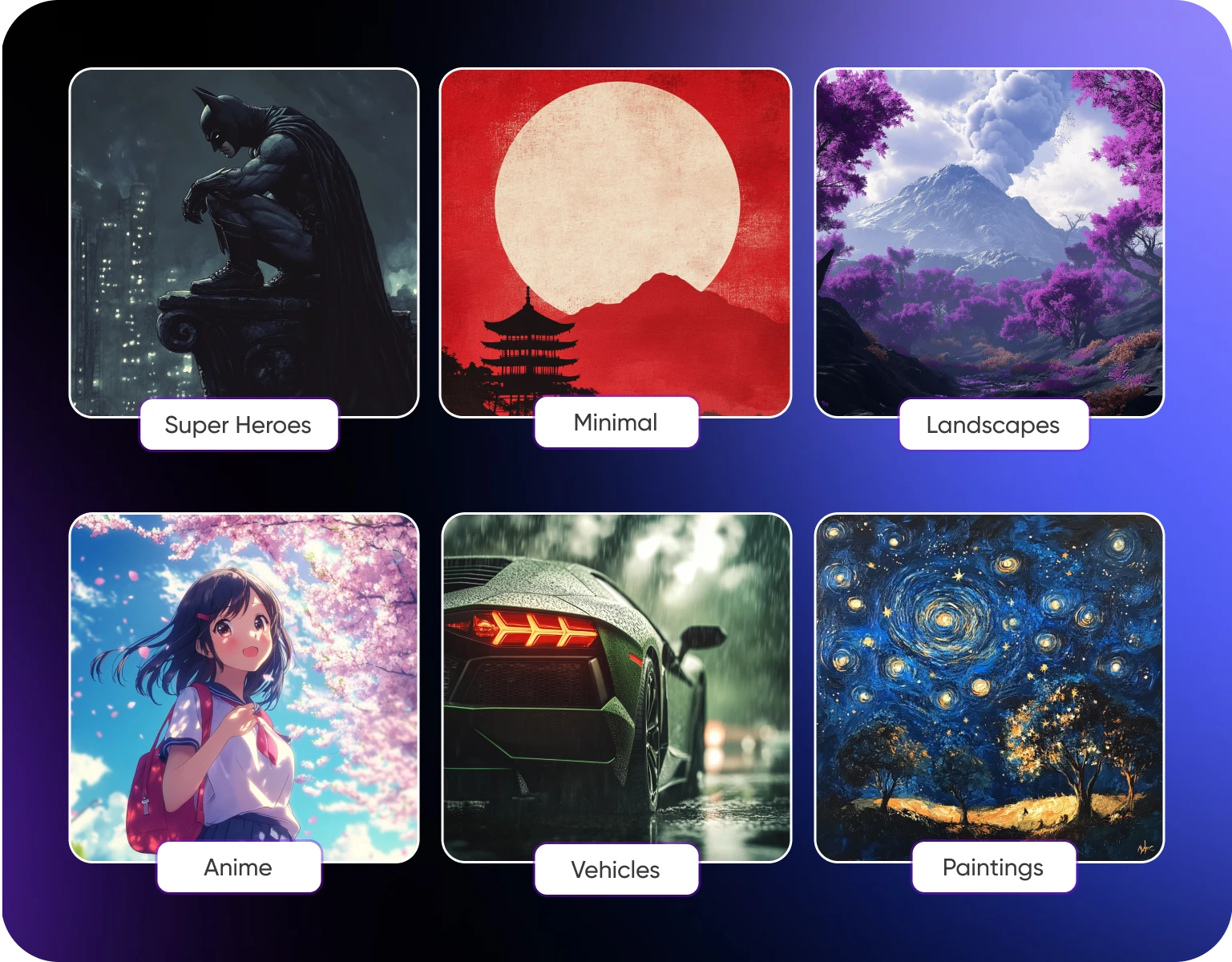
Gaming, anime, cyberpunk, post-apocalyptic, or something entirely your own, generate wallpapers that actually match the way you think about your own device instead of grabbing whatever's trending in a wallpaper app that week. Once it's generated, use Nano Banana to edit it further, change a color, adjust a detail, refine the mood, all through plain language instead of a manual retouch.
How to Create Your AI Wallpapers in 3 Simple Steps
Step 1
Describe Your Vision with Text or Image
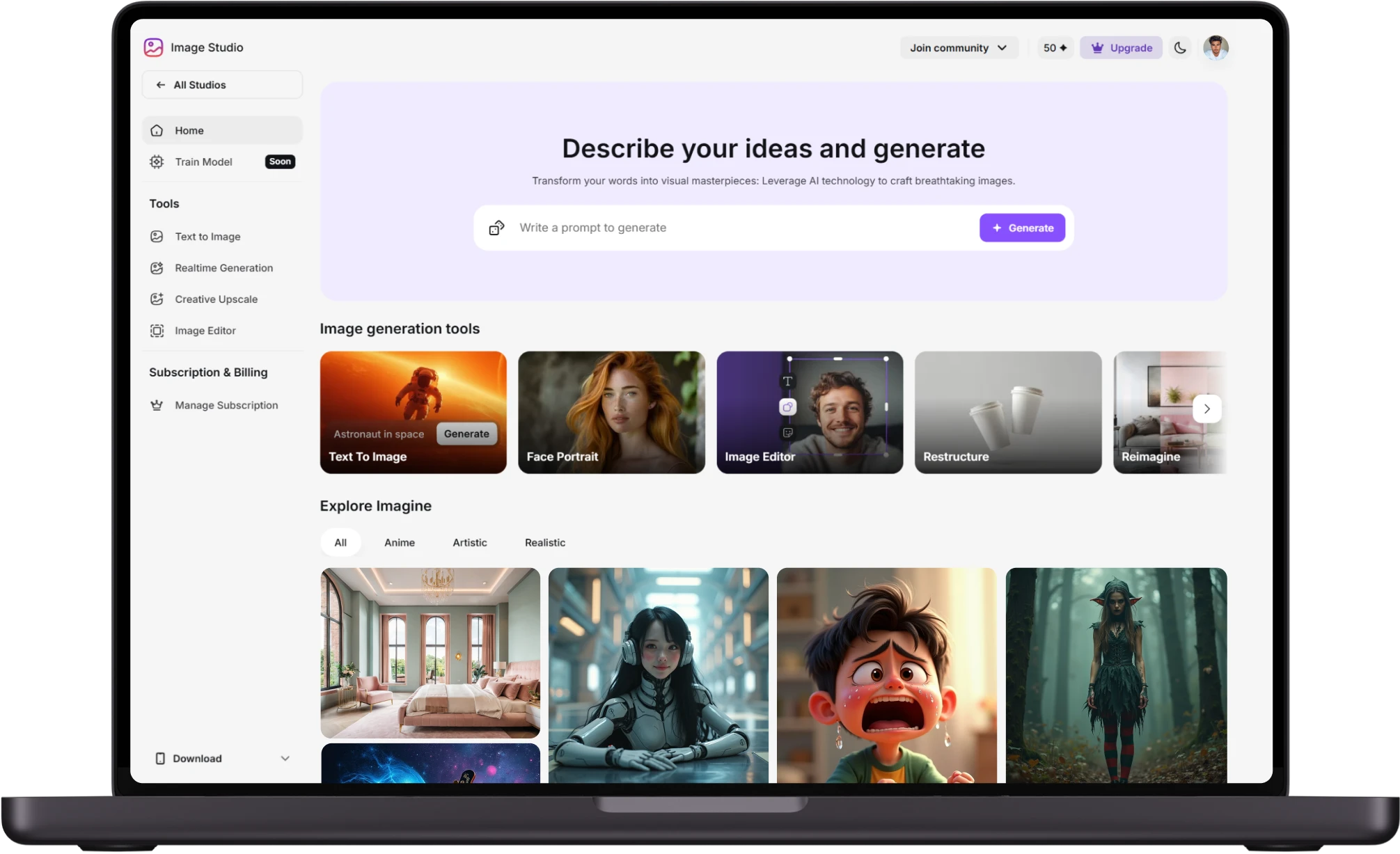
Start by describing your idea in a few words or uploading an image for inspiration. Use creative prompts like "sunset over neon city" or "watercolor forest with golden leaves." Our AI desktop wallpaper generator instantly transforms your input into visually striking wallpapers.
Step 2
Generate and Refine Your Design
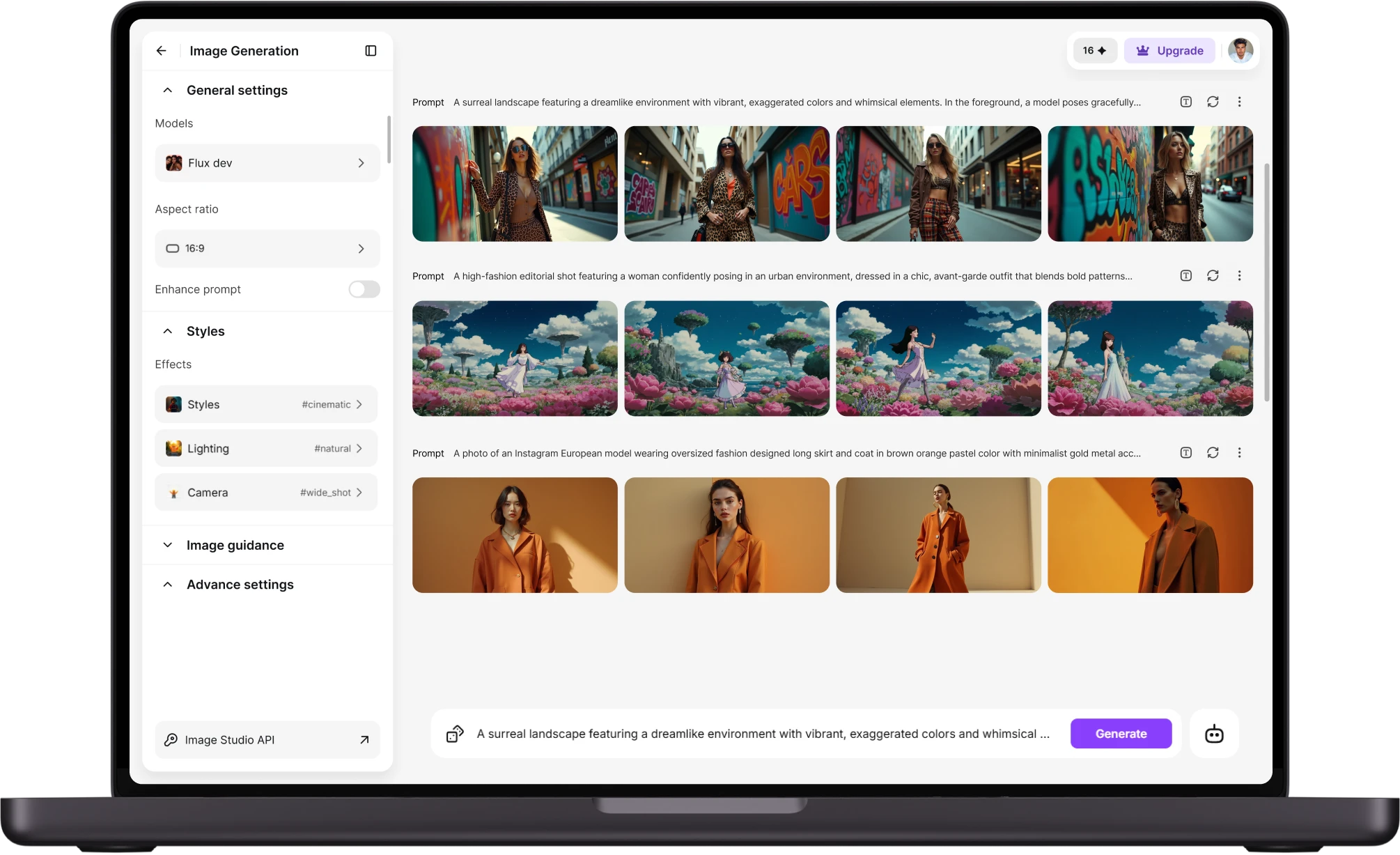
When the AI generates your wallpaper, refine the details to match your style. Adjust dimensions, add effects, or even reimagine the entire concept with variations. The AI enhances artistic elements without messing up the core details, making it ideal for seamless device backgrounds.
Step 3
Download and Share
Once satisfied, download your custom wallpaper in high resolution. Set it as your phone or desktop background, or share it on social media to showcase your creativity. The possibilities are endless, and every design is uniquely yours.
Why Use an AI Wallpaper Generator?
- Endless Inspiration:Stuck in a creative rut? Let AI surprise you with fresh ideas. From surreal dreamscapes to ultra-minimalist designs, it can generate concepts you might not have thought of on your own.
- Quick & Easy:No need to open design software or search endlessly through stock images. Just type a prompt, and watch the AI bring your idea to life in seconds.
- Customization Galore:Adjust colors, styles, themes, and elements to make each wallpaper truly your own. Whether you want a peaceful forest or a vibrant cityscape, you’re in control.
- Perfect for Any Device:Generate wallpapers tailored to any screen size—laptops, desktops, phones, tablets, even ultrawide monitors or dual-screen setups.
- Save & Share Instantly:Download your favorite designs in high resolution and share them with friends, on social media, or use them across your branding materials.
- No Design Skills Needed:You don’t need to be a graphic designer. The AI handles the heavy lifting, making it easy for anyone to create professional-looking digital art.
- Express Your Mood & Style:Switch up your wallpaper to match your current vibe—calm, adventurous, mysterious, or colorful. It’s a fun and expressive way to personalize your space.
How to Write a Great AI Wallpaper Prompt
- Pick a Central Theme or Concept:Start with a clear subject or setting: is it nature, fantasy, abstract, sci-fi, retro, or something entirely unique? A strong theme helps guide the AI’s focus.
- Add Visual and Sensory Details:Paint a picture with words. Describe colors, lighting, objects, textures, or weather. The more detail you give, the better the result.
- Set the Mood or Emotion:Is the scene calming, exciting, moody, or surreal? Emotion adds depth and character to your image.
- Mention the Style You Want:Specify the art style: watercolor, photorealistic, anime, 3D render, pixel art, minimalist, etc. This helps the AI match your aesthetic.
- Define Orientation or Use Case (Optional):If you're creating for a specific screen (like a phone background or ultrawide monitor), note it. This ensures the image is formatted properly.
- Keep Experimenting:Don’t worry if your first prompt isn’t perfect. Try variations, reword certain parts, or combine styles to get a result you love.
Customer Testimonials

ApexStudios
"This AI turned my random ideas into stunning phone wallpapers in seconds!"

Ravi Patel
Creative Manager

DreamWorks
"I’ve never seen wallpapers this unique—looks like digital art made just for me."

Isabelle Kim
Concept Artist

Pixels
"Super fast, super cool—my home screen has never looked better!"

Anya Petrova
Marketing Designer

Shopify
"Feels like having a personal designer in my pocket!"

Michael Chenn
Product Designer

TechNova
"I asked for 'cyberpunk galaxy vibes' and it nailed it—10/10!"

Ben Harris
Product Manager
Trusted by Professionals and Creators from leading brands
Sign up for freePurchase a Subscription
Upgrade to get access to pro features and generate more and better
Basic
For newcomers taking their first steps
View Plans
Billed monthly
Included in plan
3Kcredits per month
Additional Features
Up to ~600 Image Generations/month
Up to ~97 Video Generations/month
General Commercial Terms
Image Generation Visibility: Public
4 Concurrent Image Generations
Complimentary Access
All GPT Models
All Gemini Models
All Claude Models
Unlimited Generations
10 Image Models
9 Video Models
Standard
For rising creators to level up their game
View Plans
Billed monthly
Included in plan
8Kcredits per month
Additional Features
Up to ~1.6k Image Generations/month
Up to ~265 Video Generations/month
General Commercial Terms
Image Generation Visibility: Private
8 Concurrent Image Generations
Complimentary Access
All GPT Models
All Gemini Models
All Claude Models
Unlimited Generations
Nano Banana
Runway Gen 4 Turbo
Midjourney V7
8 more Image Models
8 more Video Models
Ultimate
Peak performance for pros
View Plans
Billed monthly
Included in plan
16Kcredits per month
Additional Features
Up to ~3.2k Image Generations/month
Up to ~530 Video Generations/month
All styles and models
General Commercial Terms
Image Generation Visibility: Private
Complimentary Access
All GPT Models
All Gemini Models
All Claude Models
Unlimited Generations
All image models in Standard plan
All video models in Standard plan
Kling 2.6 Pro
Seedance 1.5 Pro
ChatGPT 1.5
Creator
A full production engine for powerhouses
View Plans
Billed monthly
Included in plan
100Kcredits per month
Additional Features
Up to ~20k Image Generations/month
Up to ~3.3k Video Generations/month
All styles and models
General Commercial Terms
Image Generation Visibility: Private
Complimentary Access
All GPT Models
All Gemini Models
All Claude Models
Unlimited Generations
All image models in Ultimate plan
All video models in Ultimate plan
Kling 3.0 Pro
Seedance 2 Fast
Nano Banana 2
Have questions?
We have answers!
Simply enter a prompt describing your desired wallpaper, choose a style, and let the AI generate a unique, high-quality image for you.
You can create a wide range of wallpapers, including abstract, nature, fantasy, sci-fi, minimalist, and personalized artistic designs.
Yes! You can easily share your AI-generated wallpapers on social media watermark free!
ImagineArt’s AI uses advanced algorithms to convert text descriptions or uploaded images into custom wallpapers. It understands prompts, enhances details, and ensures visual consistency across designs.
Yes! After generating your wallpaper using our AI wallpaper creator, you can refine the promt, change effects or select different artistic styles to match your vision. This gives you an AI generated wallpaper that perfectly fits your needs
No. Our AI wallpaper maker maintains the core elements of your image while making enhancements. Colors, textures, and effects can be adjusted without losing the essence of the original design.
Download wallpapers in high definition, optimized for smartphones, tablets, desktops, and even large-format displays. Customize aspect ratios like 9:16, 16:9, or square formats to ensure a perfect fit for any screen.
Yes! You get tokens on signing up, once you’ve signed up you can use our AI wallpaper generator for free
Get Your AI Wallpaper Today!
Design your dream wallpapers effortlessly with our AI-powered wallpaper generator!