AI Rain Video Generator
Describe the rain you want, a slow drizzle on a window, headlights cutting through a downpour, wet asphalt reflecting neon and ImagineArt generates the clip. Start from text or upload a still you already have and add weather to it. No rig, no permit, no waiting for the forecast.
Trusted by Professionals and Creators from leading brands
Community Creations
Weather Coverage Without a Weather Day
Filmmakers and video editors use AI rain clips as inserts and connective tissue: the establishing shot of a rain-slicked street, the cutaway to water running down a window, the transition that carries a scene from afternoon into storm. These are shots that traditionally require a rain tower, a water truck, a wet-down crew, and a night that cooperates.
Generating them means you can cut the scene the way you storyboarded it instead of the way the weather allowed. It also means you can test three different intensities of the same shot before committing an edit.
Ambient Rain for Sleep, Study and Focus Content
Long-form rain content is one of the most durable categories on YouTube and Spotify, and it is expensive to source honestly — you either own a large stock library or you record it yourself.
Rain generated here works as the visual layer for that content: a window with steady runoff, a porch roof, a forest canopy, a car interior with the wipers just out of frame. Generate several angles of the same environment, then extend and sequence them in the AI Video Editor to build a longer loop.
Add Rain to a Still You Already Have
If you already have the frame — a location scout photo, a product shot, a portrait — you don't need to describe a scene from scratch. Upload the still and describe only the weather: how heavy, from what direction, what the light is doing, what the surfaces should look like once they're wet.
This is the more controllable path. The composition, the subject and the framing stay fixed, and the model is only being asked to add one variable. If your reference already contains the exact pose or camera position you want preserved, Kling AI Motion Control gives you tighter control over the motion than a text prompt alone.
Getting a Rain Shot You Can Actually Use
Step 1
Write the weather, the light, and the surfaces.
Most first attempts under-specify. A prompt that names intensity, a backlight source, and one wet surface will get you closer on the first generation than a longer prompt that names none of them. If you have a reference still, upload it and describe only the weather you're adding.
Step 2
Set the look before you generate, not after.
Choose your aspect ratio, art style, camera motion and lighting preset up front — vertical for Reels and Shorts, widescreen for edit inserts. Changing your mind afterwards means regenerating, so it's worth thirty seconds here. Imagine Bot can tighten a prompt that isn't landing.
Step 3
Generate two or three variants, then choose.
Rain is a case where small prompt changes produce large differences. Run the same scene at two intensities, or with the light source moved, and pick. Generation takes roughly, so it's realistic to iterate rather than settle.
Intensity and Lighting You Control From the Prompt
Rain here isn't a single preset you toggle. Intensity, direction, droplet size and the light interacting with it all come from what you describe, which means the range runs from a barely-there mist to a storm that flattens everything in frame.
Pair the weather with a lighting condition — twilight, streetlight, headlights, neon, lightning, overcast noon — and the same location will read as four different scenes. Combine with the built-in camera motion presets to keep the movement consistent with the footage you're cutting into.
Start From Text or From a Frame You Already Have
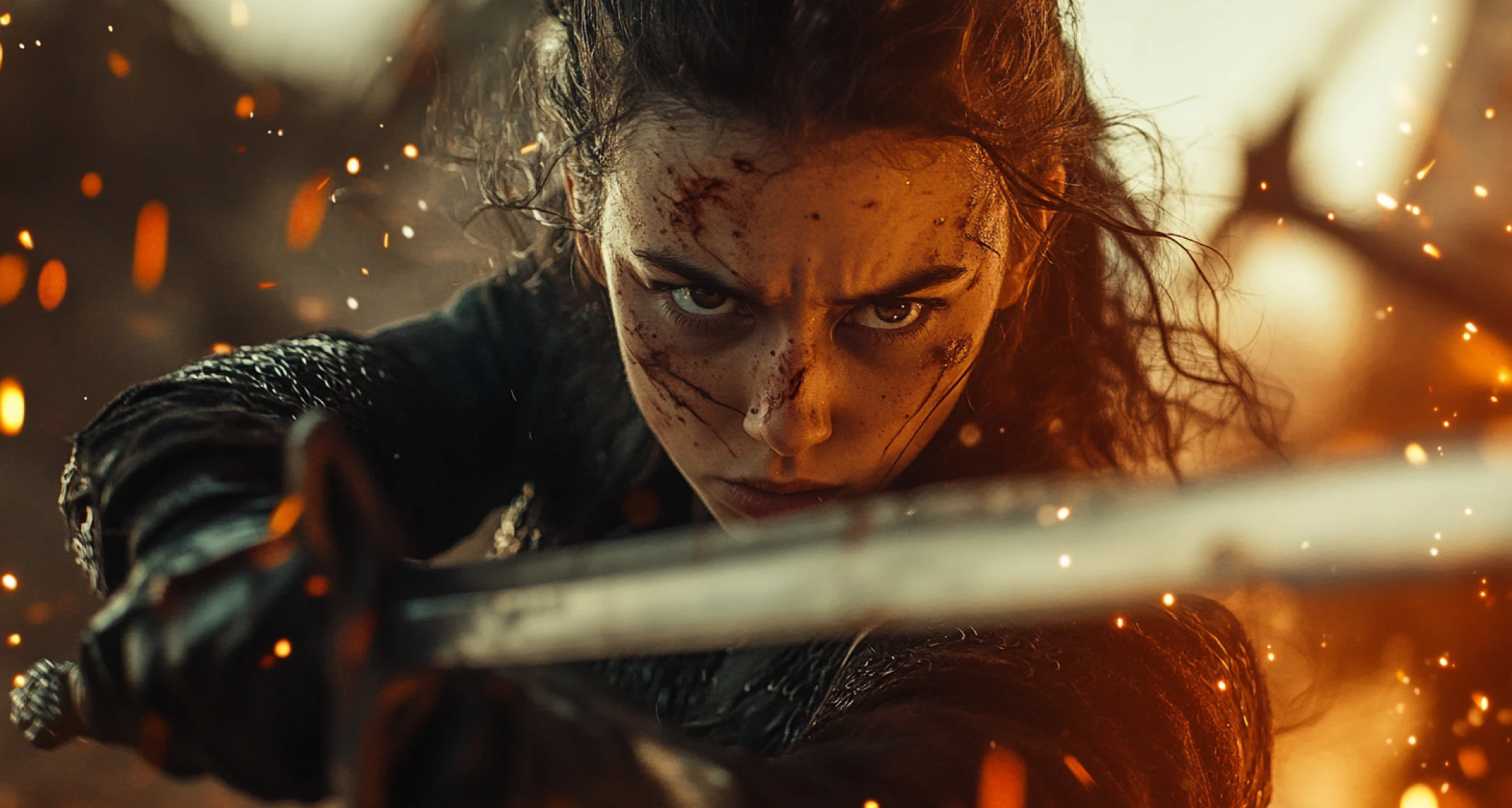
Text-to-video gives you the widest range and the least control. Image-to-video gives you the opposite: the composition is locked and the model is only solving for weather. For matching an existing edit, the image path is almost always the better choice — generate the dry frame with the AI Image Generator first if you don't have one.
Imagine Bot can rewrite a prompt that keeps producing the wrong result, which is faster than guessing at what phrasing the model responds to.
Formats That Match Where the Clip Is Going
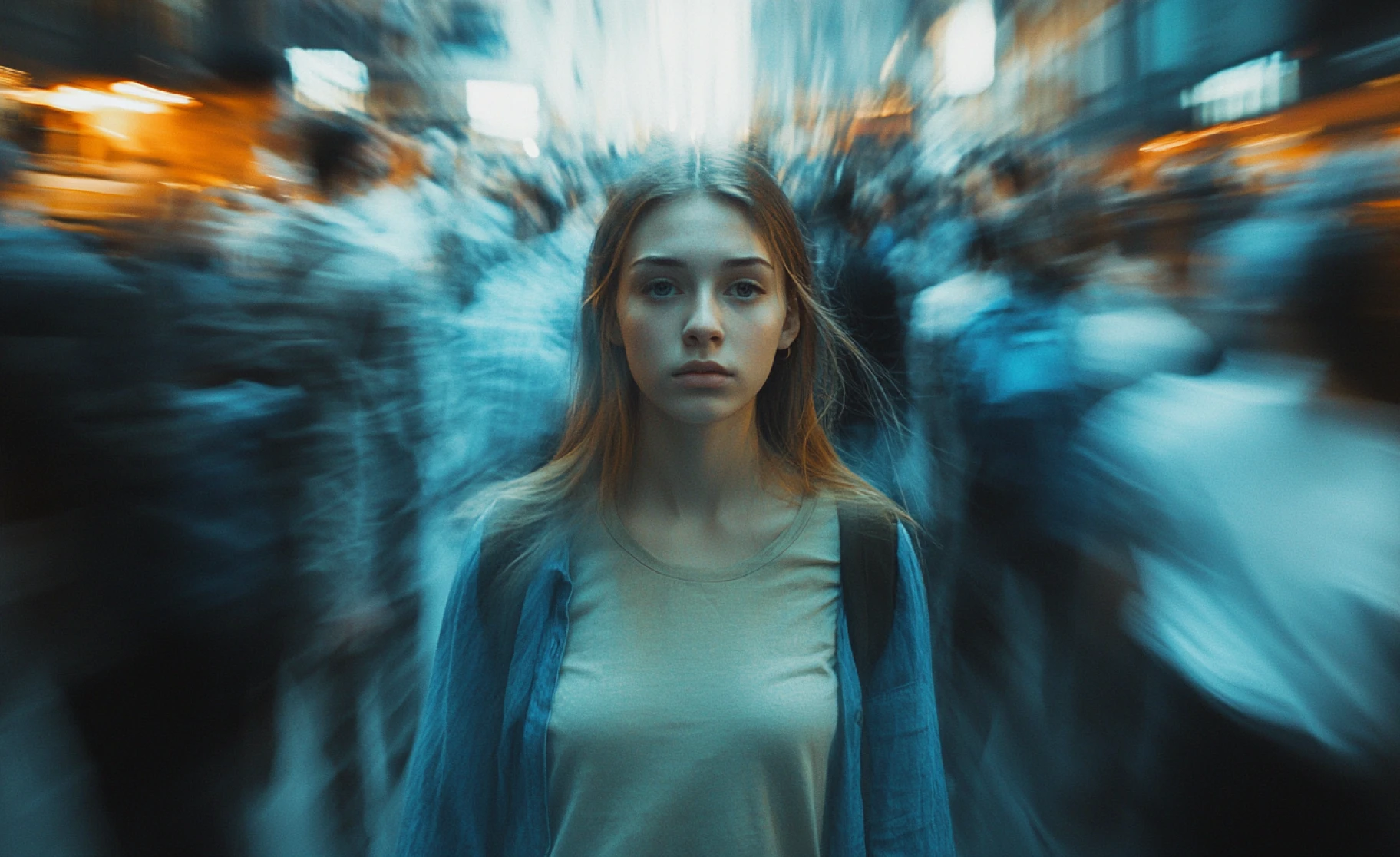
Generate vertical for Reels, Shorts and TikTok, square for feed posts, or widescreen for YouTube and edit inserts. Choose the ratio before generating rather than cropping afterwards — cropping a 16:9 rain shot to vertical throws away most of the frame and usually loses the backlight that made it work.
Everything runs on ImagineArt's AI Video Generator.
You might also be interested in
Purchase a Subscription
Upgrade to get access to pro features and generate more and better
Basic
For newcomers taking their first steps
View Plans
Billed monthly
Included in plan
3Kcredits per month
Additional Features
Up to ~600 Image Generations/month
Up to ~97 Video Generations/month
General Commercial Terms
Image Generation Visibility: Public
4 Concurrent Image Generations
Complimentary Access
All GPT Models
All Gemini Models
All Claude Models
Unlimited Generations
10 Image Models
9 Video Models
Standard
For rising creators to level up their game
View Plans
Billed monthly
Included in plan
8Kcredits per month
Additional Features
Up to ~1.6k Image Generations/month
Up to ~265 Video Generations/month
General Commercial Terms
Image Generation Visibility: Private
8 Concurrent Image Generations
Complimentary Access
All GPT Models
All Gemini Models
All Claude Models
Unlimited Generations
Nano Banana
Runway Gen 4 Turbo
Midjourney V7
8 more Image Models
8 more Video Models
Ultimate
Peak performance for pros
View Plans
Billed monthly
Included in plan
16Kcredits per month
Additional Features
Up to ~3.2k Image Generations/month
Up to ~530 Video Generations/month
All styles and models
General Commercial Terms
Image Generation Visibility: Private
Complimentary Access
All GPT Models
All Gemini Models
All Claude Models
Unlimited Generations
All image models in Standard plan
All video models in Standard plan
Kling 2.6 Pro
Seedance 1.5 Pro
ChatGPT 1.5
Creator
A full production engine for powerhouses
View Plans
Billed monthly
Included in plan
100Kcredits per month
Additional Features
Up to ~20k Image Generations/month
Up to ~3.3k Video Generations/month
All styles and models
General Commercial Terms
Image Generation Visibility: Private
Complimentary Access
All GPT Models
All Gemini Models
All Claude Models
Unlimited Generations
All image models in Ultimate plan
All video models in Ultimate plan
Kling 3.0 Pro
Seedance 2 Fast
Nano Banana 2
What Our Customers Say

ApexStudios
Created a rainy street scene from just one sentence and it felt straight out of a movie

Ravi Patel
Creative Manager

DreamWorks
Loved how easy it was to turn a static photo into a moody rain clip

Isabelle Kim
Concept Artist

Pixels
The lighting and ambiance made my short video way more dramatic and immersive

Anya Petrova
Marketing Designer

TechNova
Used it to set the tone for a poem reading. It worked beautifully

Ben Harris
Product Manager

Shopify
Feels like having a weather FX studio at your fingertips, no gear needed

Michael Chenn
Product Designer
Have questions?
We have answers!
The rain video generator is an AI tool by ImagineArt that creates rain and other weather related video clips. It is powered by the best AI models including Kling, Hailuo, Haiper, PixVerse and Google Veo.
Each video is 5 seconds long, ideal for intros, loops, or transitions.
Yes. Everything depends on what you describe in the prompt. You can make the prompt as detailed as you want.
The AI rain video maker generates videos within 3–5 minutes.
Absolutely. Upload a reference image to apply realistic rain effects.
Use Haiper, Hailuo, Luma, PixVerse, Kling, or Google Veo.
Yes! Free users get 50 token refills every 12 hours to create AI rain scenes.
Yes! Everything you create and prompt stays private—ImagineArt does not share your visuals or prompts with any third parties.



