Turn One Prompt Into A Finished Presentation
AI Slides plans the story, designs every slide, and hands you a fully editable deck, charts, images, and all. You say what it's about. It handles how it looks.
No design skills needed · Fully editable output · Exports to PPTX, PDF & images


Everything A Great Deck Needs. Nothing You Have To Fight.
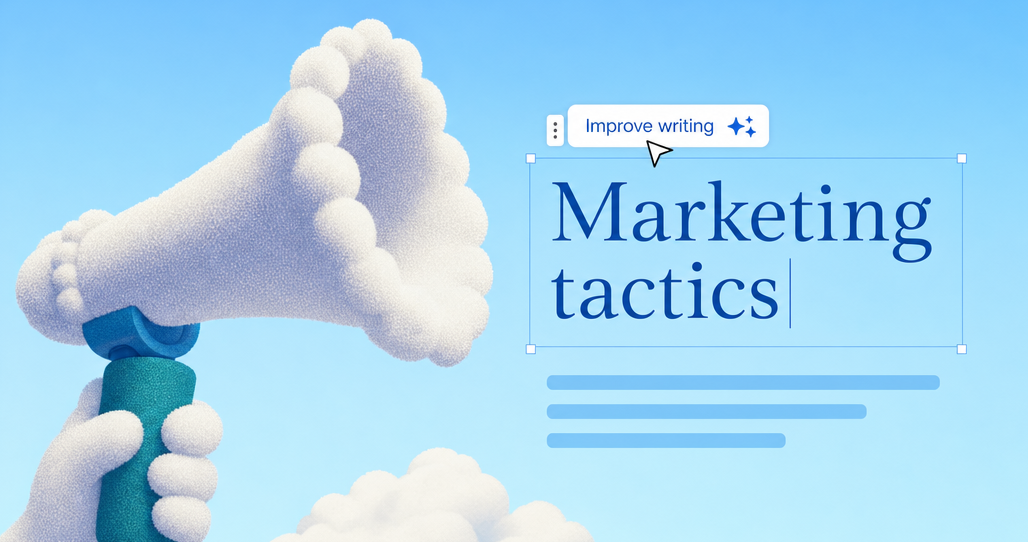
Generated slides aren't flat pictures, they're living documents you can reshape by prompt or by hand, then take anywhere.


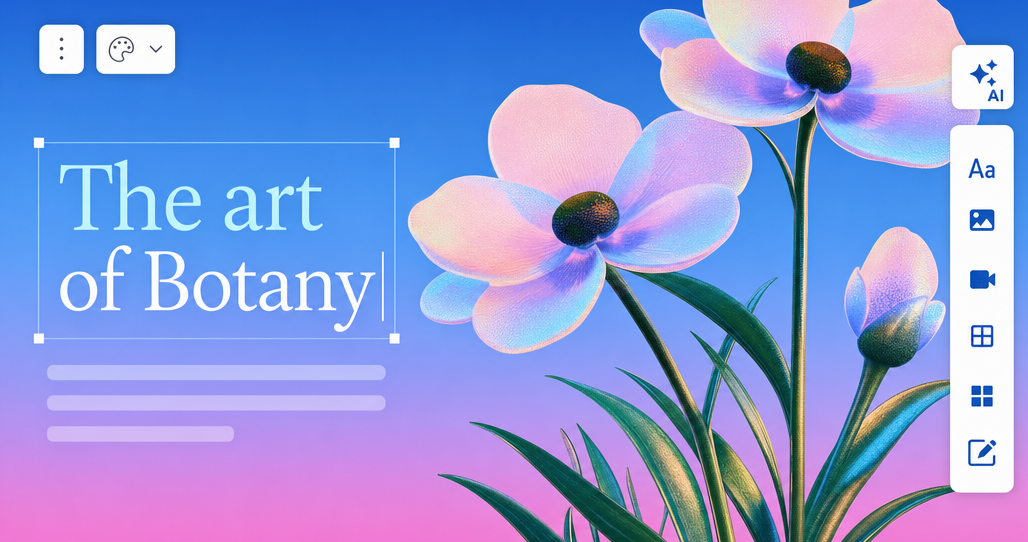
Truly editable, top to bottom
Every slide is built from real elements, text, shapes, charts, images, not renders. Click anything, change everything.
Pixel-perfect PPTX export
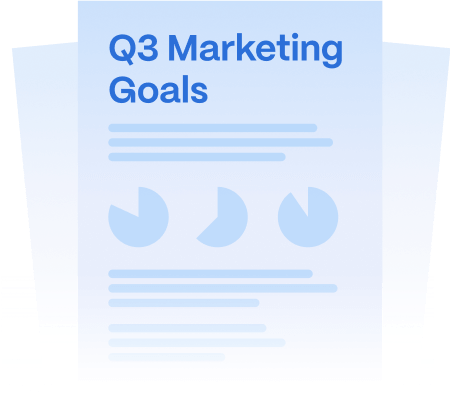
Take your deck anywhere. The PowerPoint you download stays editable and looks exactly like what you made.
Themes set the direction
Pick a theme and every slide follows, palette, typography, and spacing land on-brand without touching a style panel.
Edit your way
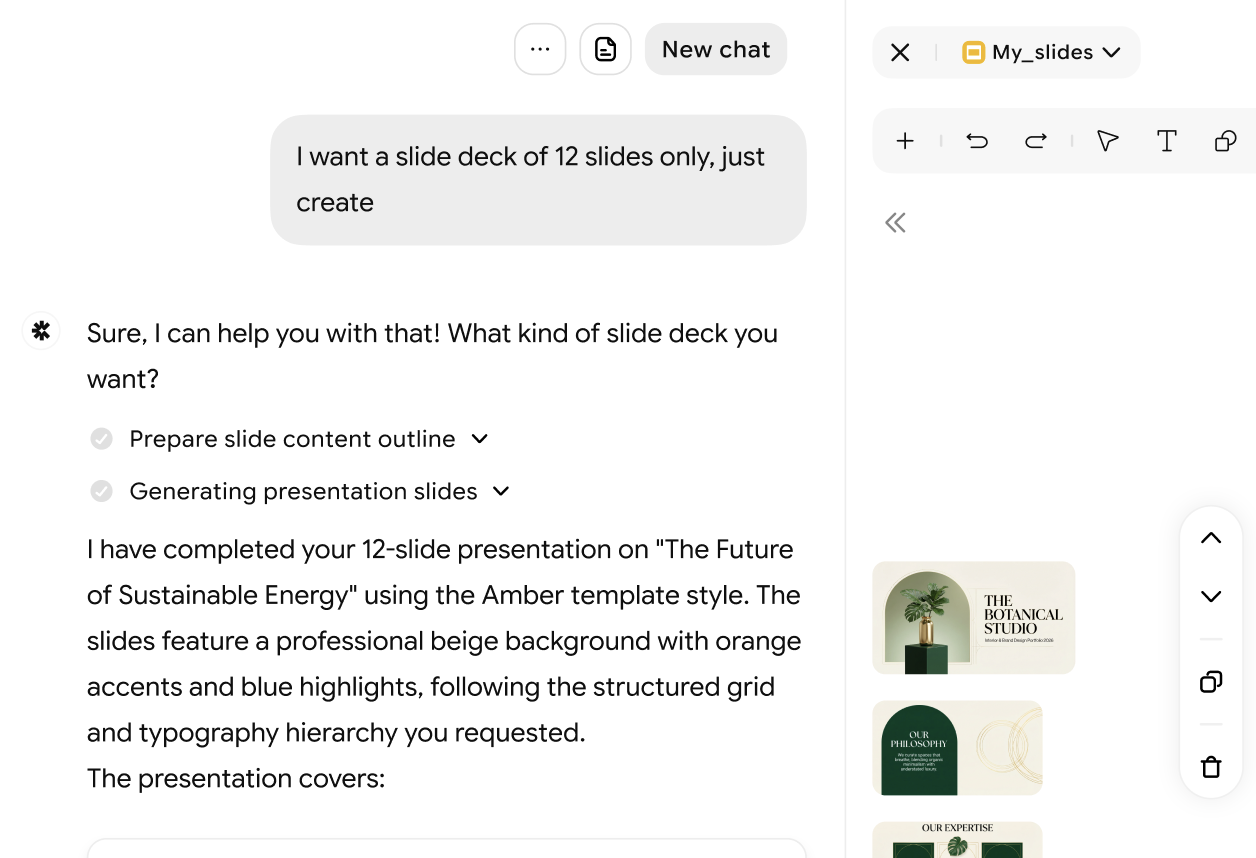
Ask the agent for the change you want, or drag, resize, and restyle it yourself. Both work, your manual edits are preserved.
A curated set of templates
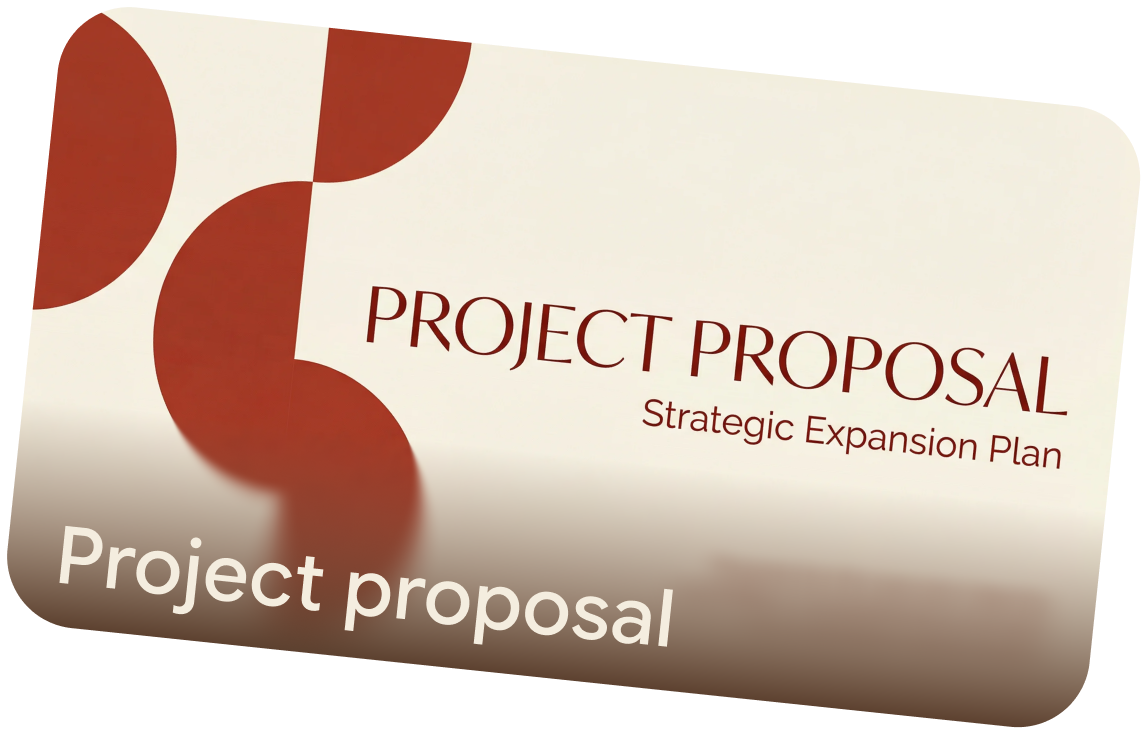
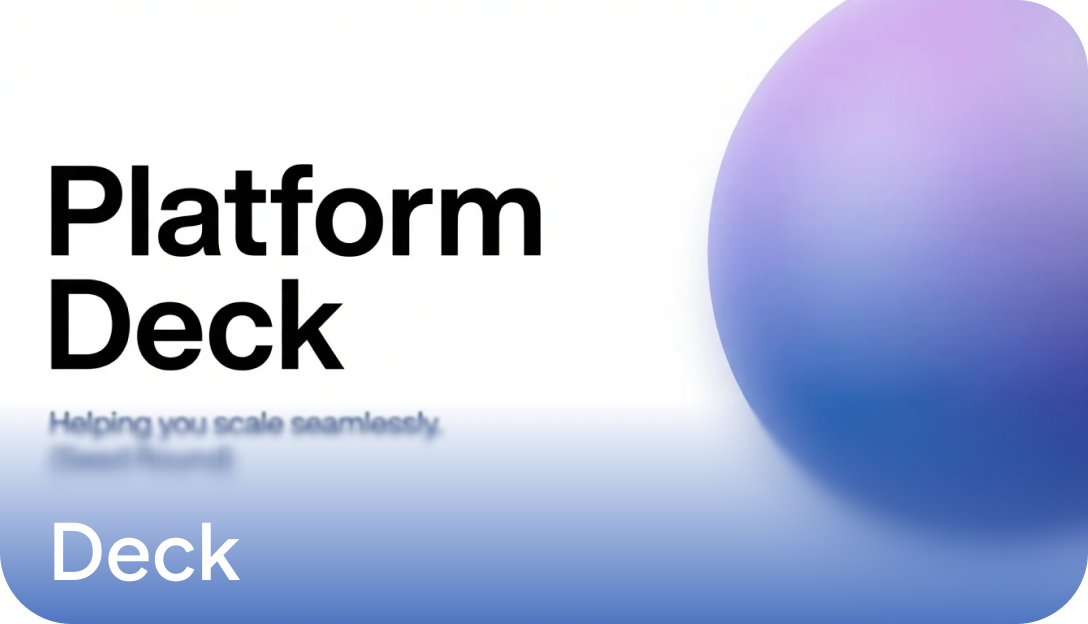
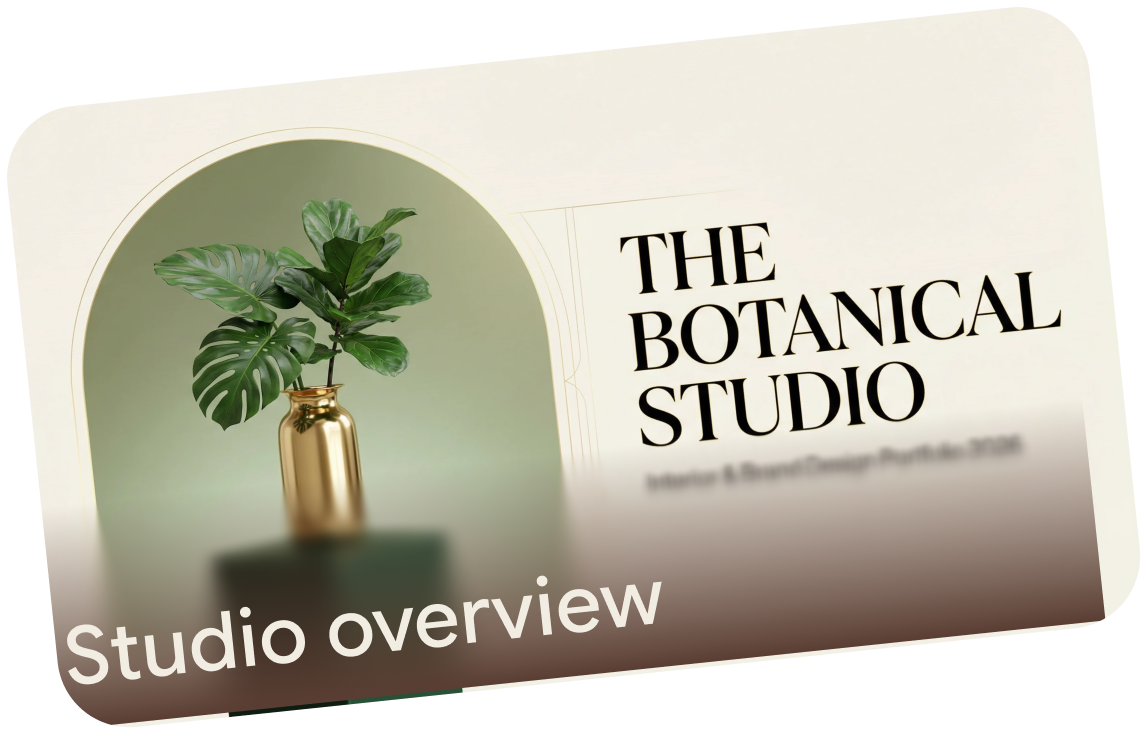
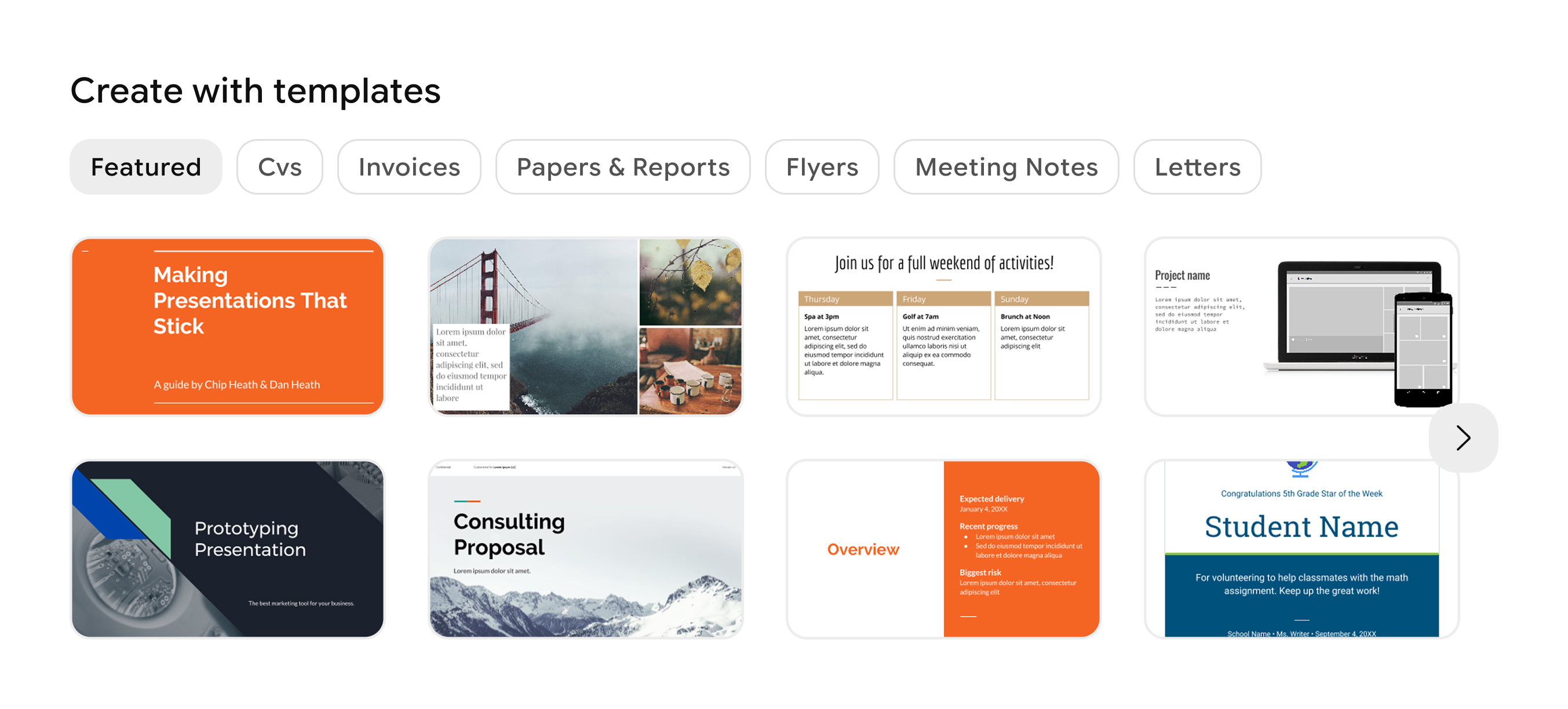
Start from hand-crafted templates and let AI fill the structure with your story instead of a blank first slide.

Images that match your topic
AI-generated visuals tailored to your content and placed where they belong, no stock-photo safari required.
from a single prompt to a finished deck*
Made for the night before the meeting, describe the presentation and it's ready before your coffee is.
A sentence or two is enough. Files welcome.
Pick a range that fits the story; add more in the editor.
Editable PPTX, shareable PDF, per-slide images.
*Cumulative generation time. Decks heavy on AI-generated images can take a little longer.
How To Generate Presentations With AI
Four steps, and only the first one is required to be yours.
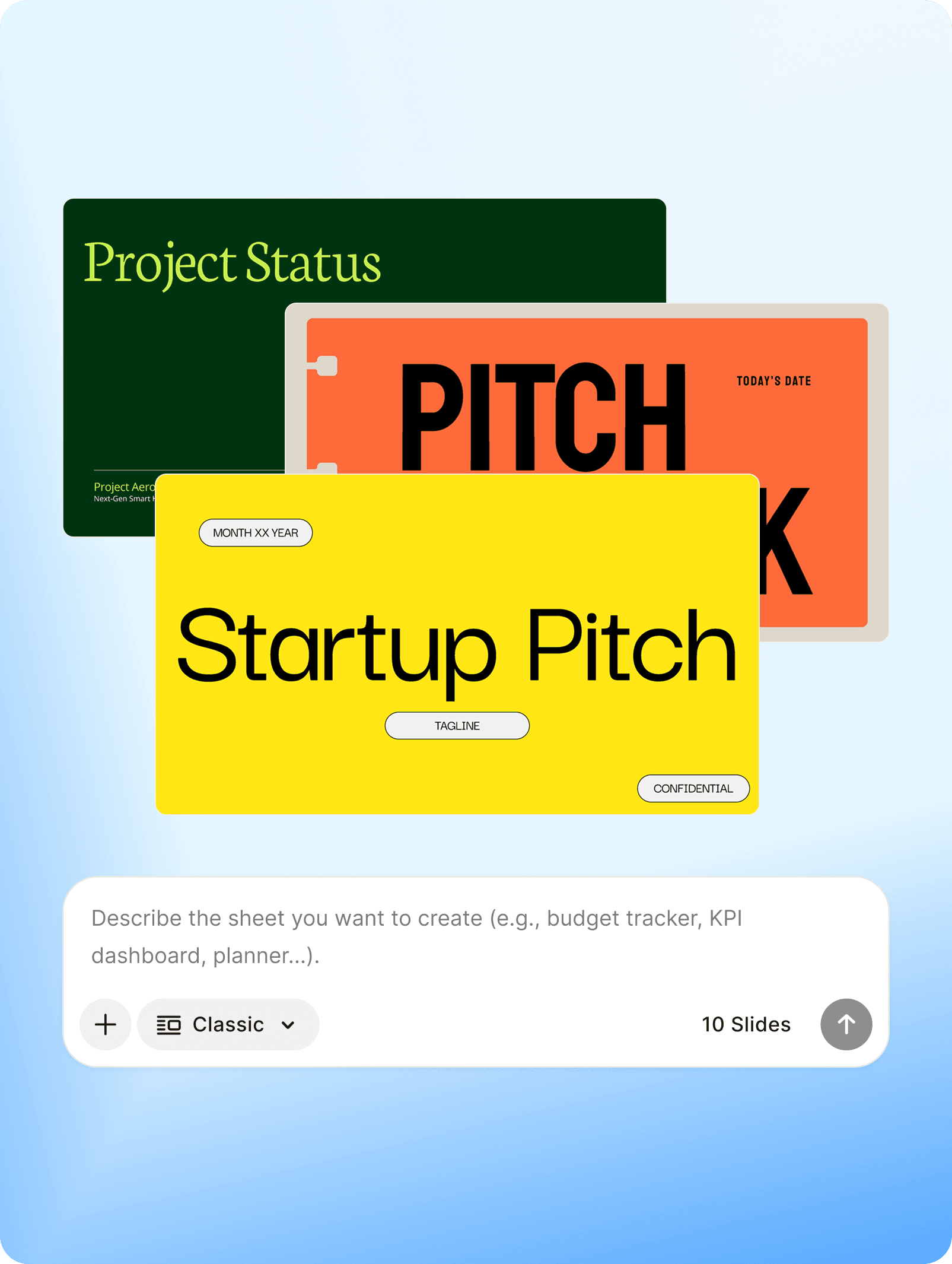
Tell AI what you need
Describe the topic, audience, and length in plain language, or drop in files worth presenting.
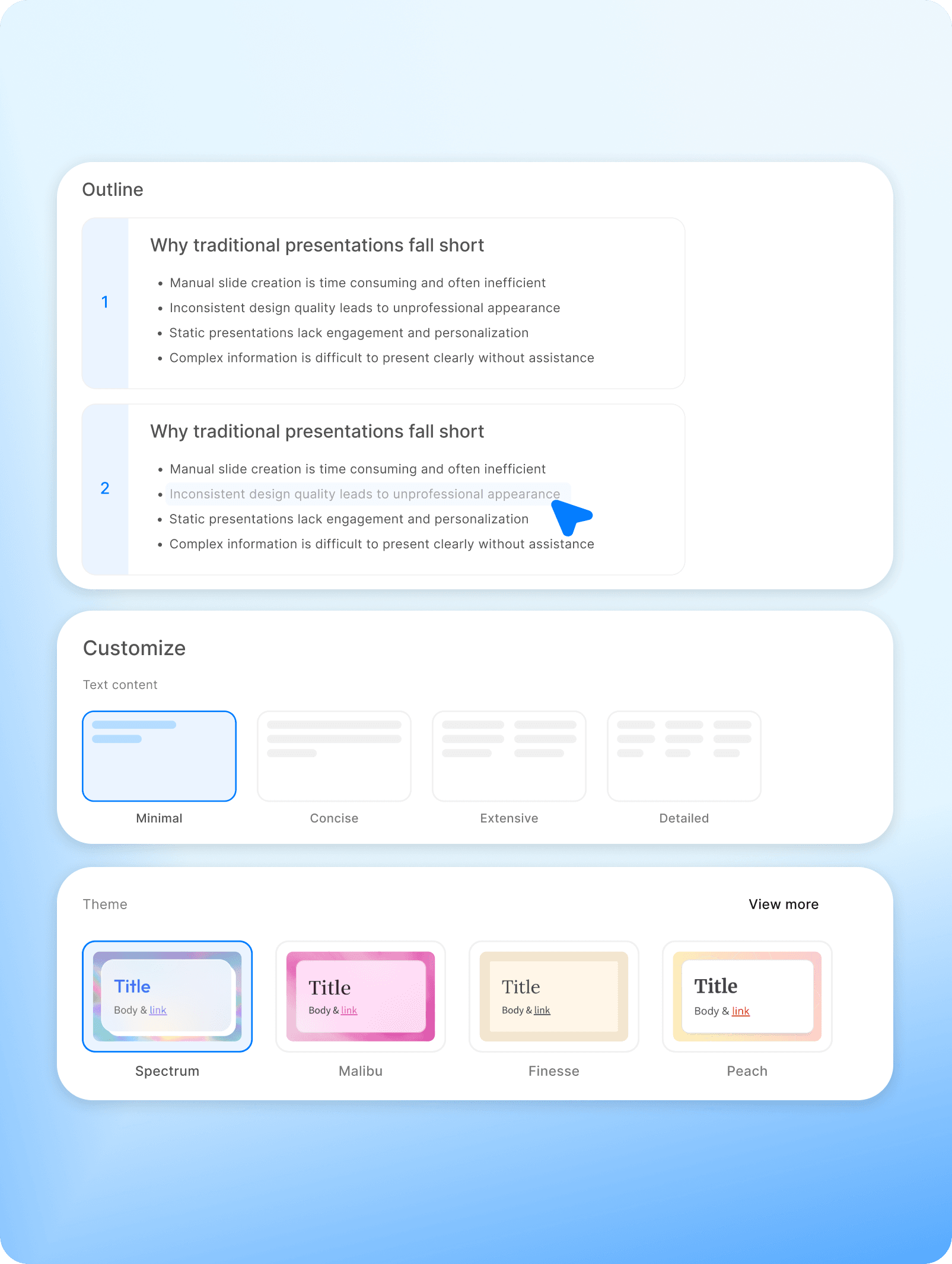
Shape the outline
Review the proposed outline and pick a theme to set the design direction. In a hurry? It can go straight to slides.
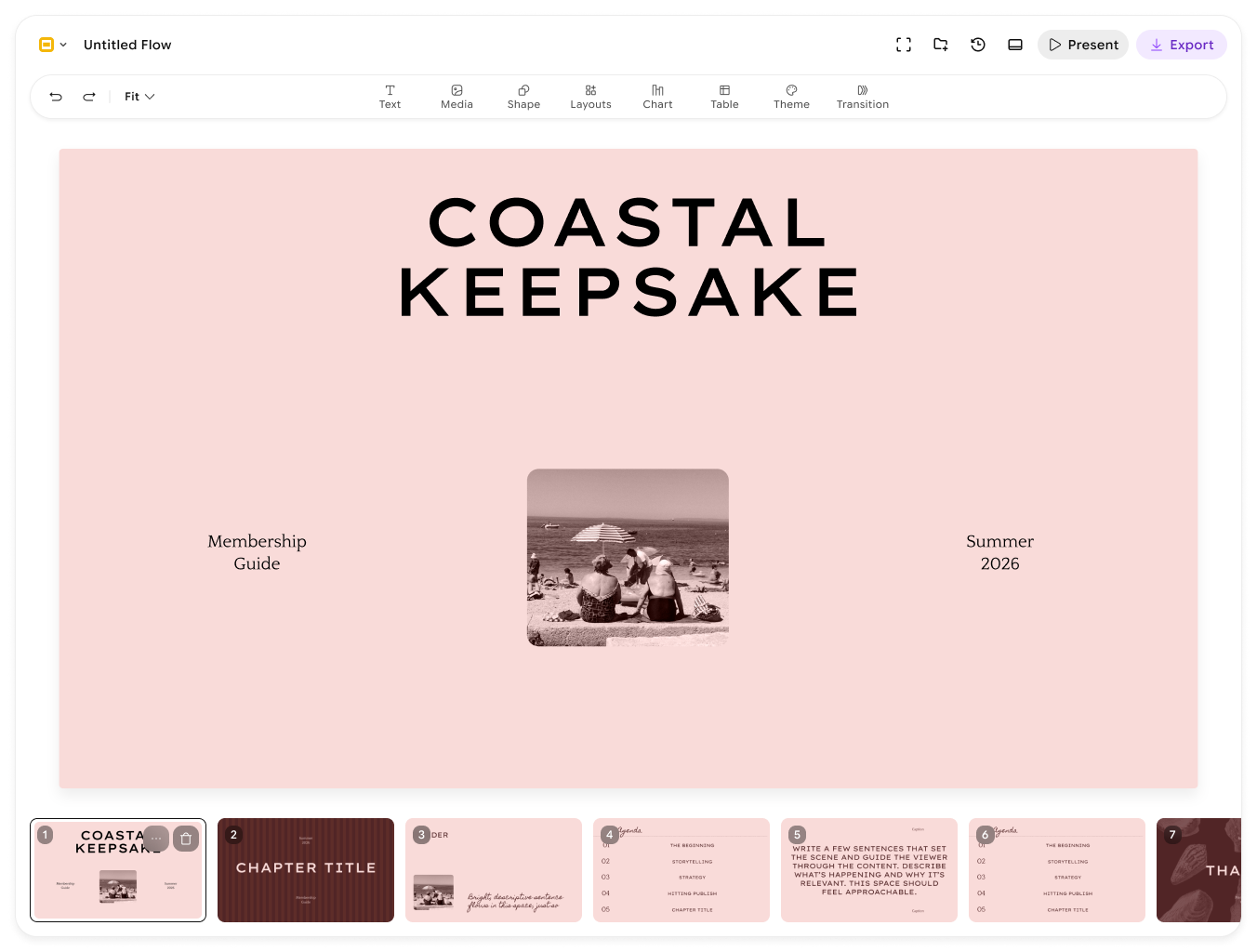
Generate, then make it yours
Watch the deck stream in slide by slide. Ask the agent for changes, or click any element and edit it by hand.
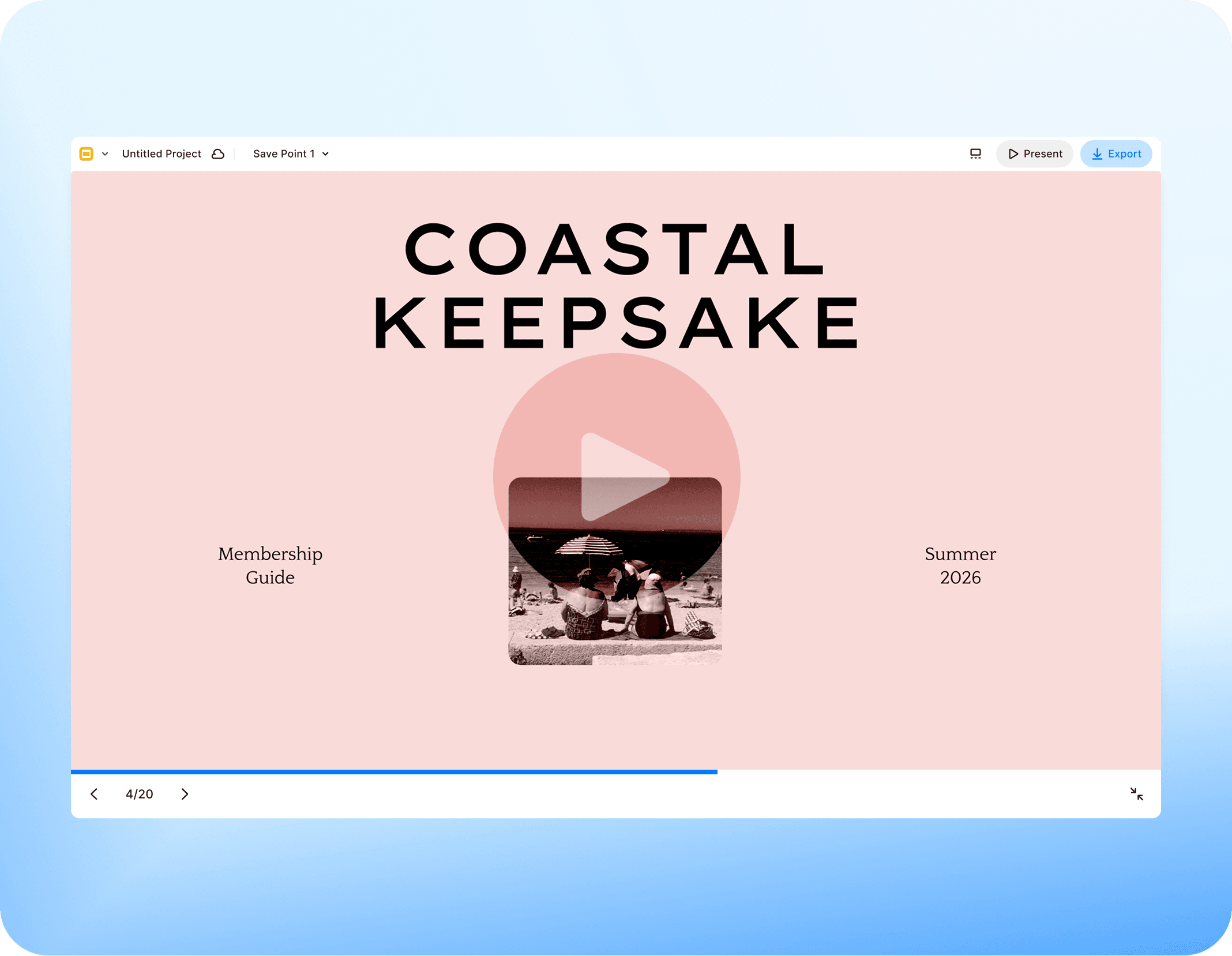
Export pixel-perfect
Download an editable PPTX that matches what you see on screen, or grab a PDF and per-slide images.
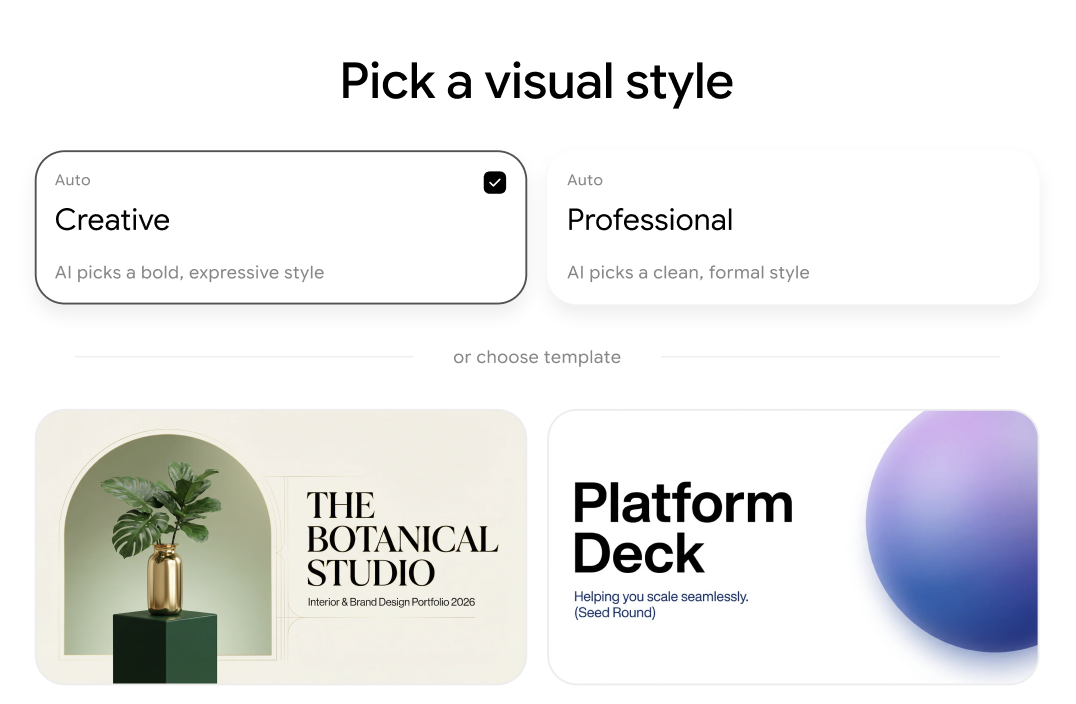
Set The Direction. Keep The Control.
Start from a curated template, then pick a theme, the palette, typography, and spacing carry through every slide it generates.
Decks People Actually Shipped
From pitch rooms to classrooms, what happens when the deck builds itself.
Got any questions left?
We've answered the questions people ask most about AI Slides.
Yes. Every slide is built from real elements, text, shapes, charts, and images, not flat renders. Click anything and change it, or ask the agent, and your manual edits are preserved.
Editable PowerPoint (PPTX), shareable PDF, and per-slide images (PNG). The PowerPoint you download stays editable and looks exactly like what you made.
Around 100 seconds from a single prompt to a finished deck. Decks heavy on AI-generated images can take a little longer.
Yes. A sentence or two is enough to start, and you can drop in files worth presenting.
Start from a curated template to set the structure, then pick a theme. The palette, typography, and spacing carry through every slide it generates.
Yes. Ask the agent to change a specific slide, or click any element and edit it by hand. Your earlier edits stay put.
Between 3 and 12 slides per generation. Pick a range that fits the story, and add more in the editor.
Your Next Presentation Is One Prompt Away
Skip the blank slide. Describe the deck and start presenting.