![10 Best AI Video Generators for Professionals [2026 Edition]](https://blogs-cdn.imagine.art/10_Best_AI_Video_Generators_for_Professionals_2026_Edition_2e9d69d256.webp)

Arooj Ishtiaq
January 7, 2026 • Updated July 20, 2026
20 mins Read
Traditional video production is slow, expensive, and resource-heavy, while professionals today need high-quality videos faster than ever. To cut the time and cost, AI video generators for professionals promise cinematic results in minutes, but are all equal for ‘real work’?
This blog covers:
- What actually matters in AI video generators for professional use
- List of 9 best AI video generators for professionals
- Comparison across key features like quality, speed, aspect ratios, audio sync, and licensing
- Common limitations and hidden trade-offs to watch out for
- Which AI video tools perform best for real-world professional workflows
Best AI Video Generators for Professional Use
- Google Veo 3.1 — Best for photorealistic, cinema-quality videos with native audio and accurate physics
- Sora 2 Pro — Best for long, realistic narratives with advanced world simulation and synced dialogue
- ImagineArt AI Video Generator — Best all-in-one platform with access to multiple premium video models under one subscription
- Seedance 1.5 Pro- Best for short AI videos with natural dialogue, native audio, and cinematic storytelling.
- Runway Gen-4 — Best for character consistency, cinematic camera control, and professional filmmaking workflows
- Pixverse 5.5 — Best for high-volume social and ad content with fast generation and budget-friendly pricing
- Kling AI 2.6 — Best for complex motion, dance, action scenes, and native voice-controlled audio
- Hailuo 2.3 — Best for fast marketing videos, e-commerce ads, and expressive character animation
- Adobe Firefly — Best for enterprise and agency work needing copyright-safe generation and Adobe ecosystem integration
- Wan 2.6 — Best for multi-shot storytelling with consistent characters and synchronized multi-speaker audio
7 Key Factors Professionals Need in AI Video Generators
Before you look at specific tools, let's talk about what actually matters when you choose an AI video generator for professionals. These seven factors came up repeatedly in my research:
1. Output Quality and Resolution
For professional work, video quality is non-negotiable. You need clean visuals, accurate motion, and proper lighting, with at least 720p output and 1080p for client-ready deliverables.
2. Image to Video Workflow
Ask me, I am a professional using AI video generators daily, and often I already have a picture in mind. So instead of typing a detailed prompt for a video tool, then watching it animate, I simply create an image and turn it into a video. This works 100% when you are working on product videos because now you have a starting frame!
3. Native Audio Generation and Sync
Audio quality matters as much as visuals in professional videos. Native audio generation with proper lip-sync and sound effects saves significant post-production time and ensures polished results.
4. Generation Speed and Efficiency
Fast generation is critical when working under deadlines or handling revisions. Tools that produce videos in minutes allow you to test ideas, refine outputs, and deliver projects on time.
5. Flexible Aspect Ratios and Duration Options
Professional content is created for multiple platforms, each with different format requirements. The right tool should support common aspect ratios like 9:16, 16:9, and 1:1, along with flexible video durations.
6. Unified Platform vs Multiple Subscriptions
Using multiple tools quickly increases costs and workflow complexity. A unified platform that offers access to several AI models under one subscription saves money and simplifies daily operations.
7. Commercial Licensing and Usage Rights
Clear commercial licensing is essential for any paid or client work. You must ensure that generated videos can be used, sold, and monetized without legal restrictions or uncertainty.
8. Character Consistency and Motion Control
Projects with multiple shots require consistent characters, products, and environments across clips. Motion control features help define camera movement and actions, resulting in more intentional and professional-looking videos.
Now let's look at how the top AI video generators for professionals perform across these factors.
Best AI Video Generators for Professionals
Selecting the right tool for high-end production requires understanding the specific strengths of each platform. These are the top industry-standard AI video generators for professional workflows in 2026.
1. Google Veo 3.1
Google Veo 3.1 delivers professional video generation with exceptional realism and native audio support. Among AI video generators for professionals, it stands out for photorealistic quality and physics-accurate motion. The tool generates videos with synchronized sound effects, dialogue, and ambient audio in one pass.
You'll find Google Veo 3.1 valuable if you need photography-level realism for client work, create narrative content requiring authentic physics, produce commercial advertising with synchronized audio, or work on projects where visual authenticity matters more than speed.
How Google Veo 3.1 Meets Professional Needs
- Output Quality: 1080p resolution with strong photorealism, accurate lighting, and realistic motion suitable for client deliverables.
- Native Audio: Yes. Google Veo 3.1 supports native dialogue, sound effects, and ambient audio in a single generation.
- Speed: Moderate. Generation is slower than speed-focused tools like Hailuo or Pixverse, but optimized for higher visual and audio quality.
- Aspect Ratios: Supports 9:16 (vertical) and 16:9 (widescreen).
- Commercial Rights: Yes. Commercial usage is permitted through Google AI subscriptions and API access.
- Character Consistency: Strong. Maintains consistent characters and objects across scenes when reference images are used.
Pricing
- Veo 3.1: $0.40 per second for video with audio or $0.20 per second for video without audio.
- Veo 3.1 Fast: $0.15 per second of video with audio and $0.10 per second for video only.
- On ImagineArt, Veo 3.1 consumes 1900 credits per 8-second video generation, and Veo 3.1 Fast consumes 700 credits per 8-second video generation.
2. Sora 2 Pro
Sora 2 Pro from OpenAI excels at realistic video generation with synchronized audio. Among AI video generators for professionals, it creates exceptionally detailed videos with realistic object interactions and advanced world simulation. The tool generates videos up to 20 seconds with native dialogue and sound effects.
You'll benefit from Sora 2 Pro if you create physics-heavy content requiring accurate motion, produce character-driven narratives needing consistency, work on cinematic projects with extended durations, or need synchronized audio-visual generation for explainer videos and product demos.
Recommended read: How to make realistic AI videos
How It Meets Professional Needs
- Output Quality: You get 1080p resolution with exceptional physical accuracy. Objects move with realistic weight, liquids flow properly, and the scenes make sense. Quality surpasses most competitors for realistic motion.
- Native Audio: Sora 2 Pro generates synchronized dialogue, sound effects, and ambient audio together with visuals. Characters speak with accurate lip-sync and natural voice generation.
- Speed: Generation is slower than speed-optimized tools, but delivers professional quality that justifies wait times for final deliverables.
- Aspect Ratios: It supports 9:16 (Stories/Reels) and 16:9 formats. You can generate up to 4 variations per prompt.
- Commercial Rights: Full commercial usage rights included with Pro subscription.
- Character Consistency: Character cameo feature maintains consistent appearance and voice across multiple clips after one-time recording.
Pricing
- Standard resolution videos (720×1280 portrait or 1280×720 landscape): $0.30 per second
- High-resolution videos (1024×1792 portrait or 1792×1024 landscape): $0.50 per second
3. ImagineArt AI Video Generator
Imagine Art AI Video Generator provides access to multiple premium AI video models through one unified platform. Rather than subscribing to Veo, Sora, Kling, Runway, and other tools separately, you get all models under a single subscription. This eliminates juggling multiple accounts while providing workflow integration.
You'll find ImagineArt essential if you need multiple AI models for different project types, want to avoid managing separate subscriptions and billing cycles, require flexibility to test models before committing to final generation, work on diverse projects needing different AI capabilities, or want unified asset management across all video work.
How It Meets Professional Needs
- Multi Model Access – Access to industry-leading video models, including Veo 3.1, Sora 2 Pro, Kling 2.6, Runway Gen-4, Hailuo 2.3, Pixverse 5.5, and Wan 2.6, delivering professional-grade output suitable for client and commercial use
- Native Audio & Dialogue – Native audio generation is available in supported models such as Veo 3.1, Sora 2 Pro, Kling 2.6, and Wan 2.6, with synchronized dialogue, sound effects, and music
- Speed vs Quality Control – Flexible performance options that let you start with speed-optimized models like Hailuo 2.3 Fast or Pixverse and switch to high-fidelity models for final outputs without leaving the platform
- Aspect Ratio Flexibility – Comprehensive aspect ratio support, including 9:16, 16:9, and 1:1 formats depending on the selected model
- Commercial Usage Rights – Clear commercial usage rights across all generated content
- Character Consistency – Character consistency features, including dedicated models and reference-based generation for series content and brand campaigns
- Multi-Modal Creation – Support for multi-modal workflows, including text prompts, image inputs, and video-to-video generation
- AI Prompt Enhancement – Built-in AI prompt enhancer to improve prompt clarity and output quality
- Batch Generation – Batch generation for testing multiple creative variations efficiently
- Asset Management – Organized asset library to manage and reuse generated elements across projects
- Priority Performance & Support – Priority support and faster queue times available on higher-tier plans
Pricing
- Free: Includes 50 credits, refreshed every 12 hours for light testing and trials.
- Paid plans: Start at $11/month for Basic (about 300 videos per quarter), $25/month for Standard (around 1,000 videos), and $50/month for Professional (up to 3,000 videos).
- Scale plan: Costs $100/month and is built for heavy use, offering up to 8,000 videos per quarter with the highest credit limits.
For pricing details, visit: ImagineArt Pricing
4. Seedance 1.5 Pro AI Video Generator
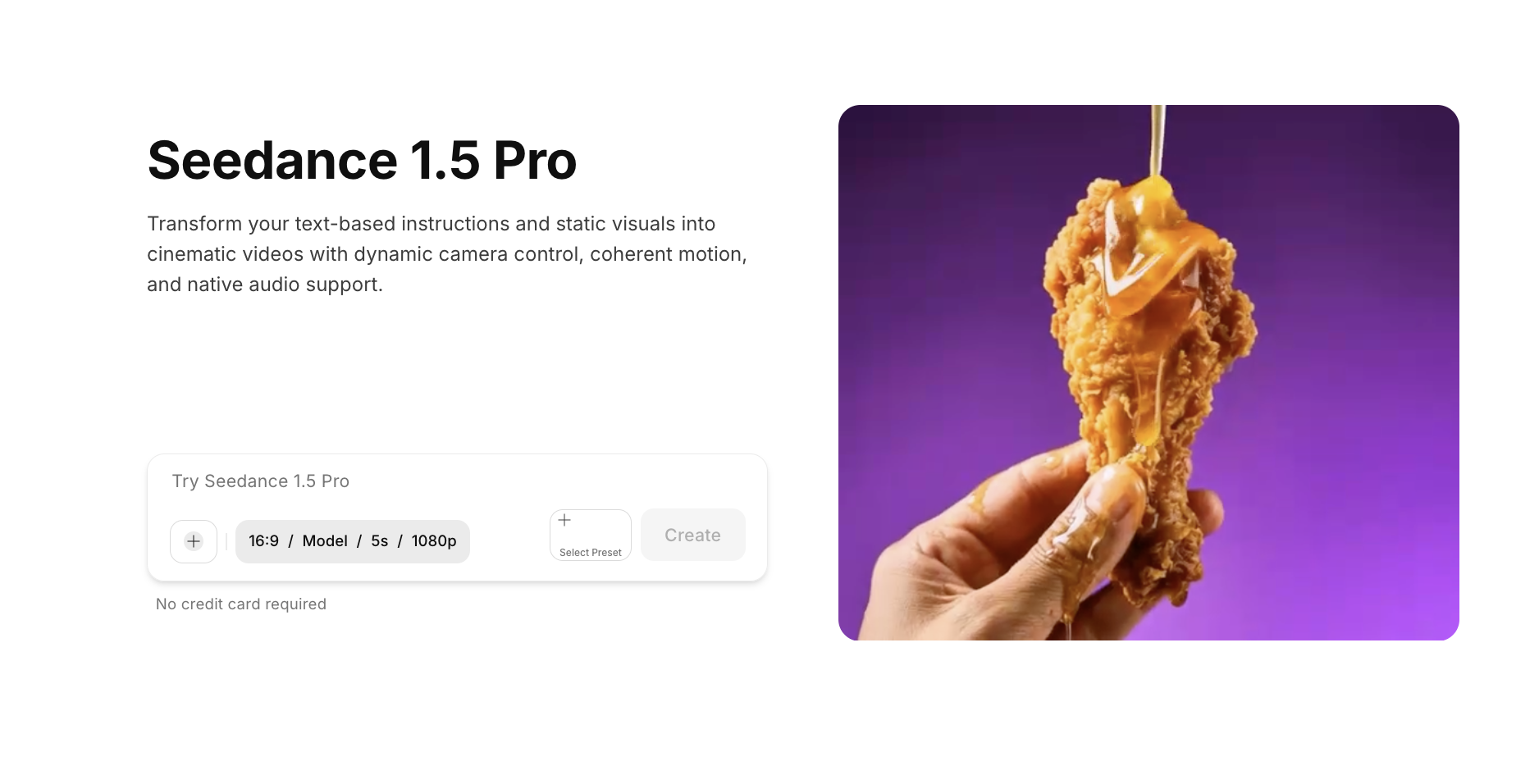 image (5).png
Seedance 1.5 Pro is a significant upgrade to ByteDance’s AI video generator lineup, designed to create videos with fully integrated visuals, dialogue, and audio in a single generation workflow. Unlike traditional AI video tools that rely on external voiceovers or sound design, Seedance 1.5 Pro co-generates speech, environmental audio, and visuals together, producing scenes that feel performed rather than mechanically assembled.
image (5).png
Seedance 1.5 Pro is a significant upgrade to ByteDance’s AI video generator lineup, designed to create videos with fully integrated visuals, dialogue, and audio in a single generation workflow. Unlike traditional AI video tools that rely on external voiceovers or sound design, Seedance 1.5 Pro co-generates speech, environmental audio, and visuals together, producing scenes that feel performed rather than mechanically assembled.
Seedance 1.5 Pro is particularly useful when the goal is to create ready-to-publish videos that combine motion, camera direction, lip-sync, and sound in one pass. It fits workflows focused on news, explainers, storytelling, product marketing, and bulk video creation where speed, cost efficiency, and audio-visual coherence matter.
Seedance 1.5 Pro is available on the ImagineArt AI Video Generator, allowing creators to access it alongside other premium video models without managing separate tools or subscriptions.
How It Meets Professional Needs
- Audio-Visual Co-Generation: Generates visuals, dialogue, speech, and sound effects together in one unified workflow, eliminating manual audio synchronization.
- Natural Dialogue Quality: Produces context-aware, emotionally grounded speech with realistic pacing, pauses, and intonation.
- Multi-Speaker Conversations: Supports group dialogue with distinct vocal identities, natural turn-taking, and controlled overlap where appropriate.
- Cinematic Dialogue Timing: Aligns speech delivery with camera cuts, emotional beats, and scene pacing for more cinematic results.
- Multilingual Speech Support: Enables multilingual and mixed-language conversations for global and regional storytelling use cases.
- Text-to-Video and Image-to-Video: Allows generation from detailed prompts or reference images to guide characters, composition, and style.
- Lip-Sync and Facial Alignment: Maintains accurate lip movement and facial expressions synchronized to generated speech.
- Camera and Framing Control: Supports intentional camera movement, shot framing, and perspective control for cinematic compositions.
- Cost-Efficient Production: Reduces turnaround time and production cost by removing the need for voice actors, dubbing, and post-production audio tools.
Pricing
- Available within ImagineArt’s paid plans starting at $11/month, where each Seedance 1.5 Pro generation consumes 72 credits, covering native audio, dialogue, and cinematic video output under a single subscription.
- An 8-second audio-enabled video generated with Seedance 1.5 Pro typically costs under $1.50, making it one of the most affordable options for dialogue-driven AI video creation.
5. Runway ML AI Video Generator
 Runway ML
 AI video generator excels at consistent character generation and cinematic motion control. Among AI video generators for professionals, it delivers production-ready video with precise control over visual identity, camera movements, and scene composition. The tool maintains coherent environments while preserving a unique style across frames.
Runway ML
Runway ML AI video generator excels at consistent character generation and cinematic motion control. Among AI video generators for professionals, it delivers production-ready video with precise control over visual identity, camera movements, and scene composition. The tool maintains coherent environments while preserving a unique style across frames.
You'll benefit from this if you create character-driven narratives that need visual consistency. You can produce professional filmmaking content with cinematic camera work, and work on serialized content that needs the same characters across episodes. Runway AI video generation can produce product videos to maintain brand identity or require precise control over visual composition.
How It Meets Professional Needs
- Cinema-quality visual: Output with Gen-4’s enhanced rendering, delivering professional results suitable for commercial use
- Native generation: It generates ****around 1280×768 resolution, with optional 4K upscaling available for high-resolution delivery
- Visual-focused generation: It generates visuals without built-in audio, allowing creators to add sound in post-production or through separate tools
- Flexible speed options: Has flexible speed with standard Gen-4 prioritizing quality and Gen-4 Turbo offering faster generation with a slight trade-off in quality
- Aspect ratio: Support for common aspect ratios, including 9:16, 16:9, and 1:1 formats
- Commercial Usage: Commercial usage rights are included with paid subscriptions
- Character Consistency: Strong character consistency using reference images to maintain characters, locations, and objects across multiple scenes
- Reference Generation: Reference-based generation for consistent style and visual continuity
- Cinematic Motion: Cinematic motion with realistic physics and scene transitions
- Camera Features: Camera control features, including keyframes in supported modes
- Optional 4K upscaling for final, client-ready outputs
Pricing
- Runway’s plans start at $15 per month, but with ImagineArt, you can use Runway Gen-4 as part of a full AI creative suite for just $10 per month on a yearly plan.
For more details, visit: Runway AI Pricing
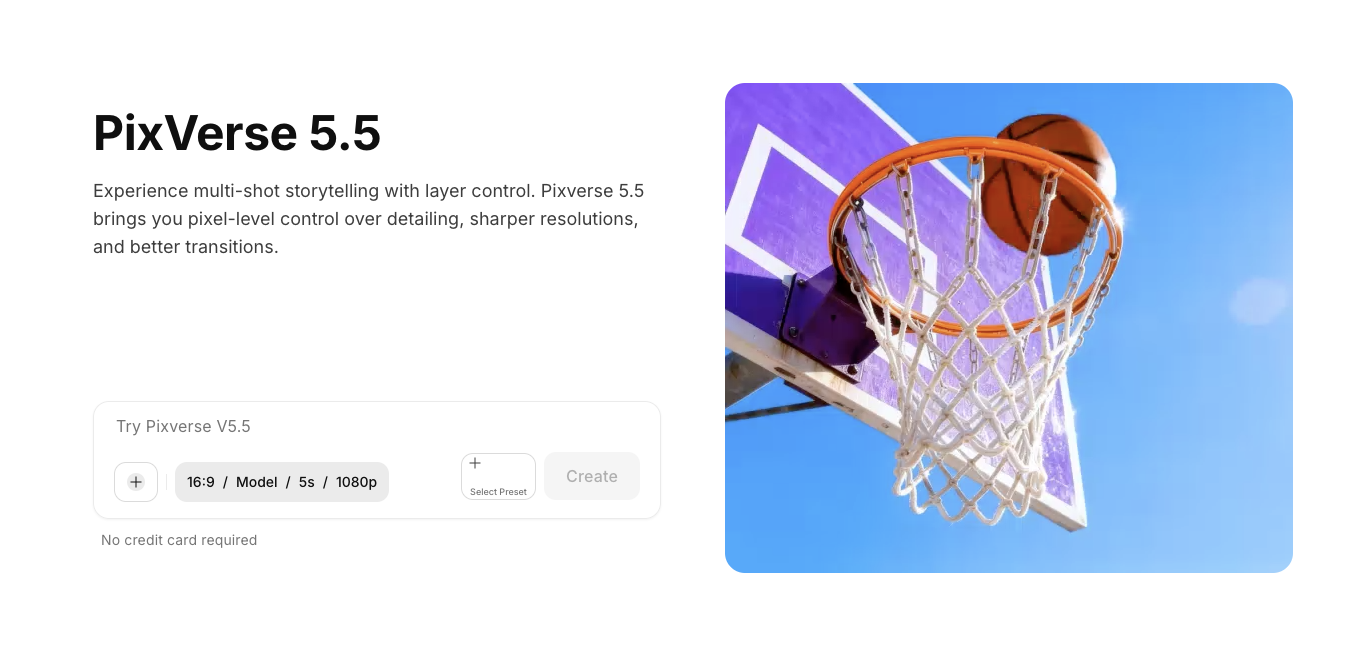
6. Pixverse 5.5
 Pixverse AI Video Generator
Pixverse 5.5 is best for bulk social content creation and advertisement videos. Among AI video generators for professionals, it balances quality with affordability, making it practical for high-volume production. The tool creates cinematic visuals with vivid detail and realistic motion.
You will need Pixverse 5.5 AI video generator if you create high-volume social media content for multiple platforms. It can produce advertisement videos on tight budgets, need quick turnaround for trending content, generate batch variations for A/B testing, or work on projects where speed and volume matter more than perfect quality.
How It Meets Professional Needs
- Visual Quality & Motion – High-quality visual output with Pixverse v5.5, offering improved motion consistency and realistic aesthetics
- Resolution Options – Multiple resolution options, including 360p, 540p, 720p (HD), and 1080p (FHD), to suit different quality and performance needs
- Audio Workflow – Video generation without native audio, allowing sound and music to be added during post-production
- Generation Speed – Fast generation speeds, with most videos rendering in 3 to 5 minutes, depending on complexity
- Aspect Ratio Support – Support for common aspect ratios, including 16:9, 9:16, and 1:1 formats, without requiring separate generations
- Commercial Licensing – Commercial usage rights included with paid plans, with watermarks applied on free exports
- Character Consistency – Character-to-video feature that maintains consistent characters for storytelling and educational content
- Input Flexibility – Support for text-to-video and image-to-video workflows
- Artistic Styles – Multiple artistic style options, including cinematic, anime, and vaporwave
- Loopable Content – Loopable short videos designed for seamless social media content
- Built-in Effects – Built-in motion and graphic effects for enhanced visual presentation
- Platform Availability – Cross-platform access across web and mobile devices
Pricing
- PixVerse AI pricing is based on credits. Cheaper plans give fewer credits, while higher-priced plans give more. Monthly plans include 15,000 credits on Essential, 239,230 credits on Scale, and 1,069,500 credits on Business, and you can also buy extra credits separately, starting at $10 for 1,000 credits and going up to $5,000 for 500,000 credits.
For pricing details, visit: Pixverse AI Pricing
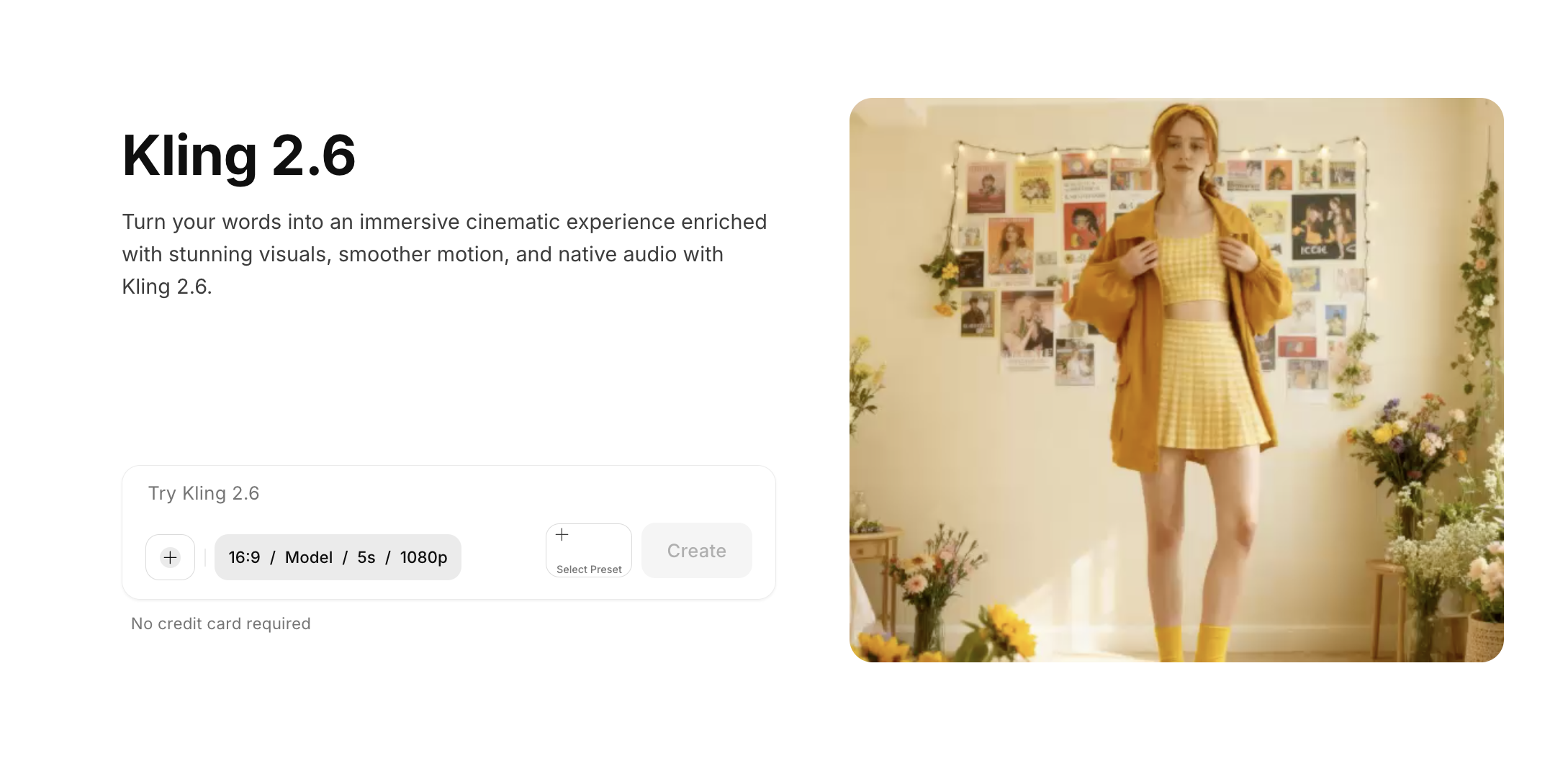
7. Kling AI 2.6
 Kling 2.6 AI video generator
Kling AI 2.6 understands both basic and detailed prompting with advanced motion control features. Among AI video generators for professionals, it excels at complex choreography, facial expressions, and voice generation. The transfer motion feature and the 2.6 version support video editing with AI text instructions.
Kling 2.6 AI video generator
Kling AI 2.6 understands both basic and detailed prompting with advanced motion control features. Among AI video generators for professionals, it excels at complex choreography, facial expressions, and voice generation. The transfer motion feature and the 2.6 version support video editing with AI text instructions.
You need the Kling AI video generator if you create dance videos or action sequences that require complex motion. It can produce character-driven content with consistent voices, work on projects that necessitate precise camera movements, generate videos with synchronized native dialogue, or edit existing videos using AI text instructions.
How It Meets Professional Needs
- Output Quality: 1080p video generation with smooth, stable motion. Kling 2.6 accurately captures complex movements such as dance, martial arts, and fast-paced action.
- Native Audio: Built-in audio generation with synchronized dialogue, sound effects, ambient audio, and music. Voice control supports custom voice uploads and trained voice models for consistency.
- Speed: Multiple generation modes available. Standard mode prioritizes quality, while the Fast variant offers quicker generation at a lower cost. Pricing ranges from $0.07 to $0.14 per second.
- Aspect Ratios: Supports 16:9, 9:16, and 1:1 formats at 1080p resolution, with 5-second and 10-second duration options.
- Commercial Rights: Commercial usage included with paid subscriptions.
- Character Consistency: Strong consistency is maintained through visual references and voice control, ensuring characters remain recognizable across multiple clips.
- Motion Control: Advanced handling of full-body and complex motion for dynamic scenes.
- Reference-Based Animation: Motion transfer from reference videos enables guided animation and realistic movement.
- Editing Controls: Text-based video editing available through the Kling O1 variant.
- Camera Controls: Pan, tilt, and zoom controls supported for cinematic framing.
- Language Support: Multi-language support, including Chinese and English, with automatic translation.
Pricing
- Kling AI pricing starts at around $10 per month, which includes 660 monthly credits.
- With this plan, you can generate up to 3,300 images or about 33 standard 720p videos. The plan also gives access to Kling Video O1 and the Kling 2.6 native audio model.
For pricing details, visit: Kling AI Pricing
8. Hailuo 2.3 AI Video Generator
Hailuo 2.3 delivers fast, affordable video generation with excellent results for marketing videos. Among AI video generators for professionals, it excels at micro-expressions, anime styles, and e-commerce content. The tool generates 2.5x faster than previous versions while maintaining quality.
You will need Hailuo 2.3 video generator if you create marketing videos on tight budgets, produce e-commerce product demonstrations, and ads. It generates anime or stylized art content, needs fast turnarounds for social media campaigns, works with limited budgets that need high output volume, or creates character-driven content with emotional depth.
How It Meets Professional Needs
- Output Quality: Supports up to 1080p resolution with strong facial micro-expression capture. Videos maintain stable colors and subject consistency, making them suitable for product videos and CGI advertisements.
- Native Audio: Video generation does not include native audio. Audio tracks can be added separately during post-production or through platform tools.
- Speed: Hailuo 2.3 delivers up to 2.5x faster rendering compared to Hailuo 02, with most videos generated in 2 to 3 minutes. A Fast variant offers quicker generation with a minor trade-off in detail and lower cost.
- Aspect Ratios: Text-to-video generation supports cinematic 16:9 format, while image-to-video follows the source image’s aspect ratio. Duration options include 6-second and 10-second clips at 768p or 1080p.
- Commercial Rights: Commercial usage is included with subscription plans.
- Character Consistency: Strong consistency in character features and emotional expressions across frames, making it suitable for character-driven storytelling and product demonstrations.
- Expression Capture: Enhanced micro-expression and facial emotion handling for more lifelike visuals.
- Art Style Support: Optimized for anime and specialized artistic styles.
- Motion Handling: Capable of generating complex dance sequences and choreographed movements.
- Product Motion: Optimized motion rendering for e-commerce and promotional product videos.
- Scene Variation: Supports genre transitions within a single video.
- Performance Gains: Overall rendering speed improved by 2.5x compared to previous versions.
Pricing
- A 6-second 1080p video with Hailuo 2.3 costs around $1.50 per video.
- On ImagineArt, the Basic plan lets you create nearly 12 videos for the same price, along with access to AI images, music, audio, avatars, shorts, team features, and more, all in one plan.
9. Adobe Firefly
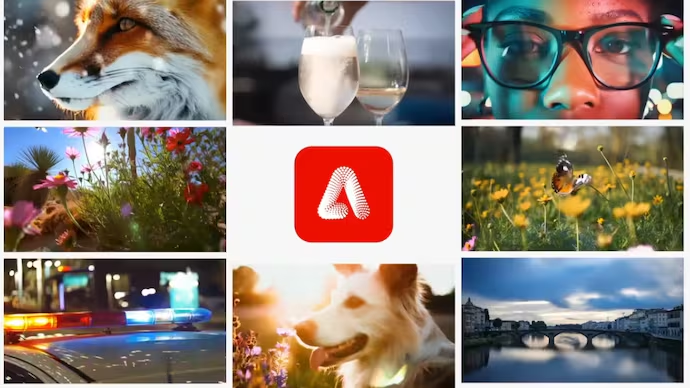 Adobe Firefly AI Video Generator
Adobe Firefly distinguishes itself through training exclusively on licensed content. Among AI video generators for professionals, it provides the clearest commercial usage rights and integrates deeply with Adobe Creative Cloud. The platform accesses multiple AI models, including its own plus Google's, OpenAI's, and others, through a unified interface.
Adobe Firefly AI Video Generator
Adobe Firefly distinguishes itself through training exclusively on licensed content. Among AI video generators for professionals, it provides the clearest commercial usage rights and integrates deeply with Adobe Creative Cloud. The platform accesses multiple AI models, including its own plus Google's, OpenAI's, and others, through a unified interface.
Adobe Firefly works for those who already use Adobe Creative Suite extensively. For those who work in agencies that need clear licensing for client deliverables, need copyright-safe AI generation with provenance tracking, work across multiple media types (image, video, audio), have enterprises with strict compliance requirements, or prioritize legal safety over cost considerations.
How It Meets Professional Needs
- Output Quality: Professional-grade outputs with clear provenance and licensing. Visual quality varies depending on the AI model accessed.
- Native Audio: Supports text-to-video generation along with sound effects creation, covering image, video, and audio workflows within a single ecosystem.
- Speed: Generation speed varies by model. The platform prioritizes output quality and licensing clarity over raw generation speed.
- Aspect Ratios: Supports standard formats with Creative Cloud integration, including 9:16, 16:9, and 1:1, enabling quick resizing across platforms.
- Commercial Rights: Clear commercial usage rights, with models trained exclusively on licensed Adobe Stock content and public domain sources.
- Character Consistency: Consistency capabilities depend on the selected model, offering flexibility for different project and workflow requirements.
- Copyright Safety: Training limited to licensed and public domain content for enterprise-level legal reliability.
- Model Access: Access to multiple AI models, including Adobe, Google, OpenAI, Runway, and Luma.
- Generation Modes: Supports text-to-video and text-to-image generation workflows.
- Editing Tools: Includes Generative Fill and AI-assisted editing tools.
- Audio Tools: Built-in sound effects generation for video projects.
- Provenance Tracking: Content Credentials watermarking ensures transparency and asset traceability.
- Creative Cloud Integration: Deep integration with Adobe Creative Cloud for streamlined professional workflows.
Pricing
- Creative Cloud All Apps: $59.99/month (includes 1,000 credits)
- API access: $0.05 per image
- Enterprise pricing available for teams
Recommended read: AI Instagram Post Generator
10. Wan 2.6
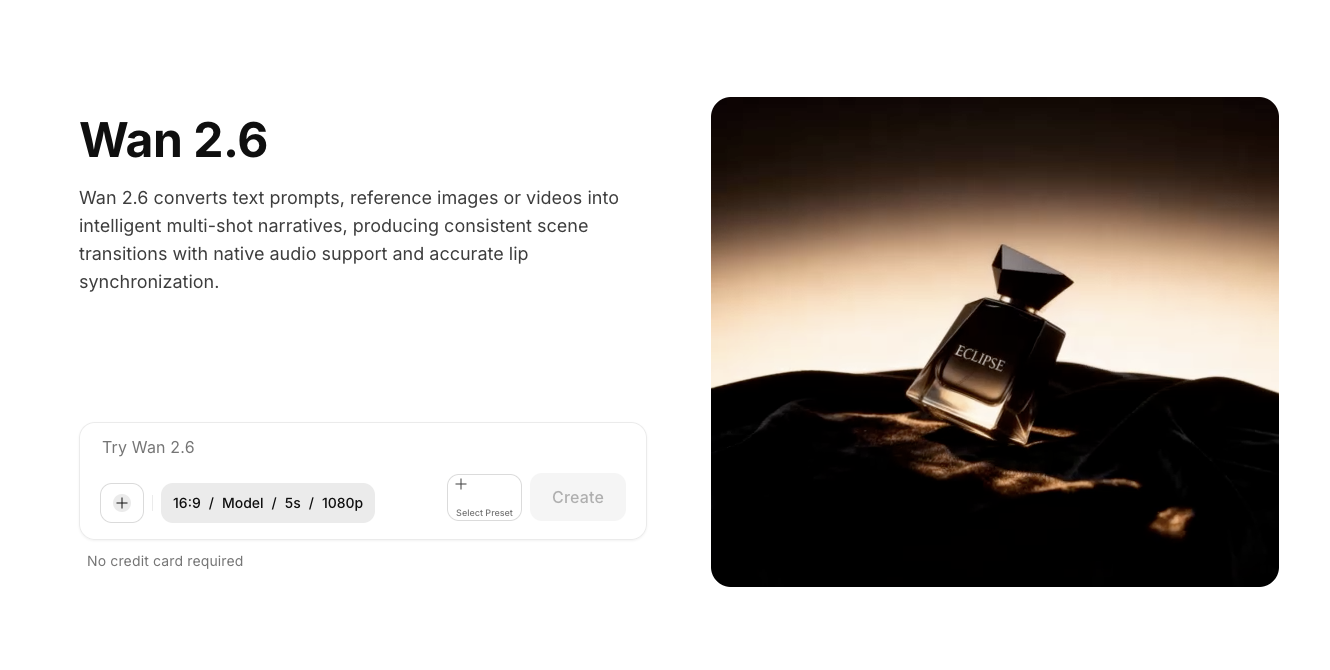 Wan 2.6 AI Video generator
Wan 2.6 specializes in multi-shot storytelling with intelligent scene segmentation. Among AI video generators for professionals, it excels at maintaining character consistency across shots while generating synchronized audio. The tool understands both natural language and shot-level instructions for cinematic narratives.
Wan 2.6 AI Video generator
Wan 2.6 specializes in multi-shot storytelling with intelligent scene segmentation. Among AI video generators for professionals, it excels at maintaining character consistency across shots while generating synchronized audio. The tool understands both natural language and shot-level instructions for cinematic narratives.
If you create narrative content requiring multiple connected shots, produce dialogue-heavy videos with multiple speakers, or work on serialized content maintaining character consistency, you need Wan 2.6 AI video generator. It generates educational explainers with clear visual progression, creates product demos showing multiple angles and contexts, or needs cinematic storytelling without manual editing.
How It Meets Professional Needs
- Output Quality: Generates 1080p videos at 24fps with cinematic multi-shot sequences. Strong motion logic and enhanced visual fidelity support professional, client-ready outputs.
- Native Audio: Provides native, synchronized audio generation, including stable multi-character dialogue, natural voice quality, improved vocal texture, and enhanced music. Audio and visuals remain aligned without manual synchronization.
- Speed: Generation times are optimized for multi-shot complexity. While longer than single-shot tools, the process reduces overall production time by eliminating manual scene editing.
- Aspect Ratios: Supports 16:9 and 9:16 formats, with duration options of 5, 10, and 15 seconds at 720p and 1080p resolutions.
- Commercial Rights: Clear commercial usage rights included for professional applications.
- Character Consistency: Reference-driven generation maintains visual identity and voice characteristics. Supports both single-character scenes and multi-character co-acting with synchronized audio.
- Multi-Shot Generation: Intelligent coordination of multiple shots within a single video for structured storytelling.
- Reference-to-Video: Supports uploaded reference clips up to 5 seconds to guide motion, pacing, and visual continuity.
- Dialogue Handling: Stable handling of multi-person dialogue with natural timing and delivery.
- Multi-Modal Inputs: Accepts text, image, audio, and video inputs within a unified workflow.
- A/V Co-Generation: Enhanced audio-visual co-generation ensures coherent storytelling across scenes.
- Shot Control: Supports both single-shot and multi-shot generation modes for flexible creative control.
Pricing
- Native platform: Credit-based from $10/month
- One-time credit packs available (50 to 2,000 credits)
- ImagineArt: Accessible through a unified subscription
Choosing the Right AI Video Generators for Professionals
No single tool handles everything perfectly for all professional video needs. Your best approach depends on your specific requirements, budget, and workflow preferences.
For Budget-Conscious Work
Look for unified platforms offering multiple AI models through a single subscription. ImagineArt's provides access to Veo 3.1, Sora 2 Pro, Kling 2.6, Runway, Hailuo, Pixverse, and Wan under one subscription. This saves $150+ monthly versus separate tool subscriptions while providing workflow integration.
For Quality-Focused Work
When client deliverables demand photography-level realism, prioritize tools like Veo 3.1 with native audio sync and exceptional physics, or Sora 2 Pro for advanced world simulation. Runway Gen-4 excels for character-driven narratives requiring visual consistency.
For Speed-Critical Work
If you work on tight deadlines or need high-volume content daily, choose speed-optimized options like Hailuo 2.3 (2.5x faster generation) or Pixverse 5.5 for bulk social content. Both deliver quality suitable for marketing while maintaining fast turnarounds.
For Native Audio Requirements
When synchronized dialogue matters, focus on Veo 3.1, Sora 2 Pro, Kling 2.6, or Wan 2.6. These tools generate audio alongside visuals, eliminating post-production sync work and ensuring perfect lip-sync for speaking characters.
For Character Consistency
Multi-shot projects requiring the same characters across clips benefit from Runway Gen-4's reference system, Kling 2.6's voice control, or Wan 2.6's multi-character dialogue. These tools maintain visual identity and voice characteristics across generations.
For All-in-One Convenience
If you handle diverse video projects, unified platforms eliminate managing separate subscriptions. ImagineArt's comprehensive ecosystem includes text-to-video, image-to-video, avatar generation, and access to 10+ premium models under one subscription.
Getting Started
Most platforms offer free tiers or trials. Start by testing tools with your actual professional content types rather than generic prompts.
You need to check how each handles your specific requirements, like the aspect ratios you actually use, duration needs for your deliverables, audio sync quality for speaking content, licensing terms for your commercial work, and whether the interface fits how you work.
The best AI video generators for professionals are the ones that fit into your daily workflow, deliver results your clients approve, and don't waste your time or budget. Choose based on what you actually need rather than what sounds impressive in marketing materials.
Are you ready to streamline your professional video creation workflow?
Explore ImagineArt's AI Video Generator to discover how unified AI platforms can transform your video work without juggling multiple subscriptions. You can access Veo 3.1, Sora 2 Pro, Kling 2.6, Runway Gen-4, and more models in one place. Check out ImagineArt video generator to see all available features, or visit our blog for guides and tutorials on professional AI video generation.
Arooj Ishtiaq
Arooj is a SaaS content writer specializing in AI models and applied technology. At ImagineArt, she creates sharp, product-focused content that helps creators and businesses understand, adopt, and get real value from AI tools.