Wan AI Video Generator
Alibaba's Wan family makes video from almost anything: a photo, a voice clip, a plain text prompt, or all three stacked together. It's become the model creators reach for when they need motion that actually looks like motion, not a slideshow with camera shake.
Trusted by Professionals and Creators from leading brands
Community Creations
The model behind 3 billion downloads
Wan comes from Alibaba's Qwen ecosystem, and that ecosystem just passed 3 billion global downloads in six months, more than Google and Meta's open models combined.
Wan isn't a single model, it's a whole line, and picking the right version matters more than most people realize.
- Wan 2.2: The efficient starting point. Fast, 720p-focused, costs the least in credits.
- Wan 2.5: Adds stronger lip-sync and sound-alignment on top of 2.2's realism.
- Wan 2.6: Multi-shot generation with native audio, dialogue, music, and sound effects all in one pass.
- Wan 3.0: The new flagship. Native 4K, clips up to 30 seconds, up to 6 linked shots from a single prompt with identity locked across all of them.
What Wan is actually good at
Two things, mainly. First, motion. Wan uses a Mixture-of-Experts architecture built specifically to track how bodies and objects move through space, so transitions hold together instead of warping. Second, product and environmental content. If the hero of your shot is a product, a landscape, or a scene rather than a close-up human face, Wan tends to outperform, this is the model people reach for when they need cinematic B-roll fast, without hiring anyone to shoot it.
Prompt it like a director, not a search engine
Wan responds best when you write like you're giving shot directions, not describing a vibe. A few things that consistently improve output:
- Lead with the camera. "Slow dolly push toward the subject" beats "a nice shot of."
- Name the motion explicitly. "Fabric ripples as she turns" gives Wan something concrete to simulate, physics and all.
- Add sound cues if you're on 2.5 or 2.6. Specifying ambient noise or dialogue tone improves audio-visual sync.
- Keep one clear action per prompt. Wan handles a single well-defined movement far better than three stacked actions competing for attention.
Create Realistic Videos with Wan AI in Three Steps
Step 1
Video Details
Include all the necessary details about your scene, characters, character interactions, and video style in your prompt. Your prompt dictates the video realism and quality, so keep it descriptive.
Step 2
Video Generation
Choose any one of the Wan AI video generation models, aspect ratios, resolutions, and video durations. Add video effects for improved output and click generate.
Step 3
Video Editing or Exporting
Wait for a couple of minutes and select one of the four variations. Refine your prompt if the generated video requires any edits. Click export once the output video aligns with your vision/ideas.
Full creative and editorial control
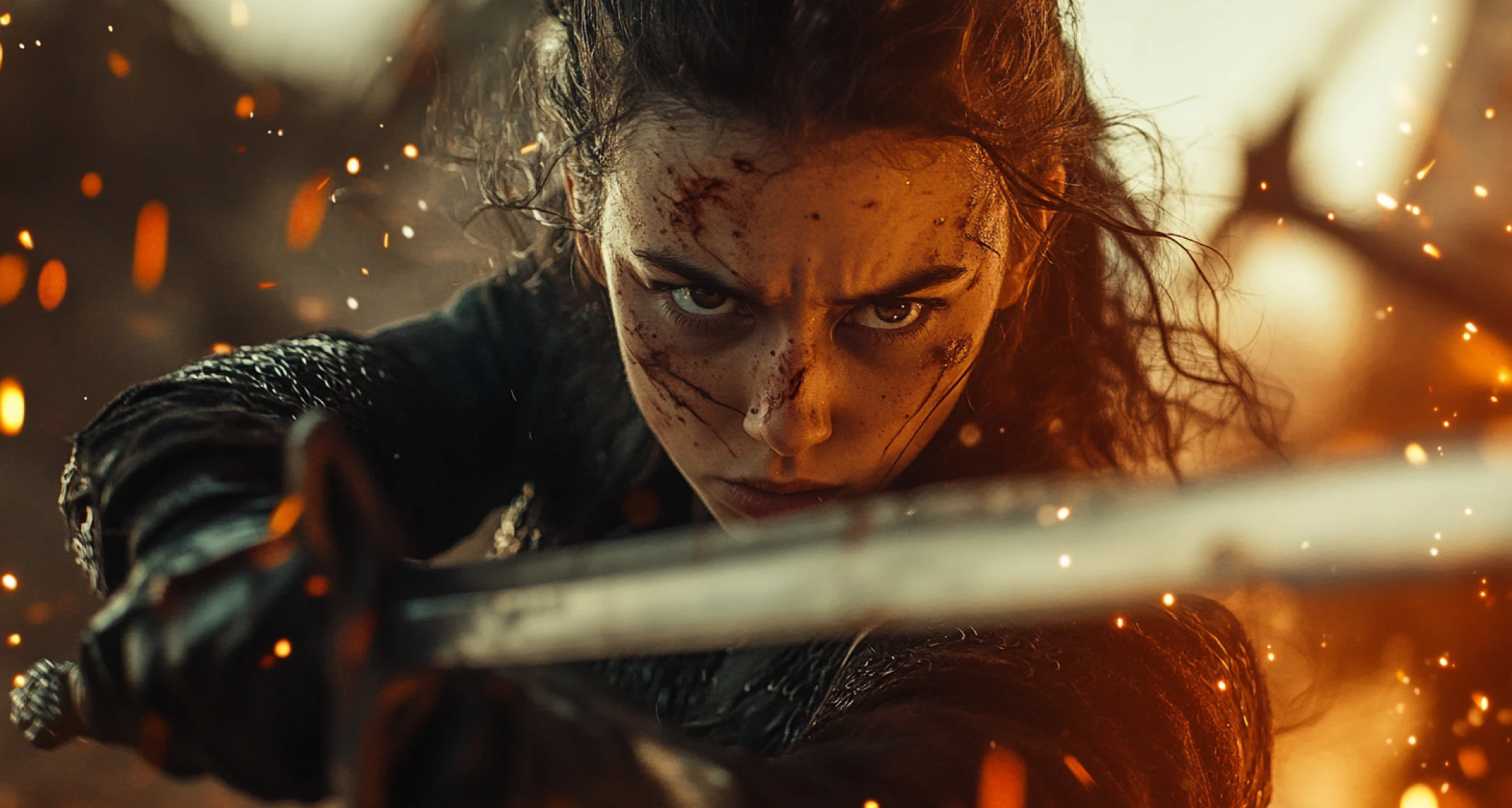
Adjust camera angle, gesture, and composition, all through text, no rigging or manual keyframing required. Once the base clip is generated, tweak lighting, color tone, or background, add or remove objects, or apply a different visual style entirely, cyberpunk, watercolor, anime, oil painting, all through a follow-up prompt rather than a re-generation from scratch.
Genuinely multilingual
Prompt in English or Chinese and Wan understands both natively, including tone and emotional intent, not just literal translation. It also renders readable on-screen text in both Latin and non-Latin scripts, which most video models still get wrong.
The accessible way in
Full access on ImagineArt starts at $10/month, no expensive hardware, no separate render farm, no learning curve steeper than typing a good prompt. Pair it with the AI Video Generator for editing and export, or check the AI Film Studio if you're building something longer than a single clip.
You might also be interested in
Purchase a Subscription
Upgrade to get access to pro features and generate more and better
Basic
For newcomers taking their first steps
View Plans
Billed monthly
Included in plan
3Kcredits per month
Additional Features
Up to ~600 Image Generations/month
Up to ~97 Video Generations/month
General Commercial Terms
Image Generation Visibility: Public
4 Concurrent Image Generations
Complimentary Access
All GPT Models
All Gemini Models
All Claude Models
Unlimited Generations
10 Image Models
9 Video Models
Standard
For rising creators to level up their game
View Plans
Billed monthly
Included in plan
8Kcredits per month
Additional Features
Up to ~1.6k Image Generations/month
Up to ~265 Video Generations/month
General Commercial Terms
Image Generation Visibility: Private
8 Concurrent Image Generations
Complimentary Access
All GPT Models
All Gemini Models
All Claude Models
Unlimited Generations
Nano Banana
Runway Gen 4 Turbo
Midjourney V7
8 more Image Models
8 more Video Models
Ultimate
Peak performance for pros
View Plans
Billed monthly
Included in plan
16Kcredits per month
Additional Features
Up to ~3.2k Image Generations/month
Up to ~530 Video Generations/month
All styles and models
General Commercial Terms
Image Generation Visibility: Private
Complimentary Access
All GPT Models
All Gemini Models
All Claude Models
Unlimited Generations
All image models in Standard plan
All video models in Standard plan
Kling 2.6 Pro
Seedance 1.5 Pro
ChatGPT 1.5
Creator
A full production engine for powerhouses
View Plans
Billed monthly
Included in plan
100Kcredits per month
Additional Features
Up to ~20k Image Generations/month
Up to ~3.3k Video Generations/month
All styles and models
General Commercial Terms
Image Generation Visibility: Private
Complimentary Access
All GPT Models
All Gemini Models
All Claude Models
Unlimited Generations
All image models in Ultimate plan
All video models in Ultimate plan
Kling 3.0 Pro
Seedance 2 Fast
Nano Banana 2
Customer Testimonials

TechNova
"Generating videos from Wan AI has changed the way we create social media content and campaigns. Before, we had to use heavy software to edit out a single object, but with Wan AI, it takes a minute to prompt and a minute to generate — incredibly efficient and high quality.”

Ben Harris
Product Manager

Shopify
"Wan AI produces professional-looking and well-polished demo videos; I don’t even need a videographer anymore. The process is fast, affordable, and easy.”

Michael Chenn
Product Designer

ApexStudios
"I create video content for different clients, from social posts to marketing videos. Wan AI allows me to experiment and explore different video creation and editing aspects.”

Ravi Patel
Creative Manager

DreamWorks
"It truly does what it’s told to do — I have created explainer videos, educational content, animations, and Wan AI created videos incorporating everything included in the prompt, word by word.”

Isabelle Kim
Concept Artist

Pixels
"From context to scripting and editing, Wan AI video generator sped up the whole video editing process. Now I don’t have to upgrade my hardware every now and then for faster and better quality generation.”

Anya Petrova
Marketing Designer
Have questions?
We have answers!
Wan AI Video Generator is an AI-driven video creation tool that can generate videos using text, images, and audio clips as input. It supports multi-style video generation and multi-lingual input in Chinese and English scripts.
Wan AI video generator requires a prompt in English or Chinese, and you can add an audio clip or a high-quality image with the prompt for more refined video creation.
No, you can tweak and change the video visuals and elements without any professional skill or software/tools. Simply, add your edits to your prompt and regenerate the video for the desired output.
Yes! You can add your own images, branding material, logos, and assets to create a more personalized video. You can combine your images with a descriptive prompt to tailor the video content to meet your requirements.
The video generation duration depends on the complexity of the prompt and selected customization settings. Typically, it takes 3-5 minutes for a lengthy prompt and 1-2 minutes for a shorter video.
Wan AI video generator can create videos in different styles and for various video sharing and social media platforms, including product videos, marketing campaigns, educational videos, tutorials, explainer videos, and more.