AI Graffiti Generator
Turn a prompt into finished street art. Describe the letters, the style, and the wall, and get high resolution graffiti in wildstyle, bubble, blockbuster, stencil, or throw-up form, complete with drips, outlines, and glow. Free to start, no spray cans and no design software.
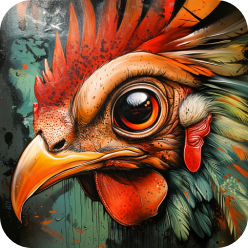
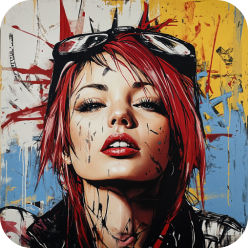

Community Creations
Introducing ImagineArt Graffiti Generator Tool
ImagineArt's graffiti generator builds street art from a text description instead of a stencil or a spray can. You choose the lettering style, the surface it sits on, and the lighting, and the model renders the piece with the details that make graffiti read as graffiti: clean outlines, controlled drips, cap width variation, halo glow, and paint that follows the texture of the brick or concrete underneath it.
It is built for the work that usually needs a writer on retainer. Album and mixtape covers, streetwear and hoodie prints, Twitch and YouTube channel branding, skate deck graphics, event flyers, game environment concepts, mural mockups for clients, and reference sheets for tattoo artists. Because every generation comes back at high resolution, the same piece can go from a feed post to a large format print without being redrawn.
Start on the free tier with 50 credits that refill every twelve hours, and switch models when a piece needs something different: one model for dense wildstyle lettering, another for readable typography, another for photoreal wall mockups.
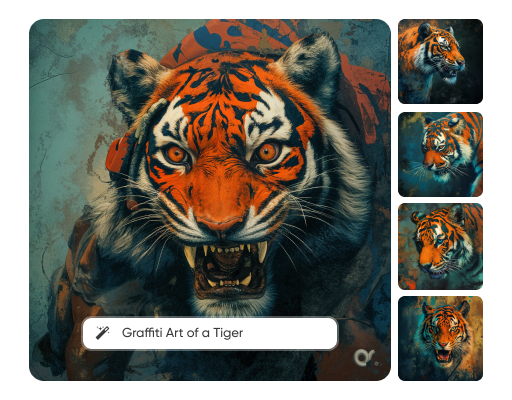
Diverse Style Options
Graffiti is not one look, and a prompt that just says "graffiti" gives the model no direction. Name the sub style and you get it back accurately.
Tags and handstyles for fast single colour signatures. Throw-ups and bubble letters for rounded two tone lettering with a thick outline. Wildstyle for interlocked, arrow heavy, deliberately hard to read pieces. Blockbuster for wide block capitals that read from across the street. Stencil for sharp edged, politically pointed work. Full colour pieces and burners for complex multi layer murals with 3D extrusion, background clouds, and character work.
Then set the surface and the light, because that is what separates a sticker from a photograph: red brick, rolling steel shutter, subway carriage, freeway underpass, freight car, concrete flyover, boarded window. Add golden hour side light, overcast flat light, or a streetlight at night with the paint still wet and reflecting.
Push the same lettering into neon, chrome, drip heavy, anime influenced, or old school 1980s New York treatments and compare them side by side before you commit to one.
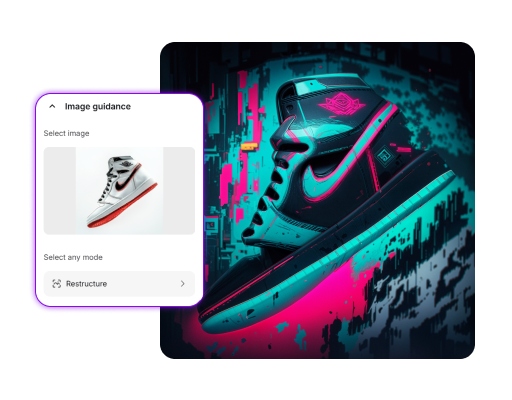
User-Friendly Interface
There is no timeline, no layer stack, and no brush settings. You type what you want, pick a model and an aspect ratio, choose how many versions to generate, and read the results.
Most people get closer on a second pass than with a longer first prompt, so the workflow is built around iteration. Generate four variations, keep the one whose letter structure is right, then re-prompt with only the fixes you need: tighten the outline, drop the background clouds, make the drips heavier, cut the palette to two colours.
Prompts work best in a fixed order. Text or subject first, then the graffiti sub style, then the surface, then the lighting, then the camera framing. For example: the word RIOT in interlocked wildstyle letters, purple and lime with a white outline, on a wet brick wall under a sodium streetlight, shot straight on.
One honest note on lettering. Diffusion models are strongest at shapes and weakest at exact spelling, so short words hold up better than long phrases, and it pays to generate a batch and pick the version that spells cleanly. Models tuned for typography and design work, like Recraft V4 and GPT Image 2, are the better choice when the text has to be exact. Models tuned for photographic realism are the better choice when the wall matters more than the word.
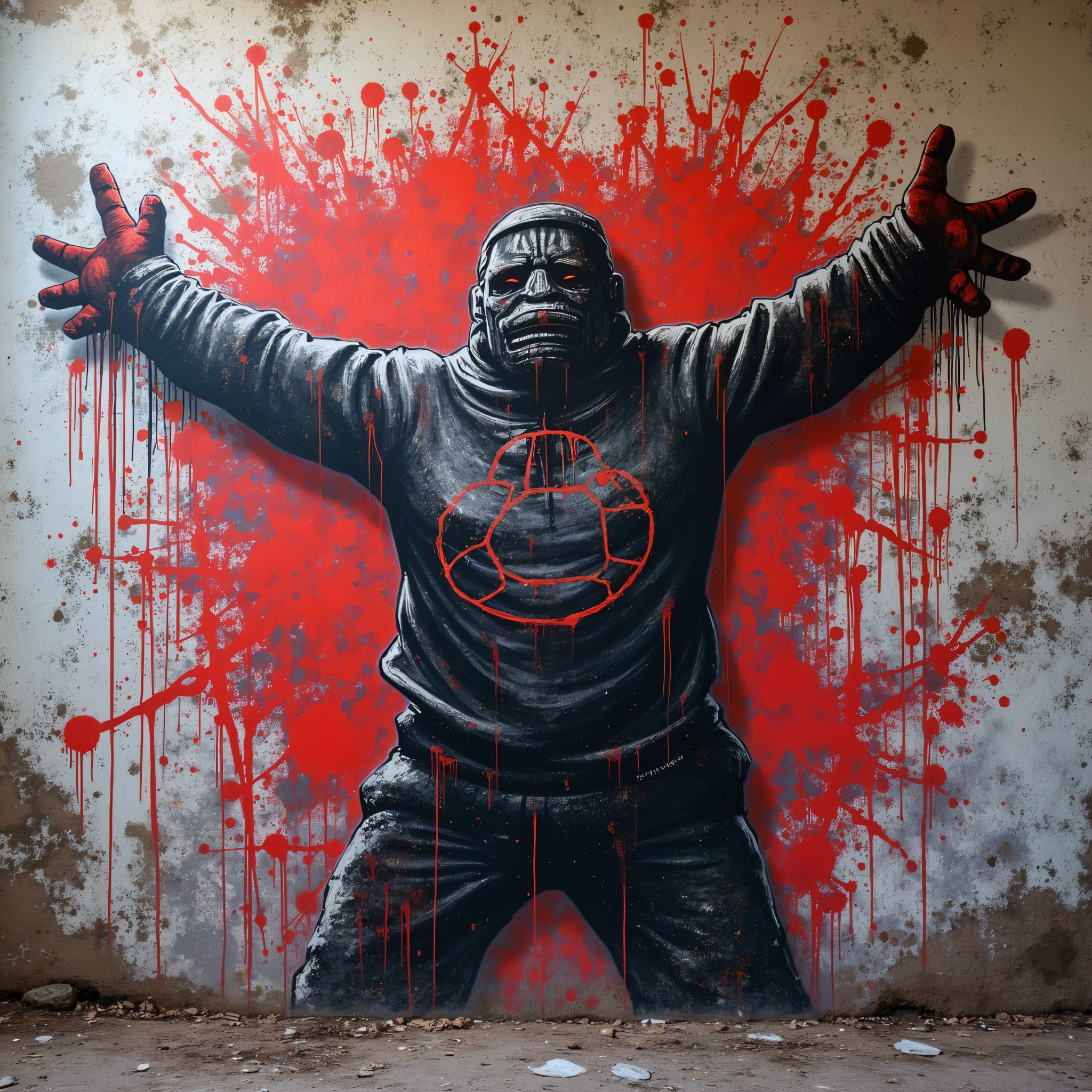
Background and Texture Options
A piece with no wall behind it looks like clip art. The background is what makes it look painted.
Set the substrate and the AI will respect it: mortar lines showing through thin coverage on brick, ribbed shadow across a roller shutter, chalky bloom on old concrete, rust bleeding through paint on a freight door, plywood grain on hoarding. You can also build the environment around the piece, from chain link and litter to wet asphalt reflections and passing headlights, which is what sells a mural mockup to a client who needs to picture it in place.
If you want the lettering on its own for merch or print, ask for a flat or plain background instead, then run it through the background remover for a clean cut out. Same piece, two deliverables: a photoreal wall shot for the pitch, an isolated file for the hoodie.
How to Generate AI Graffiti with ImagineArt?
Step 1
Describe your Graffiti
Describe your imagination in the prompt box. Choose your desired model and style. Select aspect ratio and number of images to be generated.
Step 2
Generate your Image
Once the setting are all in place. Click the generate button attached to the prompt box. Within seconds, you will experience some magical outputs.
Step 3
Get Instant Download
Download your image as a PNG file, and you're done! You can also create a Imagine account to store your work and enjoy more photo editing options.
Customer Reviews For AI Graffiti Generator
Learn what AI creators say about ImagineArt AI Graffiti Generator.

“I love this platform very easy to navigate through whatever you need to create. Excellent image generation and video generation. The pricing is very reasonable also. Thank you Imagineart for an amazing experience.”
“I have tried quite a few AI image generators, and ImagineArt has quickly become one of my favourites. The image quality is consistently impressive, with detailed, creative, and highly accurate results from even simple prompts. The platform is easy to use, generates images quickly, and offers a great variety of styles and customisation options. One of the main ways I use ImagineArt is to create artwork for my YouTube music videos. I generate unique images and then animate them as visuals to accompany my music. The quality and creativity of the images make them perfect for this purpose, and they often require very little editing before I can use them in my projects. What stands out most is how well it understands complex prompts and turns ideas into stunning visuals with minimal effort. Whether you're creating concept art, character designs, content for social media, or visuals for videos, ImagineArt delivers excellent results. The regular updates and new features show that the team is actively improving the platform, and the overall experience feels polished and reliable. It's become an important part of my creative workflow, and I'd highly recommend it to anyone looking for a powerful and user-friendly AI image generation tool.”
“Great platform, lots of useful features. All the models you would want under one roof. Multi variation parallel generation of images and videos. workflows. awesome stuff THOUGH lots and I mean lots of popups.”
“Using imagine has honestly been a great experience overall. The image quality is impressive, especially for cinematic and anime-style generations, and the platform feels smooth compared to many other AI tools. Prompt understanding is strong, and the renders usually come out detailed and visually appealing even without overly complex descriptions. One thing I really like is how easy the interface is to use. It doesn’t feel confusing for beginners, but still has enough features for advanced creators. The video and motion tools also have a lot of potential and can create very eye-catching content for reels and edits.”
“Amazing product! Love working with it. They have all the best models and settings available. Fun for personal and professional projects. Good price as well. Recommend. Just the interface a bit buggy but is fine they always upgrading”
Purchase a Subscription
Upgrade to get access to pro features and generate more and better
Basic
For newcomers taking their first steps
View Plans
Billed monthly
Included in plan
3Kcredits per month
Additional Features
Up to ~600 Image Generations/month
Up to ~97 Video Generations/month
General Commercial Terms
Image Generation Visibility: Public
4 Concurrent Image Generations
Complimentary Access
All GPT Models
All Gemini Models
All Claude Models
Unlimited Generations
10 Image Models
9 Video Models
Standard
For rising creators to level up their game
View Plans
Billed monthly
Included in plan
8Kcredits per month
Additional Features
Up to ~1.6k Image Generations/month
Up to ~265 Video Generations/month
General Commercial Terms
Image Generation Visibility: Private
8 Concurrent Image Generations
Complimentary Access
All GPT Models
All Gemini Models
All Claude Models
Unlimited Generations
Nano Banana
Runway Gen 4 Turbo
Midjourney V7
8 more Image Models
8 more Video Models
Ultimate
Peak performance for pros
View Plans
Billed monthly
Included in plan
16Kcredits per month
Additional Features
Up to ~3.2k Image Generations/month
Up to ~530 Video Generations/month
All styles and models
General Commercial Terms
Image Generation Visibility: Private
Complimentary Access
All GPT Models
All Gemini Models
All Claude Models
Unlimited Generations
All image models in Standard plan
All video models in Standard plan
Kling 2.6 Pro
Seedance 1.5 Pro
ChatGPT 1.5
Creator
A full production engine for powerhouses
View Plans
Billed monthly
Included in plan
100Kcredits per month
Additional Features
Up to ~20k Image Generations/month
Up to ~3.3k Video Generations/month
All styles and models
General Commercial Terms
Image Generation Visibility: Private
Complimentary Access
All GPT Models
All Gemini Models
All Claude Models
Unlimited Generations
All image models in Ultimate plan
All video models in Ultimate plan
Kling 3.0 Pro
Seedance 2 Fast
Nano Banana 2
Have questions?
We have answers!
ImagineArt Graffiti Generator is a digital tool that allows you to create graffiti-style text and art. It uses various fonts, styles, and effects to simulate the look of hand-painted graffiti.
To use a graffiti generator, you typically input the text you want to stylize. The generator then applies different fonts, colors, and effects to create a graffiti-style image. You can often customize the output by adjusting various parameters.
The specific terms of use for each graffiti generator may vary. It's essential to check the terms and conditions of the tool you're using to determine if commercial use is permitted. Some generators may require a license or fee for commercial use.
While graffiti generators can be used to create visually striking designs, they may not be the best choice for creating professional logos or brand identities. For more sophisticated designs, consider using professional AI Logo Generator software.
While AI graffiti generators can help you experiment with different styles and techniques, they cannot fully replace hands-on practice.
Create Your Graffiti Masterpiece Today
Adding graffiti elements to posters, flyers, and other design materials.




