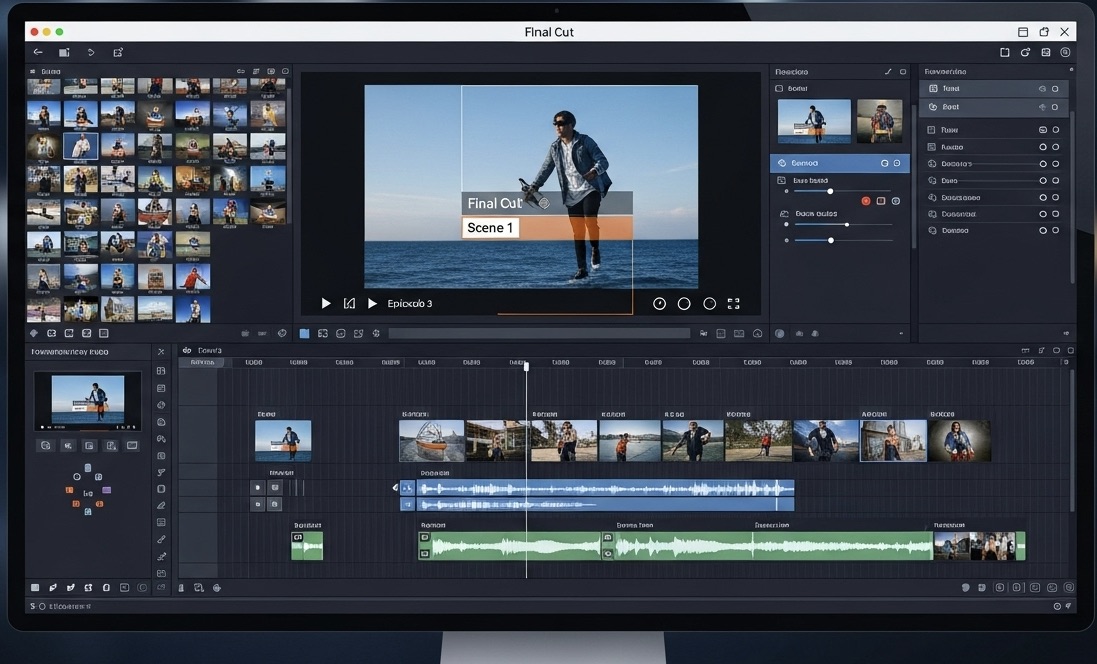
AI Clothing Video Generator
Turn a flat product photo into a video that shows how the fabric actually moves. No photoshoot, no model booking, no studio day, 3 to 5 minutes from upload to finished clip.
Trusted by Professionals and Creators from leading brands
Community Creations
The problem static product photos can't solve
Fashion e-commerce converts at just 2.0 to 3.1% on average, well below most other retail categories, and sizing uncertainty is a big reason why. A flat lay or a mannequin shot can't answer the question every shopper actually has: how does this move, how does it drape, how does it look on a body in motion. Video answers that question in a way a static photo structurally can't, which is exactly what this tool exists to generate.
From flat photo or sketch to a video that sells the drape
Upload a product photo or a design sketch, describe the mood or motion you want, and get a finished video back in minutes. This works just as well for a rendered concept before a piece even exists as it does for a finished garment ready to list. Either way, you're showing the thing customers actually need to see, movement, fit, how it sits on a body, not just color and cut.
Direction-level control over how the piece is shown
Camera motion, lighting, art style, all adjustable to match your brand's actual aesthetic instead of one default "fashion video" look. Editorial and moody for a luxury drop, bright and fast for a streetwear release, clean and minimal for basics, the tool follows your brand direction rather than forcing a house style on every collection. It's a full AI film studio built specifically for fashion, with the same level of control a brand director would want on an actual shoot.
Three Simple Steps to Create Stunning Clothing Videos
Step 1
Craft Your Prompt
Describe your clothing design, the models, the setting, and any other details you’d like to highlight in your video. You can upload a reference image to guide the AI in generating a video that perfectly matches your vision.
Step 2
Customize Your Video
Choose from a variety of art styles, camera motions, lighting effects, and aspect ratios to bring your clothing video to life. Whether you’re making a video for Instagram, YouTube, or your e-commerce site, customize it to perfectly fit your brand.
Step 3
Download or Keep Creating
Once your clothing video is ready, download it for immediate use, or continue refining it by experimenting with new prompts, effects, and styles. Keep creating fresh video variants to keep your content exciting and fresh.
Built on the models fashion brands are already using
Every clip runs on real video models, not a single house engine, Kling, PixVerse, Veo 3.1, and Hailuo, each suited to a different look. Kling for photorealistic movement and fabric physics. PixVerse for something more stylized. Veo 3.1 for hyper-realistic detail work on close-ups like texture and stitching. Pick based on the shot, not just whatever the platform defaults to.
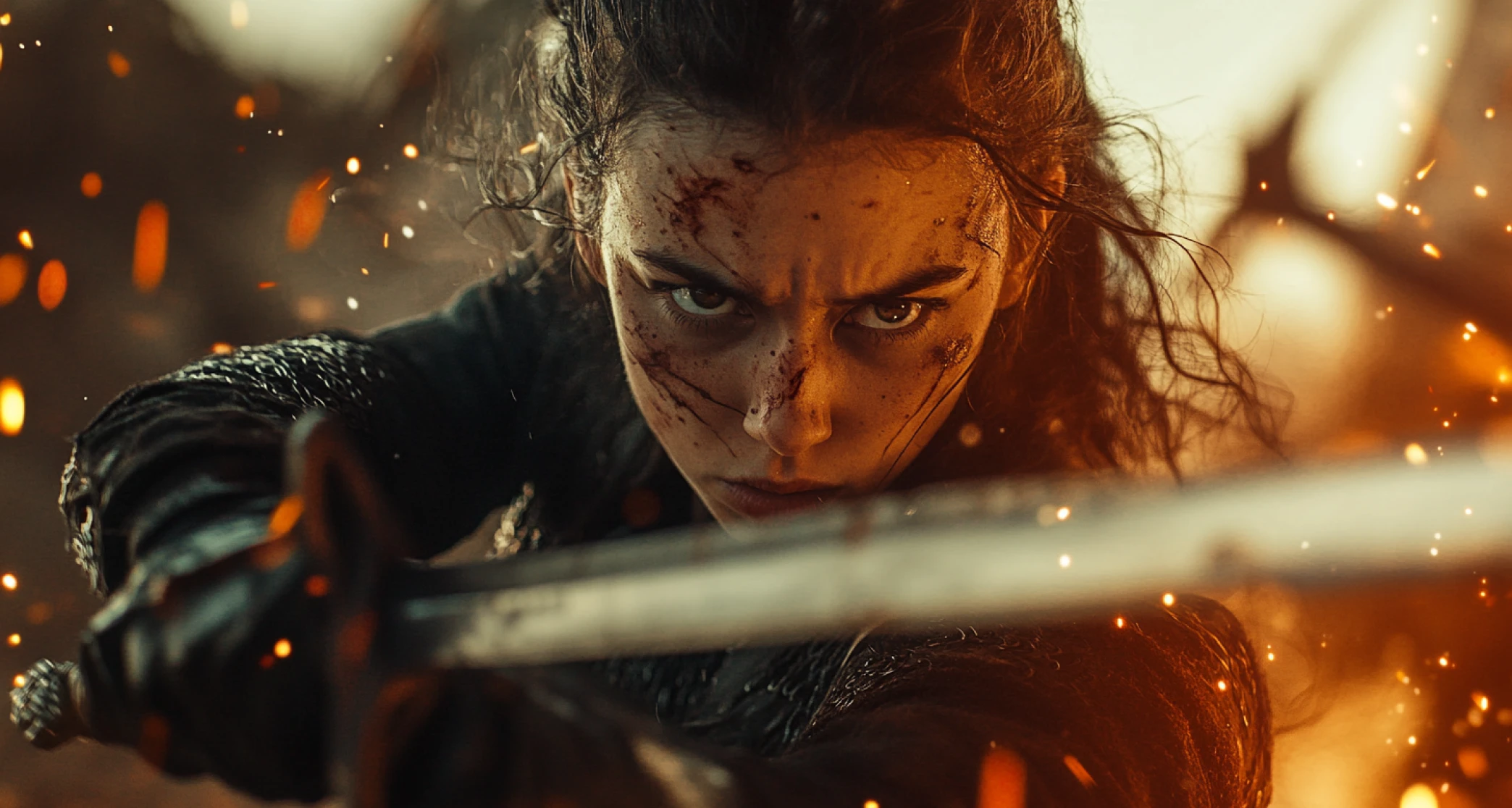
Product-detail videos for your store listings
Replace a flat product image with a short clip that shows the actual drape, stretch, and movement of the piece. This is the single highest-leverage use case here: it directly targets the sizing-uncertainty problem driving fashion's low conversion rate, right at the point where a shopper is deciding whether to add to cart.
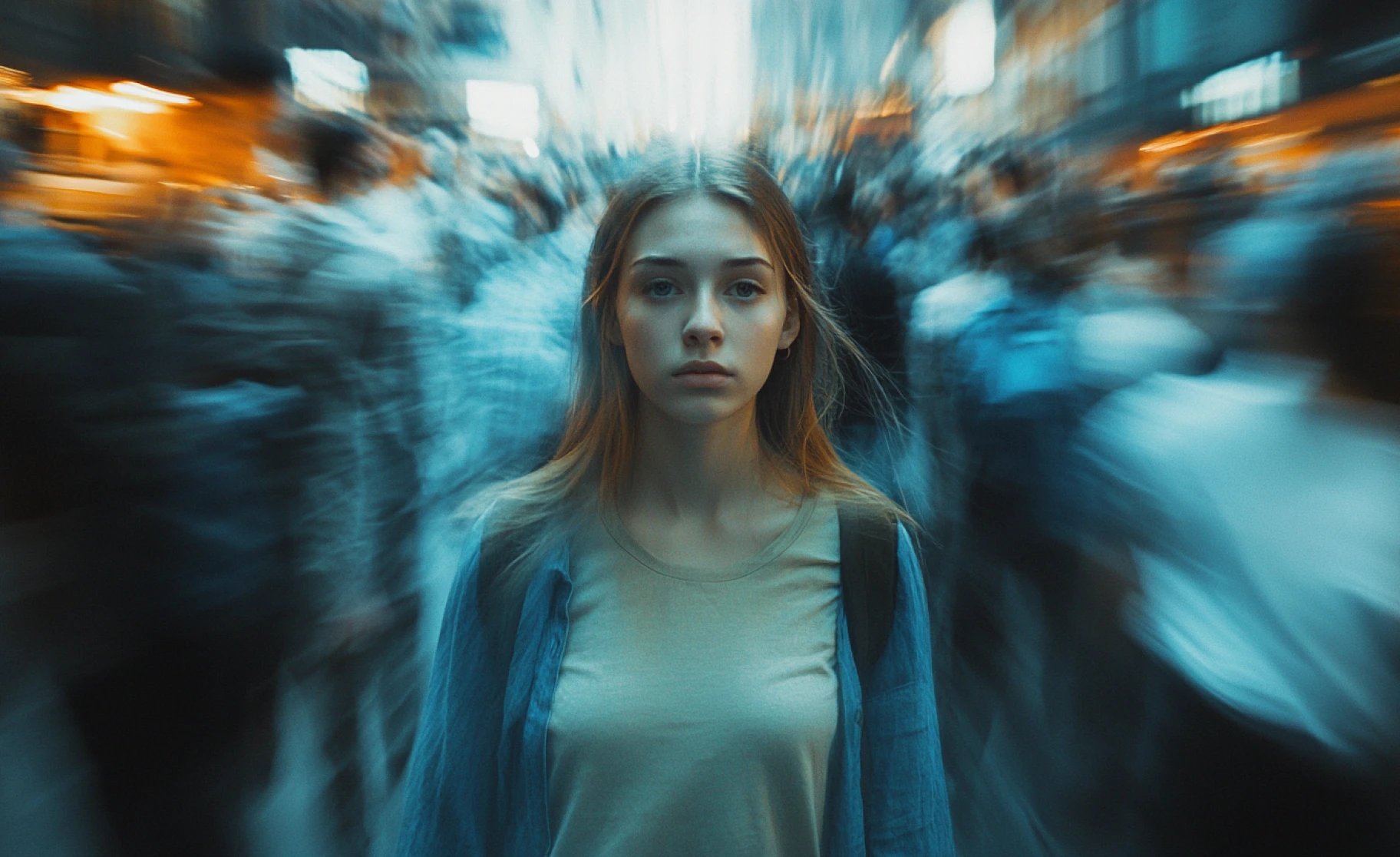
Content for drops, collabs, and influencer partnerships
Generate on-brand video fast enough to keep up with a drop calendar instead of waiting on a shoot schedule. Works for creator and influencer content too, a new outfit, a seasonal pick, a brand partnership post, all producible without booking a studio for every single piece.
You might also be interested in
Purchase a Subscription
Upgrade to get access to pro features and generate more and better
Basic
For newcomers taking their first steps
View Plans
Billed monthly
Included in plan
3Kcredits per month
Additional Features
Up to ~600 Image Generations/month
Up to ~97 Video Generations/month
General Commercial Terms
Image Generation Visibility: Public
4 Concurrent Image Generations
Complimentary Access
All GPT Models
All Gemini Models
All Claude Models
Unlimited Generations
10 Image Models
9 Video Models
Standard
For rising creators to level up their game
View Plans
Billed monthly
Included in plan
8Kcredits per month
Additional Features
Up to ~1.6k Image Generations/month
Up to ~265 Video Generations/month
General Commercial Terms
Image Generation Visibility: Private
8 Concurrent Image Generations
Complimentary Access
All GPT Models
All Gemini Models
All Claude Models
Unlimited Generations
Nano Banana
Runway Gen 4 Turbo
Midjourney V7
8 more Image Models
8 more Video Models
Ultimate
Peak performance for pros
View Plans
Billed monthly
Included in plan
16Kcredits per month
Additional Features
Up to ~3.2k Image Generations/month
Up to ~530 Video Generations/month
All styles and models
General Commercial Terms
Image Generation Visibility: Private
Complimentary Access
All GPT Models
All Gemini Models
All Claude Models
Unlimited Generations
All image models in Standard plan
All video models in Standard plan
Kling 2.6 Pro
Seedance 1.5 Pro
ChatGPT 1.5
Creator
A full production engine for powerhouses
View Plans
Billed monthly
Included in plan
100Kcredits per month
Additional Features
Up to ~20k Image Generations/month
Up to ~3.3k Video Generations/month
All styles and models
General Commercial Terms
Image Generation Visibility: Private
Complimentary Access
All GPT Models
All Gemini Models
All Claude Models
Unlimited Generations
All image models in Ultimate plan
All video models in Ultimate plan
Kling 3.0 Pro
Seedance 2 Fast
Nano Banana 2
Customer Testimonials

ApexStudios
I created an amazing clothing video in just minutes. ImagineArt made showcasing my new collection effortless!

Anya Petrova
Marketing Designer

DreamWorks
Finally, a tool that lets me animate my clothing designs without needing complex video editing software. It’s a game-changer for my brand.

Ben Harris
Product Manager

Pixels
Perfect for showcasing my latest outfits! I quickly made a stylish video that fits perfectly with my Instagram aesthetic.

Isabelle Kim
Concept Artist

Shopify
Ideal for creating fashion lookbooks. The video was ready in minutes, and it truly captured the essence of my collection.

Michael Chenn
Product Designer

TechNova
A must-have for fashion content creators. It’s fast, flexible, and delivers stunning videos every time!

Ravi Patel
Creative Manager
Have questions?
We have answers!
The AI Clothing Video Generator by ImagineArt allows you to convert your clothing photos or sketches into animated video content. Whether you’re a fashion designer, brand, or influencer, it generates stunning clothing videos that bring your designs to life.
You can create high-quality clothing videos for e-commerce sites, influencer content, fashion lookbooks, and promotional material. Whether it's a short Instagram clip or a full-length runway video, ImagineArt delivers great results.
Most clothing videos are ready in just 3-5 minutes, allowing you to quickly turn your clothing designs or product photos into polished video content.
No! Simply input your clothing details or upload a reference image, and the AI will generate a fully animated video for you—no editing skills required.
Yes! Choose from a variety of styles, such as chic fashion looks, casual wear, or high-end runway-inspired visuals. The AI adapts to your clothing collection’s aesthetic to create the perfect video.
Yes, the videos generated are suitable for commercial use, including online stores, fashion campaigns, and influencer promotions.
Yes! You can modify your video by adjusting formats, aspect ratios, and adding background music or effects to better align with your vision.
AI models like Kling, PixVerse, Google Veo 3, and Hailuo are ideal for generating high-quality clothing videos that showcase your designs in stunning detail.