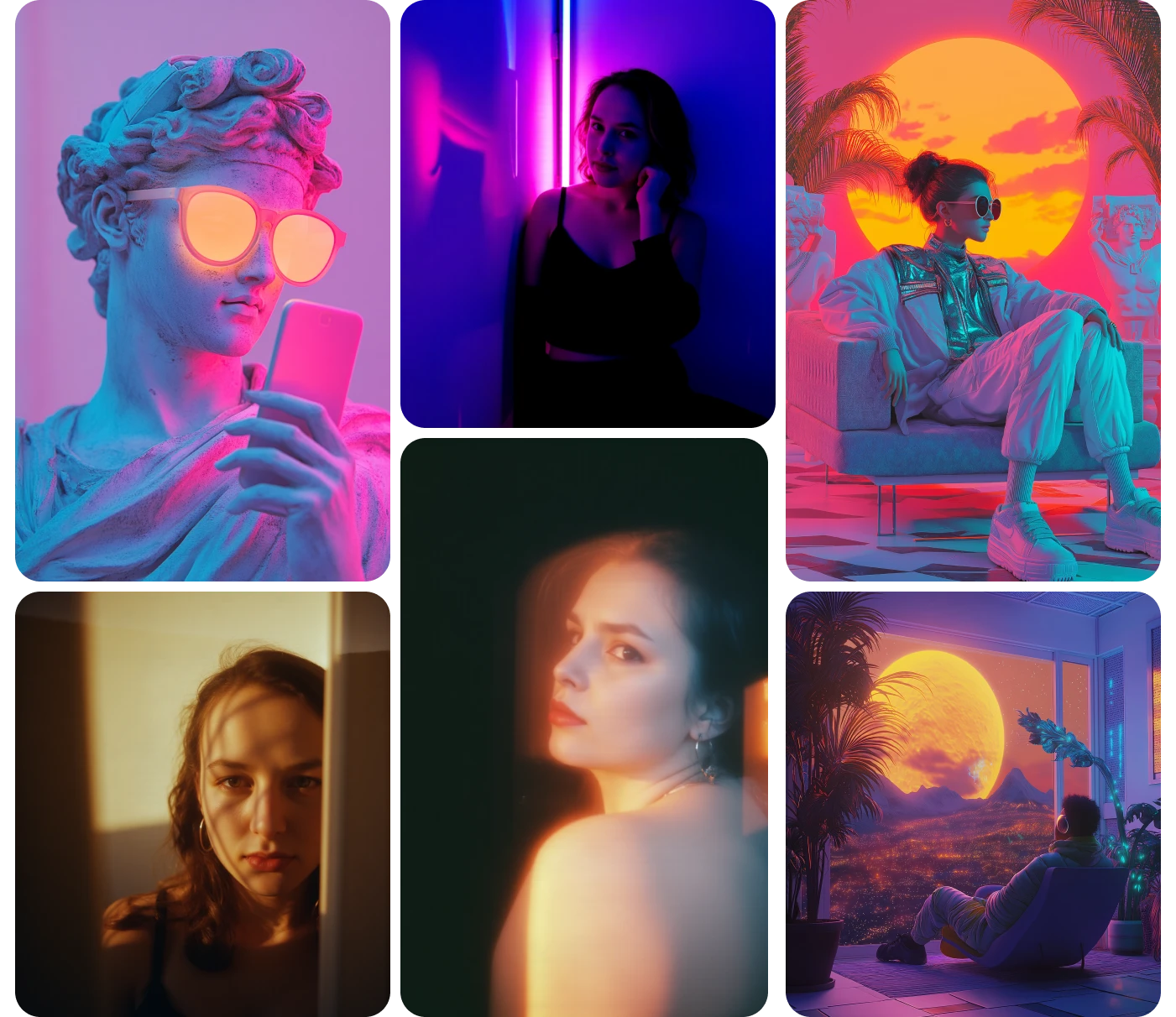
AI Aesthetic Generator
Describe the aesthetic you're after and generate images in it: wallpapers, mood boards, profile art, feed sets, room concepts, product mockups. Below there's a breakdown of how to describe an aesthetic precisely enough to get it, which matters more here than on most image tools.
Community Creations
Introducing ImagineArt Aesthetic Generator Tool
ImagineArt Aesthetic Generator uses powerful AI to instantly turn your ideas into visually stunning, aesthetic images. Just type in your concept—whether it’s a mood, theme, or creative direction—and the AI image generator brings it to life in seconds. Perfect for creators, designers, and brands looking to craft eye-catching visuals effortlessly.
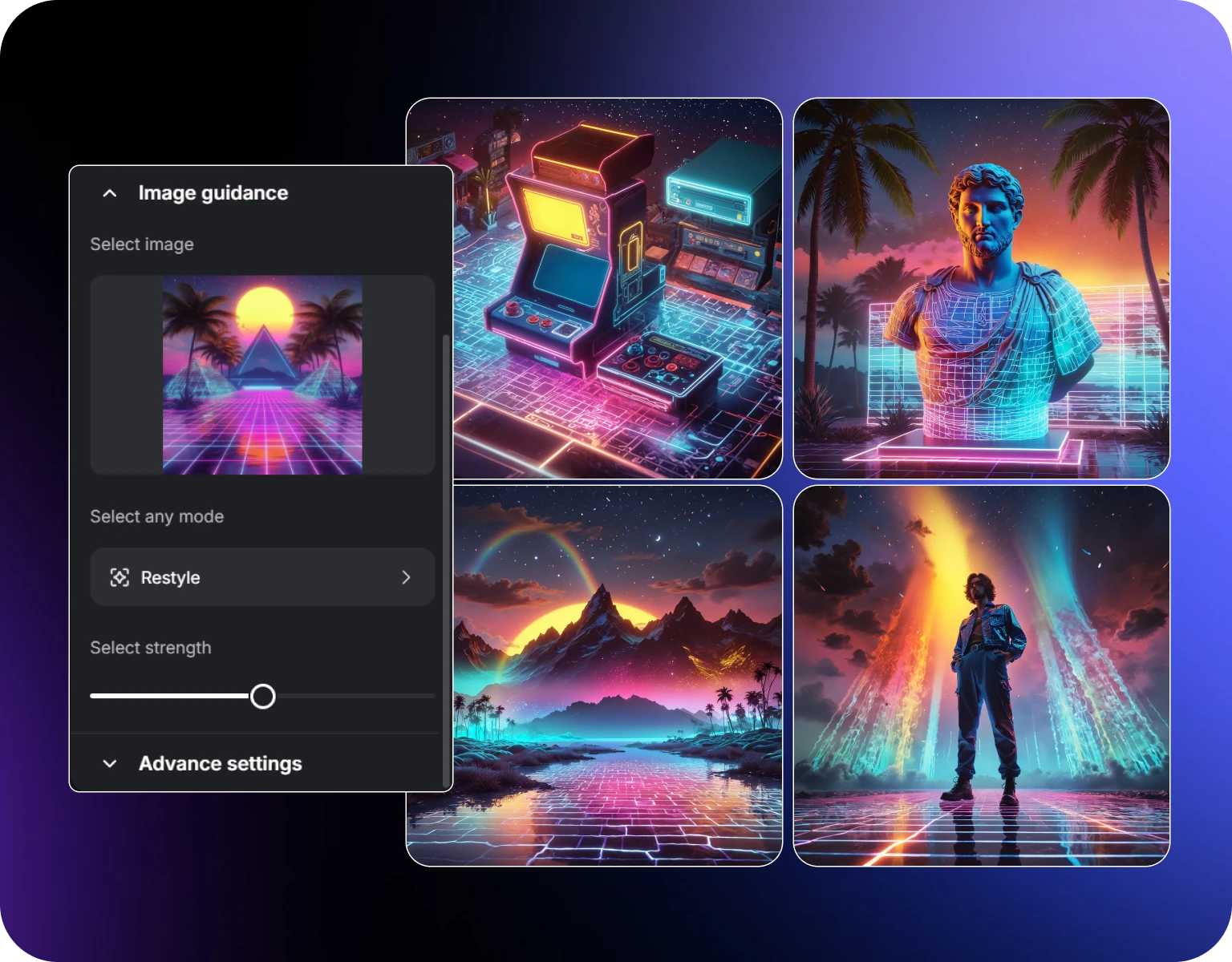
Build a Feed That Looks Like One Feed
The reason some accounts look put together isn't better photography — it's consistency. Same palette, same light, same texture, post after post.
The practical method: settle on your palette, light and texture once, then keep that part of the prompt fixed and change only the subject. Ten images generated that way will sit next to each other as a set rather than as ten unrelated pictures. Save the fixed portion of your prompt somewhere you can paste it from.
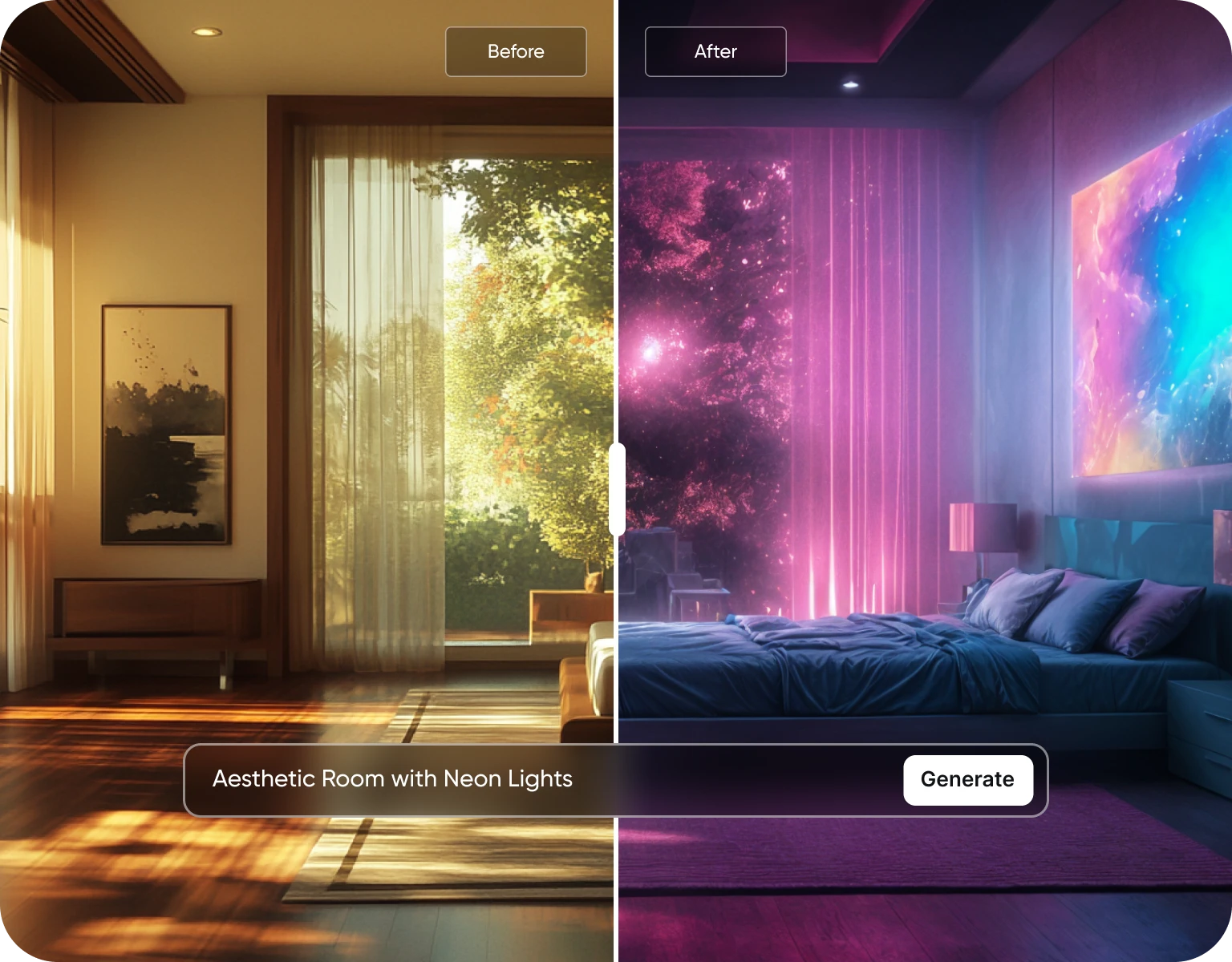
Room and Space Concepts
Aesthetic interiors are one of the most searched uses for this kind of tool, mostly for planning: what would this room look like as a warm-neutral space, a dark cosy setup, a neon gaming corner.
Generate several versions of the same room brief with different palettes and lighting, and compare them side by side before buying anything. It works well as a mood board — the output is a concept to react to, not a plan to build from. Dimensions, furniture that actually exists, and anything you'd hand a contractor need real design tools.
Wallpapers, Profile Art and Print
Phone and desktop wallpapers, profile pictures, banners, stream overlays, sticker and print concepts. Generate in the aspect ratio of the destination, tall for phone lock screens, wide for desktop and banners, square for avatars.
If you're printing, generate first and then upscale. Output resolution is [RESOLUTION], which is comfortable for screens; for anything above roughly A4 in print, run it through the Image Upscaler and check the result at 100% before you send it off.
How to Generate AI Aesthetic Designs with ImagineArt?
Step 1
Describe Your Image
Tell us the kind of aesthetic you're looking for, whether it's soft, bold, or something in between. Just describe your idea, and ImagineArt will handle the rest.
Step 2
Create Your Unique Aesthetic Image
ImagineArt takes your description and quickly turns it into a beautiful aesthetic image. It’s fast, easy, and feels like magic.
Step 3
Download and Enjoy Instantly
Once your image is ready, download it right away. It’s high quality and ready to use anywhere you need it.
AI Image Customer Testimonials
Lear what AI creators say about ImagineArt AI aesthetic generator.

“I love this platform very easy to navigate through whatever you need to create. Excellent image generation and video generation. The pricing is very reasonable also. Thank you Imagineart for an amazing experience.”
“Imagine art is one of the best platforms for new AI creators offering the best prices, the market leader like Higgsfield are great but their prices are too high. Thank you imagine art for making AI Video models affordable.”
“ImagineArt is a powerful creative suite, but if you want to leverage its flagship photorealistic and cinematic models, you’ll need to invest in a top‑tier account. For casual creators, the free/basic tier is sufficient, but professionals aiming for commercial‑grade visuals will find the upgrade essential.”
“ImagineArt is an amazing AI art platform with an intuitive interface, fast image generation, and impressive results. It offers a great variety of styles and tools, making it easy to bring creative ideas to life. Whether you're a beginner or a professional, it's a reliable and enjoyable tool for creating high-quality artwork. Highly recommended! ”
“ImagineArt has a really amazing interface, well layered and clean. The workflow feature really makes working easy with all tools available in one place. One other thing, when I tested models like for instance Nano Banana 2 on ImagineArtAi and other Ai brands I got better results and higher quality on ImagineArtAi. It goes to show how much they have invested in making it the best of the best”
“Using imagine has honestly been a great experience overall. The image quality is impressive, especially for cinematic and anime-style generations, and the platform feels smooth compared to many other AI tools. Prompt understanding is strong, and the renders usually come out detailed and visually appealing even without overly complex descriptions. One thing I really like is how easy the interface is to use. It doesn’t feel confusing for beginners, but still has enough features for advanced creators. The video and motion tools also have a lot of potential and can create very eye-catching content for reels and edits. ”
Purchase a Subscription
Upgrade to get access to pro features and generate more and better
Basic
For newcomers taking their first steps
View Plans
Billed monthly
Included in plan
3Kcredits per month
Additional Features
Up to ~600 Image Generations/month
Up to ~97 Video Generations/month
General Commercial Terms
Image Generation Visibility: Public
4 Concurrent Image Generations
Complimentary Access
All GPT Models
All Gemini Models
All Claude Models
Unlimited Generations
10 Image Models
9 Video Models
Standard
For rising creators to level up their game
View Plans
Billed monthly
Included in plan
8Kcredits per month
Additional Features
Up to ~1.6k Image Generations/month
Up to ~265 Video Generations/month
General Commercial Terms
Image Generation Visibility: Private
8 Concurrent Image Generations
Complimentary Access
All GPT Models
All Gemini Models
All Claude Models
Unlimited Generations
Nano Banana
Runway Gen 4 Turbo
Midjourney V7
8 more Image Models
8 more Video Models
Ultimate
Peak performance for pros
View Plans
Billed monthly
Included in plan
16Kcredits per month
Additional Features
Up to ~3.2k Image Generations/month
Up to ~530 Video Generations/month
All styles and models
General Commercial Terms
Image Generation Visibility: Private
Complimentary Access
All GPT Models
All Gemini Models
All Claude Models
Unlimited Generations
All image models in Standard plan
All video models in Standard plan
Kling 2.6 Pro
Seedance 1.5 Pro
ChatGPT 1.5
Creator
A full production engine for powerhouses
View Plans
Billed monthly
Included in plan
100Kcredits per month
Additional Features
Up to ~20k Image Generations/month
Up to ~3.3k Video Generations/month
All styles and models
General Commercial Terms
Image Generation Visibility: Private
Complimentary Access
All GPT Models
All Gemini Models
All Claude Models
Unlimited Generations
All image models in Ultimate plan
All video models in Ultimate plan
Kling 3.0 Pro
Seedance 2 Fast
Nano Banana 2
Have questions?
We have answers!
An AI Aesthetic Generator is a tool that uses artificial intelligence to create visually appealing and trendy aesthetics for your online presence.
Simply input your desired style or keywords, and our AI will generate a variety of aesthetic options tailored to your preferences.
Yes, you can use our AI Aesthetic Generator for both personal and commercial purposes.
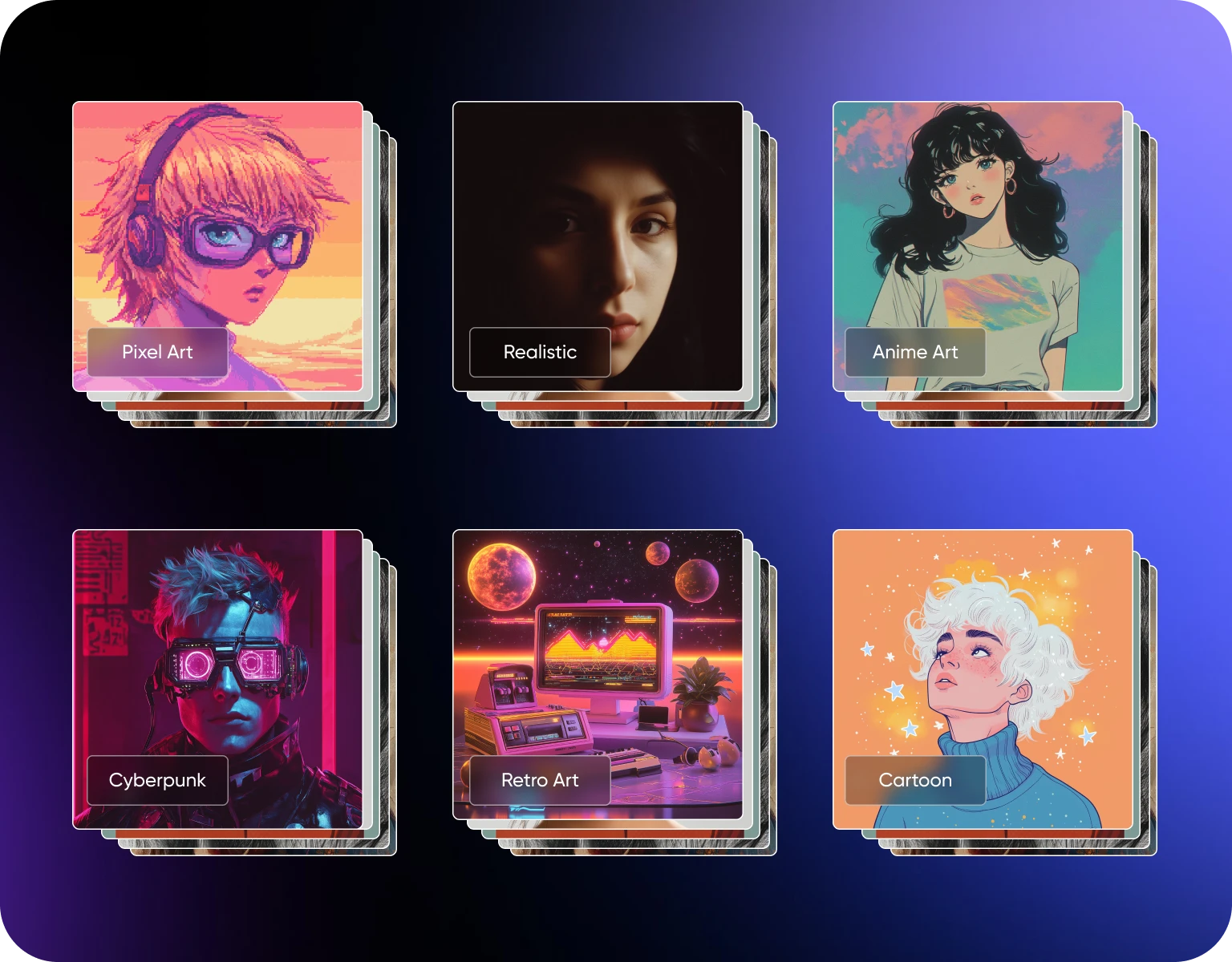
Our AI can generate a wide range of aesthetics, from vintage and minimalist to modern and futuristic.
Yes, our tool can be used to generate aesthetically pleasing elements that complement your online presence.
Unleash Your Aesthetic Potential
Try our AI Aesthetic Generator for free and create stunning visuals!