
Syed Anas Hussain
April 28, 2026 • Updated July 13, 2026
13 mins Read
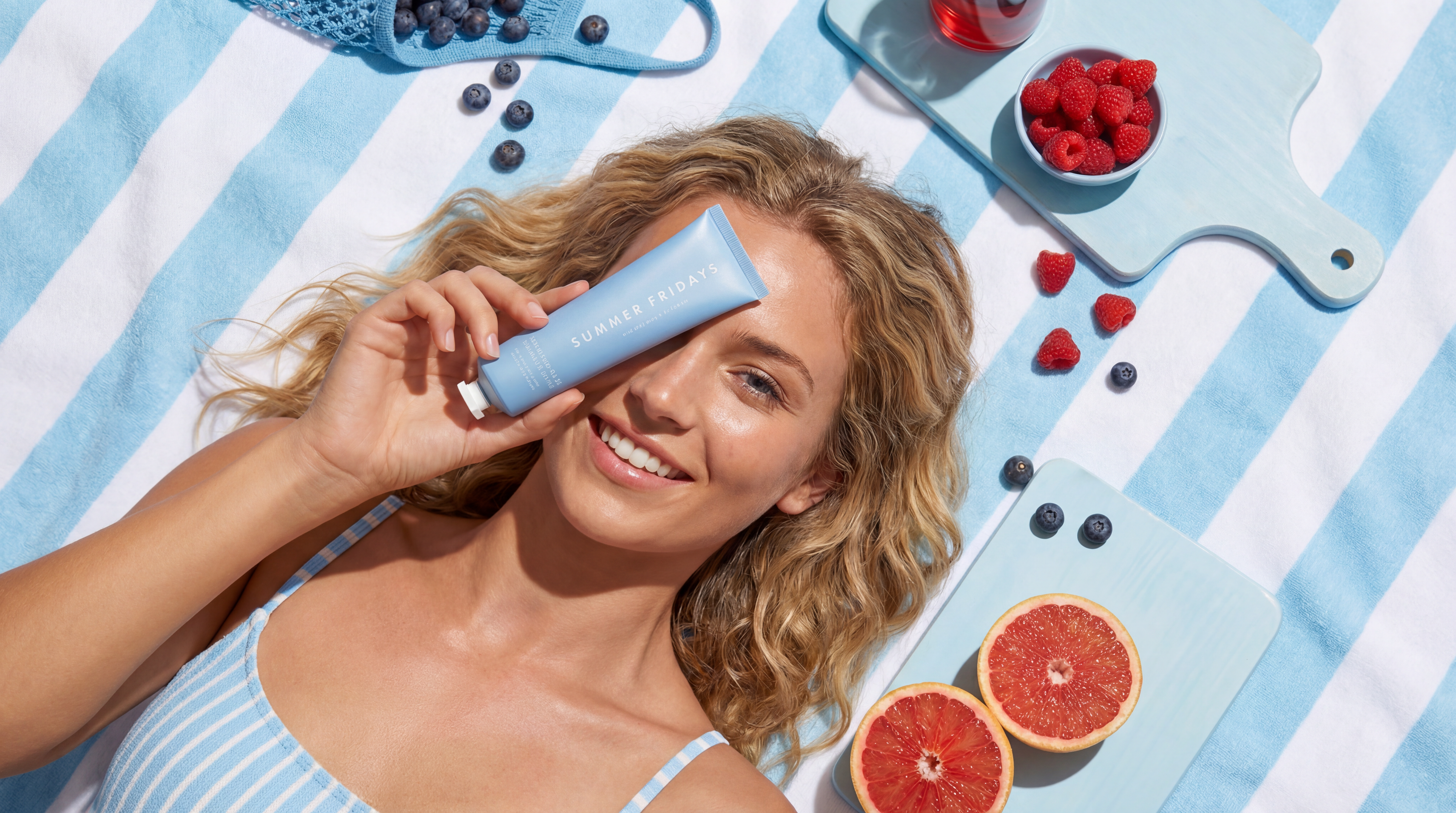
A UGC content creator makes brand-friendly videos, photos, and reviews that look like they came from a real customer — not an ad agency. Brands pay for this content because it outperforms polished ads: 92% of consumers trust user-generated content over brand messaging, and UGC-based ads see up to 4x higher click-through rates. The barrier to entry is low — you don't need a following, expensive equipment, or on-camera experience. And in 2026, you don't even need to show your face. AI avatars, lipsync technology, and voice cloning now let UGC creators produce professional, authentic-feeling content without ever appearing on camera. This guide covers what a UGC creator actually does, what they earn, and how to become a UGC creator using AI tools — specifically the faceless UGC workflow.
What Is a UGC Creator?
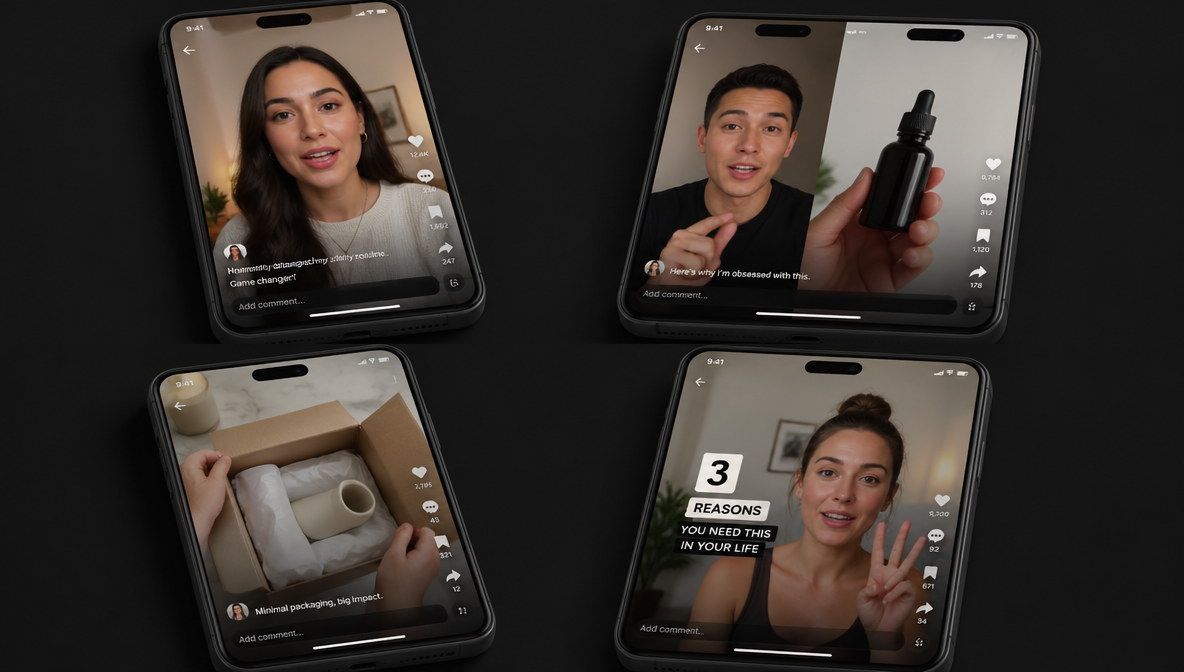
A UGC creator (user-generated content creator) produces content for brands that looks and feels like it was made by an everyday consumer. The content is designed for use in paid ads, social media posts, product pages, and email campaigns. The creator is paid for the content itself — not for posting it to their own audience.
The numbers behind UGC explain why brands are investing heavily. Consumer trust in peer-created content stands at 92%, and UGC drives 10x higher conversion rates than brand content. UGC-based ads receive 4x higher click-through rates versus traditional ads, and product pages featuring UGC convert 161% higher. The UGC platform market is projected to reach $8.48 billion in 2026, and 67% of retailers plan to increase their UGC investment. Yet only 16% of brands have a dedicated UGC strategy — which means massive opportunity for creators entering the space now.
This is the key distinction between a UGC content creator and an influencer:
| UGC Creator | Influencer | |
|---|---|---|
| Audience required? | No | Yes — brands pay for reach |
| Content posted where? | Delivered to the brand — they post it | Posted on the influencer's own channels |
| What brands pay for | The content itself (video, photo, review) | Access to the influencer's followers |
| Follower count matters? | No — content quality and authenticity matter | Yes — rates scale with follower count |
| Typical formats | Product reviews, unboxings, testimonials, how-tos, "get ready with me" | Sponsored posts, stories, brand partnerships |
UGC creators are hired because authentic-looking content converts better than studio-produced ads. A short video of someone showing how a product fits into their daily life consistently outperforms a high-production brand commercial on platforms like TikTok, Instagram Reels, and Meta Ads.
How to Become a UGC Creator with AI: Step-by-Step
Step 1: Pick Your Niche
Start with a product category you know or care about. The best UGC content comes from genuine understanding of the product and its audience. Strong niches in 2026 include skincare and beauty, tech and SaaS, fitness and supplements, home and kitchen, fashion and accessories, and pet products.
Your niche determines which brands you'll pitch, what kind of scripts you'll write, and how you position your portfolio. Pick one to start — you can expand later.
Step 2: Build Your AI UGC Toolkit
For faceless UGC, you need three things: an avatar, a voice, and a way to sync them. ImagineArt provides all three inside one platform.
Lipsync Studio — The core tool for faceless UGC. Upload a photo or AI-generated character image, add audio (recorded or AI-generated), and select a model. Supported by Google Veo 3.1, Kling, ByteDance, Infiniti Talk, and WAN. The output is a video of your avatar speaking your script with accurate lip movement.
Voice Studio — ImagineArt's AI voice platform. Text-to-speech with natural, human-like quality. Voice cloning from a short audio sample. Multilingual support across dozens of languages. Adjust speed, tone, and speaking style to match the content mood. Use this to generate the audio track that feeds into Lipsync Studio.
AI Image Generator — Generate your avatar's face and appearance. Use ImagineArt 2.0 or other models to create a consistent character that becomes your UGC "creator persona." Once you have a look you like, reuse it across all your content for brand consistency.
The workflow: Write script → Generate voiceover in Voice Studio → Generate or upload avatar image → Feed both into Lipsync Studio → Export UGC video.
All of this runs on ImagineArt credits under one subscription. No switching between tools, no separate audio subscriptions.
Step 3: Write Scripts That Convert
The script is what makes UGC work — not the production quality. Brands hire UGC creators because the message feels authentic. AI tools handle the production; your value is in the writing.
The hook (first 2 seconds): Stop the scroll. Lead with a problem, a surprising claim, or a direct question. "I didn't think a $30 product could replace my entire skincare routine." "This is the only thing that actually fixed my [problem]."
The body (10–30 seconds): Show the product in context. Explain what it does, how you use it, and why it matters. Be specific — "It reduced my morning routine from 20 minutes to 5" is better than "It's really great."
The CTA (last 3–5 seconds): Direct, simple. "Link in bio." "Try it — you won't go back." "Use code [X] for 15% off."
Write scripts in batches. A single afternoon of writing can produce 10–15 scripts that you then produce using your AI toolkit. This is where faceless UGC scales — traditional creators need separate filming sessions for each script. With AI, you generate all 15 videos in one sitting.
Step 4: Build a Portfolio
Brands won't hire you without proof. Create 5–10 sample UGC videos using your AI workflow — even if they're for products you chose yourself (spec work). Pick popular products in your niche and create the content as if a brand had commissioned it.
Your portfolio should demonstrate script quality and hook strength, natural-sounding voiceover, professional avatar presentation, variety (different formats — testimonial, unboxing, problem/solution), and understanding of platform-native style (vertical video, casual tone, quick cuts).
Host your portfolio on a simple website, Notion page, or Google Drive folder. Include your rates, turnaround time, and content examples.
Step 5: Find Brands and Pitch
UGC creators find work through three channels:
UGC platforms — Marketplaces that connect creators with brands. Collabstr, Billo, Insense, JoinBrands, and Trend.io are active in 2026. Create a profile, list your rates, and apply to briefs. These platforms handle payment and contracts.
Direct pitching — Find brands already running UGC-style ads (check Meta Ad Library for any brand's active ads). If they're running creator-style content, they need fresh material. Email their marketing team with your portfolio, your rates, and a sample script tailored to their product.
LinkedIn and social outreach — Many B2B and DTC brands hire UGC creators through LinkedIn. Post your sample work, tag brands, and connect with marketing managers. SaaS, fintech, and e-commerce brands are particularly active here.
Step 6: Deliver, Invoice, and Build Repeat Relationships
Professional delivery builds repeat business. Set clear expectations on turnaround time (most brands expect 3–7 days), include a revision round in your rate, deliver files in the correct format and resolution, and invoice promptly with clear line items.
The best UGC creators treat this as a business from day one. Track your pitches, follow up on leads, and build long-term relationships with brands that rehire consistently. A brand that hires you monthly is worth more than 10 one-off projects.
What Types of Content Do UGC Creators Make?
UGC content spans a range of formats, but the most in-demand types in 2026 are short-form video. Brands need content that works in paid social ads, and that means videos between 15–60 seconds that feel native to the platform.
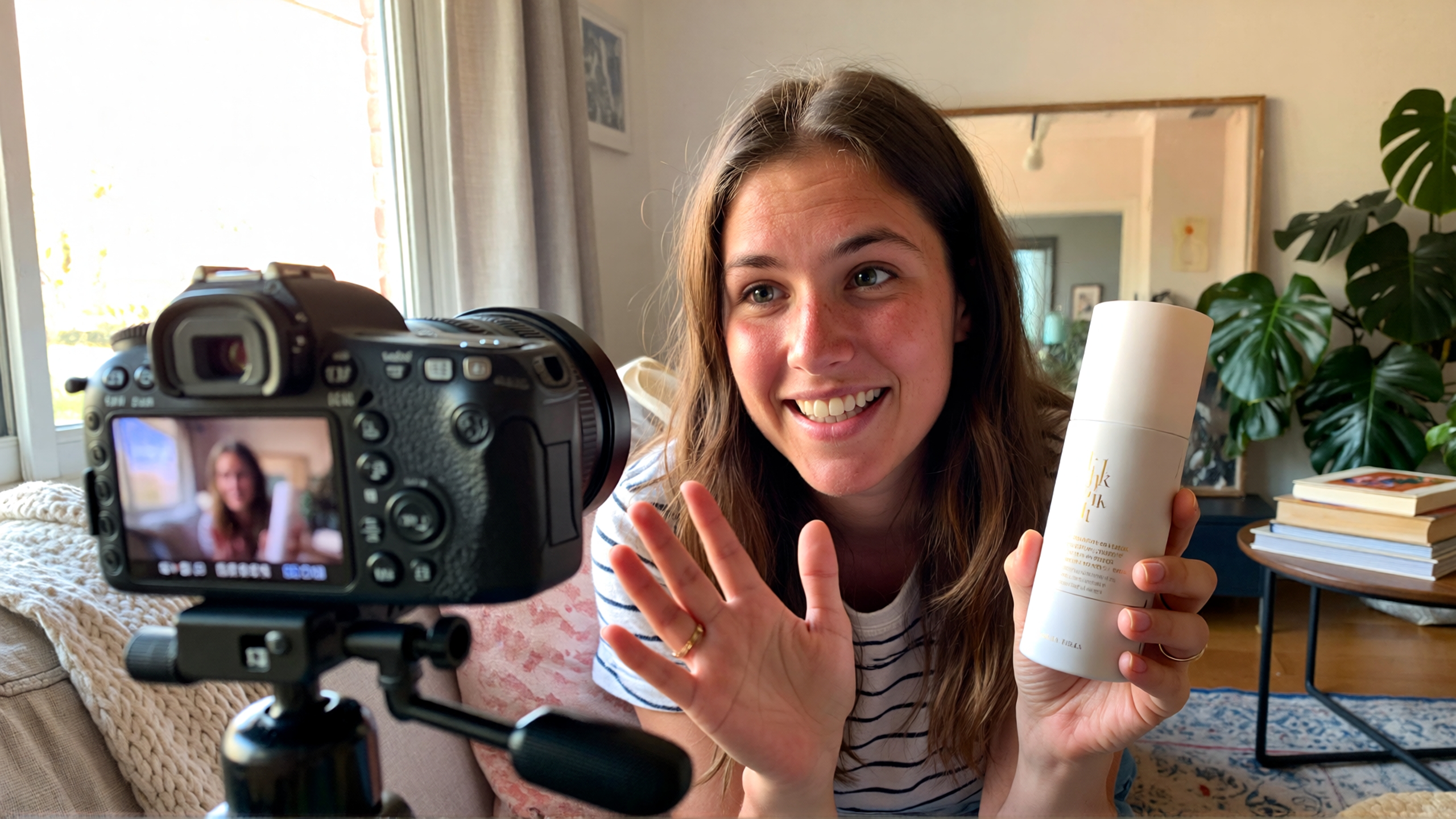
Product reviews and testimonials — "I've been using this for two weeks, and here's what I think." The most common UGC format. Straightforward, opinion-driven, shot from the creator's perspective.
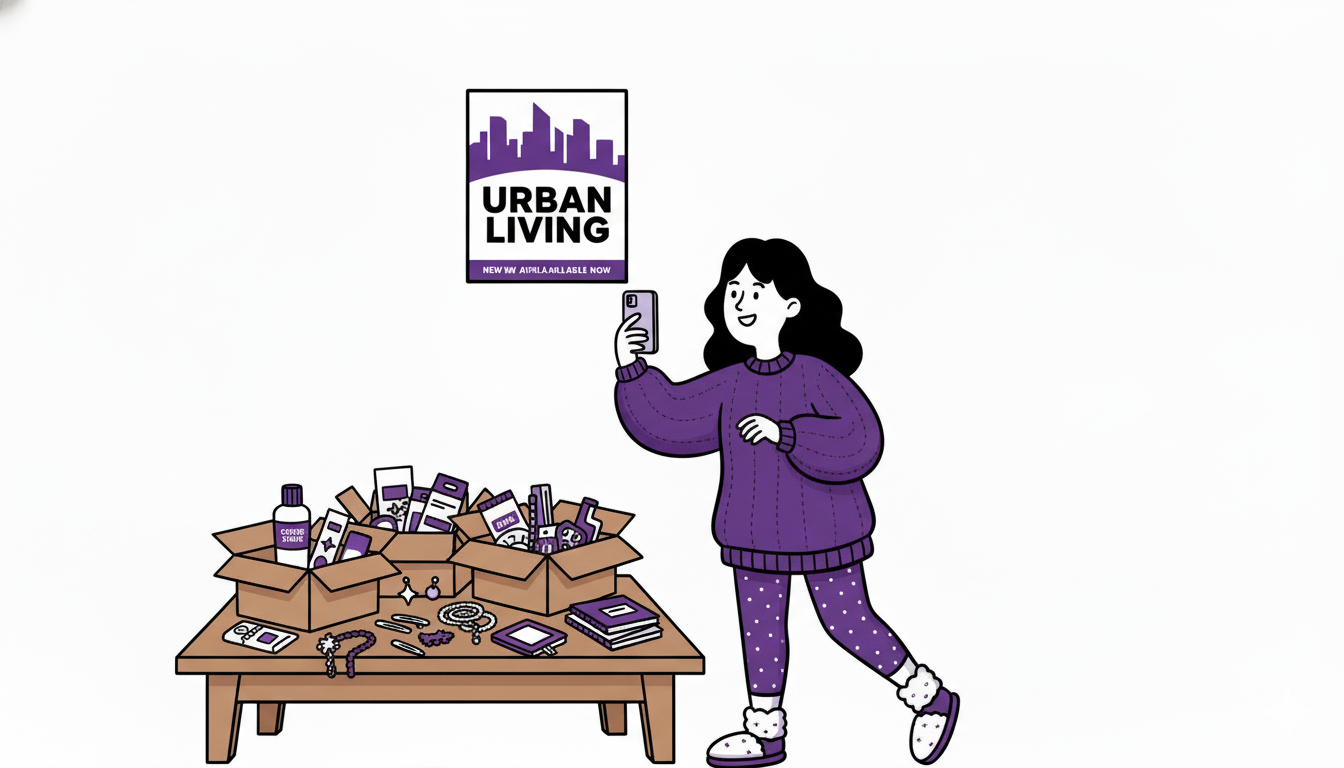
Unboxing videos — First impressions of a product, filmed as the creator opens it. Brands use these for launch campaigns and social proof.
How-to / tutorial content — Showing how a product works in real life. "Here's how I use this every morning." Particularly valuable for skincare, tech, and kitchen brands.
"Get ready with me" (GRWM) — A creator walks through their routine while featuring the brand's product. Works well for beauty, fashion, and wellness brands.
Problem/solution hooks — "I used to struggle with [problem]. Then I found [product]." This format drives conversion because it mirrors real customer experiences.
Lifestyle integration — The product appears naturally in the creator's daily life. No hard sell — just authentic use. Brands use these for top-of-funnel awareness.
The formats above have traditionally required a creator to appear on camera. That's changing. AI-powered tools now make it possible to produce UGC content without showing your face — opening the field to creators who prefer to work behind the scenes.
How Much Do UGC Creators Earn?
UGC creator income varies based on experience, niche, content complexity, and usage rights. Here's what the market looks like in 2026:
| Experience Level | Rate per Video | Monthly Earning Potential |
|---|---|---|
| Beginner (0–3 months) | $50–$150 | $500–$1,500 |
| Intermediate (3–12 months) | $150–$350 | $1,500–$4,000 |
| Experienced (1+ year) | $300–$500+ | $4,000–$8,000+ |
| Full-time / agency-level | $500–$2,000+ per project | $8,000–$15,000+ |
Additional revenue streams for UGC creators:
- Usage rights / licensing — if the brand wants to run your content as paid ads, that's additional value. Many beginners leave this on the table. Licensing can add 50–100% on top of the base rate.
- Bulk packages — offering 3–5 videos at a discounted bundle rate increases average deal size and builds repeat relationships.
- Raw footage — some brands want unedited files for their internal editing teams.
- Whitelisting / Spark Ads — allowing brands to run ads through your account or profile.
For a deeper breakdown on monetization strategies, see our guide on how to make money with UGC.
The Rise of Faceless UGC: Why AI Changes Everything
Here's the shift most guides haven't caught up to: you no longer need to appear on camera to be a UGC content creator.
Traditional UGC requires a human face, a voice, and a physical setup — ring light, tripod, decent audio. That works for creators who are comfortable on camera. But a large number of potential creators are held back by exactly that requirement. They can write scripts, understand marketing, and know what makes content convert — but they don't want to be on screen.
Faceless UGC solves this with three AI capabilities:
1. AI Avatars — Generate a realistic digital human from a photo or from scratch. The avatar becomes your on-screen "creator" — a virtual person who delivers your script naturally.
2. AI Lipsync — Upload an image and an audio track, and the AI generates a video where the avatar speaks the words with accurate lip movement. The result looks like a real person talking to camera.
3. AI Voice Cloning — Clone a voice from a short audio sample, or generate natural speech from text in multiple accents and tones. Pair this with lipsync for a complete faceless UGC video that sounds and looks human.
This isn't theoretical — brands are already accepting AI-generated UGC in 2026. The content performs because it's the script and the authenticity of the message that drives conversion, not the specific human delivering it. A well-written review delivered by an AI avatar with natural voice and lipsync converts the same way a traditional UGC video does.
The Faceless UGC Workflow on ImagineArt
Here's the complete workflow for producing a faceless UGC video on ImagineArt, from script to export:
| Step | Tool | What You Do |
|---|---|---|
| 1. Write your script | — | Write a 15–60 second UGC script with a hook, body, and CTA |
| 2. Generate voiceover | Voice Studio | Paste your script → select voice style, accent, tone → generate audio. Or clone a voice from a sample. |
| 3. Create your avatar | AI Image Generator | Generate a realistic character face. Use the same character across all your content for consistency. |
| 4. Generate lipsync video | Lipsync Studio | Upload avatar image + audio → select model (Kling, Veo 3.1, WAN) → generate video with accurate lip movement |
| 5. Add product visuals (optional) | AI Video Generator | Generate product shots or B-roll to intercut with your avatar video |
| 6. Add background music (optional) | Music Studio | Generate a royalty-free background track that matches the content mood |
| 7. Export and deliver | — | Download in the correct format and resolution. Deliver to the brand. |
Every step runs on ImagineArt credits under one subscription. No external tools needed for the complete faceless UGC production pipeline.
For teams producing at volume, ImagineArt's AI Workflow lets you chain these steps into a repeatable pipeline — build the pipeline once, reuse it for every brief.
Do You Still Need to Appear on Camera?
No — but it depends on the brand. Some brands specifically request a real human on camera for authenticity. Others are fully open to AI-generated presenters, especially for paid ad content where performance metrics matter more than the specific face in the video.
In practice, the market is splitting into two lanes:
Traditional UGC — real person on camera, authentic feel, personal connection. Still the majority of briefs in 2026, especially for beauty, fashion, and lifestyle brands.
AI-powered / faceless UGC — AI avatar with lipsync and voice. Growing fast, particularly for tech, SaaS, supplement, and DTC e-commerce brands that prioritize conversion metrics over personal connection. Also popular for brands operating in multiple languages — AI voice and avatar scale internationally without hiring local creators.
The smart approach is to offer both. Many UGC creators in 2026 use AI to scale their output: they appear on camera for high-value briefs and use their AI avatar for volume production, batch content, and multilingual variations.
Common Mistakes New UGC Creators Make
Waiting until everything is "perfect." Start with what you have. Your first 5 videos won't be your best — but they'll be your portfolio. Brands care about potential and consistency, not perfection.
Underpricing. Beginners often charge $25–$50 for a video that's worth $150+. Research market rates, factor in your time (scriptwriting + production + revisions), and price accordingly. If a brand is using your content in paid ads, that's additional licensing value.
Ignoring the script. Production quality matters, but the script is what converts. A well-written hook with average production outperforms a beautiful video with a weak message every time.
Not tracking pitches. Treat outreach like a sales pipeline. Track who you've contacted, when, what the response was, and when to follow up. A simple spreadsheet works.
Skipping usage rights. If a brand wants to run your content as paid ads — on Meta, TikTok, YouTube — that's a separate licensing fee. Many beginners give this away for free. Don't.
FAQs
A UGC creator (user-generated content creator) produces brand-friendly content — videos, photos, and reviews — that looks like it came from a real customer. Brands hire UGC creators for authentic content that performs well in ads and on social media. No audience or following is required.
Pick a niche, create 5–10 sample videos (spec work for real products), build a portfolio, and start pitching brands or applying on UGC platforms like Collabstr and Billo. AI tools like ImagineArt's Lipsync Studio and Voice Studio let you create professional content without appearing on camera.
Yes. Faceless UGC is a growing category in 2026. AI avatars, lipsync technology, and voice cloning let you produce authentic-looking UGC content without appearing on camera. ImagineArt provides all three tools under one subscription.
Beginners typically earn $50–$150 per video. Experienced creators charge $300–$500+ per video. Full-time UGC creators earning $5,000–$15,000+ per month is common with repeat clients and usage rights licensing.
For traditional UGC: a smartphone, ring light, tripod, and basic editing. For faceless AI UGC: ImagineArt's Lipsync Studio (avatar + lip movement), Voice Studio (text-to-speech and voice cloning), and AI Image Generator (avatar creation). All available under one ImagineArt subscription.
Faceless UGC is user-generated content produced without the creator appearing on camera. AI avatars deliver the script with realistic lip movement and AI-generated voice. Brands use faceless UGC for paid ads, multilingual content, and volume production.
Yes — and increasingly so in 2026. Brands that prioritize ad performance metrics over personal creator identity are open to AI-generated UGC, especially for tech, SaaS, supplements, and DTC e-commerce. Always disclose your workflow to brands upfront.
Syed Anas Hussain
Syed Anas Hussain is a computer scientist blending technical knowledge with marketing expertise and a growing passion for AI innovation. Curious by nature, he dives into new AI sciences and emerging trends to produce thoughtful, research-led content. At ImagineArt, he helps audiences make sense of AI and unlock its value through clear, practical storytelling.