AI Video Effects Generator
Switch styles, swap worlds, and transform your videos with AI Video Effects Generator
Trusted by Professionals and Creators from leading brands
Community Creations
Add Automated Visual Effects
Transform your video content with Hollywood-style visual effects, including explosion, atomic blast, zoom in, glitch, time lapse, and more, without any manual editing or third-party tools. With simple prompt or effect selection, you can create videos for gaming and filmmaking content.
Switch Between Styles and Filters
With the AI video effect generator, you can apply different video styles and filters, converting your ordinary footage into a Japanese anime or cyberpunk aesthetic. Edit and experiment with different artistic filters to revamp the look and feel of your content — without any frame-by-frame manual editing.
Change Environments and Backgrounds
Add or remove the background without any green screen or re-shooting. The AI detects and manipulates the background without disrupting other objects or subjects in the video. You can add different settings, change environments, and add motion graphics to experiment.
Create Stylized Videos with AI Video Effects Generator
Step 1
Input
Upload or select the video from ImagineArt creations. You can also generate a video by adding start and end frame images along with a description of scenes, character interactions, and transitions.
Step 2
Add Video Effects
Click on effects and choose from the wide variety of visual effects. Select the video duration, resolution, aspect ratio, and preferred AI video generation model.
Step 3
Edit or Export
Click the generate button and wait for a couple of minutes. Refine your prompt if the video doesn’t align with your vision. Download once you are satisfied with the results.
Generate Smooth Transitions
Cuts are where AI video usually gives itself away. Instead of hard jumping between two looks, the model generates the frames in between, so the scene morphs with continuity in the subject, the light direction, and the motion.
That gives you the transitions short form actually uses: an outfit or set change on the same subject, a wipe from day to night on the same street, a match cut where one object becomes another, a slow shift from live action into anime across a few seconds. Because the intermediate frames are generated rather than blended, the subject stays the same subject through the change. That is what keeps a transition from reading as a glitch.
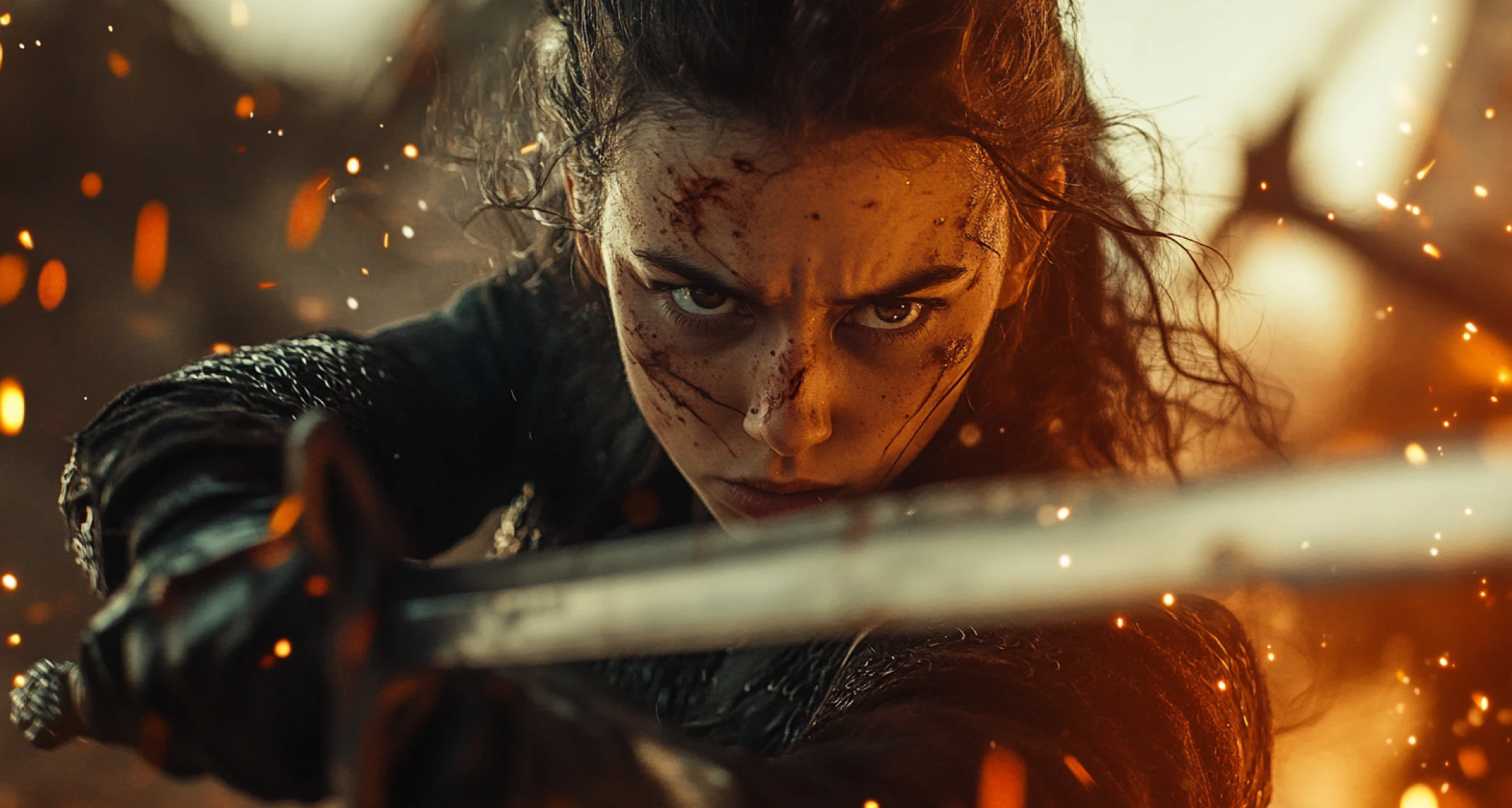
Preview in Real-Time
Pick an effect and see it on your own clip before committing to a full render. Previewing first saves credits, because most rejected takes get rejected within the first second of footage.
Work in short passes. Preview the effect, check the two things that break most often (whether the subject holds its shape through the effect, and whether the background stays where it should), then adjust the prompt or swap the effect and preview again. When it reads right, run the full length version at the resolution and aspect ratio you need.
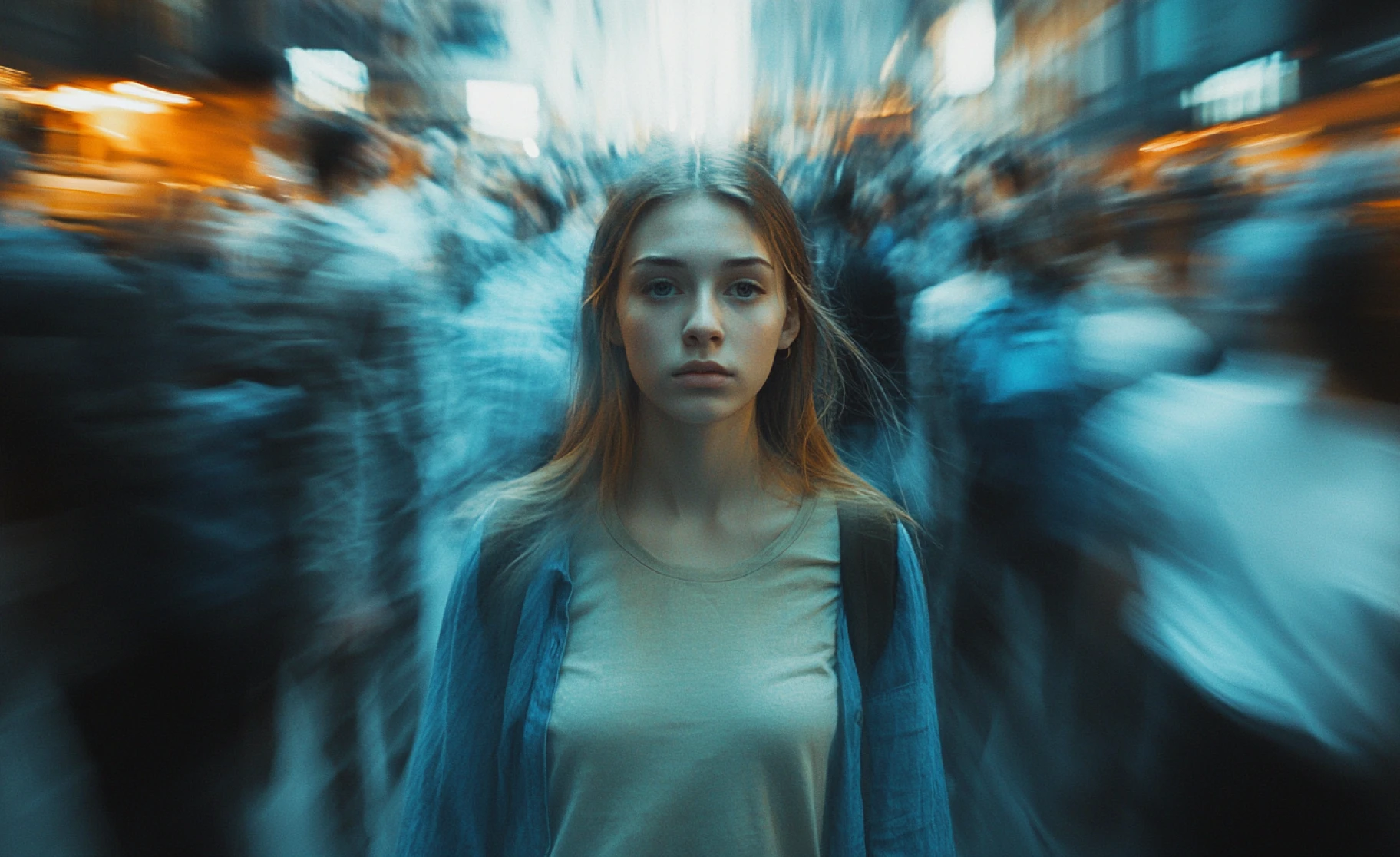
Prompt with Image and Text
Effects can be driven by an image, a text description, or both, and combining them is where the control is.
Text sets the action, the style, and the intensity: a rapid dolly zoom onto the subject, a slow time lapse of clouds behind a static figure, a glitch that hits and clears. Images set what the shot actually looks like. Use a start frame to lock the opening composition, an end frame to define where the shot lands, and the effect fills the movement between them. A reference image can also carry a look, so one still of the palette and grain you want gets you closer than three paragraphs of adjectives.
Once the effect is right, take the clip into the AI video editor for trimming and sequencing, or the AI video generator to extend the scene.
Purchase a Subscription
Upgrade to get access to pro features and generate more and better
Basic
For newcomers taking their first steps
View Plans
Billed monthly
Included in plan
3Kcredits per month
Additional Features
Up to ~600 Image Generations/month
Up to ~97 Video Generations/month
General Commercial Terms
Image Generation Visibility: Public
4 Concurrent Image Generations
Complimentary Access
All GPT Models
All Gemini Models
All Claude Models
Unlimited Generations
10 Image Models
9 Video Models
Standard
For rising creators to level up their game
View Plans
Billed monthly
Included in plan
8Kcredits per month
Additional Features
Up to ~1.6k Image Generations/month
Up to ~265 Video Generations/month
General Commercial Terms
Image Generation Visibility: Private
8 Concurrent Image Generations
Complimentary Access
All GPT Models
All Gemini Models
All Claude Models
Unlimited Generations
Nano Banana
Runway Gen 4 Turbo
Midjourney V7
8 more Image Models
8 more Video Models
Ultimate
Peak performance for pros
View Plans
Billed monthly
Included in plan
16Kcredits per month
Additional Features
Up to ~3.2k Image Generations/month
Up to ~530 Video Generations/month
All styles and models
General Commercial Terms
Image Generation Visibility: Private
Complimentary Access
All GPT Models
All Gemini Models
All Claude Models
Unlimited Generations
All image models in Standard plan
All video models in Standard plan
Kling 2.6 Pro
Seedance 1.5 Pro
ChatGPT 1.5
Creator
A full production engine for powerhouses
View Plans
Billed monthly
Included in plan
100Kcredits per month
Additional Features
Up to ~20k Image Generations/month
Up to ~3.3k Video Generations/month
All styles and models
General Commercial Terms
Image Generation Visibility: Private
Complimentary Access
All GPT Models
All Gemini Models
All Claude Models
Unlimited Generations
All image models in Ultimate plan
All video models in Ultimate plan
Kling 3.0 Pro
Seedance 2 Fast
Nano Banana 2
Ready to Generate AI Video to Video?

TechNova
"The AI video effects are insane! I created a full cinematic intro for my YouTube channel in under 10 minutes. The scene transitions worked perfectly — no editing software needed."

Ben Harris
Product Manager

Shopify
"As a creator, this tool has completely changed how I make content. The AI-generated effects look professional and feel more human. Total game-changer."

Michael Chenn
Product Designer

Pixels
"I love how intuitive the interface is. I added images, included a lengthy text, and experimented with objects and subjects – all without any air-brushing or refinement. This saved me hours."

Anya Petrova
Marketing Designer

ApexStudios
"I wanted to create videos for my creative project with different settings and environments — I thought it would take me days. But this tool did an amazing job in saving my time and efforts.”

Ravi Patel
Creative Manager

DreamWorks
"Honestly, I wasn’t expecting the VFX quality to be this good. I added fire, glitch, time lapse into my short film — and the quality is insanely good!”

Isabelle Kim
Concept Artist
Have questions?
We have answers!
An AI video effects generator is a tool that applies a selected visual effect, filter, animation, additions, and edits throughout the video, while maintaining consistency and without any manual editing.
Upload the video or generate one through image and text-based prompts. Describe the edits and scenes, and select the video effect. The AI analyzes, detects objects and subjects, and applies the video effect in a few seconds.
You can apply stylized effects and filters, including anime, cyberpunk, retro, vintage, and more, along with cinematic VFX such as atomic blasts, rapid zoom-in, rapid zoom out, explosion, and more.
You don’t need any video editing experience to add AI video effects. ImagineArt AI video effect generator is designed for both beginner-level and professional-level video creators and editors.
ImagineArt AI video effect generator allows you to create videos in different formats and resolutions, such as MP4, MOV, and more, with video resolution of up to 1080p and aspect ratios for all types of video sharing and social media platforms.
ImagineArt AI video generator is free to access with 50 credits daily. The credits are refilled every 12 hours, allowing you to experiment and explore the tool. For better quality results, you will have to opt for paid plans.



