AI Face Video Generator
Upload one clear portrait and generate video of that face in motion, with natural expression, head movement, and lighting that holds together across the clip. No filming, no rig, no editing timeline. Start free with your own face or a character you have the rights to use.
Trusted by Professionals and Creators from leading brands
Community Creations
Put Your Face in Any Video
Start from a single portrait. Describe the scene you want that person in and the model generates the clip: a cinematic close up, a slow push in on a rooftop at night, a piece to camera in an office, a stylised anime version of the same face.
The reference image does most of the work, so it is worth choosing carefully. Front facing, evenly lit, eyes open, no heavy sunglasses, no motion blur, and the face filling a decent share of the frame. That single choice affects likeness more than any prompt wording will.
After that it is variations instead of reshoots. One portrait can carry a talking head clip for an ad, a moody portrait for a music release, a stylised avatar for a channel intro, and a set of vertical cuts for short form, all from the same upload.
Hyper-Realistic AI Portrait Videos
Our advanced AI technology ensures smooth facial motion and realistic expressions, allowing you to put your face on a video with incredible accuracy. Whether for fun or professional use, your videos will look natural and polished.
Seamless & Fast Video Creation
There is no timeline and no keyframing. Upload the portrait, write the prompt, choose a model and aspect ratio, and generate. Most clips return in a few minutes, with the time varying by model, resolution, and duration.
Create AI Face Videos — In Just Three Steps
Step 1
1. Upload Your Face Image
Select a high-quality portrait for the AI to use as a reference image, and enter a prompt.
Step 2
2. AI Generates Your Video
In just minutes, AI seamlessly puts your face in a video, crafting multiple variations to choose from.
Step 3
3. Customize & Download
Review the results, fine-tune your prompt if needed, then download your AI-generated video.
Multiple AI Models
Different models fail differently, so the fix for a bad result is often a different model rather than a better prompt. ImagineArt puts the current generation in one place, including Kling 3.0, Seedance 2.0 and 2.5, Veo 3.1, Sora 2, and Pixverse v6, alongside ImagineArt's own models.
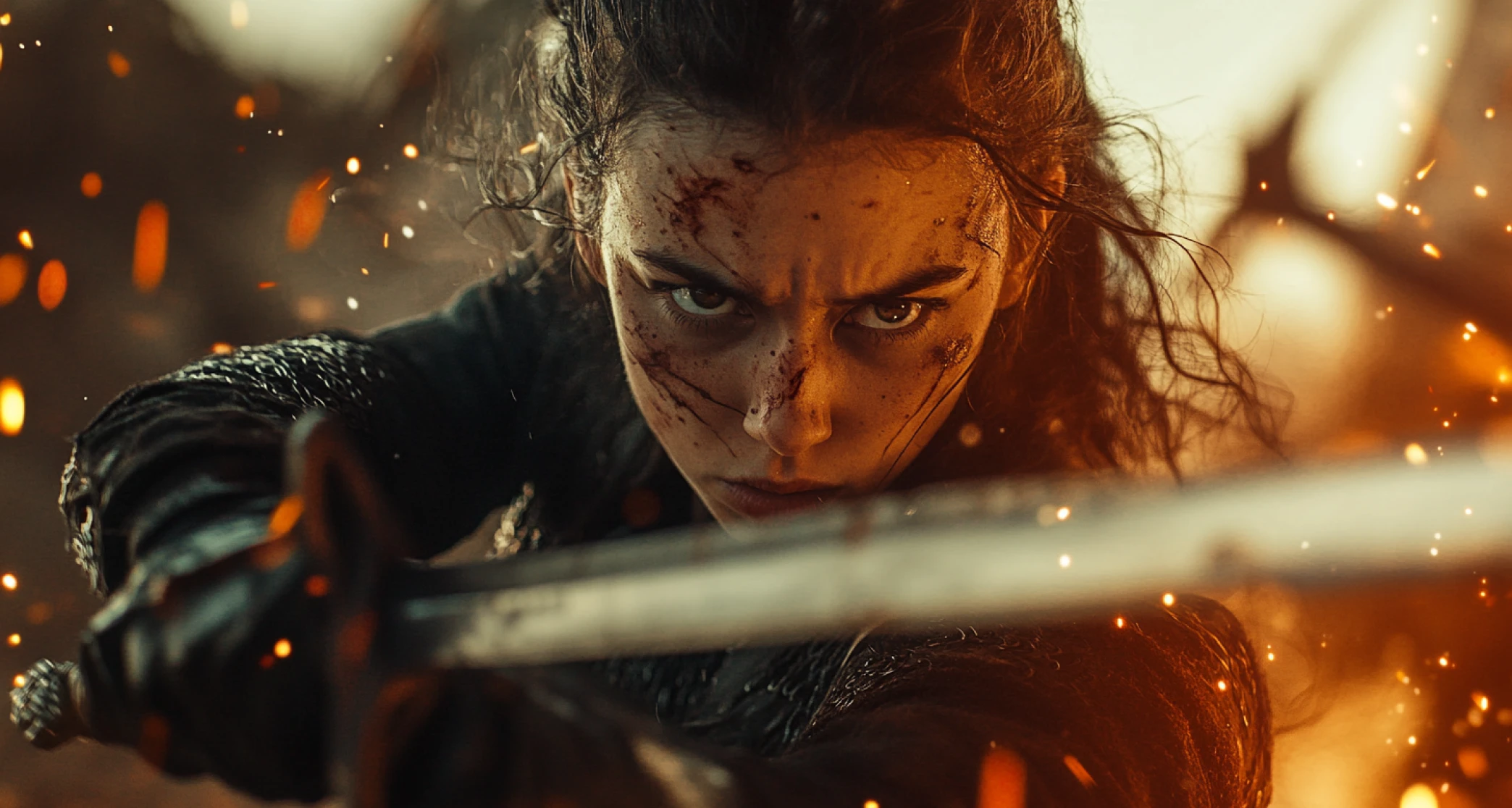
Various Aspect Ratios
Create AI videos at the ratio the platform actually uses instead of cropping later, because cropping a face video costs you the framing you chose.
9:16 for TikTok, Reels, and Shorts, with the face sitting in the upper middle so captions and interface elements do not cover it. 1:1 for feed posts. 16:9 for YouTube, websites, and ad placements. 2:3 for vertical placements like Pinterest. Generating native to the ratio also means the model composes for that frame rather than centring everything and losing the edges.
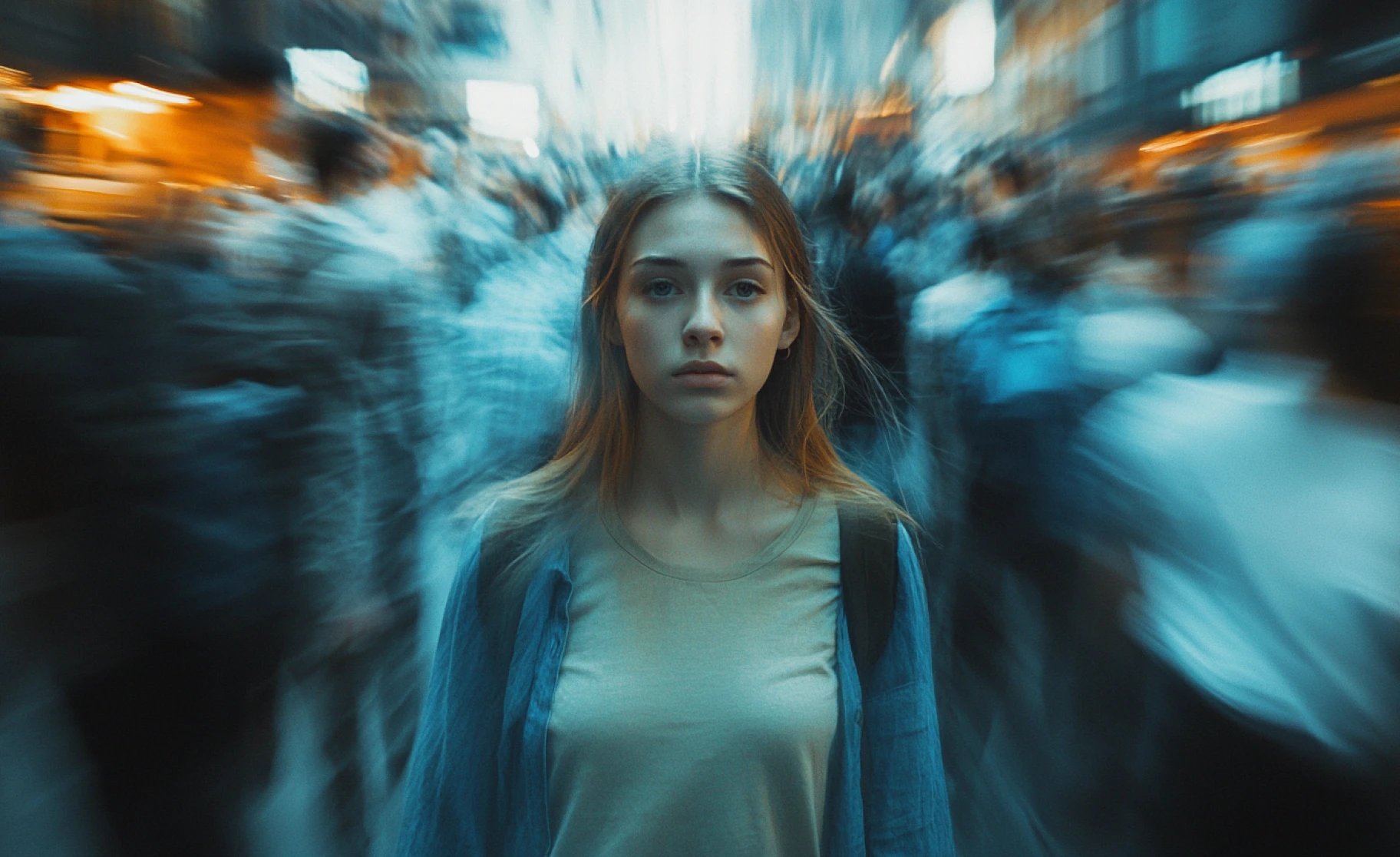
Background Music Integration
Add a music bed so the clip lands as a finished post rather than a raw render. This is what makes the music video use case work: one portrait, a stylised performance clip, and a track underneath it.
For spoken audio, generate a voice in Audio Studio or bring your own recording, then match it to the face in Lipsync Studio.
Purchase a Subscription
Upgrade to get access to pro features and generate more and better
Basic
For newcomers taking their first steps
View Plans
Billed monthly
Included in plan
3Kcredits per month
Additional Features
Up to ~600 Image Generations/month
Up to ~97 Video Generations/month
General Commercial Terms
Image Generation Visibility: Public
4 Concurrent Image Generations
Complimentary Access
All GPT Models
All Gemini Models
All Claude Models
Unlimited Generations
10 Image Models
9 Video Models
Standard
For rising creators to level up their game
View Plans
Billed monthly
Included in plan
8Kcredits per month
Additional Features
Up to ~1.6k Image Generations/month
Up to ~265 Video Generations/month
General Commercial Terms
Image Generation Visibility: Private
8 Concurrent Image Generations
Complimentary Access
All GPT Models
All Gemini Models
All Claude Models
Unlimited Generations
Nano Banana
Runway Gen 4 Turbo
Midjourney V7
8 more Image Models
8 more Video Models
Ultimate
Peak performance for pros
View Plans
Billed monthly
Included in plan
16Kcredits per month
Additional Features
Up to ~3.2k Image Generations/month
Up to ~530 Video Generations/month
All styles and models
General Commercial Terms
Image Generation Visibility: Private
Complimentary Access
All GPT Models
All Gemini Models
All Claude Models
Unlimited Generations
All image models in Standard plan
All video models in Standard plan
Kling 2.6 Pro
Seedance 1.5 Pro
ChatGPT 1.5
Creator
A full production engine for powerhouses
View Plans
Billed monthly
Included in plan
100Kcredits per month
Additional Features
Up to ~20k Image Generations/month
Up to ~3.3k Video Generations/month
All styles and models
General Commercial Terms
Image Generation Visibility: Private
Complimentary Access
All GPT Models
All Gemini Models
All Claude Models
Unlimited Generations
All image models in Ultimate plan
All video models in Ultimate plan
Kling 3.0 Pro
Seedance 2 Fast
Nano Banana 2
Customer Testimonials

TechNova
Bring your characters to life! With this AI face video generator, you can create lifelike animations from any image in minutes—perfect for adding a personal touch to your content.

Ben Harris
Product Manager

Shopify
Enhance your brand’s storytelling! This AI face video generator allows you to create personalized video content quickly, giving your marketing campaigns a unique and professional edge.

Michael Chenn
Product Designer

ApexStudios
Make learning more interactive! Create custom videos with animated faces to explain concepts in a more engaging way, making lessons memorable for students.

Ravi Patel
Creative Manager

DreamWorks
Creating videos has never been easier! Simply upload a photo and let this AI do the magic, turning any image into a lively, animated face video you can share in seconds.

Isabelle Kim
Concept Artist

Pixels
Push the boundaries of AI with this powerful face video generator. It combines cutting-edge technology and seamless customization, giving you full control over your animated creations.

Anya Petrova
Marketing Designer
Have questions?
We have answers!
You upload a portrait and write a prompt. The model reads the facial structure in your reference image, the geometry of eyes, nose, mouth, and jaw along with skin tone and hair, then generates video frames that keep that structure consistent while adding motion, expression, and lighting. It is generating frames rather than editing existing footage, so the scene, camera move, and style come from your prompt while the identity comes from your image.
Upload a clear, front facing portrait, describe the scene and mood, select a model and aspect ratio, and generate. Review the takes, keep the one where likeness and eyes read best, and download the MP4.
If the first attempt looks slightly off, change the reference photo before you change the prompt. Better light and a straighter angle in the source image fixes more than rewording does.
Yes! You can put your face in a music video with AI by choosing a reference style and adding background music after generation.
ImagineArt gives you the current generation of video models in one workspace, including Kling 3.0, Seedance 2.0 and 2.5, Veo 3.1, Sora 2, and Pixverse v6, plus ImagineArt's own models. Which models your plan includes is listed in the pricing section on this page. For face work specifically, the practical approach is to run one reference image through two or three models and compare likeness, eye behaviour, and motion quality rather than committing to one on reputation.
Videos are created in 3-5 minutes, depending on complexity.
Currently, ImagineArt only supports background music, but you can add voiceovers separately using external editing tools.
Yes! Free users get 50 tokens every 12 hours, allowing them to generate AI videos at no cost.
Yes — ImagineArt's AI Face Video Generator lets you upload a portrait and generate realistic videos using your own face in minutes, no editing skills required.



