Kling 2.6 Motion Control
Use motion control with Kling 2.6 to create a fresh new video with your reference character image and video at ImagineArt while preserving motion, dance moves, facial expressions, body language and pacing.
Trusted by Professionals and Creators from leading brands
Experience the Innovation of Kling Motion Control
Performance Animation
Kling motion control captures real human movement, expressions, and emotional timing from reference video. Transfer authentic performance onto new characters without losing nuance or physical realism.
Efficient Production
Eliminate reshoots and manual animation by reusing a single performance across multiple characters. With Kling motion control, accelerate production timelines and maintain cinematic motion quality.
Diverse Use Cases
Kling motion control supports avatars, marketing videos, animation, education, and social content by adapting one performance to countless characters, styles, and creative contexts: at a fraction of time and cost.
How to Use Motion Control in ImagineArt
Step 1
Step 1 - Add Image and Video
Choose Kling Motion Control, then upload a clear image with character and the performance video you want to recreate with motion control.
Step 2
Step 2 - Prompt
Type a prompt for guiding video style, background, setting realism, and mood. ImagineArt captures and preserves motion automatically.
Step 3
Step 3 - Download
ImagineArt will generate the Kling motion control video in 2-4 minutes. Download video in MP4 format with strong motion and audio.
Make Marketing Videos at Scale
With Kling motion control, brands can reuse a single performance across multiple characters and campaigns. Produce consistent, on-brand marketing videos at scale without additional shoots or actors.
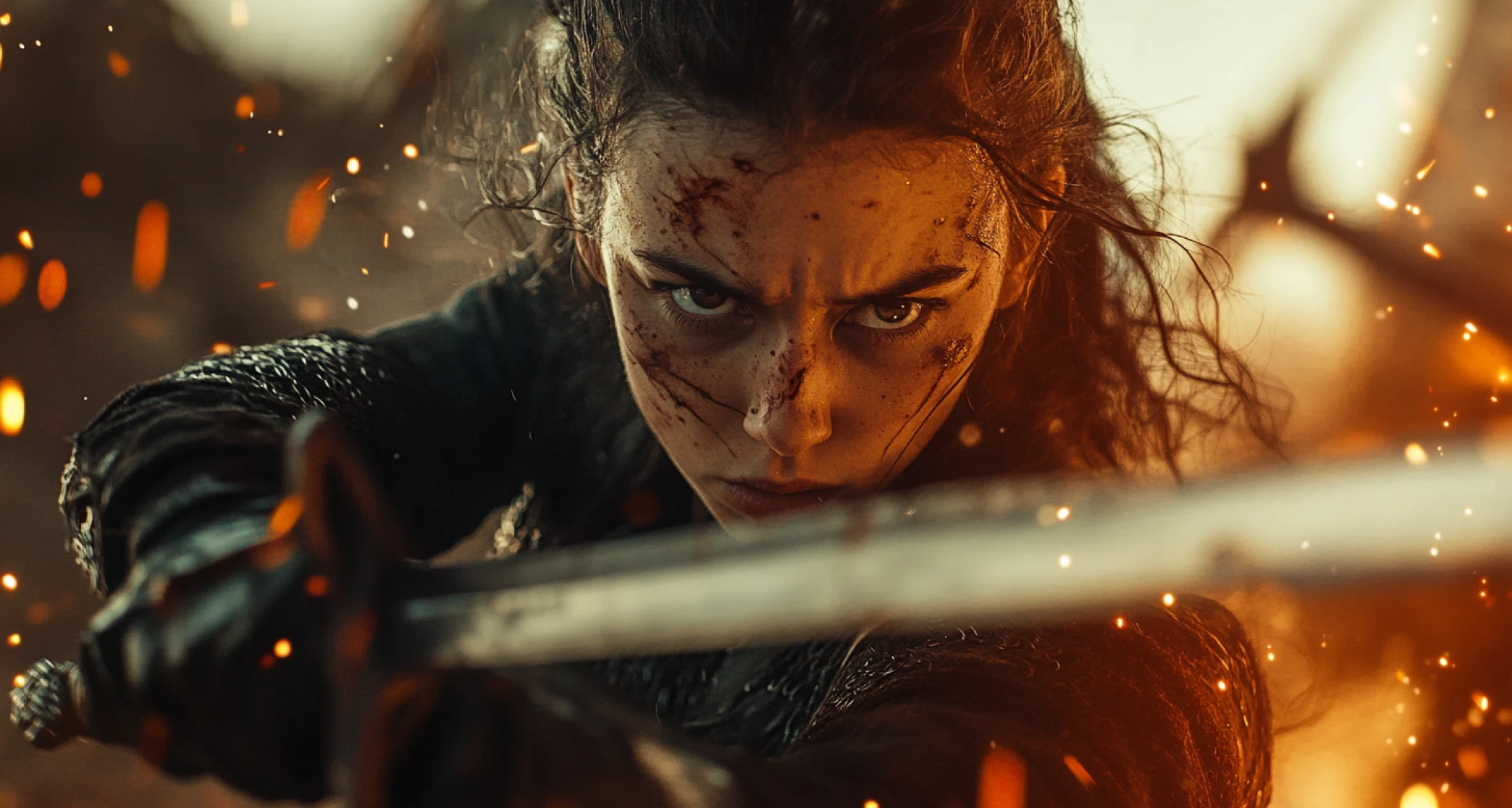
Produce Polished Training Videos
Kling motion control makes realistic instructor-led training videos by transferring natural gestures, expressions, and delivery onto virtual presenters. Create professional learning content without studio production overhead.
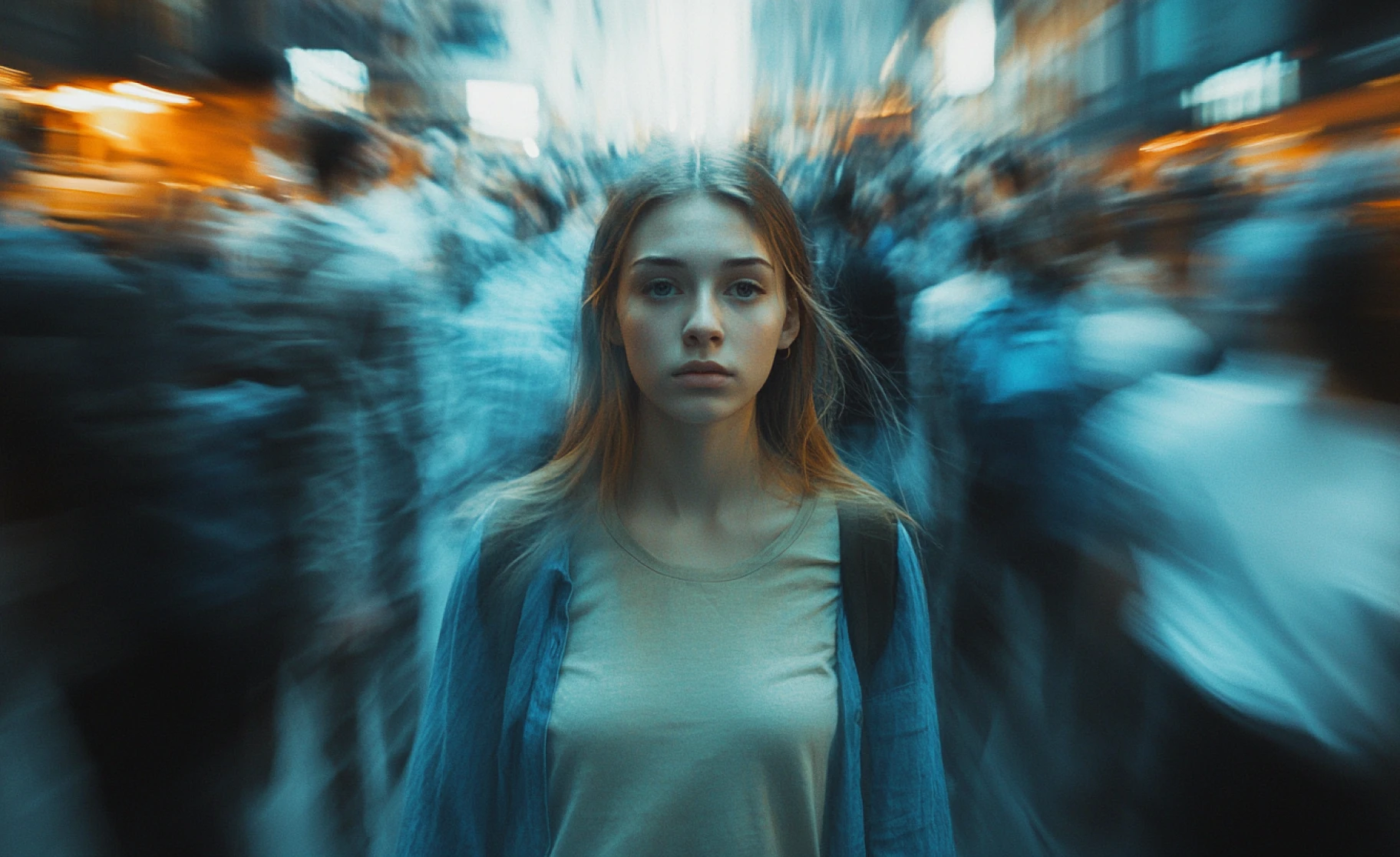
Iterate and AI Film Scenes
Using Kling motion control, iterate film scenes by swapping characters while preserving performance, emotion, and camera timing. Unlock fast, structured experimentation without re-filming or manual animation.
You might also be interested in
Purchase a Subscription
Upgrade to get access to pro features and generate more and better
Basic
For newcomers taking their first steps
View Plans
Billed monthly
Included in plan
3Kcredits per month
Additional Features
Up to ~600 Image Generations/month
Up to ~97 Video Generations/month
General Commercial Terms
Image Generation Visibility: Public
4 Concurrent Image Generations
Complimentary Access
All GPT Models
All Gemini Models
All Claude Models
Unlimited Generations
10 Image Models
9 Video Models
Standard
For rising creators to level up their game
View Plans
Billed monthly
Included in plan
8Kcredits per month
Additional Features
Up to ~1.6k Image Generations/month
Up to ~265 Video Generations/month
General Commercial Terms
Image Generation Visibility: Private
8 Concurrent Image Generations
Complimentary Access
All GPT Models
All Gemini Models
All Claude Models
Unlimited Generations
Nano Banana
Runway Gen 4 Turbo
Midjourney V7
8 more Image Models
8 more Video Models
Ultimate
Peak performance for pros
View Plans
Billed monthly
Included in plan
16Kcredits per month
Additional Features
Up to ~3.2k Image Generations/month
Up to ~530 Video Generations/month
All styles and models
General Commercial Terms
Image Generation Visibility: Private
Complimentary Access
All GPT Models
All Gemini Models
All Claude Models
Unlimited Generations
All image models in Standard plan
All video models in Standard plan
Kling 2.6 Pro
Seedance 1.5 Pro
ChatGPT 1.5
Creator
A full production engine for powerhouses
View Plans
Billed monthly
Included in plan
100Kcredits per month
Additional Features
Up to ~20k Image Generations/month
Up to ~3.3k Video Generations/month
All styles and models
General Commercial Terms
Image Generation Visibility: Private
Complimentary Access
All GPT Models
All Gemini Models
All Claude Models
Unlimited Generations
All image models in Ultimate plan
All video models in Ultimate plan
Kling 3.0 Pro
Seedance 2 Fast
Nano Banana 2
Customer Testimonials
TechNova
I've used other AI video tools before, but Kling 1.5 AI Video Generator stands out. The intuitive interface and high-quality output make it worth every penny. Highly recommended for creators!

Ben Harris
Product Manager

Shopify
This generator turned hours of editing into minutes! The AI features are spot-on, and the video quality is amazing. Perfect for marketers like me.

Michael Chenn
Product Designer

ApexStudios
The videos generated are great, but the tool could use more customization options. Still, it's an excellent starting point for quick projects.

Ravi Patel
Creative Manager

DreamWorks
Kling AI 1.5 (Pro) Video Generator made it easy to bring my ideas to life. The multiple style options and seamless processing blew me away. Five stars!

Isabelle Kim
Concept Artist

Pixels
I was skeptical at first, but this tool exceeded my expectations. It's user-friendly and produces professional-grade videos. Fantastic for content creators!

Anya Petrova
Marketing Designer
Have questions?
We have answers!
Kling Motion Control maps a reference video’s performance onto a new character from an image. It preserves facial expressions, gestures, and overall motion with high accuracy.
Motion control videos transfer movement, expressions, and body language from a source performance to another character. They preserve timing, emotion, and physical realism across scenes. Motion control videos are also called performance animation and motion transfer videos.
You need one reference image for the character and one reference video for the performance. Kling Motion Control combines both into a new animated video.
Motion control transfers full-body movement, emotion, and performance, not just the face or mouth. It delivers more realistic and expressive results.
Marketers, educators, filmmakers, and content creators use Kling Motion Control to produce scalable videos. It reduces filming time while maintaining human-like performance quality.
Yes, you can customize Kling motion control videos on ImagienArt with a text prompt. You can prompt the AI video generator to change style, setting, background, aesthetics etc.
You can create motion control videos with Kling motion control, Wan 2.5 and Runway Act-Two.
You can use Kling Motion Control on ImagineArt AI creative suite.