Google Veo Extension
Extend your video content with the Google Veo extension. Add and remove objects or expand your canvas in just a single prompt.
Trusted by Professionals and Creators from leading brands
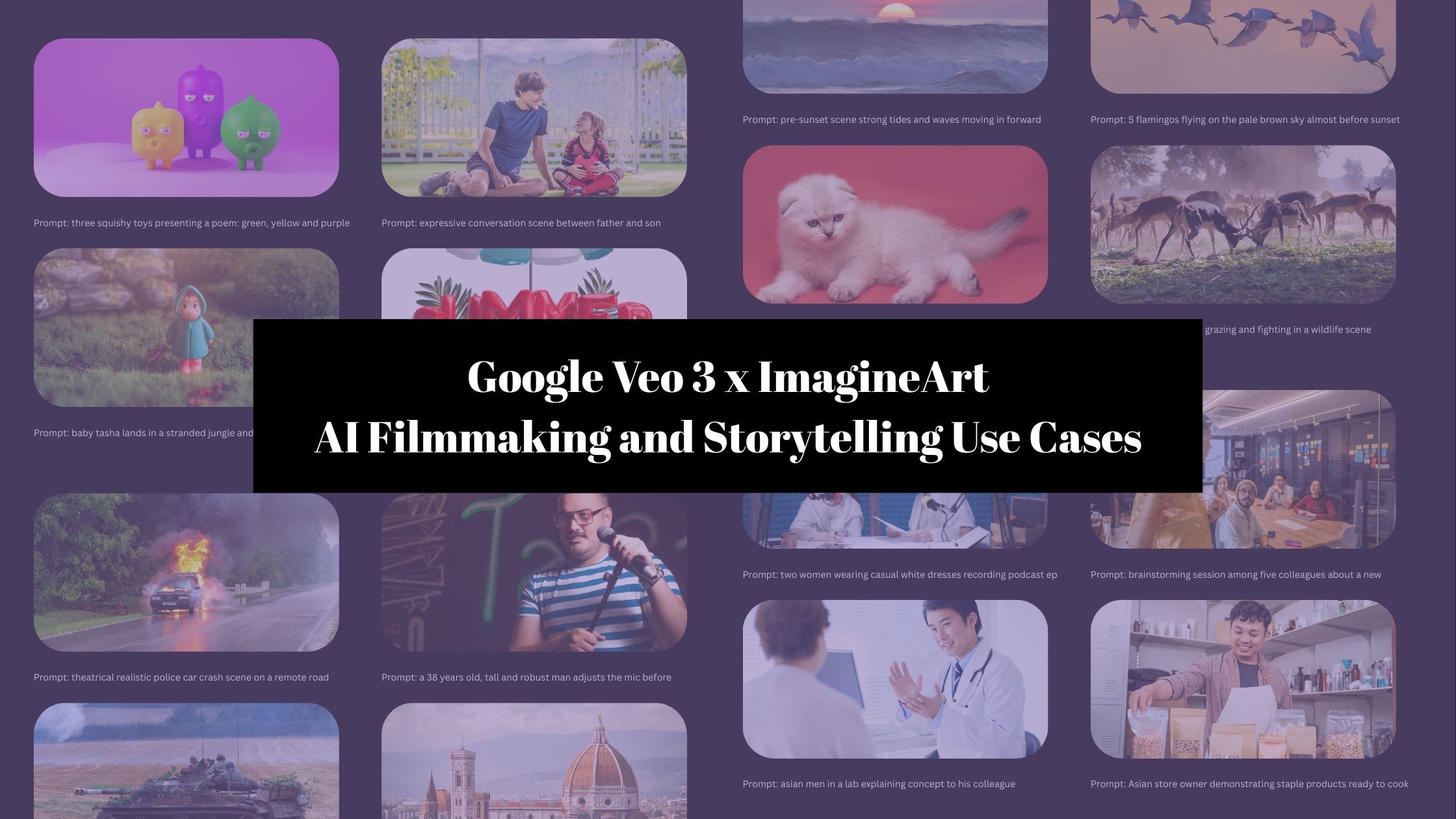
Google Veo Community Creations
Manipulate Objects and Subjects within Video
With new Google Veo upgrades, you can insert different objects and scene elements, replace backgrounds, modify the character, or make subtle changes to edit each shot. Google AI allows you to remove unwanted elements with precision while ensuring scene reconstruction.
Expand Your Video Canvas
The latest Google Veo features let you extend the video beyond the actual frame. It allows you to add and alter background elements for seamless visual composition, while ensuring they match the existing shot/frame. You can create more immersive and dynamic scenes and transitions with outpainting features.
Extend Your Video Duration
With the Google Veo extension, you can add more scenes to improve the narrative and storytelling flow. It enables you to extend the video duration to up to 140 seconds – more than 2 minutes! The AI ensures seamless transitions, character consistency, lighting effects, and object permanence across the original and added frames.
Create with Google Veo Extension in Three Quick Steps
Step 1
Add Input
Enter all the scene and character details in the prompt box. Or you can add reference videos to extend the video length. Give your prompt a lookover to ensure all details are clearly mentioned.
Step 2
Customize
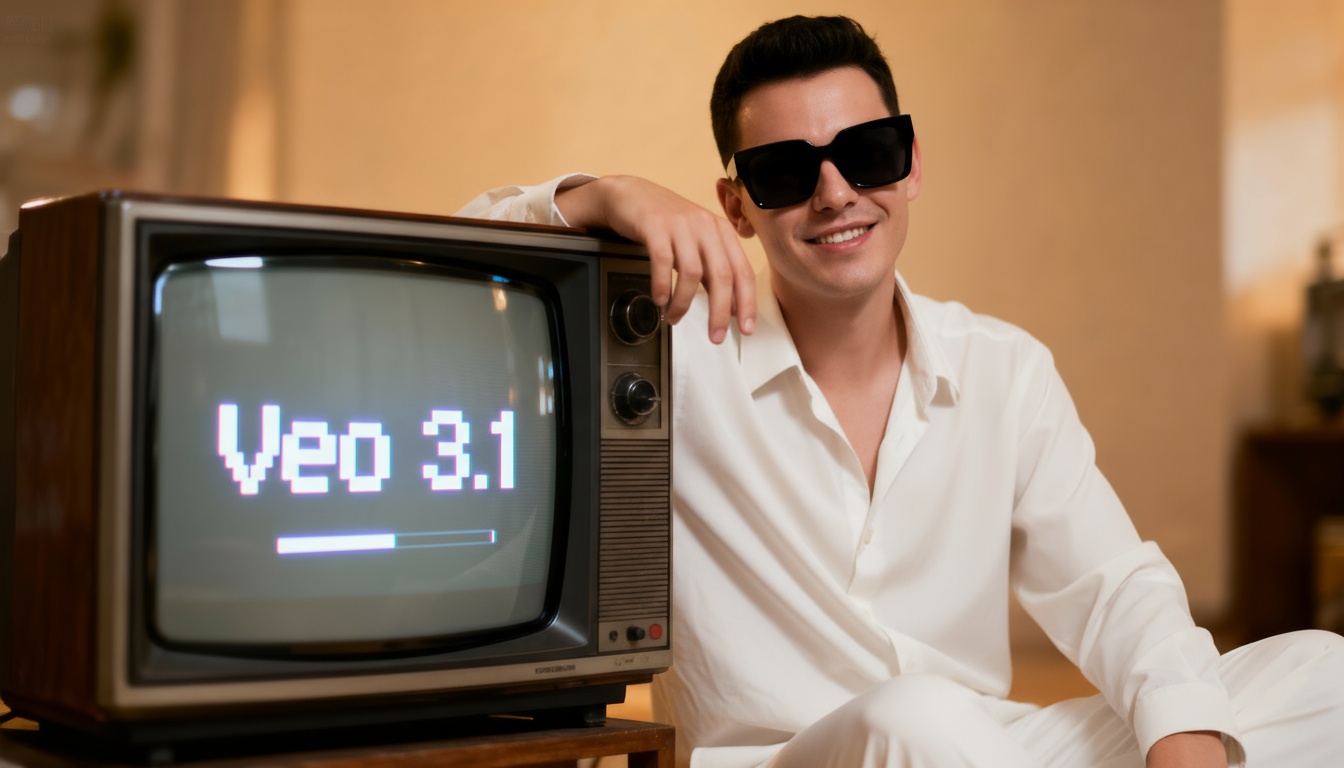
Select the ‘Veo 3.1’ model from the model categories. Select the duration, aspect ratio, and resolution of your video. You can even preview the first frame for a more tailored video content.
Step 3
Export or Edit
Download the generated video in your preferred format. Or you can even edit it on ImagineArt AI video editor and customize it to fit your requirements.
Perfect Your Social Media Content in Seconds
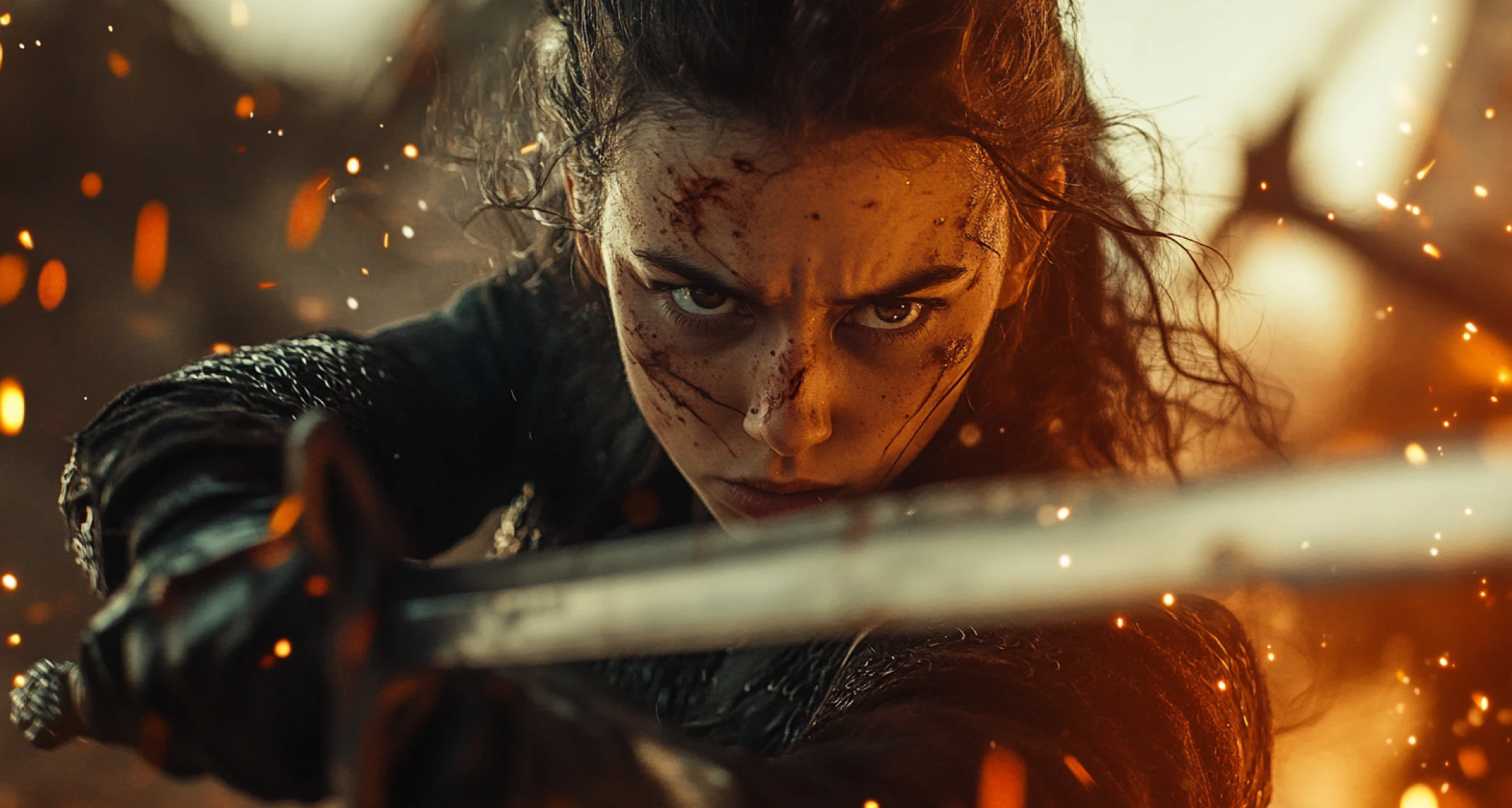
With the Google Veo extension and new features, social media creators and influencers can quickly edit out the distractions, add overlays, or expand the scenes for a more polished and professional-looking video content.
Fine-tune Your Marketing Materials
Marketing teams and branding professionals can use Google Veo extension and latest upgrades to elevate the explainer video, product demos, ads, and marketing campaigns. You can add logos, refine the color palette, and include highlights to align with your brand identity.
Improve Learning Materials with Customization
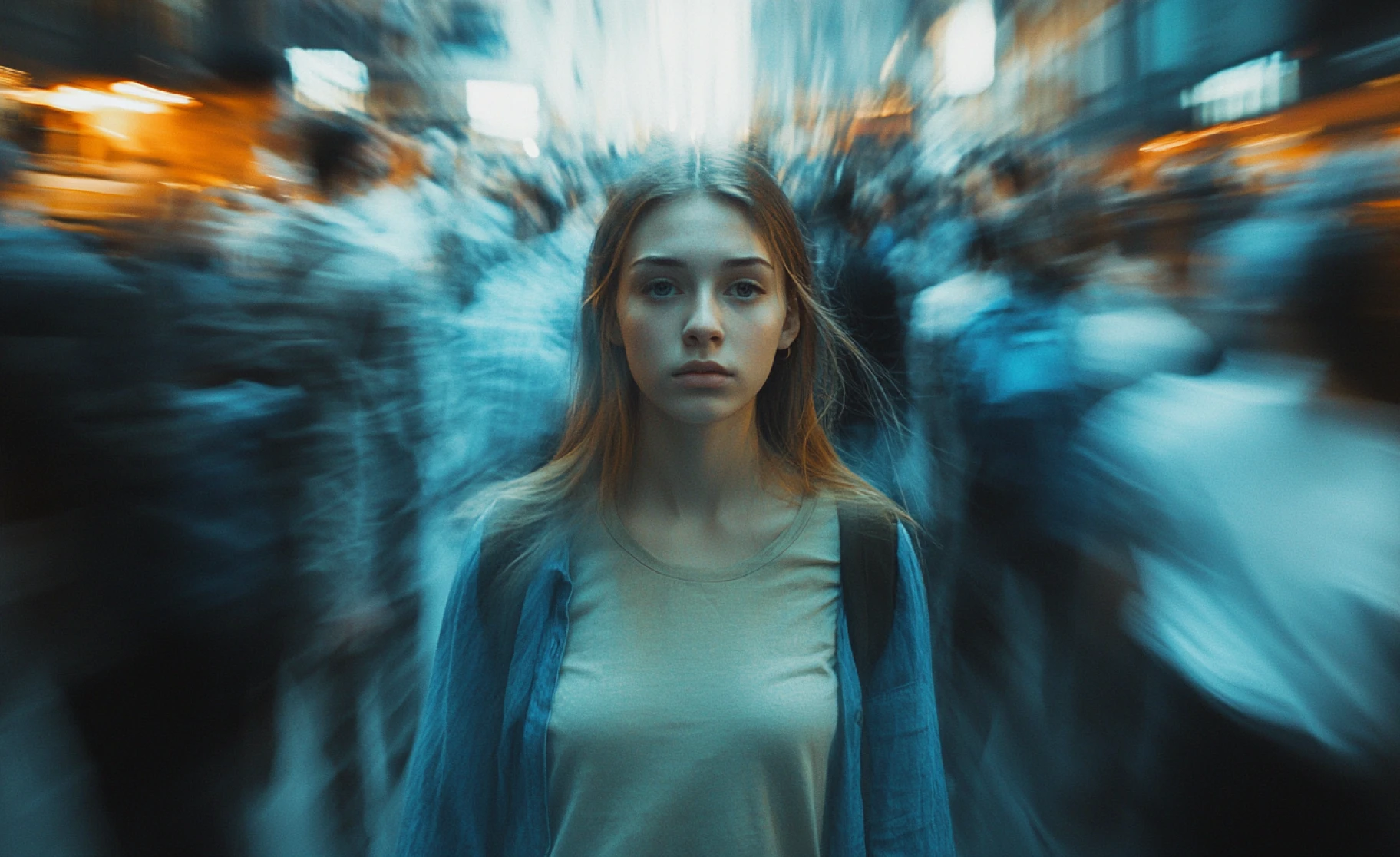
With Google Veo AI video generator, online educators, teachers, and tutors can generate interactive lessons and engaging educational videos. You can add customized notes, include instructions and key terms, and remove unnecessary background elements to minimize distractions.
You might also be interested in
Purchase a Subscription
Upgrade to get access to pro features and generate more and better
Basic
For newcomers taking their first steps
View Plans
Billed monthly
Included in plan
3Kcredits per month
Additional Features
Up to ~600 Image Generations/month
Up to ~97 Video Generations/month
General Commercial Terms
Image Generation Visibility: Public
4 Concurrent Image Generations
Complimentary Access
All GPT Models
All Gemini Models
All Claude Models
Unlimited Generations
10 Image Models
9 Video Models
Standard
For rising creators to level up their game
View Plans
Billed monthly
Included in plan
8Kcredits per month
Additional Features
Up to ~1.6k Image Generations/month
Up to ~265 Video Generations/month
General Commercial Terms
Image Generation Visibility: Private
8 Concurrent Image Generations
Complimentary Access
All GPT Models
All Gemini Models
All Claude Models
Unlimited Generations
Nano Banana
Runway Gen 4 Turbo
Midjourney V7
8 more Image Models
8 more Video Models
Ultimate
Peak performance for pros
View Plans
Billed monthly
Included in plan
16Kcredits per month
Additional Features
Up to ~3.2k Image Generations/month
Up to ~530 Video Generations/month
All styles and models
General Commercial Terms
Image Generation Visibility: Private
Complimentary Access
All GPT Models
All Gemini Models
All Claude Models
Unlimited Generations
All image models in Standard plan
All video models in Standard plan
Kling 2.6 Pro
Seedance 1.5 Pro
ChatGPT 1.5
Creator
A full production engine for powerhouses
View Plans
Billed monthly
Included in plan
100Kcredits per month
Additional Features
Up to ~20k Image Generations/month
Up to ~3.3k Video Generations/month
All styles and models
General Commercial Terms
Image Generation Visibility: Private
Complimentary Access
All GPT Models
All Gemini Models
All Claude Models
Unlimited Generations
All image models in Ultimate plan
All video models in Ultimate plan
Kling 3.0 Pro
Seedance 2 Fast
Nano Banana 2
Customer Testimonials

ApexStudios
It is so easy to use! I can remove any distractions or add fun elements to enhance my video quality. These features are a game-changer for creators like me.

Anya Petrova
Marketing Designer

DreamWorks
As a marketing professional, I need to edit multiple videos at a time, and this could take me days. With new Google Veo features, I can make as many edits to my videos as I like in a much faster and time-friendly way.

Ben Harris
Product Manager

Pixels
Being a film student, I am always on the lookout for better video editing tools. These new Google Veo features let me create videos with a longer narrative, without any awkward transitions. It makes video editing fun!

Isabelle Kim
Concept Artist

Shopify
As an indie filmmaker, post-production editing is something I can’t afford. The Google Veo new features allow me to extend the boundaries of scenes and video duration, without adding any B-roll footage or reshooting.

Michael Chenn
Product Designer

TechNova
I have no video editing experience or skills, but as a small business owner, I often require video content for product demos and ads. With Google Veo upgrades, I can make quick fixes to generated videos and create multiple variations without reiterations. Highly recommended!

Ravi Patel
Creative Manager
Have questions?
We have answers!
Google AI upgraded the Google Veo AI video generator, adding features of object removal, object insertion, scene extension, and expanding the video. It enables creators, filmmakers, and marketers to improve video quality.
Inpainting allows you to add and remove objects, elements, and subjects from any video frame and replace them seamlessly. Outpainting allows you to expand the video frame by adding new background or elements that match the existing scenes.
No, you don’t need advanced video editing skills to use the latest Google Veo upgrades. It is designed for users of all levels, from beginner video editors to seasonal creators.
Yes, you can edit the dialogues, audio cues, sound effects, and background music to create a more polished output. The AI will make sure the edited dialogues and SFX synchronize well with the visuals.
Yes, Google Veo is compatible with all video formats and can generate videos in multiple aspect ratios, including square, portrait, and landscape. The common video formats include MOV, MP4, and AVI.
Yes, Google Veo is free to use on ImagineArt AI video generator. You receive 100 free daily credits to explore and experiment with the capabilities of Google Veo models. The daily credits are refilled every 12 hours.