Score big savings this FIFA season with unbeatable deals
HeyGen Avatar IV
Create lifelike AI-powered videos from a single photo. No camera, no crew, no editing skills required, just upload, type, and generate.
How to Create a Talking Avatar Video on ImagineArt?
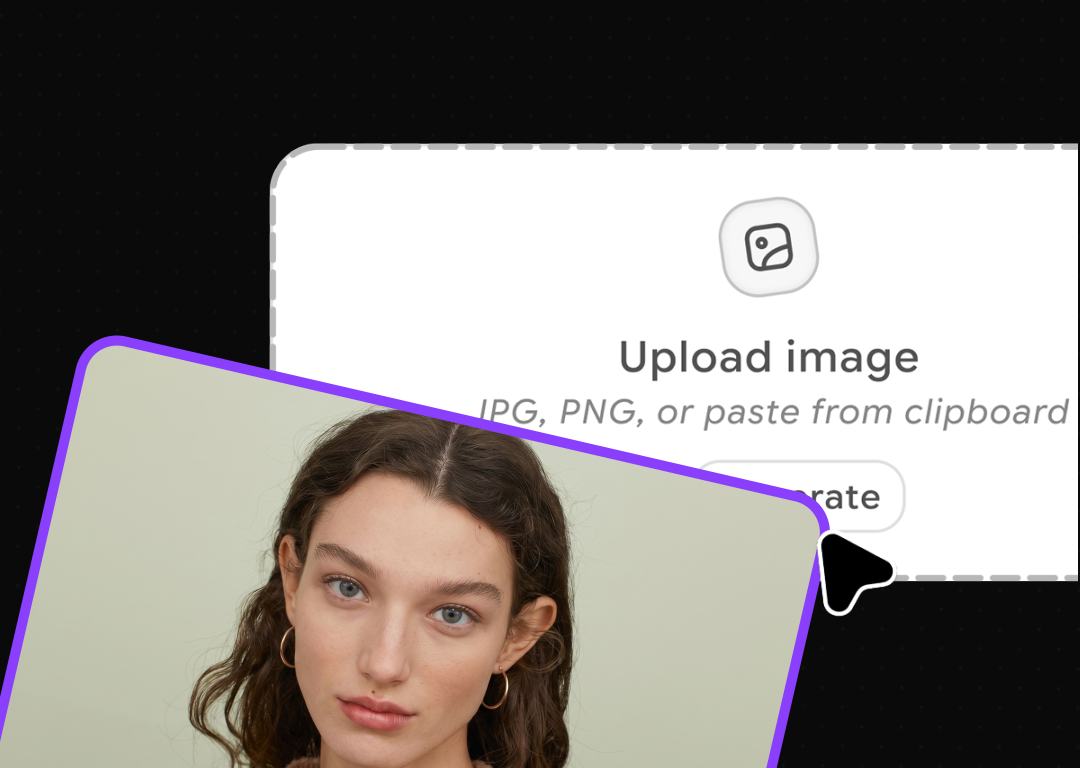
Upload Your Avatar Photo
Click Upload or Select Image to add your photo. A clear portrait or any well-lit image of your subject works perfectly.
Write Your Script and Set Voice Options
Type what your avatar should say, then choose your Narrator, Talking Style, Resolution, and Aspect Ratio.
Generate and Download
Hit Generate, preview your lip-synced avatar video, and download it ready for social media, ads, or training.
Voice-Synced Emotion and Facial Expression
Avatar IV reads the emotional tone of your script and generates matching facial expressions automatically. Natural head tilts, micro-expressions, and subtle pauses are all rendered from a single image, making every video feel genuinely human.
Generate With Hand Gestures
Nobody finds a stiff, frozen torso convincing. Avatar IV adds natural hand gestures that sync with what's being said, reinforcing key points, adding emphasis, and making your avatar look like someone genuinely worth listening to.
Animate Any Character Style
Heygen Avatar IV handles stylized characters, cartoons, animals, and 3D-rendered faces with the same realism as humans. Got a brand mascot or anime presenter? Just upload it and watch it talk with expressive, accurately synced output.
Upload Any Photo Angle
Heygen Avatar IV handles tilted heads, profile shots, and angled poses without losing lip-sync accuracy. You're no longer limited to perfectly centered headshots, varied, natural-looking source photos produce equally convincing, expressive avatar videos every time.








Trusted by Professionals and Creators from top Brands and Companies
FAQs
A clear, well-lit photo with the subject's face fully visible gives the best results. Portrait, half-body, and full-body images are all supported. The face should ideally resemble human proportions, even for animal or cartoon characters, a readable face structure with identifiable eyes, nose, and mouth area ensures accurate lip sync and natural movement.
Absolutely. HeyGen Avatar IV is specifically well-suited to non-human faces. Cartoons, animal avatars, 3D models, anime-style characters, and illustrated mascots all animate naturally through the engine, as long as the character has a readable face structure with identifiable facial features.
HeyGen Avatar IV uses a diffusion-inspired audio-to-expression engine that analyzes vocal tone, rhythm, and pacing frame by frame. The avatar's entire face responds to the audio, including eye movement, head tilt, and subtle emotion, making it significantly more convincing than traditional talking-photo tools.
HeyGen Avatar IV supports multilingual video generation across dozens of languages. You can type your script in any supported language and pair it with a matching voice, making it straightforward to produce localized content for different markets without re-recording or re-filming anything.
Yes. Unlike earlier avatar models that required a direct front-facing photo, Avatar IV handles profile shots, tilted poses, and angled images. The model renders accurate, natural animation from varied source photos, giving you more flexibility in how you create and source your avatar images.
The HeyGen Avatar IV engine on ImagineArt generates videos up to 3 minutes in length per generation. For longer projects, you can create multiple clips and combine them in post. Credits are consumed based on the actual seconds of avatar generation, so you only pay for the animated portions of your video.
The most common use cases include social media content, product demos, explainer videos, e-learning and training modules, marketing ads, and multilingual communications. Because no camera or studio is needed, it's especially useful for teams that need to produce high volumes of video content quickly and affordably.