
Saba Sohail
December 23, 2025 • Updated March 13, 2026
9 mins Read
Kling AI’s recent motion control is an AI video generator feature that maps a reference video’s performance onto a new character from an image. It preserves facial expressions, gestures, and overall motion with high accuracy.
This blog breaks down
- prompt guide and prompting essentials for realistic motion control videos
- top 10 use cases of Kling motion control with prompts for each.
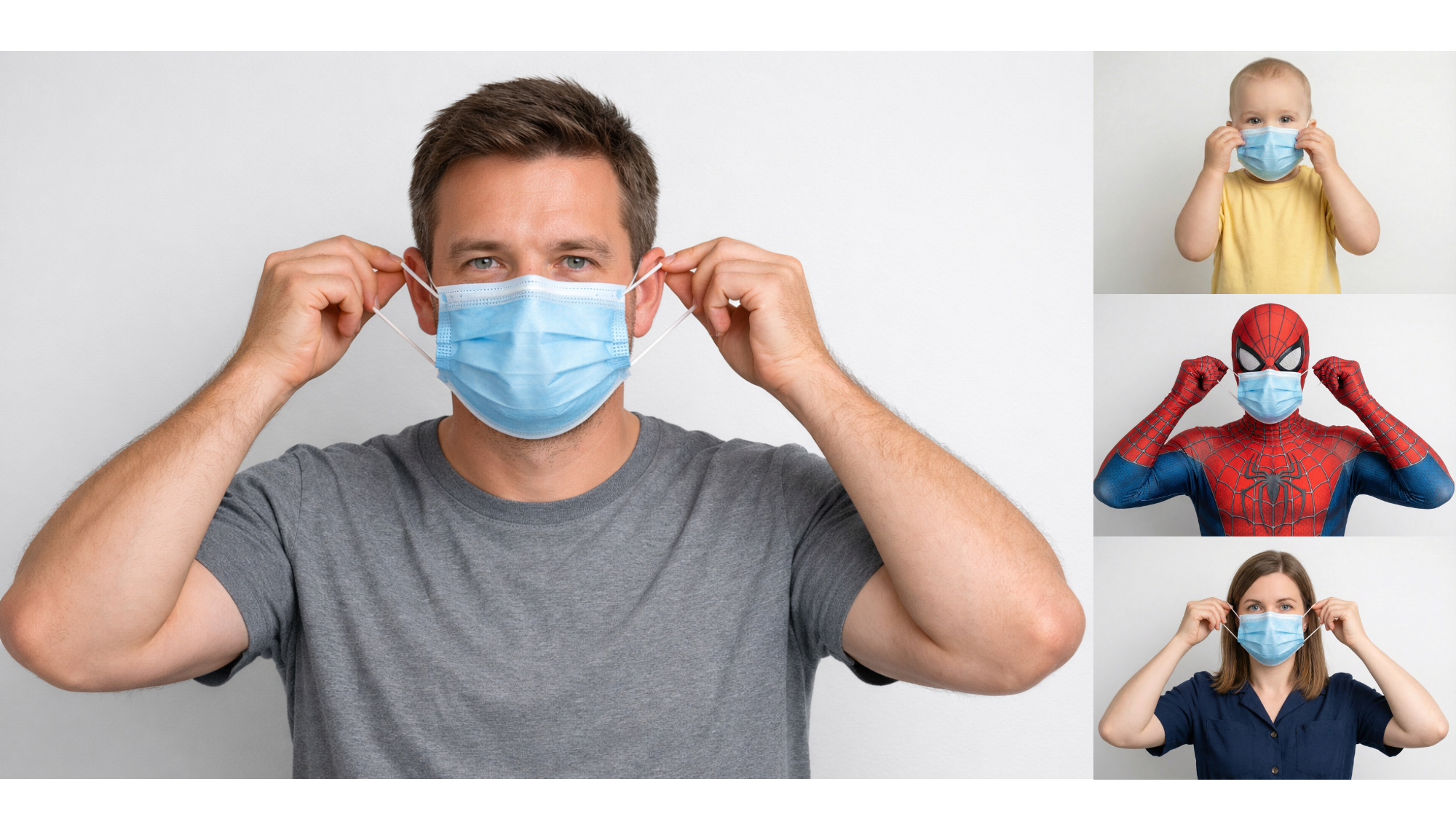 Motion Control Videos
Kling Motion Control Prompt Guide
When using Kling Motion Control, you do not need to describe motion transfer, performance animation, or body tracking. Kling AI already preserves the action, emotion, expressions, and timing from the reference video. Your prompt should focus entirely on how the character looks and the environment they exist in.
Think of it as art direction, where you don’t have to instruct for animation because Kling on ImagineArt already picks and preserves that from the video.
1. Focus on Character Attributes
Start by clearly defining how the character from the reference image should appear in the final video.
Describe:
- Clothing and styling (modern, formal, casual, cinematic)
- Age range, mood, or personality
- Facial details (natural skin texture, expressive eyes, clean lighting)
- Overall visual tone (realistic, polished, stylized, cinematic)
Example prompts:
- “Make the character appear as a polished corporate presenter in a tailored navy suit, realistic skin texture, professional grooming.”
- “Turn the character into a casual lifestyle creator wearing soft neutral clothing with natural facial details and relaxed presence.”
- “Style the character as a cinematic lead with dramatic lighting, subtle shadows, and high-end film realism.”
2. Direct the Background
Since Kling Motion Control already handles motion, your prompt should describe where the character is placed. It could be an office, beach, green screen.
Describe:
- Environment type (studio, office, city, classroom, stage)
- Depth and lighting (soft blur, shallow depth of field, cinematic light)
- Atmosphere (professional, cozy, dramatic, minimal)
Example prompts:
- “Place the character in a modern office environment with glass walls, soft daylight, and shallow depth of field.”
- “Replace the background with a clean virtual studio featuring a subtle gradient and spotlight lighting.”
- “Set the scene in a cinematic city interior with warm tones and realistic ambient lighting.”
Now if you only want to change the background of the video and not the character or vibe etc., you can do so simply with AI video background changer from ImagineApps.
3. Adjust Visual Style & Production Quality
Use prompts to control the finish of the video rather than the performance.
Describe:
- Camera feel (cinematic, documentary, social media)
- Color grading (neutral, warm, high-contrast)
- Realism level (photorealistic, commercial-grade, editorial)
Example prompts:
- “Apply a cinematic color grade with realistic shadows and high-end film texture.”
- “Use clean, commercial lighting with neutral tones suitable for a brand marketing video.”
- “Make the video look like a high-quality social media UGC clip with natural lighting and minimal polish.”
4. Change Identity, Role, or Context
You can completely change who the character is or why they’re on screen, without affecting performance.
Example prompts:
- “Turn the character into a tech startup founder delivering a product announcement.”
- “Make the character appear as a virtual instructor in an online learning environment.”
- “Style the character as a keynote speaker on a professional event stage with branded visuals.”
5. Keep Prompts Clear, Visual, and Intent-Driven
Avoid overloading prompts with animation instructions. Kling Motion Control works best when prompts are:
- Visual-first
- Environment-focused
- Role- and style-driven
Prompt structure
[Character style + Environment + Visual quality]
Example full prompt:
“Style the character as a confident marketing spokesperson wearing modern business attire, placed in a clean virtual studio with soft lighting and shallow depth of field, cinematic realism, professional commercial quality.”
Other AI Video Generators for Motion Control Videos
Here are top AI video models to create motion transfer and performance animation videos:
- ImagineArt Kling AI Motion Control app — error-free motion control and transfer videos using reference videos or AI motion presets
- Wan 2.2 Replace — error-free motion transfer for low cost
- Runway Act-Two — most realistic motion transfer and comes with a price tag
10 Types of Videos You Can Create with Kling Motion Control
1. Marketing & Brand Spokesperson Videos
Brands can reuse a single human performance across multiple characters and virtual ambassadors using Kling Motion Control.
Facial expressions, gestures, and emotional tone remain intact while you produce hundreds of professional, on-brand marketing videos efficiently.
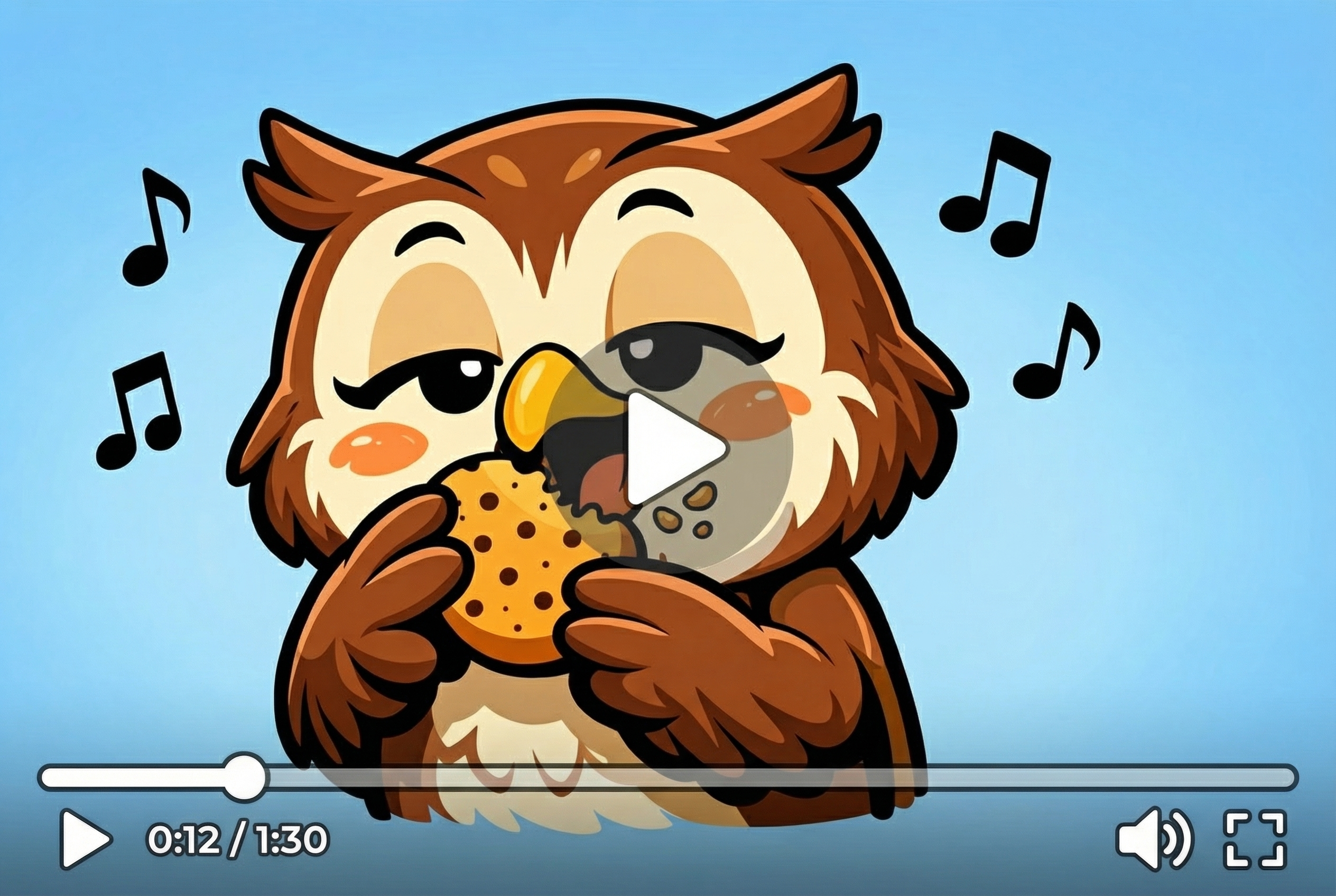 Motion control videos with brand mascots
By mapping the reference video’s performance onto different brand mascots or spokespersons, marketers can quickly produce campaign variations, maintain visual consistency, and scale content production without reshoots.
This workflow with motion transfer works for social media ads, product launches, and explainer campaigns. It means that every brand character conveys the intended message naturally, with realistic timing, posture, and eye contact that aligns with brand voice and audience expectations.
2. Corporate Training & Internal Communications
Companies can create polished, consistent training videos using Kling Motion Control. Use reference video performances from instructors or presenters onto different virtual employees and avatars, yet preserve gestures, posture, and voice rhythm. You don’t have to record multiple versions while ensuring clarity and engagement, that too in a studio and doing the post-production. Change the background with AI and done — your polished, professional video is ready to send and publish.
Your teams and employees can receive uniform, high-quality training content with realistic body language and facial expressions.
Motion Control also allows localization by swapping presenters or characters for different regions without sacrificing performance quality. Overall, this tool speeds up internal communications, reduces production costs, and enhances retention through lifelike, emotionally consistent presentations.
3. AI Influencers & Virtual Creators
Kling Motion Control can generate videos with AI influencers and virtual creators that inherit authentic human performances. By mapping gestures, expressions, and pacing from reference videos, creators can produce social media content that feels natural, energetic, and relatable.
This technique uses one recorded performance to drive multiple virtual personas across platforms like Instagram, TikTok, and YouTube. It also maintains micro-expressions, conversational rhythm, and emotional nuance.
For producing casual UGC-style content to polished influencer campaigns, Kling Motion Control supports virtual personalities appear believable and engaging, eliminates the need for live actors while giving brands complete creative control over motion, style, and character presentation.
4. Film, Short Scenes & Storytelling
AI lilmmakers can use Kling Motion Control to swap characters in narrative sequences without reshooting performances. Emotional intensity, body language, and pacing are preserved from the reference video, allowing seamless storytelling across different characters.
As a director, you can experiment with alternate casting, creative visual styles, or fantastical characters while maintaining cinematic realism.
Motion control also simplifies post-production iterations: subtle changes to expressions or gestures can be applied without additional shoots. It’s best for short films, narrative-driven content, and experimental storytelling, ensures performances remain consistent, believable, and emotionally resonant while saving time and production costs.
5. Product Demo & Explainer Videos
For product showcases, Kling Motion Control preserves the presenter’s gestures and pacing while transferring the performance onto branded avatars. Companies are using motion transfer AI to produce multiple product demo videos using the same demonstration footage, while maintaining professional quality and clear communication.
These performance animation tools preserve hand movements, pointing actions, and body positioning and make sure explanations feel precise and engaging.
Brands can adapt the same performance to different characters or locales, speeding up production while keeping motion realistic. The tool is especially useful for tech demos, app walkthroughs, and tutorial videos.
6. Educational Content & Online Courses
Educators can leverage Kling Motion Control to map instructional performances onto virtual characters and presenters. The tool preserves gestures, posture, and facial expressions, ensuring teaching remains engaging and authoritative.
It also allows multiple versions of the same lesson for localization or audience targeting without additional recordings. Students experience consistent pacing and body language, improving comprehension and retention.
Motion Control supports interactive learning, demonstrations, and scenario-based teaching by keeping movement fluid and expressive. This use case dramatically reduces production time, provides scalable content options, and ensures high-quality, lifelike delivery across virtual classrooms or e-learning platforms.
7. Gaming & Virtual Characters
Kling Motion Control is perfect for animating in-game avatars and virtual characters. Real human performances, including stance, gestures, and reactions, transfer to characters while preserving realism and timing.
Designers can produce multiple NPCs or player avatars with consistent motion from a single performance, saving significant animation effort. Emotional cues and expressive movements remain intact, enhancing immersion in narrative-driven or interactive games.
This use case ensures that avatars feel alive, reactive, and human-like, whether in cutscenes, gameplay, or cinematic sequences. It bridges the gap between live-action acting and virtual world representation, giving games a polished, believable character motion layer.
8. Music, Dance & Performance Art
Dancers and performers can use Kling Motion Control to map intricate choreography or musical performances onto animated characters. Timing, rhythm, and expressive body language transfer faithfully from the reference video.
This approach supports rapid iteration and experimenting with different character designs, or creating multiple versions of a performance without repeating physically demanding moves.
Motion Control ensures that subtle gestures, emotional expressions, and stage presence remain intact. It’s ideal for animated music videos, virtual concerts, or creative social content, delivering natural, high-fidelity performance animation that preserves the artistry and energy of the original performer.
9. Localization & Multilingual Videos
Kling Motion Control enables consistent performances across different languages and regions. A single recorded performance can be mapped onto localized characters while maintaining gestures, facial expressions, and pacing.
This helps brands and educators produce multilingual videos without multiple reshoots, ensuring emotional and motion consistency. It’s especially useful for global campaigns, online courses, or multinational presentations. Motion Control keeps movements natural, believable, and culturally neutral while allowing voiceovers or text localization. By preserving performance quality, it ensures that viewers in different regions experience the same impact and clarity, significantly improving efficiency in international content production.
10. Social Media & UGC-Style Content
Content creators can produce authentic, engaging social media videos by mapping casual performances onto characters or avatars. Kling Motion Control preserves natural micro-expressions, gestures, and conversational energy, making videos feel spontaneous and relatable.
This workflow is perfect for TikTok, Reels, Shorts, or UGC campaigns, enabling creators to experiment with new characters or personas without losing realism. Motion Control allows one performance to generate multiple clips for different formats, platforms, or aesthetics. By maintaining body language and emotion, creators save time while producing polished, platform-native videos that resonate with audiences, boosting engagement and brand presence.
Create motion control videos with Kling 2.6
ImagineArt gives you free access to Kling 2.6 motion control feature as its launch offer! So, what are you waiting for? Upload a video, use a character image for reference and generate videos in 3 minutes under $2!
Saba Sohail
Saba Sohail is a Generative Engine Optimization and SaaS marketing specialist working in automation, product research and user acquisition. She strongly focuses on AI-powered speed, scale and structure for B2C and B2B teams. At ImagineArt, she develops use cases of AI Creative Suite for creative agencies and product marketing teams.