
Tooba Siddiqui
July 25, 2025 • Updated September 3, 2026
10 mins Read
In 2026, Instagram Reels continue to dominate the content game. Reels are still the fastest way to build visibility and engage audiences organically. But with so many people creating short-form content, how do you stand out?
The answer lies in creativity — and consistency.
In this post, you'll find 50 fresh Instagram Reels content ideas, organized by niche. These ideas are relevant, platform-native, and proven to perform. Level up your content game with these ideas and execute today — especially with AI video generator like ImagineArt doing the heavy lifting.
Reel Ideas for Business Accounts
1. Product Demo in 30 Seconds
Show your product in action with a fast-paced, hands-on demo. Whether you're highlighting features or showing how it solves a problem, make it punchy and visual. Great for physical and digital products alike.
2. Behind-the-Scenes of Your Workspace
Give followers a peek into your studio, store, or home office. People love the human side of business, and BTS content builds trust and relatability.
3. The Packaging Process
From order to delivery, show how you package your products with care. This kind of content reassures buyers and taps into the “satisfying video” trend.
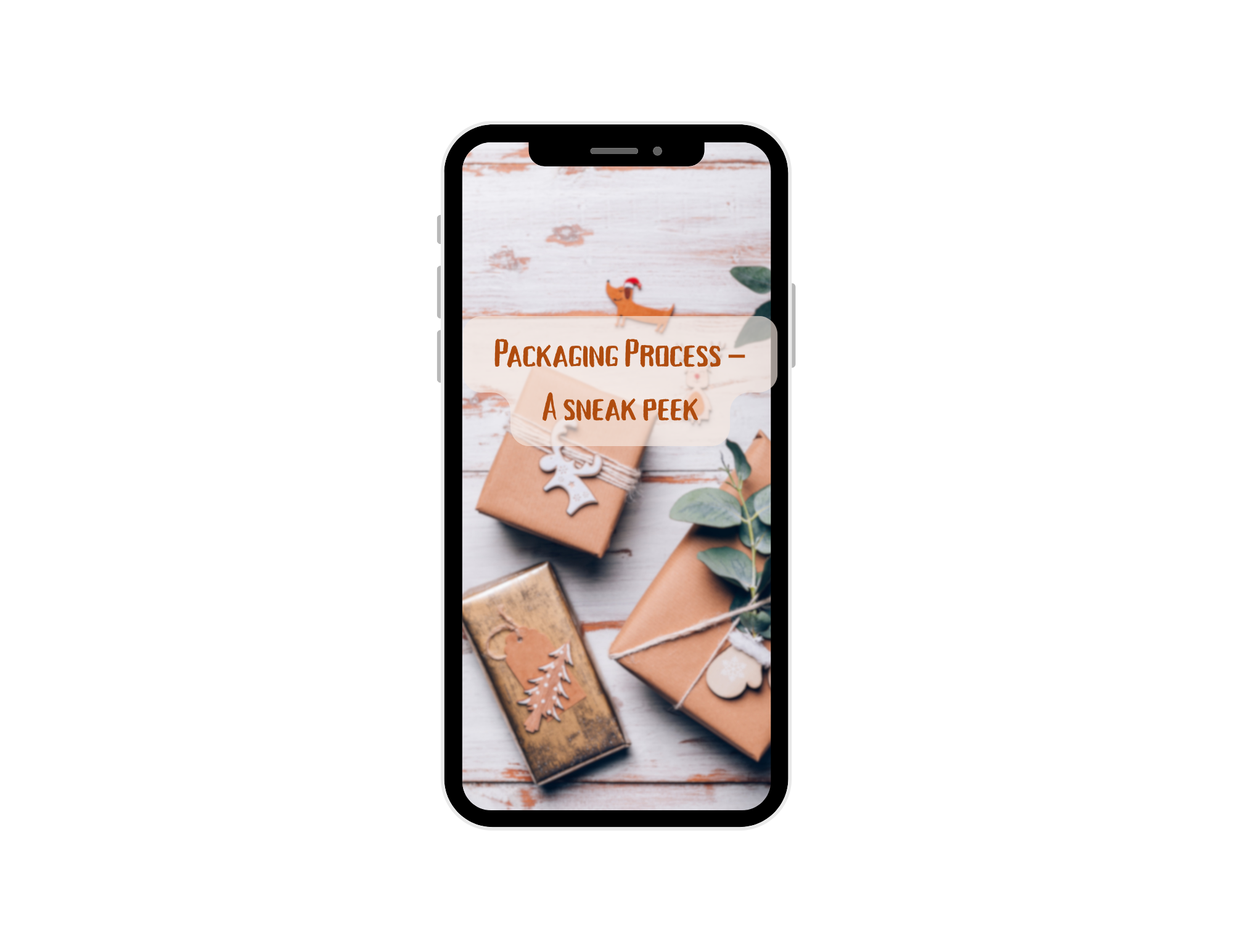 Packaging reel inspiration
4. Customer Testimonial Clip
Turn positive reviews into short reels. Overlay the review on footage of the product or feature a user video with captions. It’s social proof that sells.
 Customer testimonial reel inspiration
5. Answer a Common FAQ
Pick a frequent customer question and answer it clearly on video. It’s helpful, searchable, and builds authority in your niche.
6. Team or Staff Introduction
Put faces to the brand by introducing your team members. Quick interviews or fun facts about them help humanize your business.
7. Industry Tip of the Day
Share a practical tip or insight relevant to your industry. This positions you as an expert and adds value to your audience’s feed.
8. Before and After Transformation
Whether it's cleaning, editing, design, or home décor — transformation reels always grab attention. Use split-screen or dramatic transitions for impact.
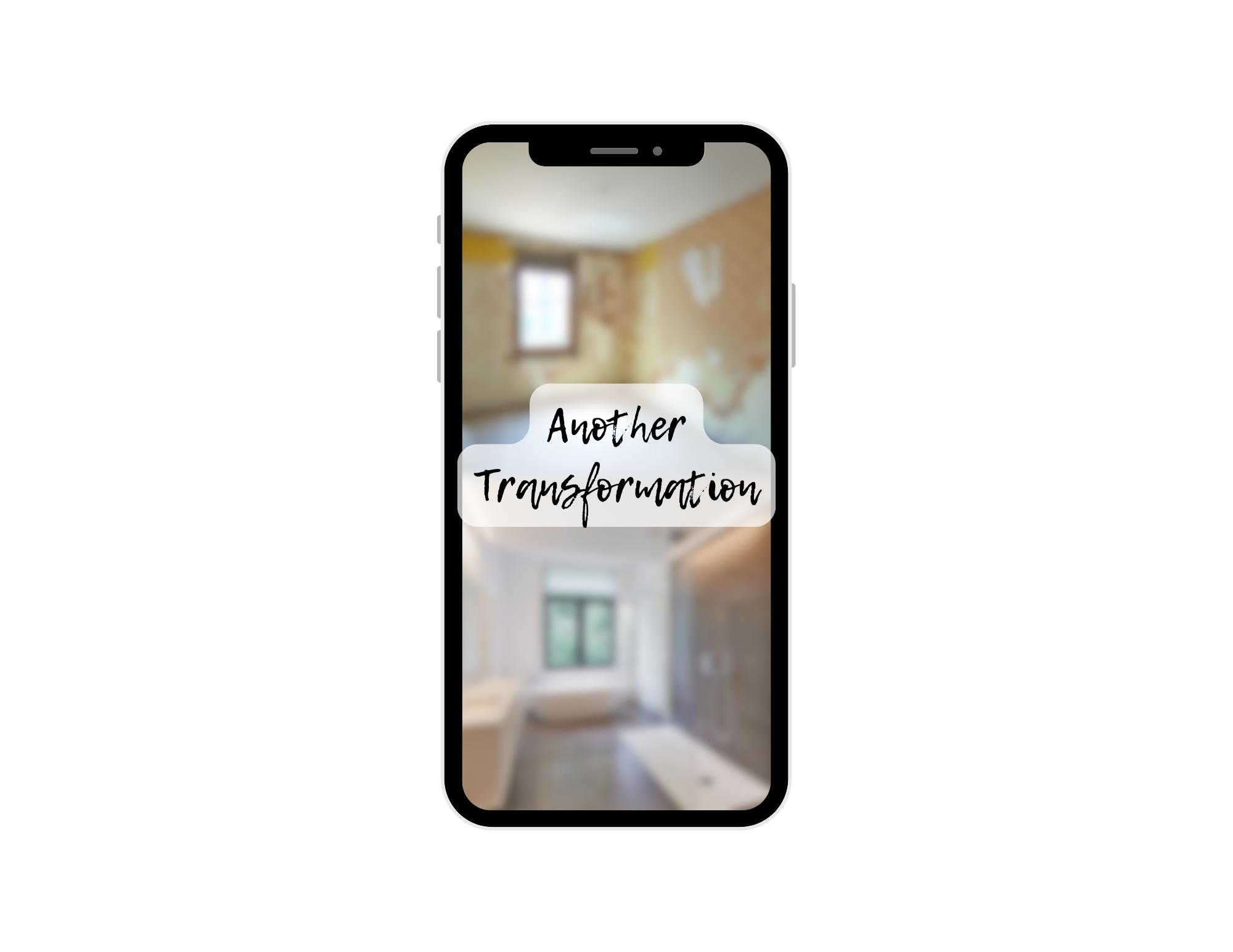 Home transformation reel inspiration
Reel Ideas for Influencers & Creators
9. A Day in Your Life
Show what a typical day looks like for you — from waking up to wrapping up. Use fast cuts, timestamps, and a catchy voiceover to keep it dynamic.
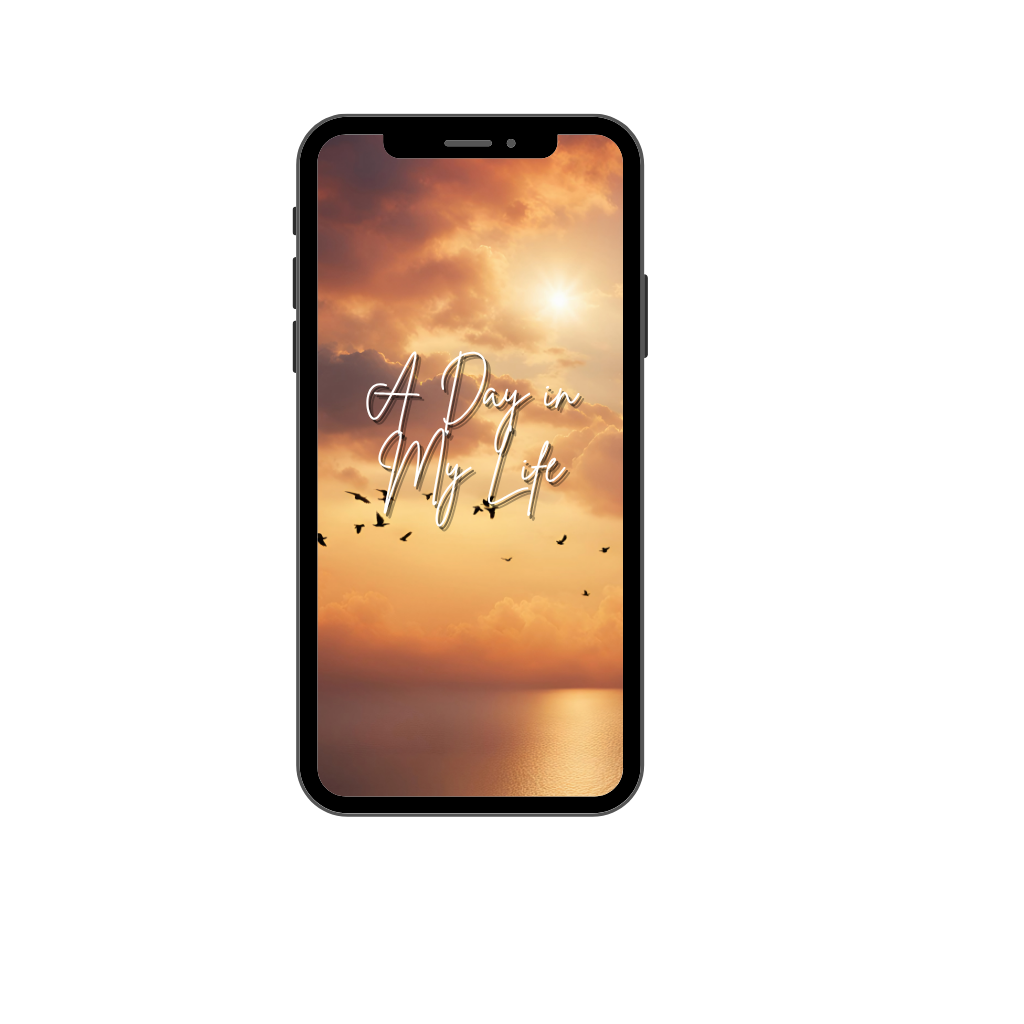 A Day in Life reel inspiration
10. Amazon or Product Haul
Film a haul video with mini-reviews. These are especially popular in lifestyle, beauty, or tech niches. Include affiliate links in your caption for bonus monetization.
 Product haul reel inspiration
11. Morning or Night Routine
Whether you're showing skincare, journaling, or breakfast habits, routines feel intimate and relatable — especially with aesthetic music and overlay text.
12. Mini Vlog with Captions
Capture a day, moment, or experience with clips and on-screen storytelling. No voice needed — just visuals, music, and vibe.
13. Try-On or Outfit Transition
Use fun transitions to go from one outfit to another. These are huge for fashion influencers and can even be used for showcasing personal branding.
 Styling reel inspiration
14. “Hot Take” with Voiceover
Record a voiceover sharing your unfiltered opinion on a trending topic. These provoke engagement and spark meaningful (or hilarious) conversations in the comments.
15. Your Favorite Tools or Apps
Share the tools that help you stay productive, creative, or organized. People love discovering new resources, especially when you walk them through how you use them.
16. Storytime Reel
Tell a funny, scary, inspiring, or embarrassing story in your own voice. Keep it engaging with cuts, text overlays, or a twist ending.
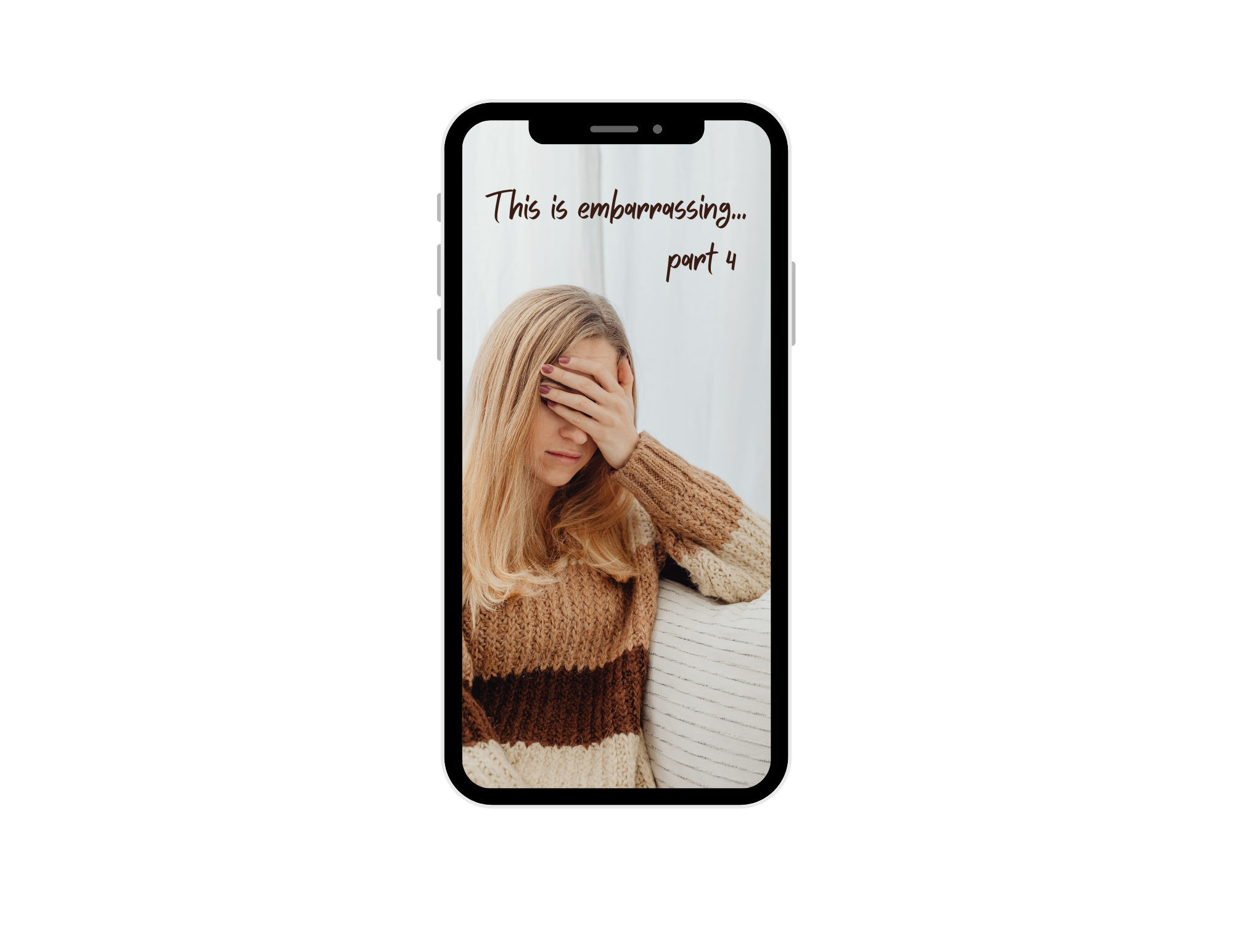 Storytime reel inspiration
17. “Things I Wish I Knew Before…”
Reflect on lessons from your niche or personal journey. These reels connect emotionally and position you as someone others can learn from.
18. “How I Got Started in…”
Take viewers back to the beginning. Tell them how you launched your brand, became an artist, or broke into your niche. It’s authentic and inspirational.
Reel Ideas for Designers & Artists
19. Sketch-to-Final Process Video
Show your design or artwork from the initial sketch to the final version. People love seeing the evolution, especially in fast-forward or time-lapse.
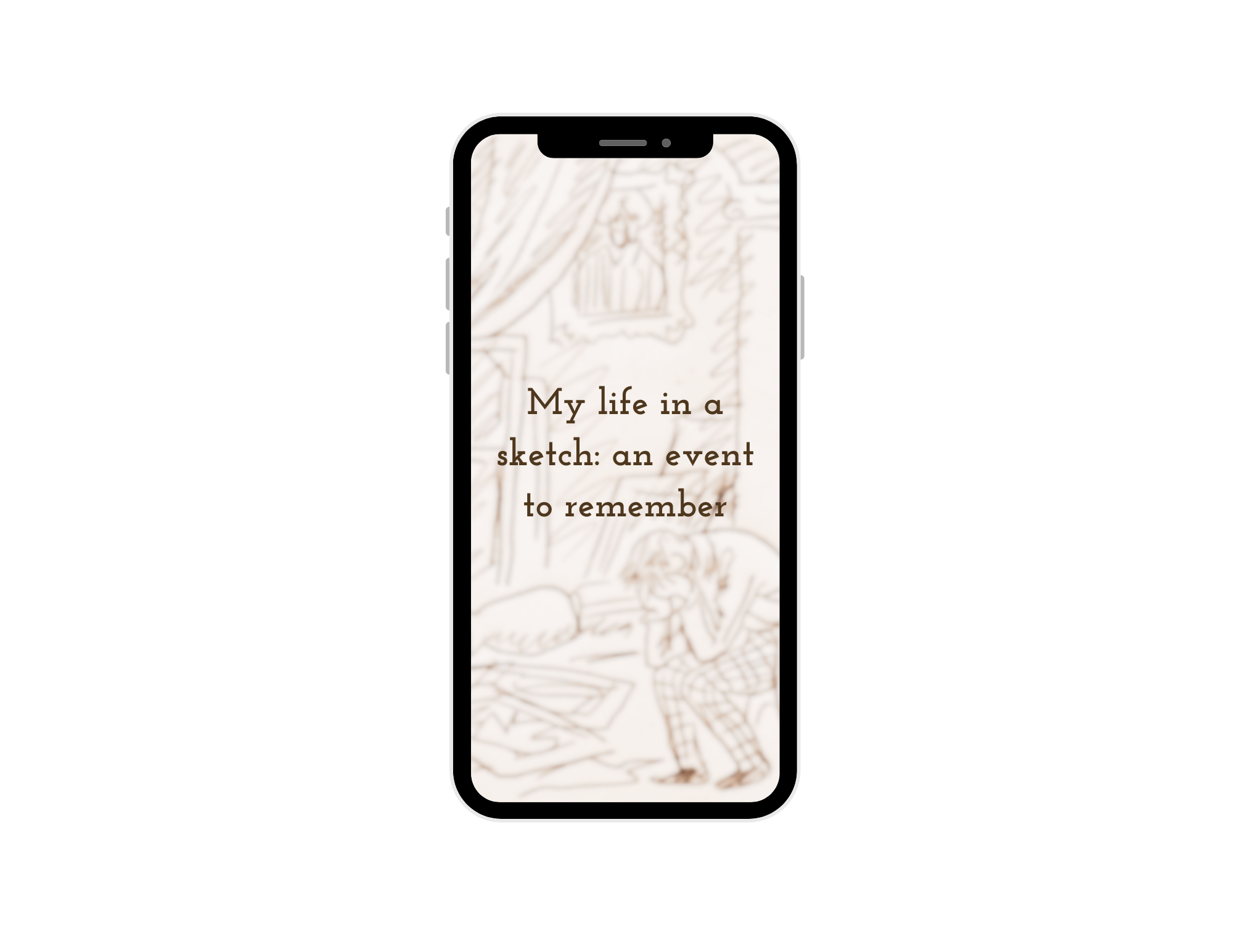 Sketching process reel inspiration
20. Design Inspiration Reel
Share a mood board, scene, or object that inspired your recent work. Talk through the visual elements or your creative thinking.
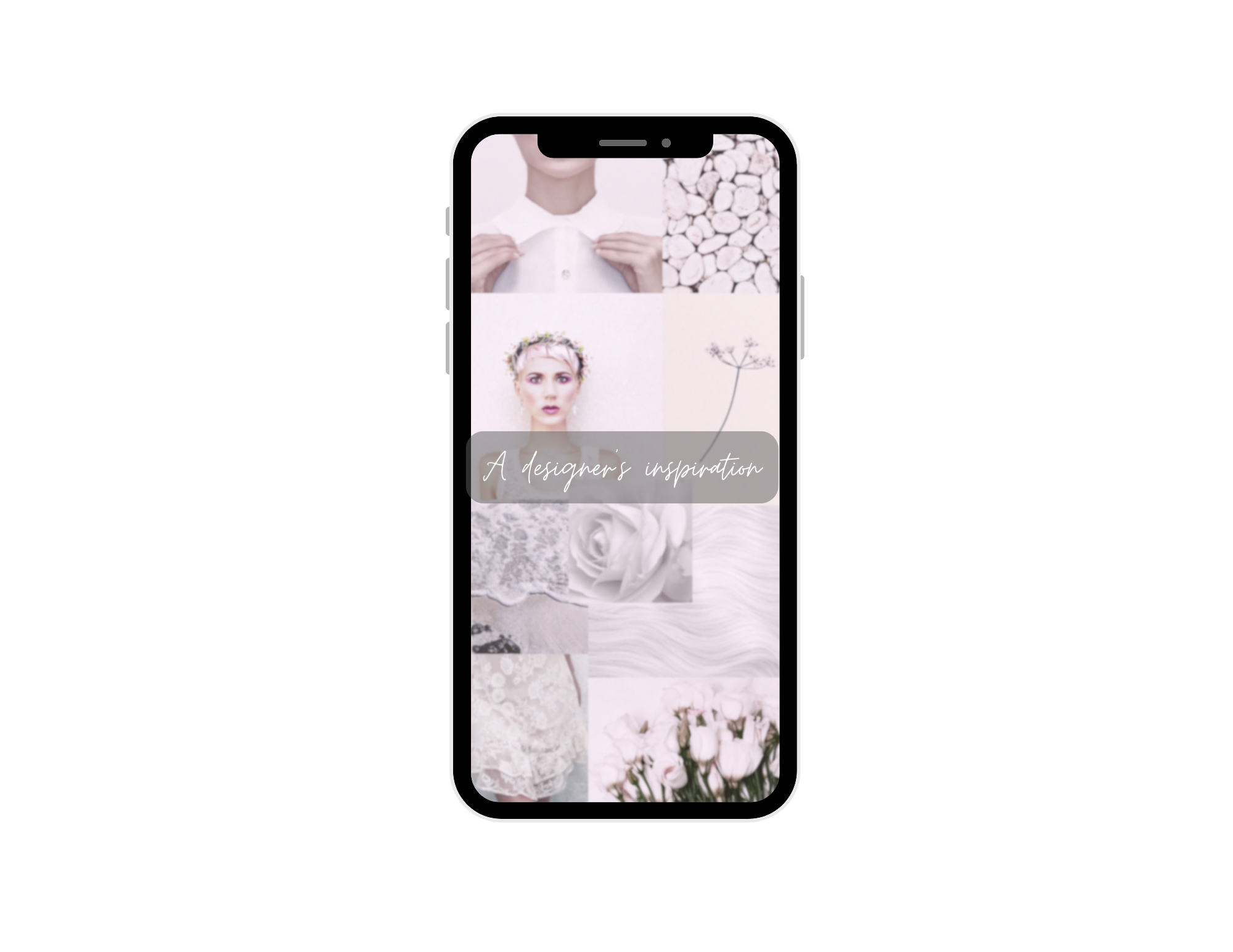 Designer's inspiration reel
21. Speedpaint or Time-Lapse Session
Set up a camera and record your design or painting process. Speed it up, add music, and overlay the finished piece at the end for a wow factor.
22. Showcase a Portfolio Piece
Highlight a finished design or illustration. Use motion text or animated captions to walk viewers through the idea behind it.
23. AI + Human Collaboration
Create content around how you use AI tools like ImagineArt’s Ideate to enhance or spark creative ideas. This content performs well for tech-savvy audiences.
24. Tools You Use for Design
Talk about your favorite apps or hardware — like iPads, styluses, or software. Give mini tutorials or tips alongside.
25. Color Palette Breakdown
Pick a project and explain the color choices you made and why. Add visual swatches and context to make it educational.
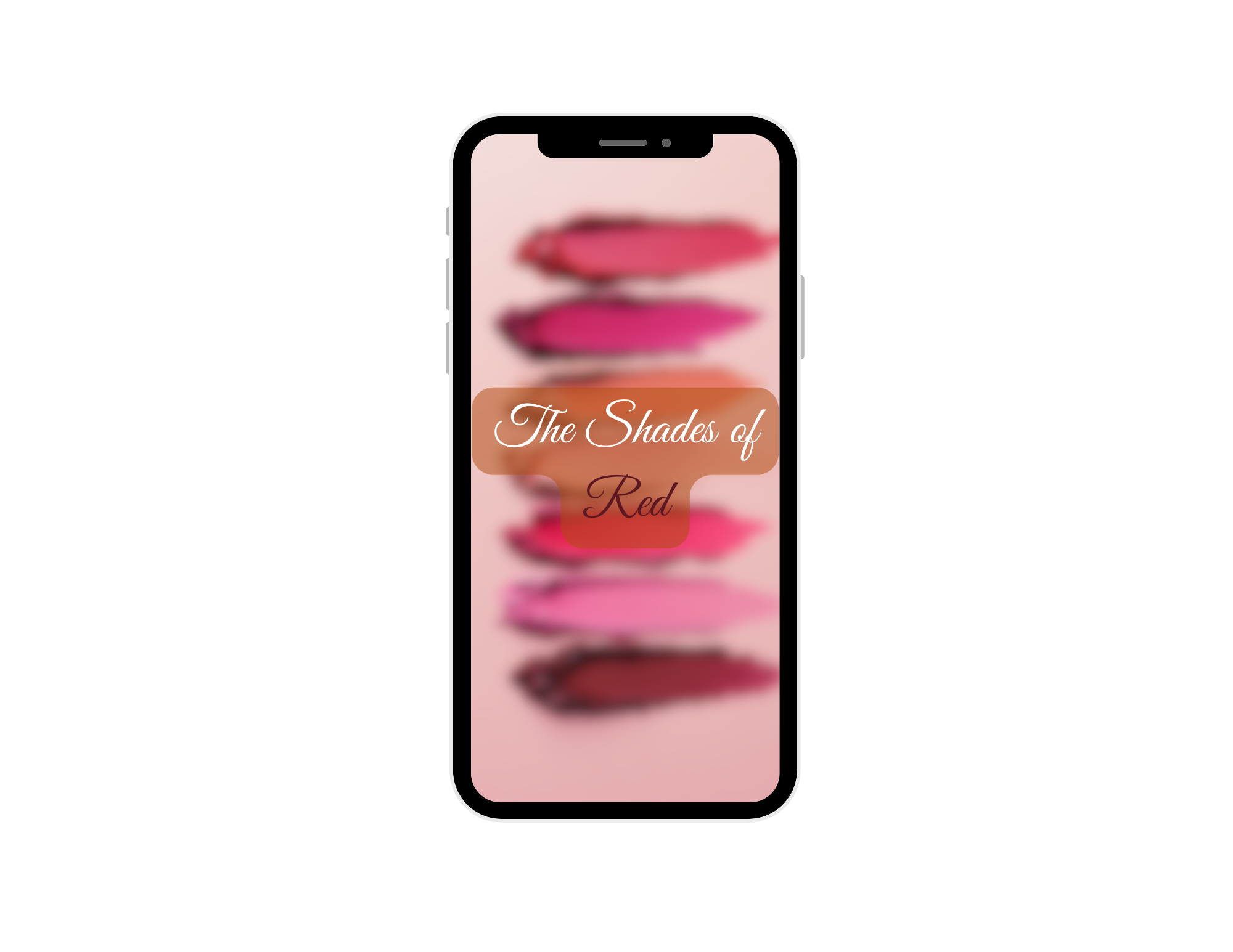 Color theory reel inspiration
26. Client Feedback → Revision Reel
Turn client notes into a visual story. Show how you took feedback and made the design better. It’s both funny and valuable.
27. “1-Minute Tutorial” on a Design Trick
Share a shortcut, trick, or technique in your tool of choice (Photoshop, Illustrator, etc.). Keep it simple but impressive.
28. Client Brief to Final Result
Start with the messy or vague client brief and show how you translated it into a clean final design. It’s a relatable and satisfying storyline.
Reel Ideas for Coaches & Educators
29. One-Tip Reel
Drop one high-value tip your audience can implement right away. Make it punchy and concrete.
30. Myth vs. Truth Series
Bust common myths in your field. Use text animations and voiceovers to build drama and reveal the truth.
31. Mini Lesson
Teach one concept in under 60 seconds. Whether it’s mindset, sports, marketing, or finance — break it down with visual aids or diagrams.
 Mini-lesson reel inspiration
32. Motivation Monday
Start the week with a powerful quote or message. Speak directly to the camera or add music over animated text.
33. Book Recommendation with Takeaway
Share a book that changed your mindset, with one takeaway your audience can use.
 Book recommendation reel inspiration
34. Carousel-to-Reel Repurposing
Turn an old carousel post into a fresh reel. Narrate the points or animate them with music and visuals.
35. “Top 3 Mistakes Beginners Make”
Call out mistakes in your industry — and offer alternatives. These perform well in educational niches.
36. Q&A Snippets
Take real questions from your audience and answer them in short reels. Great for building trust and interaction.
 Q&A reel inspiration
Reel Ideas for Personal Brands
37. What’s On My Phone?
Walk viewers through your favorite apps or tools. This content is perfect for creators or professionals sharing productivity hacks.
38. 2025 Goal Progress Update
Check in on your goals for the year. Share wins and setbacks — audiences love transparency.
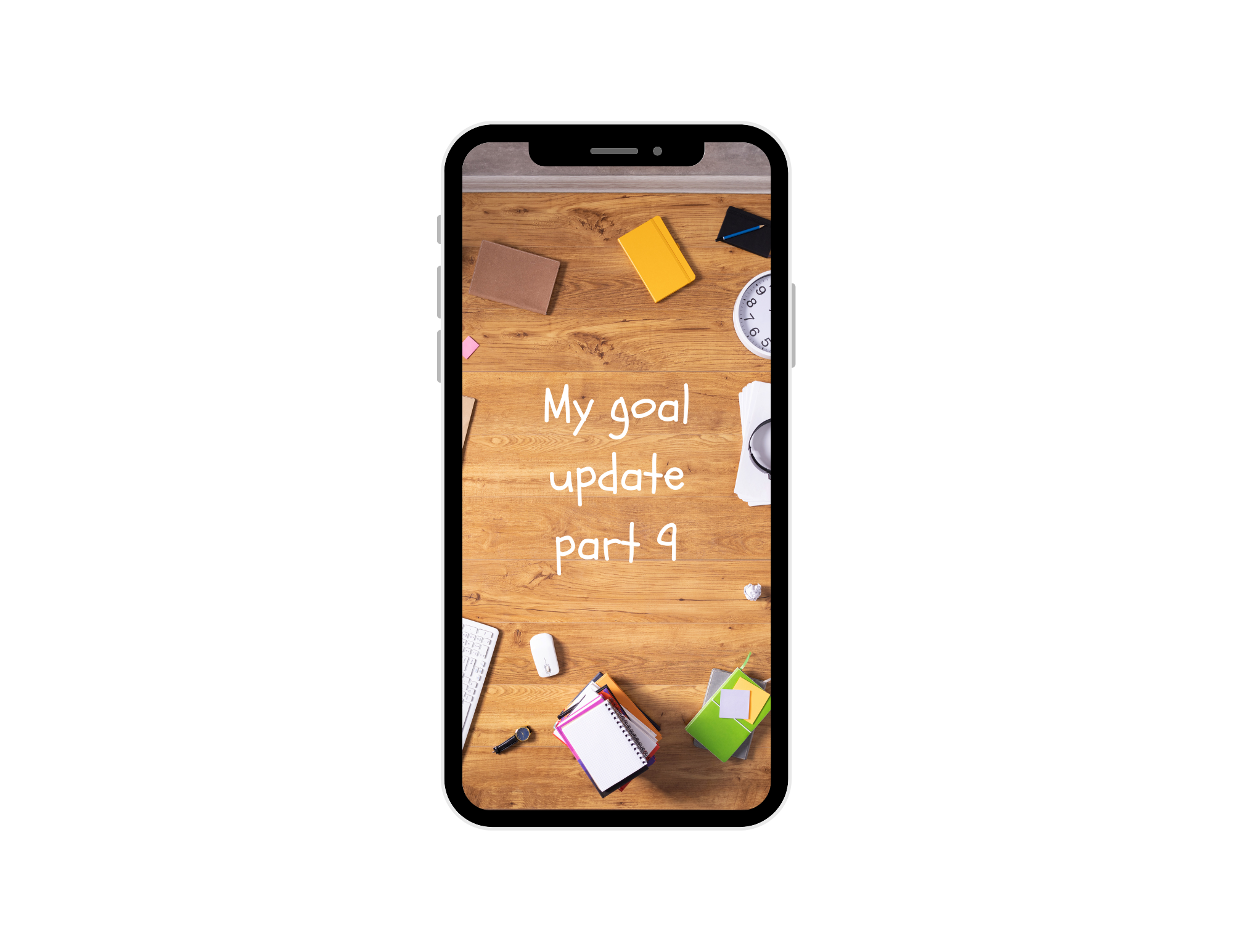 Goal progress reel inspiration
39. Life Hack Reel
Share a simple but useful life tip. These go viral often if the hack is visual, unexpected, or time-saving.
40. Walk + Voiceover Reel
Film a short walk (park, city, beach) and overlay it with your thoughts on life, growth, or creativity. These are intimate and calming.
41. Weekly Wrap-Up Highlights
Show what you worked on, created, or accomplished that week. Helps build a consistent story around your brand.
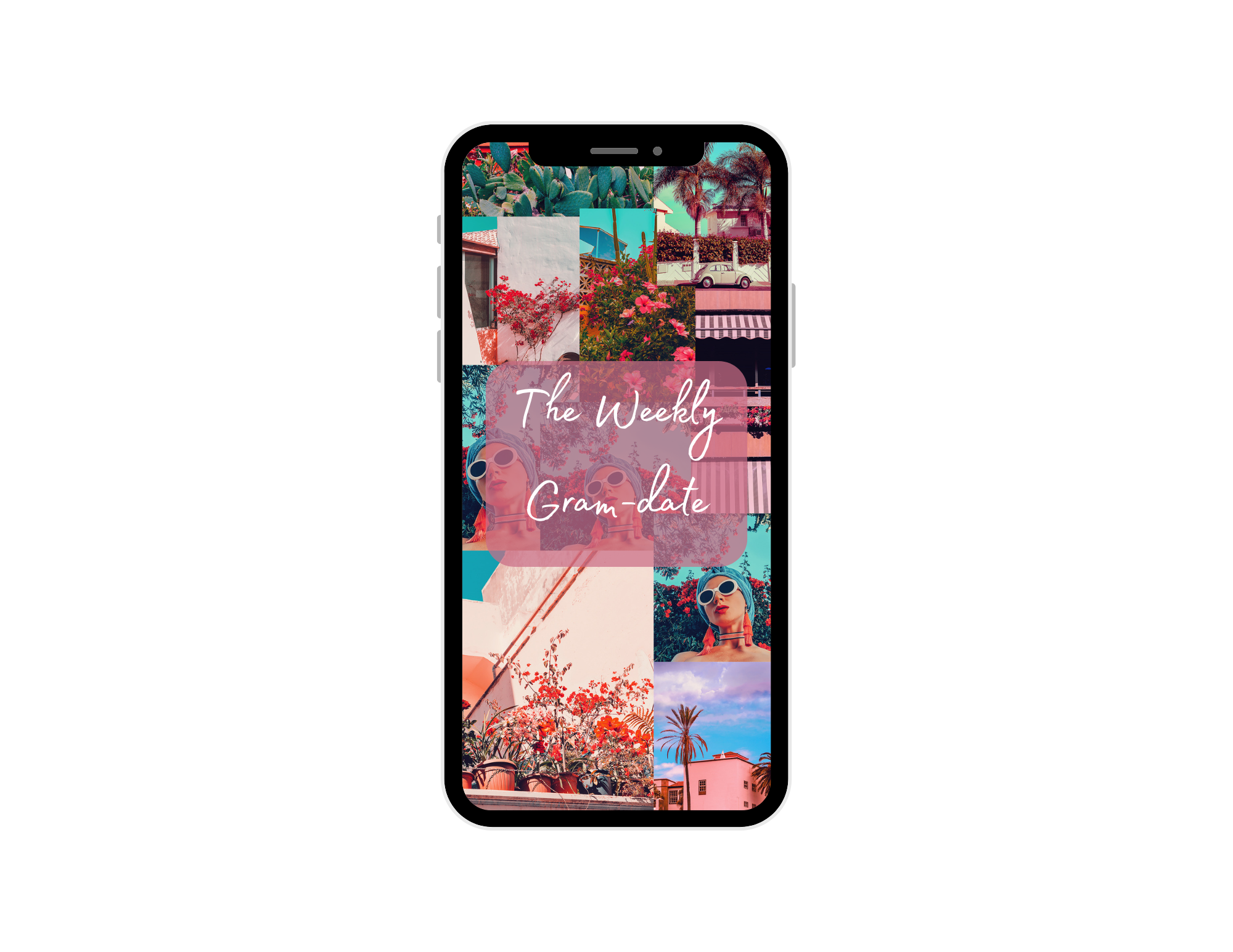 Weekly update reel inspiration
42. Unpopular Opinion in Your Niche
Take a bold stance on a topic in your space. These drive conversation and make your perspective stand out.
43. “If I Started Today…” Advice
Give advice for newcomers to your niche. Reflect on what you'd do differently — it’s helpful and humble.
44. Vision Board or Digital Collage Reveal
Share your 2026 goals through a moodboard. These work well with music and inspire engagement.
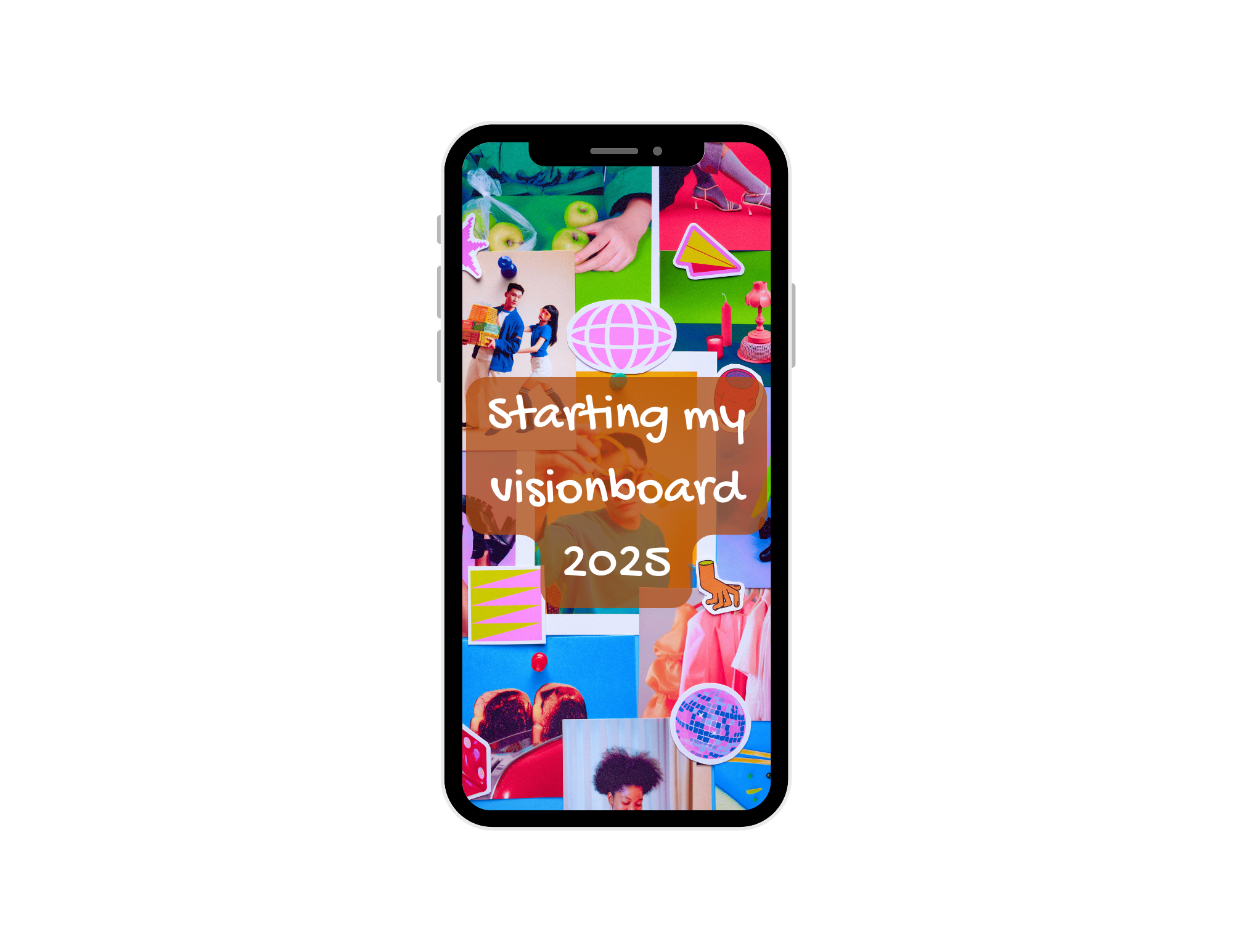 Visionboard reel inspiration
Reel Ideas for Trend Pages & Meme Creators
45. AI-Generated Skits or Characters
Use AI tools to create mini stories or characters. Narrate them with humorous or dramatic voiceovers.
 Skit reel inspiration
46. Trending Sound Reactions
Use a trending audio and apply it to a relatable scenario or niche-specific twist. These are native to the Reels culture.
47. “Nobody Talks About This…”
Start with this hook and dive into a niche topic or random truth. It’s great for meme pages or niche commentary.
48. Text-Only Meme with Music
Create a scrolling meme using bold text and a relatable scenario. Pair it with trending music for reach.
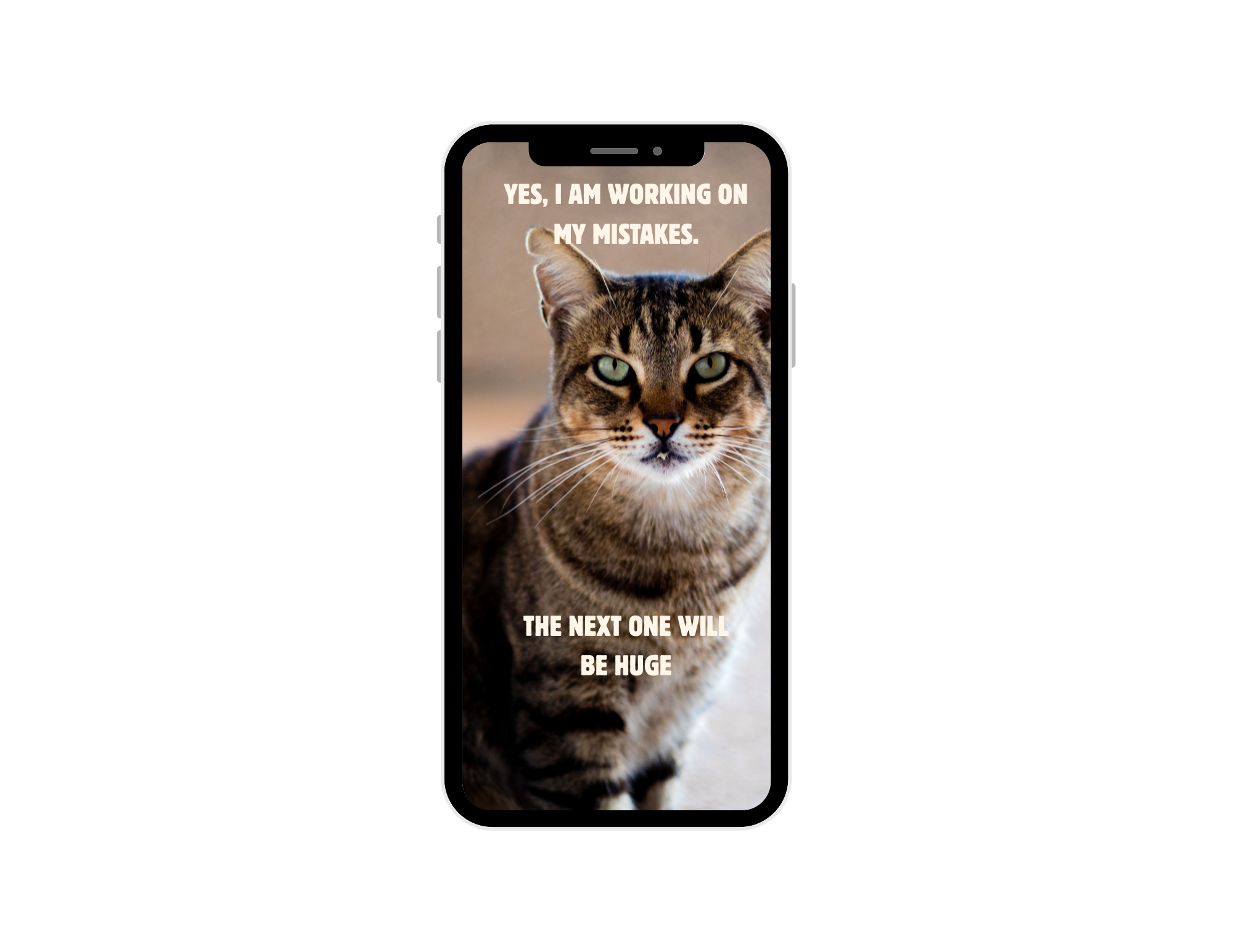 Meme reel inspiration
49. Fake Podcast Clip
Film yourself as if you're in a podcast, even if it's scripted. Drop a hot take or funny story to make it believable.
50. React to a Viral Clip
Use green screen or split-screen to react to something trending. Add your take or facial expression to make it your own.
Tips to Make Viral Instagram Reels in 2026
- Hook fast: The first 2 seconds determine whether viewers stay. Use movement, text, or a strong headline.
- Add subtitles: Most people watch with the sound off. Auto-captions improve retention dramatically.
- Stay vertical: Always shoot 9:16 and avoid letterboxing. Getting the format right before you start saves time in editing. The Instagram Reels aspect ratio guide covers the exact dimensions, safe zones, and export settings to use.
- Use trending audio: Pair your idea with a sound that’s already viral.
- Keep it punchy: Under 60 seconds with a clear message wins.
- Post often: Consistency is what builds visibility over time.
How to Make Viral Instagram Reels with ImagineArt
Creating Reels that consistently get reach requires the right format, the right content type, and a production process that doesn't slow you down. Here's how to build them with ImagineArt.
Step 1: Choose Your Reel Type
Different Reel goals need different tools. Start by deciding what the Reel should do:
- UGC or creator-style content → ImagineArt AI UGC Creator builds avatar-led vertical videos with product placement, natural pacing, and authentic short-form structure — no camera required
- Product demos or ecommerce → ImagineArt AI Product Video Generator creates product-first vertical Reels from a product image or URL, keeping the product visible and centered
- Ad creative or brand content → ImagineArt AI Ad Studio formats Reels with safe zones, caption placement, and hook structure built for paid and organic reach
- Cinematic or story-driven content → ImagineArt AI Video Generator lets you create any vertical video from a text prompt, with full control over scene, mood, and pacing
Step 2: Build in the Right Format from the Start
Always create in 9:16 vertical format at 1080×1920. Building in the wrong canvas and cropping later cuts faces, products, and captions. Every ImagineArt tool outputs natively in 9:16 so the subject, text, and CTA stay in frame from the first generation.
Step 3: Refine with AI Video Editor
Raw generations rarely need to go straight to publish. ImagineArt AI Video Editor handles scene cleanup, caption timing, pacing adjustments, CTA placement, and object changes — so the final cut holds attention long enough to qualify for reach and the Reels Bonus Program.
Key edits before publishing:
- Hook lands in the first 2 seconds
- Captions are on for sound-off viewing
- Product or key message appears before the midpoint
- CTA is visible and not covered by Instagram UI
Step 4: Scale with ImagineArt Workflows
One strong Reel is not a strategy. ImagineArt Workflows connects video generation, editing, format output, and variation production into one repeatable process — so you can produce multiple Reels per week without rebuilding from scratch each time.
Use Workflows when:
- You post more than three times per week
- You need multiple format variations from the same concept
- You manage Reels across more than one account or brand
Step 5: Export and Post
Final exports from ImagineArt output in 1080×1920 MP4, H.264 — Instagram's preferred format. No re-rendering, no format conversion before upload.
Check before posting:
- Video is 9:16 at 1080×1920
- Subject and captions are in the safe zone
- First frame is strong enough to work as the cover
- Audio is clear — use ImagineArt Audio Studio to add voiceover, background music, or sound design before export, or ensure captions cover the sound-off viewer
Final Thoughts
Instagram Reels are still one of the best ways to get discovered in 2026. With the right idea and the right tool, anyone can create scroll-stopping content — no filming, editing, or scriptwriting needed. Start with one idea today, and watch how quickly you improve and grow.
Frequently Asked Questions
Absolutely — Reels remain Instagram’s #1 growth format.
Yes. Tools like ImagineArt create, narrate, and style your video with a few clicks.
30–60 seconds is the sweet spot for engagement and retention.
Not at all — it’s designed for creators who want fast, polished results without editing software.
Definitely. These formats work cross-platform — and ImagineArt supports them all.
Related readings:
Best Time to Post Reels on Instagram
How to Make Instagram Reels
Instagram Monetization
Tooba Siddiqui
Tooba Siddiqui is a content marketer with a strong focus on AI trends and product innovation. She explores generative AI with a keen eye. At ImagineArt, she develops marketing content that translates cutting-edge innovation into engaging, search-driven narratives for the right audience.