Shayan Shahzad
August 21, 2025 • Updated July 2, 2026
10 mins Read
AI image generators have completely changed the way we create visuals, and two names keep popping up in every conversation: Midjourney and Google’s Imagen 4.
Midjourney has already built a strong reputation as a go-to tool for digital artists and creators. On the other hand, Google's Imagen 4 made its name as one of the strongest photorealism models on the market — even as Google now folds its image efforts into the Gemini lineup.
At first glance, both tools seem to do the same thing — turn your text prompts into stunning images. But here’s the real question: are they just different ways to get the same result, or is one actually better?
That’s exactly what we’re here to figure out. We’ll start with the basics (so even if you’re new, you won’t get lost) and then move into the bigger details. By the end, you’ll have a pretty good idea of which one deserves your time.
A Quick 2026 Status Check
Both tools in this comparison have moved since it was first written, so here's where things stand.
Midjourney shipped V8.1 in April 2026, and it became the default model in June. It's the platform's biggest leap in years — generation is 4 to 5 times faster, images render natively in 2K HD, and text rendering has improved dramatically.
On Google's side, Imagen 4 has entered its legacy phase. Google is retiring the standalone Imagen API endpoints through 2026 and pointing developers toward its Gemini image models, better known as the Nano Banana family. Imagen 4 remains available on creative platforms for now, but Nano Banana is where Google's image generation story goes next.
Everything below reflects this current state of both tools.
What Is Imagen 4?
Imagen 4 is Google’s latest text-to-image model, designed to turn your ideas into stunning, high-quality visuals in just seconds. It builds on earlier versions of Imagen but pushes things much further in terms of speed, realism, and creative flexibility.
Here’s what makes it special:
- Imagen 4 is up to 10 times faster than previous versions, allowing you to test multiple ideas almost instantly.
- It produces ultra-realistic images with sharp details, rich textures, and lifelike rendering for landscapes, portraits, animals, and objects.
- You can generate visuals at up to 2K resolution, making it ideal for professional and creative projects.
- The model supports a wide range of artistic styles, from photorealism to impressionism and abstract art.
- Text rendering, spelling, and typography have been improved, making it perfect for posters, comics, and product packaging.
- It captures fine details like intricate textures and gradients, giving your visuals a polished, professional look.
What Is Midjourney?
Midjourney is a popular AI-based platform that transforms text prompts into visually striking images. Unlike models focused on photorealism, Midjourney is often favored by artists and creative professionals for its ability to produce stylized, imaginative, and highly artistic visuals.
Here’s what makes it stand out:
- Midjourney generates surreal and visually compelling imagery, often with a strong artistic or fantastical style.
- It excels at creative interpretations, allowing prompts to be transformed into unique, eye-catching visuals.
- Users can explore a wide range of artistic styles, from digital painting and concept art to abstract and futuristic designs.
- It supports iterative creation, enabling artists to refine and remix images for better results.
- The platform is widely used by designers, illustrators, and creative professionals for inspiration and professional projects.
- The current default model, V8.1, generates in seconds and supports native 2K HD output — a major step up from earlier versions.
A basic introduction of both has been done, so let’s move forward to the bigger picture.
Photorealism: Why Imagen 4 Is A Top Contender For Realistic Imagery
When it comes to creating images that feel like they were captured with a high-end DSLR, Imagen 4 is hard to beat. Its rendering capabilities stand out in areas such as:
- Skin tones: Rich and natural hues that capture the nuances of human features.
- Lighting: Impressive depth, with dynamic highlights and shadows that mimic real-world lighting.
- Micro-details: Subtle elements like fabric textures, water droplets, and fine details are captured with remarkable precision.
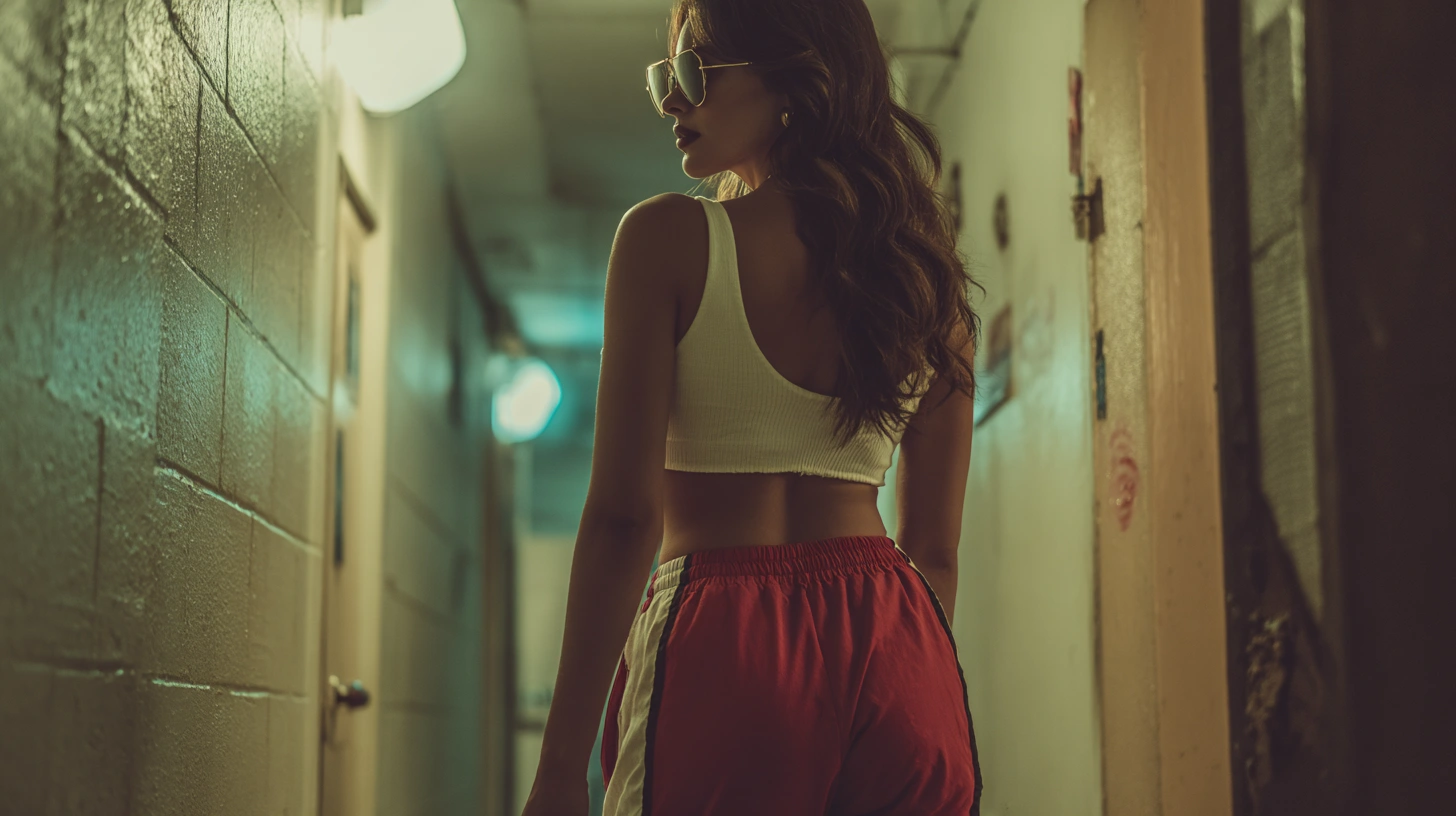
While Midjourney also produces realistic images, it tends to add a layer of artistic flair, like a cinematic or painterly effect. This can work well in creative settings but may not be the best fit for commercial photography or architectural visualization where accuracy is paramount.
- Imagen 4: Great for realistic product photography and architectural visualization.
- Midjourney: Offers more artistic freedom with a creative touch that works best for storytelling or mood-driven visuals.
Ultimately, if your project demands precision and realism, Imagen 4 is a fantastic option, but Midjourney still has its place for creative explorations.
 Photorealism of Imagen 4.webp
 Photorealism of Midjourney.webp
Artistic Style: Which AI Is Better For Creative Expression?
When it comes to artistic expression, Midjourney excels with its ability to create visually unique and stylized images.
The model offers:
- Futuristic cityscapes glowing under neon lights
- Oil-paint-inspired portraits
- Abstract and surreal visuals
Midjourney embraces creativity in a way that feels more fluid and dramatic, making it a great tool for artists, filmmakers, and storytellers who want something that pushes boundaries.
That said, Imagen 4 does a remarkable job of blending artistic styles with realism. It may not have the same artistic soul as Midjourney, but it strikes an impressive balance between realism and creative expression, making it ideal for professional and commercial applications.
Midjourney’s output quality is examined further in the ImagineArt vs Midjourney comparison.
- Imagen 4: Perfect for realistic artistic design where precision is important.
- Midjourney: Fantastic for expressive art, fantasy visuals, and conceptual design.
Both have their strengths depending on your goals, but Imagen 4 ensures that your creative vision stays grounded in reality.
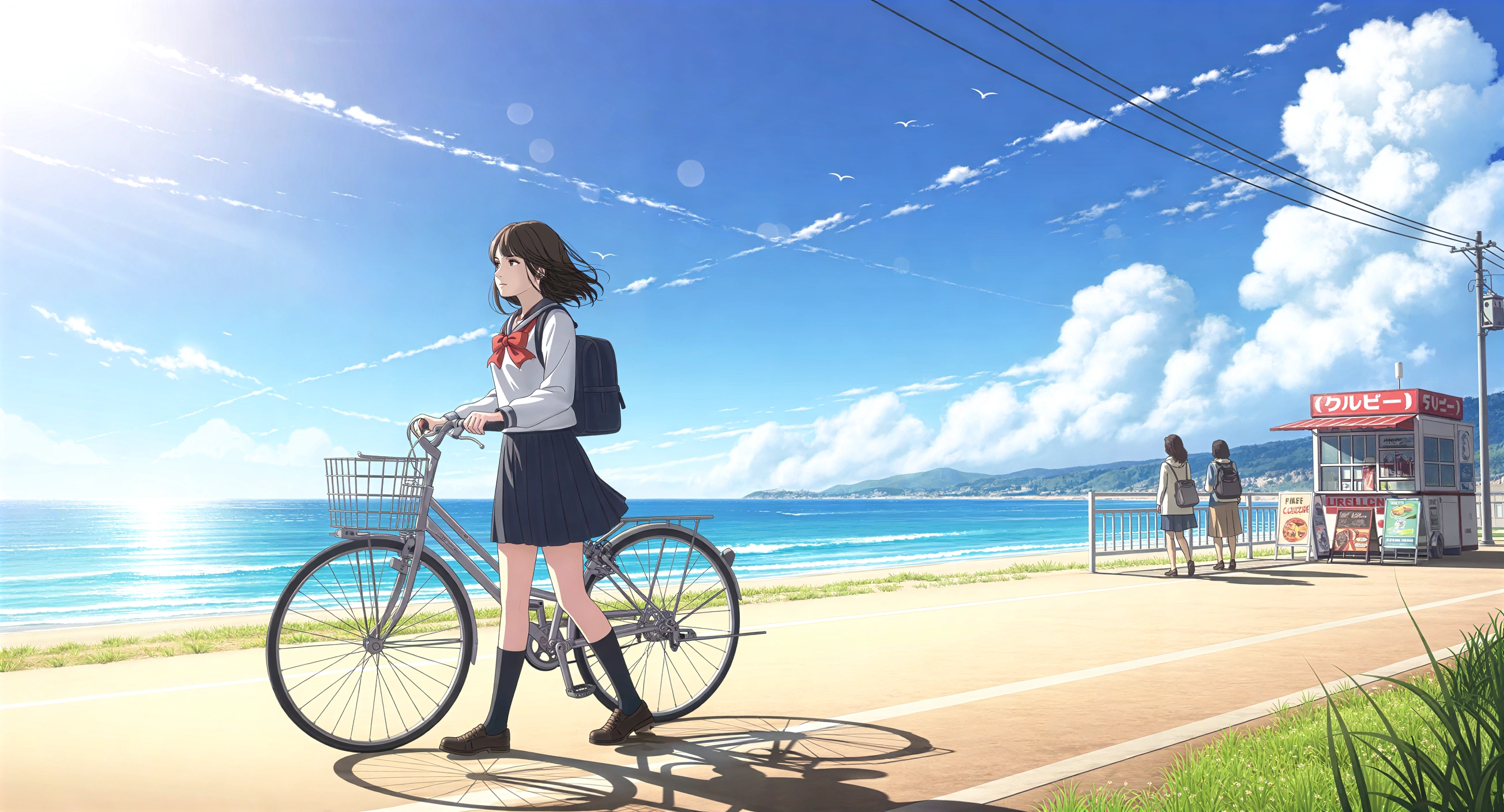 Artistic Style of Imagen 4.webp
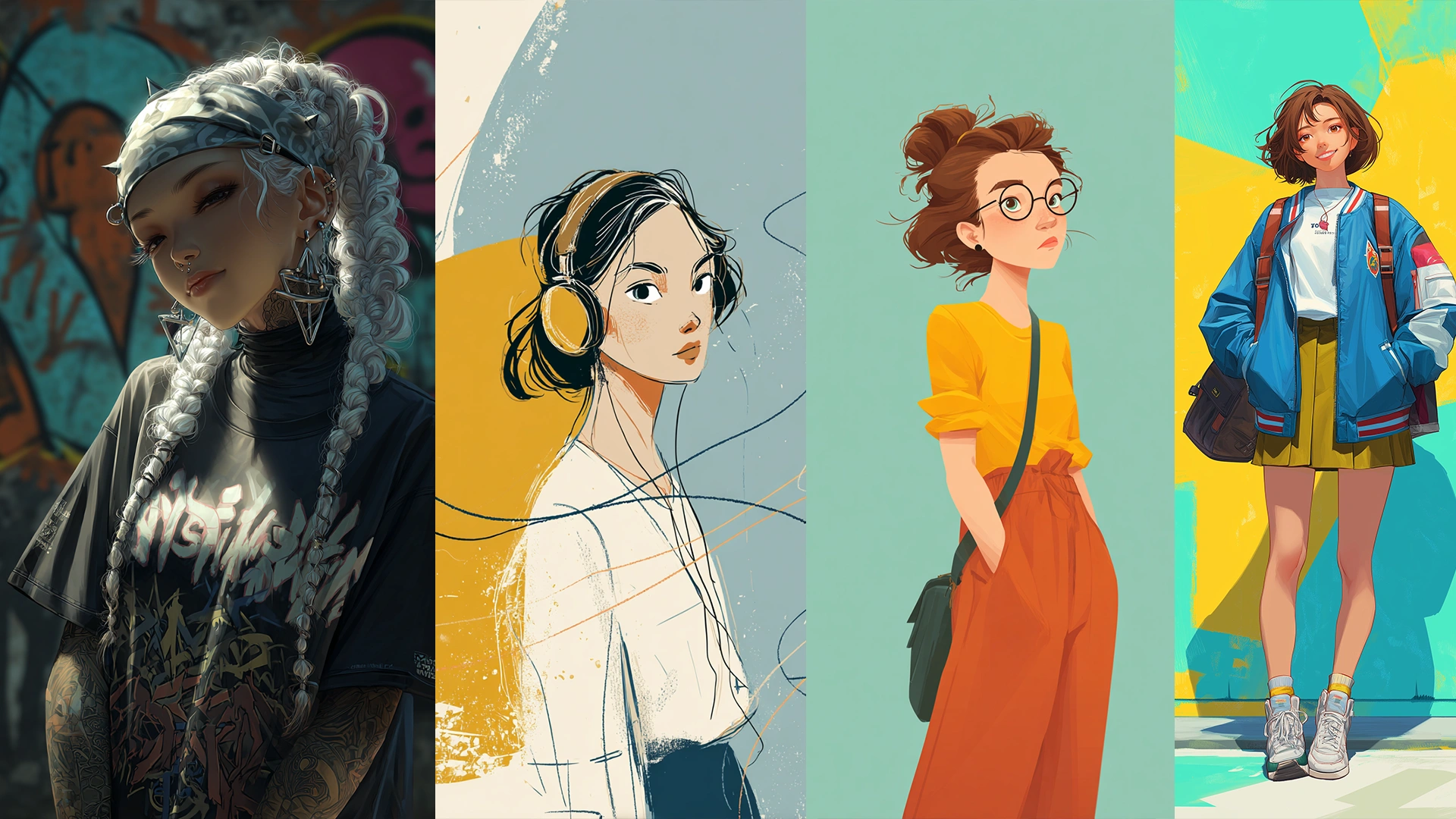 Artistic Style of Midjourney.webp
Text Rendering: Imagen 4 For Flawless Typography
One major area where Imagen 4 truly shines is text rendering. Whether you’re creating:
- Event posters
- Brand assets
- Infographics
Imagen 4 handles text with exceptional accuracy, ensuring clear, readable typography that requires no additional editing. This is particularly useful for marketing materials and commercial branding.
Midjourney closed much of this gap with V8, which added a dedicated text rendering pipeline. Put your text in quotes, and V8.1 renders short phrases cleanly — readable posters, product labels, and signage that older versions would have mangled.
That said, longer text blocks and dense layouts still favor Imagen 4, which handles multi-line typography and small font sizes with more consistency. For text-heavy commercial work, Imagen 4 keeps the edge; for a headline or a label, either tool now delivers.
For projects where perfect text accuracy is a priority, Imagen 4 ensures you get clean, polished results.
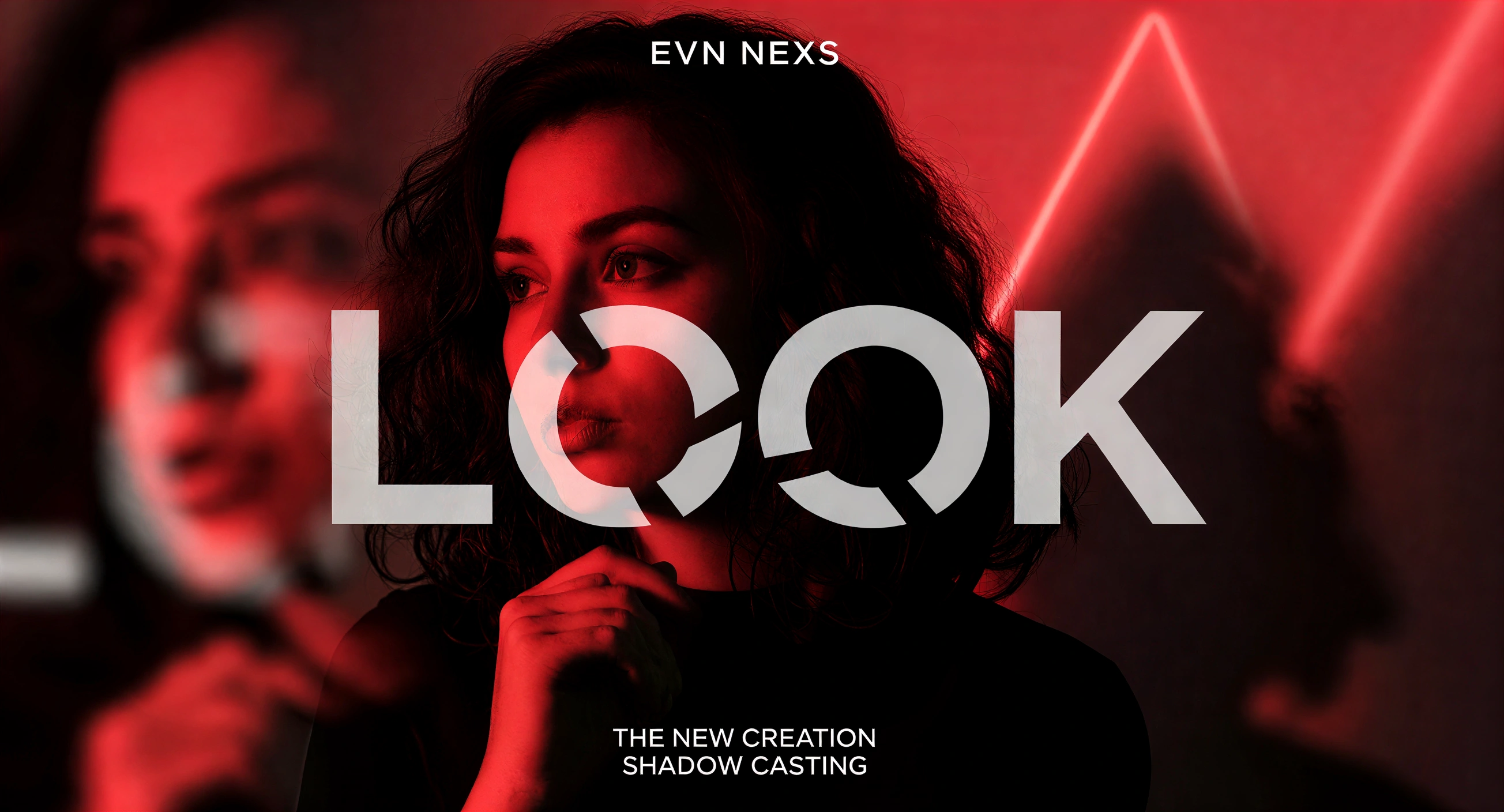 Text Rendering of Imagen 4.webp
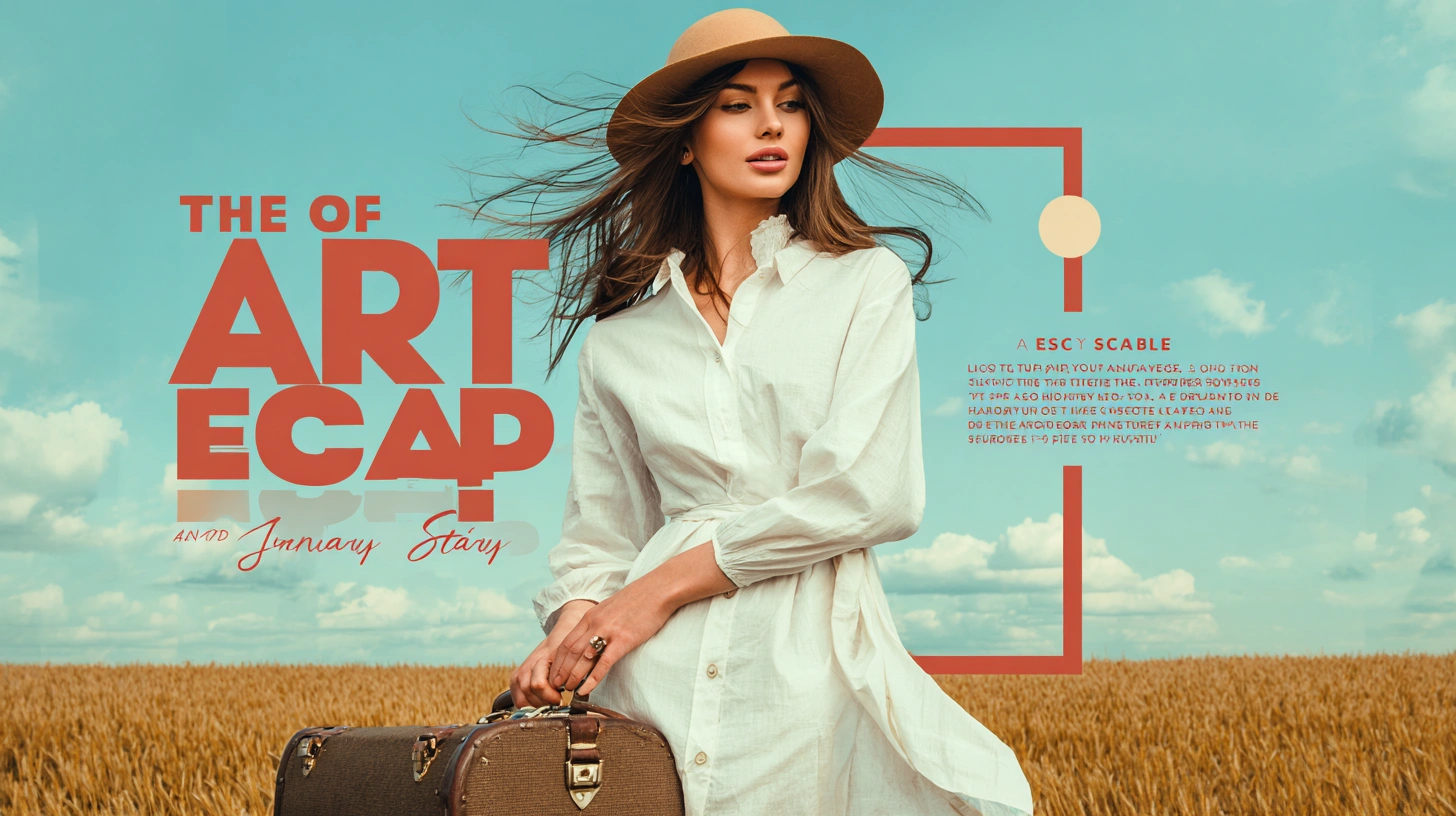 Text Rendering of Midjourney.webp
Speed & Workflow Integration: Imagen 4 Is Built For Efficiency
In a professional setting, speed matters. Imagen 4 offers lightning-fast generation times, typically in seconds, which is ideal for:
- Rapid iterations during brainstorming sessions
- Client presentations where timing is crucial
Midjourney used to be the slower of the two, but V8.1 changed that equation — standard jobs now render 4 to 5 times faster than before, often in under 10 seconds. On raw generation speed, the two tools are now closer to even.
Where the difference remains is workflow integration. Midjourney still offers no public API, which means no automation, no pipeline integration, and no programmatic access for teams. For personal projects and creative experiments that's rarely an issue, but for enterprise workflows, Imagen 4 and the platforms that carry it remain the practical choice.
- Imagen 4: Best for professional pipelines — API access and platform integration Midjourney doesn't offer.
- Midjourney: Now fast enough for any personal workflow, but still a walled garden with no API.
If you're looking for efficiency and professional integration, Imagen 4 is a solid choice, but Midjourney still offers an excellent creative playground for personal work.
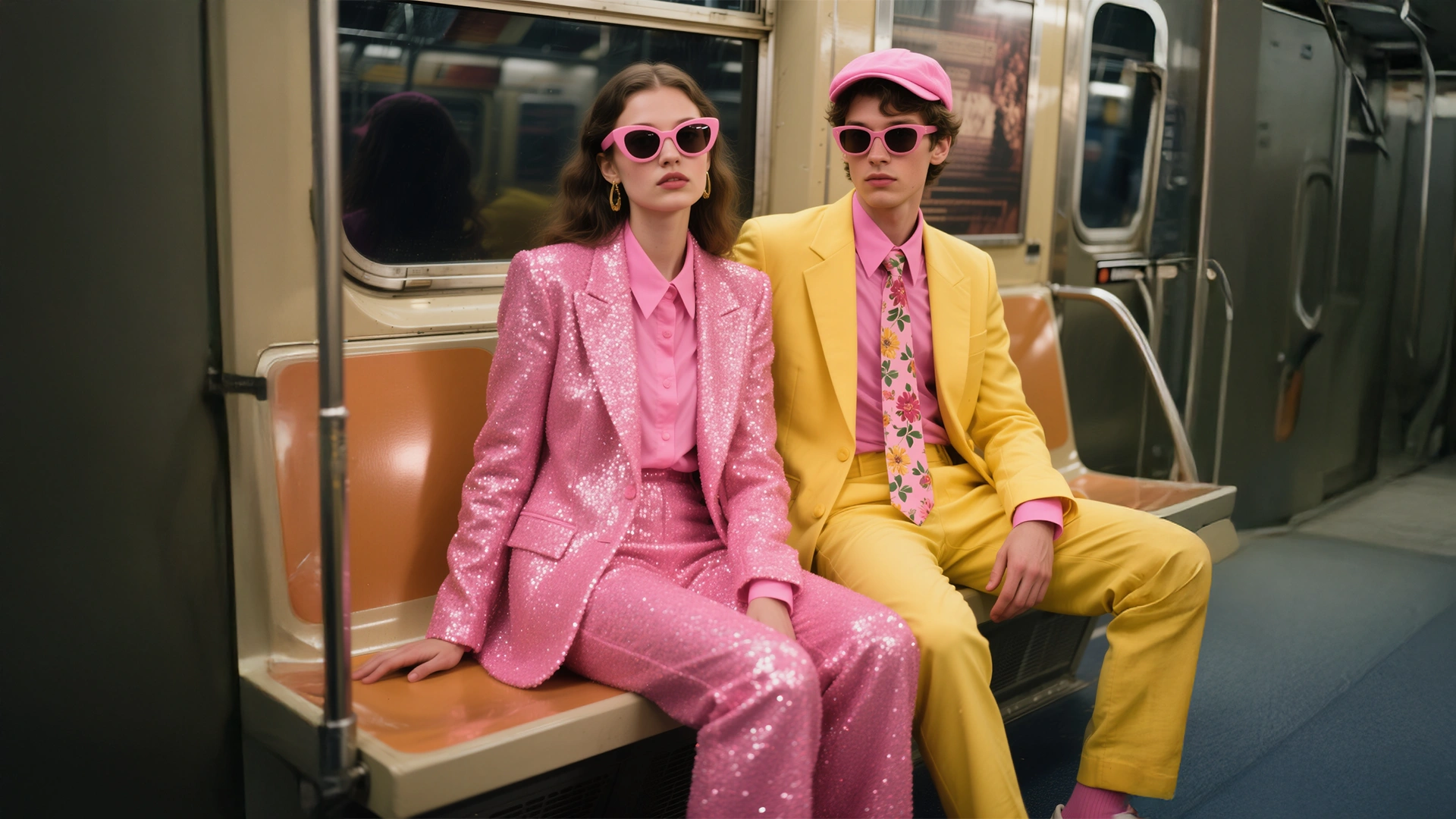 Created this picture in 10 seconds using Imagen 4 on ImagineArt.webp
How & Where Can You Use Imagen 4?
ImagineArt is your go-to platform to use Imagen 4. Among its diverse range of AI models, Imagen 4 lets you transform text prompts into stunning, high-quality images—all without spending a dime, thanks to daily free credits.
Here’s why ImagineArt is the perfect place to use Imagen 4:
- Free Daily Access: Experiment with Imagen 4 every day using your free daily credits, ideal for testing multiple ideas and prompts.
- High-Quality AI Images: Generate realistic, detailed visuals for marketing, design, concept art, or personal projects.
- Easy-to-Use Platform: No complex setup—just log in to ImagineArt and start creating.
- Centralized Dashboard: Manage, refine, and download all your creations from one convenient dashboard.
How & Where Can You Use Midjourney?
Midjourney now offers a fully functional web interface in addition to its Discord-based platform. This allows users to generate and edit AI images directly through their browser.
- Sign Up or Log In: Visit midjourney.com and create an account or log in.
- Access the Web App: Once logged in, you'll be directed to the Midjourney web app, where you can start generating images.
- Enter a Prompt: In the prompt area, type a description of the image you want to create (e.g., "a futuristic city at sunset") and submit it.
- View and Edit Results: The AI will generate a set of images based on your prompt. You can then use tools like "Vary," "Upscale," "Remix," and "Pan" to refine your image.
- Save or Share: Once satisfied with your creation, you can download the image or share it directly from the platform.
This web interface is designed to be user-friendly, offering features like adjustable sliders for image size, stylization, and other parameters. It's a great option for those who prefer not to use Discord.
Pricing Of Imagen 4
On ImagineArt, the pricing to use Imagen 4 and many other models including Imagen 3, Ideogram Character, etc is:
Billed Yearly
-
Basic: $9/month – 36K credits/year
-
Standard: $20/month – 96K credits/year
-
Ultimate: $35/month – 192K credits/year
-
Creator: $178/month – 1.2M credits/year
Billed Monthly
-
Basic: $13/month – 36K credits/year
-
Standard: $30/month – 96K credits/year
-
Ultimate: $50/month – 192K credits/year
-
Creator: $255/month – 1.2M credits/year
To Conclude
If you want fast, realistic AI images with professional-grade quality and text rendering that holds up, Imagen 4 on ImagineArt remains a clear pick — even as Google's image lineup evolves around it. From lifelike portraits and product visuals to detailed concept art, it’s built for creators who demand precision and speed.
But the fun doesn’t stop there—ImagineArt isn’t just about Imagen 4. You can explore a whole range of AI image models, from stylized art generators to creative experimental tools to other Midjourney alternatives, all in one place. With daily free credits, an intuitive dashboard, and the ability to mix and match models, ImagineArt makes it easy to bring every creative idea to life—quickly, professionally, and without limits.
Frequently Asked Questions
Both are Google image models, but they solve different problems. Imagen 4 is a dedicated text-to-image model built for maximum quality on the first generation. Nano Banana runs inside Google's Gemini models and is built for conversational editing, letting you refine images through follow-up instructions, combine multiple images, and keep characters consistent across edits. Google is positioning Nano Banana as the successor to the Imagen line.
Yes, paid Midjourney subscribers own the images they create and can use them commercially. There is one catch: companies earning more than $1 million in annual revenue must be on the Pro or Mega plan for commercial rights. Free trial images, when trials are available, are licensed for non-commercial use only.
Yes, and this is one of its biggest strengths. Midjourney supports style references to match the look of an existing image, character references to keep the same face across generations, and moodboards that blend several references into a consistent aesthetic. Imagen 4 is a pure text-to-image model, so reference-driven workflows are where Midjourney clearly pulls ahead.
Yes. Midjourney added a video model that animates images into short clips, either from images you generated or ones you upload. It is built for artistic motion rather than long-form video, so for full AI video generation you would still turn to dedicated video models like Veo or Kling.
Midjourney has a dedicated model for this called Niji, trained specifically for anime and illustrative styles, which gives it a real edge for manga art, character design, and stylized illustration. Imagen 4 can produce anime-style images from prompts, but it does not have a specialized model for the genre.
Google is shutting down Imagen 4's standalone API endpoints in 2026, which affects developers calling the model directly through Google. Images you have already generated are not affected, and the model remains usable through creative platforms that carry it while access lasts. Going forward, Google's image generation continues under the Nano Banana family.
Shayan Shahzad
Shayan Shahzad loves turning AI trends and innovations into content people actually enjoy reading. With over seven years in content marketing, he focuses on generative AI and emerging tech. At ImagineArt, Shayan brings complex ideas to life through clear, engaging, and search-friendly narratives that connect with the right audience.