

Saba Sohail
January 30, 2026 • Updated June 5, 2026
7 mins Read
What is Grok Imagine?
Grok Imagine is an AI image generation and video generation tool from xAI. It creates images and short videos from text prompts and reference images, edits visuals with instructions, and generates videos with native audio. Grok Imagine's strongest USPs are:
- speedy generations
- experimentation
- creative output in different styles
Though, Grok Imagine is yet to do a lot of work on its cinematic image quality, and video realism.
9 Image and Video Generation Features of Grok Imagine
Here are the defining features of Grok Imagine in the AI image and AI video generation categories:
1. Text-to-Image & Image Editing
Grok Imagine turns text prompts into images fast and lets you edit existing images using instructions. It renders realistic and artistic images in 9+ styles like anime, cyberpunk, futuristic, whimsical, kawaii, minimal art etc. You can change styles, lighting, objects, and compositions without complex settings.
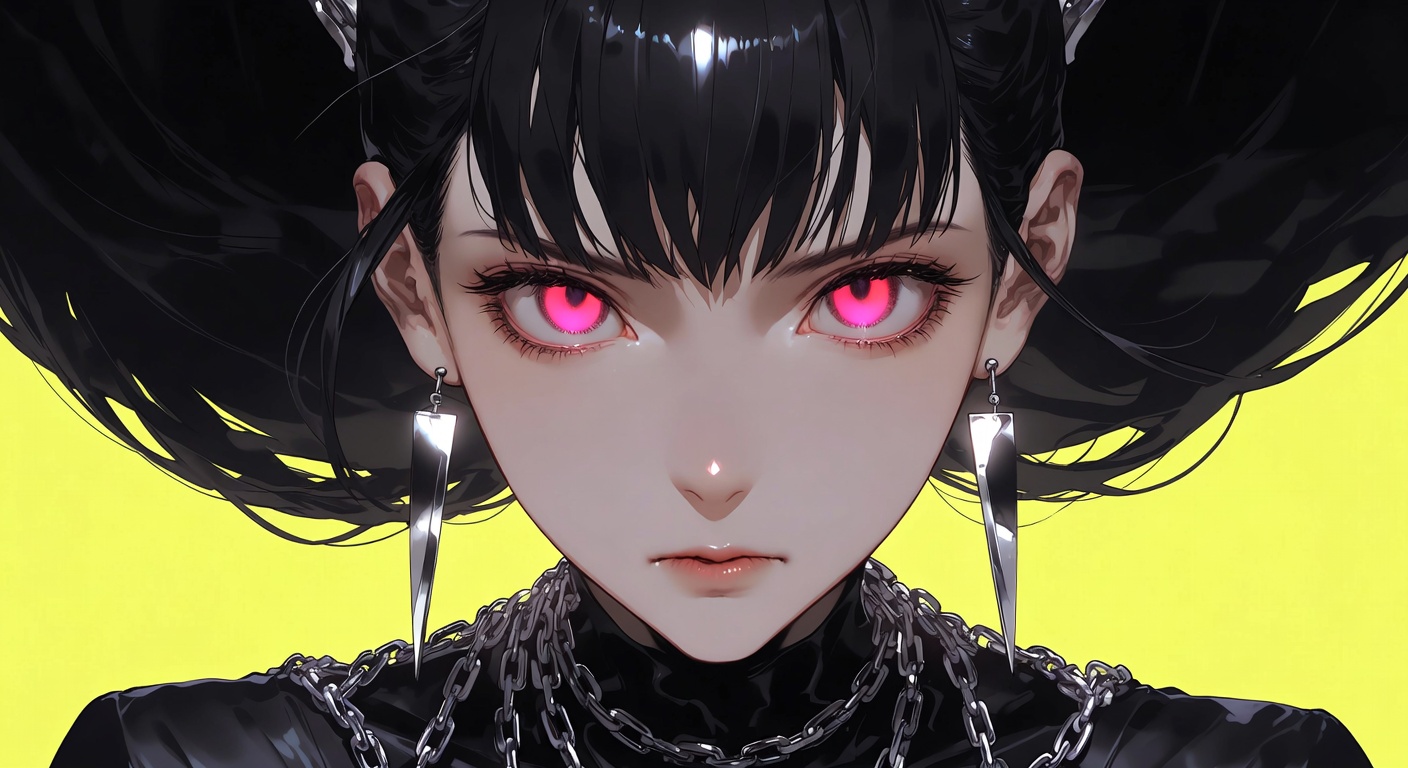 Anime in Grok Imagine
2. Text-to-Video & Image-to-Video
You can generate short videos directly from text or animate a reference image into motion. Grok Imagine handles transitions, movement, and scene continuity automatically. This makes it useful for concept videos, visual storytelling, and fast marketing clips without manual animation or timeline-based editing.
3. Video with Native Audio
Grok Imagine generates video with built-in audio instead of relying on silent visuals. It adds ambient sounds, effects, or basic audio layers that match the scene. This removes the need for separate audio tools and speeds up early-stage video concepts and social content creation.
4. Text Rendering
Grok Imagine renders text quite well in its image generation workflows. You can control the color, font style and placement of text in the final output. This makes it easier to create basic advertisements, posters, and social media graphics.
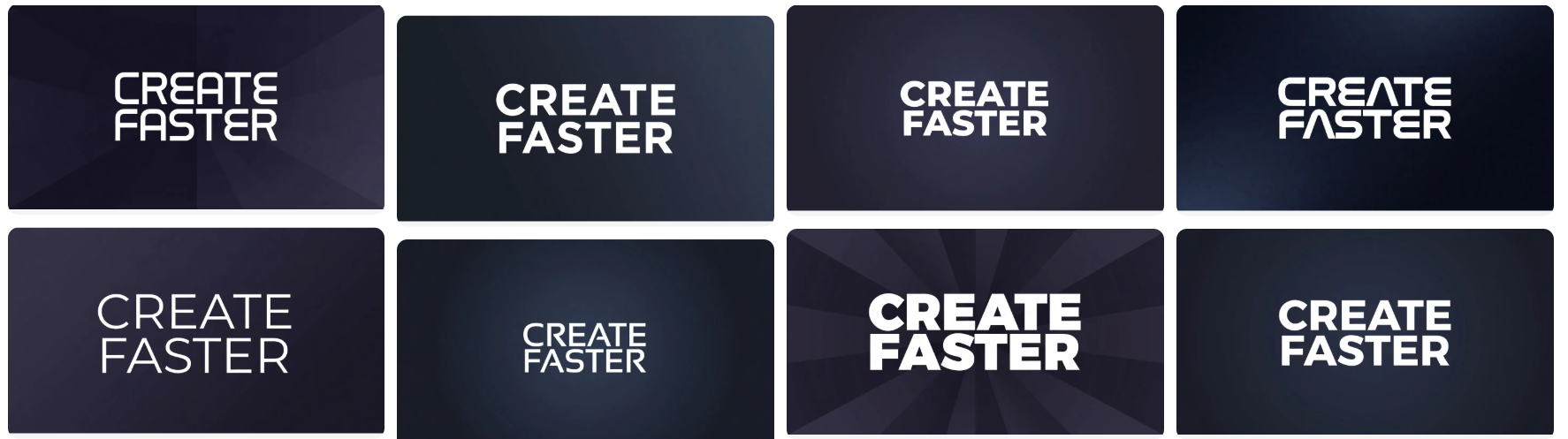 Text Rendering in Grok Imagine
5. Aspect Ratios (7 Supported)
Grok Imagine supports seven aspect ratios, making it flexible for different platforms. You can generate square, vertical, and widescreen outputs for social media, previews, or presentations. This saves time by avoiding manual cropping or re-generation for each platform format.
6. Video Resolution (720p & 480p)
Grok Imagine currently supports 480p and 720p video output. These resolutions work well for previews, social feeds, and rapid experimentation. While it does not target ultra-high-resolution cinematic output, it balances quality and speed for everyday creative use.
7. Video Length (Up to 15 Seconds)
Grok Imagine caps video generation at 15 seconds. This fits short-form content like teasers, loops, and social clips. The limit encourages concise storytelling and fast iteration rather than long narrative videos or production-heavy sequences.
8. Credit Consumption
Grok Imagine uses a clear credit system. Image generation costs 12 credits, while video generation costs 180 credits. This makes usage predictable and helps creators decide when to use images versus videos during ideation, testing, and content production.
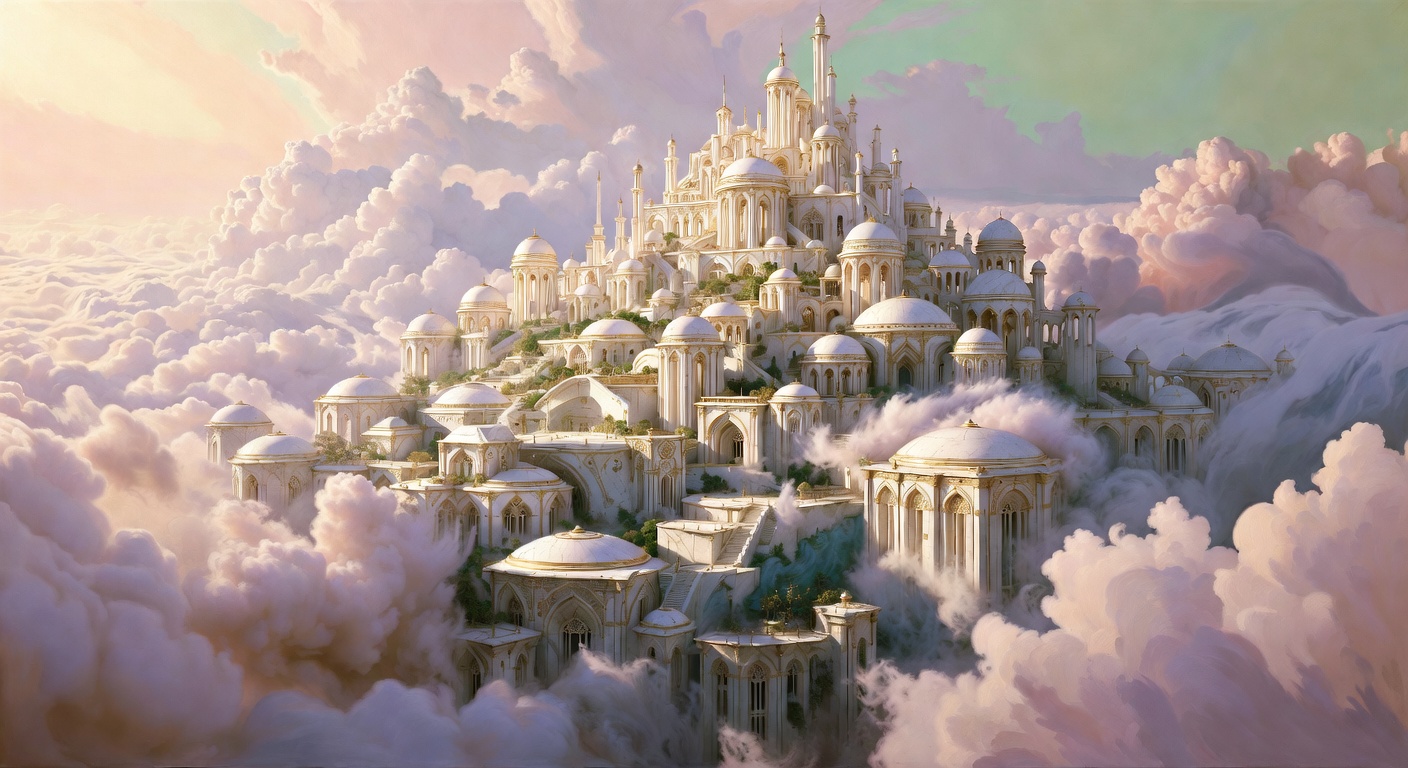 creative concepts
9. Speed
Speed is Grok Imagine’s biggest advantage. It generates images and videos noticeably faster than most cinematic AI tools. This makes it ideal for testing ideas, iterating on prompts, and producing multiple variations quickly without waiting minutes per render.
So, does Grok Imagine use Flux model in the back end of image rendering?
Yes - Grok Image Generation uses Flux models from Black Forest Labs.
Grok Imagine vs Other AI Tools
Grok Imagine vs Sora 2 Pro
Grok Imagine prioritizes speed and quick experimentation, while Sora 2 Pro focuses on cinematic realism and detailed motion. Grok Imagine generates results much faster, but Sora 2 Pro delivers superior visual depth, lighting, and film-like quality for high-end storytelling and production work.
Grok Imagine vs Nano Banana Pro
Both Grok Imagine and Nano Banana Pro generate content fast. Nano Banana Pro delivers higher resolution and stronger stylization control, especially for polished outputs. Grok Imagine still produces solid edits and videos, but Nano Banana Pro performs better when resolution and visual refinement matter most.
Grok Imagine vs Midjourney
Midjourney’s strength lies in hyper-realistic images that look convincingly real, even when fully synthetic. Midjourney v7 currently outperforms Grok Imagine in realism and detail. Grok Imagine focuses more on speed, flexibility, and image-to-video workflows rather than photorealism alone.
Recommended Read: Midjourney Alternatives | Midjourney V7 vs ImagineArt 1.5
Grok Imagine vs ImagineArt 1.5 Pro
ImagineArt 1.5 Pro delivers stronger realism, superior text rendering, and higher consistency across professional use cases. Grok Imagine still handles text overlays and visual edits well, but ImagineArt leads in precision, realism, and production-ready creative output for marketing and commercial workflows.
Grok Imagine Use Cases
There are tens of creative outputs you can generate with Grok Imagine, yet here go our 7 common ones:
1. Bulk Content for Social Media
Grok Imagine works great for producing social media content at scale. You can generate multiple images and short videos quickly, test different styles, and adapt formats for feeds, reels, and stories without slowing down creative momentum.
2. Affiliate Marketing Videos
Grok Imagine helps create fast affiliate videos with visuals, motion, and native audio. You can highlight products, add text overlays, and generate short clips for links, reviews, and promotions without filming or complex video editing tools.
3. Fashion Marketing Videos
Use Grok Imagine to create AI fashion videos for launches, announcements, and campaigns. Because Grok Imagine creates videos from text ideas quickly, the model is suitable for early concepts, social ads, and rapid testing before investing in high-production video workflows.
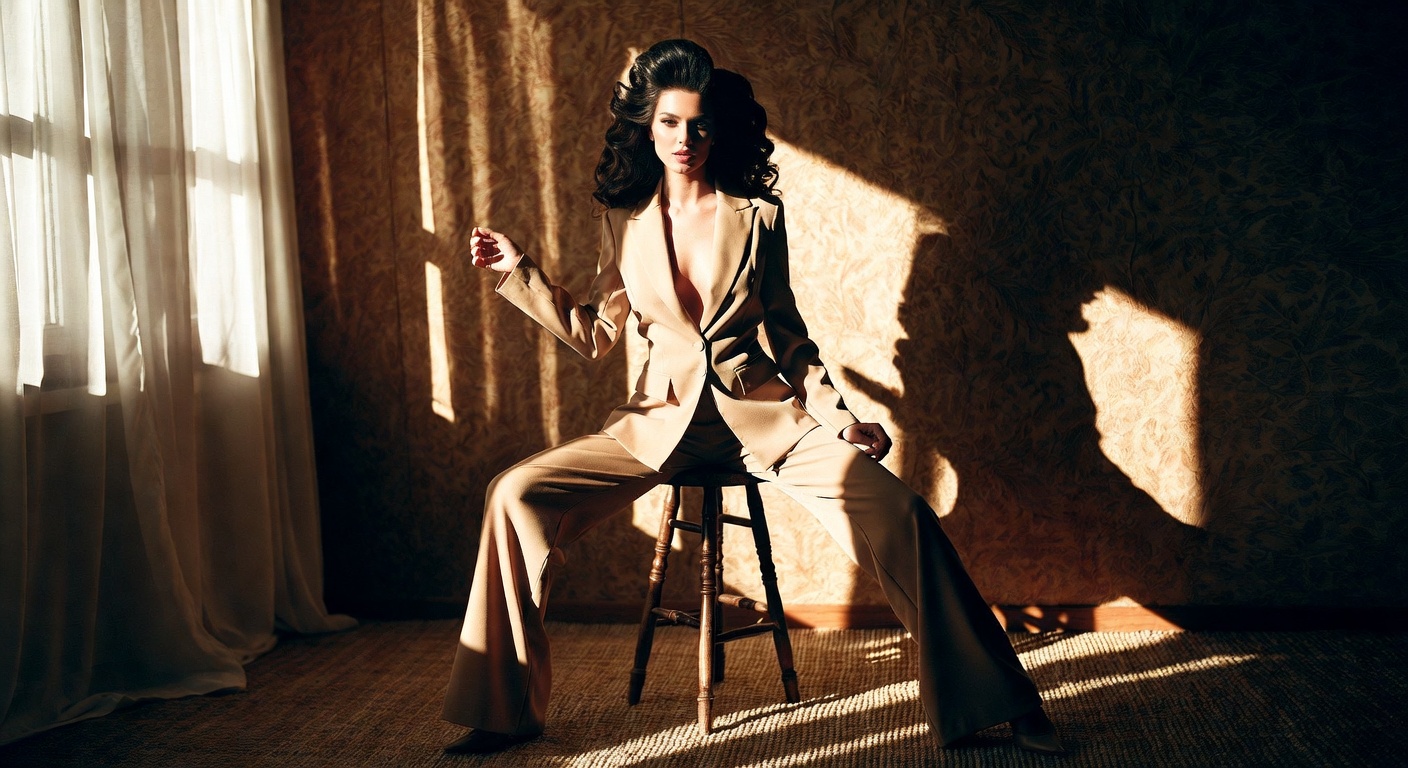 Fashion Videos with Grok Imagine
4. Faceless Videos
Grok Imagine makes faceless content easy by focusing on visuals, motion, text, and audio instead of on-camera presence. It works well for explainer clips, quote videos, product highlights, and anonymous brand or niche content.
5. Posters
Create posters quickly using text-to-image prompts and image editing. Grok Imagine handles layouts, text overlays, and visual styles for event posters, promotions, and digital banners, helping you iterate designs without manual graphic design tools.
6. Stock Imagery
Grok Imagine generates custom stock-style images on demand. You can create visuals tailored to your brand, niche, or campaign instead of searching libraries, making it useful for blogs, ads, websites, and presentations.
7. B-Roll Footage
Generate short B-roll clips for marketing videos, presentations, and social content. Grok Imagine produces quick motion visuals with ambient audio, helping you fill gaps, set moods, or support main footage without expensive shoots.
Grok Imagine Pricing
- Native Grok platform: Grok Imagine costs $30/month when accessed directly through xAI’s ecosystem.
- On ImagineArt: You can access Grok Imagine for as low as $10/month, and you also unlock other premium models like Veo 3, Sora 2, and more—making it a much better value for creators and teams.
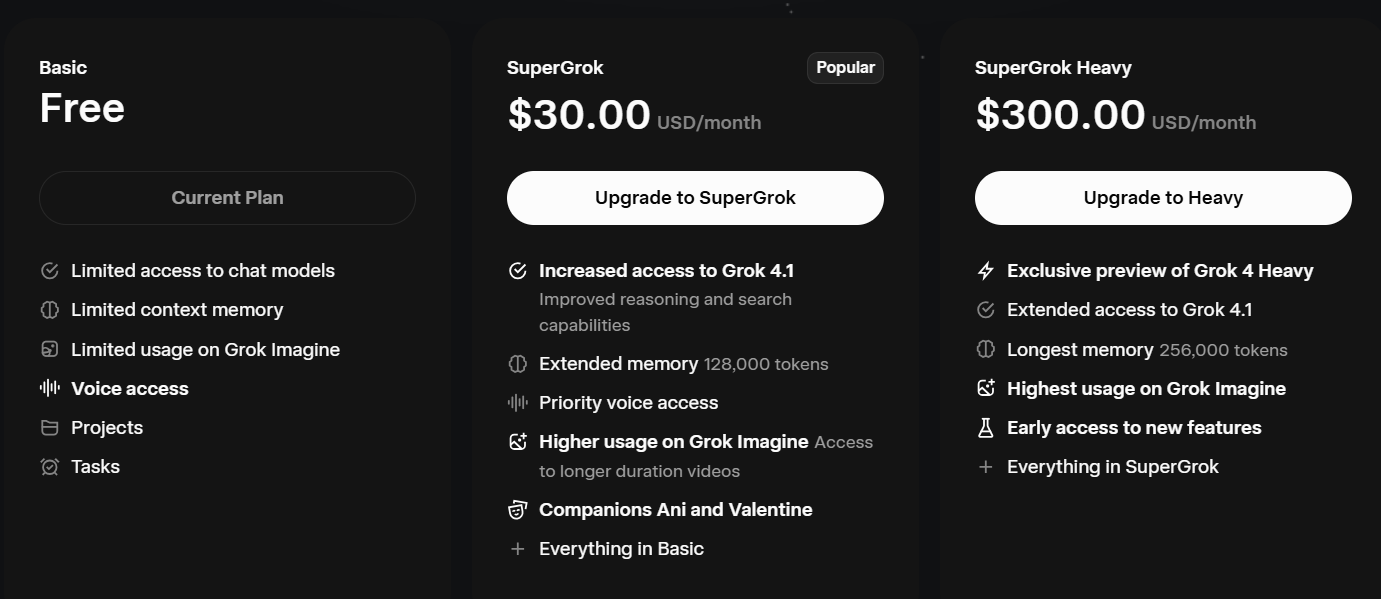 Grok Imagine Free vs Premium
Grok Imagine: Free vs Premium
- Free plan: Grok Imagine lets you generate a limited number of AI images and usually 1–2 short AI videos at 480p, enough for testing features and casual experimentation.
- Premium (Super Grok): Super Grok unlocks higher usage limits, faster generations, priority access, and more consistent image and video outputs for regular creators and marketers.
Grok Imagine Prompts
Grok Imagine follows prompts well, even when you write them in simple, natural language. You don’t need complex syntax—clarity beats over-engineering.
Prompt Structure
Subject + Style + Scene/Details + Mood + Output type (image/video)
Grok Imagine Image Prompt Examples
-
Text rendering
“A clean poster design with bold white text saying ‘CREATE FASTER’ centered on a dark blue gradient background, modern typography, minimal style.”
-
Realistic AI image
“Ultra-realistic portrait of a young woman by a window, soft natural light, detailed skin texture, shallow depth of field, professional photography style.”
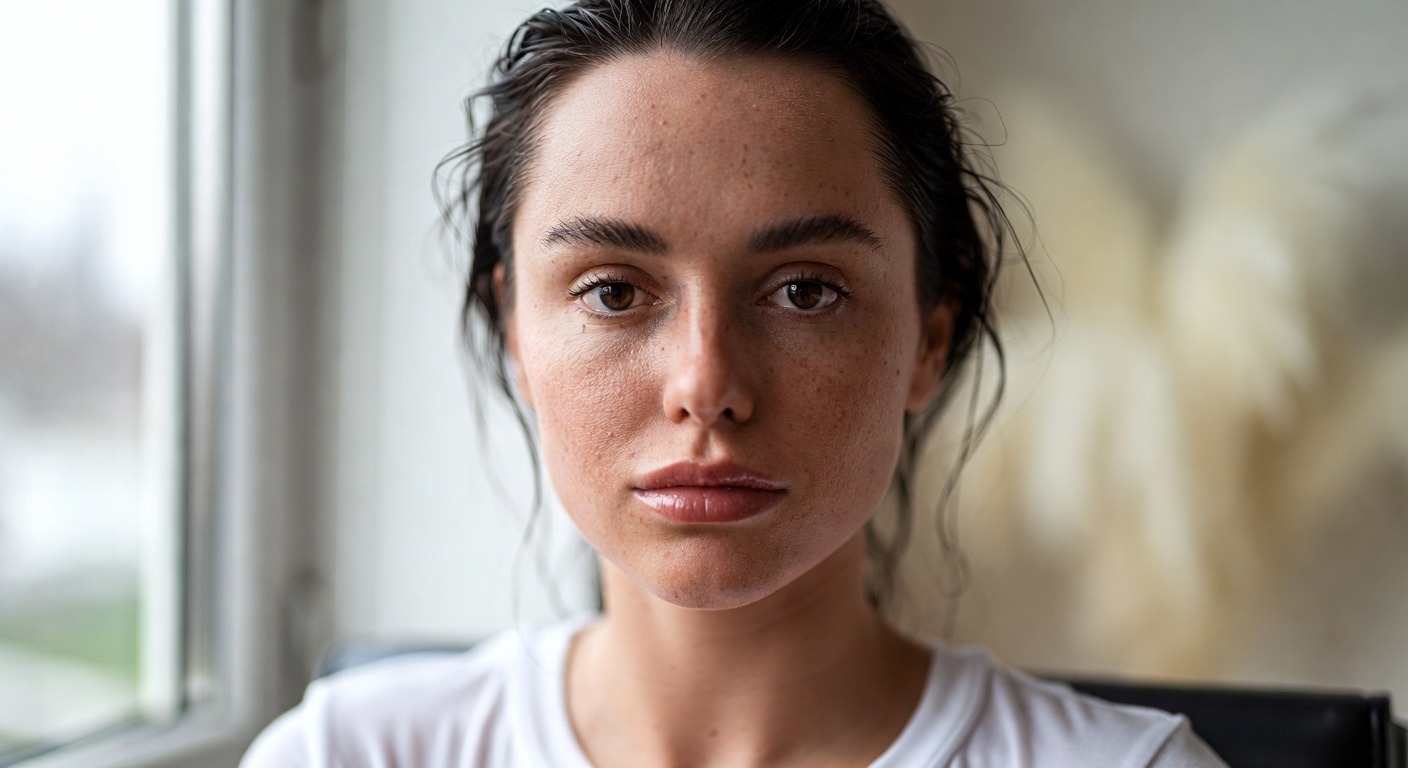 realistic AI images in Grok Imagine
-
Interior decoration
“Modern living room interior with beige tones, wooden furniture, large windows, indoor plants, soft daylight, realistic interior design photography.”
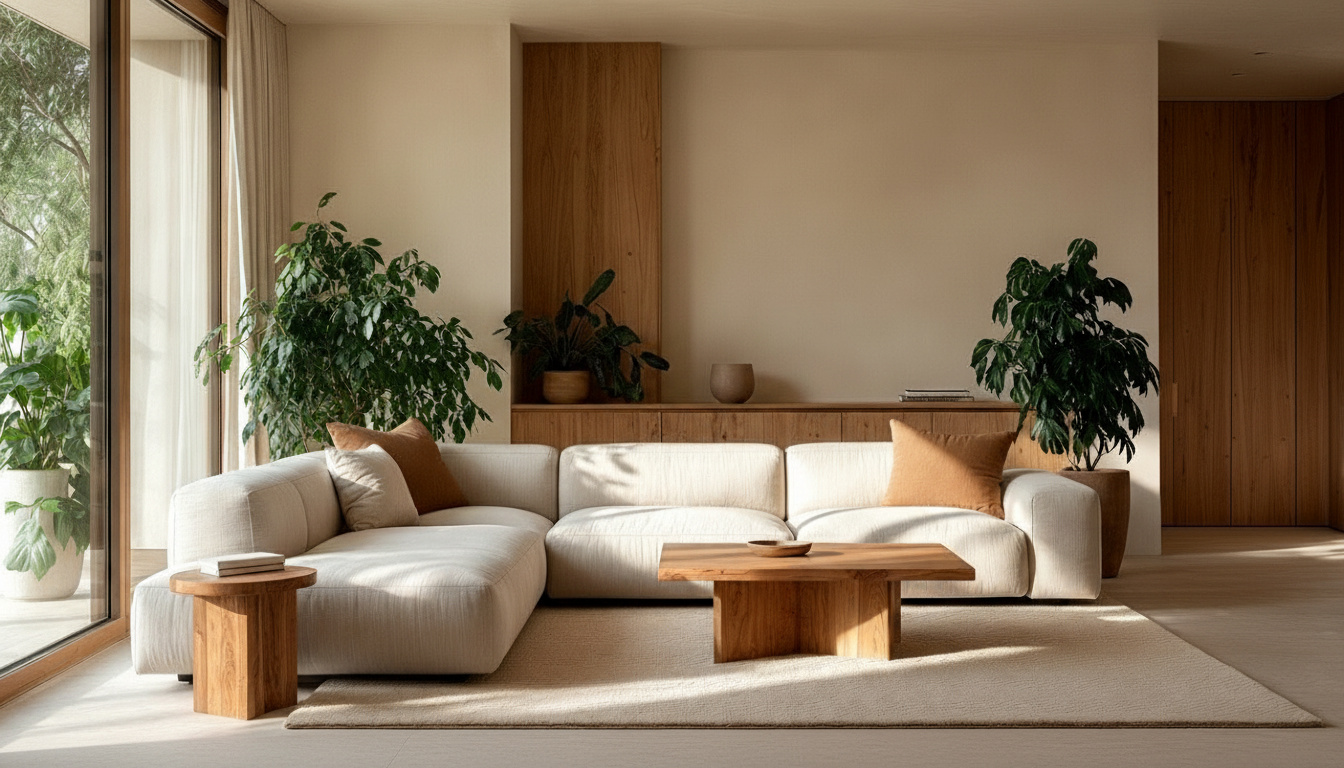 interior decor images with Grok Imagine
-
Perfume product
“Luxury perfume bottle on marble surface, soft studio lighting, water droplets, cinematic shadows, high-end product photography.”
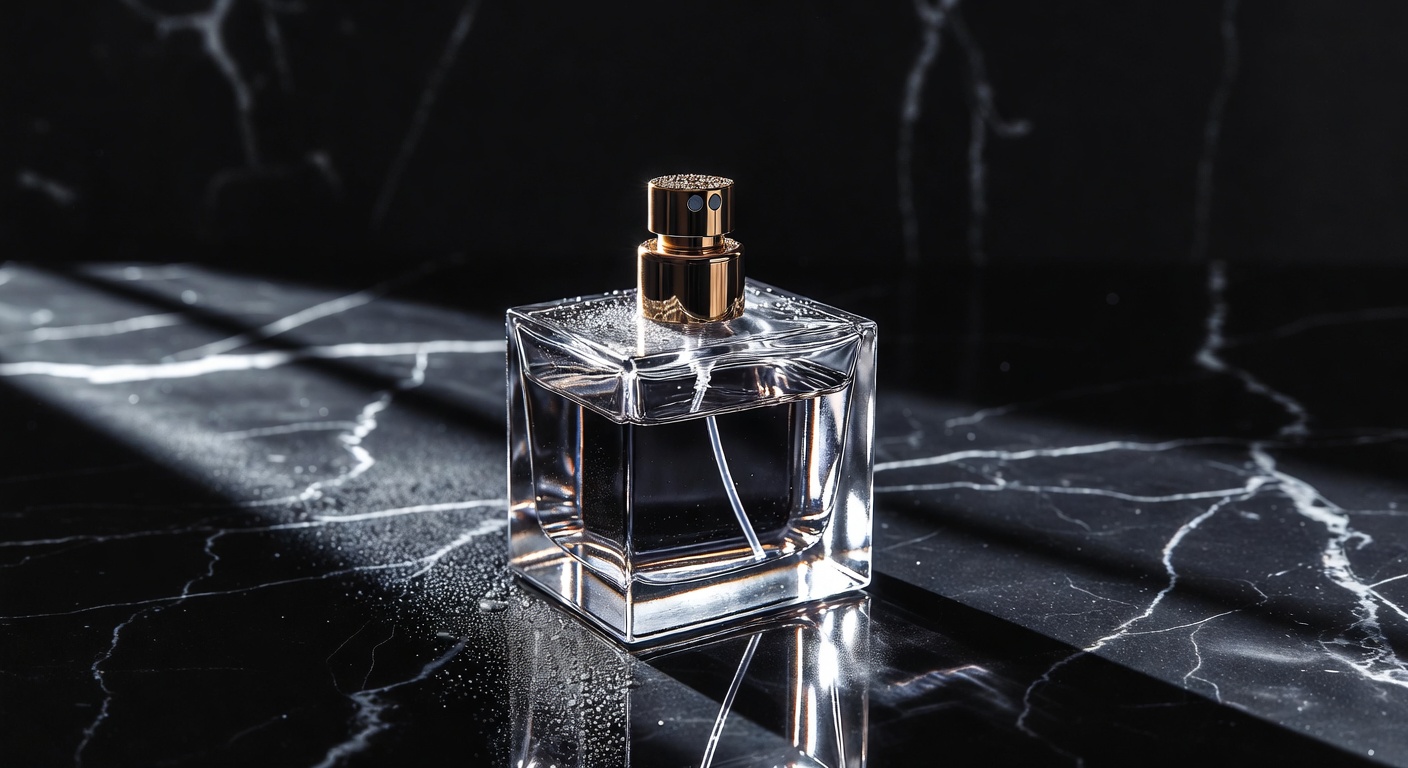 Product Images
-
Creative concept
“Surreal illustration of a floating city above clouds, pastel colors, dreamy atmosphere, detailed fantasy art.”
Grok Imagine Video Prompt Examples
- “Short cinematic video of a city street at night with neon lights, light rain, reflections on the road, ambient city sounds, realistic motion.”
- “Product video of a perfume bottle slowly rotating on a dark background, soft spotlight, elegant mood, subtle ambient music.”
Does Grok Imagine Support Negative Prompts?
Yes. You can reduce unwanted elements by explicitly stating exclusions in your prompt, such as “no blur, no extra text, no distorted faces.” Grok handles negatives best when they are short and specific.
Grok Imagine Prompt Character Limit
xAI has not publicly disclosed a strict character limit for Grok Imagine prompts. In practice, concise and clear prompts perform better than very long, complex instructions.
Use Grok Imagine on ImagineArt
The quickest way to use Grok Imagine is through ImagineArt AI creative suite where you get multi-model access to Grok as well as other AI image and video models from Google, OpenAI and Runway.
So, are you ready to create stunning images and videos at scale with Grok Imagine?
Saba Sohail
Saba Sohail is a Generative Engine Optimization and SaaS marketing specialist working in automation, product research and user acquisition. She strongly focuses on AI-powered speed, scale and structure for B2C and B2B teams. At ImagineArt, she develops use cases of AI Creative Suite for creative agencies and product marketing teams.