

Umaima Shah
February 18, 2026 • Updated August 17, 2026
11 mins Read
Still designing LinkedIn posts like it’s 2002? AI tools for LinkedIn content creation have changed how professionals build authority, generate leads, and stay visible in a competitive feed.
If you’re still creating every post manually, you’re slowing down growth. LinkedIn rewards content consistency, structured visuals, and branded output. This guide shows how to use AI tools to create infographics, videos, image posts, and branded content for LinkedIn without spending hours every week.
The Best AI Tools for LinkedIn Content
ImagineArt is the best AI tool for LinkedIn content creation because it’s ONE platform that generates infinite creative output across images, videos, and audio.
- ImagineArt offers one-click apps for creating product videos, interior design assets, brand identity, logos, headshots, infographics, posters, advertisements, and more.
- ImagineArt has multiple AI models for image and video creation. You can pick one for your desired output; say, Kling and Hailuo for animated videos, Veo 3.1 for cinematic generations, Nano Banana Pro as AI image editor, and so on.
- ImagineArt has features for solopreneurs, founders, small businesses, enterprises, and marketing geeks looking to build a personal brand.
- Writing is part of the load too, not just design. You can draft posts in AI Chat, turn one idea into a hook, a carousel outline and a caption, then generate the matching visual without leaving the account.
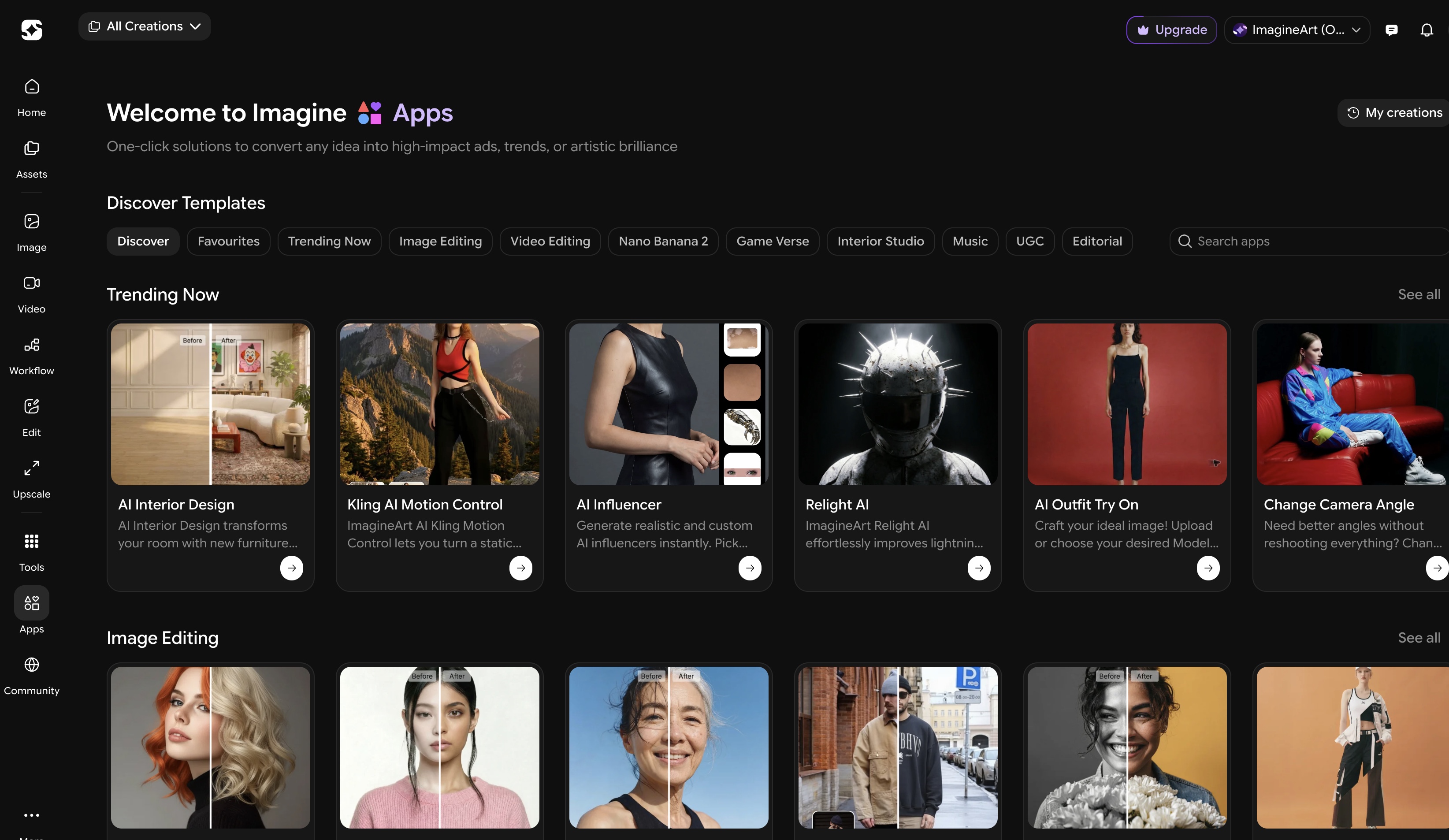 Creative Apps of Imagine Art
The Game of Personal Branding with AI
Manual LinkedIn post creation doesn’t fail because of ideas. It fails because of the production load. All of these creative KPIs take time:
- Designing visuals
- Formatting carousels
- Editing screenshots
- Resizing graphics
- Preparing videos for LinkedIn
Doing this consistently, say every week, with your other business operations and personal endeavors, creates a content bottleneck and lose either quality, consistency, or brand aesthetics.
AI tools for LinkedIn content creation, like ImagineArt, solve this creative and design problem. They streamline LinkedIn content automation, standardize design output, and make a repeatable LinkedIn content workflow realistic.
If you want authority, leads, or stronger LinkedIn personal branding, you need systems, not scattered effort.
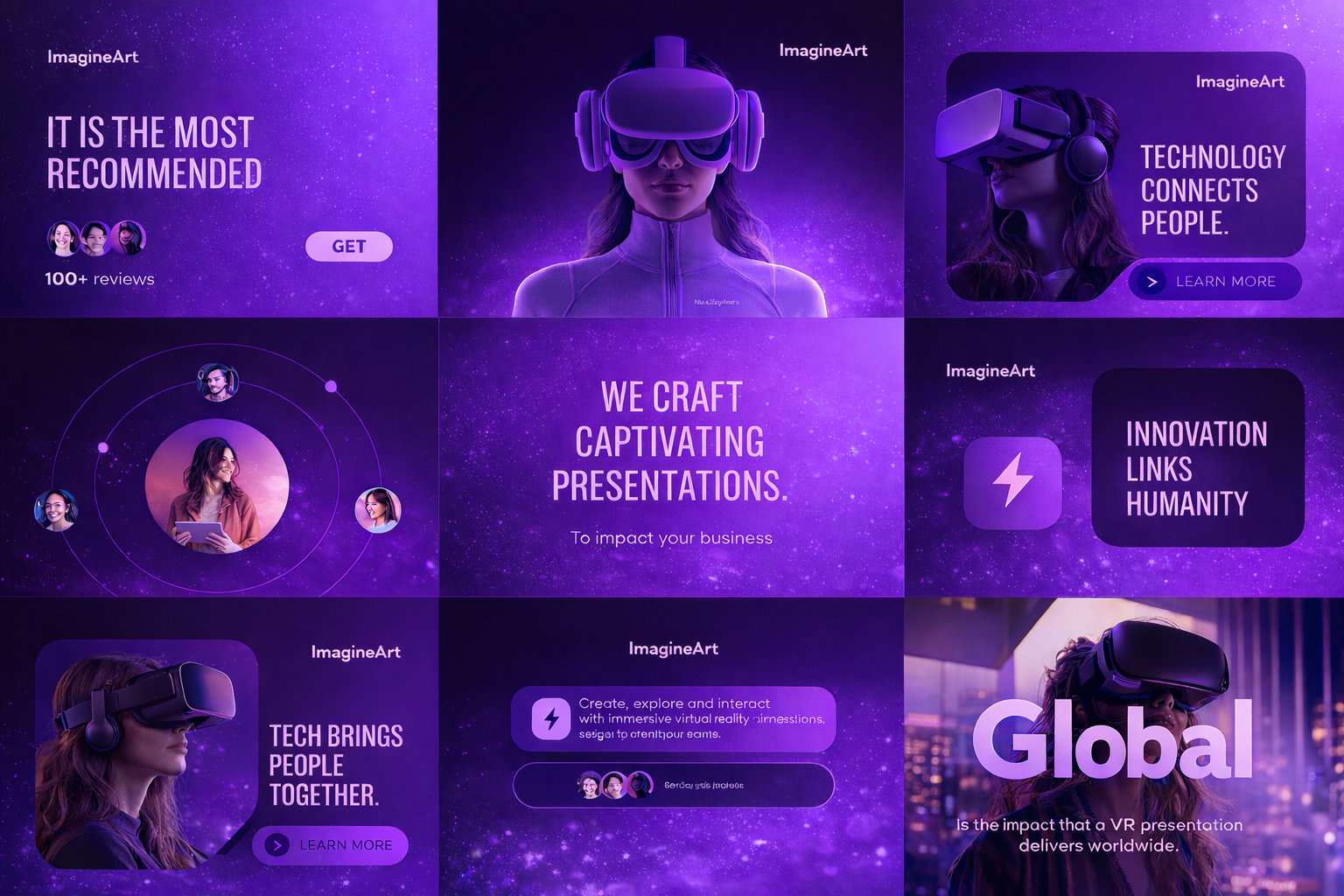 AI tools for Linkedin
How AI Tools for LinkedIn Content Creation Help
Simple answer: branded, affordable, and quick content
Detailed answer: here you go:
1. Time Cost of Every LinkedIn Post
Every LinkedIn post requires:
- Writing
- Designing
- Formatting
- Resizing
- Editing
- Exporting
Doing this 3–5 times per week turns into a recurring time drain.
AI tools for LinkedIn content creation reduce production time per post and make weekly publishing realistic instead of exhausting.
2. Inconsistent Visual Quality
Without a system, LinkedIn posts start to look different every week.
- Fonts change
- Colors shift
- The layout structure varies
- Carousels lack hierarchy
That inconsistency weakens brand recall.
AI-supported workflows standardize layout, spacing, colors, and formatting, so your LinkedIn content looks controlled rather than improvised.
3. Format Switching Slows Execution
LinkedIn favors multiple formats:
- Static graphics
- Carousels
- Short video
- Educational explainers
Manually adapting one idea into different formats increases the workload.
AI tools make format adaptation faster. One idea becomes multiple LinkedIn assets without redesigning from scratch.
4. Burnout From Manual Production
The real friction isn’t creativity. It’s repetition: rebuilding layouts, re-exporting sizes, fixing small design errors, adjusting backgrounds, etc.
That repetition kills momentum; you get bored with manually doing these actions, and you stop. AI tools reduce repetitive design tasks so your energy goes into insight, not formatting.
How to Accelerate Quality LinkedIn Content Production with AI
Most people use AI like a button. Type prompt. Get image. Repeat.
That works once. It doesn’t scale.
ImagineArt Workflow (Flow) turns content creation into a structured pipeline instead of isolated outputs.
Here’s what that means.
1. Define 3–5 Content Pillars
Choose stable themes that align with your expertise and business goals.
- Identify 3–5 recurring topics you can post about consistently.
- Align each pillar with authority, lead generation, or hiring goals.
- Avoid posting outside your defined themes.
2. Lock 2–3 Core Formats
Use repeatable formats instead of reinventing the structure weekly.
- Choose static posts, carousels, and short videos as base formats.
- Keep format selection limited to maintain consistency.
- Match each format to a clear purpose.
3. Build Reusable Templates
Standardize how your posts look and feel.
- Fix brand colors, typography, and layout hierarchy.
- Create a repeatable slide structure for carousels.
- Define a consistent caption framework.
4. Batch Content in Sessions
Produce multiple posts in one focused session.
- Outline 8–10 ideas at once.
- Convert them into structured formats in one workflow.
- Schedule content in advance to avoid daily pressure.
5. Repurpose Each Core Idea
Turn one insight into multiple LinkedIn assets.
- Convert a framework into a carousel.
- Turn the same idea into a short video.
- Extract a quote for a static visual post.
6. Track and Optimize
Measure what actually drives visibility and engagement.
- Monitor saves, profile visits, and comments.
- Identify which formats generate meaningful responses.
- Refine future content based on performance patterns.
The Key LinkedIn Content Formats AI Helps You Create
These tools work best when you organize them by format. Different formats drive different types of engagement — saves, reach, authority, credibility.
Here’s how each one contributes to growth.
AI Image and Poster Creation for LinkedIn
Visual posts shape the first impression on LinkedIn. Before someone reads your caption, they judge layout, clarity, and structure.
Manual design creates friction and inconsistency over time. Rebuilding layouts and resizing for LinkedIn every week slows production and reduces posting frequency.
AI-powered image and poster creation standardizes this process.
- Generate LinkedIn-ready visuals with structured layouts
- Maintain consistent brand colors and typography
- Export correctly sized feed formats
- Reduce repetitive layout corrections
Instead of rebuilding templates weekly, you generate structured visuals on demand.
For batch production, tools with workflow control perform better than isolated image generators.
Using an AI poster generator, you can create:
- Branded LinkedIn post graphics
- Quote visuals with consistent hierarchy
- Hiring and announcement posters
- Event graphics sized for LinkedIn feed
- Structured visual posts for authority positioning
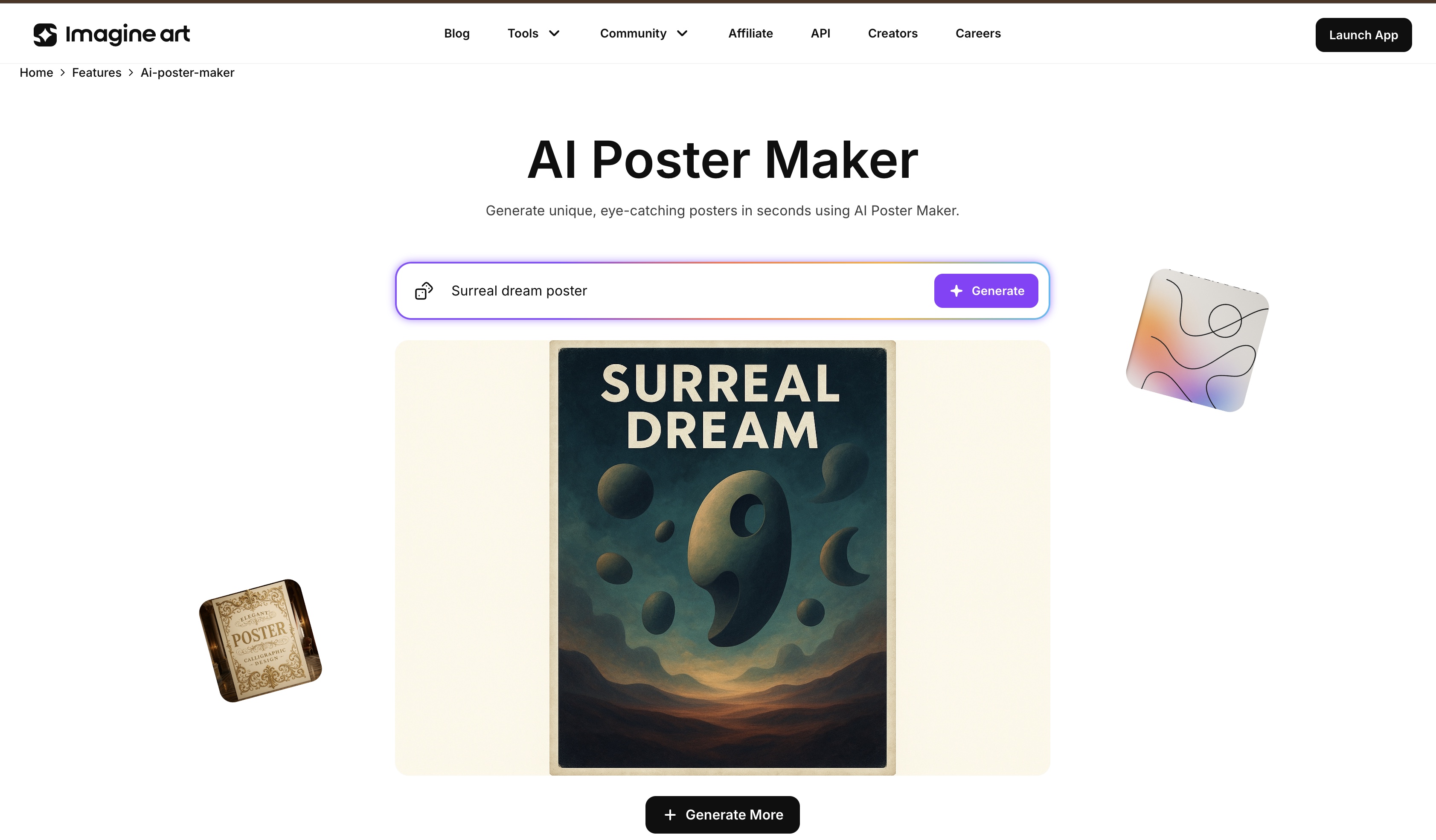 Ai Poster Maker
AI Infographics for Thought Leadership Posts
Infographics work on LinkedIn because they compress complexity.
Manual infographic design takes time. Structuring slides, aligning elements, maintaining spacing, and resizing carousels for LinkedIn requires precision. Doing this repeatedly reduces publishing frequency.
AI tools for LinkedIn content creation simplify infographic production by standardizing layout logic.
- Convert frameworks into structured carousel slides
- Maintain visual hierarchy across multiple panels
- Keep typography and spacing consistent
- Export swipe-ready LinkedIn carousel formats
Instead of rebuilding each slide manually, you generate structured panels with consistent formatting.
Using AI-supported infographic creation, you can build:
- Educational carousels breaking down one idea per slide
- Framework visuals that simplify layered concepts
- Process diagrams for product, hiring, or marketing systems
- Data summaries formatted for professional audiences
Infographics are not decorative assets. They communicate structure. On LinkedIn, structured thinking signals expertise. Structured visuals make that thinking visible.
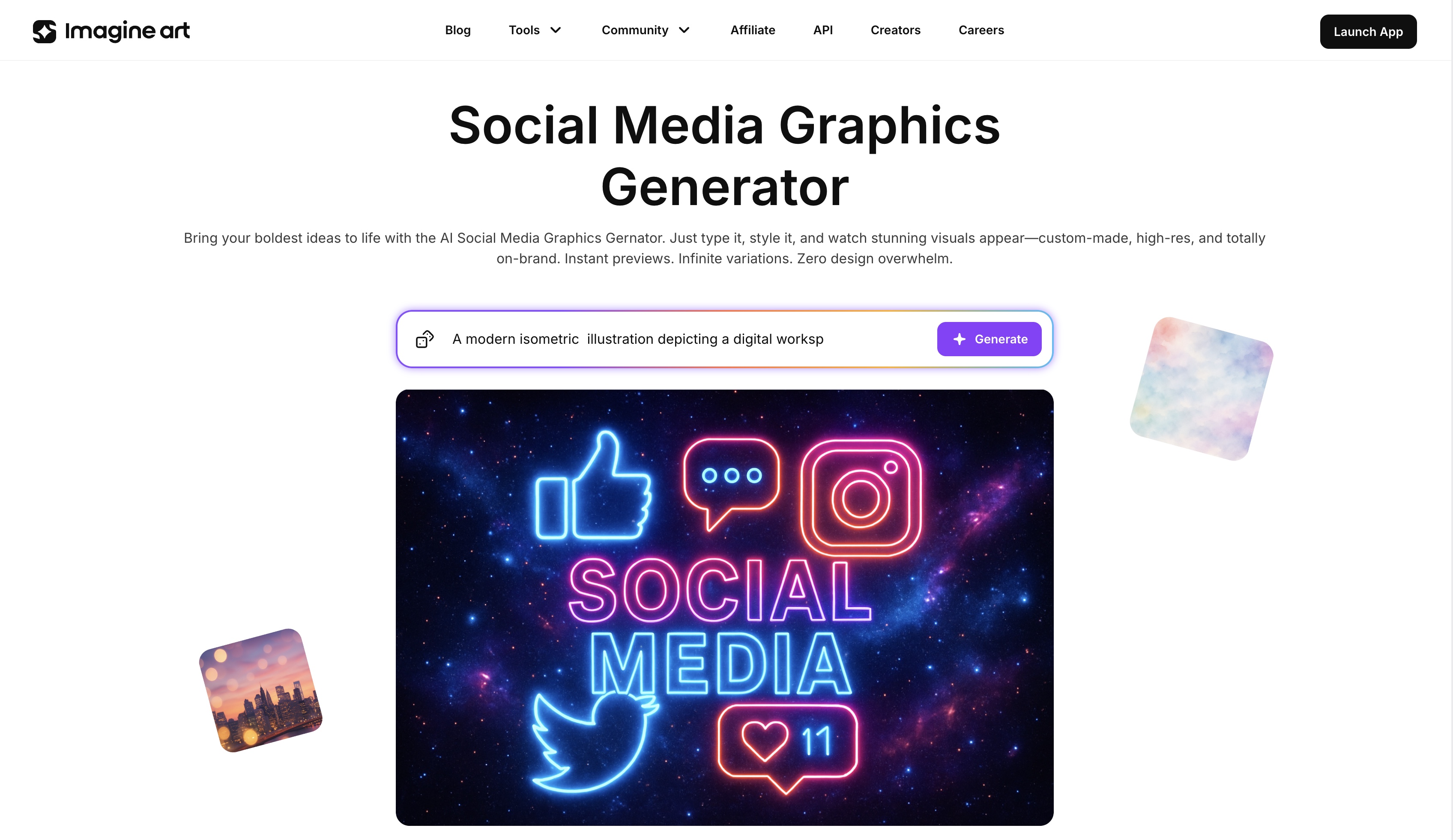 AI Brand Generator
AI Video Creation for LinkedIn
Video builds familiarity faster than text on LinkedIn. When someone sees and hears you explain an idea, recognition strengthens. Recognition reduces hesitation in engaging with your profile.
Manual video production slows execution. Recording, trimming, adding captions, resizing for vertical format, and exporting for LinkedIn takes time. Repeating that weekly reduces consistency.
AI-powered video creation standardizes this process.
- Generate LinkedIn-ready short-form videos
- Maintain consistent visual structure across posts
- Export feed-optimized formats
- Reduce repetitive editing tasks
Instead of managing multiple editing tools, you produce structured video assets inside one workflow.
Several tools support LinkedIn video creation:
- ImagineArt AI Video Generator — optimized for structured short-form LinkedIn videos
- Influencer Studio — designed for talking-head style spokesperson videos
- AI Educational Video Maker — focused on slide-based and teaching-style clips
Using AI video tools, you can create:
- Short explainer videos
- Founder or executive commentary clips
- Educational walkthroughs
- Product feature breakdowns
- Campaign announcement videos
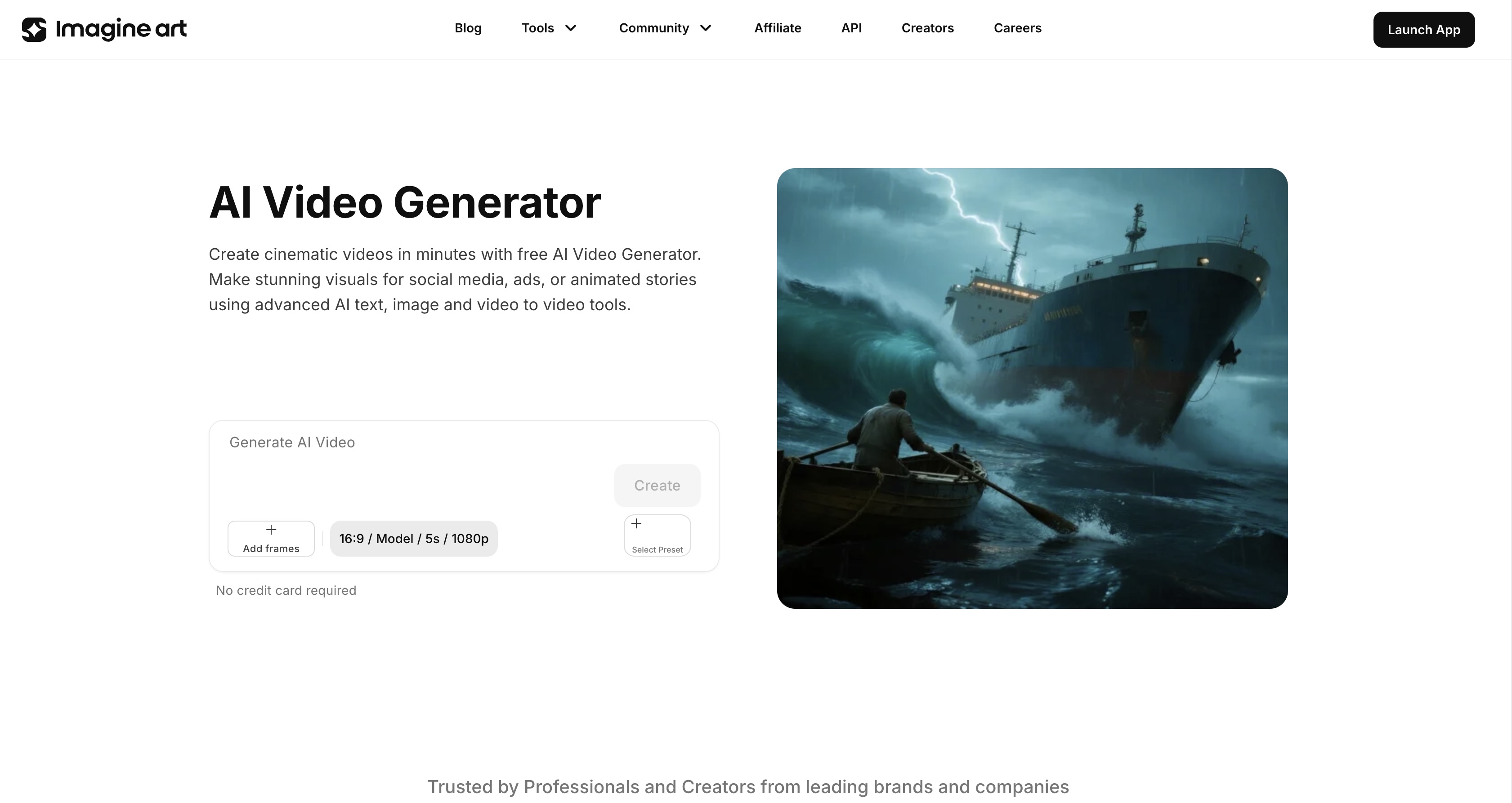 AI Video Generator
AI Image Editing for Professional LinkedIn Posts
Mistakes in raw visuals hurt credibility. A cluttered background, low contrast text, poor cropping, and inconsistent brand colors. On LinkedIn, that signals low effort!
AI image editing helps you fix presentations fast — without reopening full design files.
Here’s where it becomes practical:
- Cleaning portfolio images before sharing case studies
- Removing distractions using the Background Remover
- Erasing unwanted elements with the Object Remover
- Enhancing lighting and color balance using AI Recolor for sharper, feed-ready visuals
- Preparing UI screenshots for product updates with the Free AI Mockup Generator
- Polishing campaign and brand visuals using Brand Design tools.
Instead of re-shooting photos or re-exporting designs, you fix what needs fixing in minutes. Clean background. Better contrast. Sharper focus. On LinkedIn, small visual corrections make a visible difference.
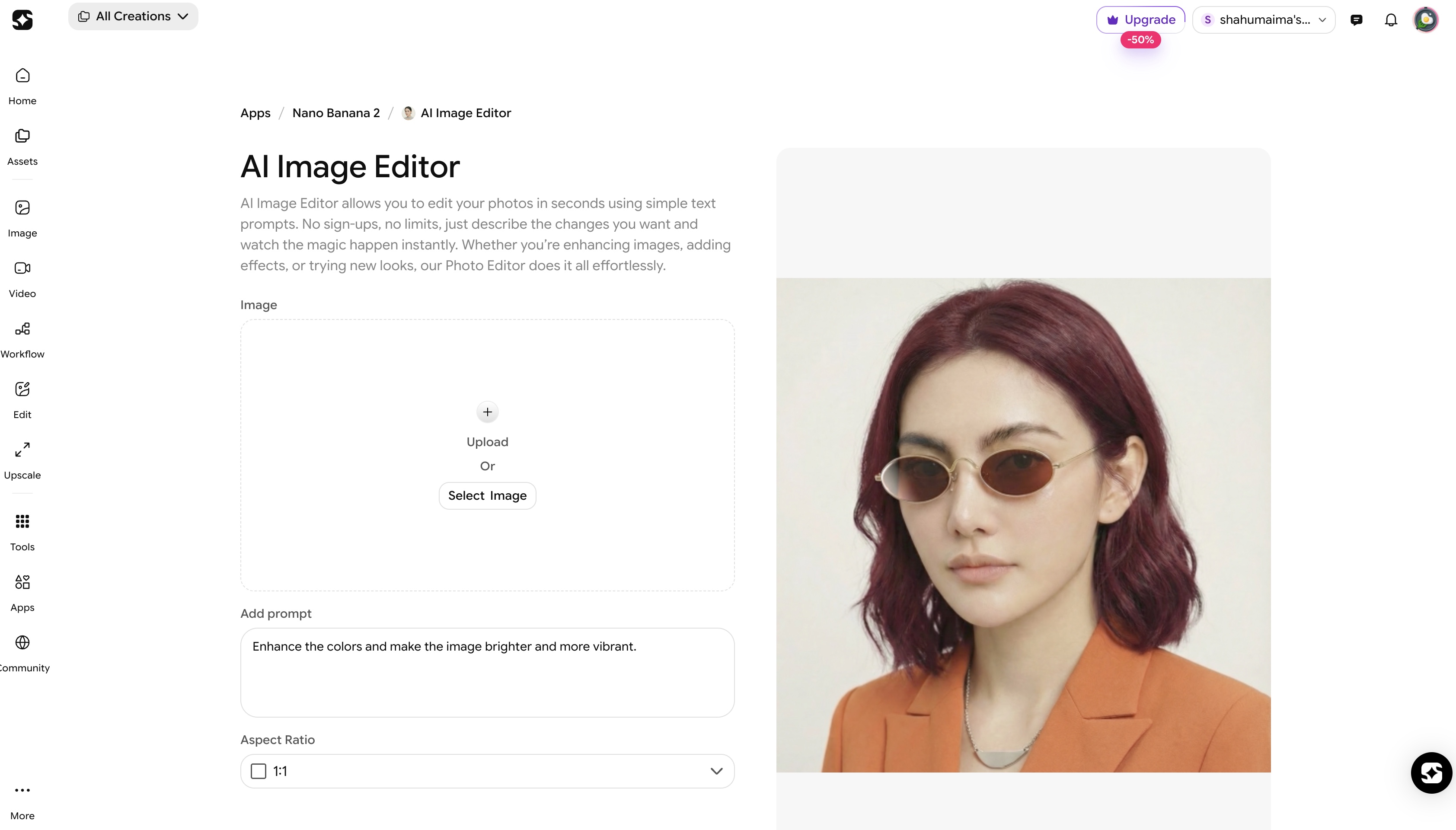 ImagineArt AI Editor
Real-Life Use Cases of AI Tools for LinkedIn Content Creation by Industry
Not every professional creates LinkedIn content the same way. AI tools for LinkedIn content creation help each industry to present expertise in the format that fits them best.
The advantage comes from using the right tool for your industry. Thankfully, ImagineArt doesn’t rely on one generic generator for everything. It offers dedicated apps built for specific niches, which reduces endless re-prompting and random outputs.
Interior Designers
Interior designers don’t sell layouts. You sell vision. And vision is visual. A long caption about material choices won’t communicate what a single strong render can show in seconds.
On LinkedIn, you’re not just sharing projects. You’re building authority with developers, architects, real estate partners, and high-value clients. Presentation matters.
With interior design, you can:
- Generate showcase renders for LinkedIn case studies
- Create before-and-after transformation visuals
- Present multiple concept variations in carousel format
- Visualize mood boards and layout alternatives
Instead of uploading raw site photos, you publish refined visuals that communicate spatial thinking clearly and professionally.
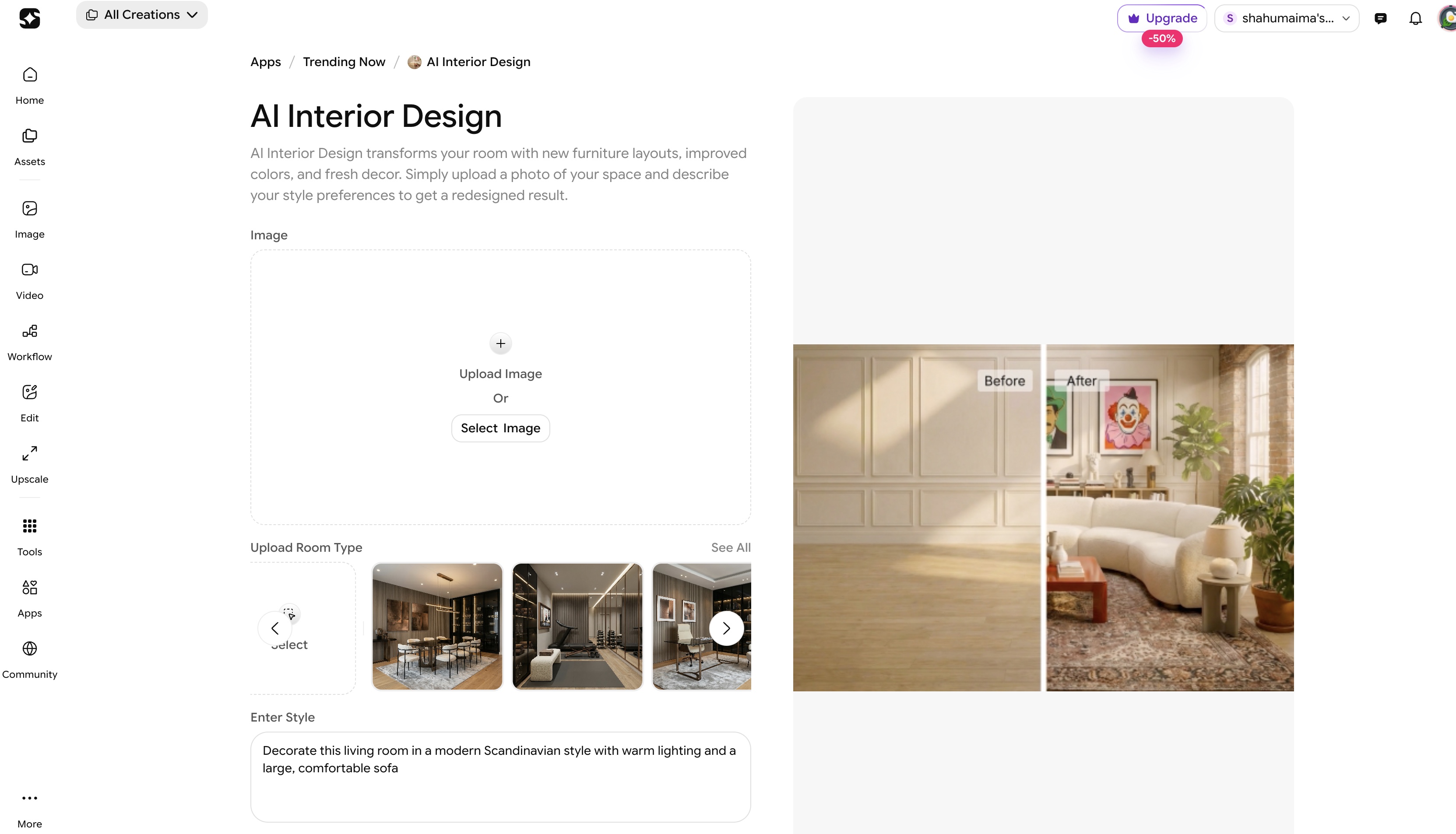 AI Interior Design - ImagineArt
Fashion & Apparel Brands
Fashion brands don’t get a pass on LinkedIn. The platform may be professional, but presentation still shapes perception. If your visuals look random or low-effort, your brand positioning weakens instantly.
LinkedIn becomes a space for announcing drops, partnerships, retail expansions, and app launches. That content needs to look campaign-ready — not improvised.
Using the Fashion AI, brands can:
- Create digital lookbooks for collection launches
- Design campaign-style visuals for drop announcements
- Build clothing swap app mockups
- Showcase outfit variations in structured carousel posts
Clean, intentional visuals increase perceived brand value immediately. On LinkedIn, polish signals professionalism — even for fashion.
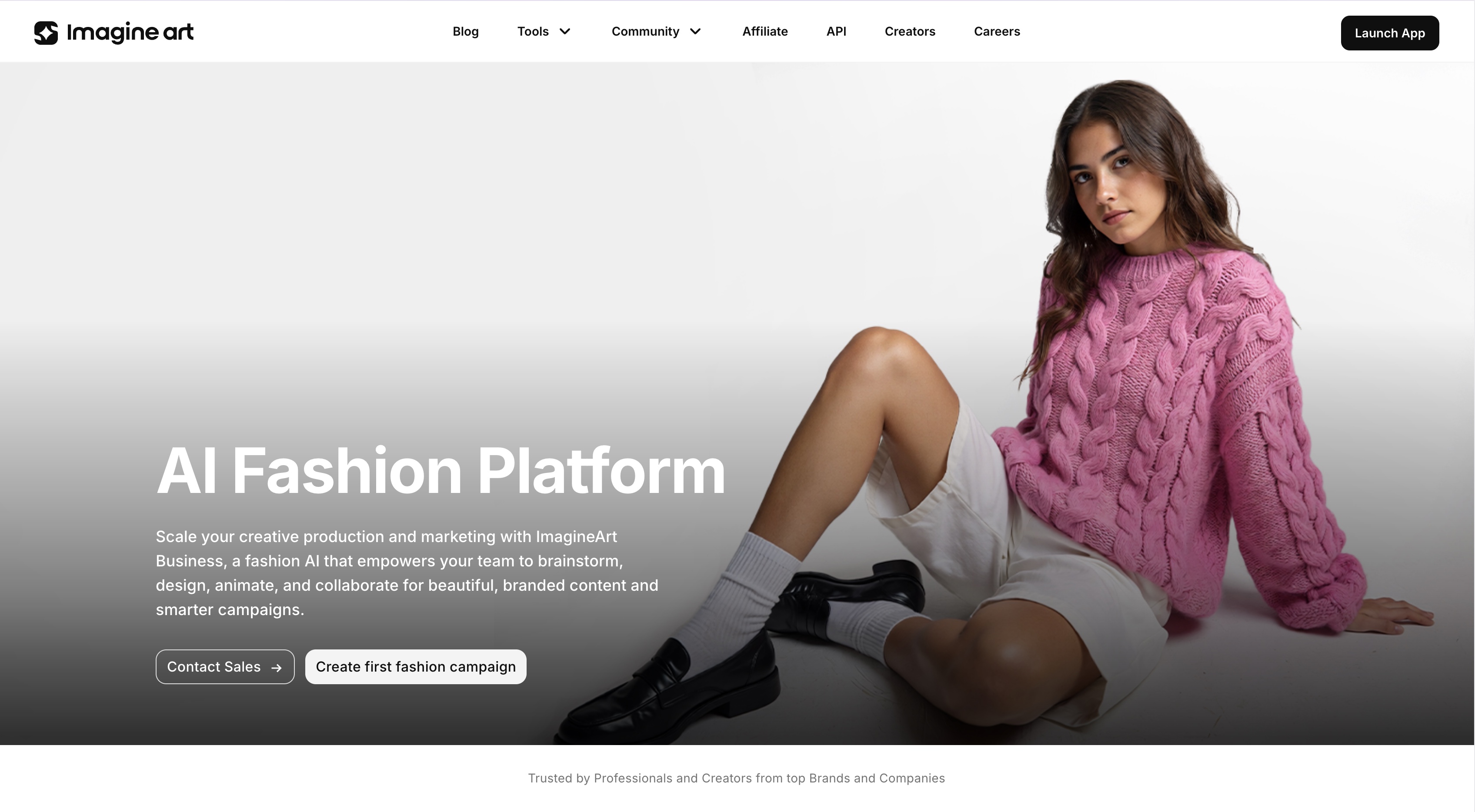 AI Fashion Platform - ImagineArt
SaaS & Product-Based Businesses
Product-driven companies rely on clarity.
On LinkedIn, showcasing features visually builds trust with investors, partners, and potential customers.
You can use the AI Mockup Generator to:
- Present feature breakdown visuals
- Showcase UI updates
- Create product walkthrough clips
- Generate clean SaaS dashboards for announcement posts
Instead of explaining features in long text, you visualize them.
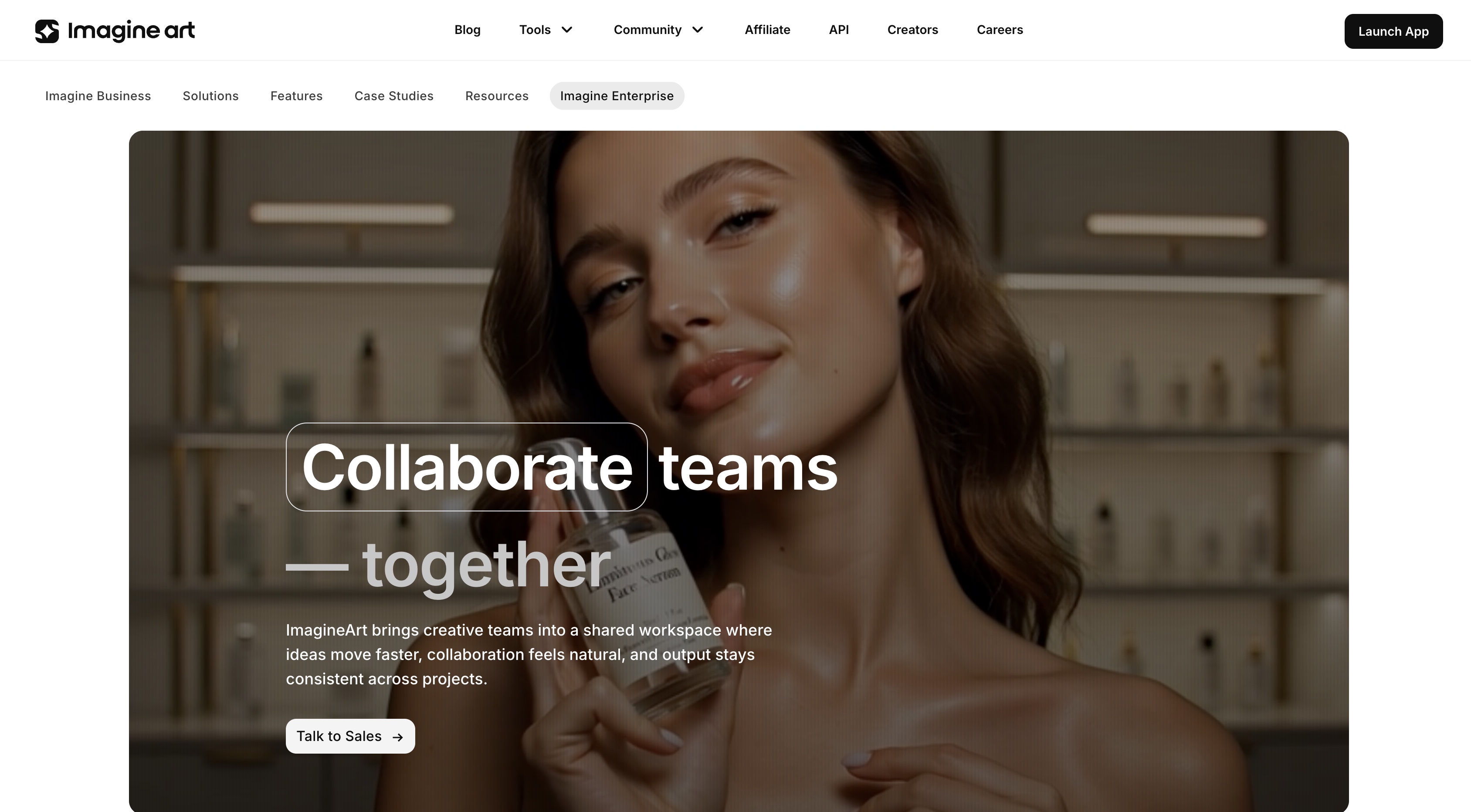 AI Product Generator - ImagineArt
Developers & Product Managers
Developers and product managers often explain complex systems in long text threads. The problem? Most people won’t read 12 paragraphs about architecture decisions.
On LinkedIn, clarity wins. If you can visualize a system in seconds, you hold attention longer and position yourself as someone who understands structure — not just code.
With diagram-style visuals and structured layouts, you can:
- Share system workflows
- Break down product architecture
- Visualize onboarding journeys
- Present feature updates clearly
Instead of describing logic step by step, you show it. And when you show it clearly, people understand it faster, which builds authority without over-explaining.
Game Developers
Game development doesn’t translate well through text alone. A paragraph explaining mechanics will never hit like a visual preview. On LinkedIn, attention comes from what people can see immediately.
If you’re pitching publishers, hiring talent, or building anticipation before launch, visuals do the heavy lifting. Strong art direction builds credibility before anyone reads the caption.
With GameVerse, you can:
- Generate character concepts for teaser posts
- Create environment previews for progress updates
- Design launch posters for release announcements
- Produce update visuals for patch notes or feature drops
Instead of posting development logs as plain text, you publish structured visual updates that feel intentional. That shifts perception from “early project” to “serious production.”
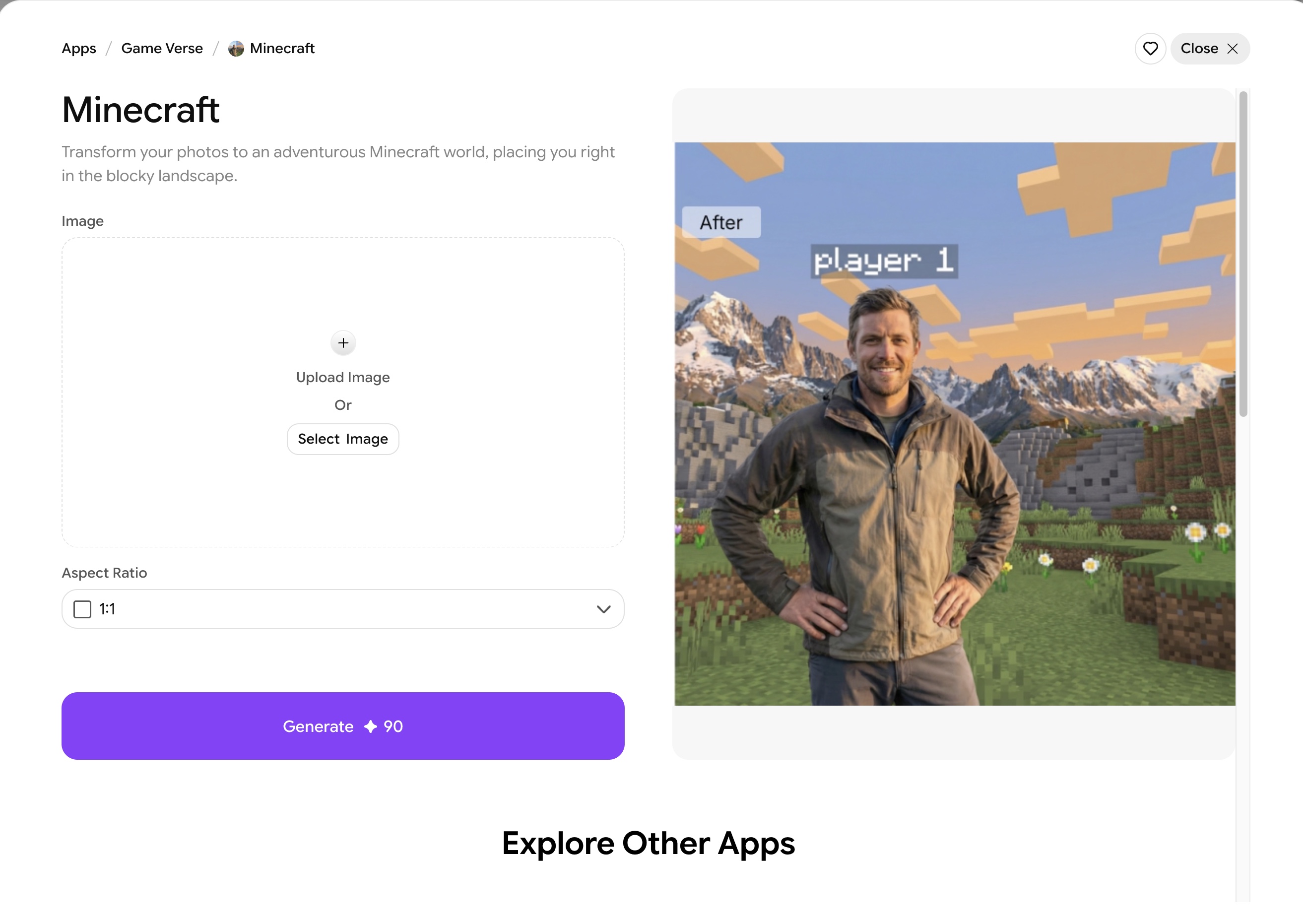 Gameverse App - ImagineArt
Coaches & Consultants
Coaches and consultants sell clarity. If your ideas look scattered, your positioning does too. Long motivational captions don’t build authority. Structured teaching does.
On LinkedIn, your content becomes your proof of expertise. When you explain frameworks visually and consistently, people start associating you with a specific method — not just generic advice.
You can create:
- Talking-head style videos for authority positioning
- Carousel explainers that break down frameworks step by step
- Microlearning clips for short, focused lessons
- Branded quote visuals that reinforce core philosophies
Structured visual teaching builds recognition faster than scattered posts. When your ideas follow a repeatable format, your authority compounds.
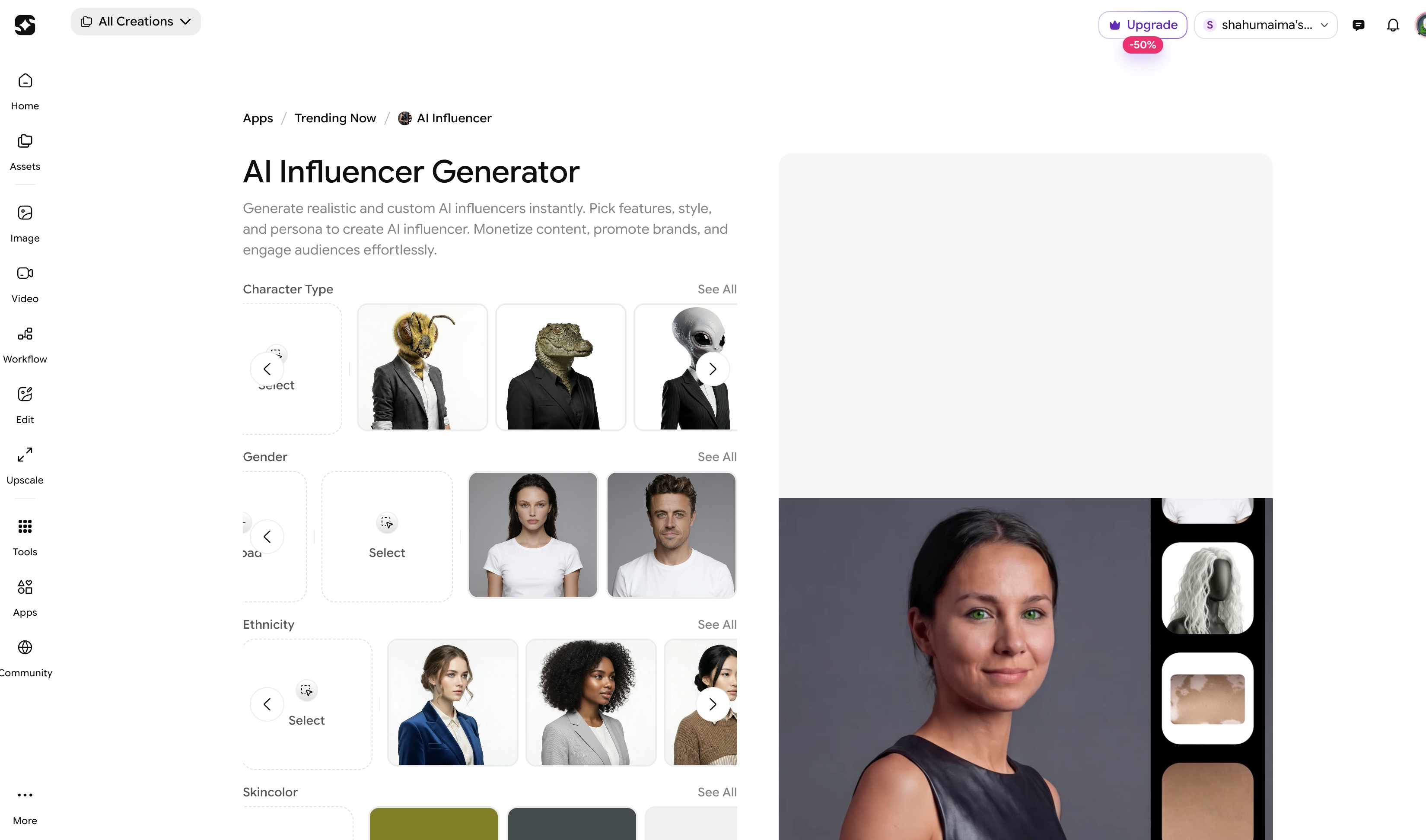 AI influencer - ImagineArt
FAQs
Yes, LinkedIn allows AI-generated content as long as it follows community guidelines and professional standards. You remain responsible for accuracy, originality, and relevance.
AI-assisted posts perform well when they deliver value and are clearly structured. The tool improves speed and formatting, but content quality and positioning determine engagement.
No, AI cannot replace content managers because strategy, audience understanding, and brand decisions require human judgment. AI supports execution, not leadership..
There is no single best tool; it depends on your goal. Canva works well for carousels, Runway for video, HeyGen for avatar content, and ImagineArt for structured multi-format production.
Posting 2–5 times per week is effective for most professionals. Consistency and content quality matter more than posting daily without structure.
Create LinkedIn Content at Scale with ImagineArt
With ImagineArt, you create structured, high-quality LinkedIn content without switching between tools or slowing down production. Instead of juggling multiple platforms, you manage your LinkedIn content creation in one place.
Create faster. Publish consistently. Stay visible.
Umaima Shah
Umaima Shah is a creative content strategist specializing in AI tools, image generation, and emerging technologies. She focuses on translating complex platforms into clear, practical insights for creators, designers, and product teams