

Umaima Shah
February 10, 2026 • Updated August 7, 2026
14 mins Read
Creating instructional material and learning resources takes way more time than actually using them in class. You spend hours putting slides together, hunting for the right visuals, fixing formatting, and suddenly, your whole prep time disappears. That’s the part AI tools for education are starting to change. Instead of grinding through manual work, you can turn a simple idea into slides, visuals, videos, and practice content in minutes.
So here are 13 AI tools that help you handle every stage of modern education.
AI Video Tools for Education
1. ImagineArt
ImagineArt works as one of the practical AI tools for education when the goal is to turn learning topics into visual and video material. It’s a complete generative AI suite where you input an idea and create hundreds of variants of visual resources:
- Diagrams and illustrations
- Educational videos for presentations
- Worksheets
- Infographics and flowcharts
- Training videos with AI talking heads
- Listening activities with AI voiceovers
- Background music
- Complete online courses
- Clipart
The core studios and team features of ImagineArt are saving teachers and trainers tens of hours per week.
Similarly, if you are an educational content creator, a YouTuber, or even a professor who needs a reusable study material pipeline, explore the node-based AI design workflows. You can create a repeatable content development process for multiple topics, such as creating visuals for an entire unit in one structured flow. These AI workflows also maintain consistent formatting and structure across lessons and study sets.
If you teach classes, manage multiple courses, build training material, or study on your own, ImagineArt gives you one place to create and use educational content. You turn topics into lesson visuals, explainer videos, and study material that work for different subjects and levels. The good part is you don’t need to ration your output. You can generate large volumes of educational assets using ImagineArt 1.5 Pro, and that too with 50 free tokens every day! Want to upgrade? The subscription for videos, music, and audio is about $10 per month on monthly, quarterly, or annual plans.
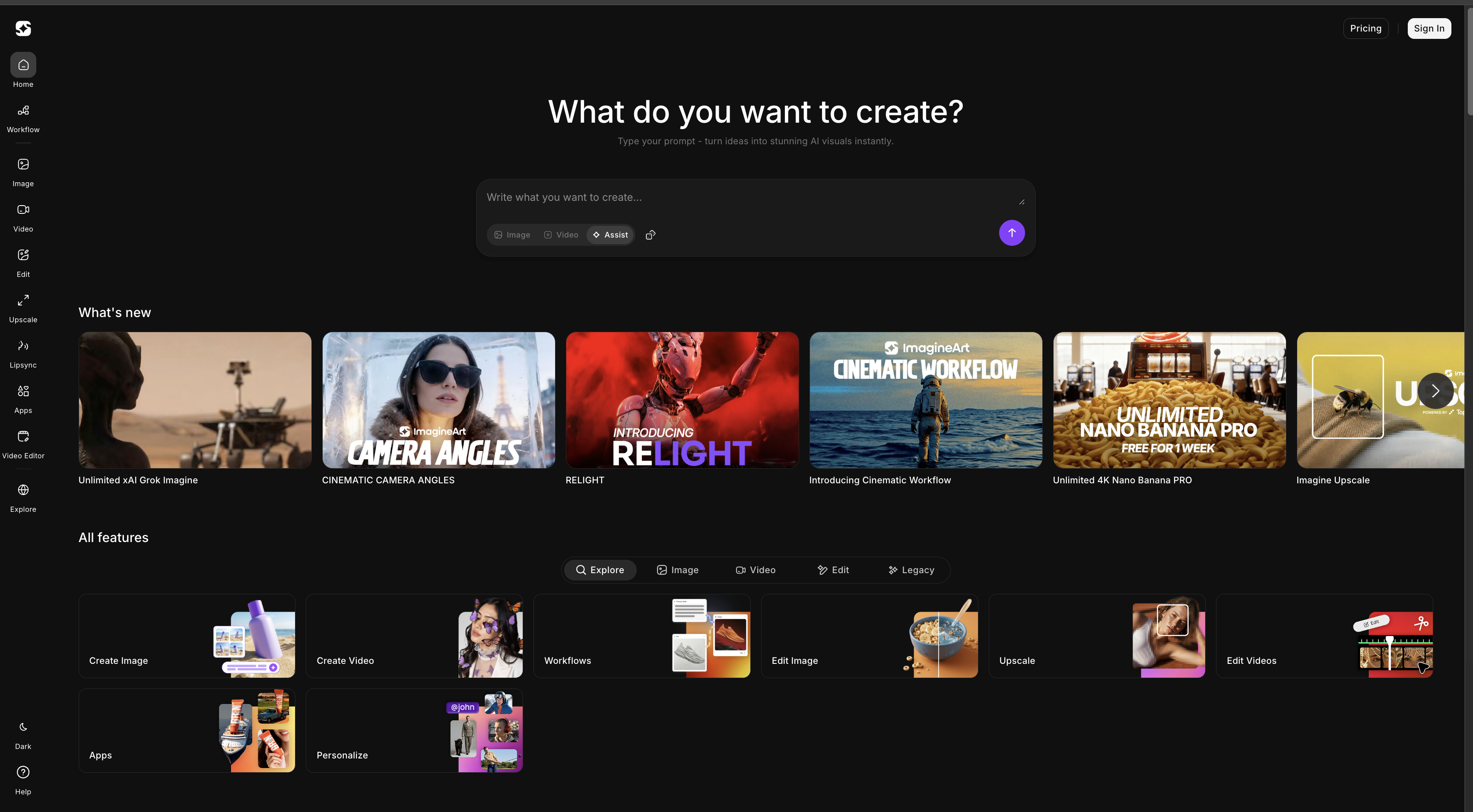 Imagineart is one of the top ai tools for education
2. Nearpod
Nearpod works as an interactive visual lesson tool that combines slides, videos, and activities in one flow. Students use it to view lesson content and respond to questions on the same screen. Educators use it to present topics with visuals while keeping learners involved throughout the session.
You build lessons from slides, images, and videos, then add polls, quizzes, and drawing activities inside the content. A science learner views a diagram and answers a question about it. A geography learner explores a map and marks locations. A language learner reads a passage and responds with short answers. The tool keeps content and interaction in one place instead of separating them.
Nearpod focuses on visual learning:
- Slide-based lesson delivery
- Image and video embedding
- Interactive questions inside the content
- Drawing and annotation tools
- Real-time response tracking
These features support both explanation and practice at the same time. Students follow the lesson on their own devices and respond as it progresses. Educators see answers instantly and adjust pace based on responses.
Within a group of AI tools for education, Nearpod works as a visual engagement layer. It connects lesson visuals with short activities instead of relying only on quiz rounds. This keeps attention on diagrams, charts, and examples while still collecting feedback from learners.
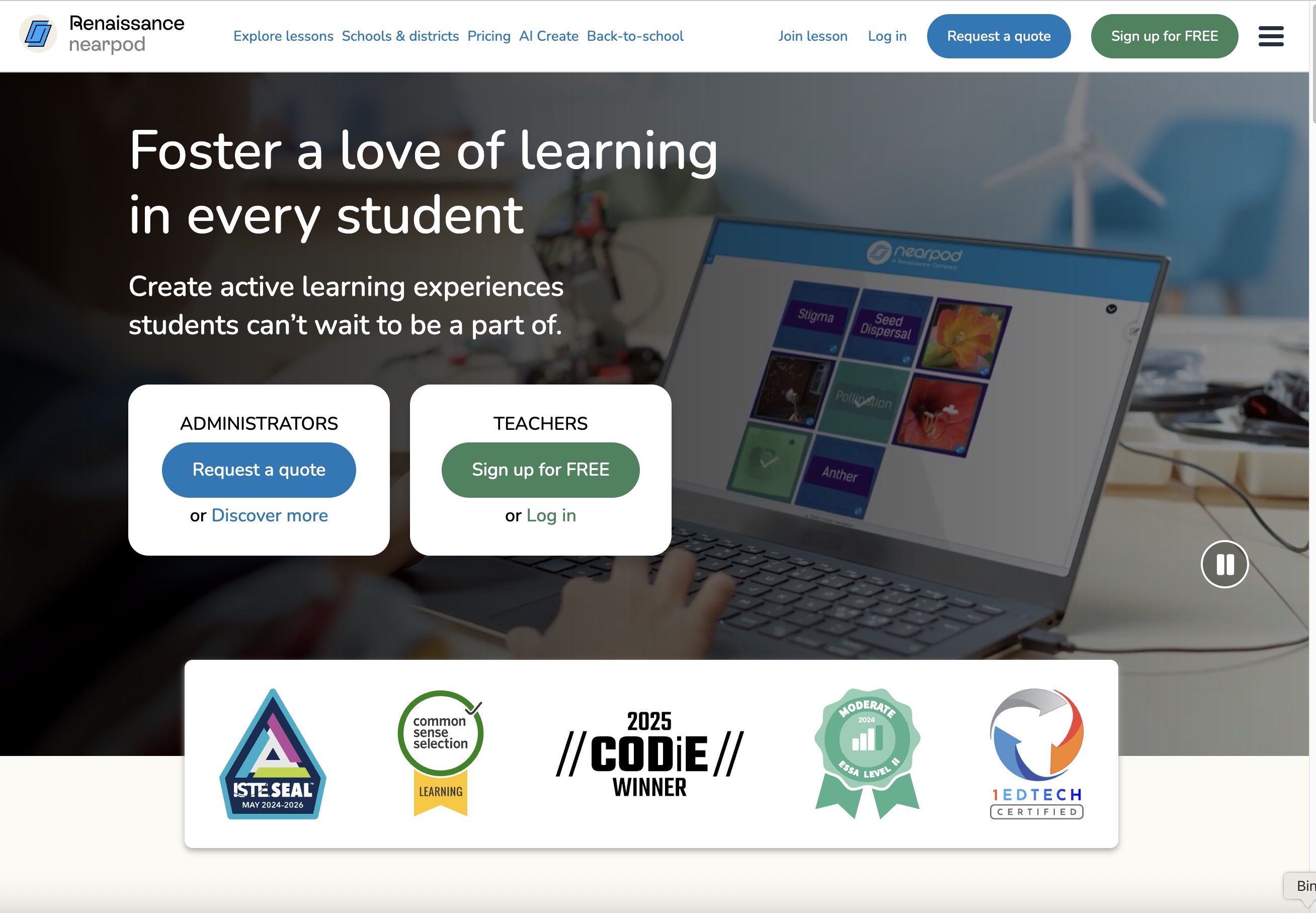 Nearpod supports interactive digital lessons with quizzes, polls, and real-time classroom engagement.
3. Gradescope
Gradescope works as one of the AI tools for education when teachers need faster grading and structured feedback. You upload scanned assignments or digital submissions, and Gradescope groups similar answers so you grade them together. This reduces repetitive marking and keeps scoring consistent across large classes.
Teachers use Gradescope to manage exams, homework, and coding assignments. A maths instructor grades problem sets in batches. A university lecturer reviews written responses with shared rubrics. A programming teacher checks code submissions with structured feedback. Students receive clearer comments and faster results.
Gradescope includes features that support classroom assessment:
- AI-assisted answer grouping for batch grading
- Rubric-based scoring for consistent evaluation
- Support for handwritten and digital submissions
- Inline feedback and annotation tools
- Performance analytics for class trends
These features shift time away from manual grading toward feedback and instruction. You keep control over rubrics and scoring while the system handles sorting and organisation.
Gradescope fits well when the priority is assessment and feedback instead of content production. It supports scalable grading and clearer evaluation across large groups of students.
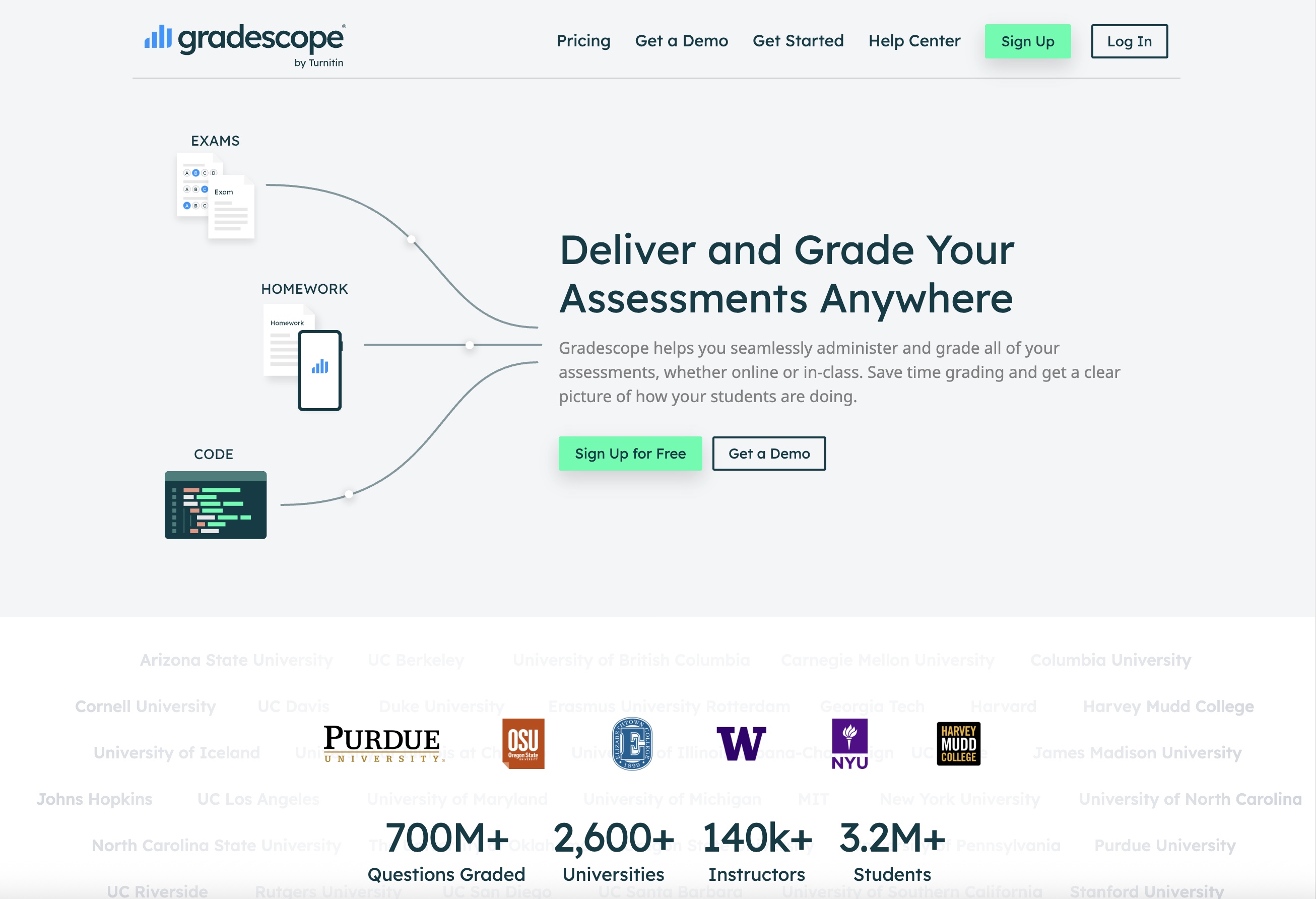 Gradescope speeds up grading with AI-assisted answer grouping for assignments and exams.
4. Edpuzzle
Edpuzzle fits into AI tools for education when video lessons need structure and feedback. You take an existing video or upload your own and turn it into an interactive activity. You place questions and audio notes at exact points in the video so learners must engage before moving forward.
How teachers use Edpuzzle in class:
- A biology teacher inserts questions into a video on cell structure.
- A history teacher pauses a documentary clip to ask about key events.
- A language teacher adds listening questions to a short story video.
- Each pause checks understanding while the topic stays fresh in the learner’s mind.
What Edpuzzle tracks for learning:
- Student watch time and completion
- Answers to embedded questions
- Sections where learners pause or struggle
- Patterns that show which concepts need review
You reuse the same video for different classes by changing only the questions. This keeps lesson material consistent while allowing level-based adjustments.
Edpuzzle comes after content creation. You prepare or select a video first. Edpuzzle then turns it into an active learning task. This setup shifts video from passive watching to guided study and links explanation with immediate practice inside the same lesson.
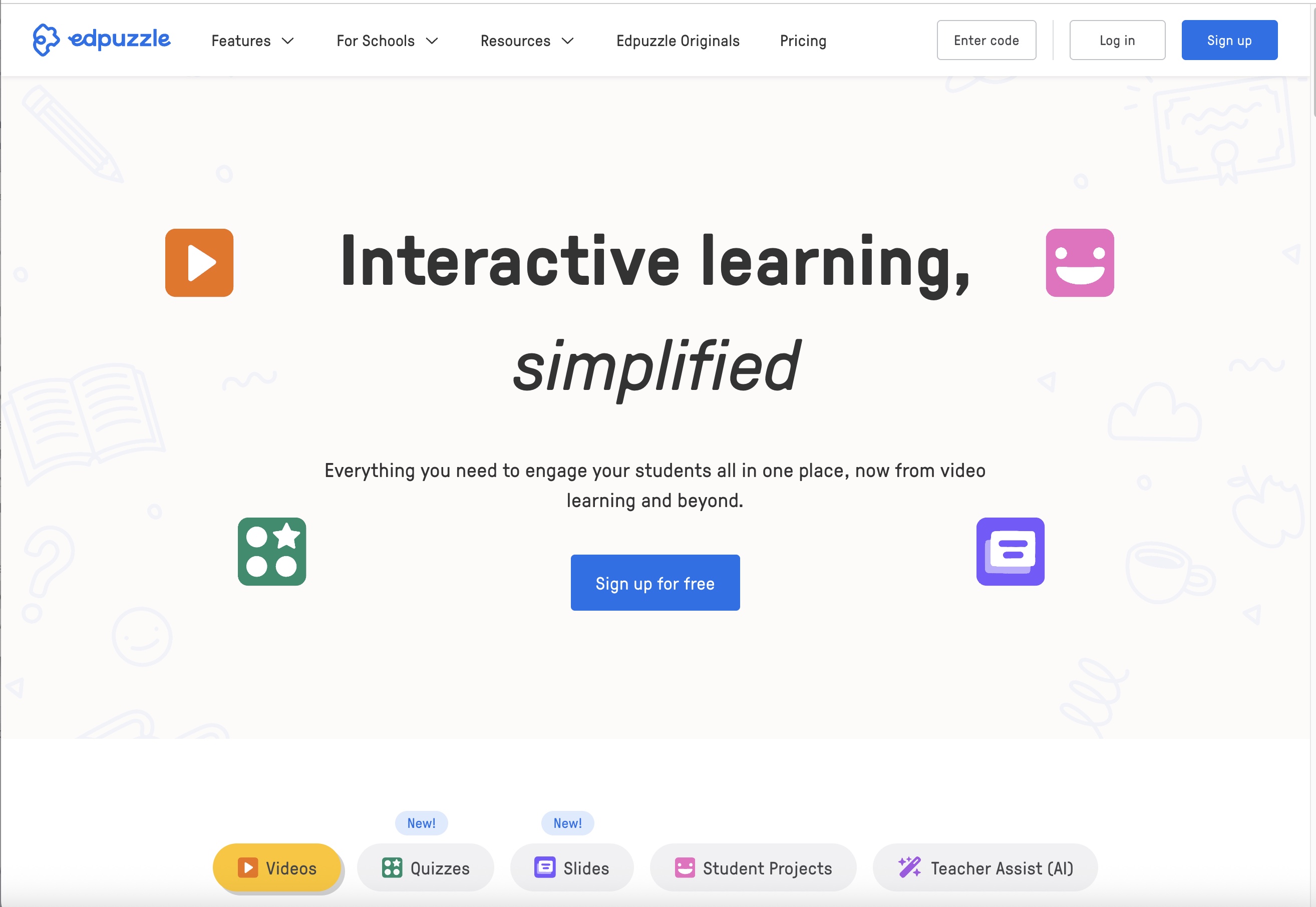 Edpuzzle turns videos into interactive lessons with embedded questions and progress tracking.
AI tools for Worksheets & Quizzes
5. Google Forms
Google Forms works as one of the practical AI tools for education when learners and educators need simple digital worksheets and quizzes. You create questions with multiple-choice, short answers, or checkboxes and share the form through a link or learning platform. Students open the form on any device and submit responses without installing extra software.
Students use Google Forms for self-tests, homework submission, and practice exercises. A learner completes a math problem set and checks which answers need revision. A science student fills out a diagram-based worksheet. A language learner answers grammar questions and reviews mistakes. Educators use the same tool to design daily practice sheets, exit tickets, and chapter quizzes, and to collect responses in one place.
Google Forms connects with spreadsheets, which helps track results and patterns:
- Automatic collection of answers
- Score tracking in linked sheets
- Reusable templates for new topics
- Support for images and diagrams
These features help learners see progress and help educators spot weak areas. You can copy a form to create easier or harder versions for different levels.
Google Forms supports regular practice without printing or manual marking. It works for independent study, classroom assessment, and revision because it keeps questions, answers, and feedback in one system.
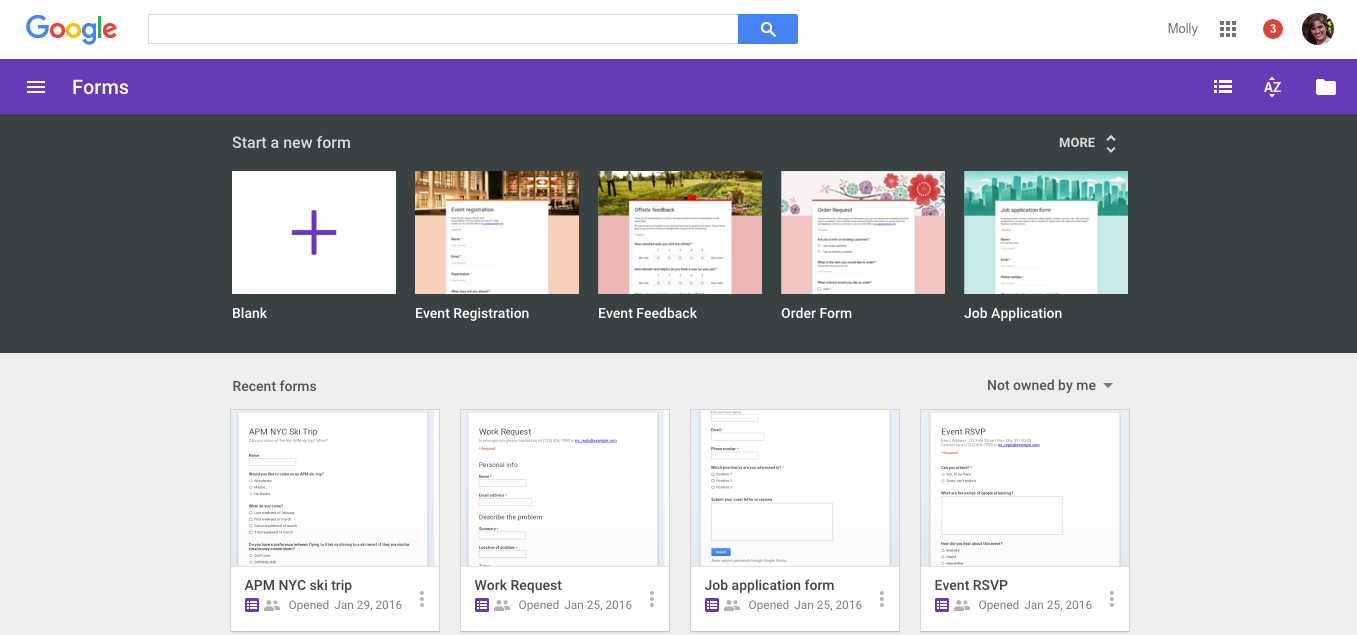 Google Forms creates online quizzes and worksheets with automatic grading and response tracking.
6. Quizizz
Quizizz turns lesson topics into interactive quizzes for both learning and teaching. You create question sets from vocabulary, formulas, or key facts and run them as live sessions or assign them for practice. Students answer on their own devices while the system tracks progress in real time.
Students use Quizizz to revise topics and test recall. A history learner practises dates and events. A biology student reviews cell parts. A geography learner answers map-based questions. The game-style format keeps attention during practice and helps learners stay engaged while checking what they know.
Educators use Quizizz to run quick checks and review sessions. They see which questions cause difficulty and which concepts need repetition. Quizzes can be reused or edited for new topics, which keeps formats consistent across classes.
Quizizz includes features that support both sides:
- Timed and untimed quiz modes
- Visual feedback and progress tracking
- Question banks for reuse
- Reports that show strengths and gaps
These tools link practice with feedback. Students see where they need more study. Educators adjust lessons based on results. Quizizz supports recall, revision, and classroom interaction without long grading cycles.
Homework & Problem-Solving AI Tools
7. Photomath
Photomath helps users understand math problems through clear, step-by-step solutions. Students scan handwritten or printed equations with their phone camera and follow the logic used to reach the answer. They use it to review homework, practise difficult topics, and identify where mistakes happen in their work. Instead of showing only a final result, the app explains each step so learners can see how formulas and rules apply.
Teachers also use Photomath to check solution paths and demonstrate structured problem-solving in class. A math instructor can project a scanned equation and walk through the steps with students. This supports discussion about methods rather than memorising answers. It works across common school and college topics, including algebra, geometry, and calculus.
Photomath offers features that support learning and instruction:
- Camera-based equation input
- Step-by-step breakdowns of each operation
- Support for algebra, geometry, and calculus topics
- Visual graphs for equations and functions
These features encourage method-based learning instead of answer copying. A learner checks algebra steps before submitting homework. A geometry student reviews how a formula applies to shapes. A calculus student studies derivative logic in sequence. Photomath fits independent practice, classroom demonstrations, and exam preparation where understanding the process matters as much as the result.
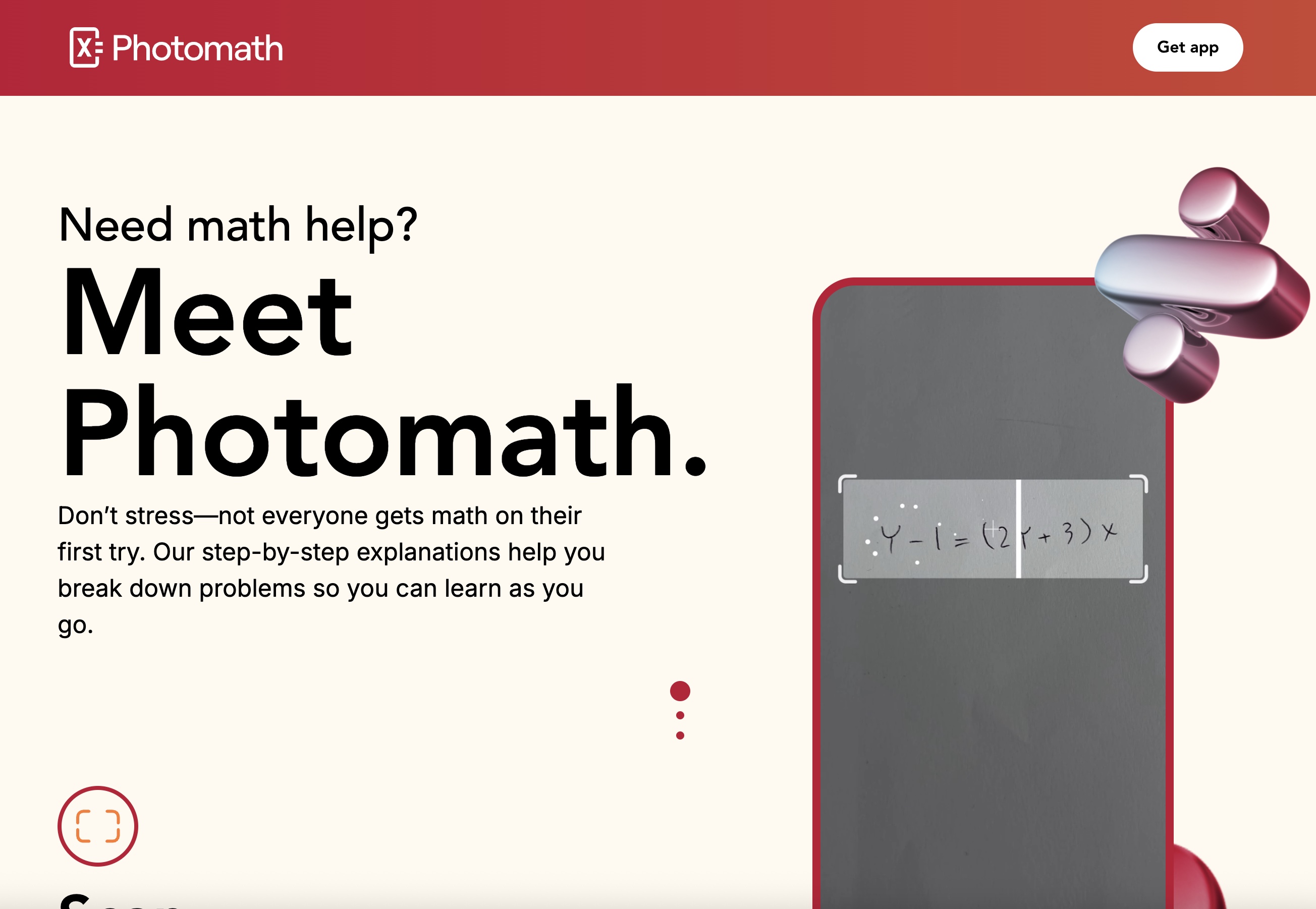 Photomath solves maths problems from camera scans and shows step-by-step explanations for learning.
8. Socratic
Socratic explains questions across subjects using guided reasoning and concept-based answers. Students take a photo of a problem or type a question and receive explanations linked to the underlying topic. They use it to review science concepts, understand math steps, and explore meaning in literature and social studies. Instead of giving short answers, the app connects questions with examples and topic summaries.
Teachers use Socratic as a support tool for extra practice and concept clarity outside class. It helps students revise topics at their own pace and prepares them for deeper discussion during lessons. A biology student reviews cell division with visual explanations. A physics student studies motion formulas with step-based guidance. A history learner checks event summaries and key ideas.
Socratic provides features that support learning across subjects:
- Photo-based question input
- Subject-specific explanations
- Visual examples and diagrams
- Coverage across math, science, and humanities
These features help learners link problems with ideas rather than memorising solutions. Socratic works well for homework review, self-study, and topic revision. It supports understanding by showing how questions relate to broader concepts, which makes it useful for both classroom learning and independent study.
 Socratic explains homework questions with step-by-step answers and visual guides across subjects.
AI Audio Tools for Learning
9. Audacity
Audacity supports learning and teaching when audio plays a role in understanding or explanation. Students use it to record spoken answers, language practice, and project narration. They edit mistakes, slow down playback, and repeat sections until pronunciation and clarity improve. Teachers use the same tool to create short audio lessons, revision summaries, and listening exercises that students can replay outside class.
Audacity offers practical features for educational use:
- Multi-track recording for layered explanations
- Noise reduction to clean up classroom or home recordings
- Speed control for slow listening or fast revision
- Export options for MP3 and WAV formats
These features help both sides focus on content instead of audio quality problems. A language learner records dialogues and checks fluency. A history student records a timeline explanation. A teacher prepares short topic summaries for exam revision. Audio lessons work well for learners who absorb information better by listening than by reading. Audacity fits subjects that rely on explanation, narration, and verbal practice and supports repeated review without recreating material.
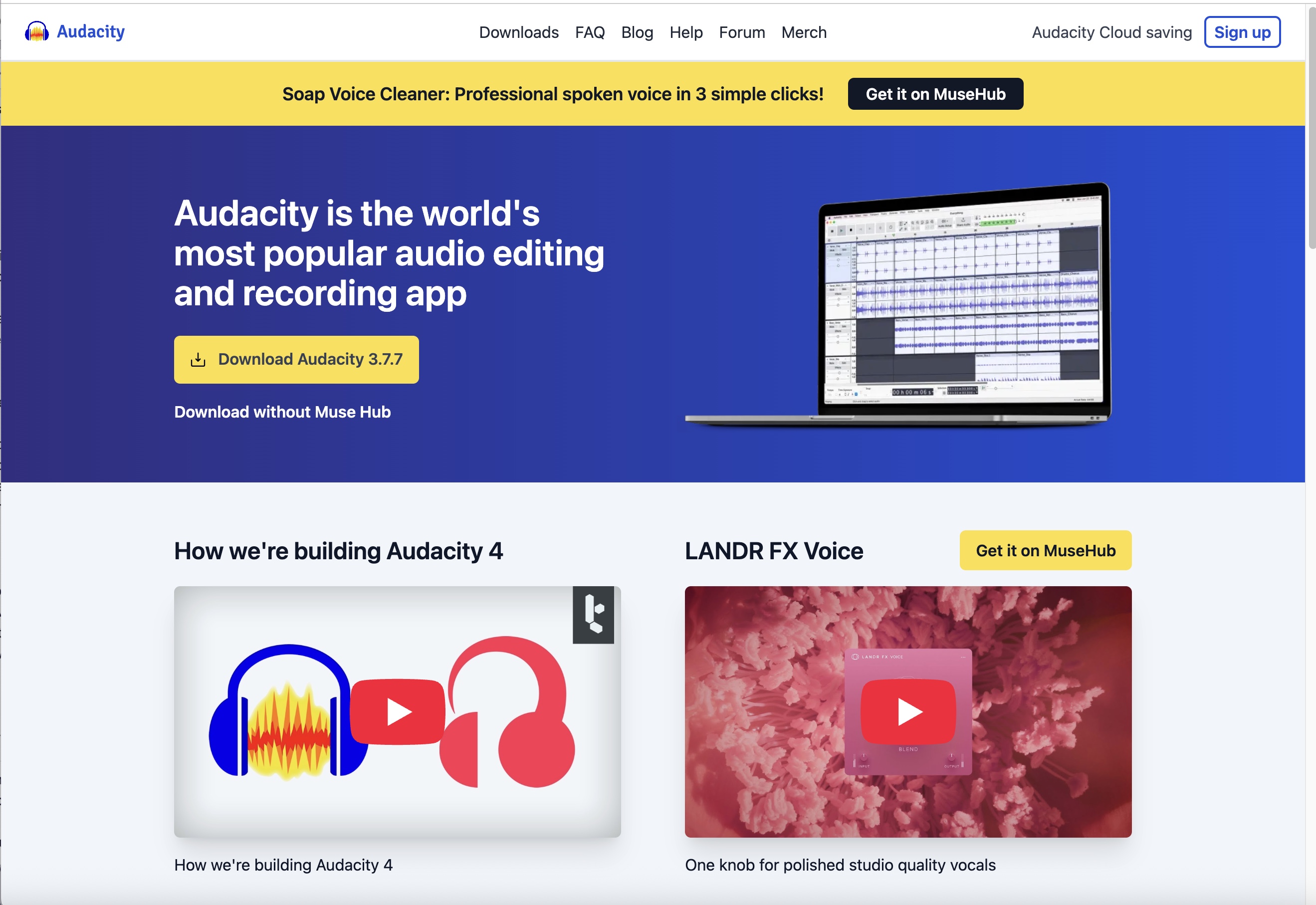 Audacity records and edits audio for lectures, podcasts, and spoken lesson material.
10. NaturalReader
NaturalReader converts written material into spoken audio. Students use it to listen to textbooks, notes, and articles instead of reading long pages. This helps with focus, accessibility, and revision during travel or screen breaks. Teachers use it to turn worksheets and lesson notes into audio versions for mixed learning styles.
NaturalReader provides features useful in education:
- Text-to-speech conversion
- Multiple voice options
- Speed and pitch control
- Support for PDFs and documents
These features let learners adjust the listening pace to match their comprehension level. A student listens to science notes before a test. A literature learner listens to poems for tone and rhythm. A teacher prepares audio versions of reading material for class. NaturalReader supports independent study and inclusive learning by making written content usable as sound.
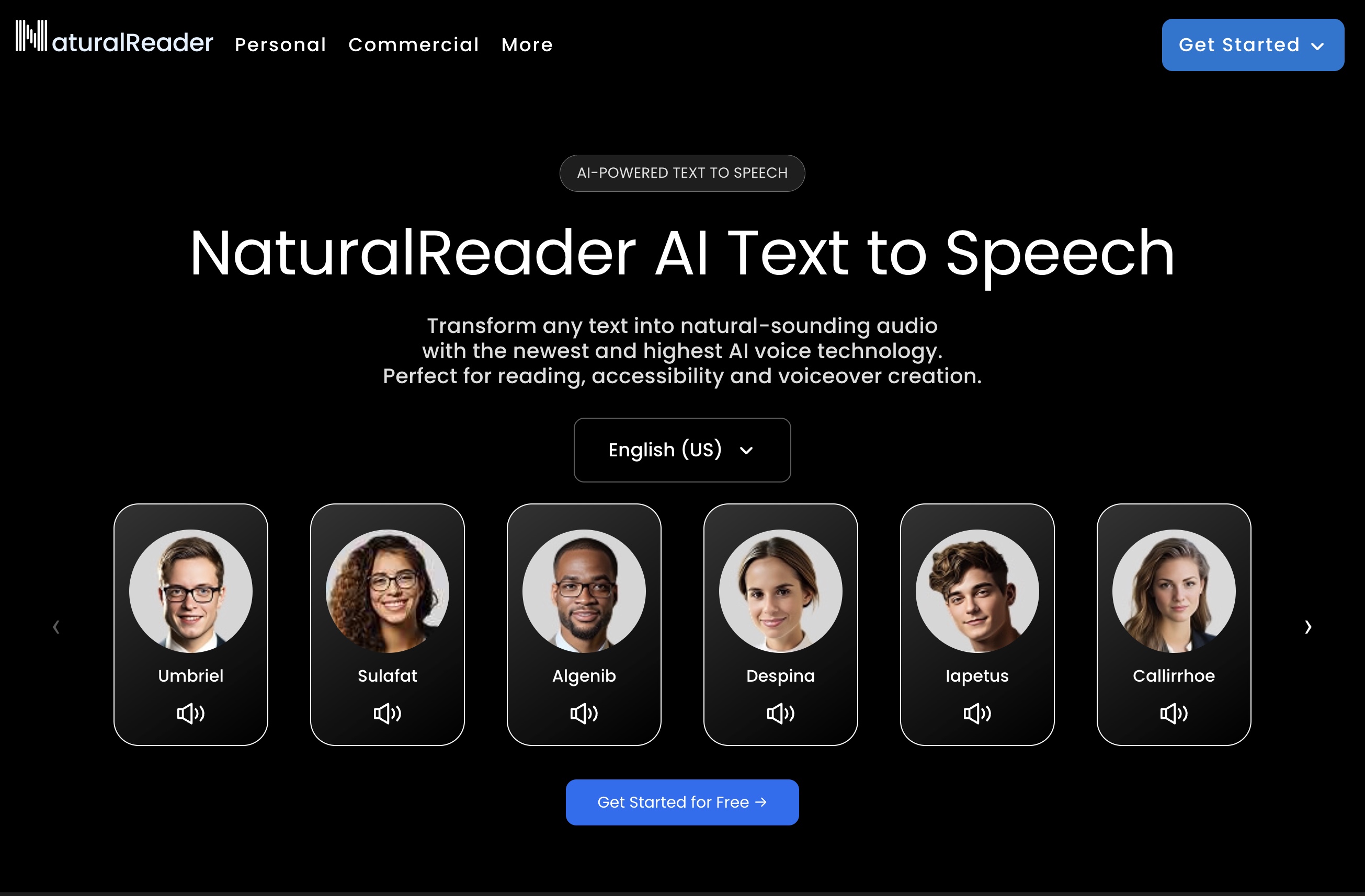 NaturalReader converts written text into spoken audio for listening-based learning and accessibility.
Math & Science AI Learning Tools
11. Wolfram Alpha
Wolfram Alpha supports math and science learning through direct computation and visual output. Students use it to solve equations, check answers, and explore how formulas behave when values change. They enter expressions or questions and receive calculated results with graphs and explanations. This helps with algebra practice, calculus review, and physics or chemistry problems that involve formulas and units.
Teachers use Wolfram Alpha to verify results and demonstrate scientific relationships during explanations. A physics class can explore motion equations by changing speed or time values. A statistics lesson can show how data affects mean and probability. A chemistry topic can use it to calculate molar mass or reaction ratios. The tool helps link numbers with real outcomes instead of treating formulas as abstract symbols.
Wolfram Alpha offers features that support learning and instruction:
- Equation solving for algebra and calculus
- Graph plotting for functions and trends
- Physics and chemistry calculations
- Statistical analysis for datasets
These features support advanced subjects and structured problem checking. A student tests different inputs to see how results change. A teacher uses graphs to explain why a formula behaves in a certain way. Wolfram Alpha works well for exploration, verification, and deeper understanding of math and science topics.
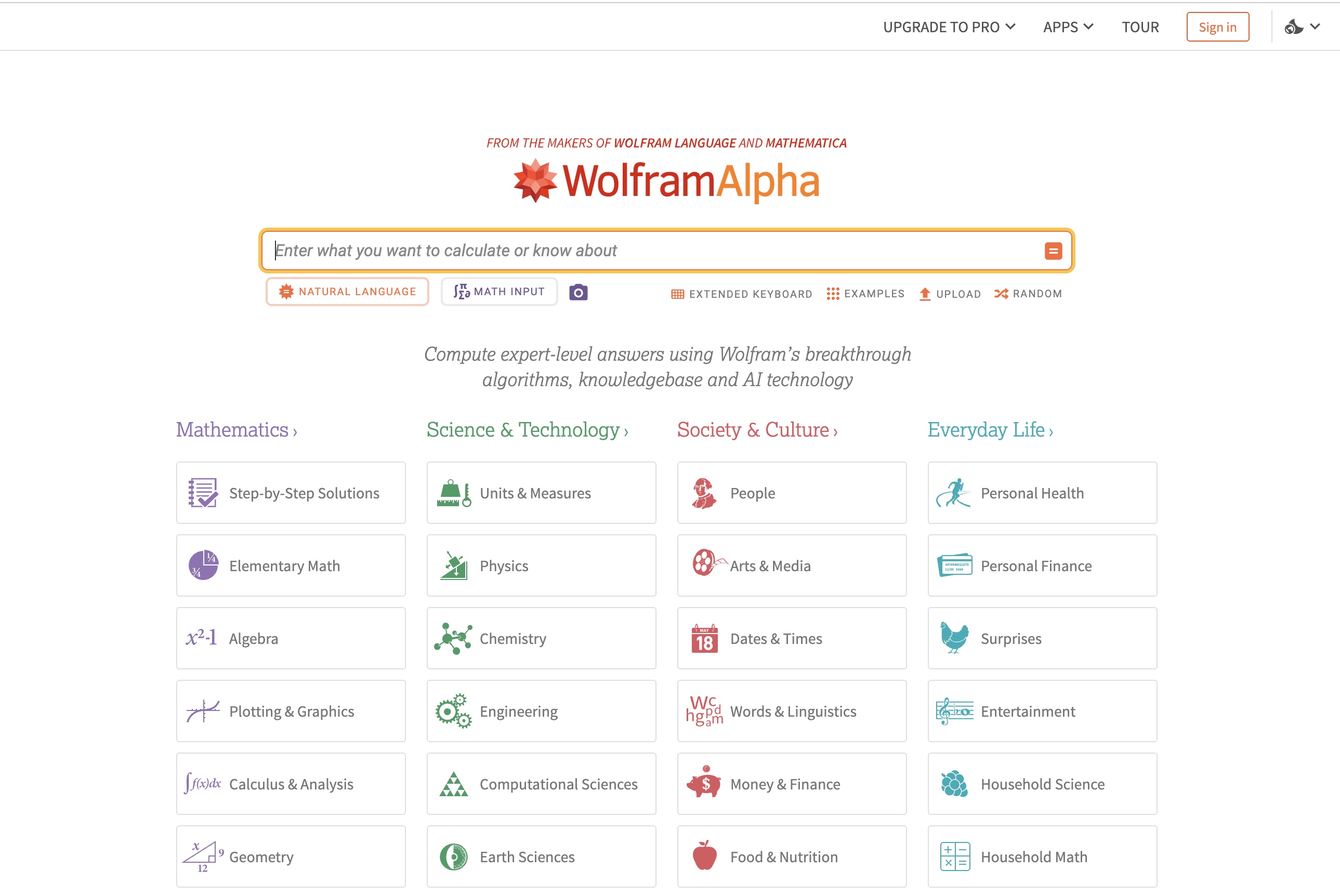 Wolfram Alpha answers factual and computational questions with step-by-step solutions and data visualisations.
12. GeoGebra
GeoGebra helps learners understand math by turning formulas into interactive visuals. Students explore algebra and geometry by changing values and watching graphs and shapes update instantly. This makes abstract concepts easier to grasp because results appear on screen instead of staying on paper.
Students use GeoGebra to practise graphing, study angles, and test equations. A learner adjusts a slope value to see how a line changes. A geometry student moves points on a triangle to understand area and symmetry. A calculus student explores curves by changing coefficients. Teachers use the same tool to demonstrate concepts with dynamic graphs and constructions during lessons.
GeoGebra includes features that support visual learning:
- Geometry tools for shapes and angles
- Graph plotting for equations
- Algebra visualisation linked to graphs
- Interactive models with draggable values
These tools help learners see how formulas behave instead of memorising results. A student builds a graph and tests different inputs. A teacher uses dynamic diagrams to explain relationships between variables. GeoGebra supports concept understanding by connecting numbers, shapes, and motion into one visual system that works for both classroom learning and independent practice.
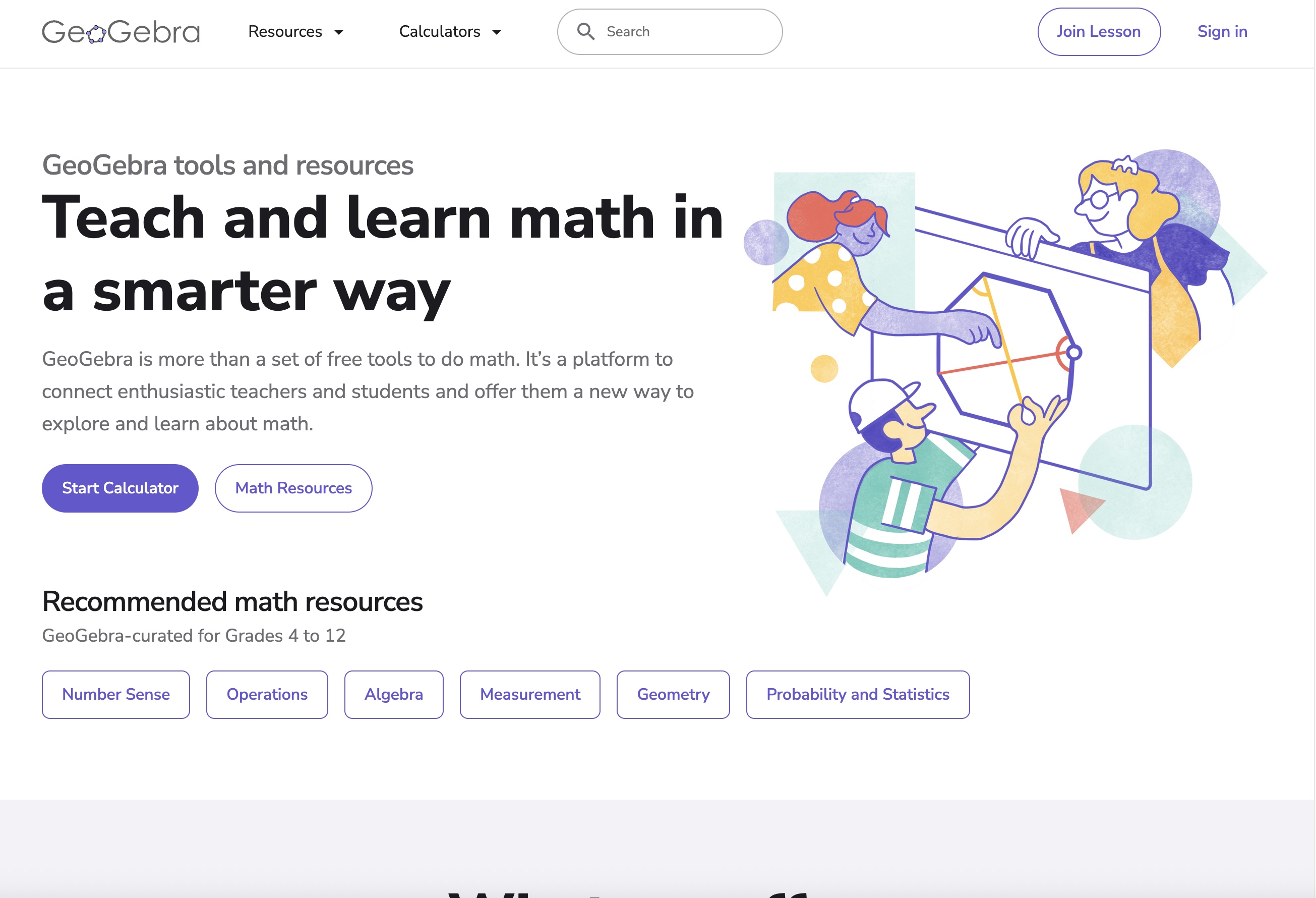 GeoGebra visualises maths concepts with interactive graphs, geometry tools, and dynamic simulations.
13. Gauthmath
Gauthmath works as a homework helper for math and science subjects. Students use it to solve problems by scanning questions with their phone camera or typing them in manually. The app shows step-by-step solutions instead of only giving final answers. This helps learners understand how formulas and rules apply to each stage of a problem.
Students use Gauthmath to review homework, practise weak topics, and prepare for tests. A learner scans an algebra equation and follows the solving steps. A geometry student checks how a formula applies to shapes. A calculus student studies how derivatives or integrals are calculated. The app supports problem-solving across school and college-level math.
Educators use Gauthmath to check solution paths and explain problem logic during practice sessions. It helps show how different methods lead to the same result and where common mistakes happen. This makes it useful for guided revision and extra practice outside class.
Gauthmath includes features that support learning and instruction:
- Camera-based problem input
- Step-by-step solution breakdowns
- Support for algebra, geometry, trigonometry, and calculus
- Graphs and visual explanations for equations
These features encourage method-based learning rather than answer copying. Students see how each step connects to the next. Educators use the explanations to reinforce problem-solving structure.
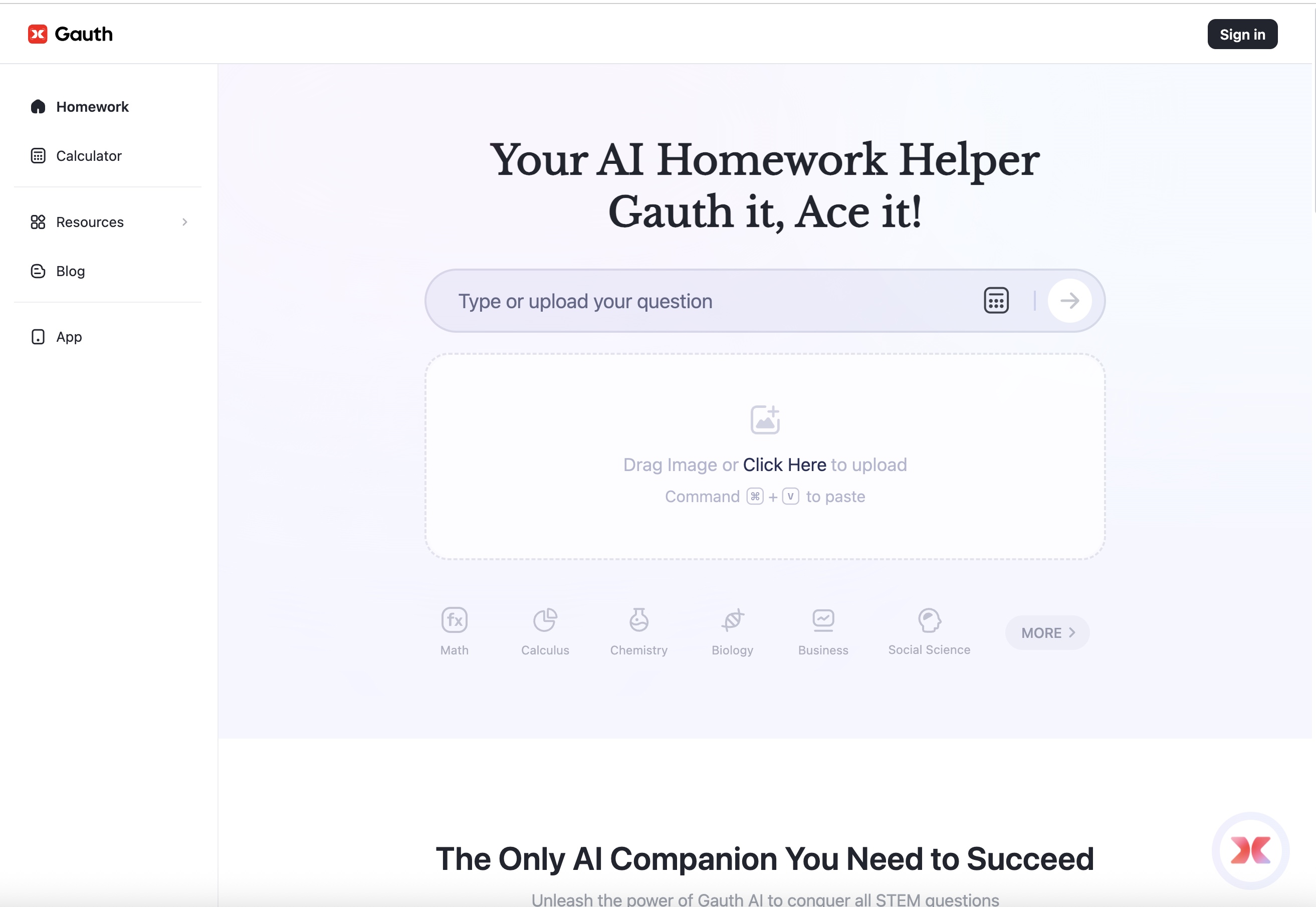 Gauthmath solves maths problems from photos and provides guided step-by-step explanations.
FAQs
Teachers use AI tools to create lesson visuals, quizzes, and worksheets, and to organise class material. Common examples include ImagineArt for visuals, Kahoot and Quizizz for practice, and Google Forms for assessment.
The top tools cover visuals, assessment, and planning across classrooms. Many teachers use ImagineArt, Kahoot, Google Forms, Quizizz, and Notion together in daily teaching.
The best tool depends on what you want to study and how you learn. Students often use ImagineArt for visual explanations and Quizizz or Google Forms for self-testing.
Education AI tools group into content creation, assessment, planning, and automation. These categories match how teachers prepare lessons, test knowledge, and manage class workflows.
Free tools support most classroom basics without paid plans. Google Forms works well for quizzes, Quizizz for practice, and Audacity for audio lessons.
Teach Smarter with ImagineArt
ImagineArt helps you create lesson visuals, explainer videos, and study content from simple topic prompts. You turn one lesson idea into slides, images, and short videos that fit different subjects and grade levels. Start your classroom content workflow with ImagineArt and keep your teaching materials consistent without adding more prep time.
Umaima Shah
Umaima Shah is a creative content strategist specializing in AI tools, image generation, and emerging technologies. She focuses on translating complex platforms into clear, practical insights for creators, designers, and product teams