Video Object Replace
Magically swap objects in your videos! Tell us what to replace and with what, to instantly transform your scene.
How To Replace Object in Video Online
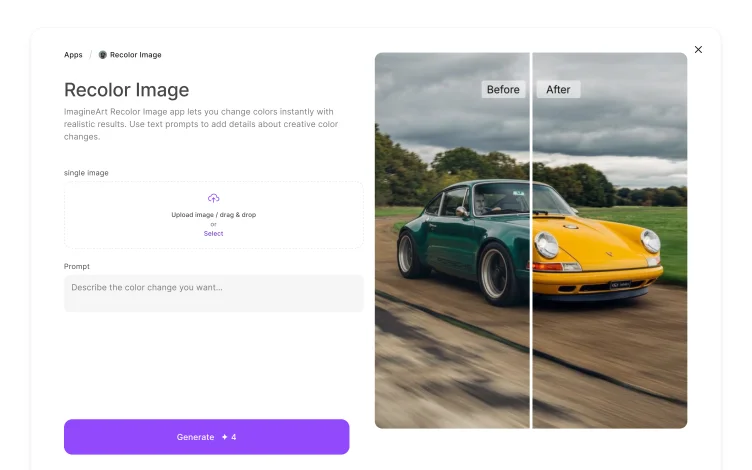
Import Your Video to Erase and Replace
Start by uploading the video in which you want to replace objects and characters. The video should be of high quality. ImagineArt smart object replacement app supports videos of all formats, sizes, and orientations.

Write Prompt for AI Object Replace
Next, write a detailed prompt to replace character in video, change scene elements, or shift object appearances and placements within the video. The AI object replace app detects the character/object and adds the new one into the scene.

Finalize and Generate
Select the desired aspect ratio and give your prompt a final lookover. Click ‘Generate’ to process the AI object replace, or you can further refine the video on ImagineArt AI video editor.
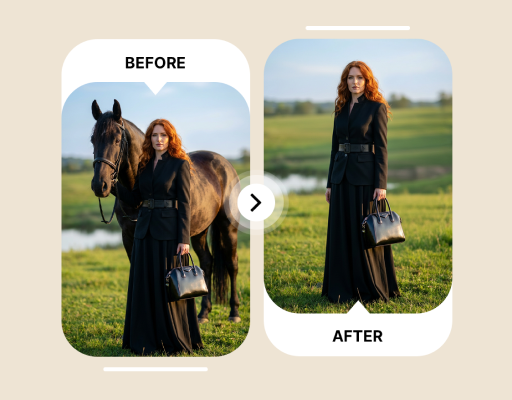
Customize Video Ads with Ease
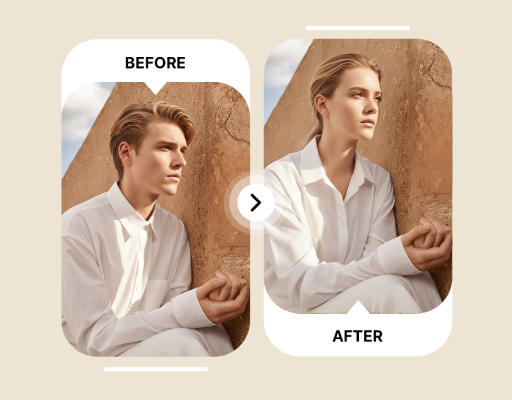
Update Corporate Videos with A Quick Edit
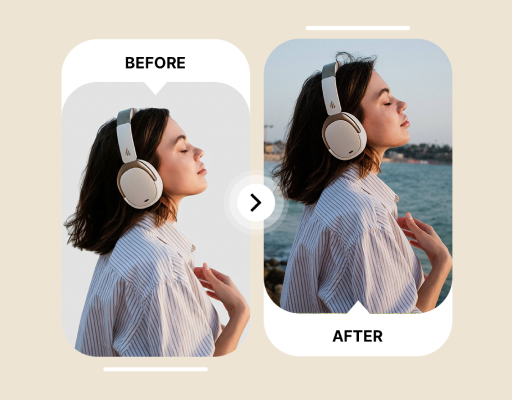
Produce and Edit Film and Animation
ImagineArt AI object replace app lets filmmakers and animators replace character in video or edit existing objects to improve the overall scene composition. It helps you integrate new objects and edit characters of the existing footage without any reshooting or extensive editing.








Choose a plan that fits your needs
Upgrade to get access to pro features and generate more and better
Kling
ByteDance
Minimax
Nano Banana
Gemini
Claude
Qwen
GPT Image
Runway
Grok
Trusted by Professionals and Creators from top Brands and Companies
Reviews
I often need to create different versions of the same product ads for different audiences. With this AI object replace app, I can change elements, update logos, and alter product stills without any technical editing. A game-changer!

Michael Chenn

I love how simple it is to use. Instead of re-filming the whole ad with a new theme, I simply prompted this app to replace objects in the video to match my desired theme, and I did an excellent job!

Isabelle Kim

I work on commercial videos, and this AI object replace app saves my time and effort! I no longer have to create assets from scratch. A must-have for video editors.

Ben Harris

I had to edit and fix the character in my first-ever animation film. With this, I was able to replace face in video online free. Will be using it more from now on!

Anya Petrova

Common Questions About Replace Object in Video
ImagineArt replace object in video app allows you to quickly change objects, replace faces, or alter characters with just a simple text-based prompt. Upload the video you want to edit, type your edits, and the AI object replace app will add the updated objects within a few seconds.
No, you don’t require any advanced video editing skills to use this AI object replace app. It is designed for both professional and beginner-level users, with an intuitive interface.
Yes, you can replace object in video, including scene elements, logos, product shots, and more. However, this AI object replace app works best with objects that are clearly visible in the video without any obstruction.
No, the quality of your video will remain the same. ImagineArt AI object replace app leverages advanced AI algorithms to replace objects and characters without impacting the overall quality.
ImagineArt AI object replace app takes a couple of minutes to replace object in video online. However, the time taken also depends on the length of the video and the complexity of your prompt.
There is no defined limitation. However, replacing multiple characters, faces, or object at the same time can increase the rendering time. It is suggested to start by replacing a single object or character and then make additional changes.