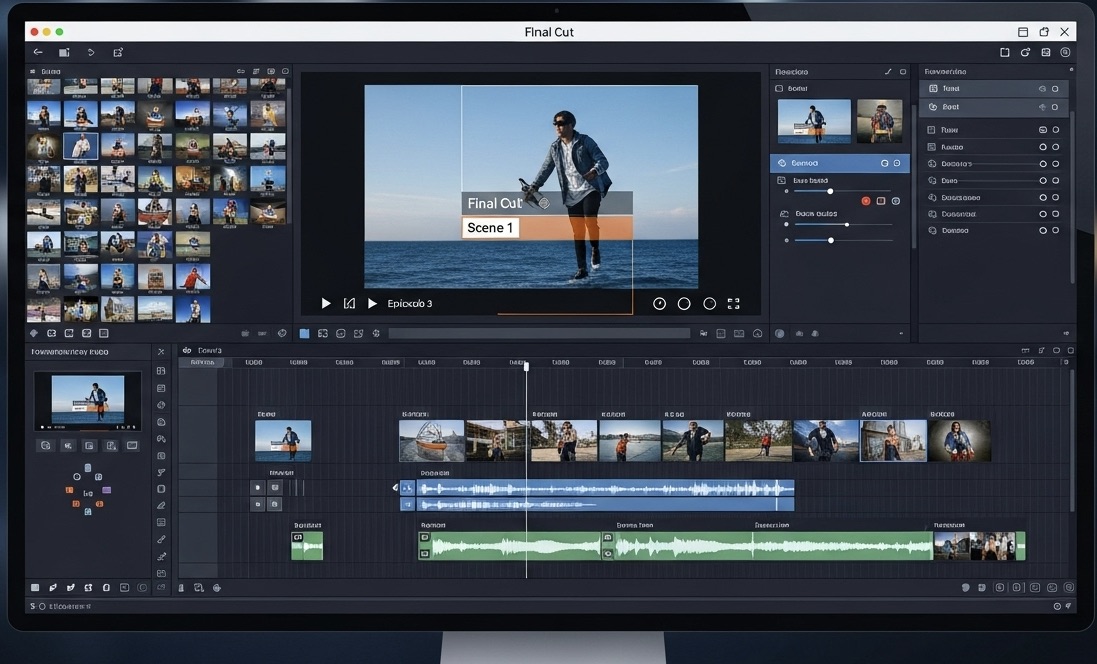
Slow Motion Video Maker
Upload a video and slow it down in one click, or generate cinematic slow motion from a text prompt. Smooth, high-quality slo-mo for reels, edits, and demos, free to try.
Trusted by Professionals and Creators from leading brands
Community Creations
Slow Down Videos Online in One Click
No timeline, no software install, no editing skills. Upload your clip, specify the pace you want, and AI immediately creates a slow-mo video you can download. No need to master complex editing tools.
Smooth Slow Motion Without the Choppy Frames
ImagineArt's AI frame interpolation generates the missing in-between frames, so footage shot on a phone slows down as smoothly as footage shot on a high-speed camera. Where other online tools fail, ImagineArt generates solution for high quality outputs.
Generate AI Slow Motion Videos from Text
No footage? Describe the scene. ImagineArt's AI Video Generator creates native slow motion clips from a prompt using models like Seedance 2.0 and Kling 3.0, or animates a reference image you upload. If you can describe it, you can slow it down before it even exists.
How to Make a Video Slow Motion in Three Steps
Step 1
Upload your video
Drag your clip or reference image into the slow motion video maker or select it from your device. Footage from your phone, camera, or screen recorder all works.
Step 2
Adjust the playback speed
Use the prompt to direct the video and to control the speed to the pace you want. AI smoothing keeps the motion fluid so the slowdown looks intentional.
Step 3
Download and share
Preview the result, iterate if needed and then export watermark-free and post straight to Reels, TikTok, or YouTube.
Slow Motion Video Editing for Reels and TikTok
Slow the beat drop, stretch the reveal, ramp into the transition. Upload your raw clip, pick the moment, and turn ordinary footage into the kind of slo-mo edit that stops the scroll. Vertical export ready for Reels, TikTok, and Shorts.
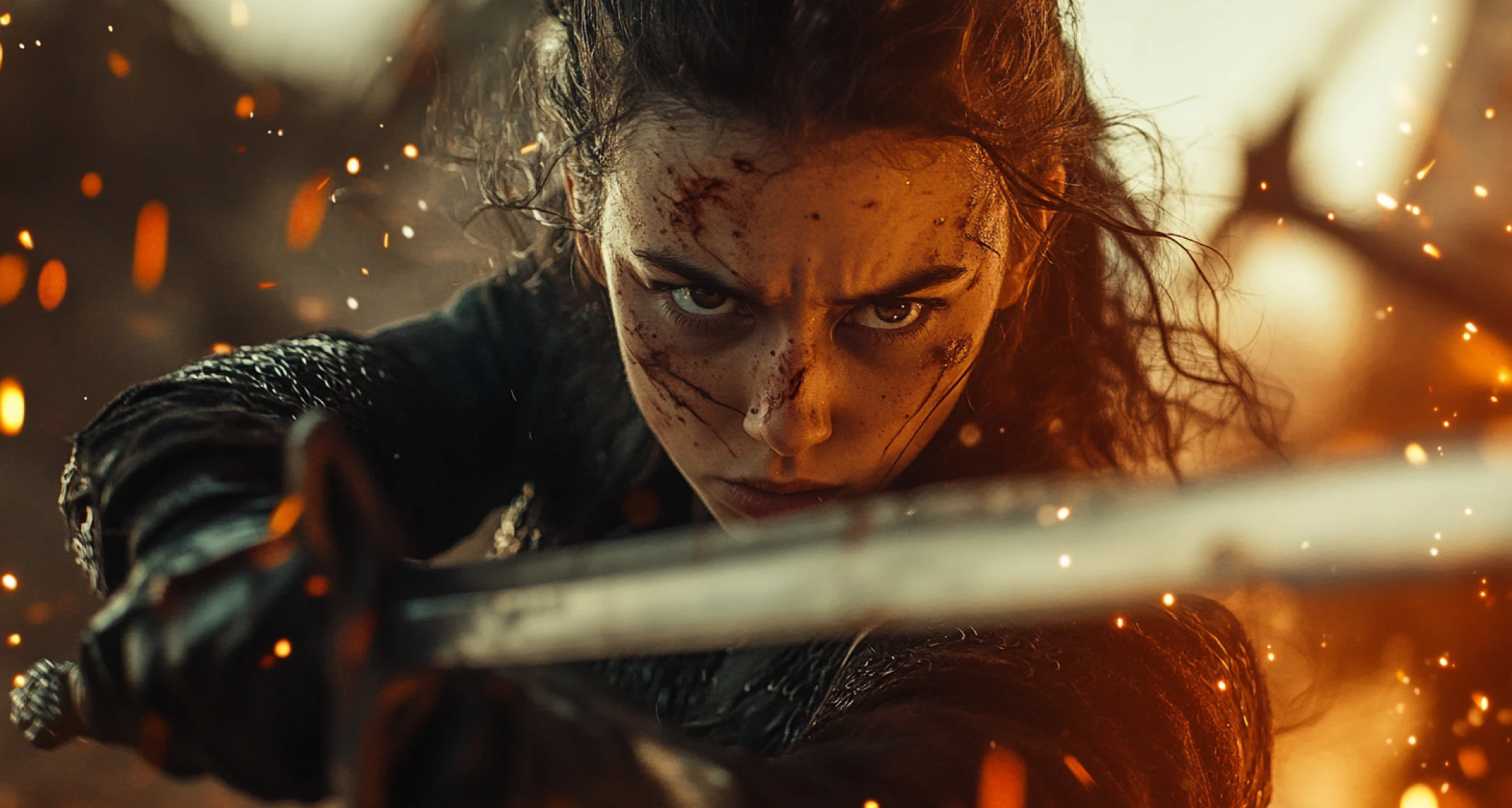
Product Demos and Cinematic B-Roll
Slow your existing product footage or generate cinematic b-roll from a prompt. Brands use slow motion to make products feel premium, and buyers watch longer when they can see the craft.
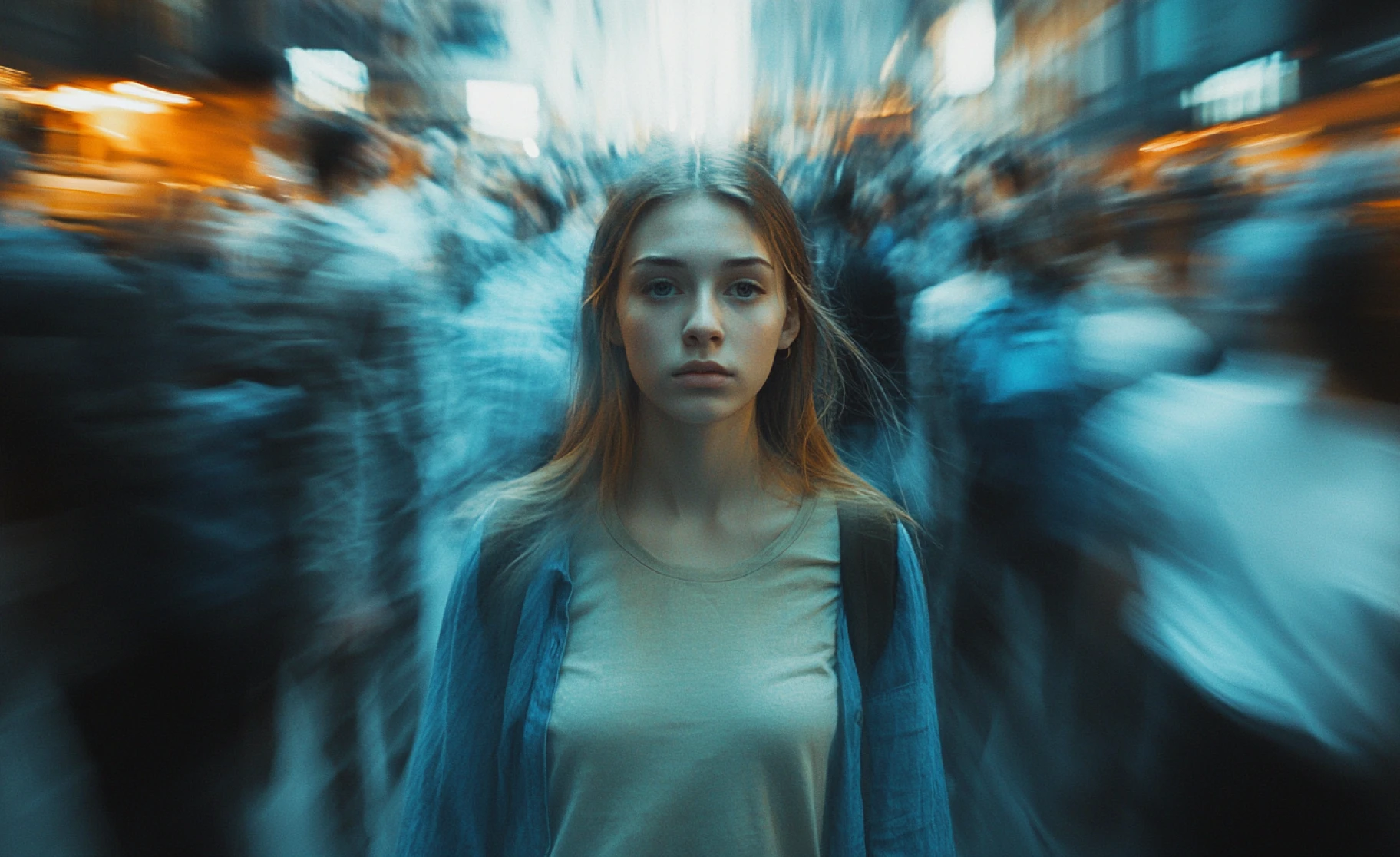
Sports Replays and Training Breakdowns
Slow a golf swing, a lift, a serve, or a dance step and study it frame by frame. Coaches, trainers, and athletes use slow motion to break down technique, and educators use it to make fast processes teachable. Upload the session footage and see what actually happened.
You might also be interested in
Purchase a Subscription
Upgrade to get access to pro features and generate more and better
Basic
For newcomers taking their first steps
View Plans
Billed monthly
Included in plan
3Kcredits per month
Additional Features
Up to ~600 Image Generations/month
Up to ~97 Video Generations/month
General Commercial Terms
Image Generation Visibility: Public
4 Concurrent Image Generations
Complimentary Access
All GPT Models
All Gemini Models
All Claude Models
Unlimited Generations
10 Image Models
9 Video Models
Standard
For rising creators to level up their game
View Plans
Billed monthly
Included in plan
8Kcredits per month
Additional Features
Up to ~1.6k Image Generations/month
Up to ~265 Video Generations/month
General Commercial Terms
Image Generation Visibility: Private
8 Concurrent Image Generations
Complimentary Access
All GPT Models
All Gemini Models
All Claude Models
Unlimited Generations
Nano Banana
Runway Gen 4 Turbo
Midjourney V7
8 more Image Models
8 more Video Models
Ultimate
Peak performance for pros
View Plans
Billed monthly
Included in plan
16Kcredits per month
Additional Features
Up to ~3.2k Image Generations/month
Up to ~530 Video Generations/month
All styles and models
General Commercial Terms
Image Generation Visibility: Private
Complimentary Access
All GPT Models
All Gemini Models
All Claude Models
Unlimited Generations
All image models in Standard plan
All video models in Standard plan
Kling 2.6 Pro
Seedance 1.5 Pro
ChatGPT 1.5
Creator
A full production engine for powerhouses
View Plans
Billed monthly
Included in plan
100Kcredits per month
Additional Features
Up to ~20k Image Generations/month
Up to ~3.3k Video Generations/month
All styles and models
General Commercial Terms
Image Generation Visibility: Private
Complimentary Access
All GPT Models
All Gemini Models
All Claude Models
Unlimited Generations
All image models in Ultimate plan
All video models in Ultimate plan
Kling 3.0 Pro
Seedance 2 Fast
Nano Banana 2
What Our Customers Say

ApexStudios
We slow down product footage for every launch now. Uploaded a pour shot, dragged the slider, and the demo looked like it came from a production house.

Ravi Patel
Creative Manager

DreamWorks
My slow motion video editing workflow lives here. Speed ramps for Reels used to take me an hour in a timeline editor. Now it's upload, adjust, done.

Isabelle Kim
Concept Artist

Pixels
The smooth slow motion is the difference. Phone footage that used to stutter when slowed comes out silky. My TikToks look shot on a high-speed camera.

Anya Petrova
Marketing Designer

TechNova
I generate AI slow motion b-roll from prompts when we have no footage. Water splashes, fabric, macro shots. It fills gaps a camera crew would have cost us thousands to cover.

Ben Harris
Product Manager

Shopify
I upload training clips and slow them down for my players. Seeing a serve at quarter speed changed how I coach. Faster than any editing app I've tried.

Michael Chenn
Product Designer
Have questions?
We have answers!
The slow motion video maker is an AI-powered tool that creates high-quality slow-motion video clips from just text prompts or reference images—perfect for marketing, education, and social sharing.
Each video is exactly 5 seconds long.
ImagineArt’s slow motion video maker generates each AI video in about 3–5 minutes.
Yes, you can add contextual audio to your video after generation.
Yes, we offer multiple AI video models like Kling, Haiper, Hailuo, Google Veo, Luma, PixVerse, and more.
Free users receive 50 token refills every 12 hours, enough for quick generations on our in-house Imagine model.
Yes! All your prompts, visuals, and videos are always kept private and never shared with third parties for any kind of purposes.
No watermarks on generated videos. Free-tier users have daily token limits; paid plans offer more tokens and premium features.
Upload your clip to the slow motion video maker, drag the speed control to the pace you want, and preview the result. When it looks right, download the slowed video. The whole process runs in your browser with no software to install.
With basic tools, yes: slowing low frame rate footage creates stutter because there are not enough frames to fill the stretched time. ImagineArt uses AI to keep slowed footage smooth, so ordinary clips hold their quality at slower speeds.
Yes. Describe your scene and ImagineArt generates a native slow motion clip in about 3 to 5 minutes using AI video models like Kling, PixVerse, Hailuo, and Google Veo. You can also upload a reference image and have it animated in slow motion. Generated clips are 5 seconds long.