
Faisal Saeed
October 3, 2025 • Updated August 7, 2026
13 mins Read
CGI, short for computer-generated imagery, used to mean 3D software, render farms, and a team of specialists. AI has collapsed that pipeline into a prompt. With an image generation platform like ImagineArt, one person can now produce a CGI-quality image, animate it into video, turn it into an ad, or direct an entire short film in a single afternoon.
This guide covers what CGI is, where it shows up, from blockbuster movies to viral ads, and how to make CGI with AI in four steps, plus where to take it once the fundamentals click.
What is CGI?
Computer-Generated Imagery (CGI) is the art of creating images, animations, or visual effects using computers. It’s what turns a simple idea into visual brilliance on the screen for a blockbuster movie or a cutting-edge architectural design.
A high-quality CGI content includes:
- 3D Modeling using specialized software, forming the foundation for all CGI work.
- Texturing to enhance realism or achieve a desired aesthetic.
- Rendering which generates a 2D image or animation from a 3D scene, incorporating all elements like models, textures, and lighting.
- Compositing to combine rendered images to create final output
CGI earned its reputation in film. Jurassic Park proved in 1993 that computer-generated characters could carry a blockbuster, Toy Story followed two years later as the first fully CGI feature, and films like Avatar turned entire photorealistic worlds into digital creations. Today almost every major release uses CGI somewhere, whether that is a set extension the audience never notices or a fully digital lead character.
It might seem complicated but the effort needed to create a single scene before CGI was much higher. With techniques like Cel drawing, studios needed dozens of people and days to complete a scene.
How does CGI work?
Traditionally, the CGI process involves several steps to create the desired output.
The process begins with architects creating a CAD model to define the basic location or product followed by a 3D designer setting up the camera angle, determining image perspective. Textures and layers are added to establish the lighting and material composition.
| Traditional CGI | AI CGI | |
|---|---|---|
| Time per scene | Days to weeks | Minutes |
| Team | Modelers, texture artists, animators, compositors | One person |
| Software | Maya, Blender, Cinema 4D, plus compositing tools | One platform, browser-based |
| Skills needed | Years of 3D training | Prompt writing |
| Hardware | Rendering workstations | Any device |
| Cost | High, scales with complexity | Subscription or credits |
How to make CGI with ImagineArt?
With the introduction of AI models everyday, there are countless tools that make each step in the CGI process simpler and quicker. Instead of relying on multiple, highly complicated softwares, your vision only requires a detailed and optimized prompt.
ImagineArt is one such product which unifies every high-quality AI model and tool in one dashboard allowing you to perform all your tasks at one place. Whether you have an idea in your mind or sketched on a paper, ImagineArt can bring that to fruition in just a few easy steps. The workflow below takes you from a blank prompt to a finished CGI ad in four steps.
Step 1: Generate the Base Image
ImagineArt's AI Image Generator enables users to transform textual descriptions into detailed visuals. By inputting descriptive prompts, users can generate images in various styles, including photorealistic, anime, and abstract art.
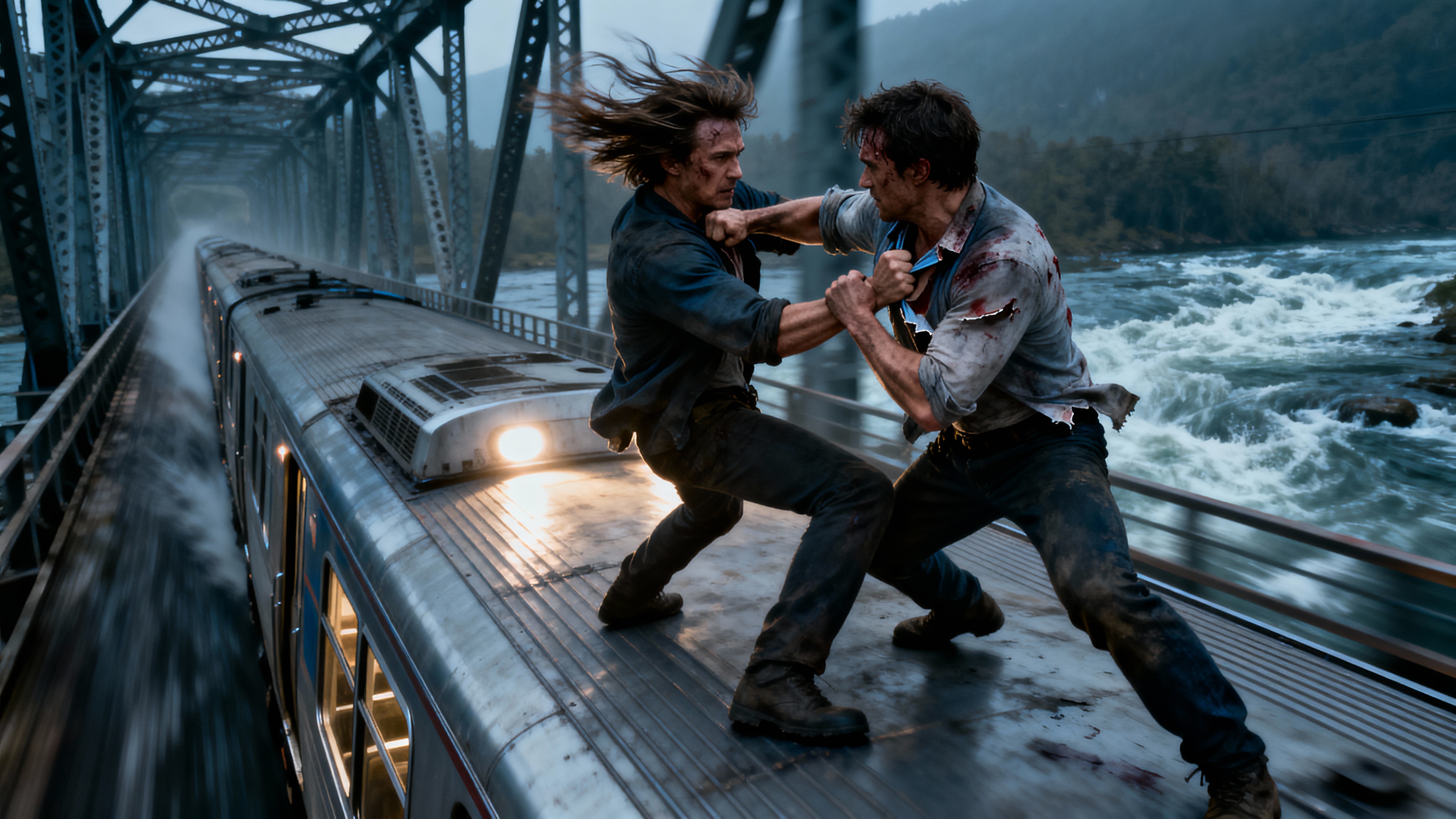 Action Scene Generated with Seedream 5.0 on ImagineArt
This is a perfect tool for your Ad campaigns as well. Any ad campaign starts with a high-quality product photo that can then be used in various ads. Image generator generates multiple variations in one go so that you can get going in no time.
Example prompt: A photorealistic CGI shot of a glass perfume bottle standing on wet black stone, dramatic rim lighting from the left, soft mist in the background, shallow depth of field, shot on 85mm, 4K detail.
Swap the subject and environment for your own product or scene; the lighting and camera language is what carries the CGI look.
The platform offers customizable options such as aspect ratios, lighting effects, and camera angles to tailor the generated images to specific needs. You can choose from a list of AI models that follow prompts accurately and create the perfect piece for your project.
Additionally, the Imagine Bot assists in refining prompts for better results. This tool is ideal for creating concept art, storyboards, and visual references without the need for extensive artistic skills.
Step 2: Refine and Edit
The Reimagine AI on ImagineArt allows users to upload existing images and transform them into new styles or variations. This tool utilizes AI to reinterpret the uploaded image, applying different artistic styles, lighting effects, or thematic changes.
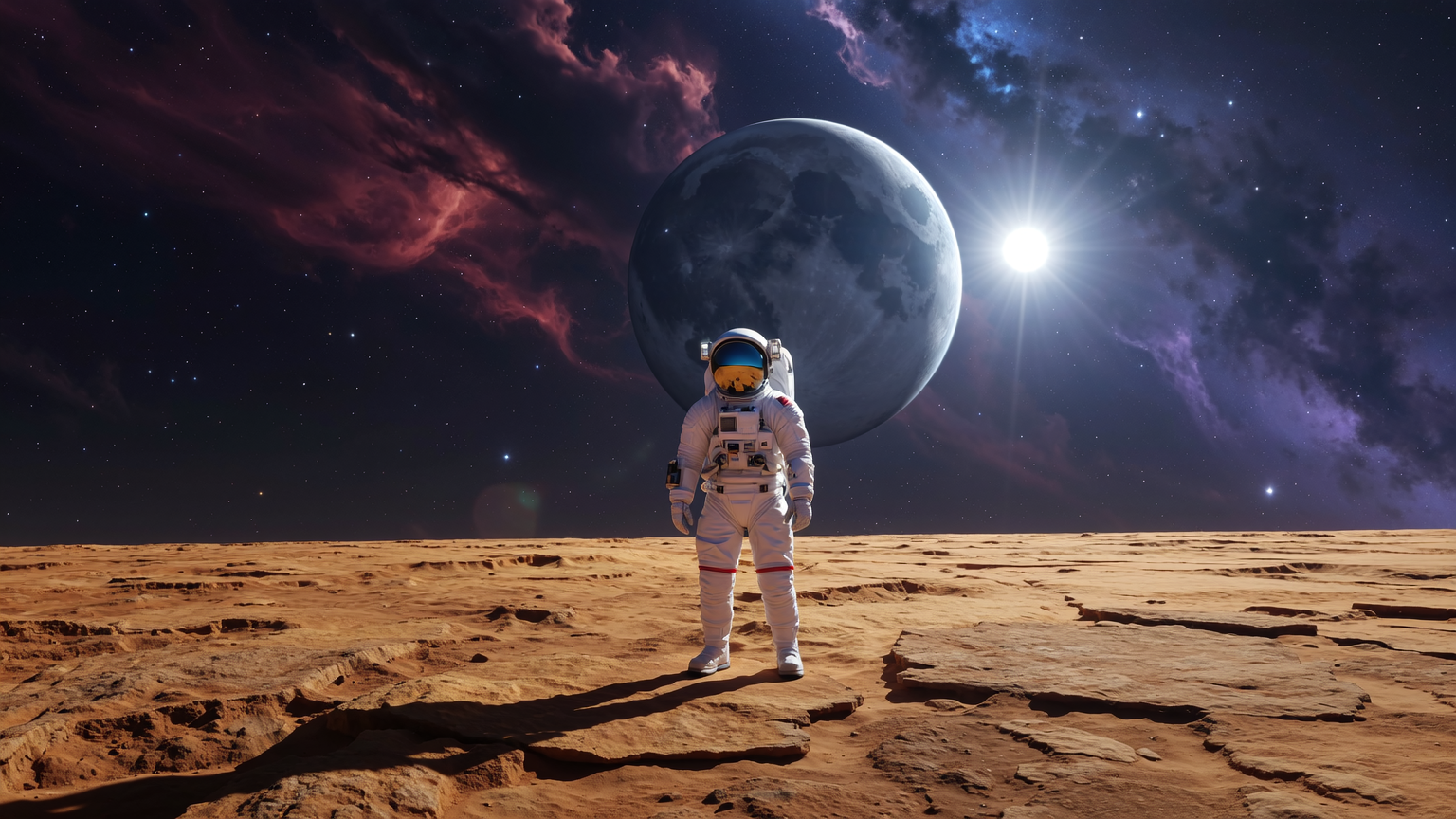
 Cinematic Shot Created With Nano Banana 2 on ImagineArt
Users can customize the transformation by adjusting parameters such as style strength and composition. This feature is particularly useful for iterating on designs, exploring alternative aesthetics, or generating variations of a concept without starting from scratch.
Fun does not stop here. With the power of AI models like Nano Banana 2, imagineArt allows users to add multiple images as reference which can then be merged, edited, or used as the base to create completely new settings and avatars based on the likeness of provided images.
Step 3: Animate It into CGI Video
A still image is half the job. The CGI content people actually share, product reveals, cinematic scenes, viral ads, moves. ImagineArt's AI Video Generator turns your base image into video using the current top models, including Seedance 2.0, Kling 3.0 Pro with native 4K at 60fps, Veo 3.1, Sora 2, and Wan 2.6.
The workflow stays simple:
- Image to video: Upload the base image from Step 1 and describe the motion you want: a slow push-in, liquid pouring, smoke drifting, a product rotating.
- Motion Transfer: Extract the motion from a reference video and map it onto your own image, so you can recreate a trending CGI format with your product or character.
- Model choice matters: Use Kling 3.0 Pro when you need maximum resolution, Veo 3.1 for realistic physics, and Seedance 2.0 for fast iterations.
Keep clips short and specific. Five seconds of one clean motion reads as professional CGI; ten seconds of everything moving reads as AI soup.
Where to Take Your CGI: Ads, Films, and Fashion
The three steps above give you the core workflow: generate, refine, animate. What you point that workflow at is where CGI gets commercially interesting. These are the three areas where AI CGI is doing the most work right now.
CGI Ads
The fastest-growing use of AI CGI is advertising: giant products in real city streets, impossible unboxings, physics-bending reveals. These formats used to be six-figure VFX projects; they are now the bread and butter of AI Ad Studio.
- Start from a link or image: Paste a product URL or upload a product photo, and Ad Studio generates multiple ad variations in minutes.
- Ready-made CGI formats: UGC, unboxing, virtual try-on, and ASMR styles, plus AI avatars and hook selection for the first three seconds.
- Built for testing: The variation volume means you can A/B test five creative angles in the time a traditional CGI pipeline would storyboard one.
Brands including Unilever, Knorr, and Kayali already use Ad Studio for exactly this kind of work, which is a decent signal that AI CGI has crossed from novelty to production tool.
CGI Films
If your ambitions run toward storytelling, the same skills scale up. AI Film Studio is ImagineArt's environment for cinematic work: full scenes, AI storyboards, and short films directed from text, with no crew and no equipment.
What separates it from prompting a video model directly:
- DP-level shot control: Six production controls cover camera body, lens, motion, timing, depth of field, and reference elements. You direct in the language of cinema: pick an ARRI or RED-style camera profile, a dolly or crane move, a noir or sci-fi treatment, instead of hoping a vague prompt lands.
- Consistent characters across scenes: Lock a character's face, costume, and presence from scene one to the final cut, and pin characters, locations, and props from reference images so nothing drifts between shots.
- A full production toolkit: Storyboards generated from a single script line, scene jumps and time jumps for transitions, wide masters, close-ups, and B-roll coverage, the connective tissue that makes a sequence read as a film rather than a stack of clips.
This is the part of CGI that used to be strictly studio territory. A short film that needed a production company five years ago is now a solo project.
CGI for Fashion
Fashion has quietly become one of the heaviest users of CGI. Digital models, virtual garments, and rendered campaigns now sit alongside traditional photography, and ImagineArt's Fashion Studio packages that workflow for fashion teams.
- Ghost mannequin to on-model conversion: Turn flat-lay or mannequin product shots into on-model imagery across different body types and styling contexts, without booking a shoot.
- Lookbooks from a brief: Generate complete seasonal lookbooks with consistent lighting, environment, and color story, in days instead of the weeks a traditional production cycle takes.
- AI runway sequences and campaign imagery: Runway-style video and editorial campaign photography generated to match a defined brand aesthetic.
- Virtual try-on: Show the same garment on diverse AI models with accurate drape and fabric behavior, which doubles as an e-commerce conversion tool.
For fashion brands, this is the same CGI logic as the film work above, applied to a different bottom line: fewer photoshoots, faster seasons, consistent visuals across every channel.
How does it all work?
ImagineArt runs the current generation of leading image and video models, and each earns its place at a different point in the CGI workflow. The first three handle your stills, the last three bring them to life.
Nano Banana 2
Nano Banana 2 is Google DeepMind's latest image model, and its strength is conversational editing. Instead of regenerating a scene from scratch, you tell it what to change and it makes the targeted edit while leaving everything else intact, which is exactly what Step 2 of the workflow demands.
Key features:
- Multi-image referencing: Merge several reference images into one coherent scene, useful for placing a real product into a generated environment.
- Character and product consistency: Keep the same face, object, or product identical across a series of edits and generations.
- Instruction-based edits: Change lighting, swap objects, or adjust composition with a plain-language instruction rather than a full re-prompt.
- Strong in-image text: Clean, legible text rendering for labels, signage, and packaging inside CGI scenes.
Flux 2
Flux 2 is Black Forest Labs' flagship, built for precision. Where other models repaint the whole canvas, Flux 2 is at its best making surgical changes: refining one element of a composition through multiple iterations without the rest of the image drifting. Use it when a scene is 90% right and needs surgery, not regeneration.
Key features:
- Precise local editing: Modify a single region or element while preserving the surrounding composition.
- Multi-reference control: Combine multiple reference images to lock style, subject, and layout at the same time.
- High prompt adherence: Follows detailed, structured prompts closely, which rewards the camera-and-lighting prompt style from Step 1.
- Photorealistic detail: Strong material, texture, and lighting rendering for product-grade CGI output.
Seedream 5.0
Seedream 5.0 is ByteDance's high-resolution specialist and the strongest starting point for Step 1 when the base image needs to look like a rendered frame. It produces the cinematic, detail-dense stills that carry the CGI look before any motion is added.
Key features:
- Native high-resolution output: Detail-rich generations that hold up at large sizes without upscaling artifacts.
- Multi-image composition: Blend subjects, environments, and style references into a single controlled scene.
- Photorealism at scale: Accurate lighting, reflections, and materials, the elements that separate CGI from an obvious AI image.
- Consistent series generation: Produce variations of the same scene or subject that stay visually coherent, useful for campaign sets.
Kling 3.0 Pro
Kling 3.0 Pro is the resolution and polish pick for Step 3. When the animated result needs to hold up as a hero asset, on a product page, in a paid placement, on a large screen, this is the model that delivers broadcast-grade output.
Key features:
- Native 4K at 60fps: The highest-fidelity output in the lineup, with none of the softness of upscaled video.
- Cinematic camera movement: Smooth, deliberate motion that reads as directed rather than generated.
- Faithful image-to-video: Preserves the detail and composition of your Step 1 base image while adding motion.
Veo 3.1
Veo 3.1 is Google's video model and the physics pick. When the shot involves liquid pouring, fabric moving, smoke drifting, or objects interacting, Veo's grounding in real-world motion keeps the result believable, which is where most AI CGI falls apart.
Key features:
- Realistic physics and motion: Natural material behavior and object interaction, critical for product shots involving liquids, fabric, or contact.
- Native audio generation: Generates synchronized sound alongside the video, from ambient tone to effects.
- Strong prompt adherence: Follows detailed motion descriptions closely, so the shot you describe is the shot you get.
Seedance 2.0
Seedance 2.0 is the iteration engine. It generates fast enough to treat video like a draft medium: try five motion ideas, keep the one that works, then re-render the winner at higher fidelity elsewhere if needed.
Key features:
- Fast generation: Short turnaround per clip makes exploratory rounds cheap in both time and credits.
- Multi-shot coherence: Holds subject and style steady across a sequence of related clips.
- Efficient drafting: The practical choice for finding the right motion before committing to a premium render.
Each tool varies in its accuracy and might be good in different parts of the CGI process. But the good news is, with ImagineArt, you do not have to jump around different tools and websites to complete your project.
Conclusion
CGI used to be gated behind expensive software and years of training. Now the pipeline is a prompt, an edit, a motion pass, and an export. Anyone who can describe a scene can learn how to make CGI, and the workflow above scales from a single image to an ad campaign, a fashion lookbook, or a short film without touching a 3D program. [KW]
The gap that remains is taste: knowing what to generate, which motion sells the shot, and when a result is good enough to publish. That part stays human. ImagineArt just removes everything between your idea and the screen.
Frequently Asked Questions
Yes. AI image and video generators produce CGI-quality visuals from text prompts and reference images, with no 3D modeling, rigging, or rendering required. Traditional 3D software still matters for work that needs frame-perfect control, but for marketing content, concept art, and social video, AI covers the full pipeline.
AI-generated imagery is a new way of producing CGI. Traditional CGI builds scenes from 3D models, textures, and rendering, while AI generates the finished image directly from a description or reference. The output serves the same purposes, and the industry increasingly uses AI for work that once required a full 3D pipeline.
Traditional CGI can cost thousands of dollars per finished minute because it requires specialist teams, software licenses, and rendering hardware. AI CGI runs on a subscription or credit model, with platforms like ImagineArt offering free daily credits, which puts a CGI-style image or short video within a small team's normal content budget.
Yes. Modern video models like Kling 3.0, Veo 3.1, and Seedance 2.0 animate still images into short CGI-style clips, and tools like ImagineArt's AI Ad Studio generate complete ad variations from a product link, including the giant-product and unboxing formats popular on social media.
Movies use CGI for everything from invisible set extensions to fully digital characters, and it has been standard practice since the 1990s. AI now brings a version of that capability to individual creators: tools like ImagineArt's AI Film Studio generate cinematic scenes, storyboards, and short films from text, with shot-level control over camera, lens, and motion, and consistent characters across scenes.
Faisal Saeed
Faisal Saeed specializes in content writing and marketing for SaaS and GenAI businesses, driving conversion through comprehensive content that people love to engage with.