
Shayan Shahzad
December 26, 2025 • Updated May 16, 2026
9 mins Read
Changing the background of a photo is something almost everyone needs at some point. You may want a clean background for a profile picture, a professional look for a product image, or a creative scene for social media. A few years ago, this meant learning complex editing software or paying a designer. Today, things are much simpler.
Thanks to AI powered tools, changing a photo background now takes just a few clicks. You upload a photo, let the AI detect the subject, and replace the background with something better. These tools are built for regular people, not just professionals. You do not need design skills, and you do not need expensive software.
In this blog, we will walk through the best apps to change bg in picture, focusing on tools that are easy to use, reliable, and suitable for everyday needs. We will also explain how these tools work, who they are best for, and how to choose the right one for you.
Why AI Background Changer Apps Are Everywhere Now
AI background changers have become popular because they solve a real problem. People want good looking photos, but they do not want to spend hours editing them.
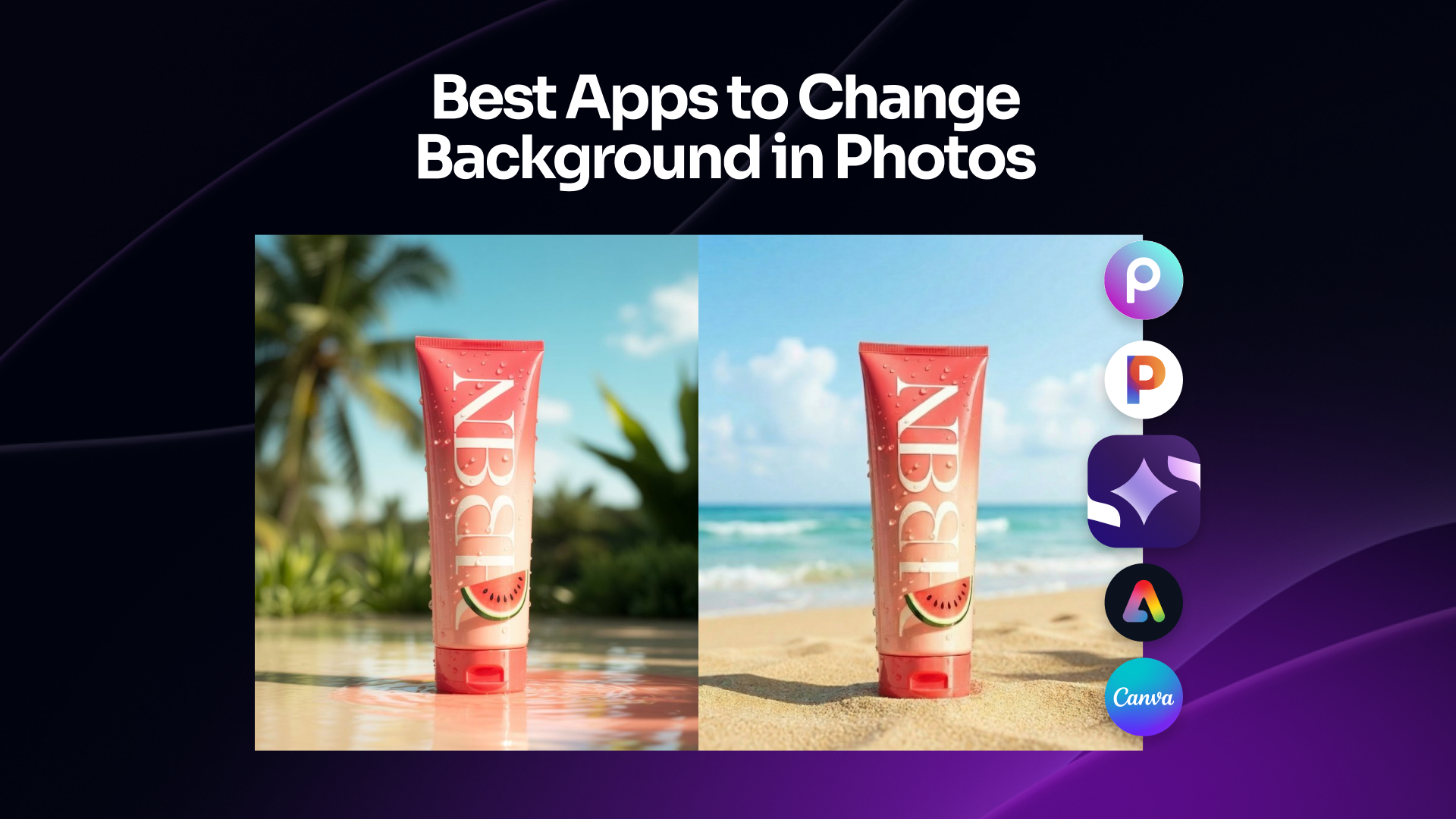
Most AI background replacer tools work by identifying the main subject in a photo. This could be a person, a product, or an object. The AI separates that subject from the background and allows you to remove or replace it. What used to take careful manual work is now handled automatically.
These apps are widely used for social media posts, online stores, resumes, presentations, and even family photos. The biggest reason people like them is simplicity. You do not have to understand layers, masks, or editing tools. You just upload and choose what you want.
Another reason for their popularity is accessibility. Many tools offer free versions, browser based access, or mobile apps. This makes them practical for everyday use, not just professional projects.
1. ImagineArt AI Background Changer
ImagineArt AI Background Changer stands out as one of the best AI apps to change background because it focuses on creativity as much as accuracy. Instead of only removing a background and replacing it with a plain color, ImagineArt allows you to create a new background using text.
Using AI Background Changer app is very simple. You upload your photo, and then you describe the background you want in plain language. You might write something like a bright studio setup, a modern office, or a soft outdoor scene. The AI understands this description and generates a background that matches your subject naturally.
This approach is especially useful for people who want more than a basic background change. If you are creating product photos, marketing images, or profile pictures, the ability to control the look through words makes a big difference. You are not limited to preset backgrounds. You can be as creative or as simple as you want.
Another strong point of ImagineArt is ease of use. The interface is clean and beginner friendly. You do not feel overwhelmed when you open it. Even someone using an AI background replacer for the first time can get good results quickly.
ImagineArt also offers free access, which makes it a strong option if you are searching for the best app to change the background of a photo for free without sacrificing quality. The results feel natural, and the subject blends well with the new background.
This tool is ideal for content creators, online sellers, small business owners, and anyone who wants professional looking images without professional tools.
2. ImagineArt 2.0 Edit — Best for Photorealistic Background Changes
ImagineArt 2.0 Edit changes photo backgrounds through text prompts and handles the hardest part automatically: matching the subject's lighting to the new environment.
Most background-change tools swap the background without touching the lighting — leaving a composite that reads as edited because the subject is lit for the original scene. ImagineArt 2.0 Edit infers the light sources from your prompt description and adjusts shadows and ambient light on the subject to match. The result reads as a single, cohesive photograph.
Key features for background changes:
- Text-prompt background description and replacement
- Automatic ambient lighting and shadow adjustment
- Inpainting brush for precise subject protection
- 2K photorealistic output
- Free plan, no credit card required
Best for: Product photography, portraits, marketing assets, social media content.
3. Photoroom
Photoroom is one of the most well known apps for background removal and replacement. It is especially popular among people who sell products online or create social media content regularly.
The main strength of Photoroom is speed. You upload a photo, and the background is removed almost instantly. The AI does a good job of detecting edges, which is important for product images and portraits. Once the background is removed, you can replace it with a clean background or choose from different styles.
Photoroom is designed to keep things simple. You do not have to adjust many settings to get a decent result. This makes it useful for people who need to edit many images quickly.
The free version allows basic background changes, which is enough for many users. Paid features add more customization and export options, but the core functionality works well without upgrading.
Photoroom is best for people who value speed and consistency. If you want clean images without spending time experimenting, this app is a solid choice.
4. Canva AI Background Changer
Canva is known for making design simple, and its AI background changer follows the same idea. This tool is part of a larger design platform, which makes it useful for more than just background changes.
With Canva, you can remove the background from a photo and then place the subject into a new design. This might include adding text, graphics, or layouts. The background changer itself is easy to use and works well for everyday images.
One advantage of Canva is that everything happens in one place. You do not need to change tools after editing the background. This is helpful if you are creating social media posts, presentations, or marketing materials.
The AI background changer works best with clear subjects and good lighting. For most casual and professional needs, the results are clean and usable.
Canva is ideal for people who want a balance between background editing and overall design. It is especially useful for small businesses and individuals who create visual content regularly.
5. Picsart AI Background Replace
Picsart offers a more creative approach to background changing. While it does remove and replace backgrounds accurately, its real strength is visual style.
The AI background replacer in Picsart lets you experiment with different looks. You can choose artistic backgrounds, textured scenes, or colorful environments. This makes it popular among social media users who want their photos to stand out.
The app is designed for creativity rather than strict realism. If you are editing photos for fun, personal projects, or eye-catching posts, Picsart gives you many options to explore.
The free version includes basic background replacement features. Advanced styles and effects are available in paid plans, but casual users can still achieve interesting results without spending money.
Picsart is best for people who enjoy experimenting and want their images to feel expressive rather than plain.
6. Adobe Express Background Changer
Adobe Express is built for people who want reliable results without learning complex software. It brings Adobe quality into a much simpler environment.
The background changer works quickly and accurately. You upload a photo, remove the background, and choose a replacement. The tool is designed to feel straightforward, even for beginners.
One benefit of Adobe Express is trust. Adobe has long been associated with professional design, and this tool carries that reputation into a simpler format. The results are clean and suitable for both personal and professional use.
Adobe Express also includes basic design tools, so you can add text or graphics after changing the background. Many features are available for free, which makes it accessible to a wide audience.
This tool is ideal for users who want dependable background changes without extra complexity.
7. Pixelcut
Pixelcut focuses on simplicity and speed. It is designed to help users remove and replace backgrounds with minimal effort.
The AI does a good job of identifying the main subject and separating it from the background. You can then replace the background with a solid color or a simple image. The interface is clean and easy to understand.
Pixelcut works well for quick edits and basic needs. It is especially useful for people who want to improve product photos or profile pictures without spending time learning features.
The free version covers basic background changes, making it a good option for casual users.
Pixelcut is best for fast edits when you want clean results without extra tools.
How to Choose the Best App to Change Background in Photo
Choosing the right background changer depends on how you plan to use it. Not every tool is built for the same purpose.
If you want creative control and realistic AI generated scenes, ImagineArt is a strong choice. If you need clean product photos quickly, Photoroom or Pixelcut works well. If you want to combine background editing with design, Canva or Adobe Express is more practical.
You should also think about whether you need a free option, mobile access, or high quality downloads. Some tools focus on creativity, while others focus on speed or simplicity.
There is no single best tool for everyone. The right choice depends on your goals and how often you plan to use it.
How AI Background Replacers Work in Simple Terms
Most AI background replacers follow a similar process. First, the AI scans the image to identify the main subject. This could be a person, product, or object. Then it separates that subject from the background.
Once the subject is isolated, the background can be removed or replaced. Some tools allow you to upload a background image, while others generate one using AI. The AI then blends the subject into the new background so it looks natural.
This process happens very quickly, often in seconds. The technology behind it is complex, but the user experience is designed to feel simple.
Final Thoughts
Changing the background of a photo is no longer a technical task meant only for designers. With AI tools, it has become something anyone can do in minutes, even if they have never edited a photo before. Whether your goal is to make your images look clean, professional, creative, or eye-catching, the tools covered in this guide give you plenty of options.
That said, if you want one tool that truly stands out, ImagineArt AI Background Changer and ImagineArt 2.0 Edit deserves special attention. What makes it different is how natural and flexible it feels to use. Instead of forcing you to choose from limited presets, it lets you describe what you want in normal, everyday language. You can turn a simple photo into a studio quality image, a lifestyle shot, or a creative scene just by typing a few words.
For people creating product photos, marketing visuals, profile pictures, or social media content, this level of control saves time and removes frustration. You are not just changing a background, you are shaping the entire look and feel of your image. The results look realistic, polished, and professional without feeling artificial.
Another big advantage is accessibility. You do not need advanced editing skills, and you do not need expensive software. With free access available, it also fits well for users who want high quality results without committing to paid tools right away.
If you are serious about finding the best AI app to change background, one that balances simplicity, creativity, and real world usability, ImagineArt AI Background Changer is an excellent place to start. It feels less like a tool and more like a smart assistant that understands what you want your photo to look like.
Shayan Shahzad
Shayan Shahzad loves turning AI trends and innovations into content people actually enjoy reading. With over seven years in content marketing, he focuses on generative AI and emerging tech. At ImagineArt, Shayan brings complex ideas to life through clear, engaging, and search-friendly narratives that connect with the right audience.