

Umaima Shah
February 10, 2026 • Updated August 17, 2026
10 mins Read
Human resource management, with its now-toddler employer branding, covers spicy people capital KPIs. Roles open faster, onboarding cycles stack up, and training materials need constant updates. Small HR teams carry a workload that keeps expanding while expectations for speed and employee experience rise at the same time. And like every other industry, AI tools for HR are changing how modern people management teams handle the workload and creative pressure.
Quick Overview: The Best AI Tools for HR at a Glance
If you want the short answer before the deep dive, these are the top AI tools modern HR teams use — each solving a specific part of the hiring, onboarding, training, engagement, performance, or operations workflow.
- ImagineArt — Best for HR visuals and training content creation
- HireVue — Best for automated video interviewing and candidate screening
- Paradox Olivia — Best for conversational recruiting and scheduling
- Synthesia — Best for AI presenter videos for onboarding and training
- Culture Amp — Best for employee engagement measurement and insights
- Officevibe — Best for continuous morale pulse surveys
- Lattice — Best for performance reviews and goal tracking
- Visier — Best for workforce analytics and forecasting
- Zapier — Best for workflow automation
- BambooHR AI — Best for employee record management and approvals
- Notion AI — Best for HR documentation and knowledge hubs
- Microsoft Copilot — Best for HR communication assistance
- Leena AI — Best for internal HR support automation
- Ada Support — Best for chatbot-based internal HR help desks
Seriously? Less manual work for HR? How?
Traditional HR workflows depend on constant manual rebuilding. AI-driven HR systems remove that bottleneck. There are different categories of AI tools for HR and together, they form a stack to help:
- create employer branding content and training material
- source and filter profiles,
- conduct automated video interviews
- onboard new employees and organize training workflows
- analyse performance
I have divided the tools in HR lifecycle categories so you know which tools come in when and how in the workflows.
AI Tools for HR Training Content
1. ImagineArt
ImagineArt works as one of the best AI tools for recruitment agencies and HR content production. And most importantly, ImagineArt has teams features so different functions and departments in organizations can create their separate folders.
Recruitment agencies are currently using ImagineArt to:
- create job listings in the AI image generator
- create office materials like posters
- generate onboarding visuals and diagrams with AI image editing apps
- produce AI onboarding and training videos with the AI video generator
- standardize repeatable content workflows
- draft the written side of onboarding, including policies, job descriptions and training outlines, with an AI chat for drafting policies and docs
ImagineArt turns scattered training production into a reusable system that saves preparation time and keeps onboarding consistent.
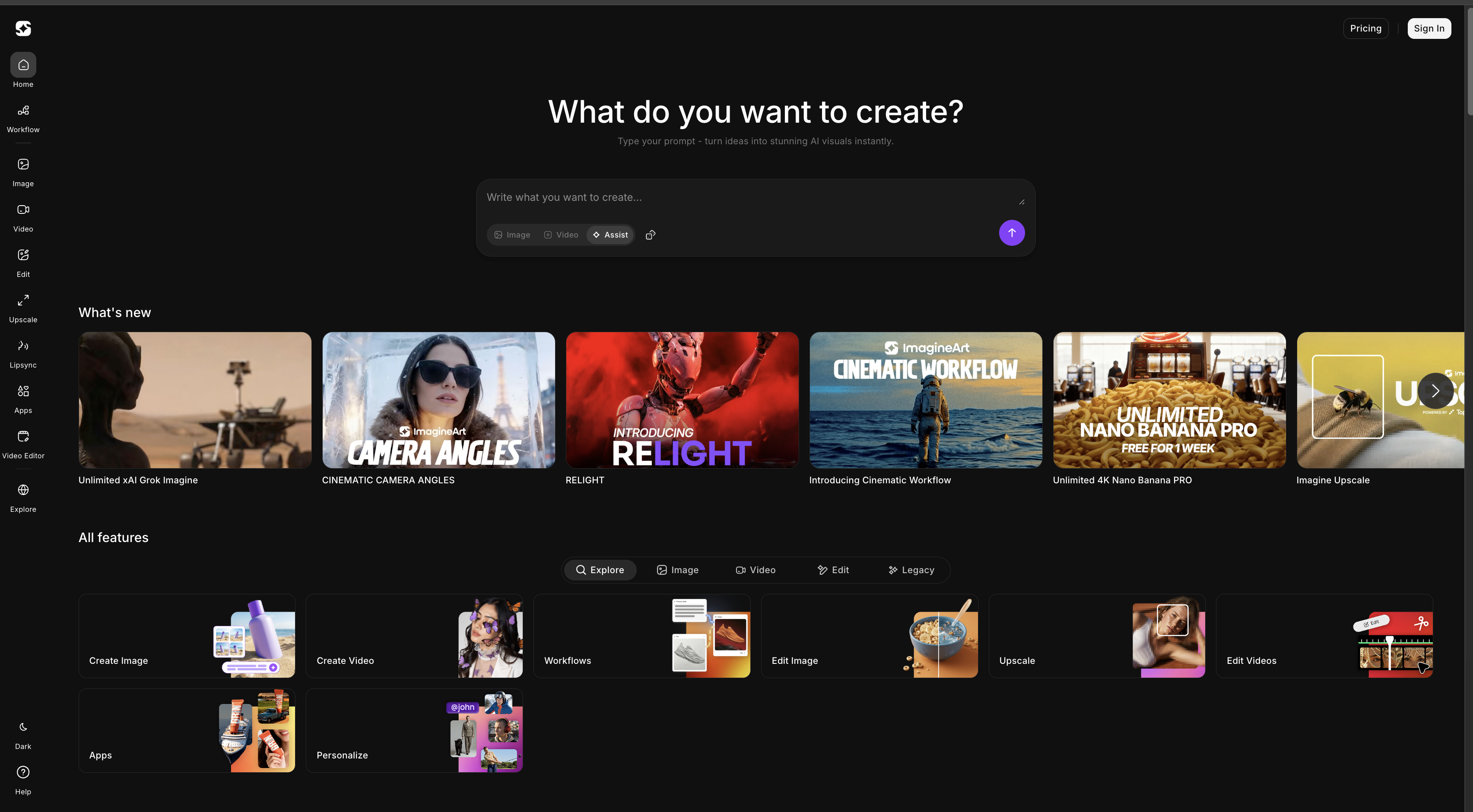 ImagineArt can generates stunning HR visuals and training content through AI-powered creative workflows.
2. Synthesia
Synthesia focuses on AI-generated presenter videos for structured employee training. HR teams use it when onboarding requires spoken instruction rather than static slides. Instead of recording presenters manually, teams generate avatar-led videos from scripts.
- Converts scripts into presenter-led videos
- Supports multilingual onboarding
- Standardizes training delivery
Synthesia adds a presenter layer to onboarding programs and complements visual training systems.
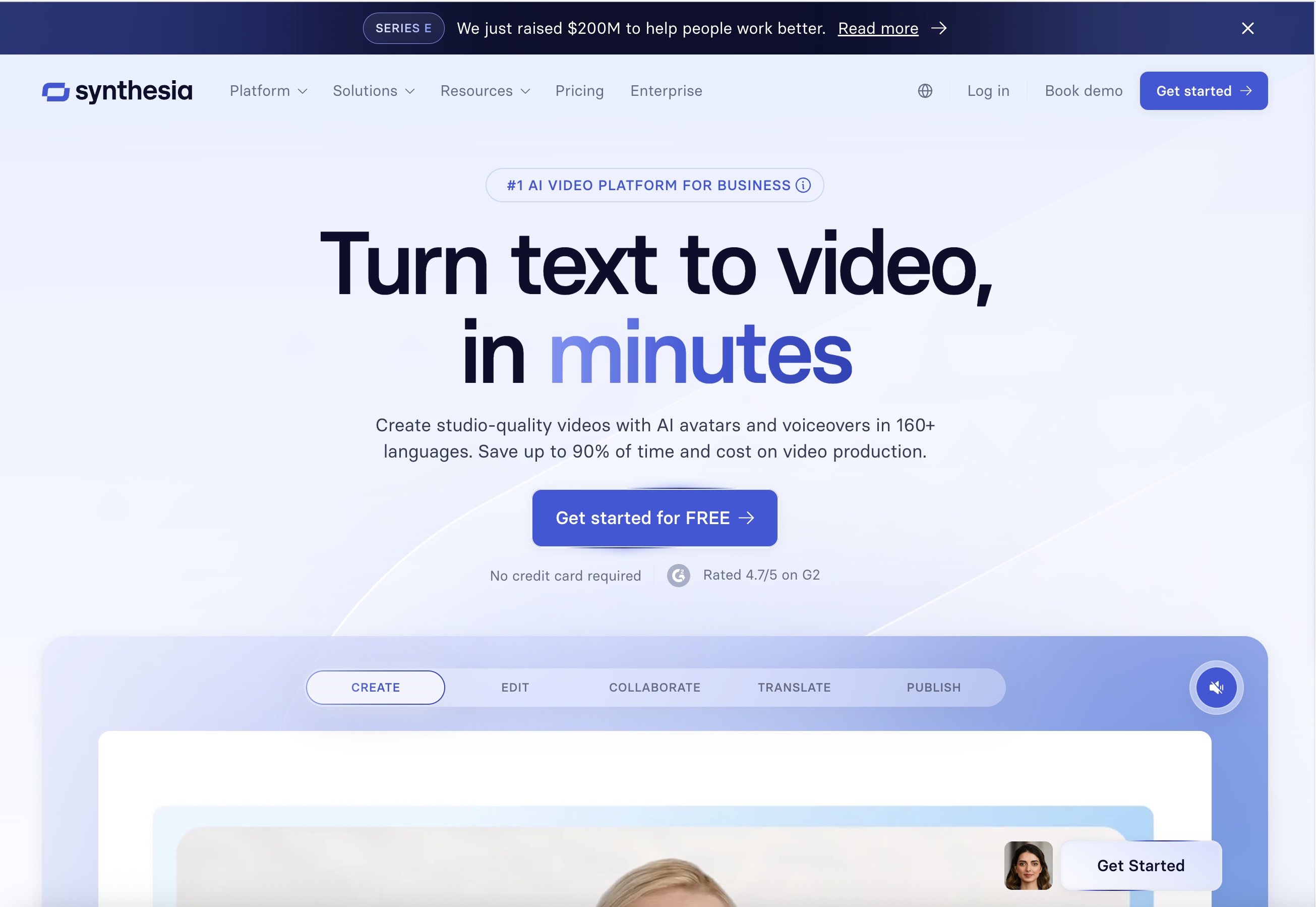 Synthesia converts scripts into presenter-led training videos for onboarding and employee education.
AI Recruiting and Talent Acquisition Tools
3. HireVue
HireVue automates early-stage recruiting by structuring interviews and candidate evaluation. HR teams use it to screen large applicant pools without scheduling bottlenecks. Candidates complete video interviews that the platform organizes and analyzes for skills and communication patterns. Recruiters move faster because the system centralizes evaluation and reduces coordination overhead.
- Automates interview scheduling and screening
- Structures candidate comparison workflows
- Centralizes evaluation data
HireVue compresses the early hiring funnel and gives recruiters more time to focus on candidate fit instead of logistics.
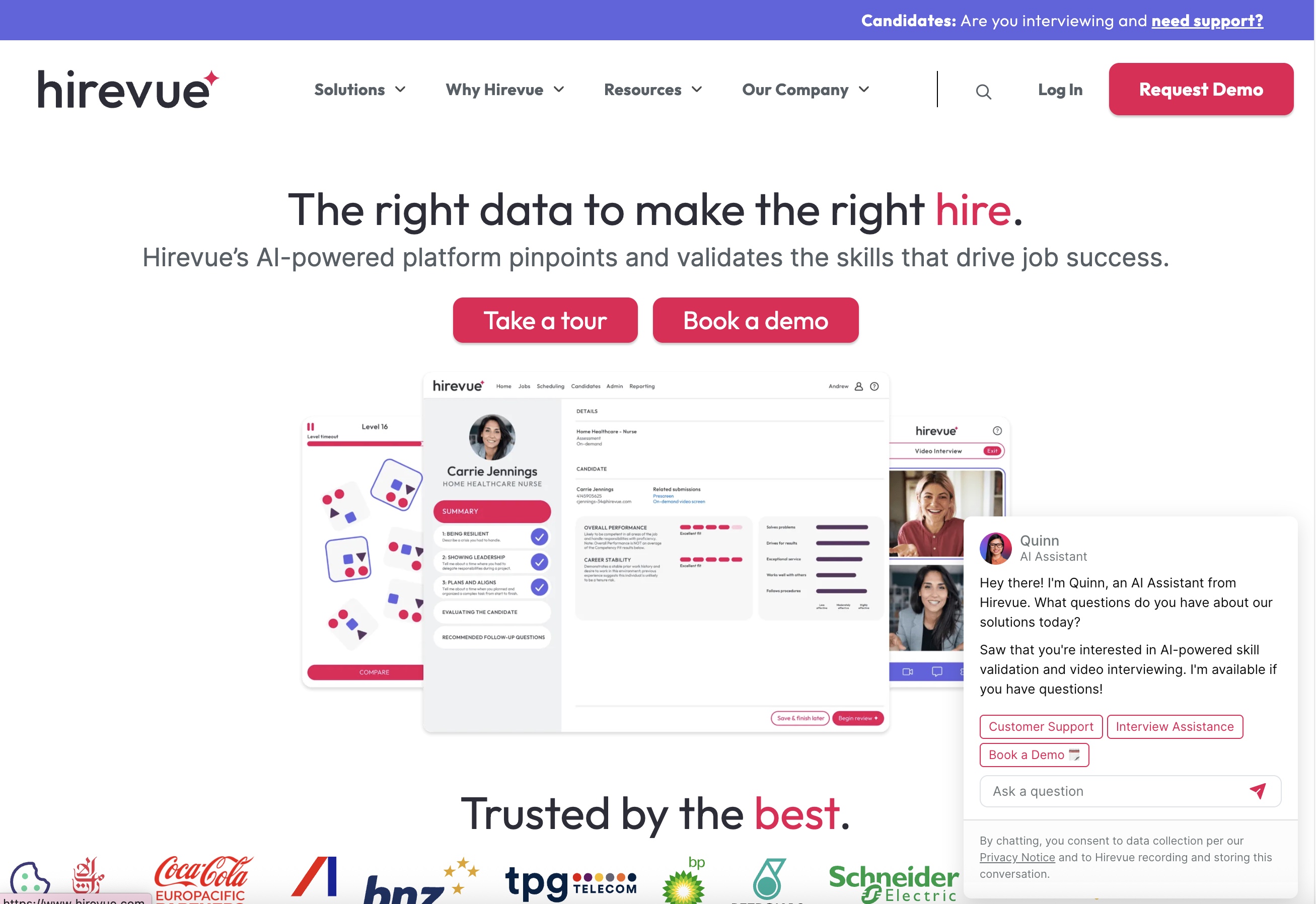 Try HireVue for Hassle to manage HR!
4. Paradox Olivia
Paradox Olivia acts as a conversational recruiting assistant that manages candidate communication in real time. HR teams use it to answer applicant questions, schedule interviews, and guide candidates through application steps. Instead of long email chains, Olivia runs structured chat workflows that keep hiring pipelines active.
- Screens candidates through chat interactions
- Automates interview scheduling
- Handles applicant communication
Olivia improves candidate experience while removing repetitive coordination work from recruiters.
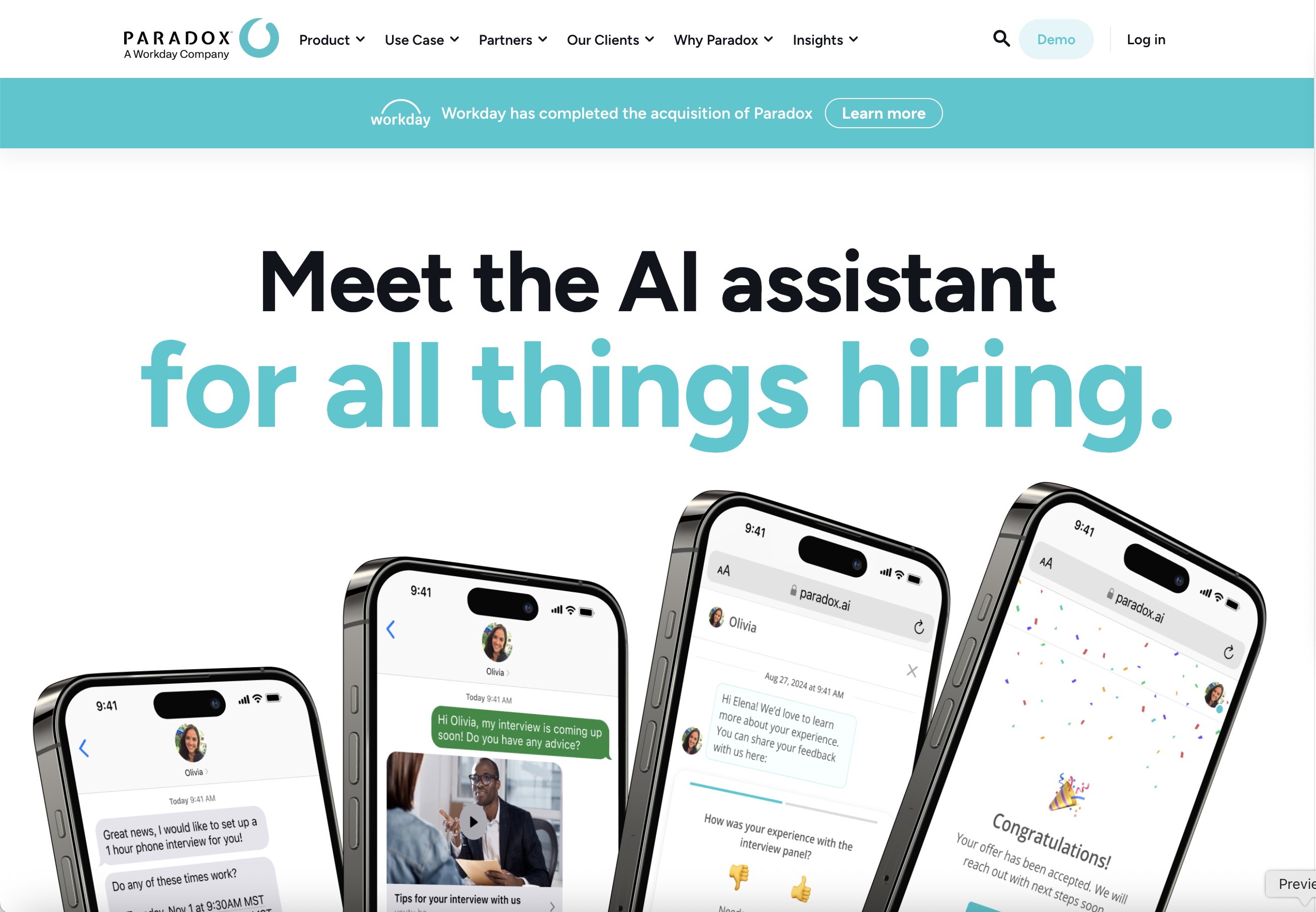 Paradox Olivia manages candidate communication through conversational AI that keeps hiring pipelines active.
AI Tools for Employee Engagement
5. Culture Amp
Culture Amp measures employee engagement through structured feedback systems. HR teams use it to track morale trends and identify areas that need improvement. The platform converts survey responses into actionable insights.
- Runs engagement and feedback surveys
- Tracks sentiment patterns
- Highlights improvement areas
Culture Amp gives HR leaders measurable visibility into employee experience.
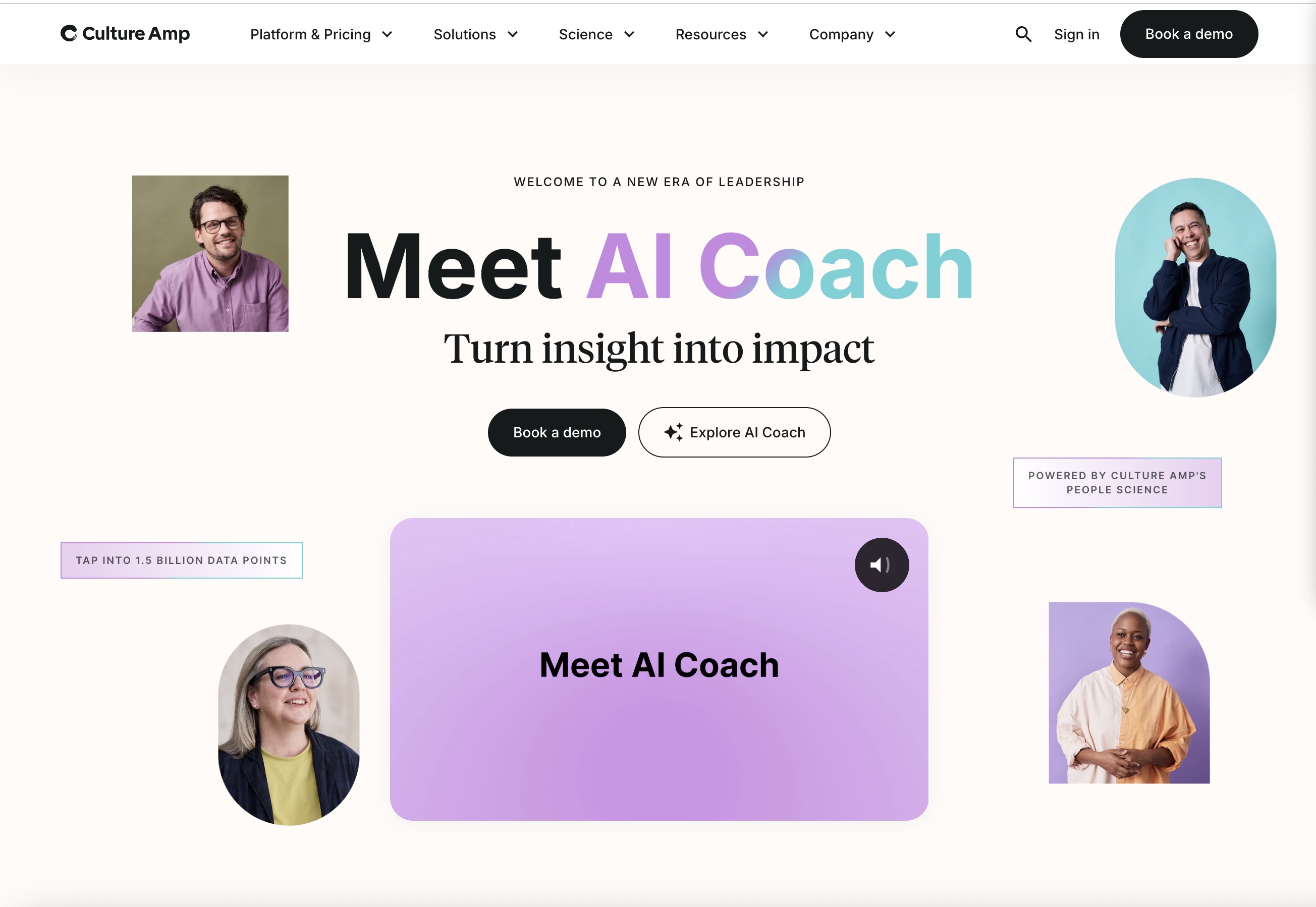 Culture Amp analyzes employee feedback to track engagement and workplace sentiment.
6. Officevibe
Officevibe monitors engagement through continuous pulse surveys. HR teams use it to maintain regular feedback loops instead of waiting for annual reviews. The system captures small signals that reveal team dynamics.
- Collects short engagement surveys
- Tracks morale across teams
- Encourages manager feedback
Officevibe keeps communication active and helps teams respond early to engagement issues.
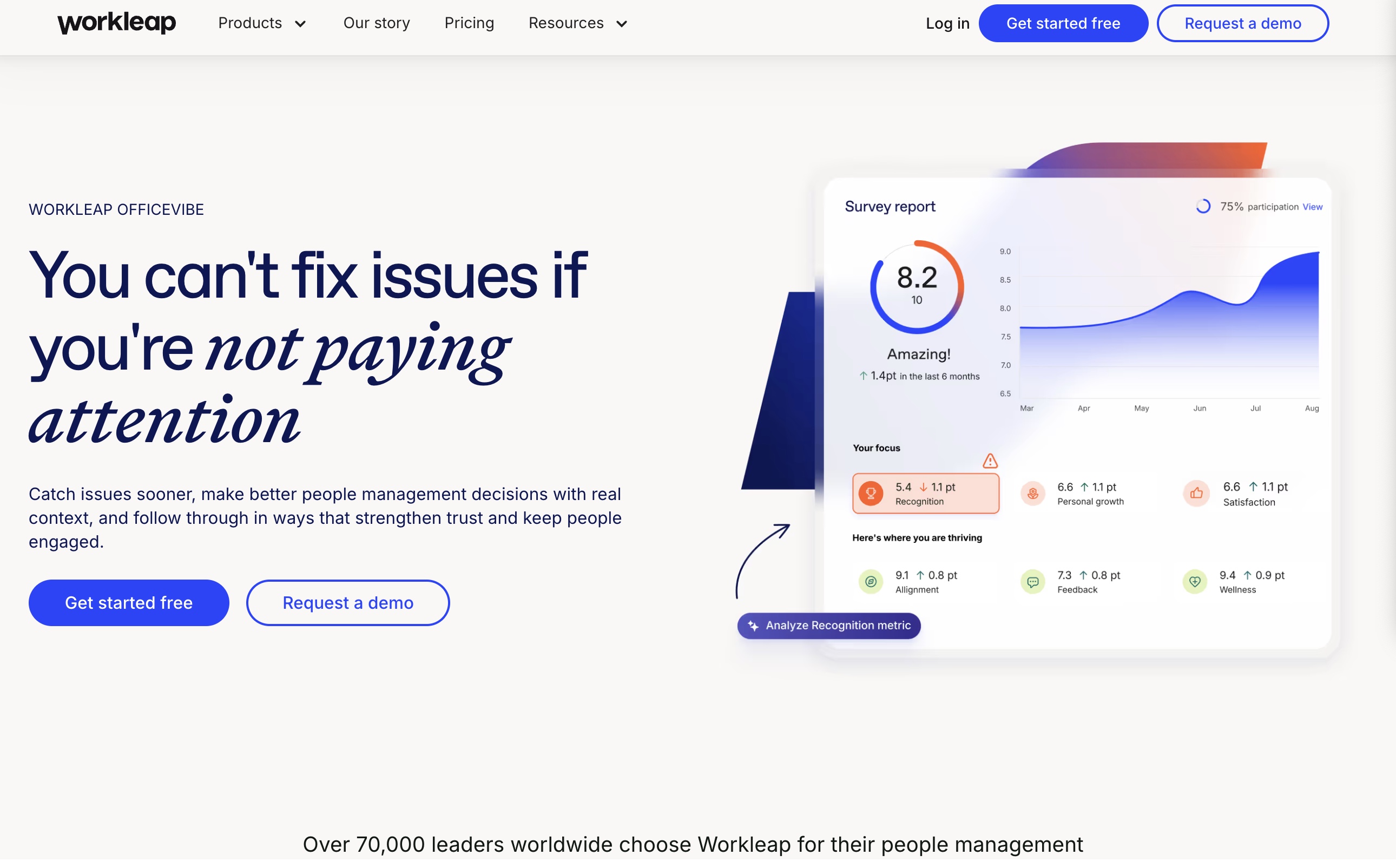 Officevibe monitors team morale through continuous pulse surveys and feedback loops.
AI Tools for Performance Management
7. Lattice
Lattice structures, performance reviews, and goal tracking. HR teams use it to organize evaluation cycles and align employee objectives with company priorities.
- Manages structured performance reviews
- Tracks goals and development plans
- Aligns employee objectives
Lattice replaces fragmented evaluation systems with a unified performance framework.
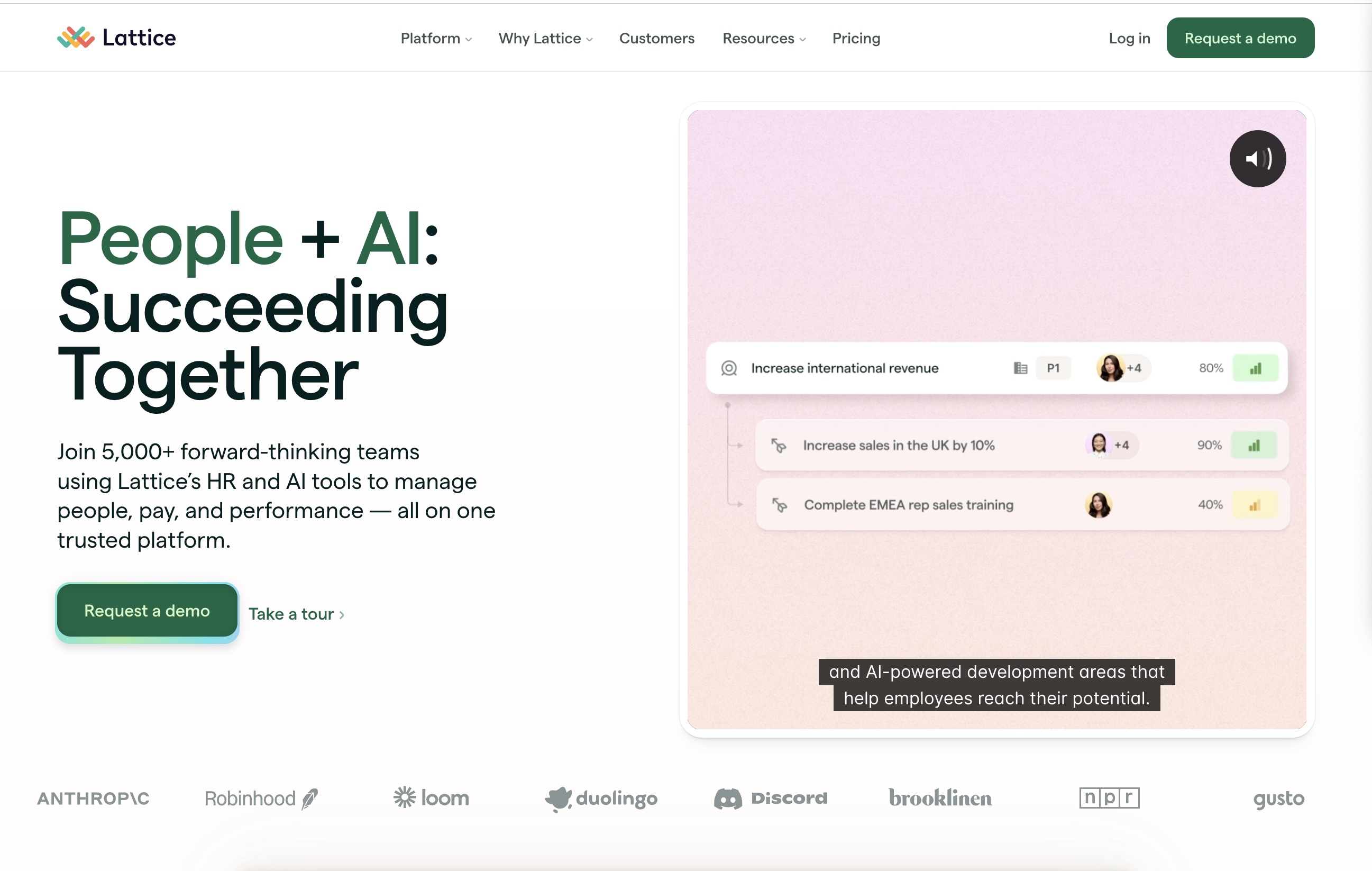 Lattice structures performance reviews and goal tracking across HR teams.
8. Visier
Visier transforms workforce data into predictive analytics. HR teams use it to forecast retention risks and staffing needs.
- Analyzes workforce trends
- Forecasts retention and hiring needs
- Supports workforce planning
Visier shifts HR decision-making from reactive reporting to strategic forecasting.
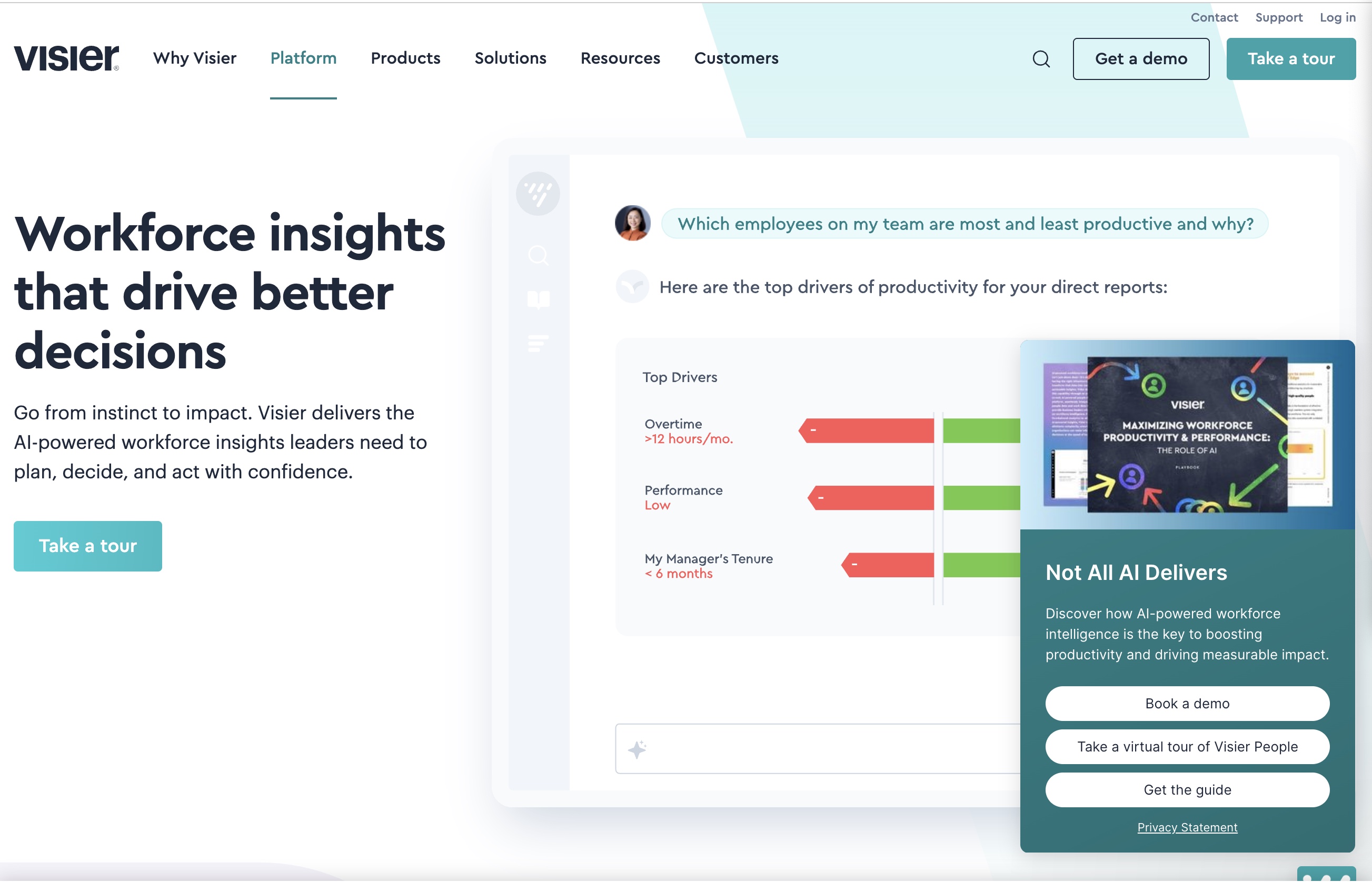 Visier turns workforce data into predictive analytics for strategic HR planning.
AI Tools for HR Automation
9. Zapier
Zapier automates administrative workflows by connecting HR systems. Teams use it to sync data and eliminate repetitive manual updates.
- Automates cross-platform workflows
- Reduces administrative work
- Connects HR software ecosystems
Zapier removes friction between tools and streamlines daily operations.
 Zapier automates HR workflows by connecting software systems and reducing manual tasks.
10. BambooHR AI
BambooHR integrates AI features into HR management. Teams use it to maintain employee records and streamline approvals.
- Automates employee record management
- Streamlines documentation workflows
- Tracks HR processes
BambooHR centralizes administrative operations and reduces manual interruptions.
 BambooHR AI centralizes employee records and streamlines administrative operations.
AI Tools for HR Management
11. Notion AI
Notion AI organizes HR documentation and internal knowledge. Teams use it to draft policies and onboarding guides inside a shared workspace.
- Generates HR documentation drafts
- Tracks onboarding tasks
- Centralizes internal knowledge
Notion AI acts as a collaborative planning hub for HR teams.
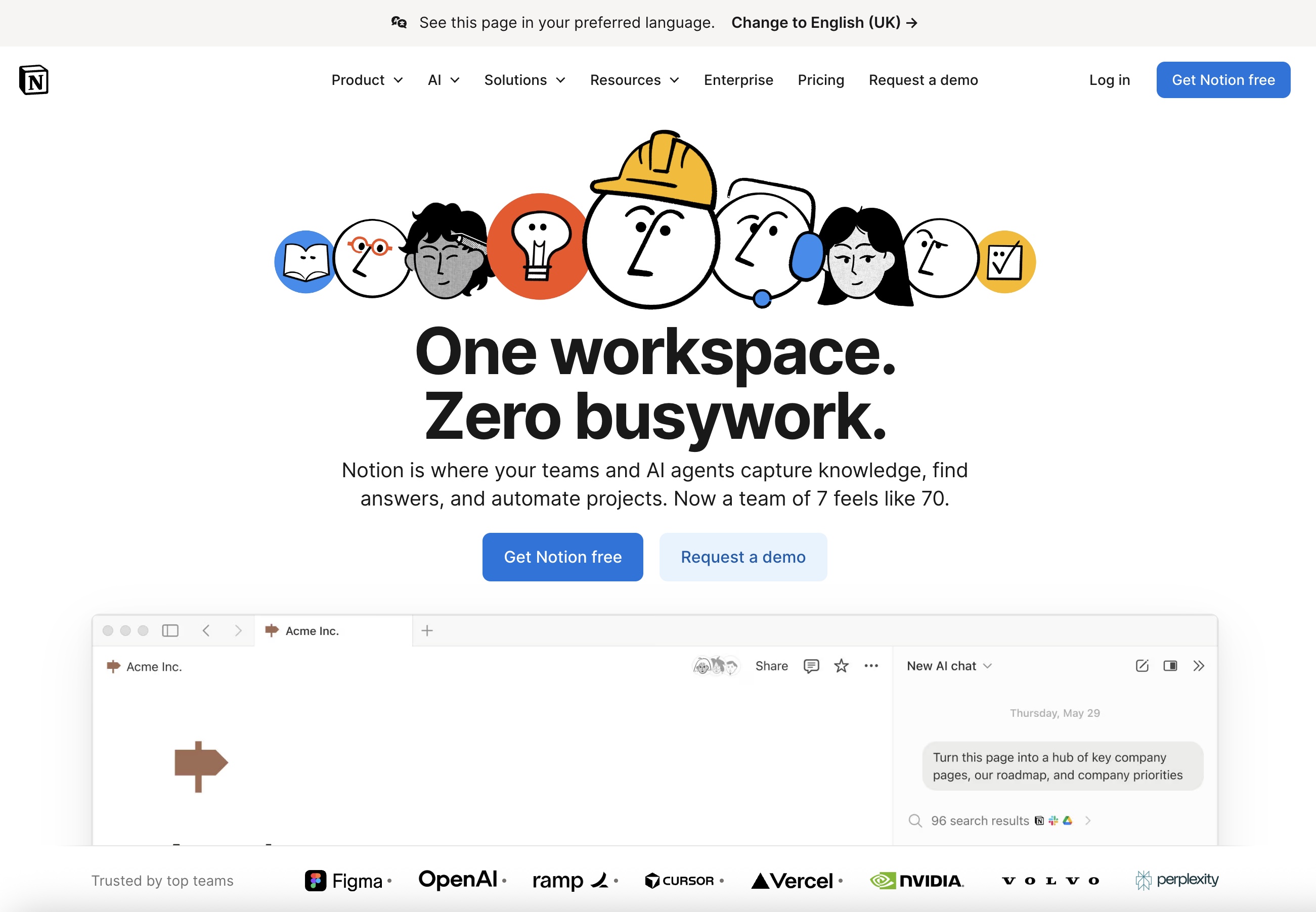 Notion AI organizes HR documentation and internal knowledge in a shared workspace.
12. Microsoft Copilot
Microsoft Copilot assists HR communication inside everyday office tools. Teams use it to draft emails, summarize meetings, and generate reports.
- Drafts HR communication
- Summarizes meetings
- Generates internal reports
Copilot accelerates routine writing and coordination tasks.
 Microsoft Copilot assists HR communication by drafting emails and summarizing reports.
AI Tools for HR Virtual Assistants
AI chatbots and virtual assistants act as the front line of modern HR support. They handle routine employee questions, automate service requests, and guide candidates or staff through HR processes without manual intervention.
13. Leena AI
Leena AI functions as an employee-facing HR assistant that automates internal support workflows. HR teams use it to answer policy questions, manage service tickets, and provide instant guidance across benefits, leave, and onboarding.
- Answers employee HR queries in real time
- Automates ticket routing and resolution
- Supports self-service HR portals
Leena AI reduces support backlog and improves employee access to information.
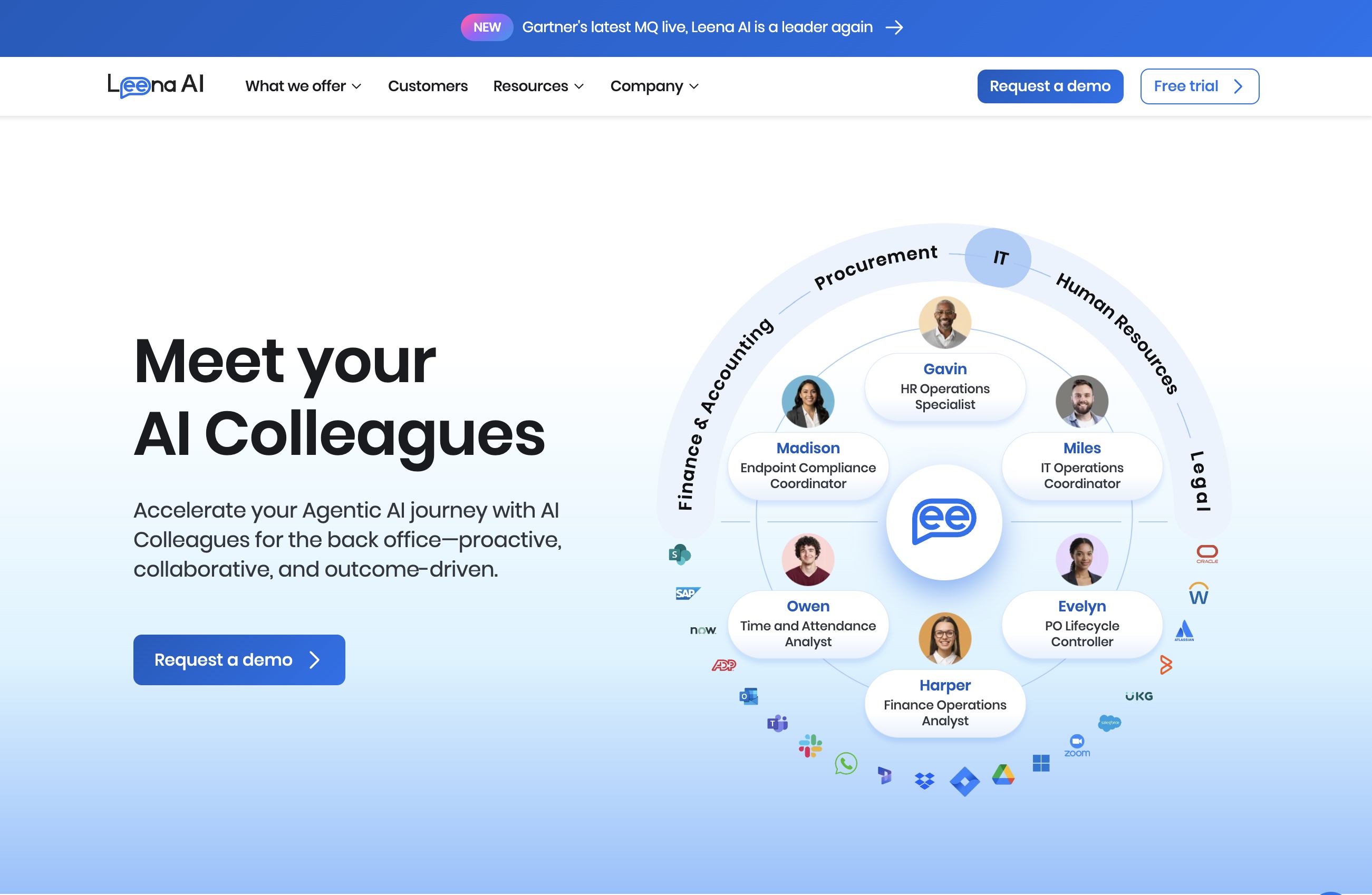 Leena AI provides instant employee support through automated HR assistance.
14. Ada Support
Ada operates as an AI-powered virtual assistant that supports internal HR help desks and employee communication. HR teams use it to automate common requests and provide instant answers to routine workplace questions.
- Handles employee FAQs and policy guidance
- Automates HR support conversations
- Integrates with internal knowledge bases
Ada reduces repetitive HR inquiries and keeps employee support available without adding extra workload to the team.
How Different AI Tools for HR Work Together
Modern HR teams don’t rely on a single AI platform. They combine specialized tools that support different stages of the employee lifecycle.
- Recruiting tools manage candidate pipelines
- Training platforms produce onboarding and learning materials
- Engagement systems track employee sentiment
- Analytics platforms forecast workforce trends
- Automation tools streamline operations
When these systems connect, HR operates as an integrated infrastructure instead of isolated workflows
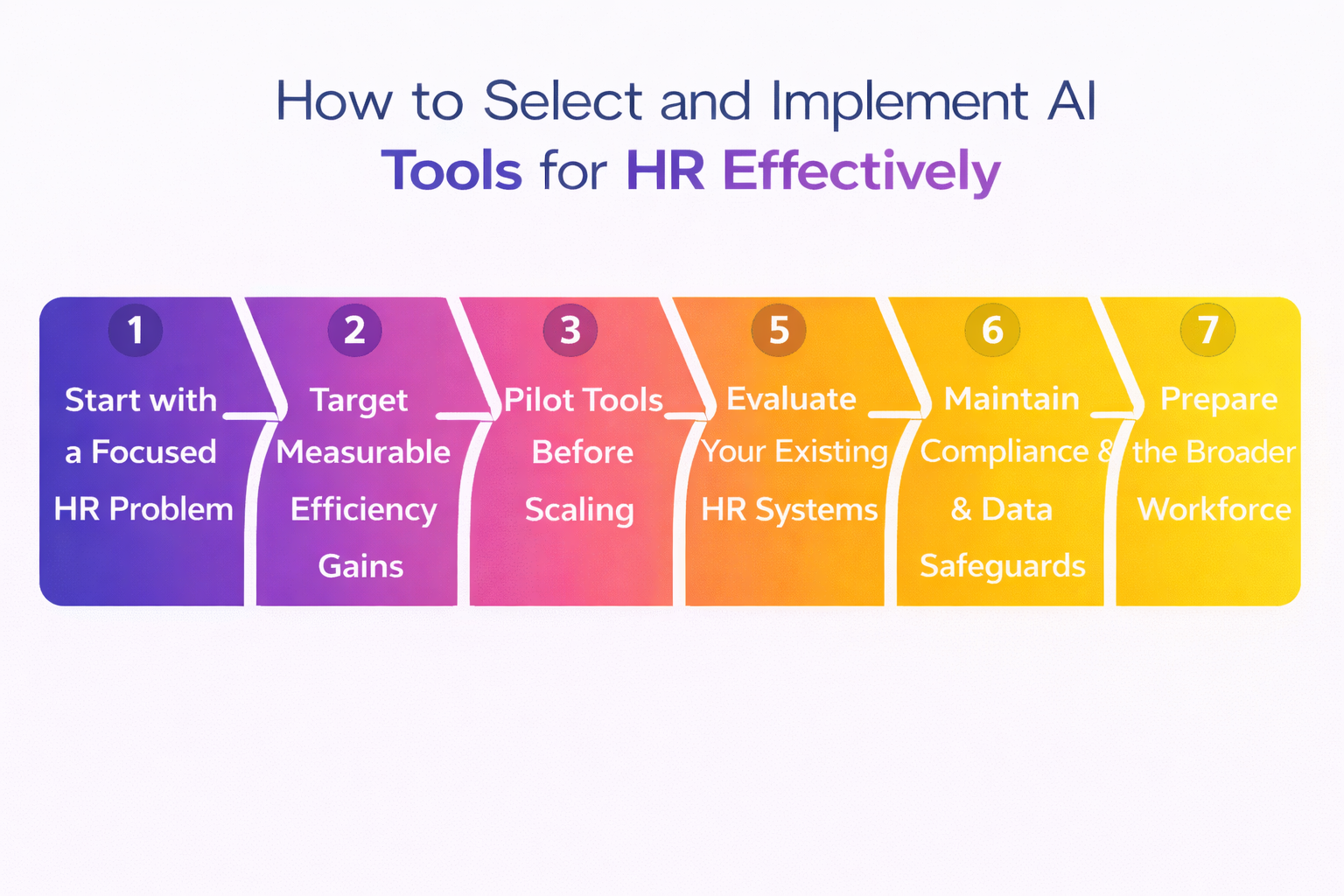 Ai tools for HR in Imagine Art
How to Implement AI Tools for HR Effectively
HR teams see the strongest results when they adopt AI tools as a phased system rather than isolated experiments. Instead of replacing everything at once, teams layer AI into existing workflows step by step. This approach keeps operations stable while allowing teams to measure improvements in hiring speed, onboarding consistency, and employee engagement.
How to Select and Implement AI Tools for HR Effectively
Start with a focused HR problem
Start with one clear operational bottleneck. Pick a specific issue like interview coordination delays or messy onboarding documentation. A narrow starting point makes it easier to measure results and avoid tool sprawl.
Target measurable efficiency gains
Choose tools that remove repetitive work and create visible time savings. Focus on systems that show quantifiable impact on hiring speed, onboarding time, or administrative workload. If you can’t measure improvement, the tool adds noise instead of value.
Pilot tools before scaling
Run controlled trials with small teams first. Collect feedback, refine workflows, and train users before expanding across the organization. Early pilots expose friction points without disrupting the entire HR operation.
Evaluate your existing HR systems
Review your current HR software stack before adding new platforms. Many systems already include AI capabilities that you can activate or extend. Expanding existing infrastructure often works better than introducing disconnected tools.
Maintain compliance and data safeguards
Use AI tools that align with privacy regulations and internal governance standards. HR systems handle sensitive employee data, so security and compliance checks need to happen before full deployment.
Develop AI skills inside the HR team
Train HR staff to understand how tools operate and how to interpret their output. Adoption fails when teams treat AI as a black box. Practical training builds confidence and improves decision-making.
Treat AI as operational support
Position AI as an assistant that handles routine execution. Keep strategic judgment, employee relationships, and cultural decisions in human hands. AI supports operations; it does not replace leadership.
Prepare the broader workforce
Educate employees on how AI tools affect their workflows. Clear communication reduces resistance and increases adoption. People work better with systems they understand.
FAQs
AI tools for HR automate hiring workflows, generate onboarding and training content, track employee engagement, and analyze workforce performance.
AI supports HR professionals but does not replace them. These tools handle screening, scheduling, documentation, and data analysis while HR teams focus on strategy and people management.
Recruiting coordination, onboarding content production, training delivery, engagement tracking, and administrative automation benefit the most from AI.
Most enterprise AI HR platforms include built-in security and compliance frameworks designed to protect sensitive workforce data.
HR teams usually begin with one high-impact workflow, such as recruiting automation or onboarding content creation, then expand gradually after testing and training.
Build Scalable HR Training and Onboarding With ImagineArt
HR teams constantly create onboarding guides, training visuals, and internal learning materials. ImagineArt gives teams a system to generate those assets quickly and consistently. You convert prompts into onboarding diagrams, explainer visuals, and short training videos that scale across departments.
Instead of rebuilding content every hiring cycle, you operate repeatable creative workflows. Teams standardize training materials, shorten preparation time, and maintain consistent communication across the organization.
Start building faster HR onboarding and training content with ImagineArt.
Umaima Shah
Umaima Shah is a creative content strategist specializing in AI tools, image generation, and emerging technologies. She focuses on translating complex platforms into clear, practical insights for creators, designers, and product teams