AI Image Editor
AI Image Editor allows you to edit your photos in seconds using simple text prompts. No sign-ups, no limits, just describe the changes you want and watch the magic happen instantly. Whether you’re enhancing images, adding effects, or trying new looks, our Photo Editor does it all effortlessly.
Edit Images With AI in 3 Simple Steps
Upload Your Image
Upload your photo to ImagineArt AI Image Editor. Ensure it is a clear and high-quality image if you want accurate AI-powered image editing and professional-quality results.
Describe Edits in Photo
Enter a detailed and clear text prompt. You can use prompts like “Make the person hold a perfume bottle” or “remove the trash from the image”. ImagineArt AI Image Editor applies your instructions perfectly and edits the image accordingly.
Generate and Download
Click “Generate” to edit the image instantly. Download high-quality AI-edited images, ready for social media, marketing, or personal projects.
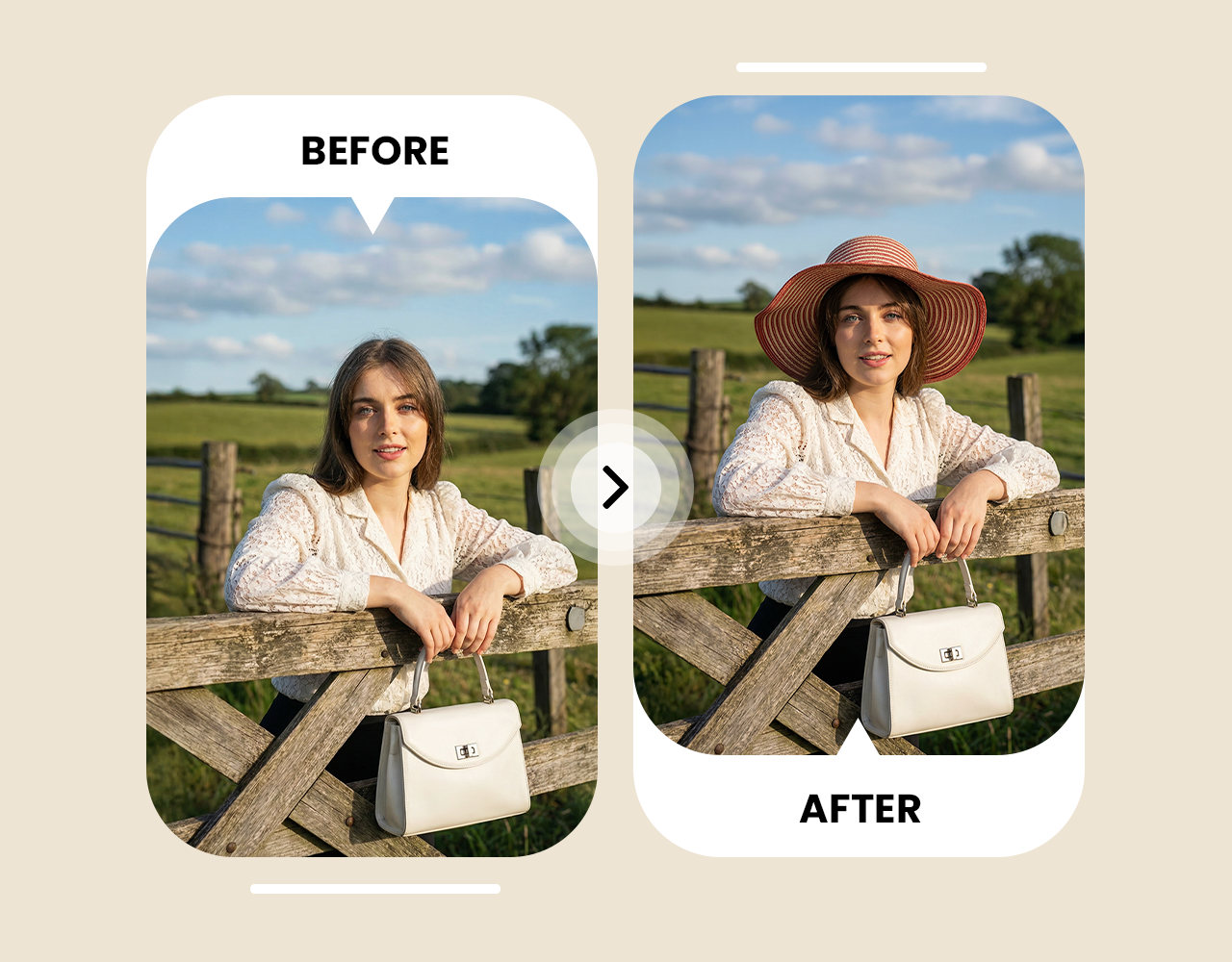
Pro Level Image Editing With Zero Design Experience
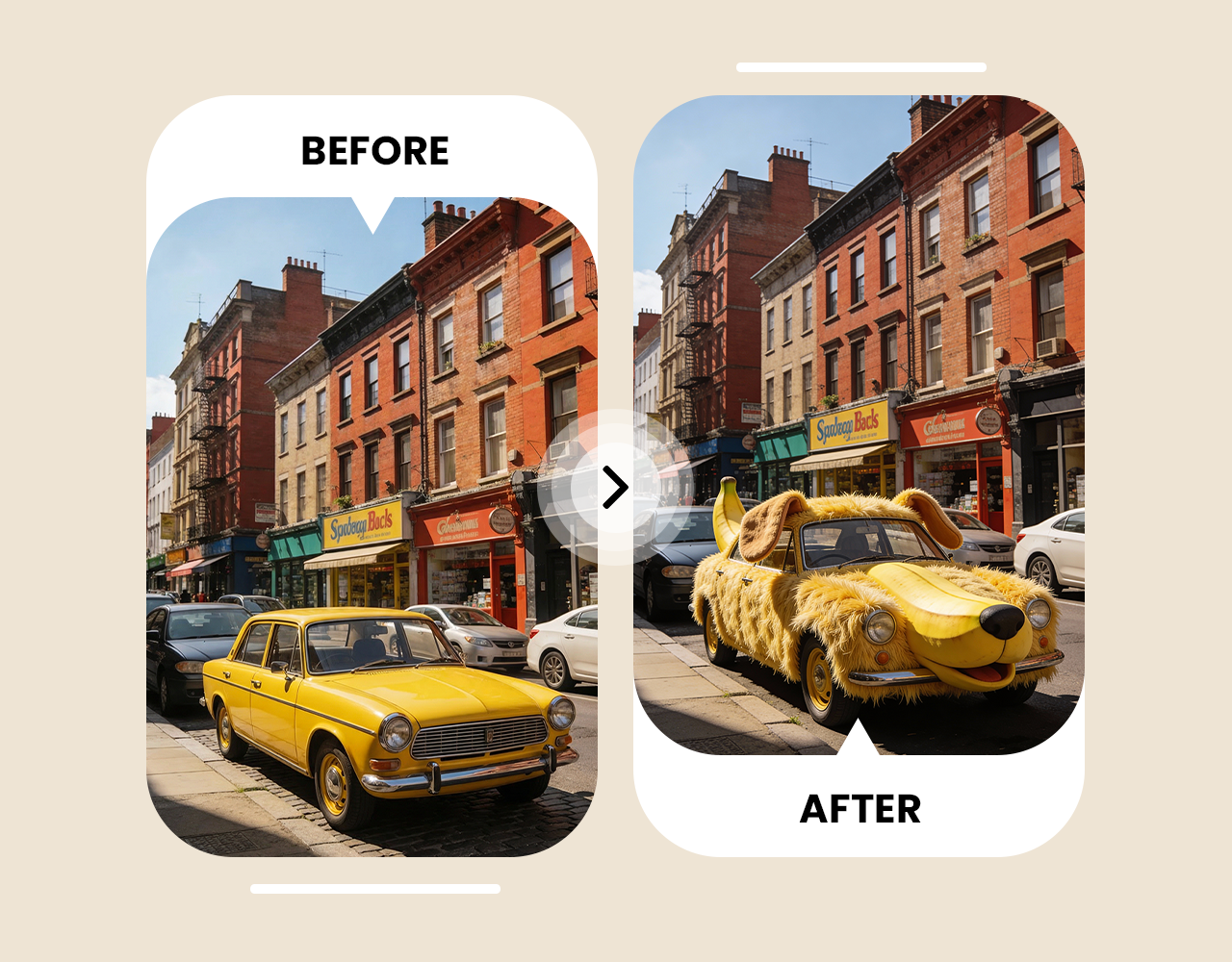
Experiment With Endless Image Editing Options
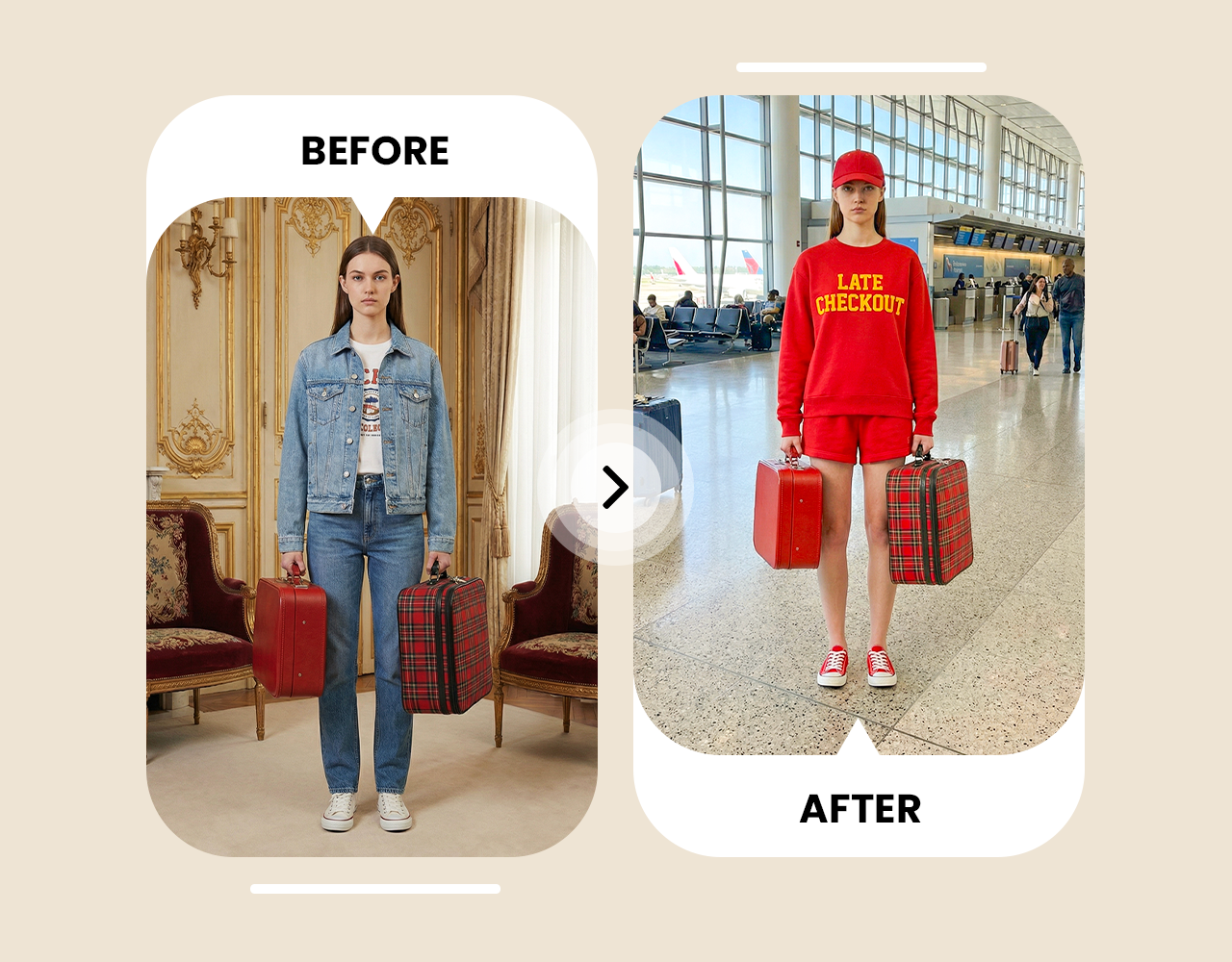
Access AI Image Editor Cross-Platform








Choose a plan that fits your needs
Upgrade to get access to pro features and generate more and better
Kling
ByteDance
Minimax
Nano Banana
Gemini
Claude
Qwen
GPT Image
Runway
Grok
Trusted by Professionals and Creators from top Brands and Companies
Hear From Users Who Tried AI Image Editing
I’ve been using ImagineArt AI Image Editor for my personal photos, and it’s honestly so easy. I can fix colors, clean up backgrounds, or even add fun stuff just by typing a prompt. Editing images with this AI is faster than Photoshop, and it’s actually fun to play around with.

Anya Petrova

For my small business, ImagineArt AI Image Editor has been a total lifesaver. I can make social media posts, product images, and promos in minutes. This AI image editor online keeps everything looking real and professional, so I don’t have to stress about hiring a designer.

Ben Harris

I love using ImagineArt AI Image Editor as a hobby. I take my travel or pet photos and edit the images into creative AI art. Trying out different styles, like cartoon effects, while keeping the image natural, is just super satisfying.

Isabelle Kim

For work projects, ImagineArt AI Image Editor has become my go-to. Editing client photos, making marketing visuals, and cleaning up images is way faster now. The text-prompt feature alone saves me so much time compared to traditional editing tools.

Michael Chenn

FAQs About AI Image Editor
ImagineArt AI Image Editor uses AI to automatically enhance images, adjusting brightness, contrast, and color. With features like background removal, inpainting, and filters, it transforms photos effortlessly, making it easy for both beginners and professionals to create high-quality edits.
ImagineArt AI Image Editor is a top choice for photographers, offering realistic AI editing powered by Nano Banana Pro. Simply describe your edits, and the AI will enhance your photos, making it perfect for quick, high-quality results.
AI Image Editors are commonly used for personal photos, social media posts, branding, product images, and creative projects. ImagineArt helps you achieve the exact edits you need with ease.
Yes, ImagineArt offers 100 free credits each month, allowing you to edit images for free. Sign up now to start using your free credits for photo editing and more.
ImagineArt AI Image Editor automates the editing process, allowing you to simply upload an image and provide a prompt. Unlike Photoshop, ImagineArt is faster, easier, and requires no complex skills, making it perfect for personal, social, or professional use.
For branding, product visuals, and marketing, ImagineArt AI Image Editor is perfect. It works as a professional AI image editor by making editing fast and simple.
You can upload JPG, PNG, WEBP, and other common image formats. ImagineArt processes all image types efficiently, delivering high-quality results tailored to your prompt.
There’s no limit to how many image edits you can make with ImagineArt AI Image Editor. Edit your images as much as needed without restrictions.
It takes only few seconds for professional AI Photo editor to provide results. Most edits are instant, depending on the size and the prompt you provided for editing.
Yes, your photos are processed securely with strict privacy policies. ImagineArt ensures your images are not shared with any third parties and are only used for the purpose of generating your edits.
Yes! ImagineArt AI Photo Editor is designed for beginners as well as for professionals with no prior editing experience. Simply provide a text prompt, and let the AI handle the rest, making editing fast and easy.