
AI Slides plans the story, designs every slide, and hands you a fully editable deck. You describe it, we handle how it looks.
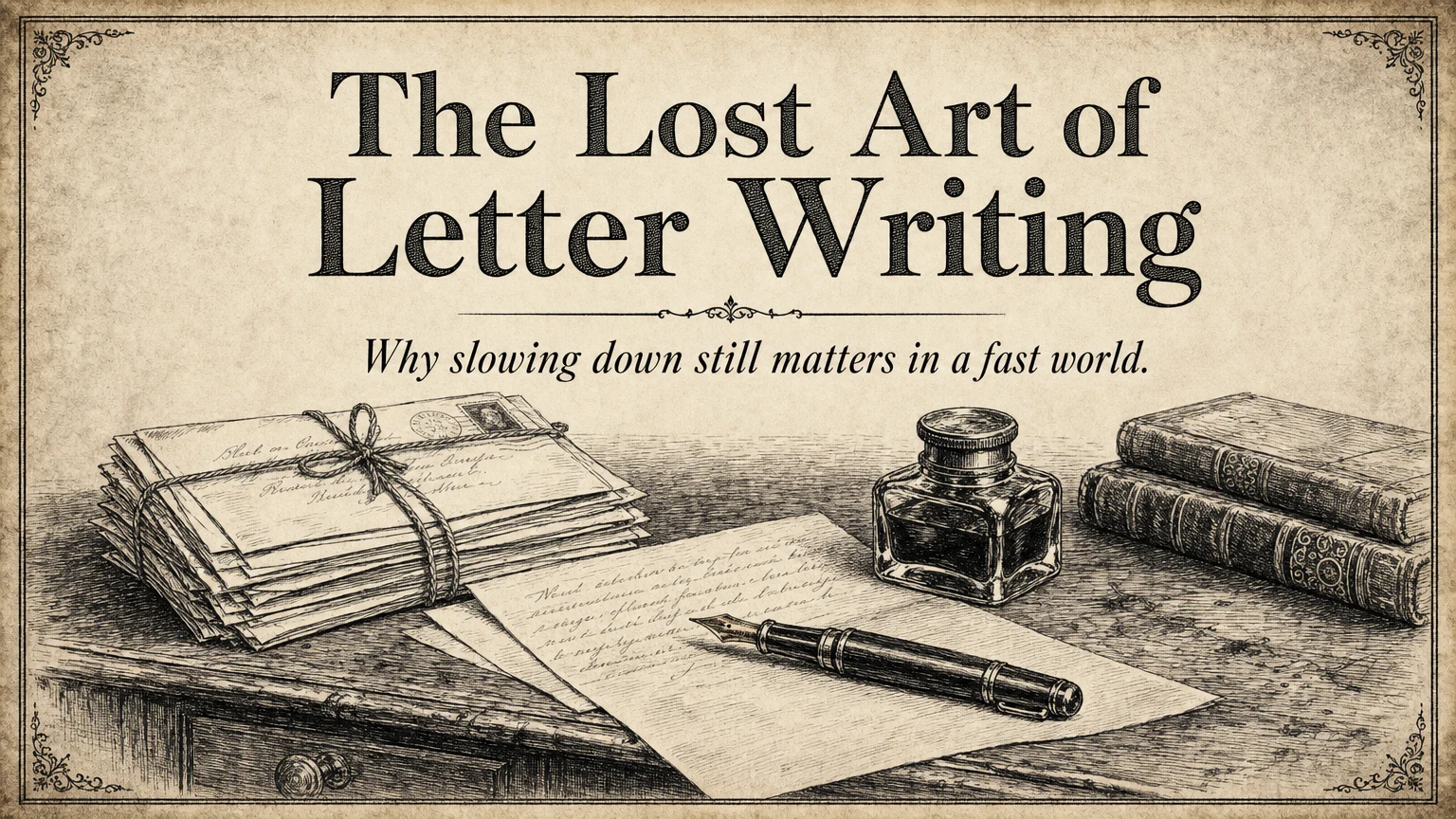 ✓
✓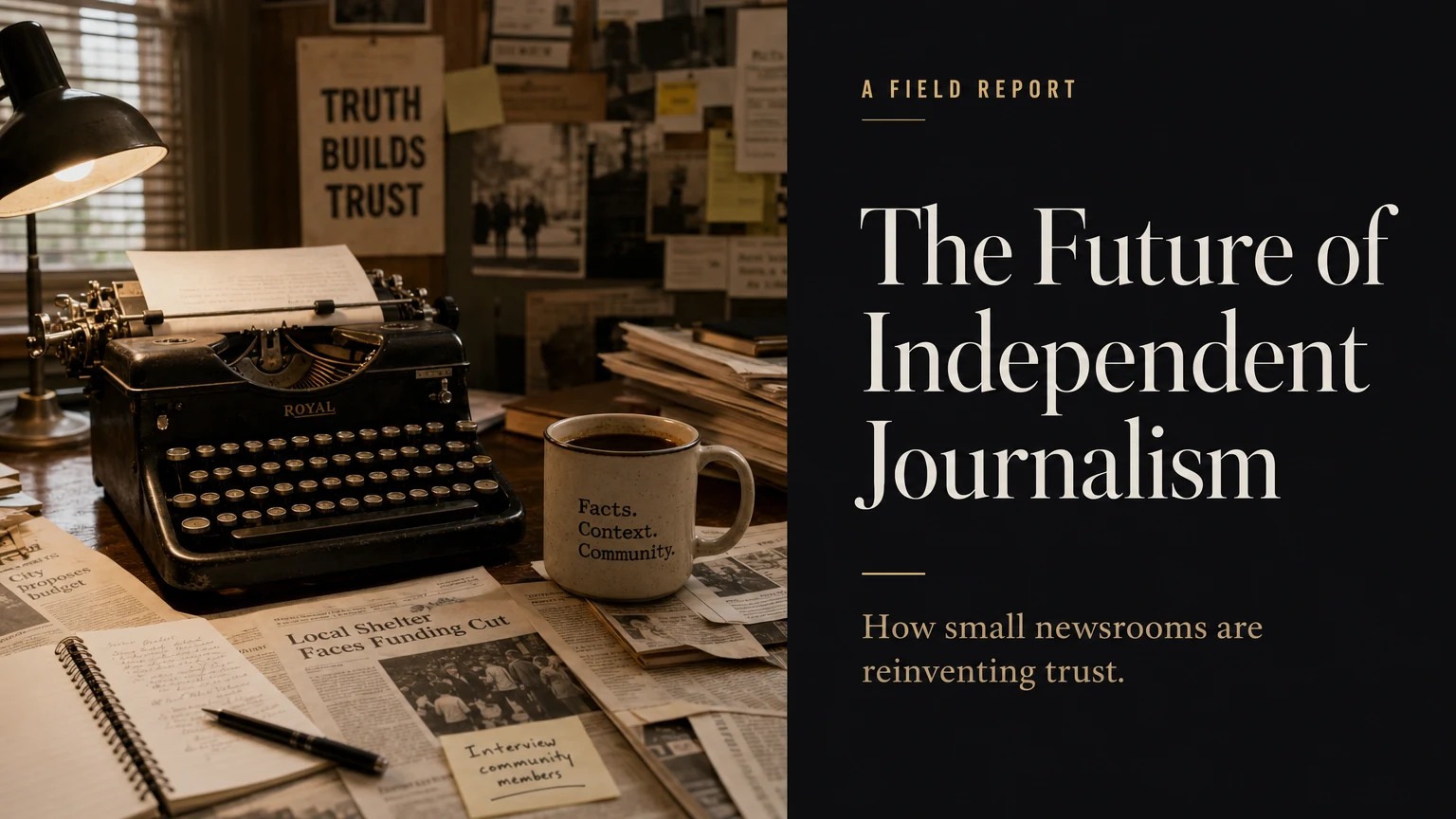 ✓
✓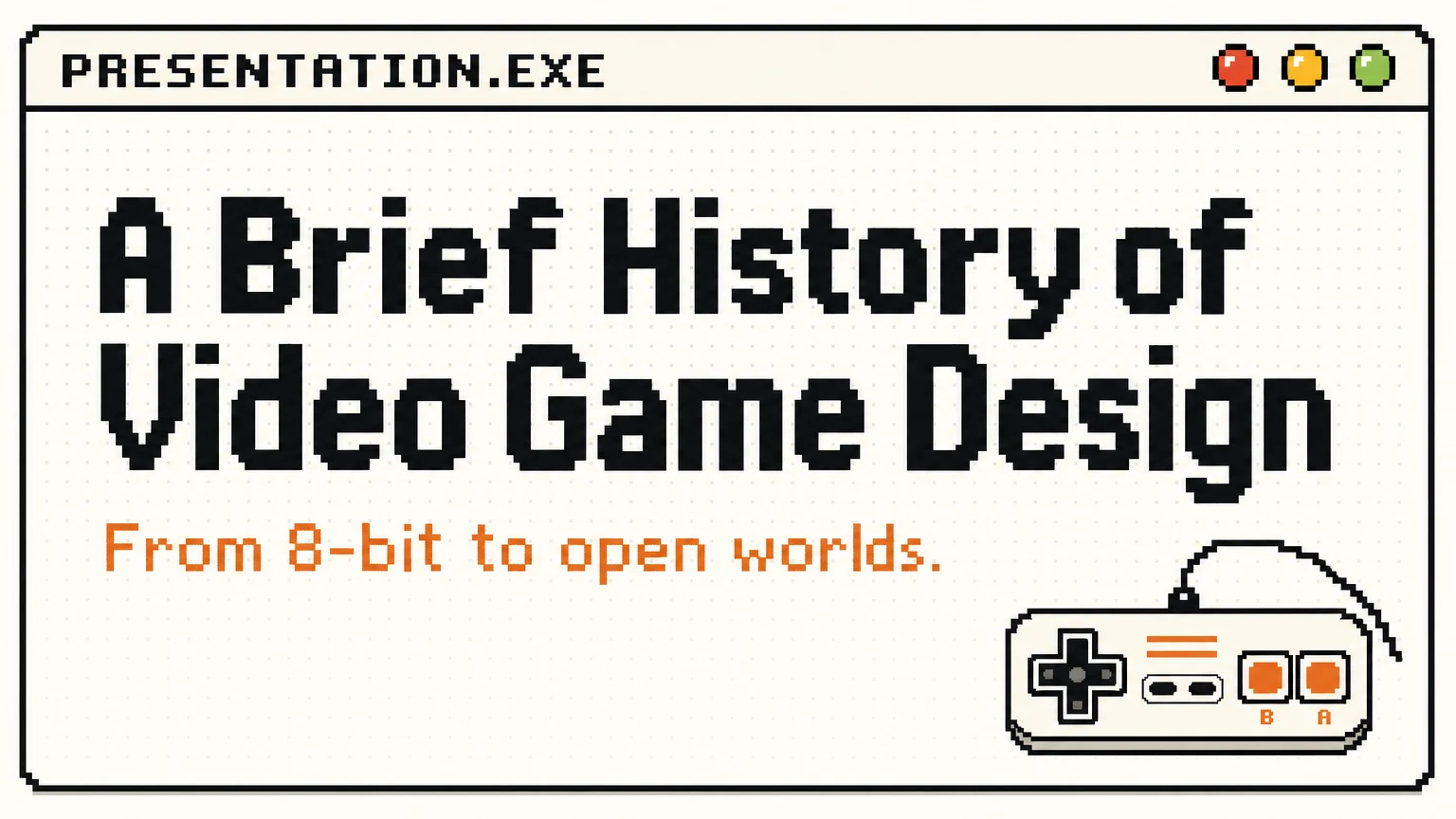 ✓
✓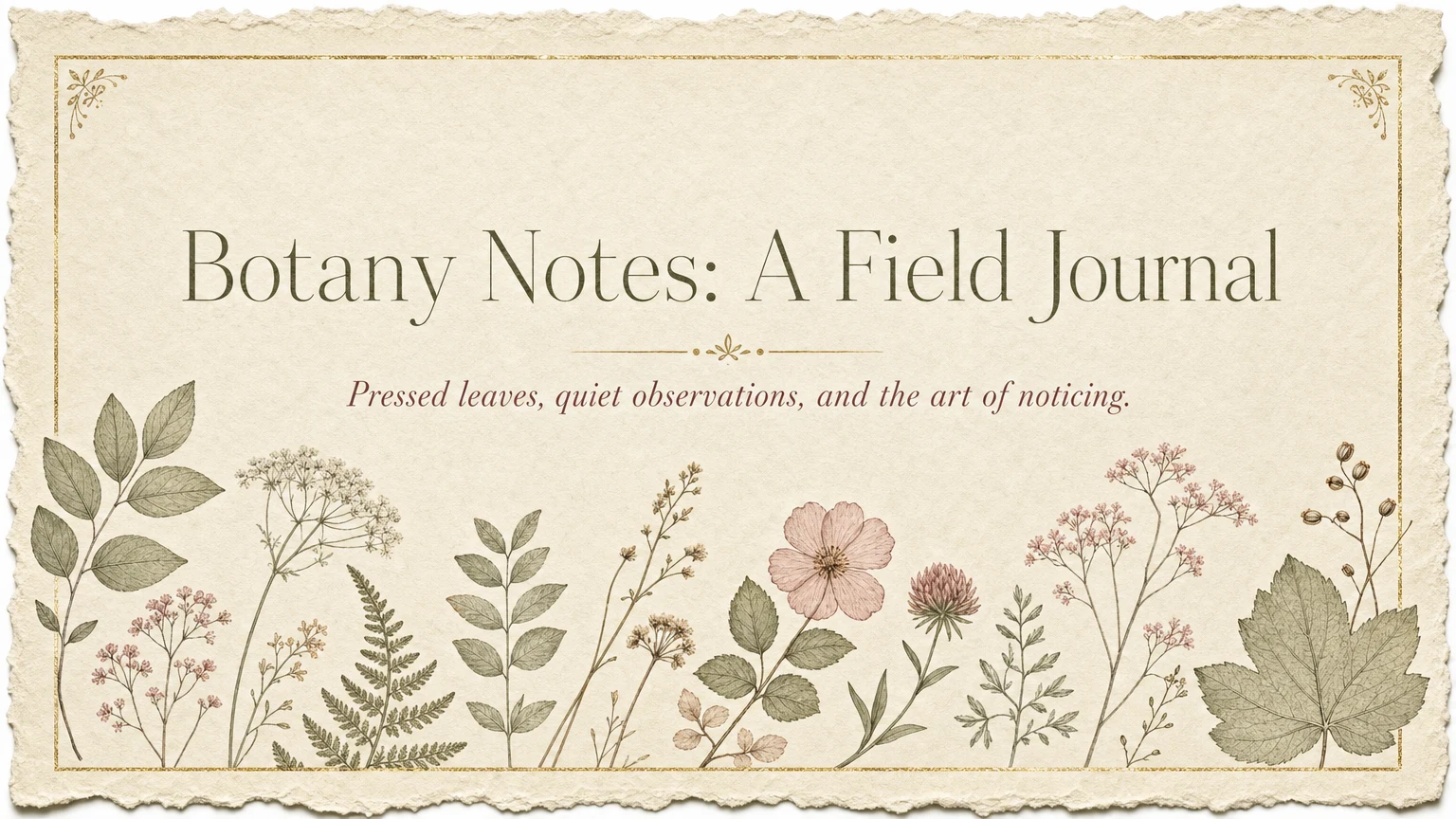 ✓
✓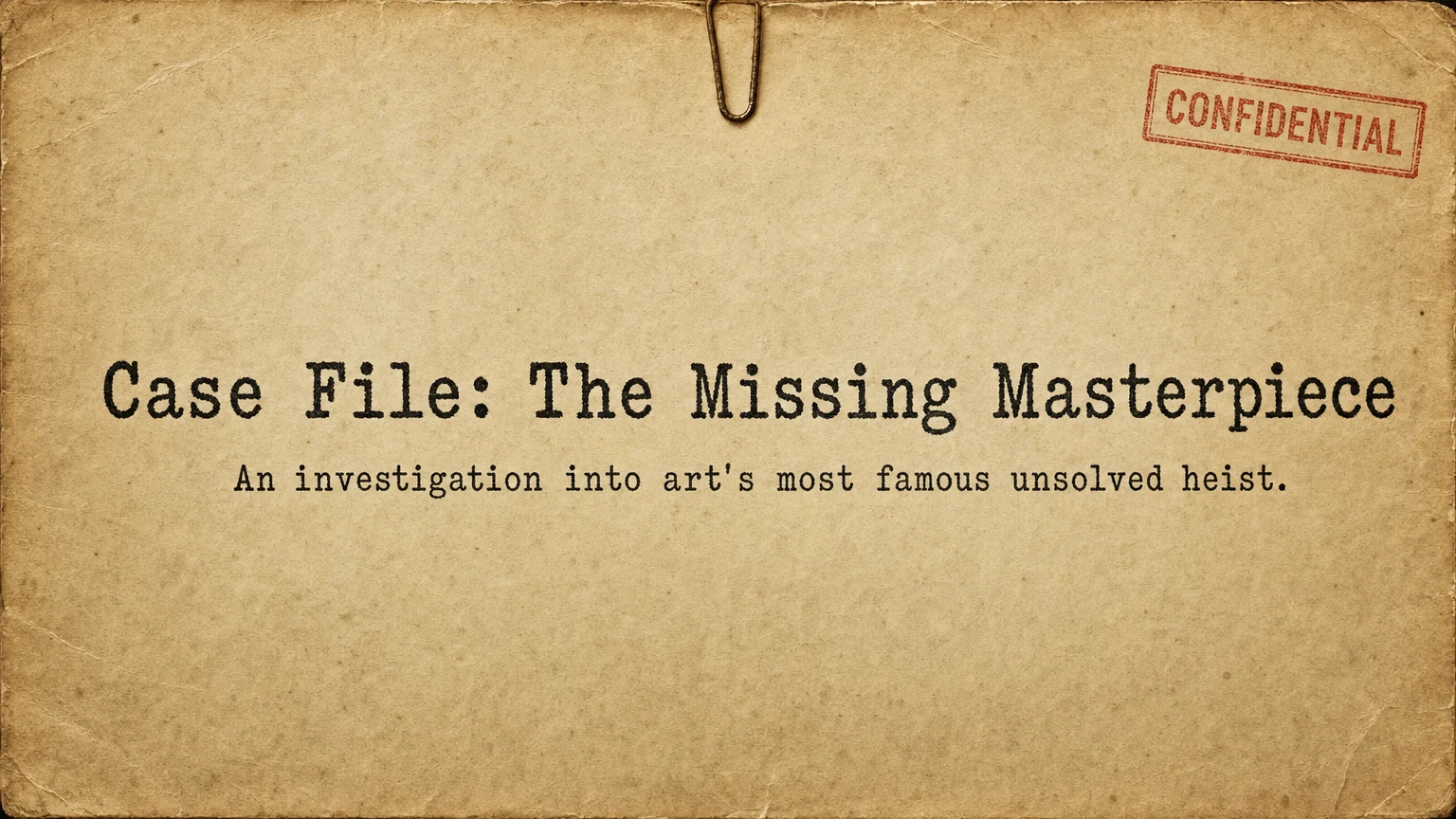 ✓
✓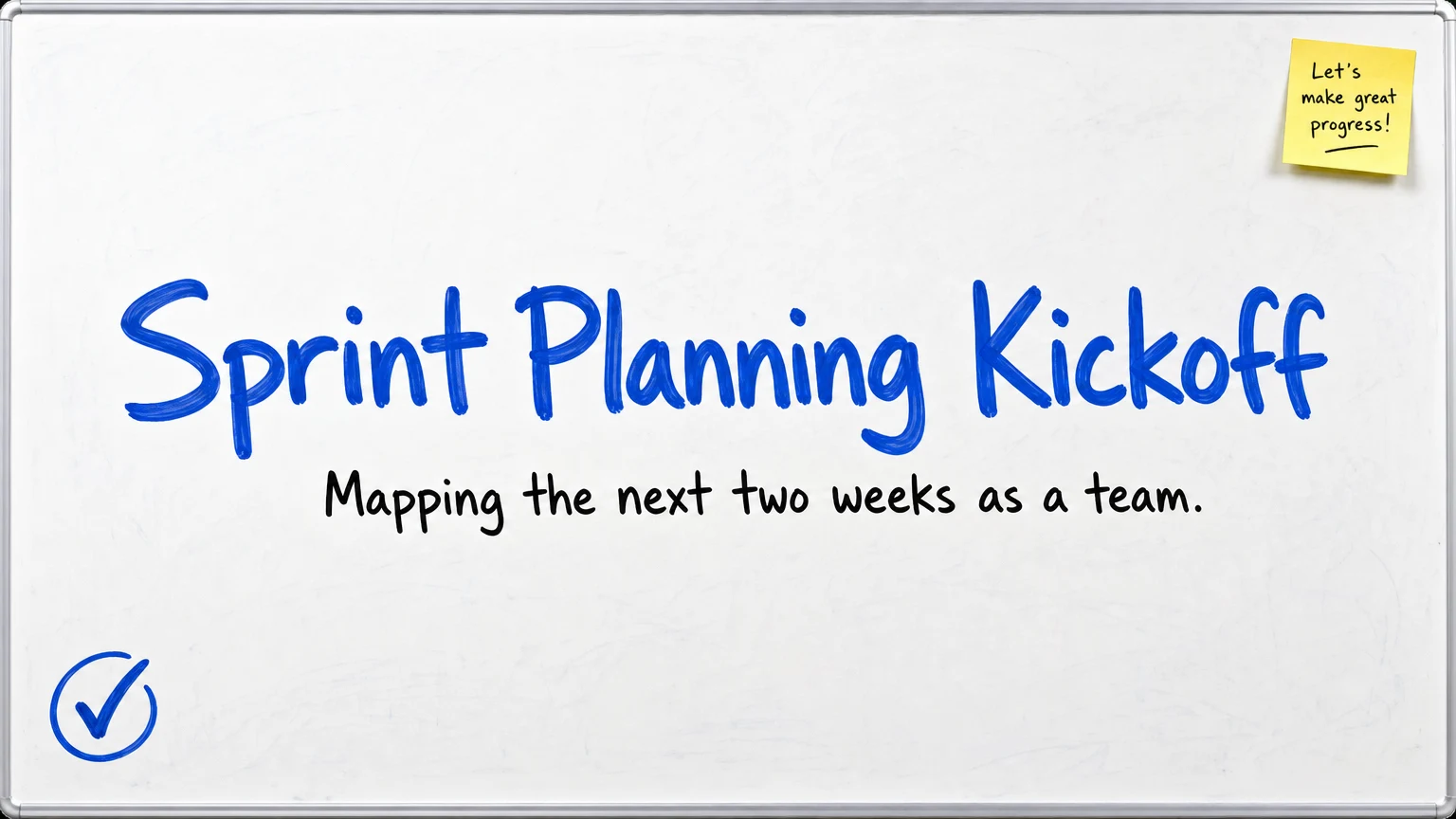 ✓
✓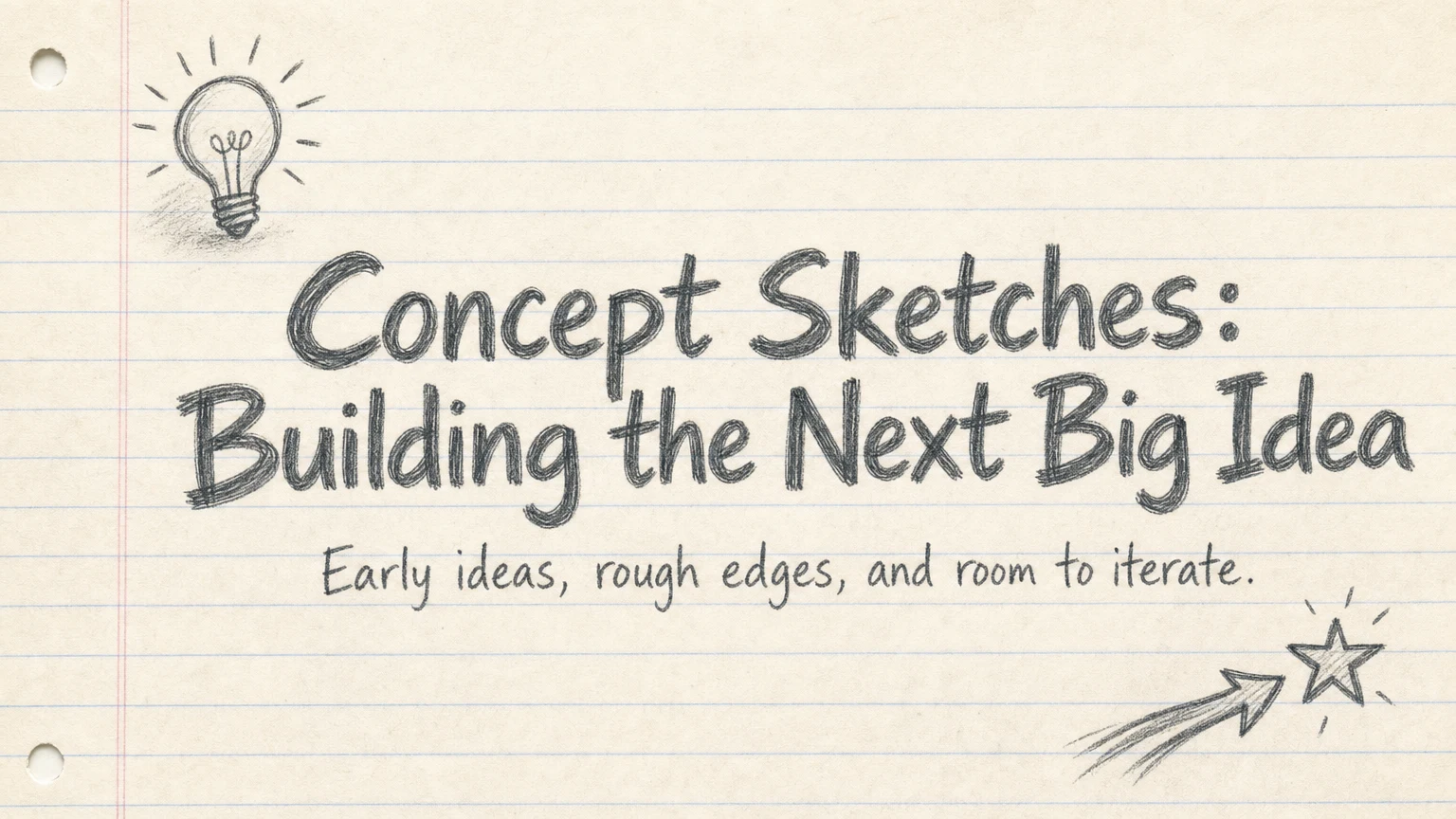 ✓
✓Generated slides aren't flat pictures. They're living documents you can reshape by prompt or by hand.
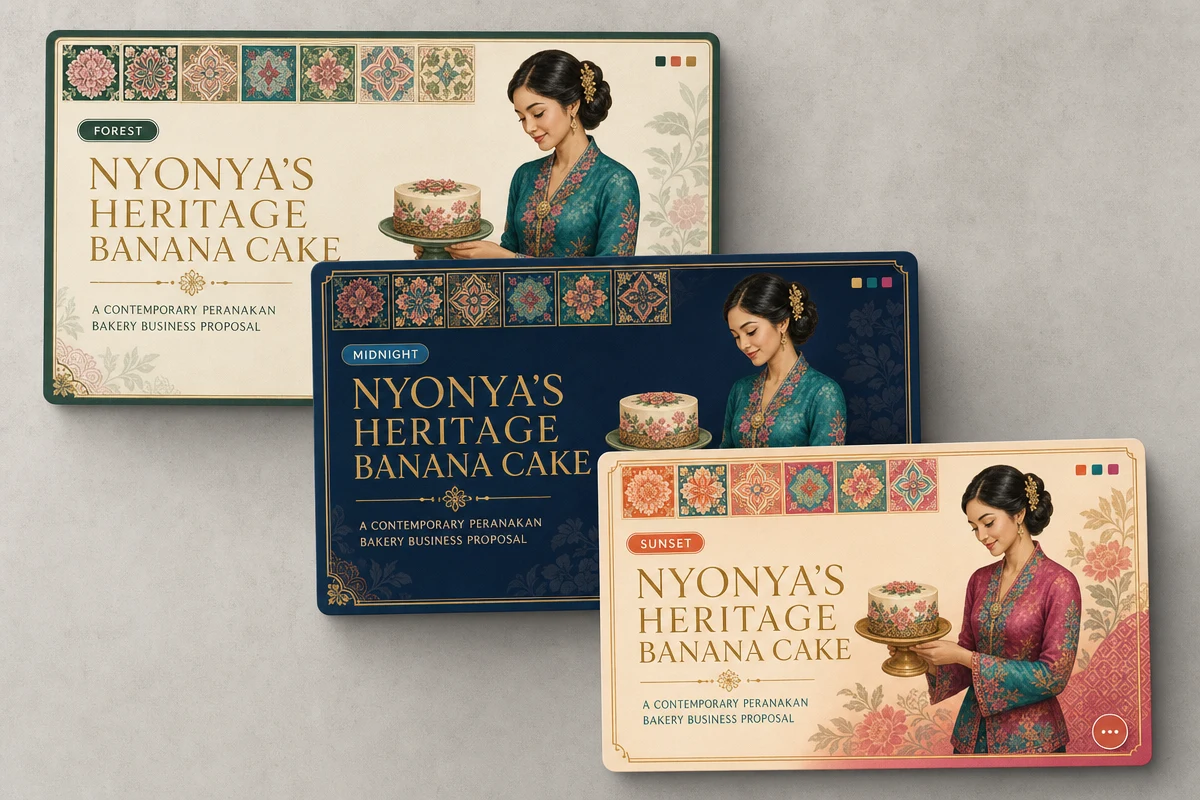
Pick a theme and every slide follows: palette, typography, and spacing land on-brand without touching a style panel. Change your mind later and Imagine Computer restyles the whole deck instantly.
Choose Your Theme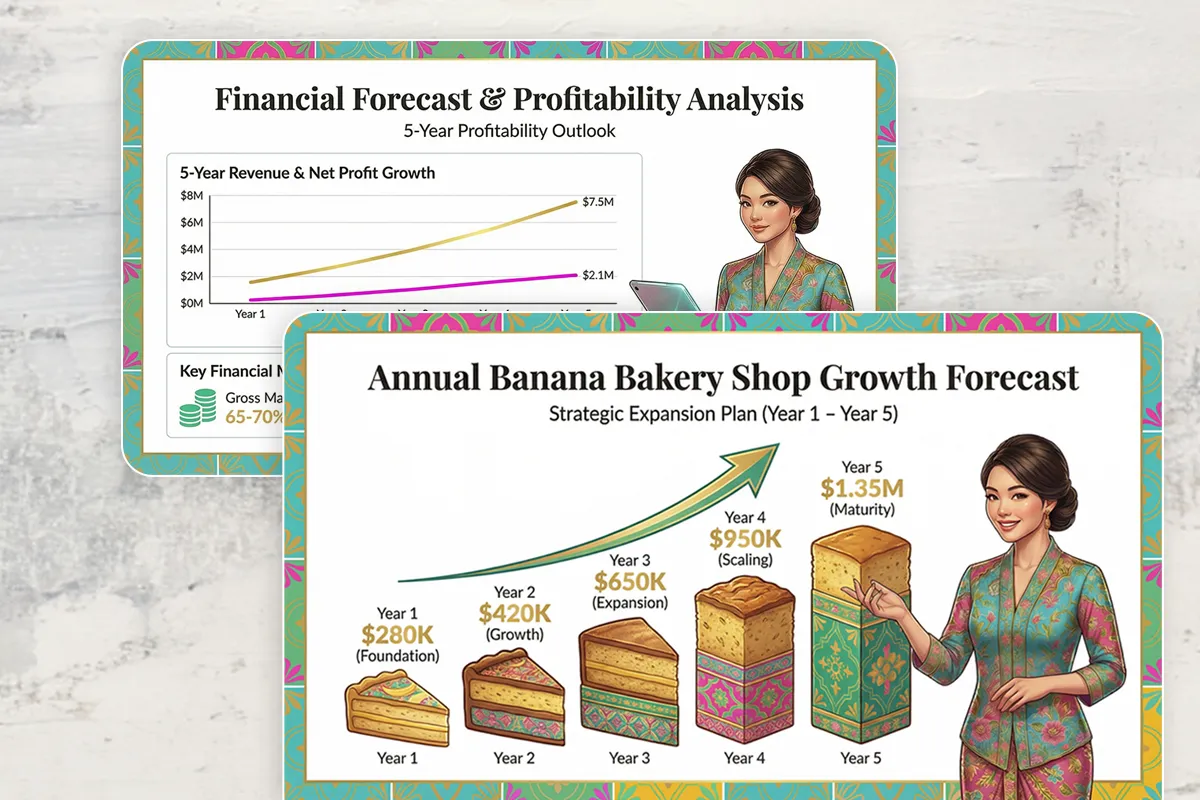
Describe your topic, audience, and goal, or drop in your own files. Imagine Computer's free AI Slides builds a logical outline first, so you can adjust the structure before a single slide is generated.
Pick Your Design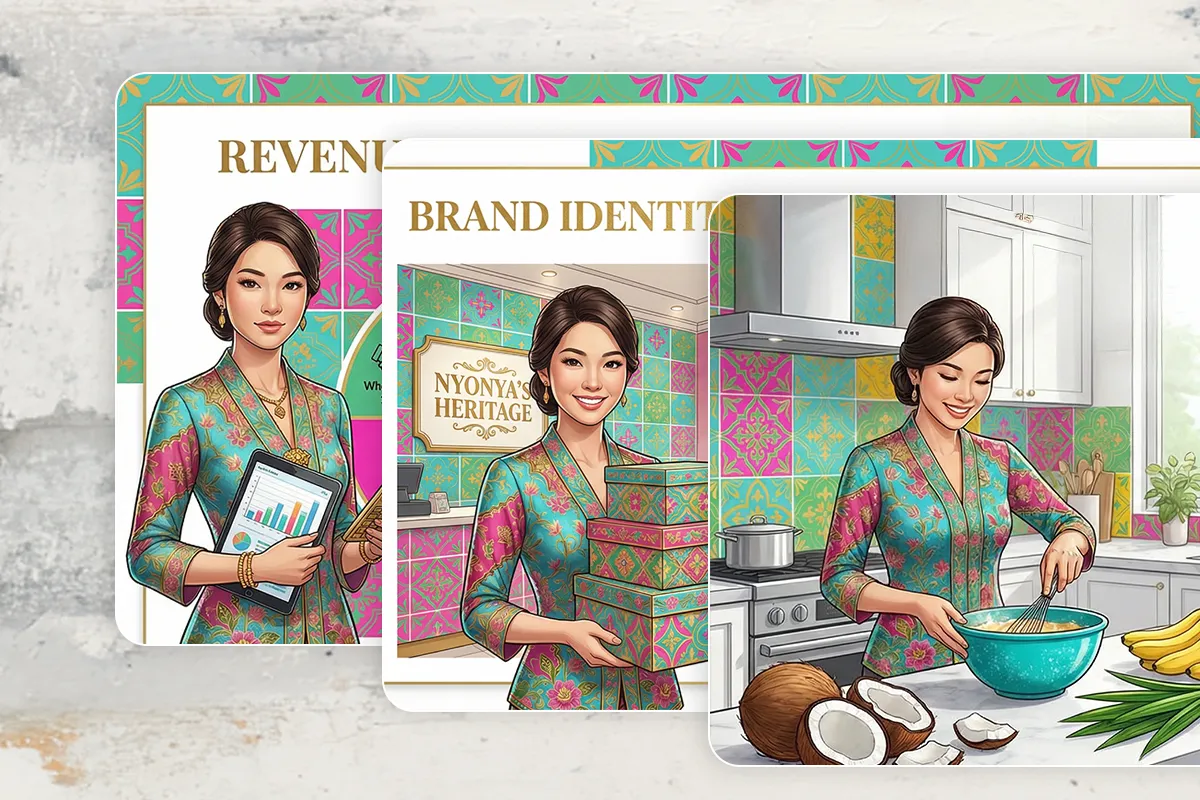
Generate charts, edit images, and swap themes without touching a style panel. Every change is one prompt away, and it exports as a pixel-perfect PPTX, PDF, or PNG.
Get AI AssistanceFour steps, and only the first one is really yours.
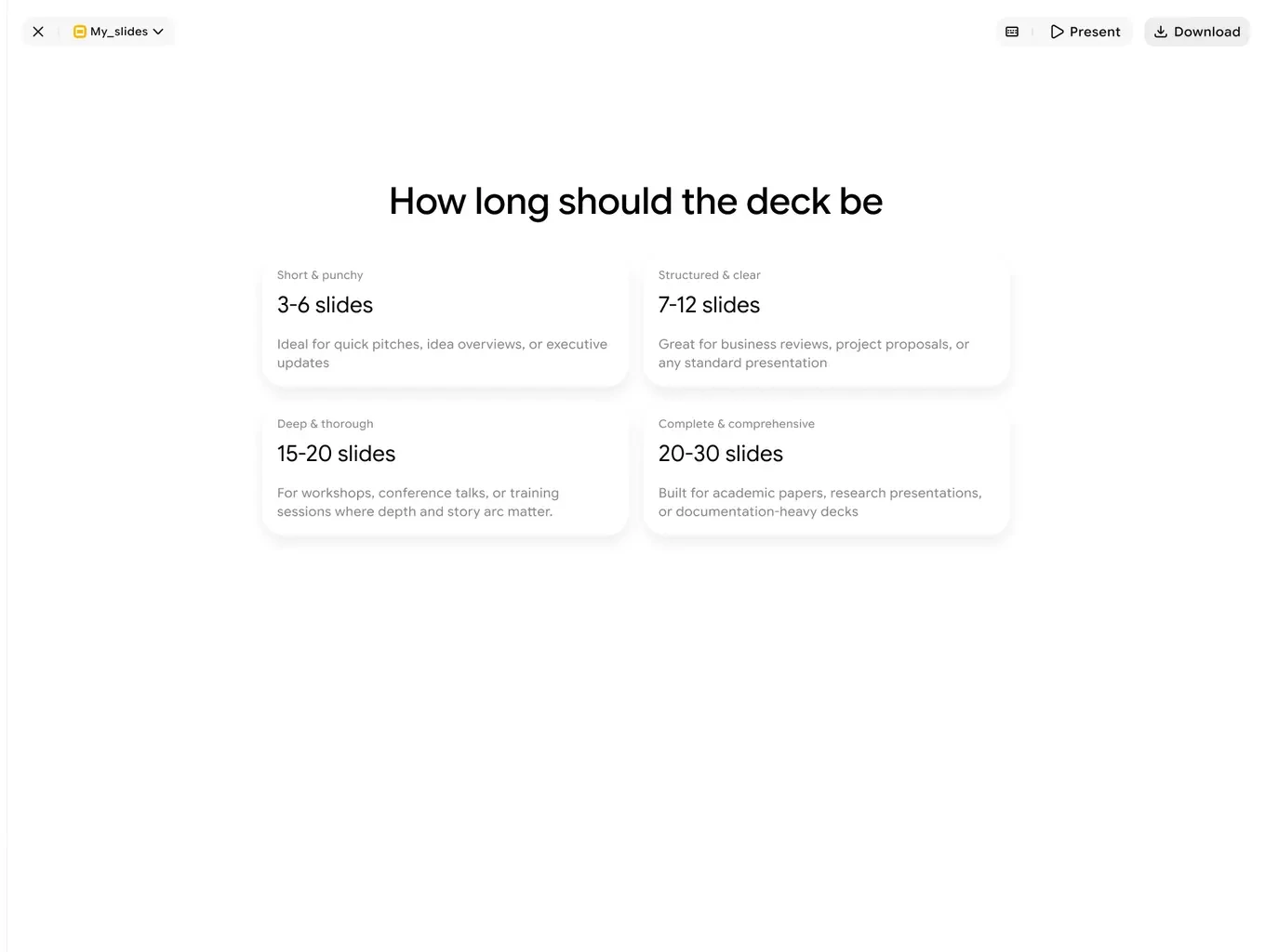
Type a topic, paste an outline, or drop in a PDF. Tell it roughly how long the deck should be.
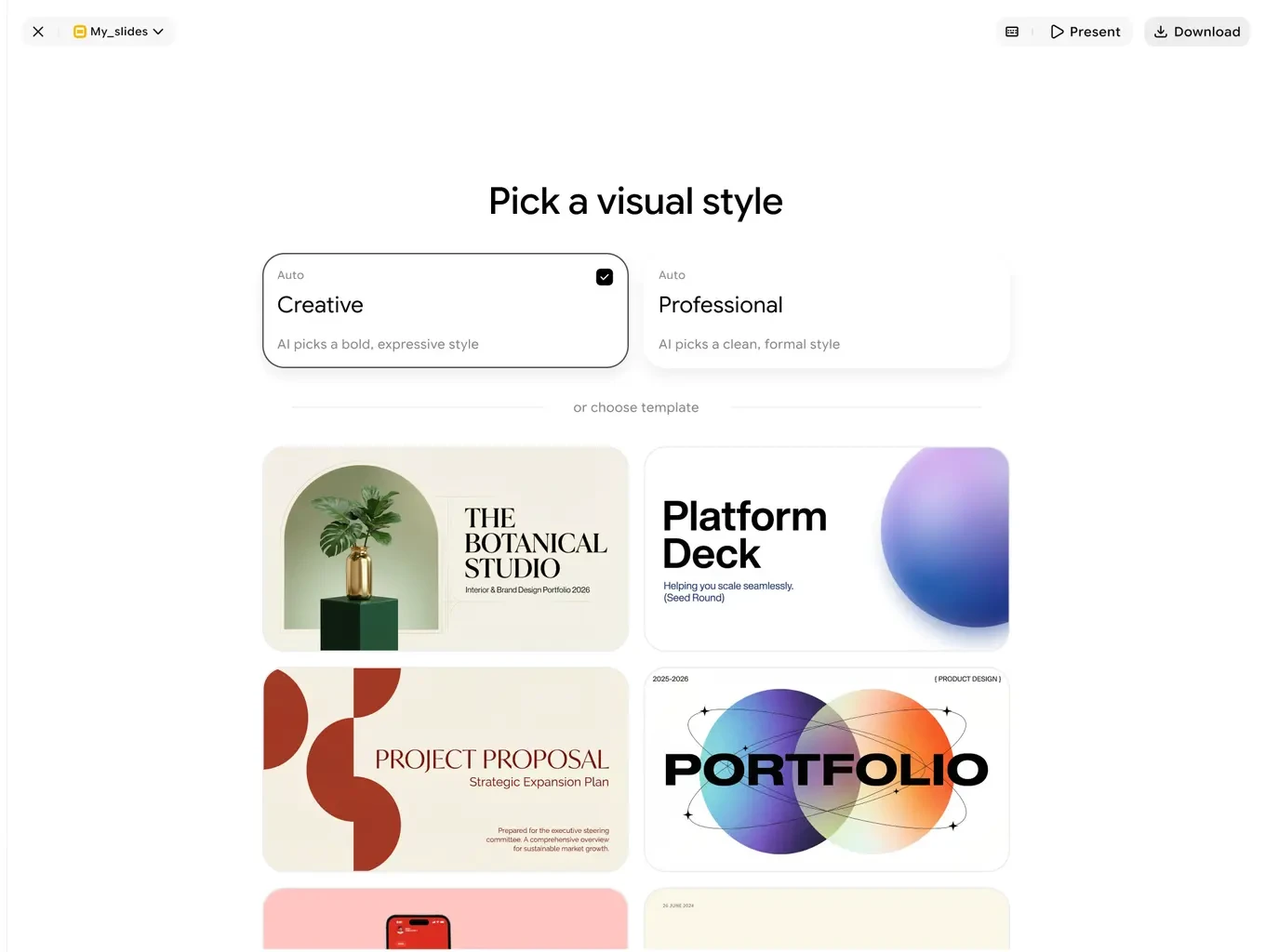
Let the AI choose a bold or professional look, or start from a template you like.
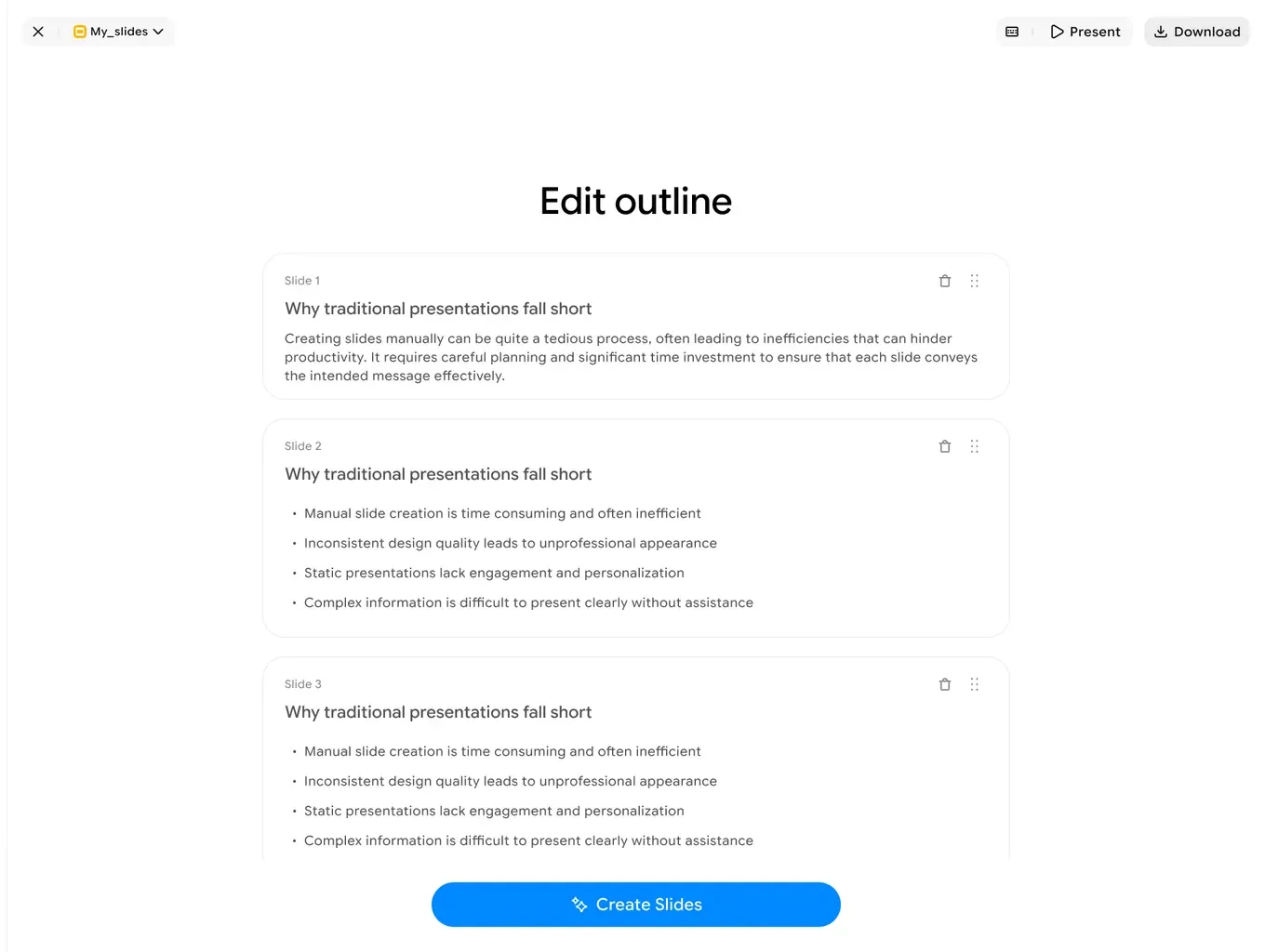
Every slide's structure is laid out up front, in plain language, before a single visual is drawn.
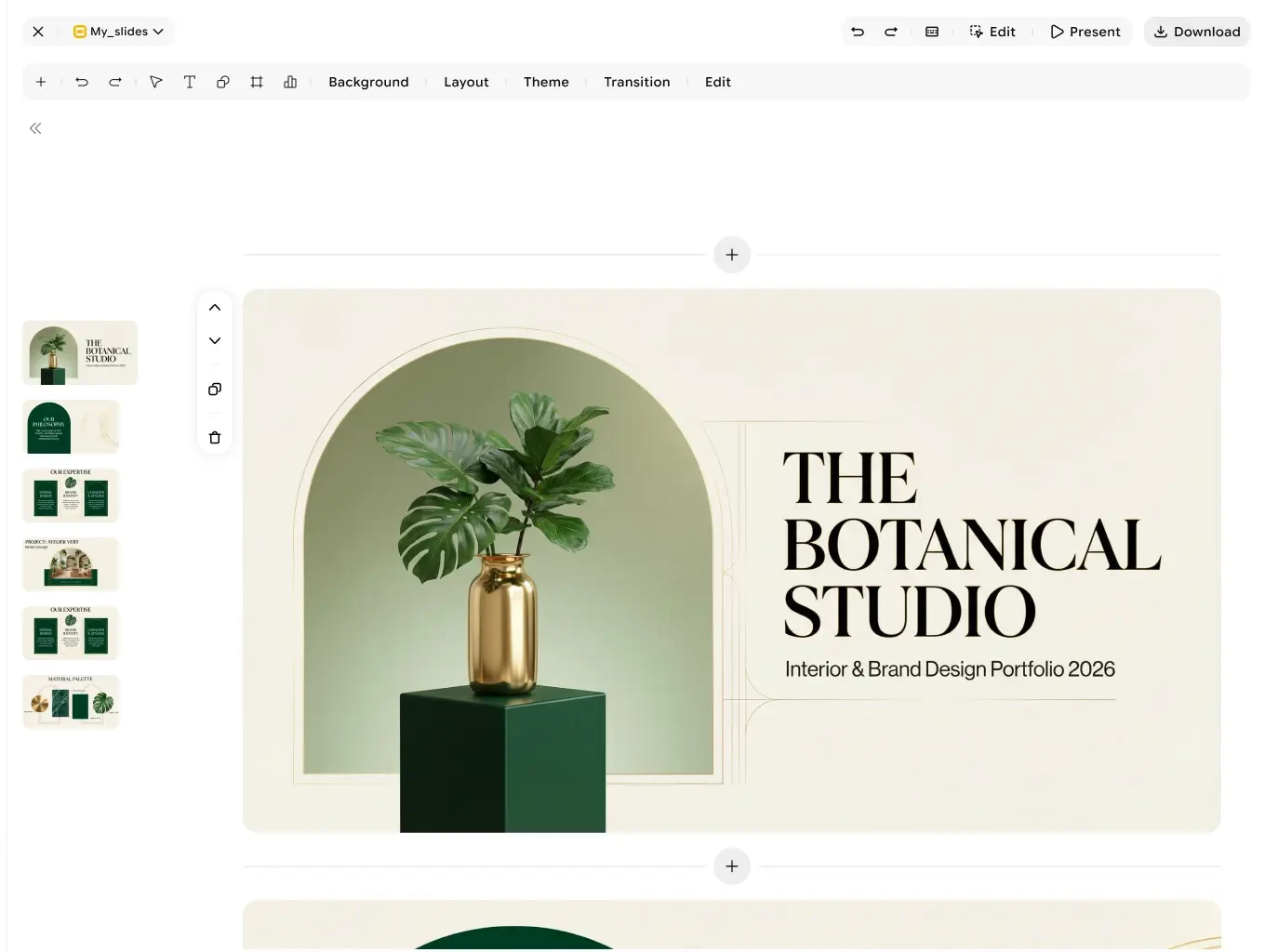
A fully designed, fully editable presentation. Export to PPTX, PDF, or PNG whenever you're ready.
Imagine Computer's free AI Slides crafts the right presentation for your specific goal, industry, and audience.
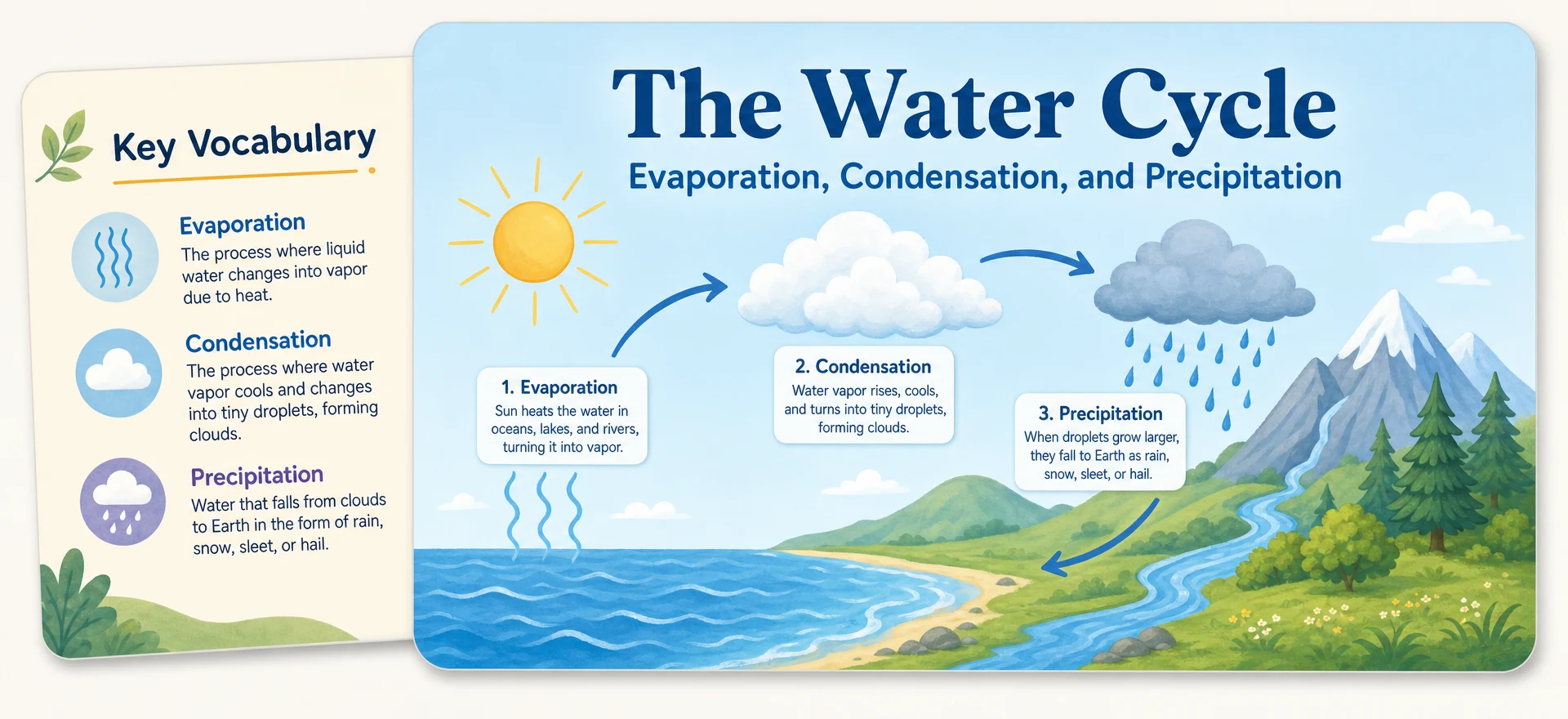
Looking for more? Here are answers to some of the most common presentation related queries.
A conversational presentation tool with dual Classic and Studio modes, turning a single prompt into a professional, on-brand deck.
Describe your presentation, refine the AI-generated outline, then generate and customize on the canvas. Edit text, images, and themes through prompts, and export as PDF or PPT.
Yes. Every slide is built from real elements: text, shapes, charts, and images, not a flat picture. Click anything to change it directly, or ask the agent to make the edit for you.
Classic mode gives you hands-on control over individual elements. Studio mode (Nano Banana) generates slides as complete AI images that you edit through prompts.
No. Every change is just one prompt away, so anyone can create a beautiful presentation without design expertise.
Templates give you a curated starting structure for the deck. Themes set the design direction: palette, typography, and spacing, so every slide lands on-brand.
About a minute from a single prompt. Decks with a lot of AI-generated images can take a little longer.
Yes. Attach your files alongside your prompt and Imagine Computer builds the presentation around your material instead of a generic take on the topic.
Pick a slide-count range when you start. Imagine Computer generates within it, and you can add, duplicate, or reorder slides afterward in the editor.
Yes. Ask the agent for exactly the change you want on that slide, or edit it by hand. Your other slides and any manual edits stay untouched.
Editable PowerPoint, PDF, or per-slide PNG images. The PPTX stays pixel-perfect to what you see in the editor, and you can keep refining it in PowerPoint, Keynote, or back inside Imagine Computer.
Your data is handled securely and used only to generate and improve your presentations. See our privacy policy for full details.
Skip the blank slide. Describe what you need and get a fully editable, presentation-ready deck in about a minute.
Get Started Now