
ImagineArt 2.0 Edit
Compose with images. Direct with one line.
Bring the subject. Bring the scene. Bring the wardrobe. Write one instruction. ImagineArt 2.0 Edit composes a frame you couldn't have shot.
Images

![]()
Compose with images. Direct with one line.
Bring the subject. Bring the scene. Bring the wardrobe. Write one instruction. ImagineArt 2.0 Edit composes a frame you couldn't have shot.
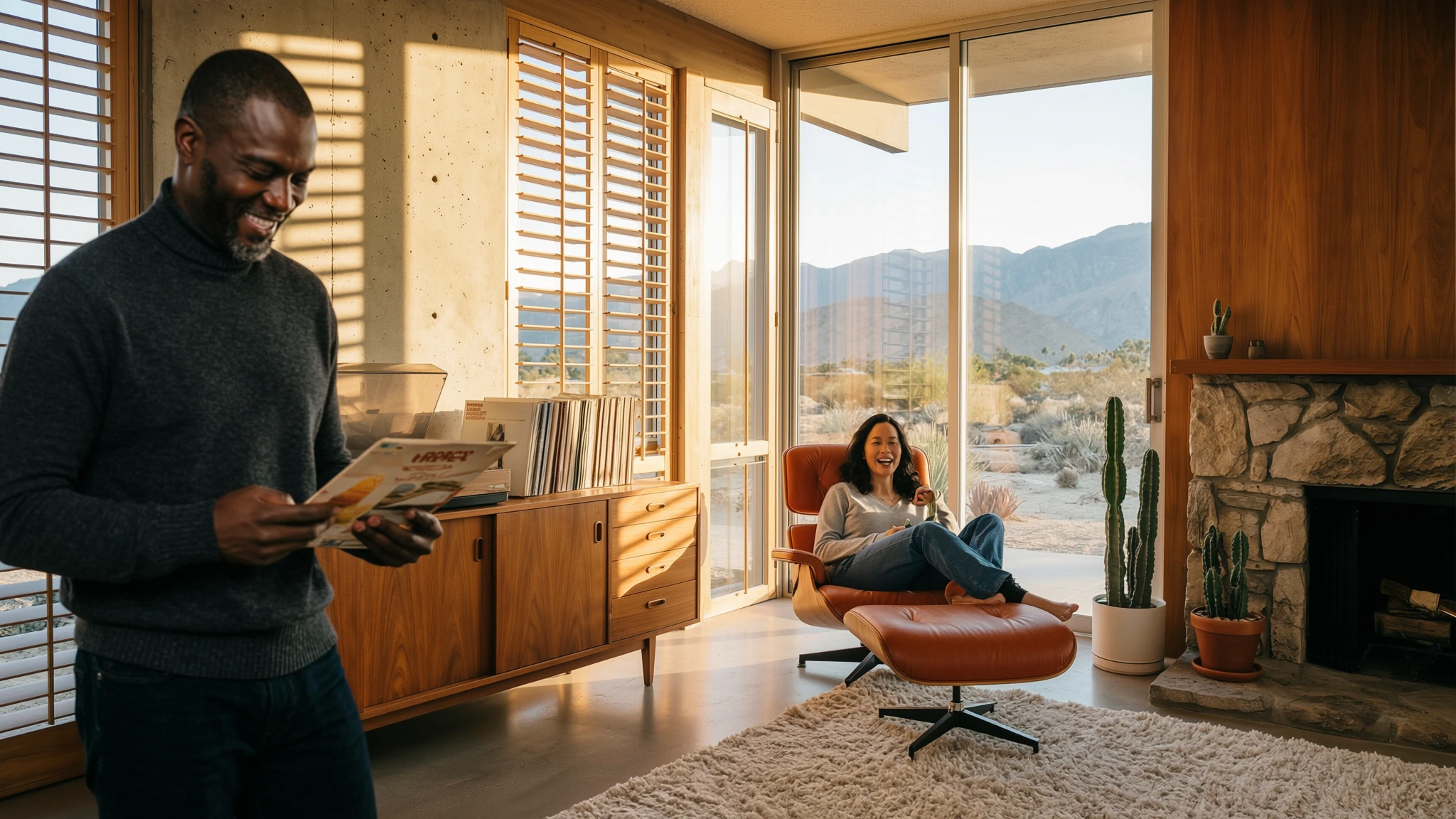
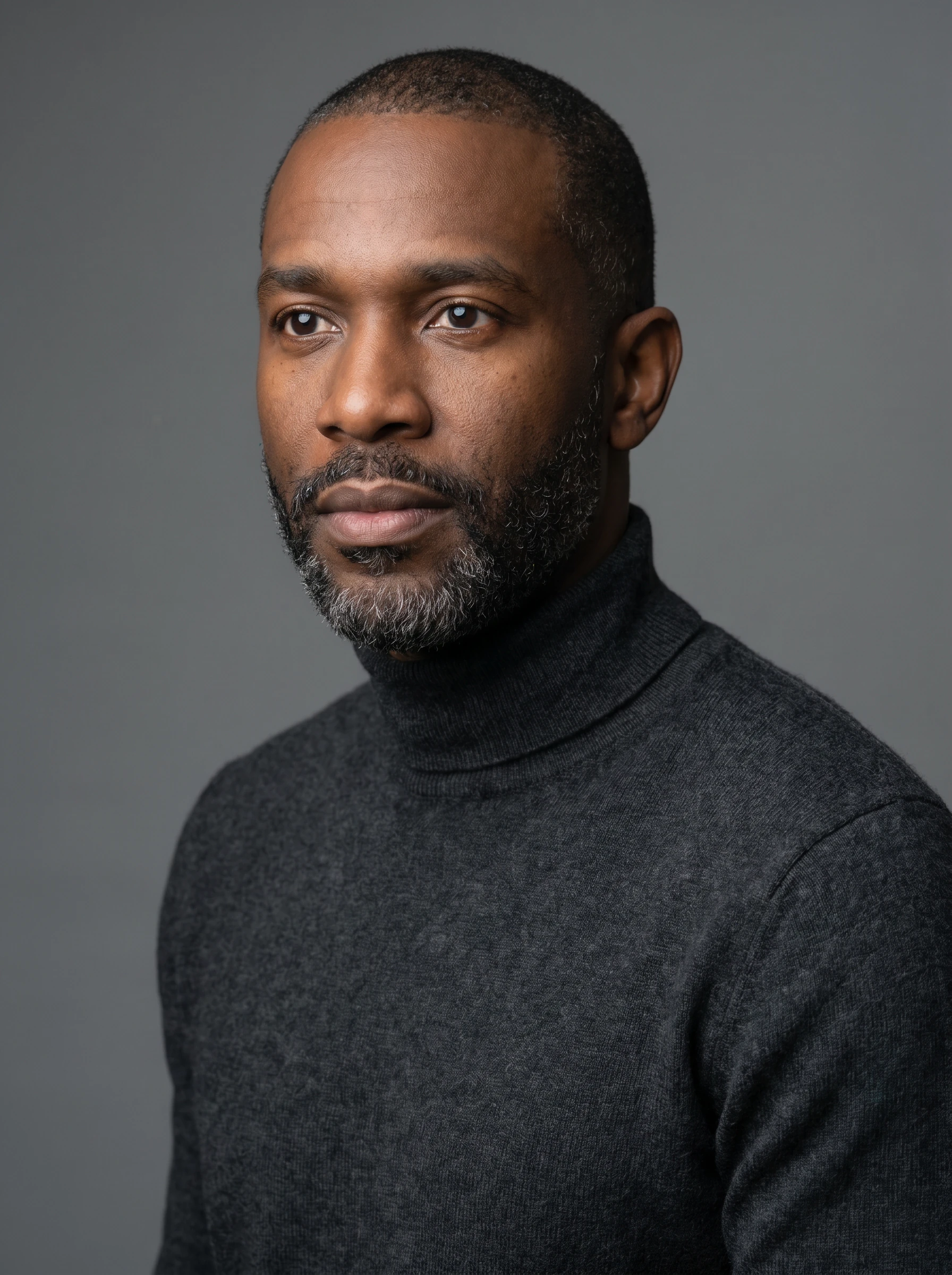
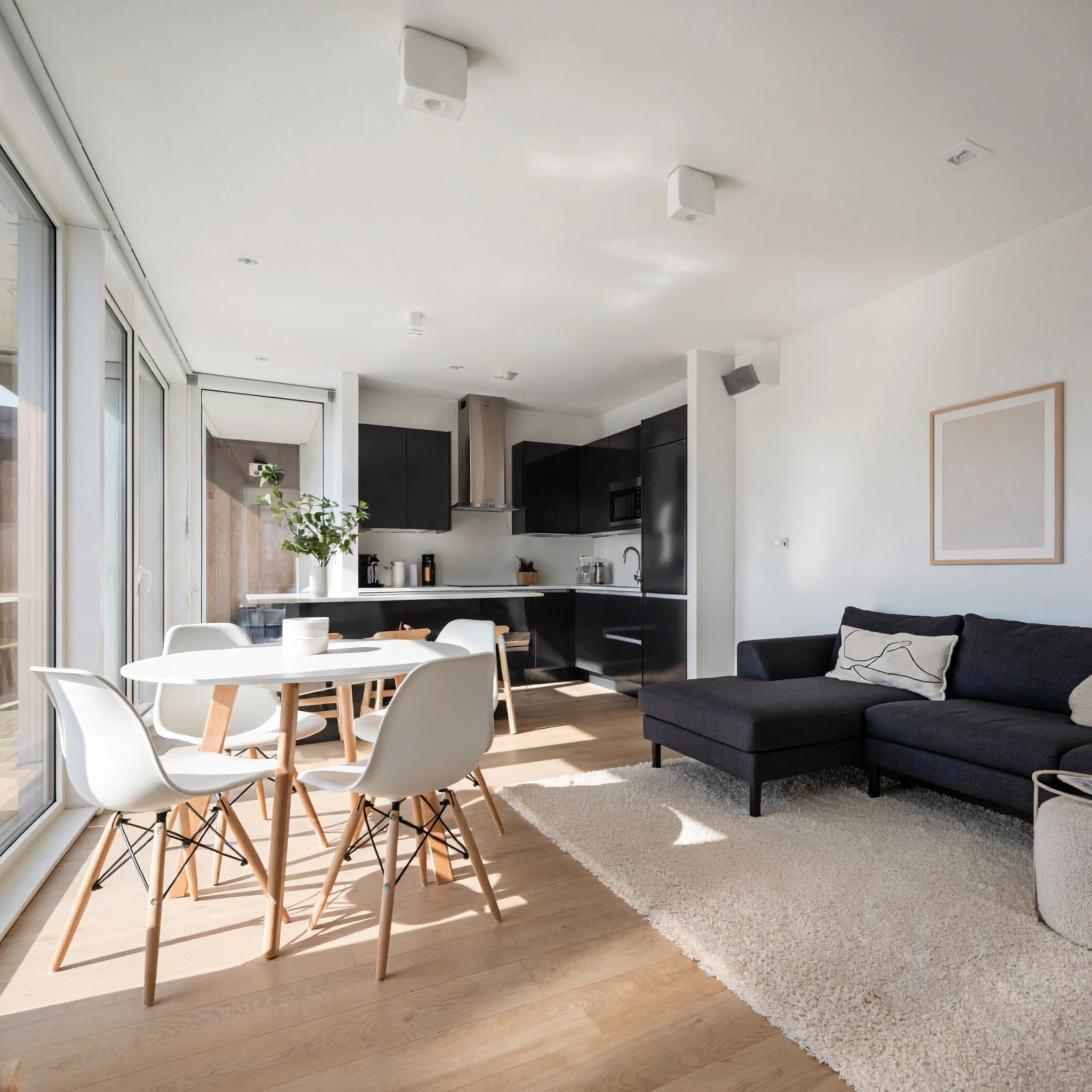
Two people, a product, a place — composed into one frame. Up to four images, intentionally arranged.
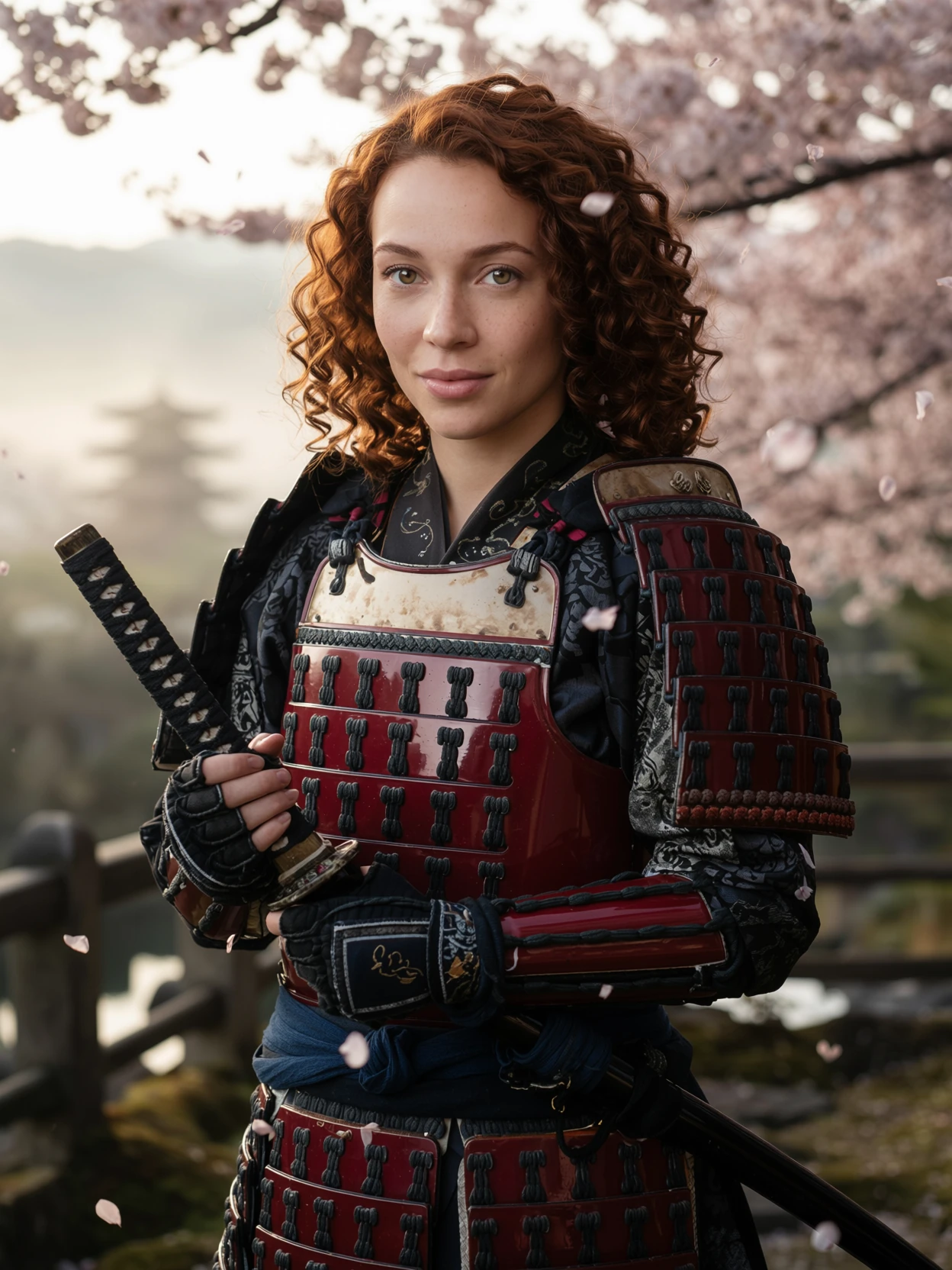
One input portrait. Eight cinematic worlds. Identity preserved scene after scene.
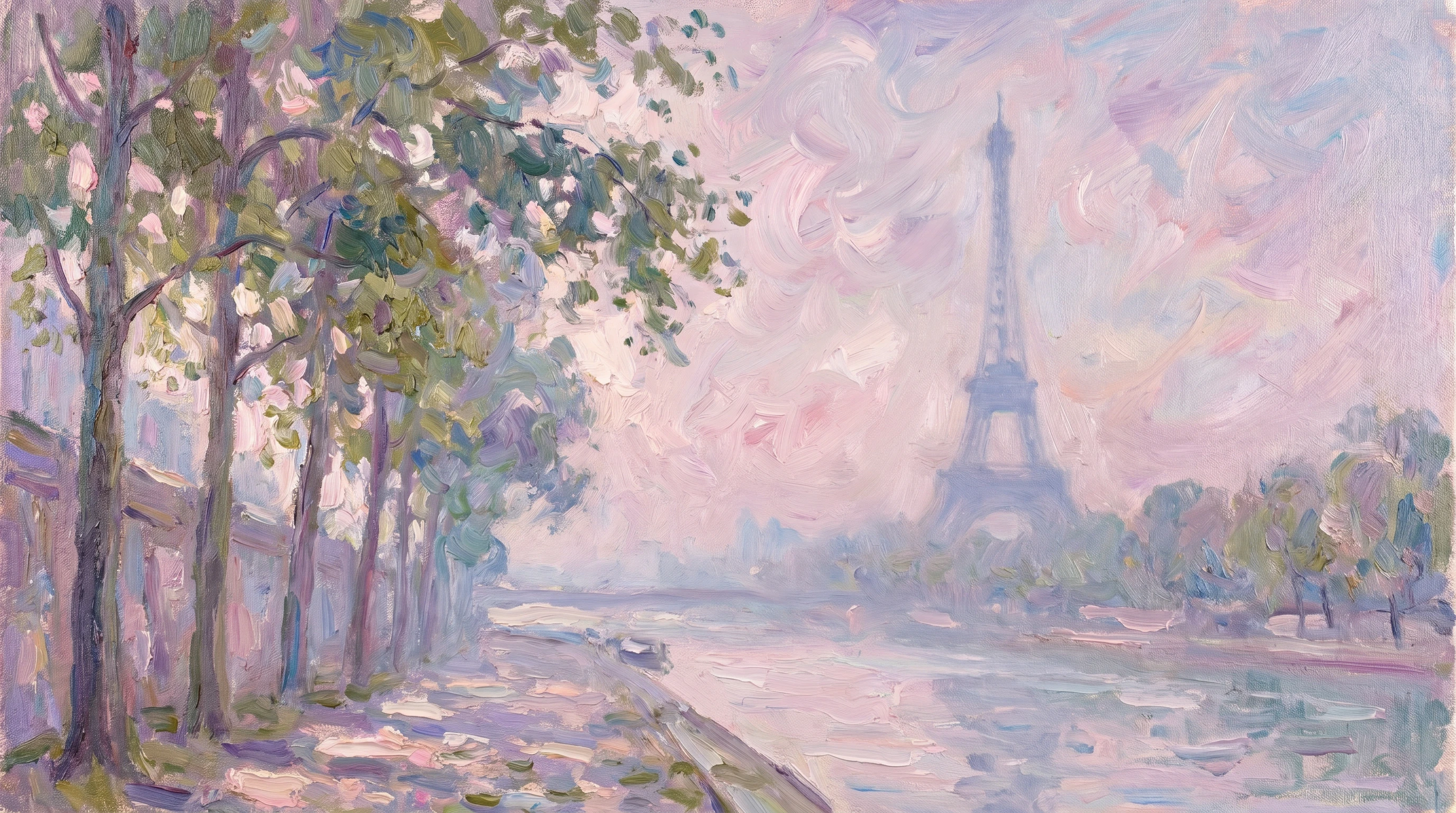
Painterly aesthetics. Film-stock transfer. Brand-aligned grading.
Most editing models choose between subject fidelity and scene fidelity. ImagineArt 2.0 Edit holds all of them at once — character likeness, wardrobe fidelity, environmental light, and chemistry between the subjects — in a single composed image. Direct a scene the way a director casts a film, and locations it.
See more compositions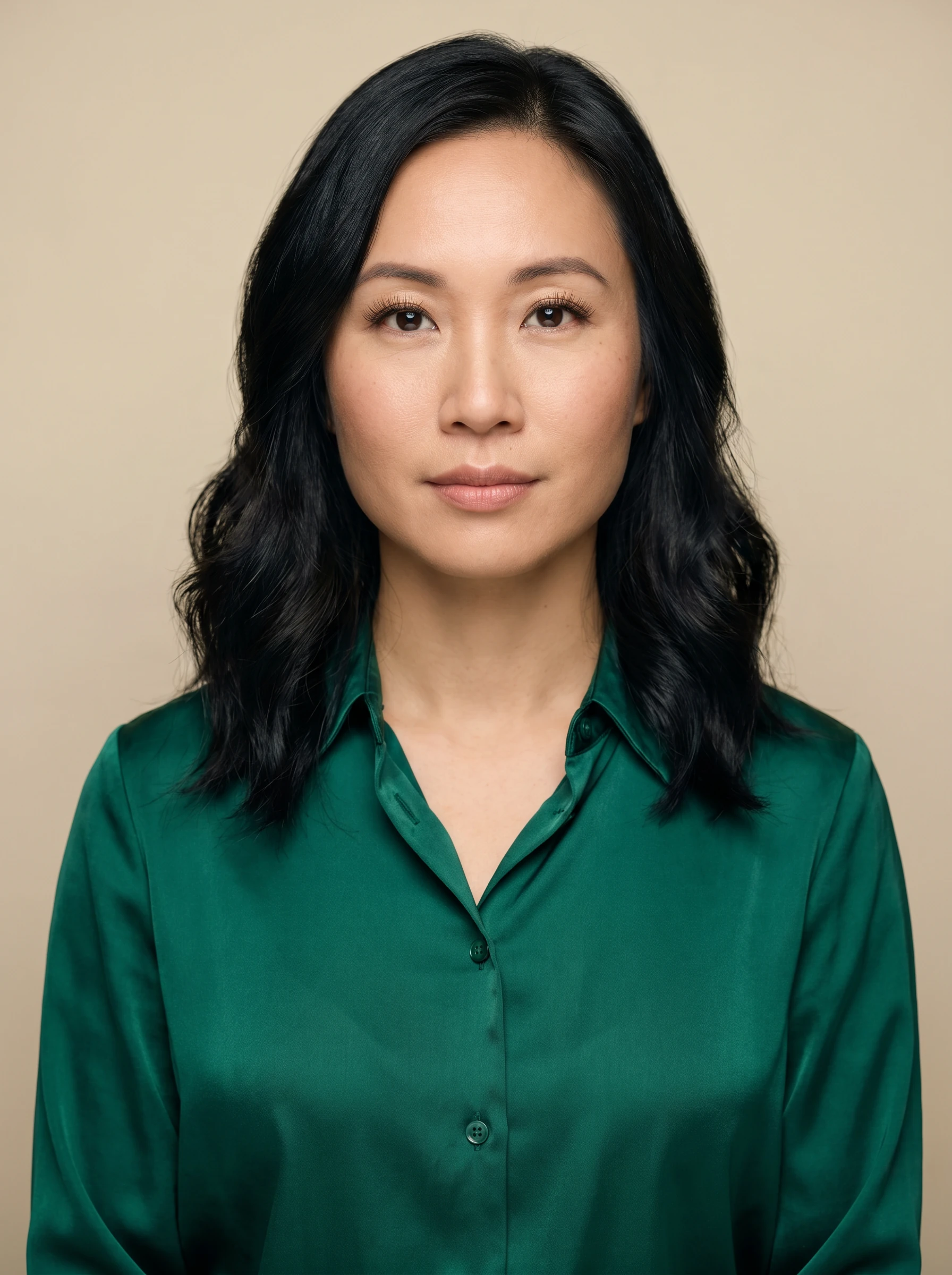 01
Subject A
01
Subject A
 02
Subject B
02
Subject B
 03
Scene
03
Scene
 Output · 16:9
Place both subjects together at a wooden dining table inside a luxurious villa interior — facing each other, engaged in natural conversation, sharing subtle laughter and expressive eye contact.
01
Subject A
02
Subject B
 03
Scene
03
Scene
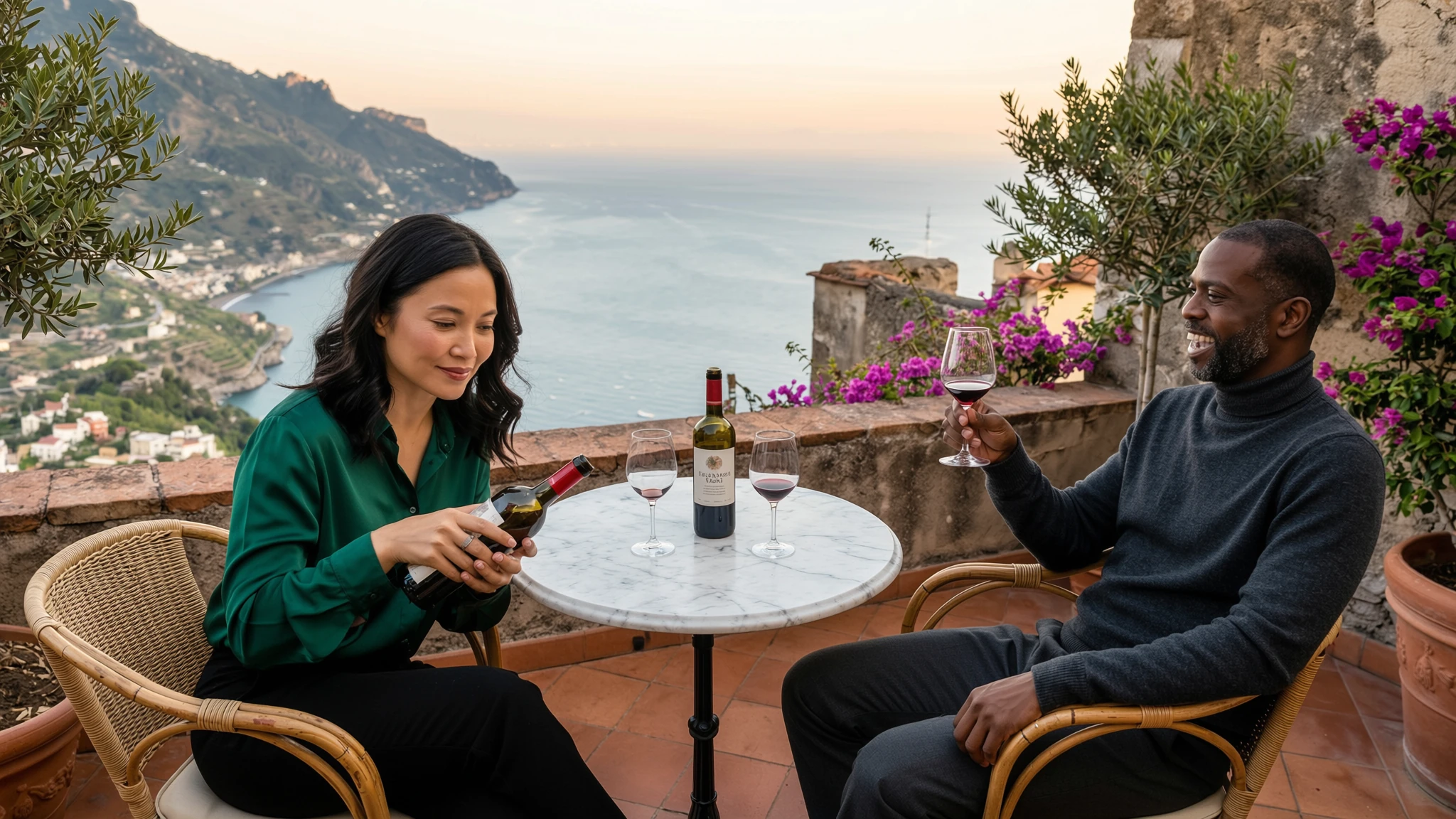 Output · 16:9
Same two subjects — re-cast to a new location. Identity, wardrobe, and chemistry travel together; the terrace light wraps both of them as if they were photographed there.
Consistency reads at a glance only when you can see many outputs together. A single portrait — flapper, astronaut, samurai, rock star — and the same identity walks unchanged into every frame.
See more identities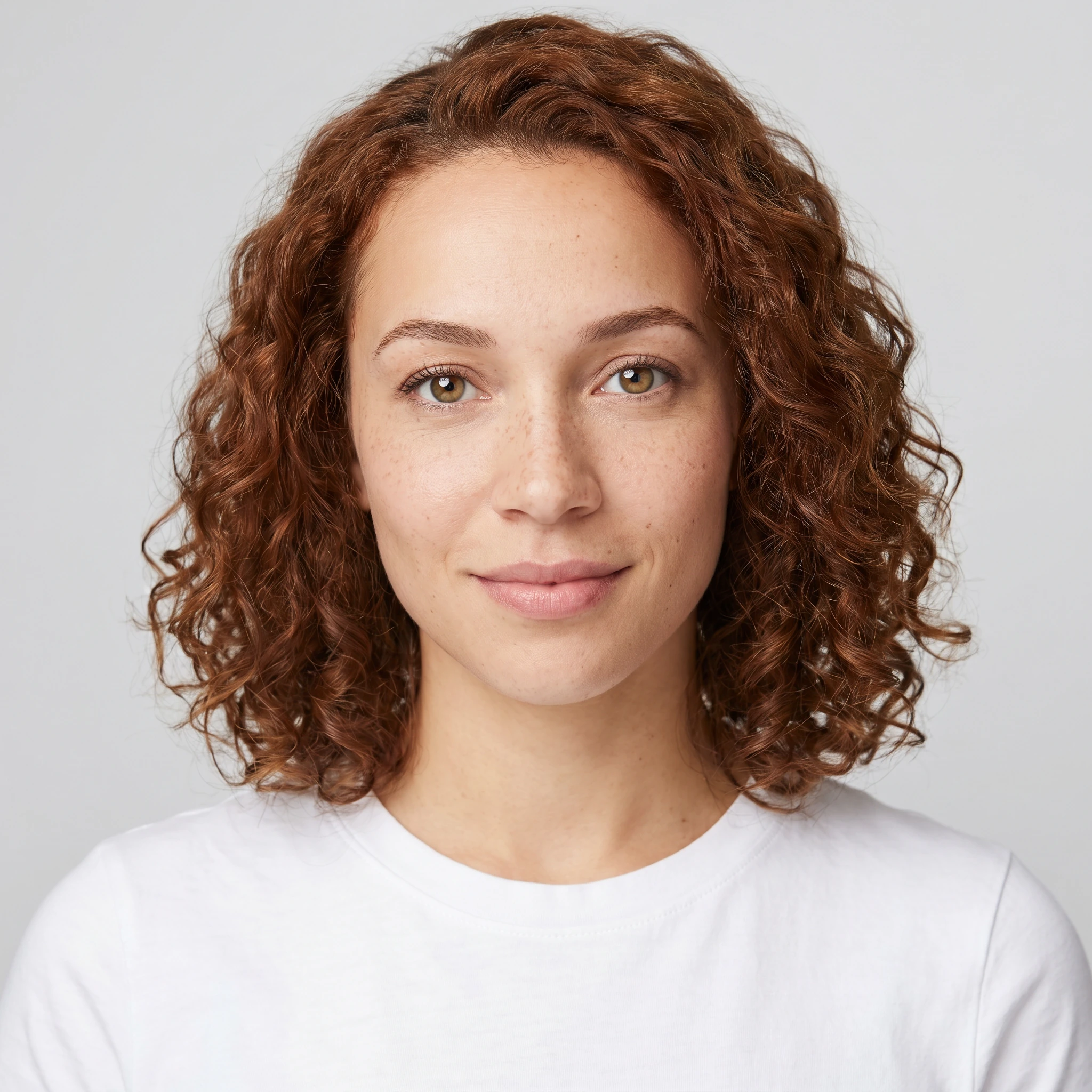 Input · 1 of 1
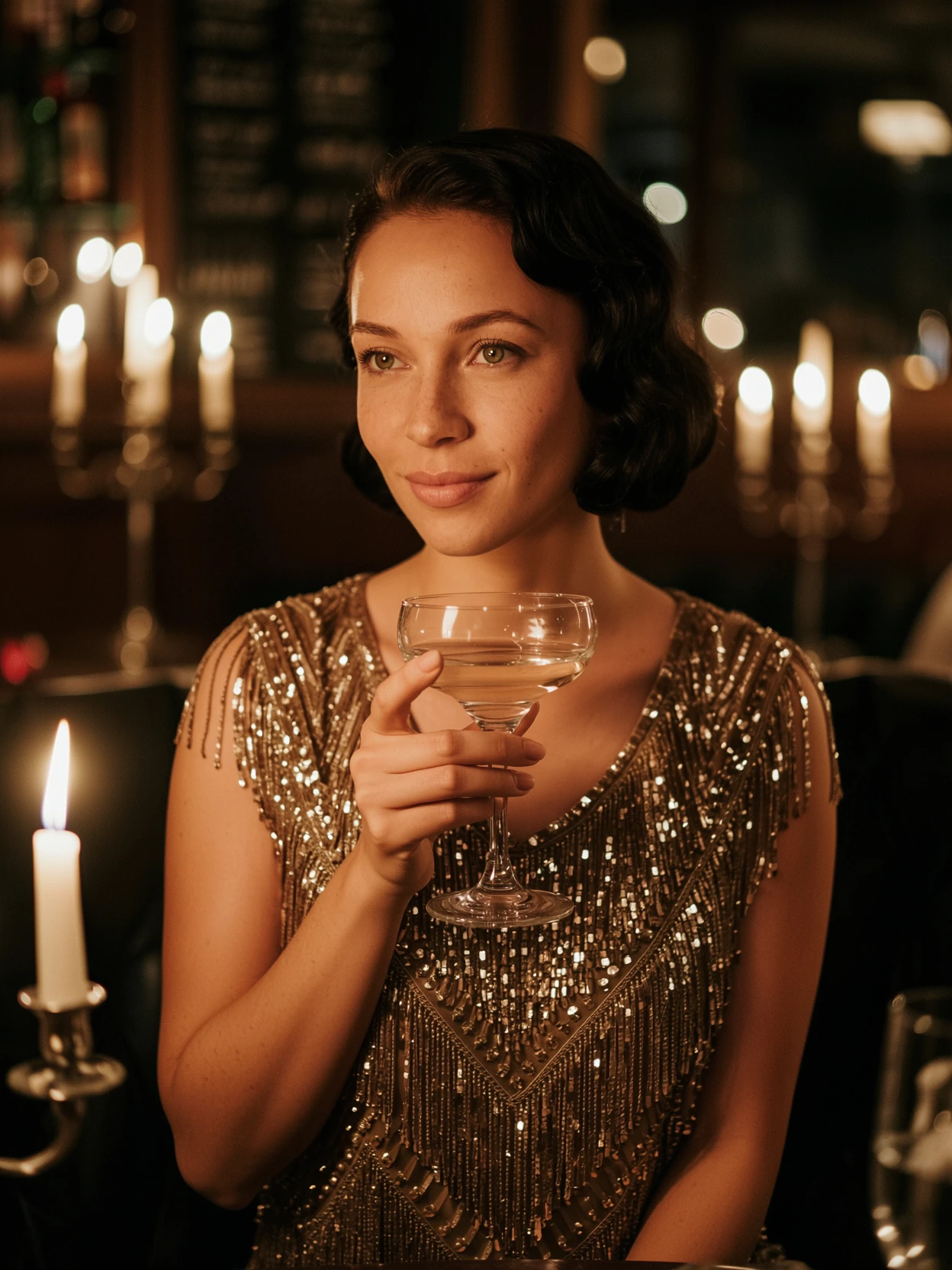
1920s speakeasy, beaded fringe, champagne coupe.

Astronaut in the ISS cupola, Earth below.
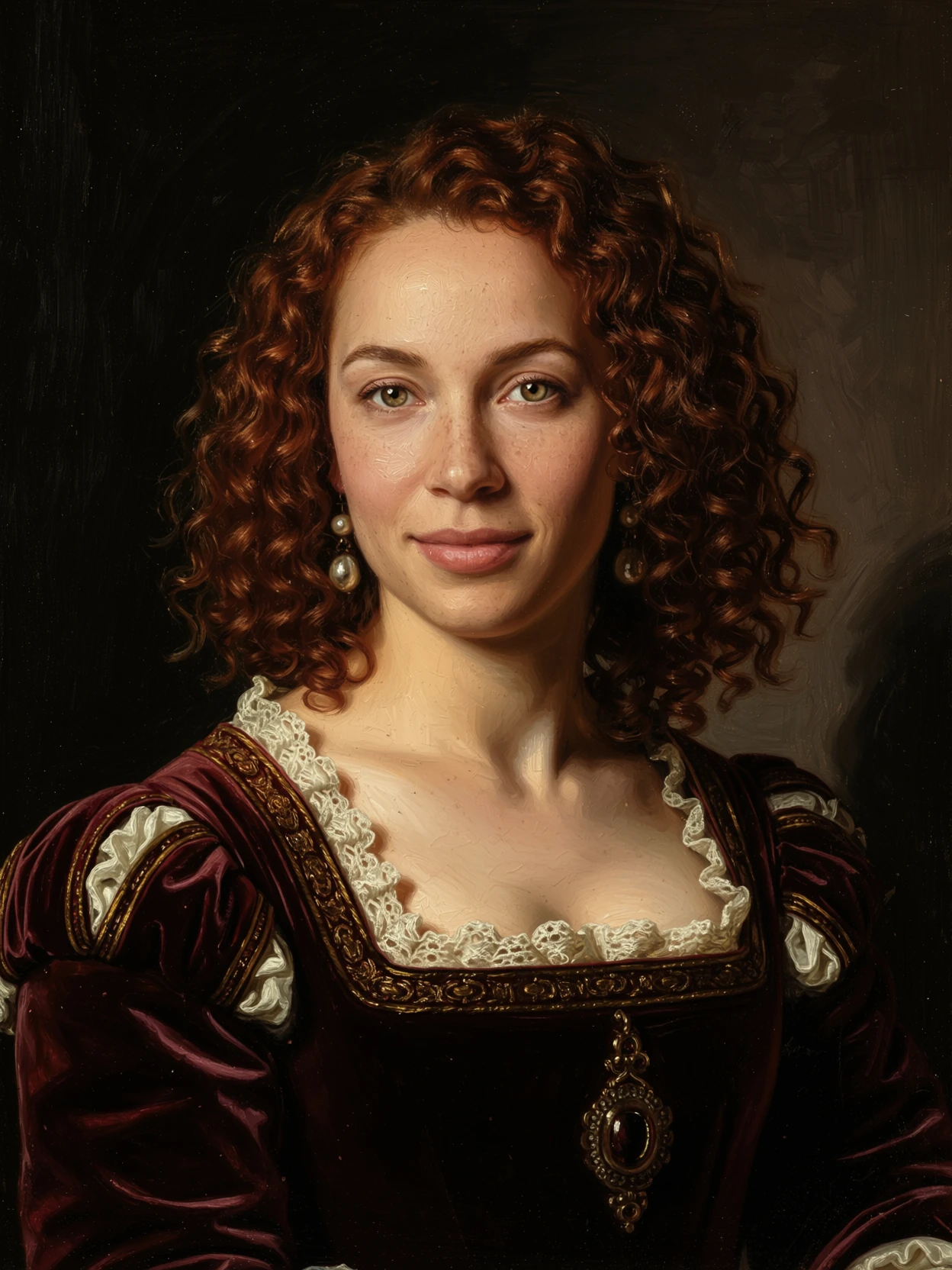
Renaissance noblewoman — Rembrandt sfumato.
Samurai at dawn, lacquered red-and-black armor.
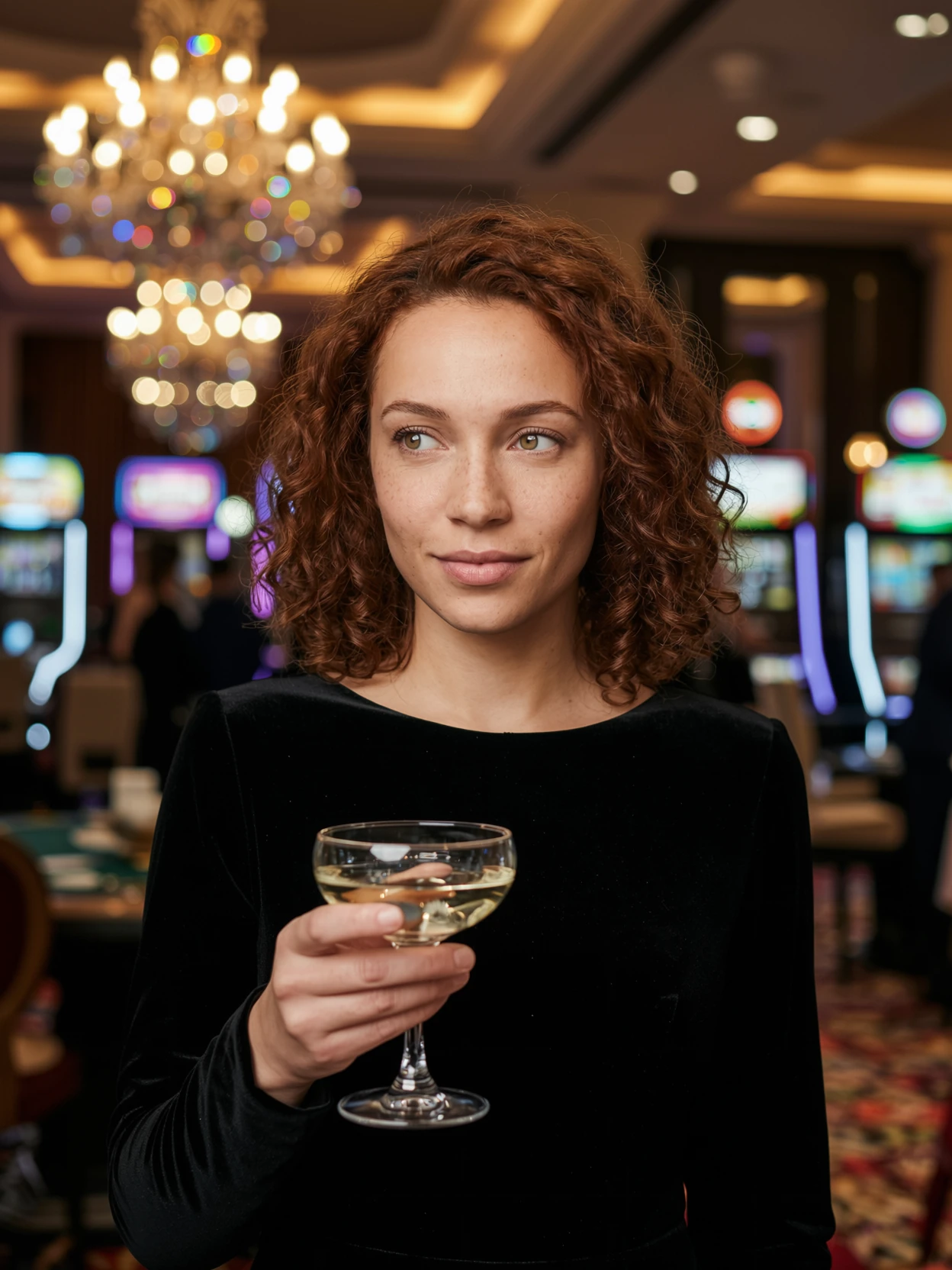
Bond-style spy, Monte Carlo casino, neon glass.
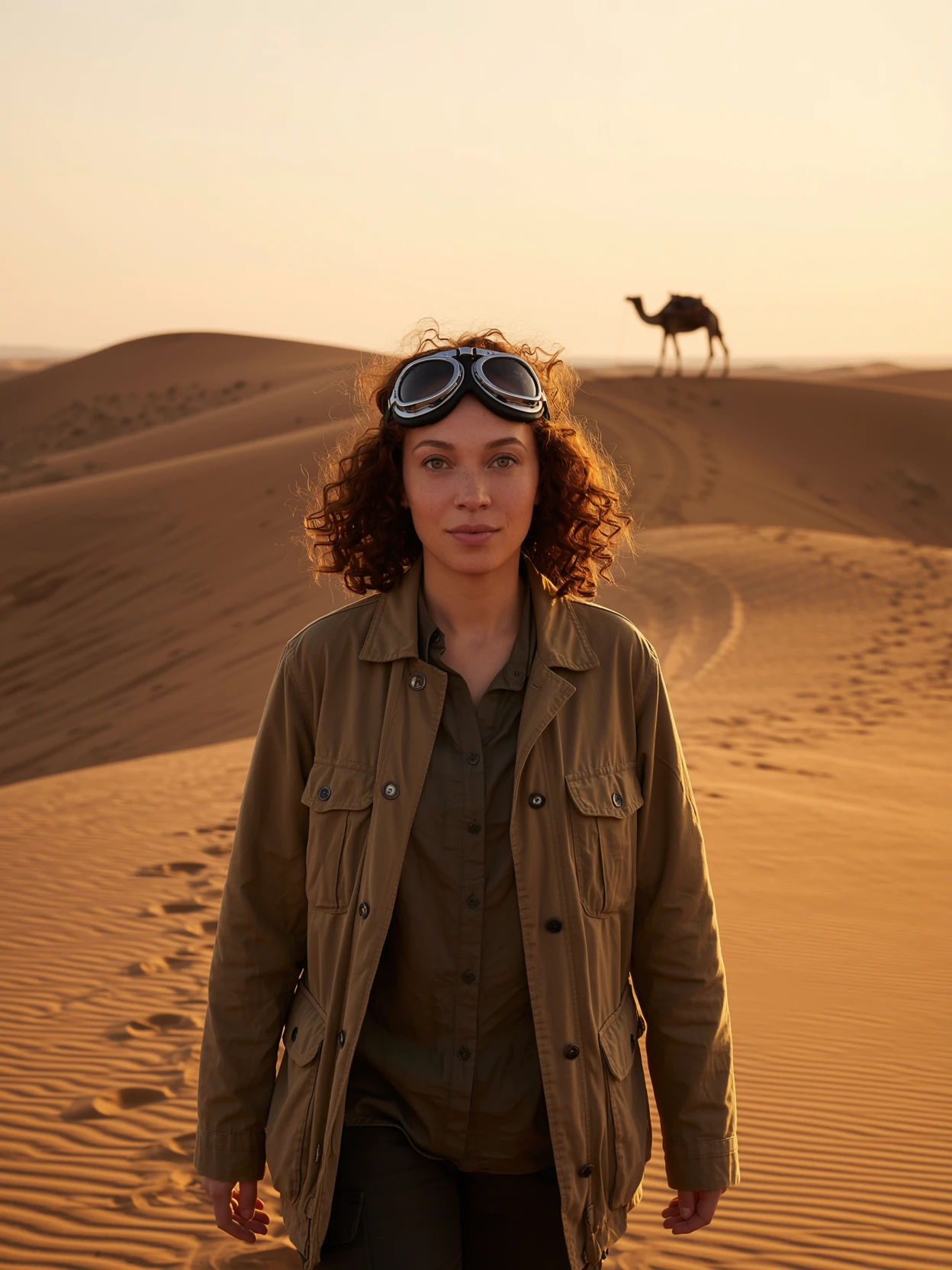
Saharan explorer at golden hour, camel silhouette.
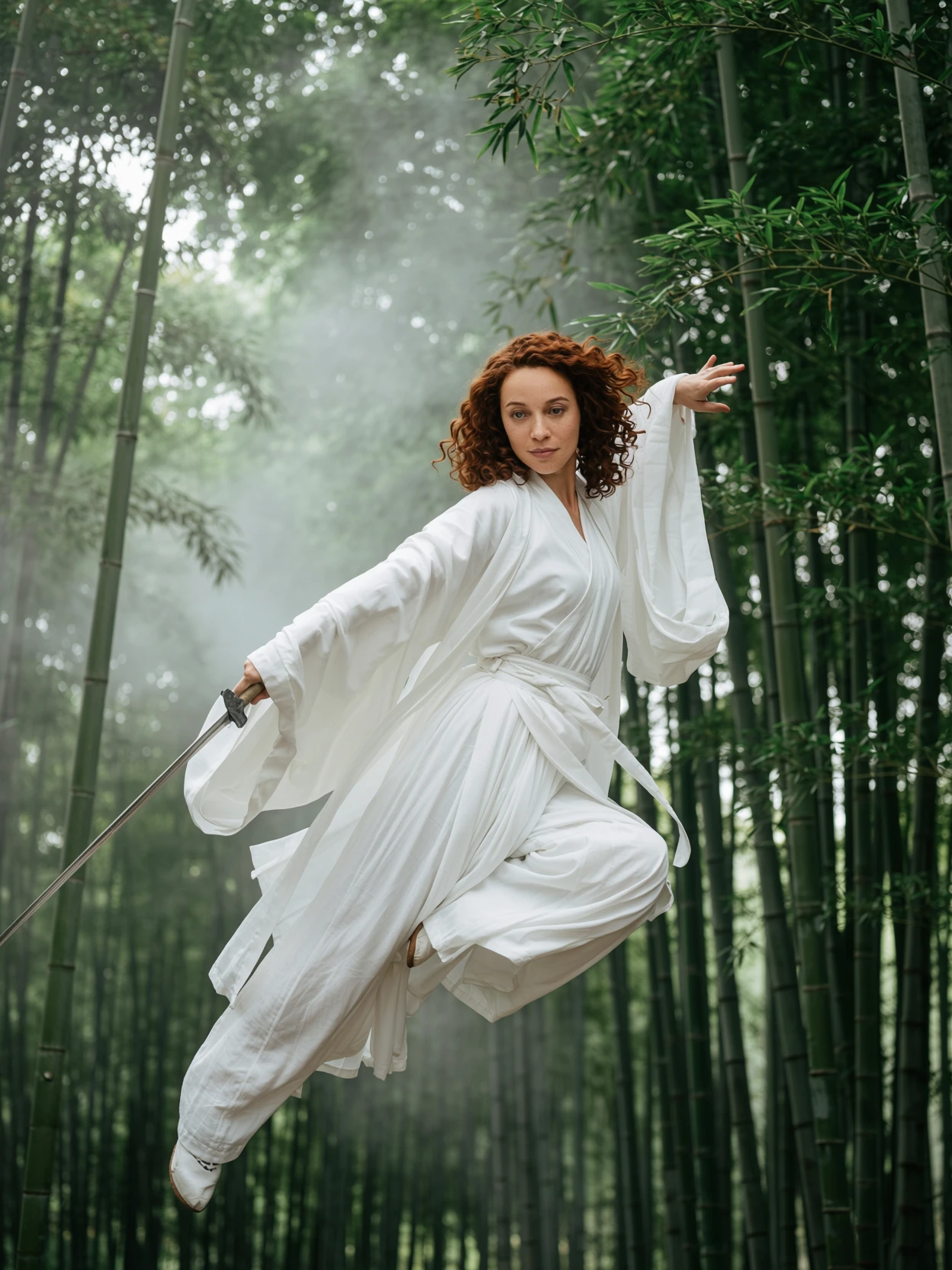
Wuxia heroine above the bamboo forest.
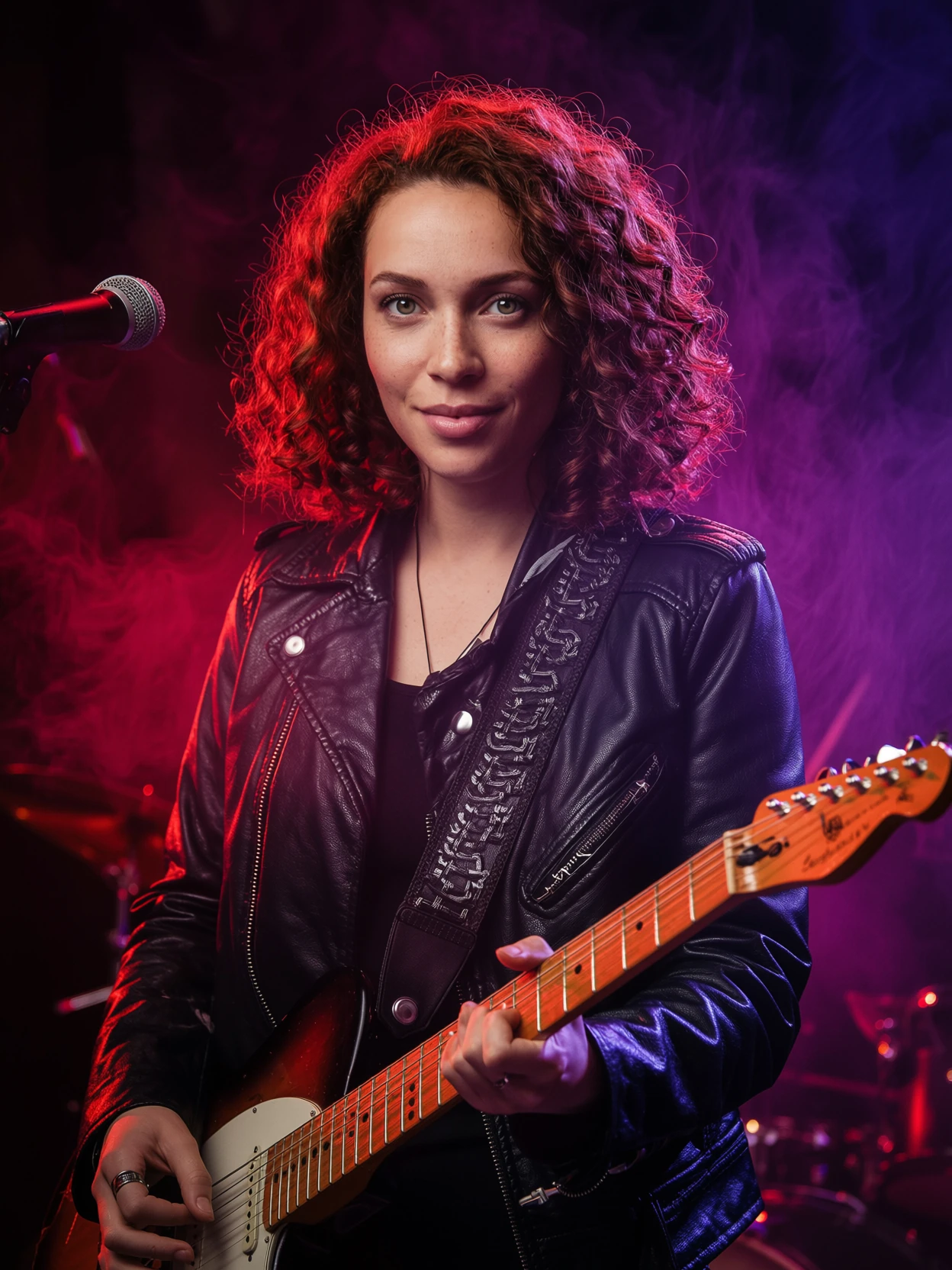
'70s rock musician — Annie Leibovitz stage glow.
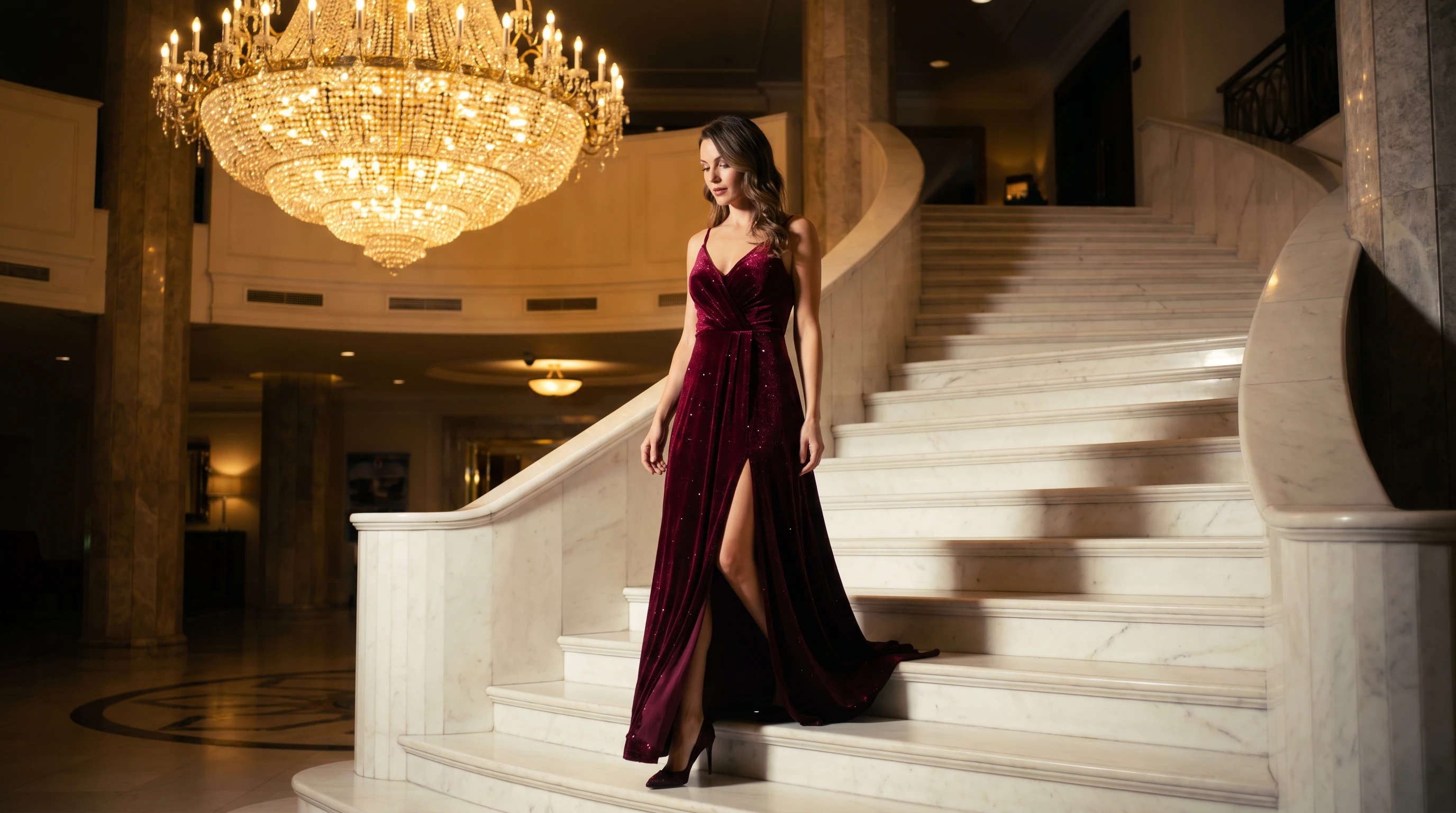
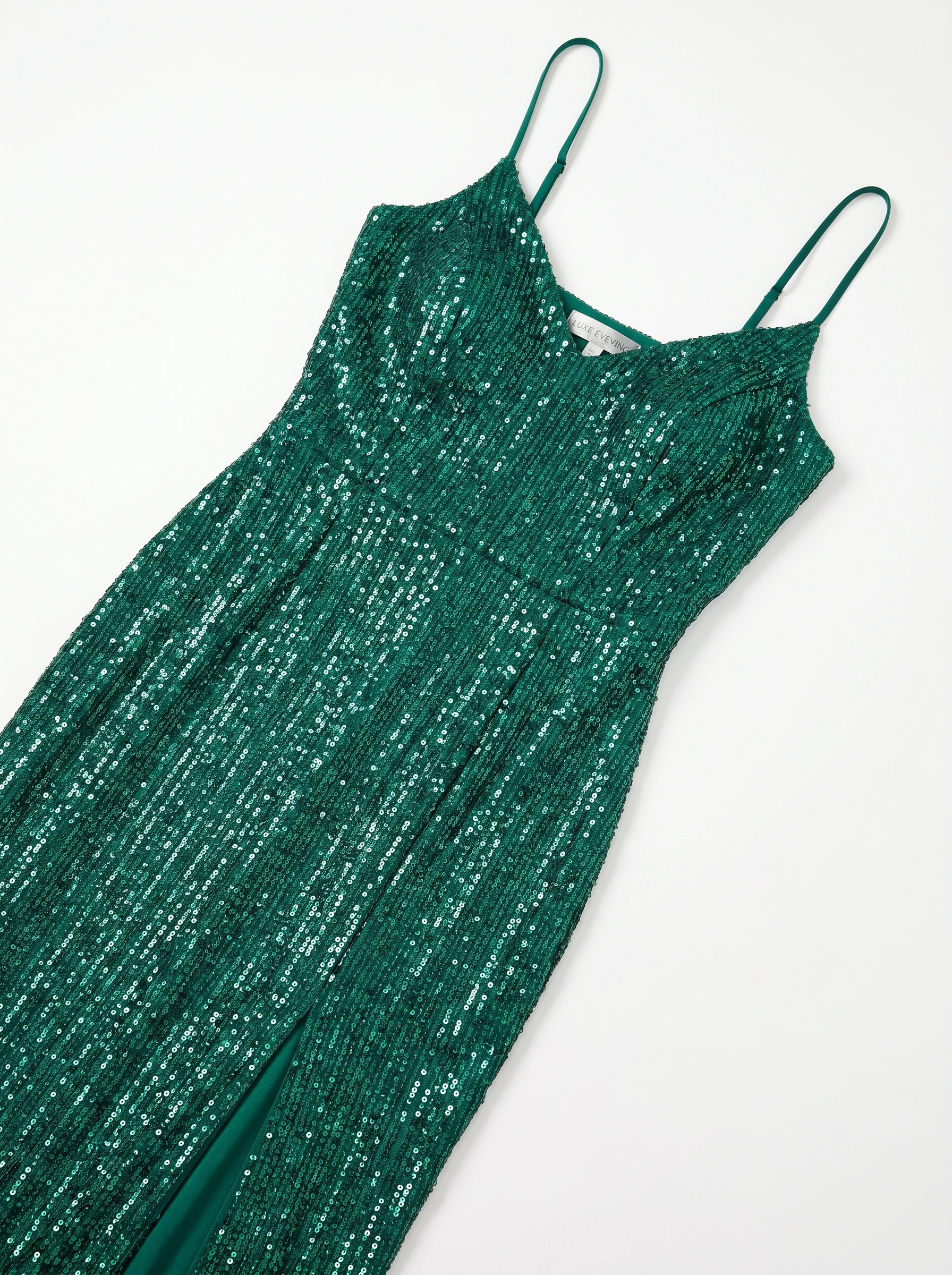
Hand the model a garment photo — the gown's sequins, the jacket's seams, the fabric's drape — and ImagineArt 2.0 Edit re-clothes the subject without losing face, body proportion, or pose. Editorial-grade fabric reflection and shadow, in one generation.
See more swaps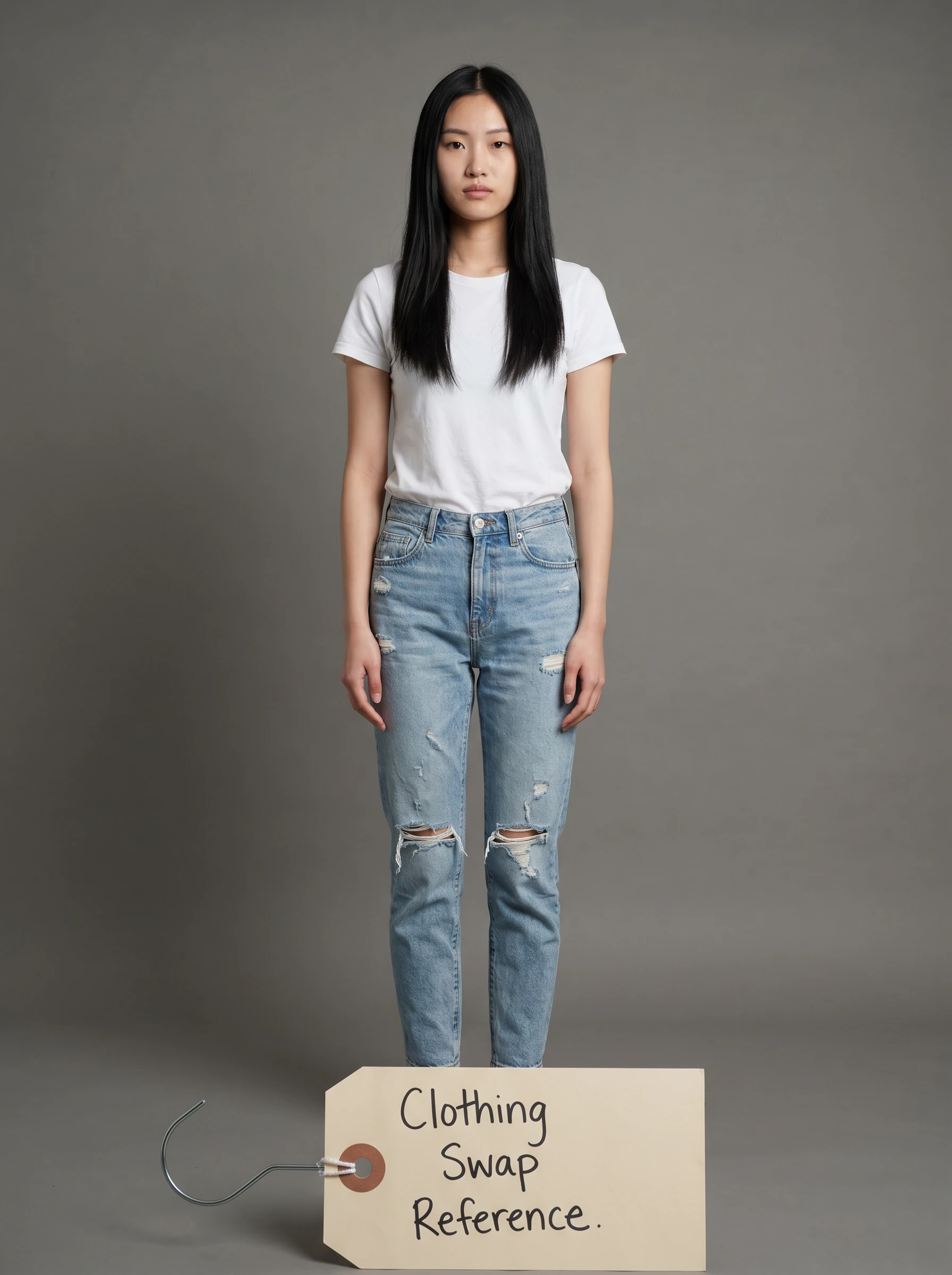 01
Model
01
Model
 02
Garment
02
Garment
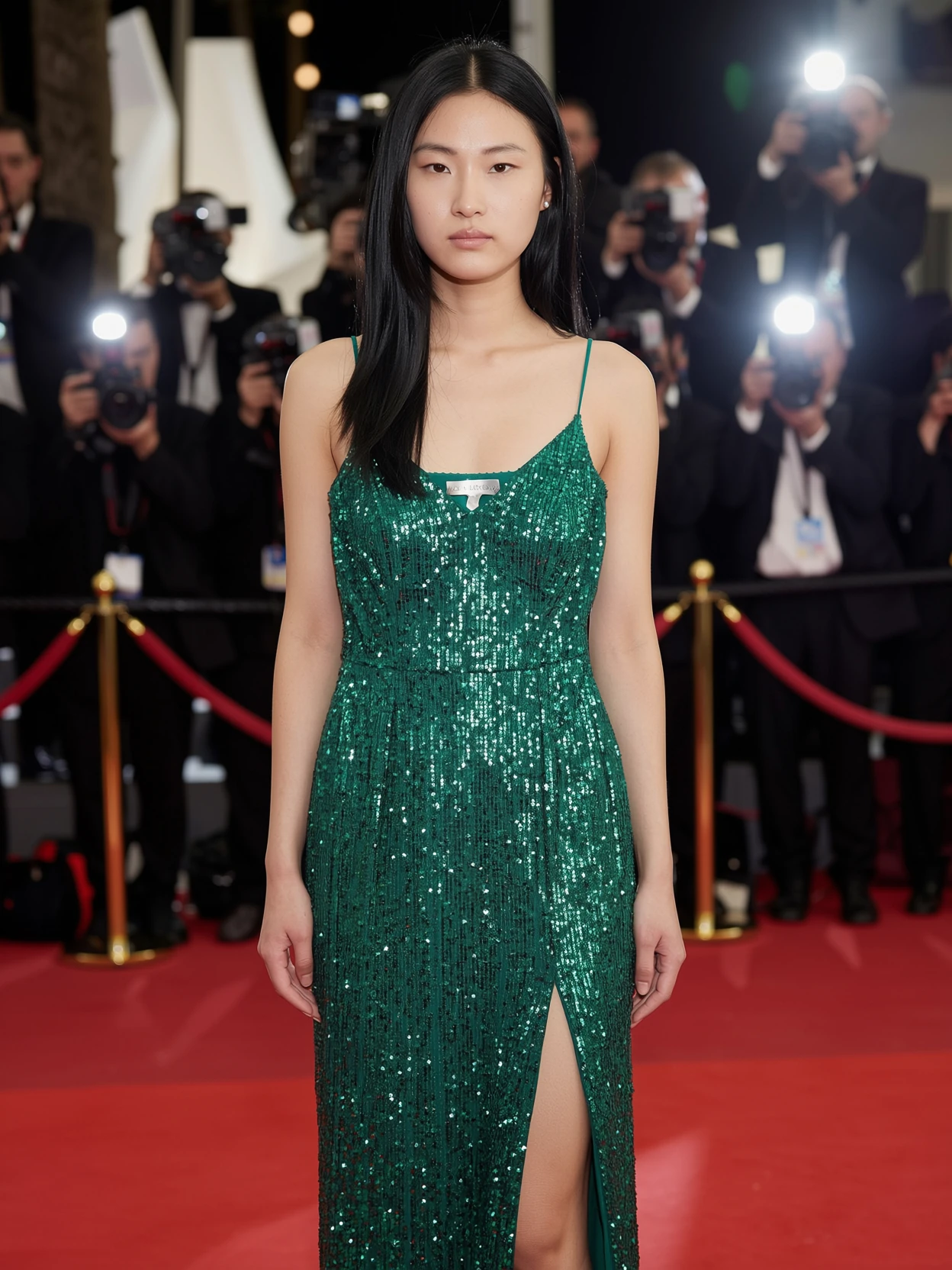 Output · 3:4
Every sequin lands. Face, body, and pose preserved. Subtle red-carpet bokeh added on direction.
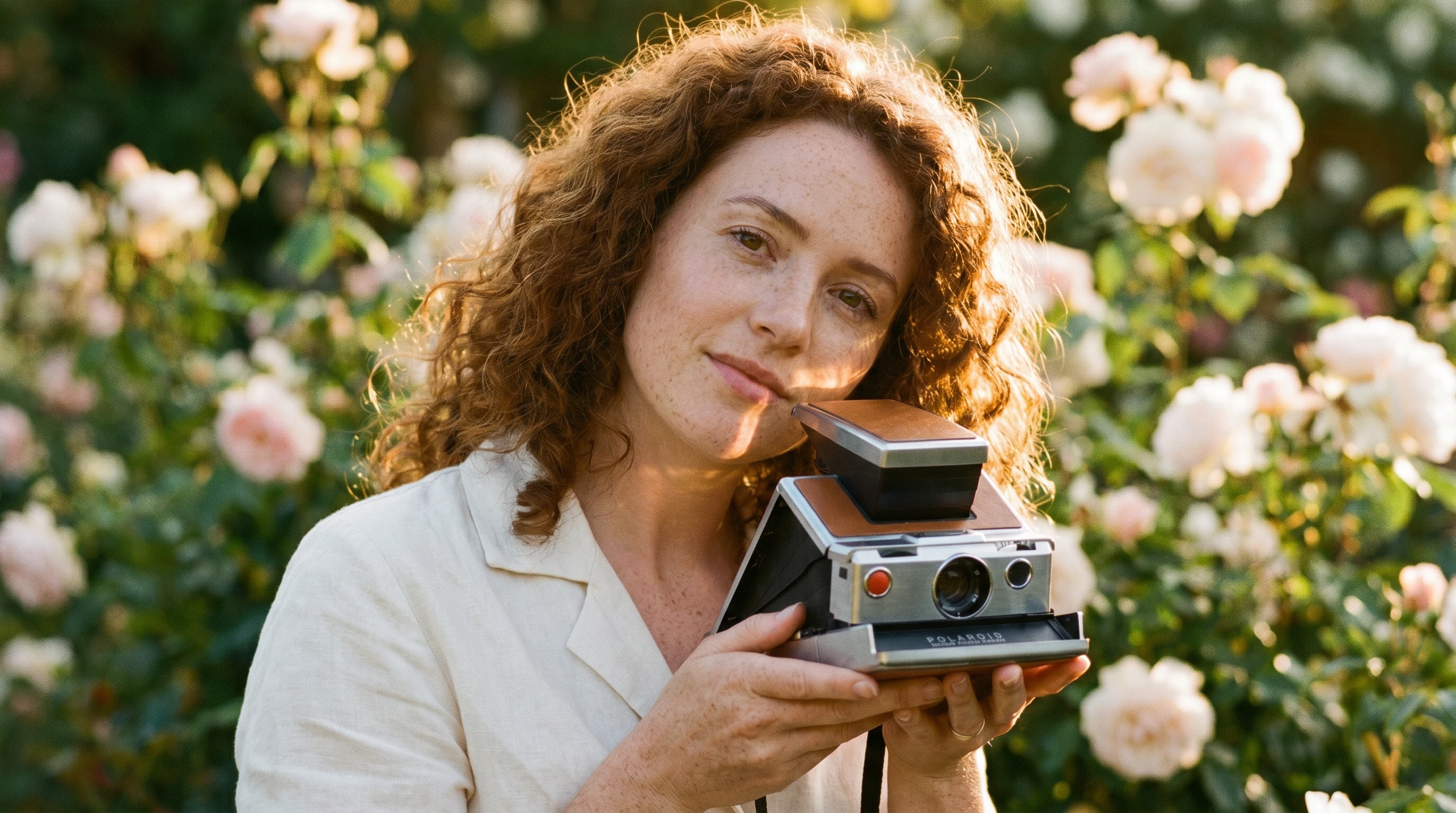
E-commerce composites used to mean three days, a studio, and a retoucher. Hand a flat product shot and a casting portrait to ImagineArt 2.0 Edit — the model places the bag, stitches the leather, lands the brass hardware, and casts a real shadow under it.
See more product shots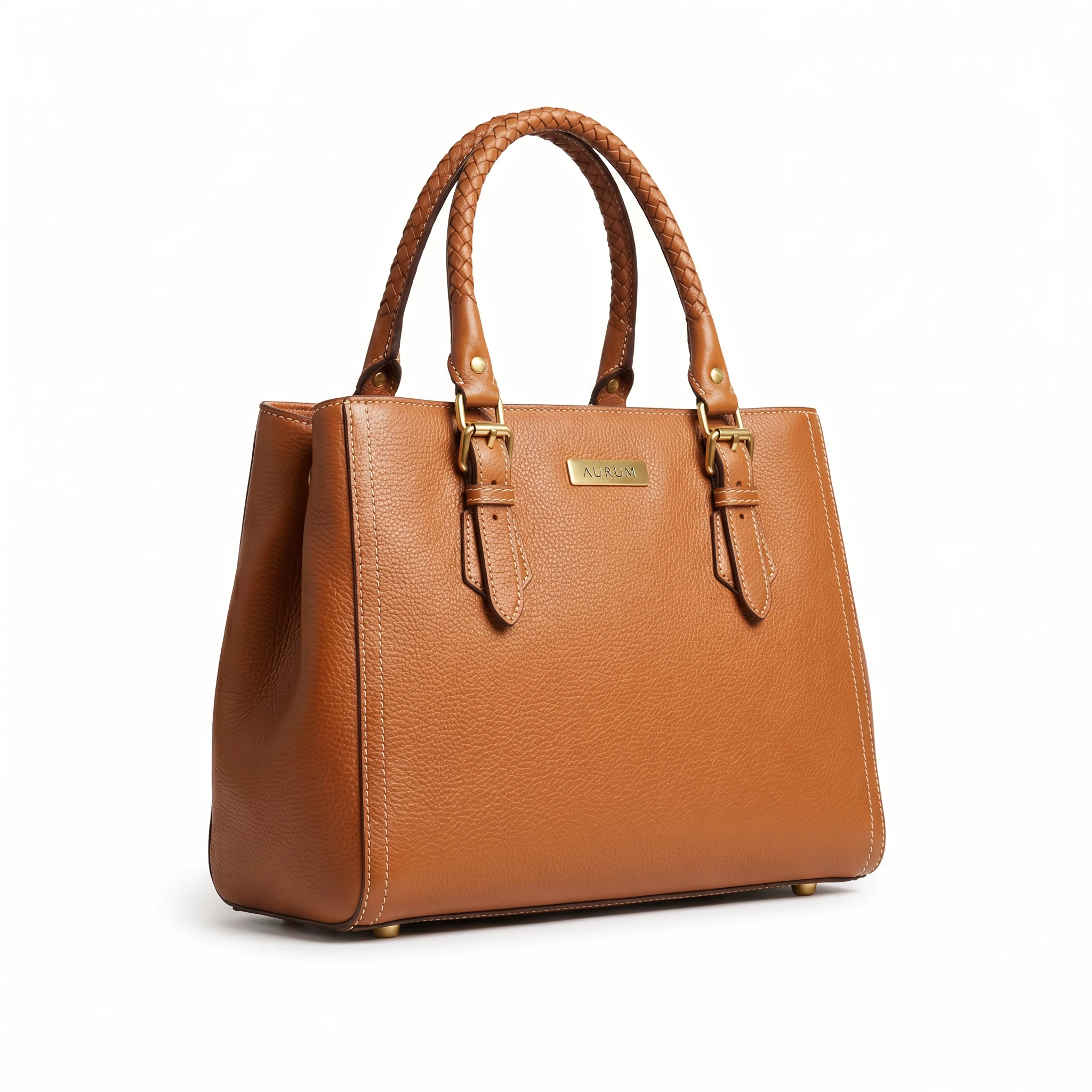 01
Product
01
Product
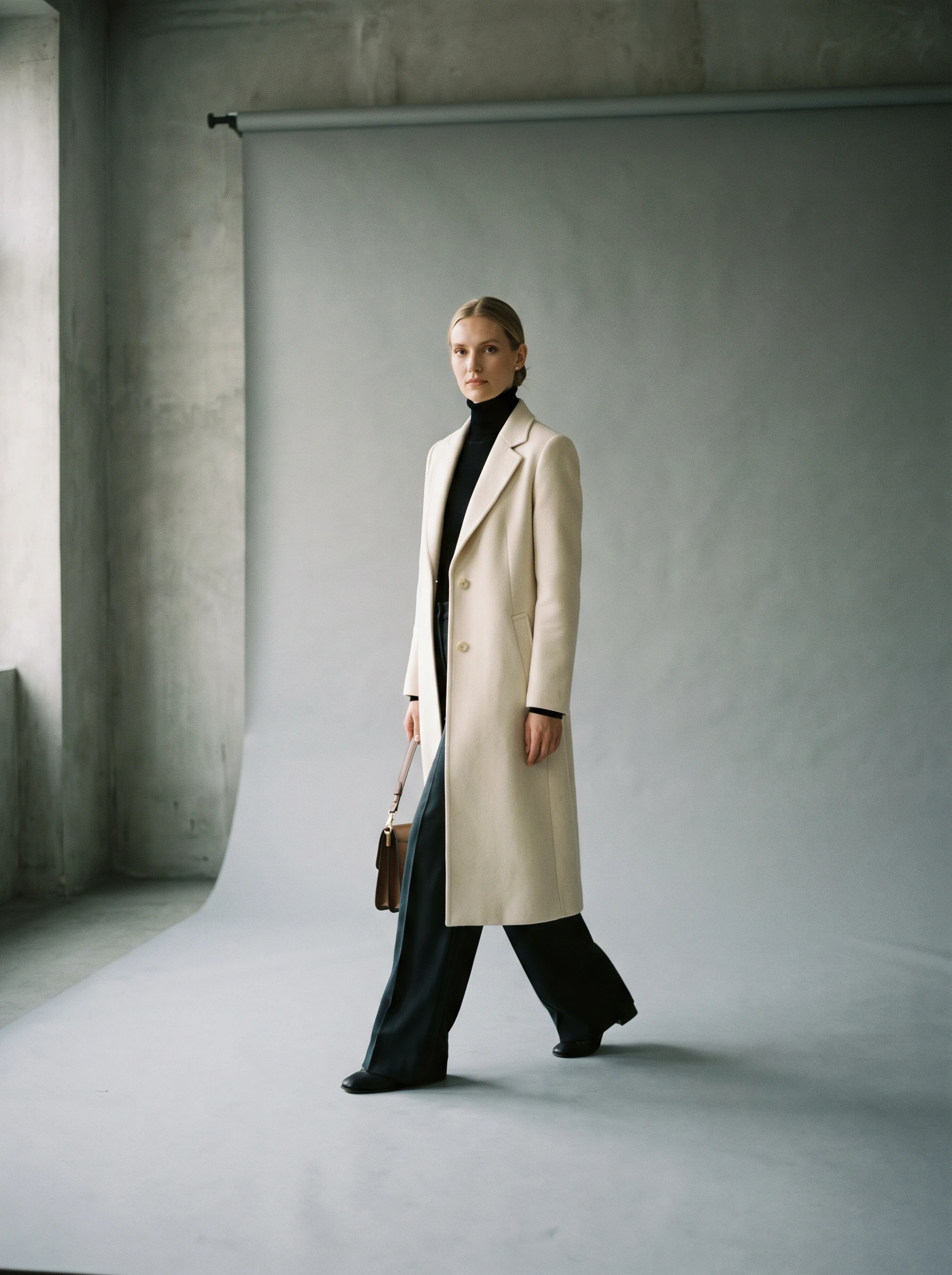 02
Model
02
Model
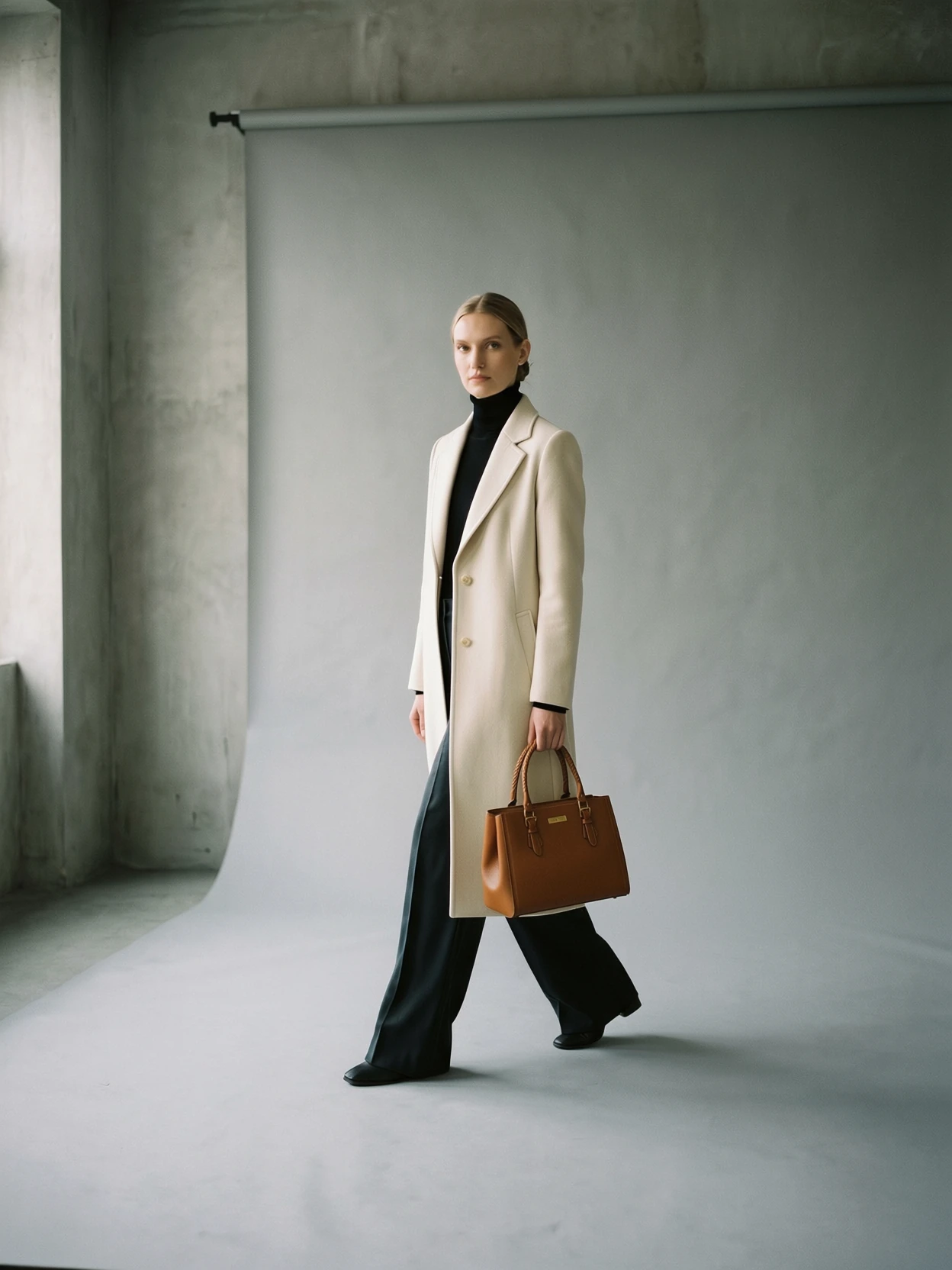 Output · 3:4
Pebbled grain, brass hardware, stitch count — preserved. The bag belongs in her hand.
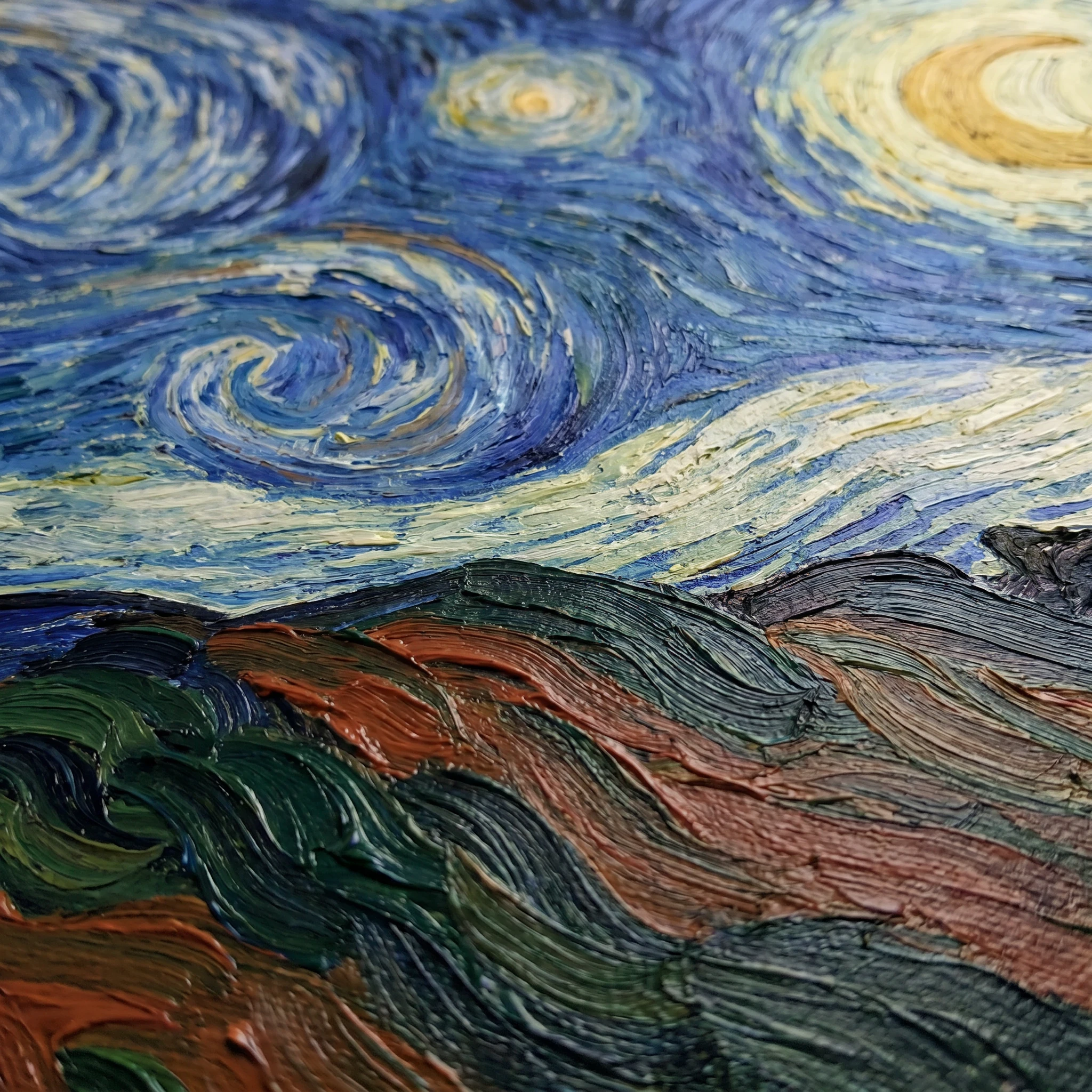
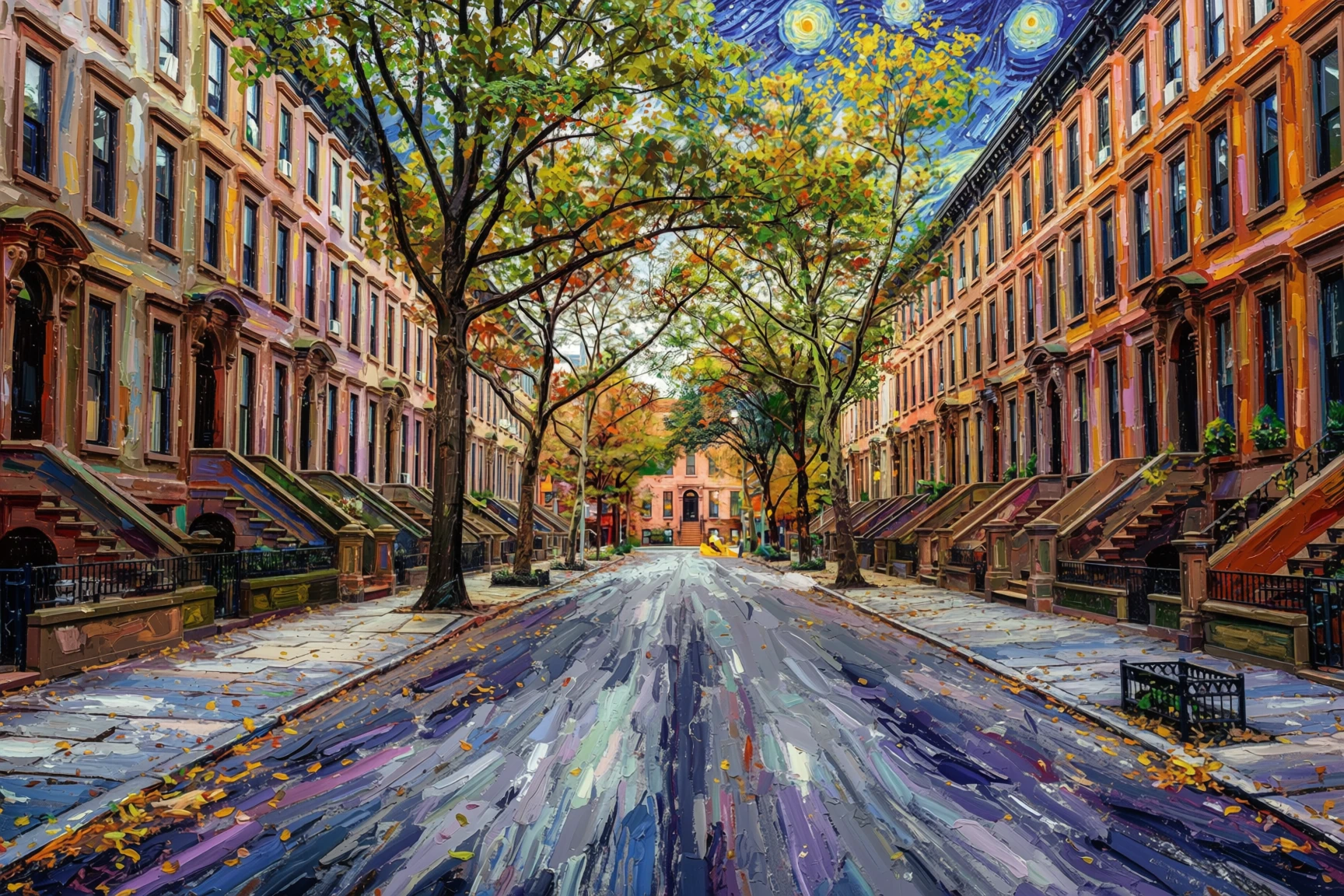
Hand a content image and a style example. ImagineArt 2.0 Edit holds the structural truth of the photograph — its architecture, geometry, and light direction — and re-renders the entire surface in the painted aesthetic of your style example. Brand-aligned grading, hand-painted homages, film-stock translations — preserved geometry, transformed surface.
See more stylizations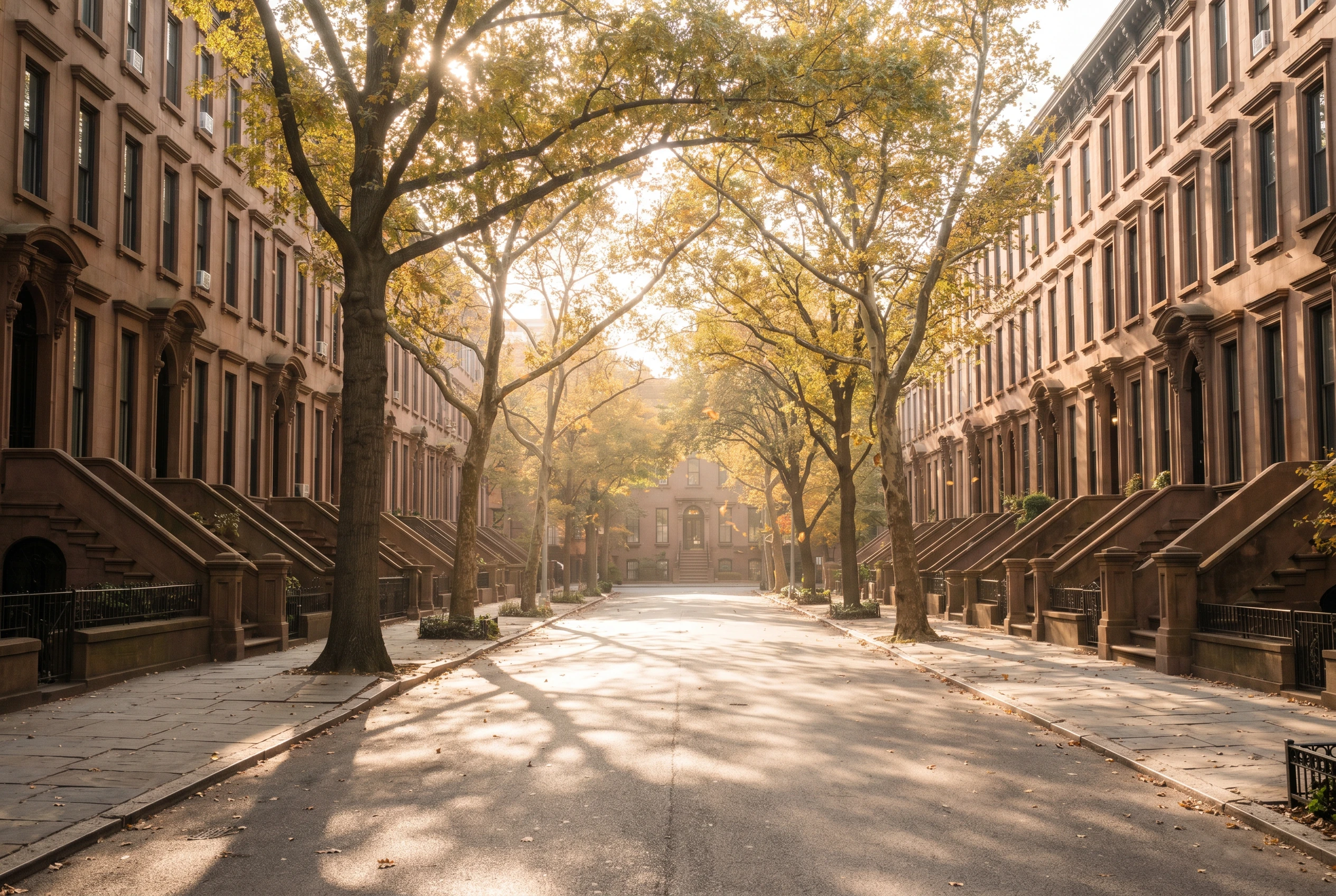 01 · Content
New York · Manhattan
01 · Content
New York · Manhattan
 02 · Style
Van Gogh · oil painting
02 · Style
Van Gogh · oil painting
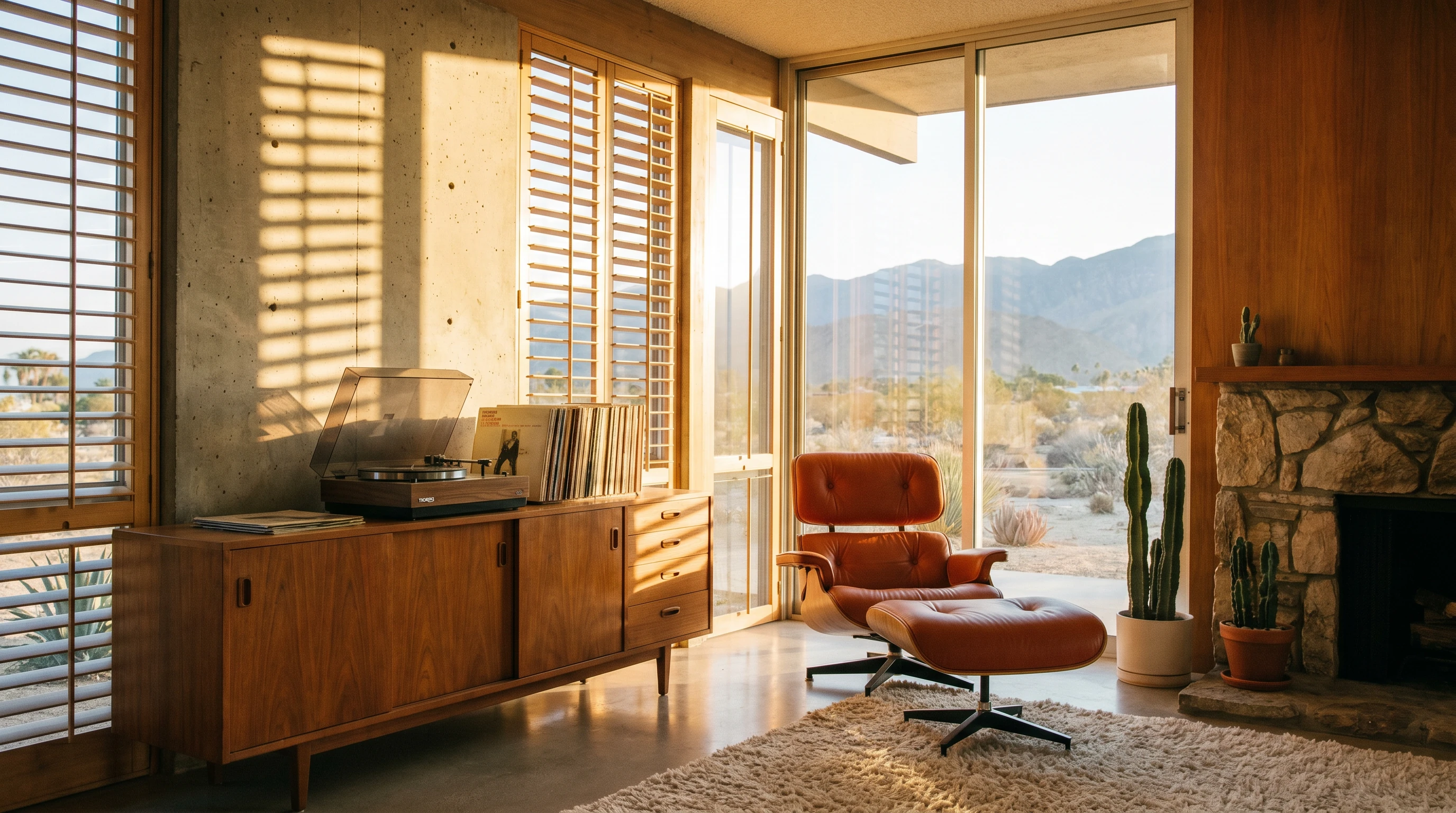
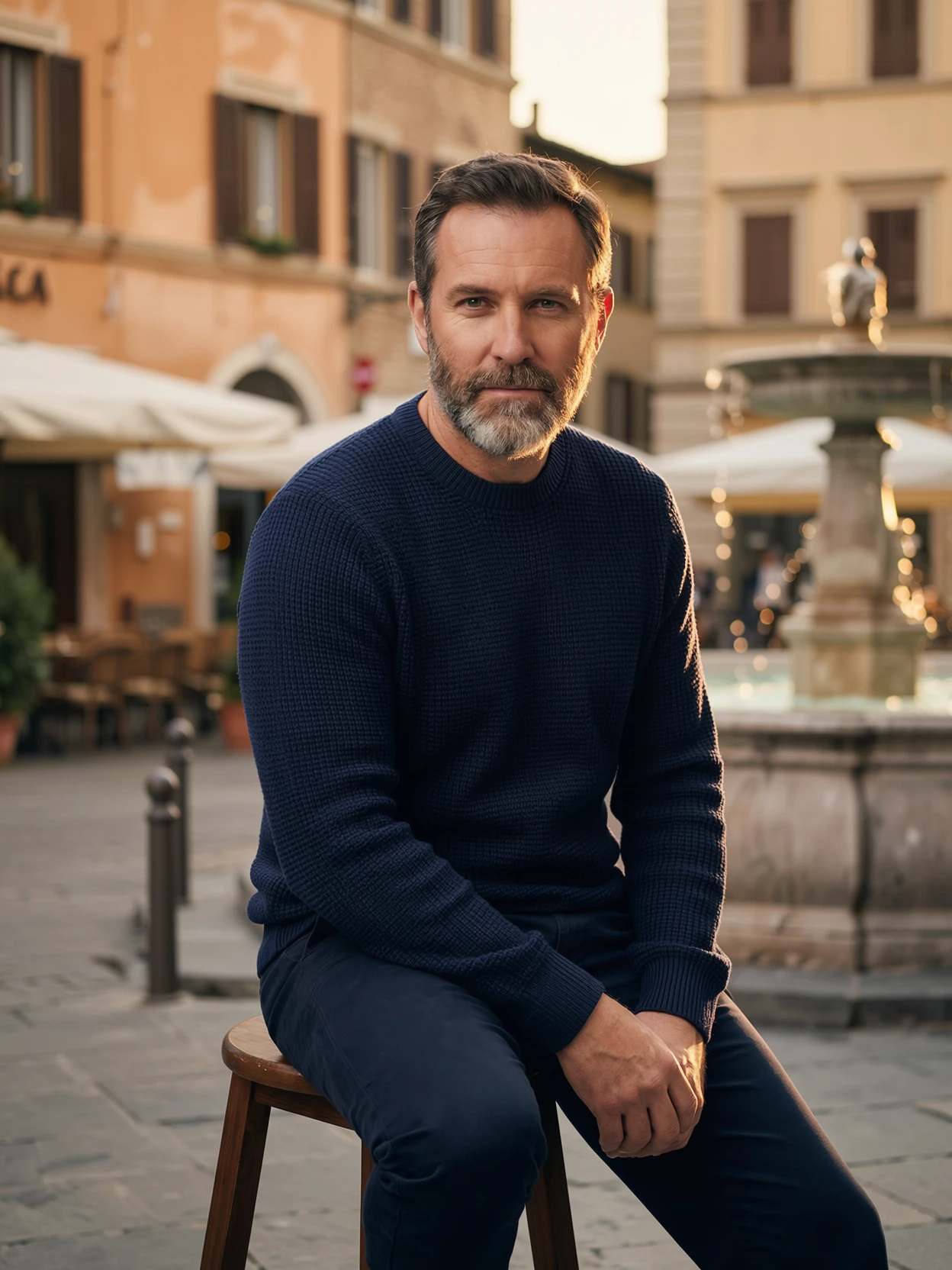
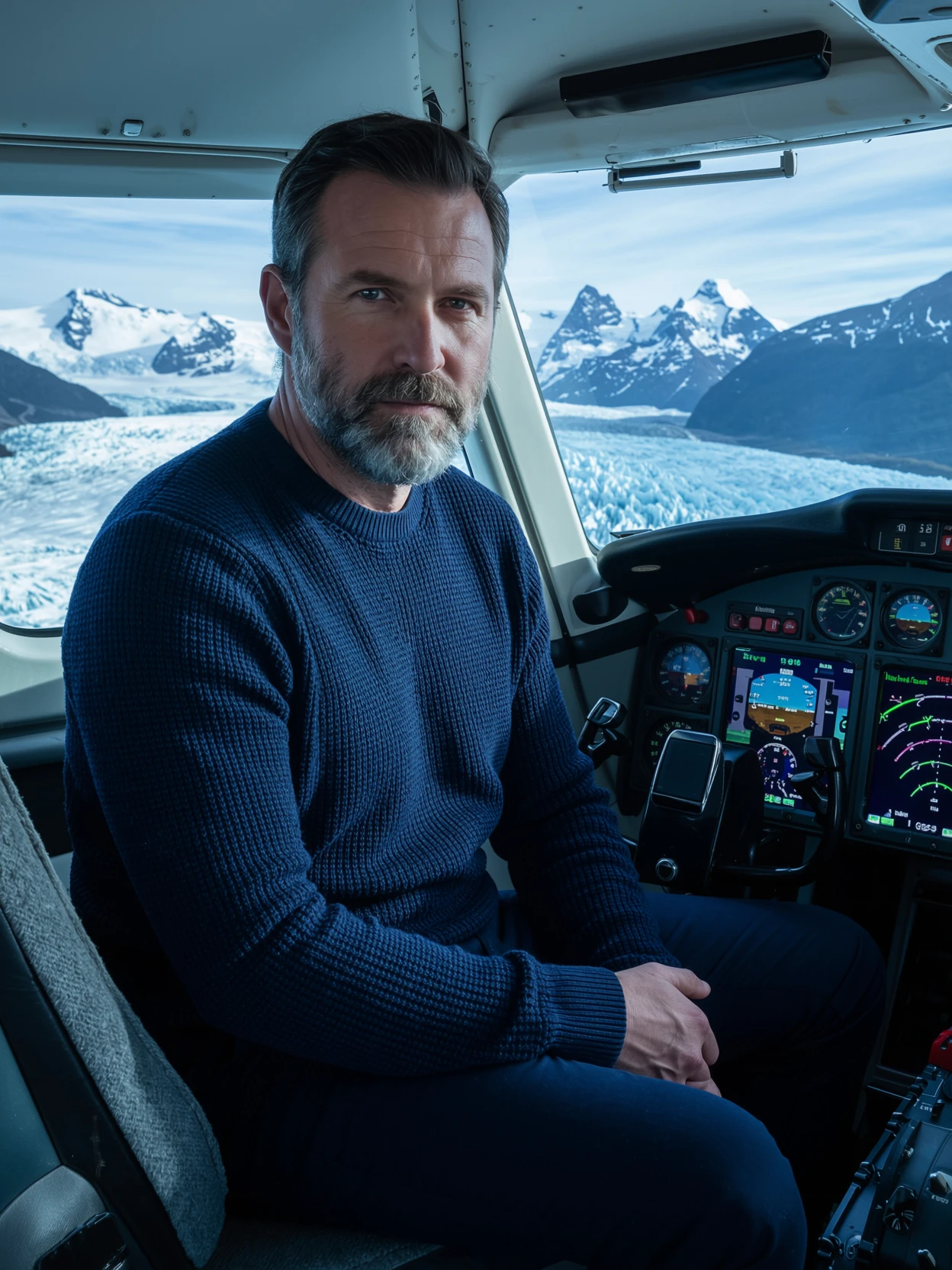
Studio grey becomes Italian piazza. Sweater, beard, eye direction, expression — preserved. New light falls believably across the subject from the new environment. No relight pass, no compositing — one generation, photoreal contact.
More relocations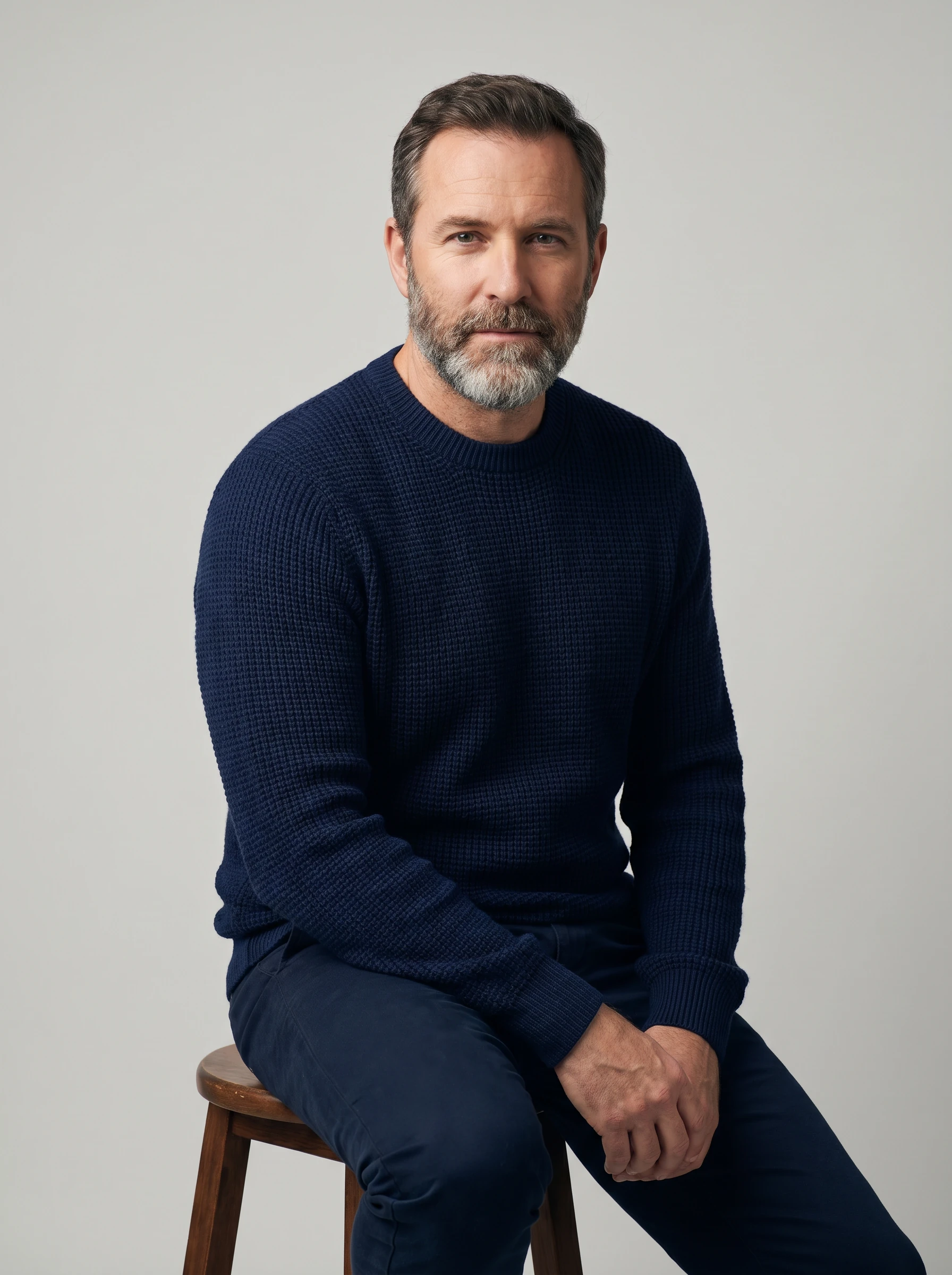
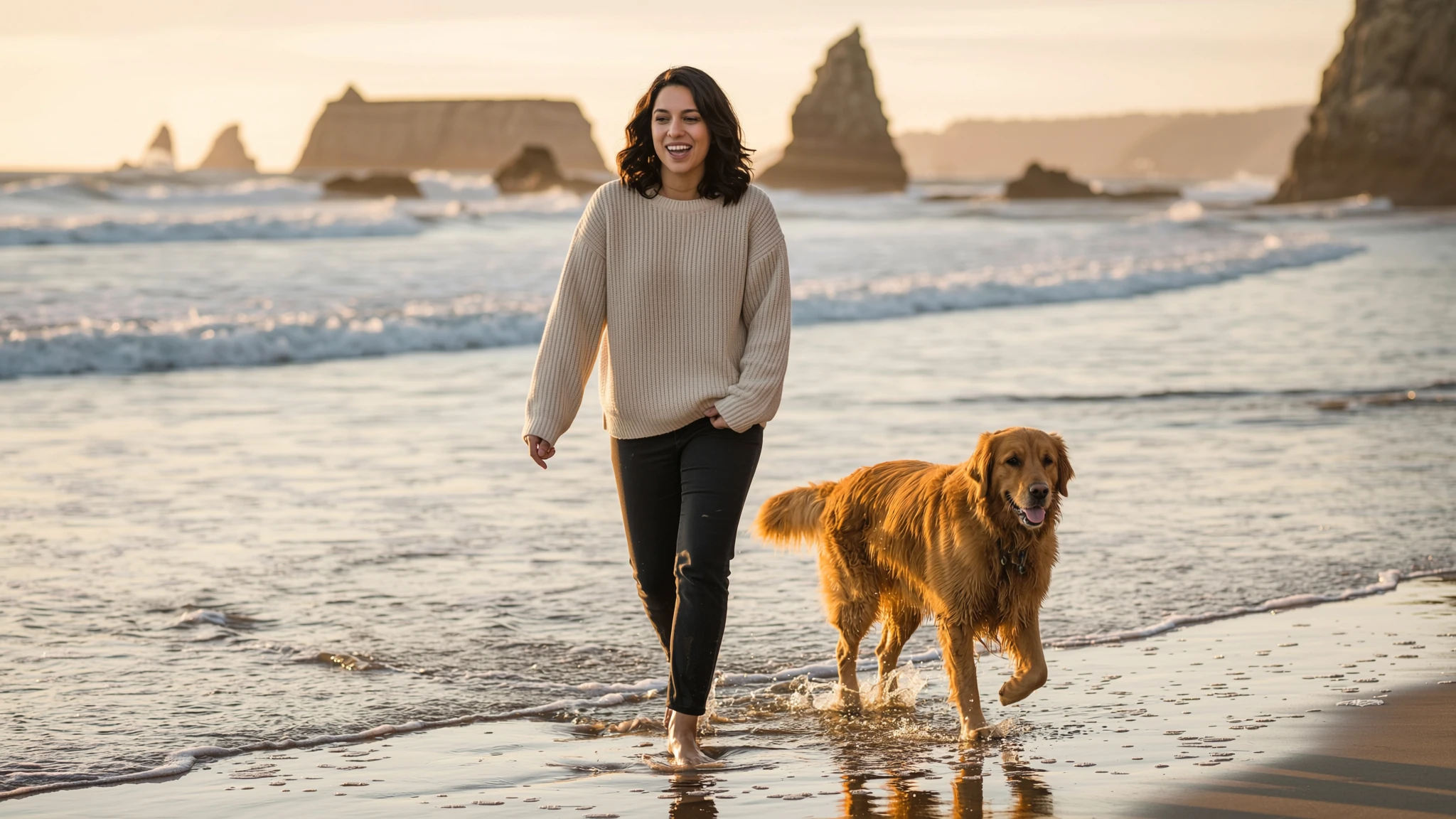
Drop a subject into a plate. Re-pose an identity. ImagineArt 2.0 Edit treats every input as a directable role — casting, blocking, and lighting decisions become part of a single generation, not a downstream Photoshop pipeline.
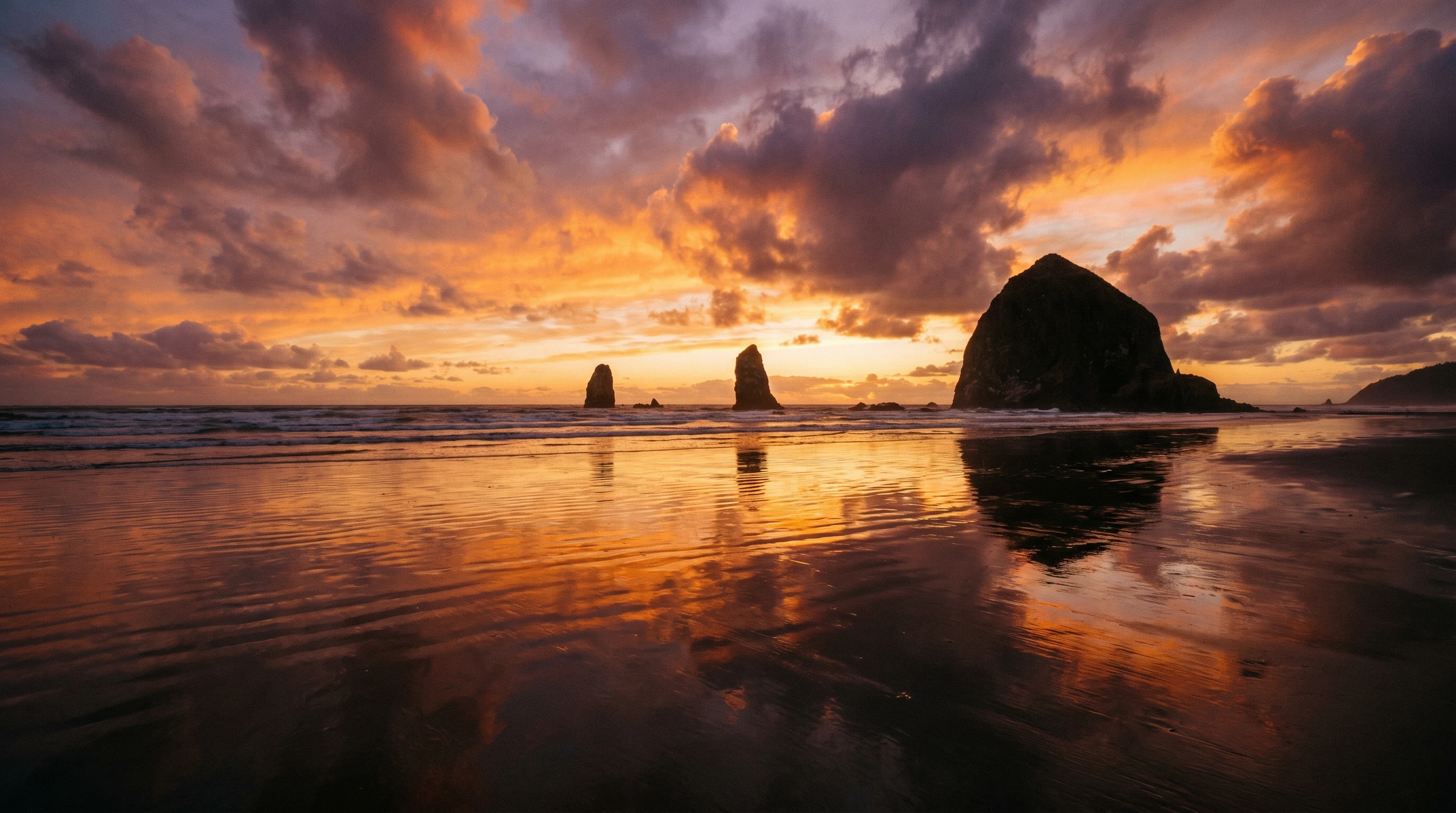
Explore workflows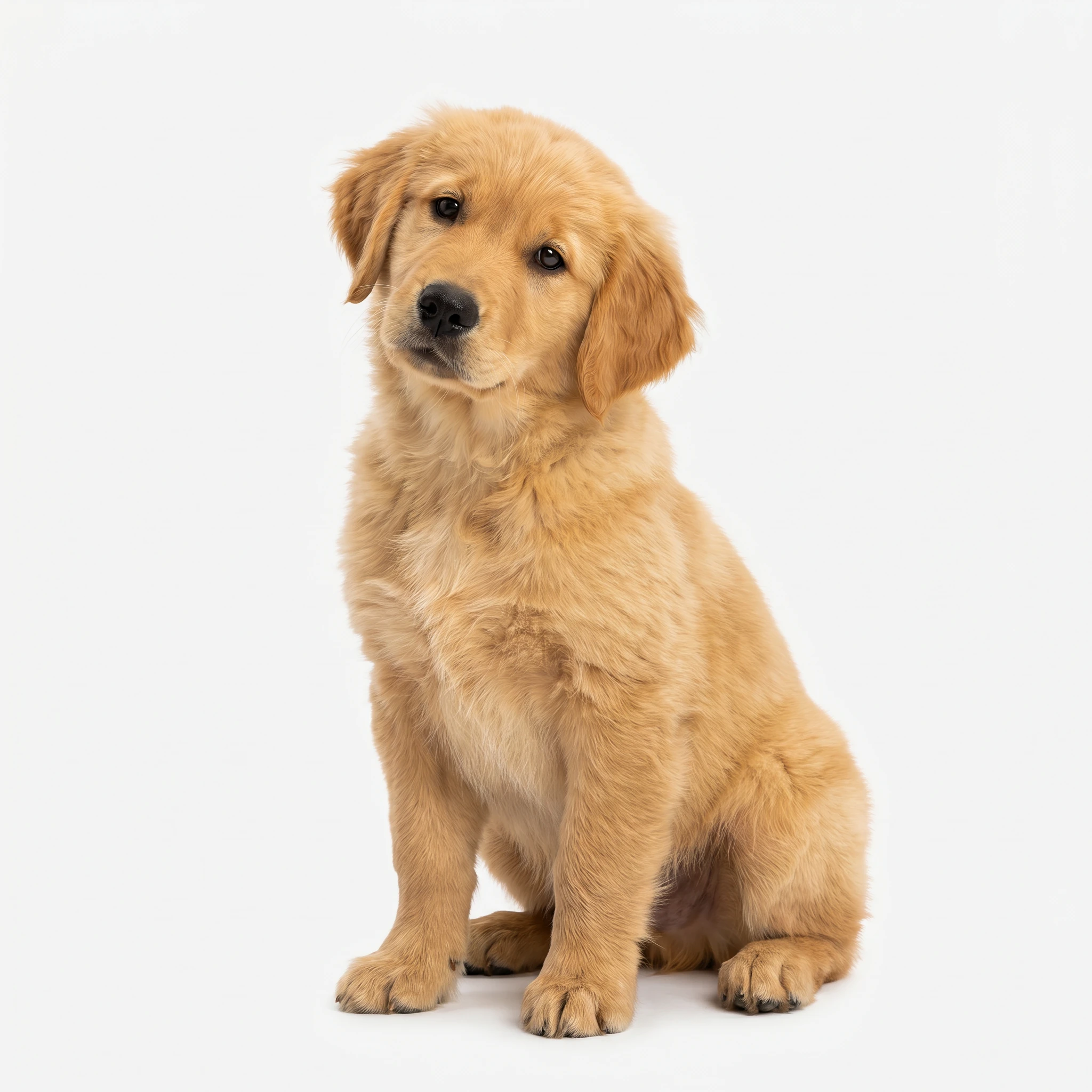 01
Subject
01
Subject
 02
Scene
02
Scene
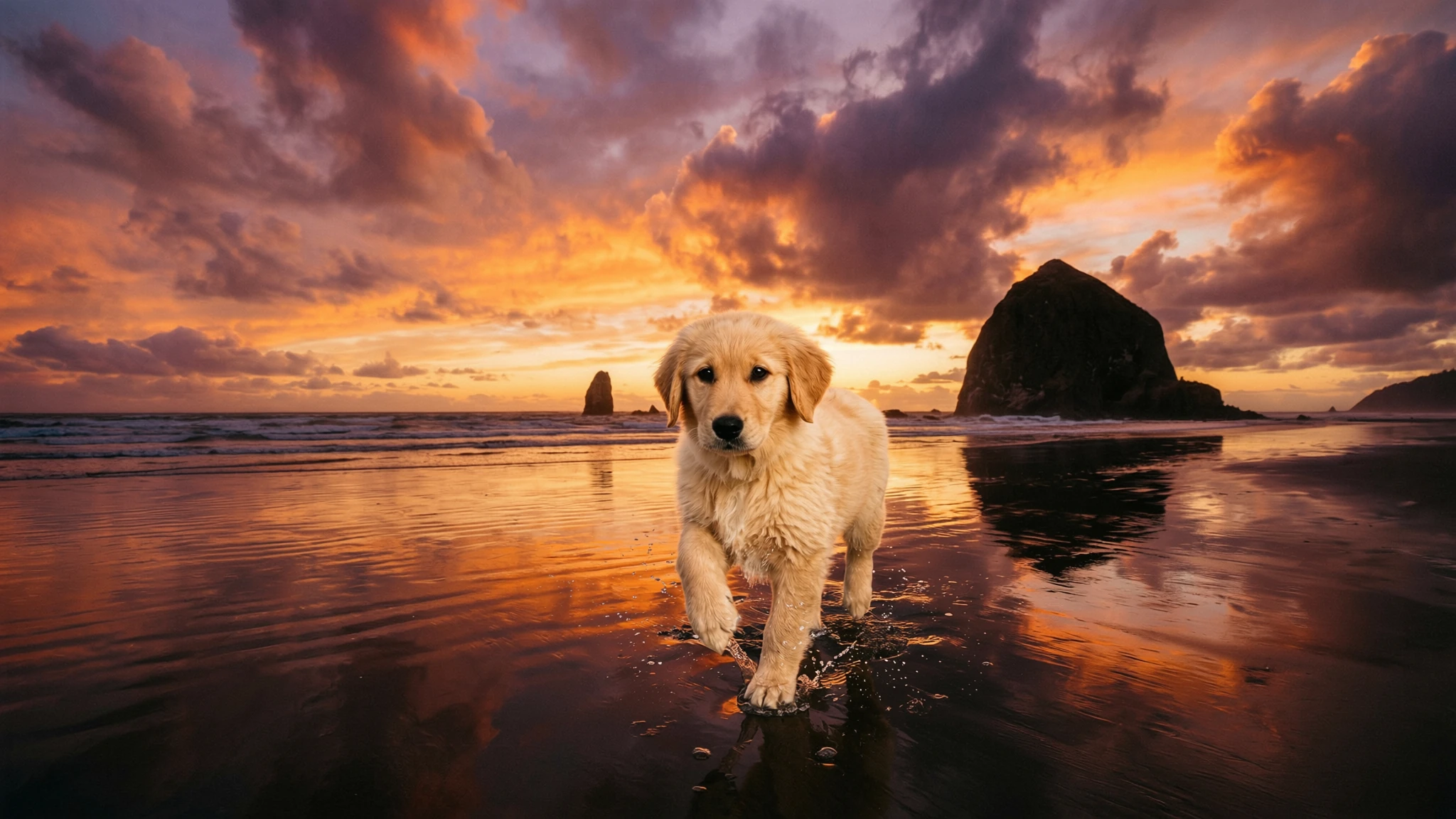 Output · 16:9
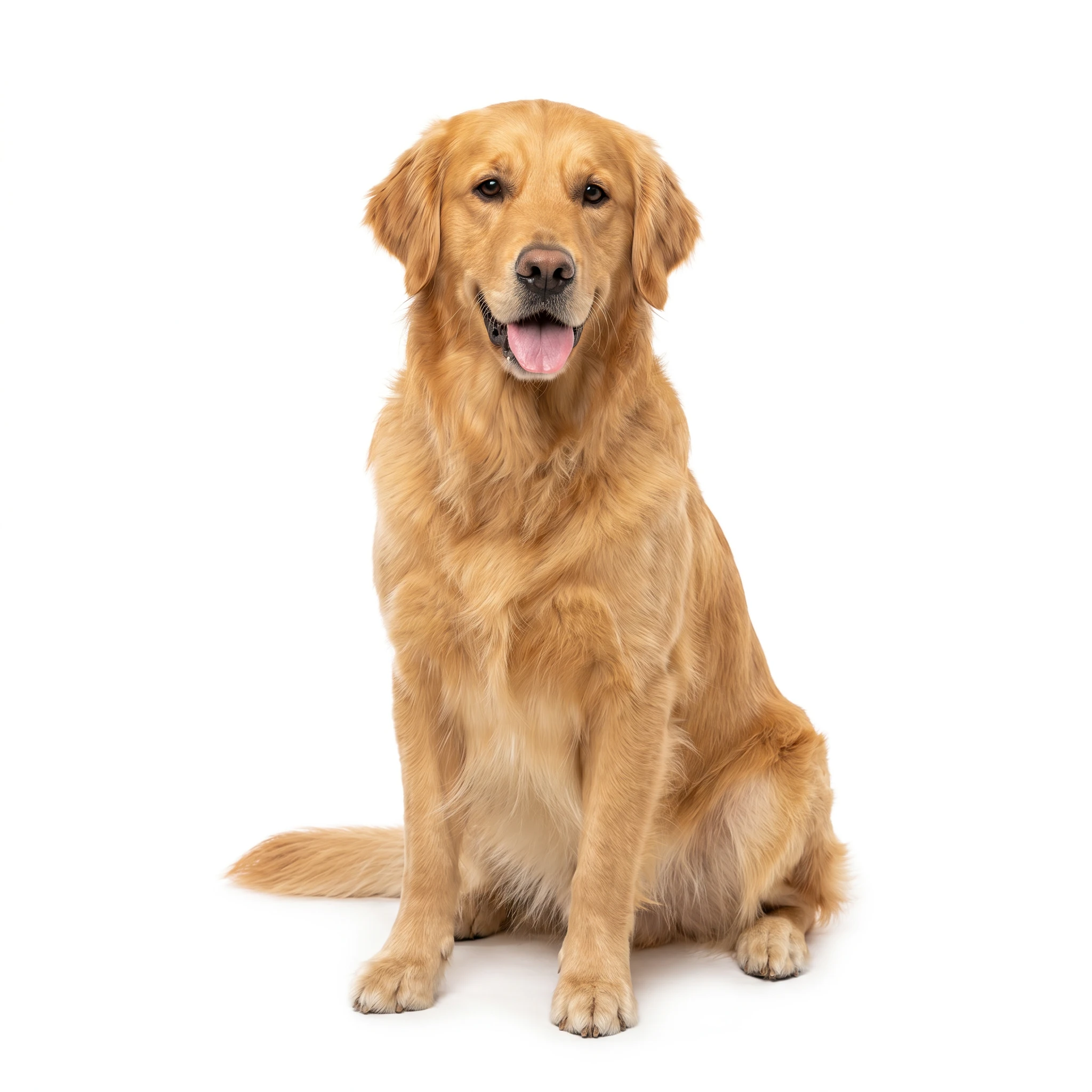
Every fur strand backlit by the same sun the beach was shot under. Wet-sand reflection beneath each paw.
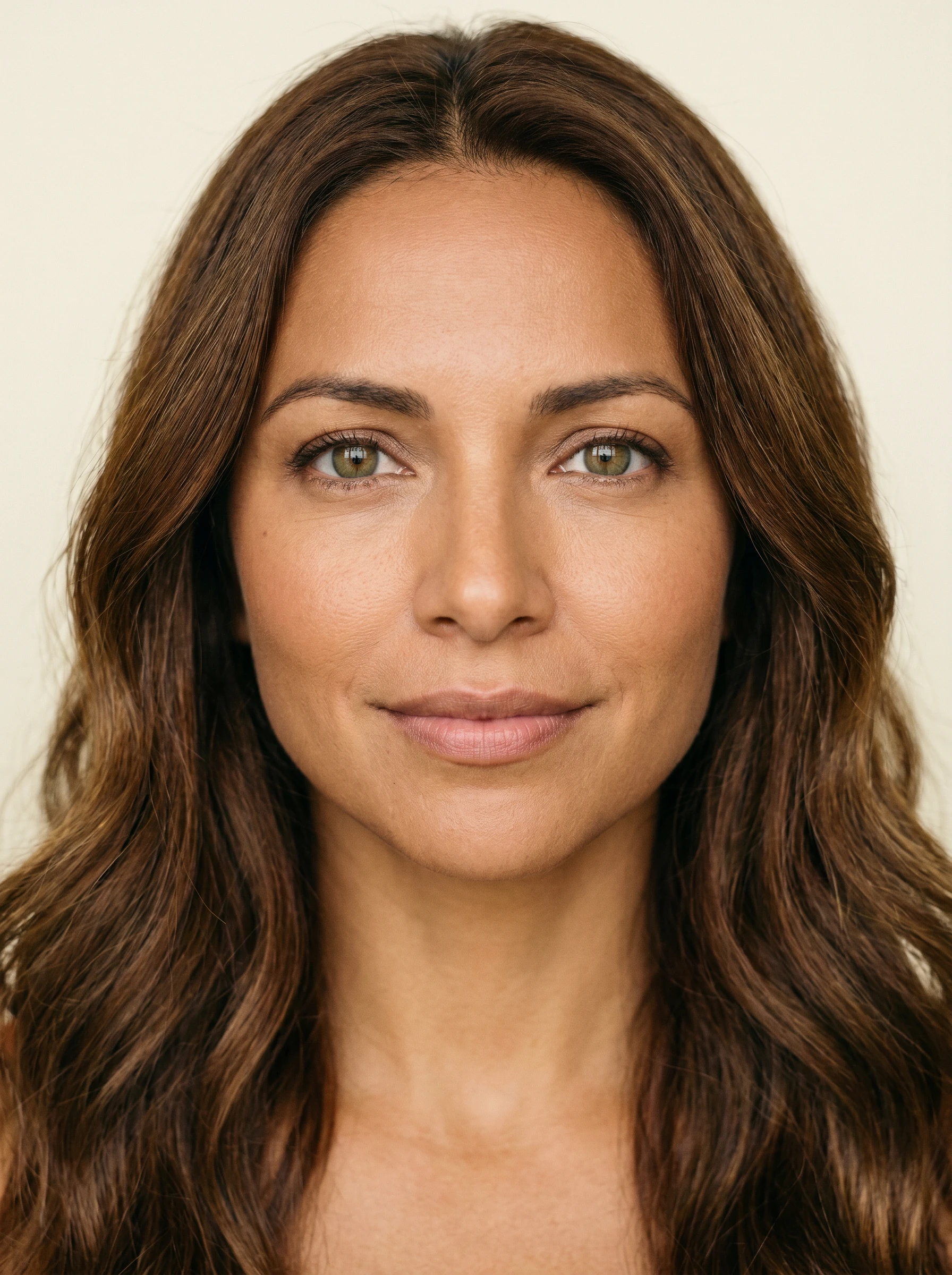 01
Identity
01
Identity
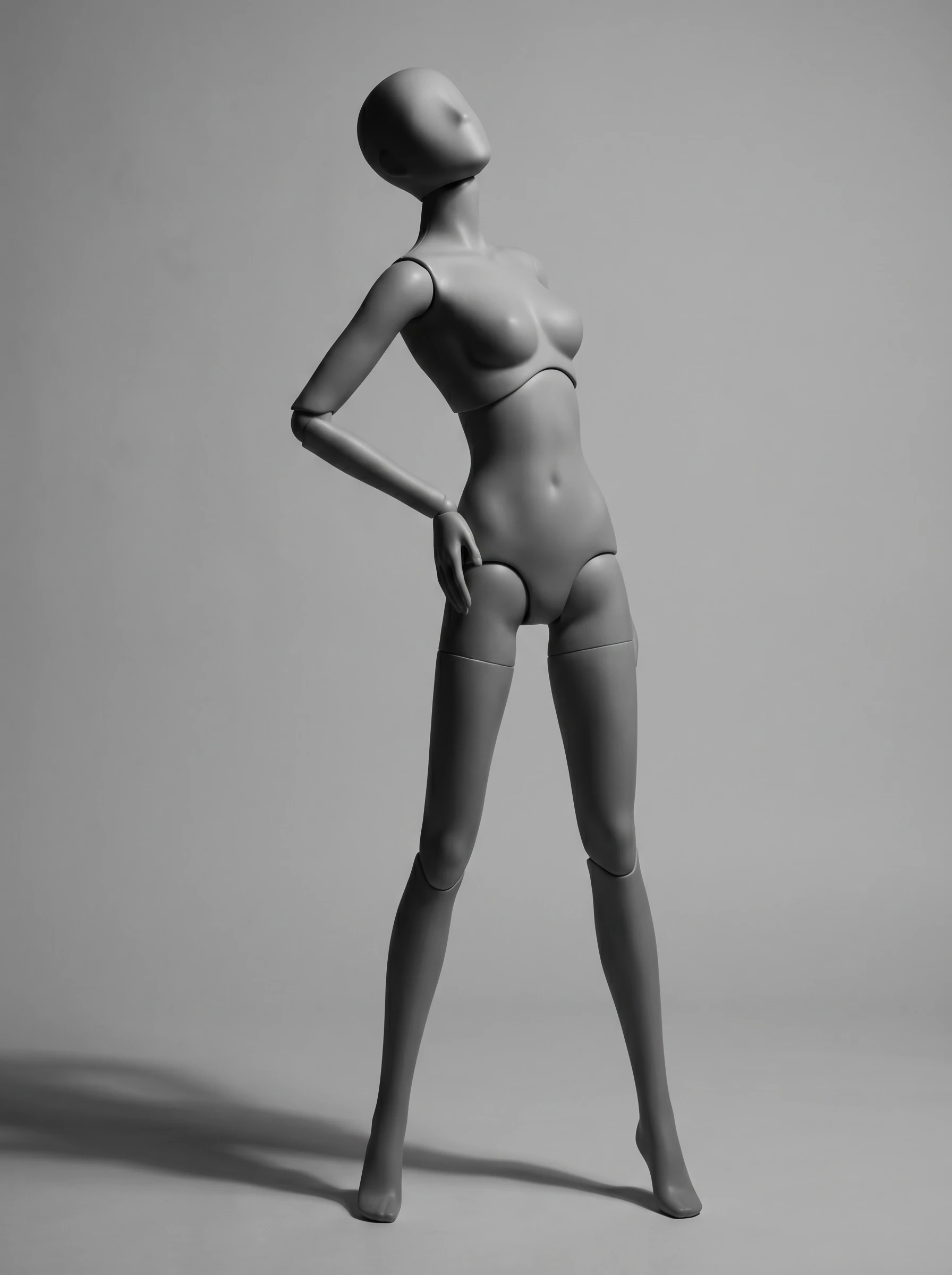 02
Pose
02
Pose
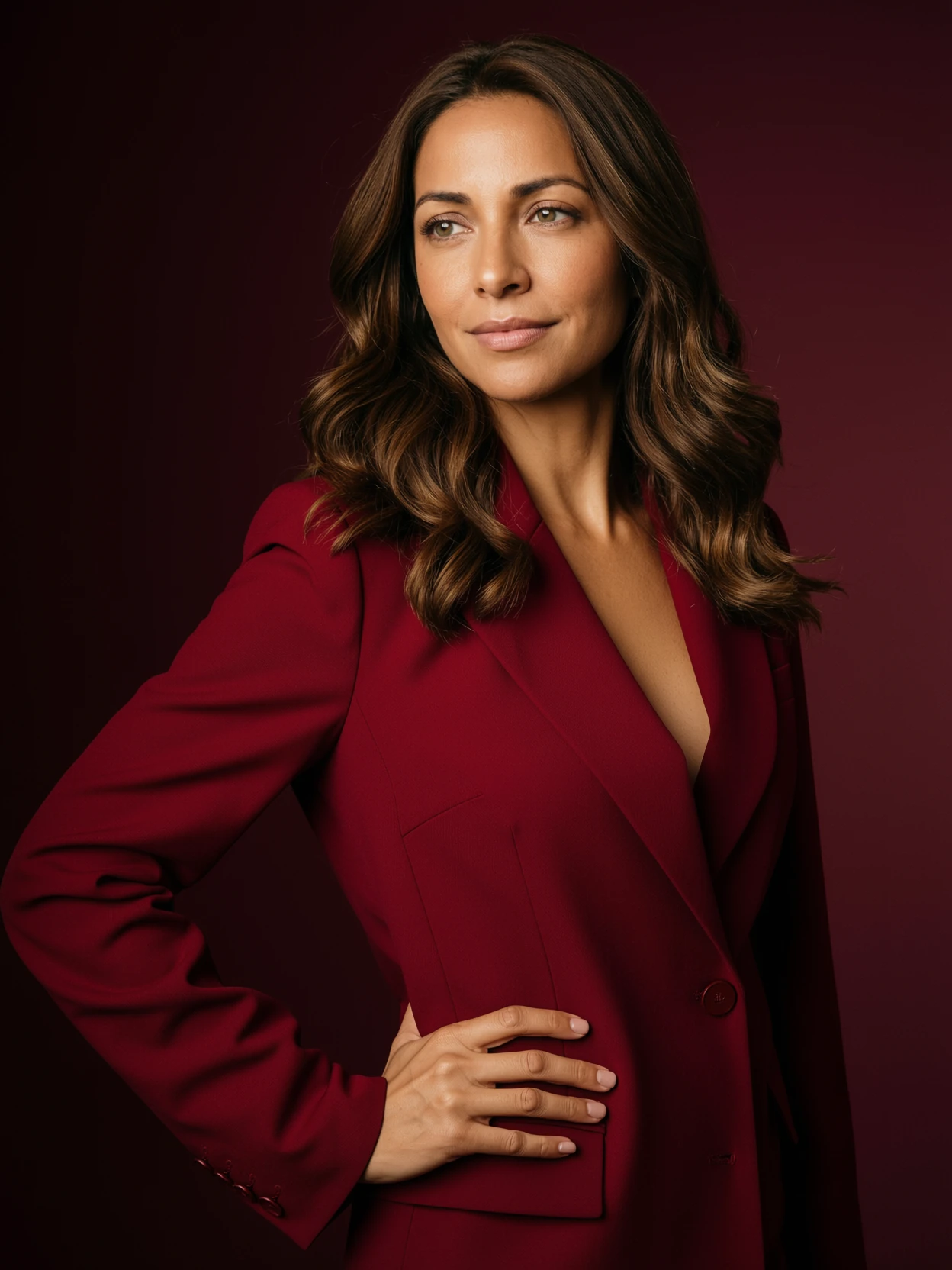 Output · 3:4
Identity from frame one. Pose from frame two. Single rim light direction stitched across both.
ImagineArt 2.0 Edit reads your first input image and matches its frame — or accepts an explicit aspect ratio.
Square for grids. Ultra-wide for film. Vertical for shorts.
Eight canvas ratios plus auto.
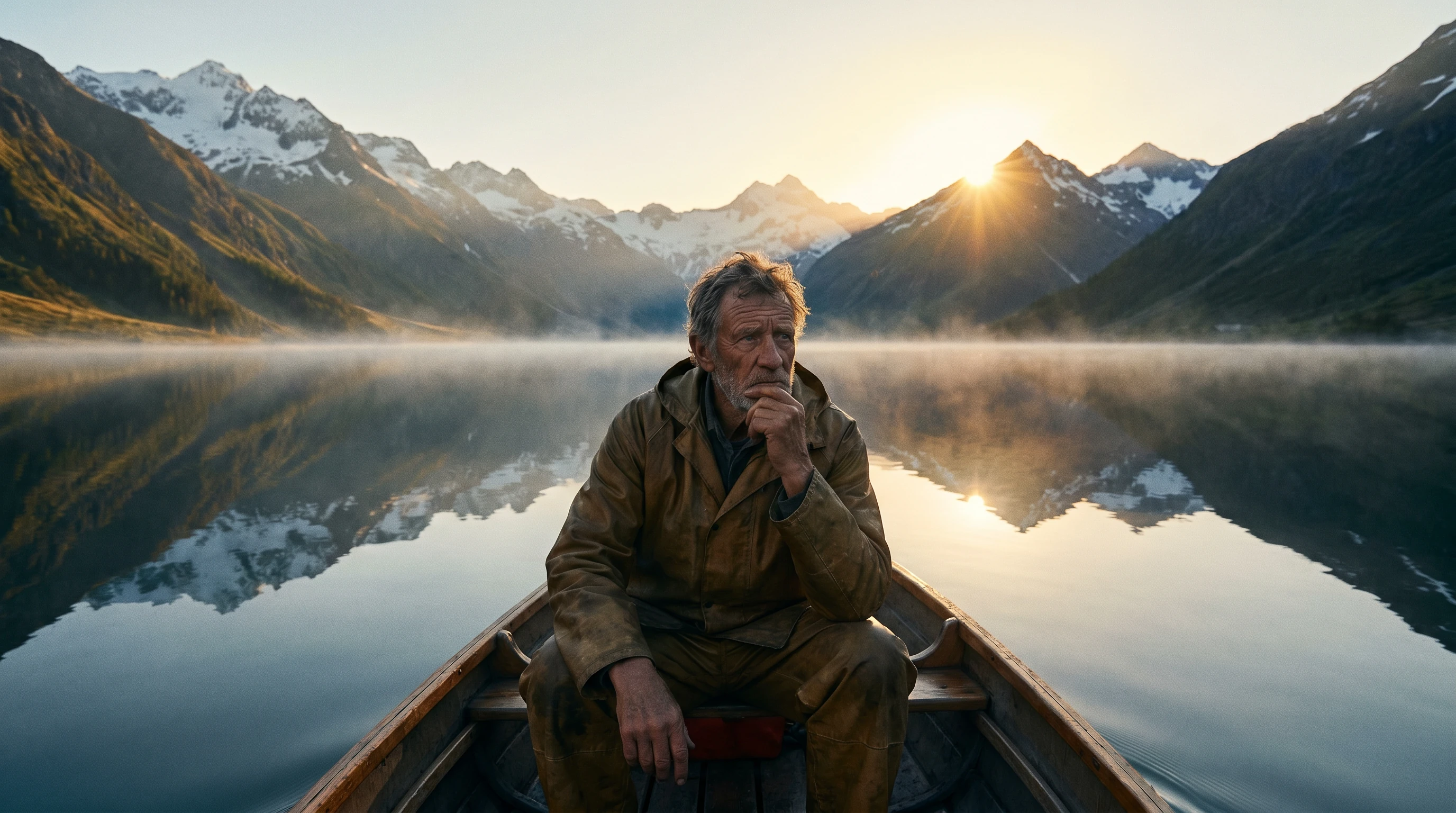

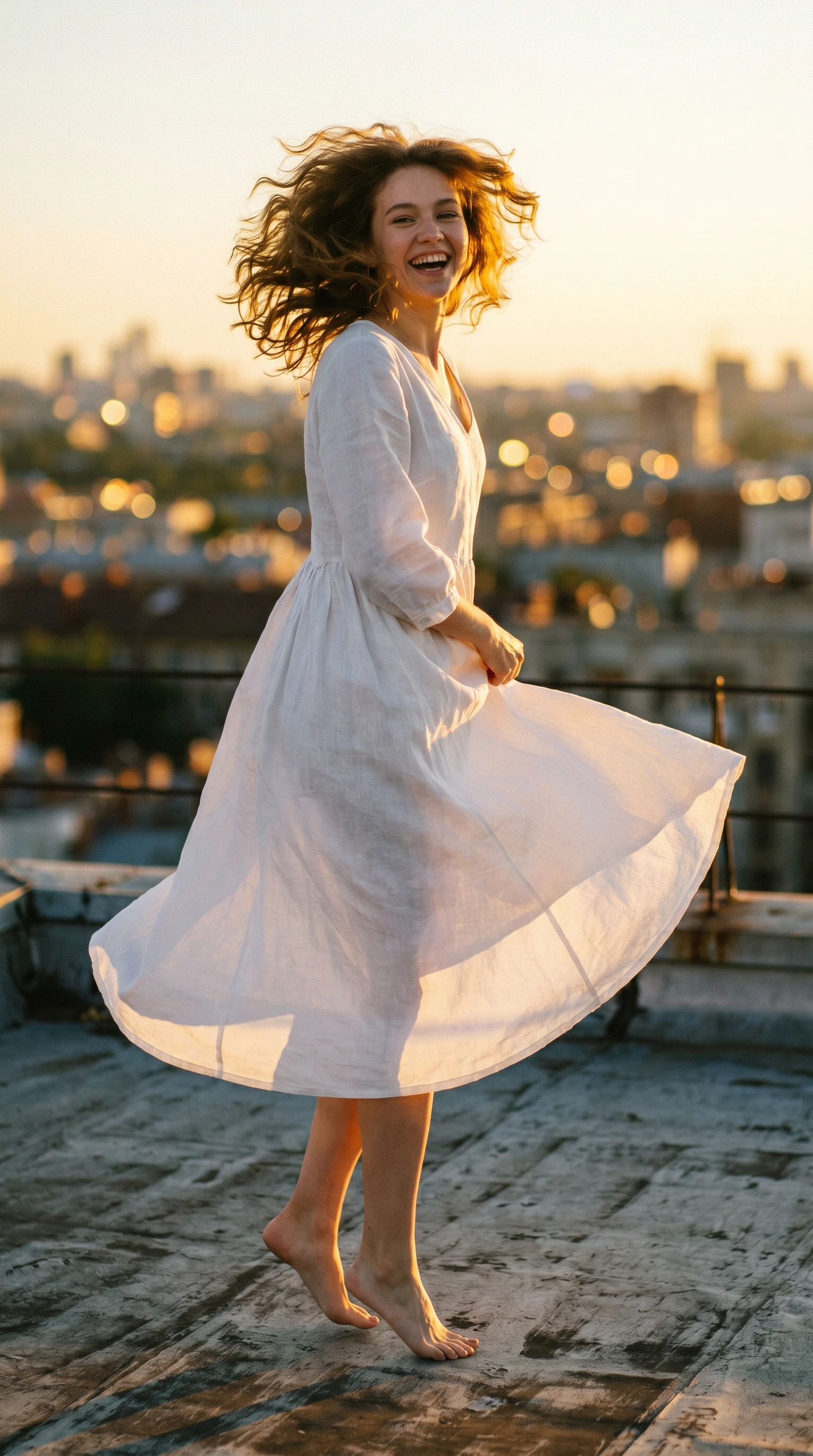


All supported aspect ratios — and auto
Bring your images. Write one instruction. Get a finished frame —
at whatever aspect ratio you need. Or let auto match the first one.
A subject, a scene, a garment, a product — hand the model anywhere from one to four images. Each role is implicit in your instruction.
Direct rather than describe. Tell the model what should happen — who goes where, what gets worn, what gets replaced. Plain English. One sentence is usually enough.
One 2048-pixel image. Lighting, composition, fabric, faces — already integrated. No layer stack, no relight pass, no compositing.