AI Image Ad Generator
Turn a short brief into a ready-to-run static ad. Describe your product, offer, headline and CTA, and get a sharp image ad for Instagram, Facebook or display in seconds.
How to Create Image Ads with AI in 3 Steps

Write your ad brief
Tell the AI image ad generator what to sell and how it should look. Include the product, offer, headline in quotes, CTA in quotes and the style. For example: Instagram ad for Bloom Skincare, 20% off serums, headline “Glow in 7 days”, CTA “Shop now”, soft pastel studio look.
Pick the placement size
Choose the aspect ratio that matches where the ad will run. Use [1:1 for Facebook and Instagram feeds, 4:5 for taller feed posts, 9:16 for Stories and Reels, and 16:9 for display and banner spots]. Setting the size first keeps your product and text framed correctly.
Generate, check and download
Click Generate and your static ad is ready in seconds. Proofread the headline, prices and CTA before you download, just as you would with any designer’s file. Then upload it straight to Meta Ads Manager, Google Ads or your scheduler.
Built for Ads, Not Just Images
Create ads bound to convert and not just look pretty!
Your first ad is on us!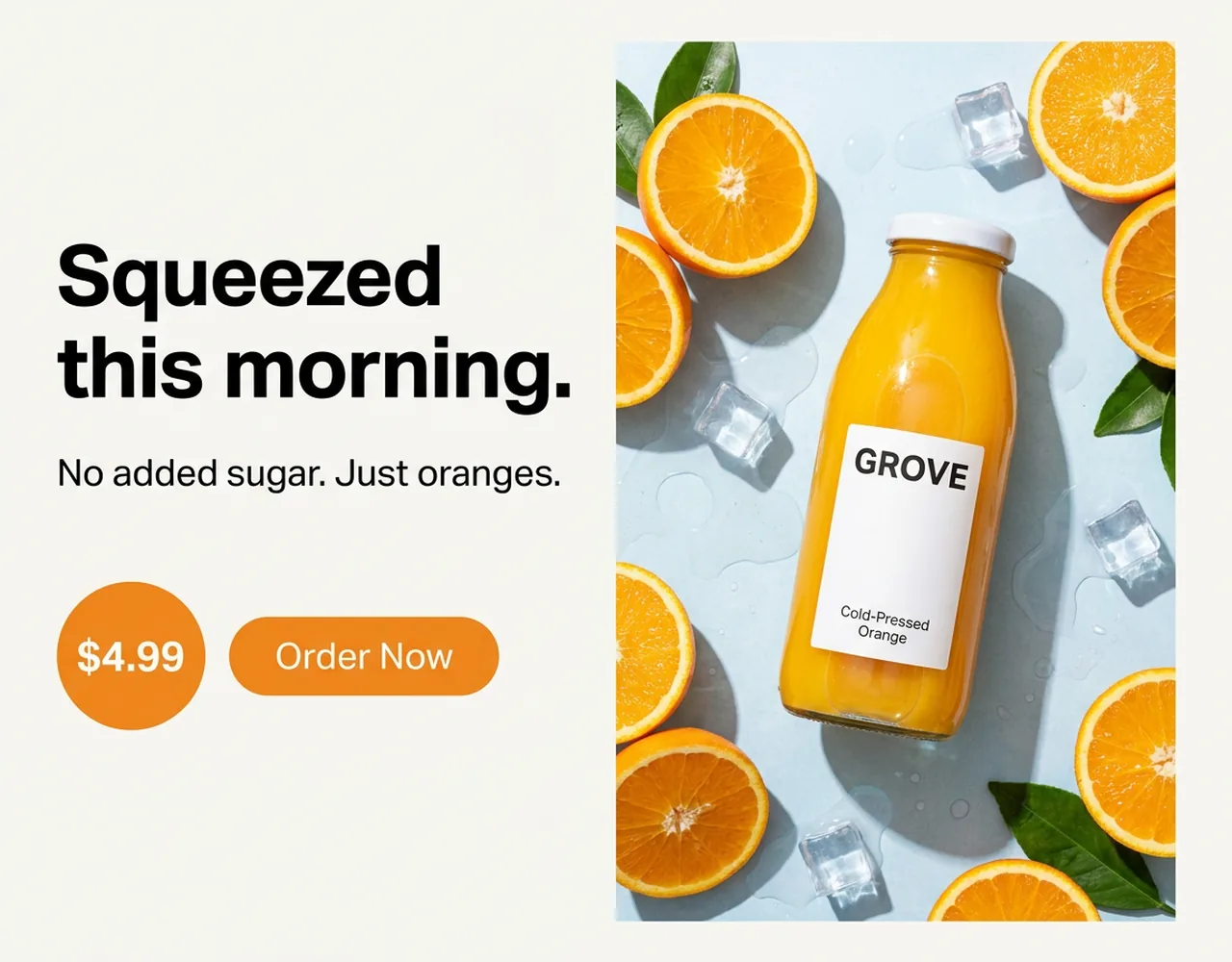
Headlines and CTAs that stay readable
An ad only works if people can read it in a fast scroll. The AI renders headlines, prices and CTA buttons as clean, legible text that holds up at feed size, so you’re not covering garbled letters with a separate design tool. Text accuracy is strong, but always proofread offers and prices before an ad goes live.
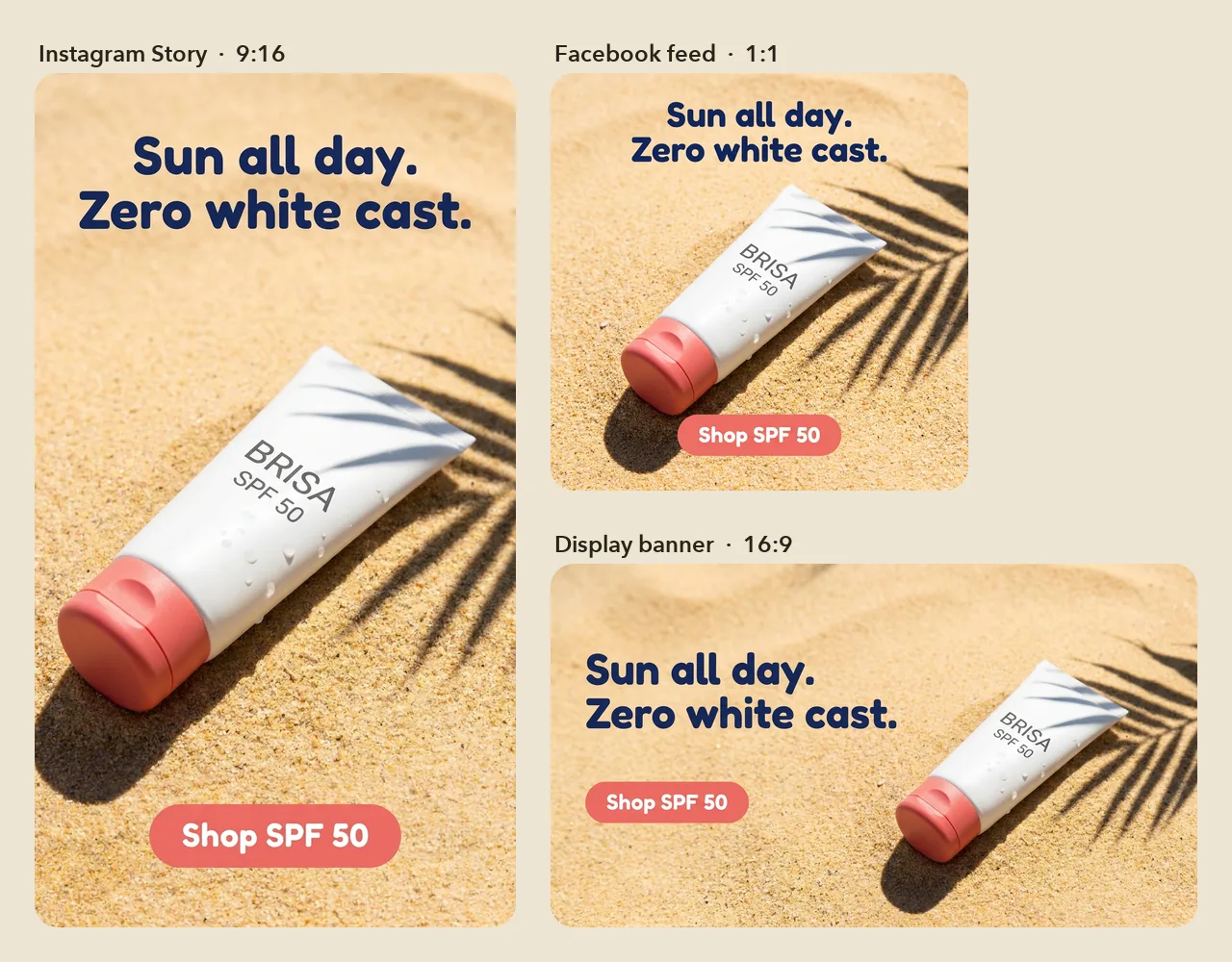
One concept, every placement
Make one ad, then get it in every size your campaign needs. Generate the same concept for Facebook feed, Instagram Stories and display banners without redesigning the layout each time. It works as a Facebook ad generator and Instagram ad generator in one, so your whole placement set ships on the same day.
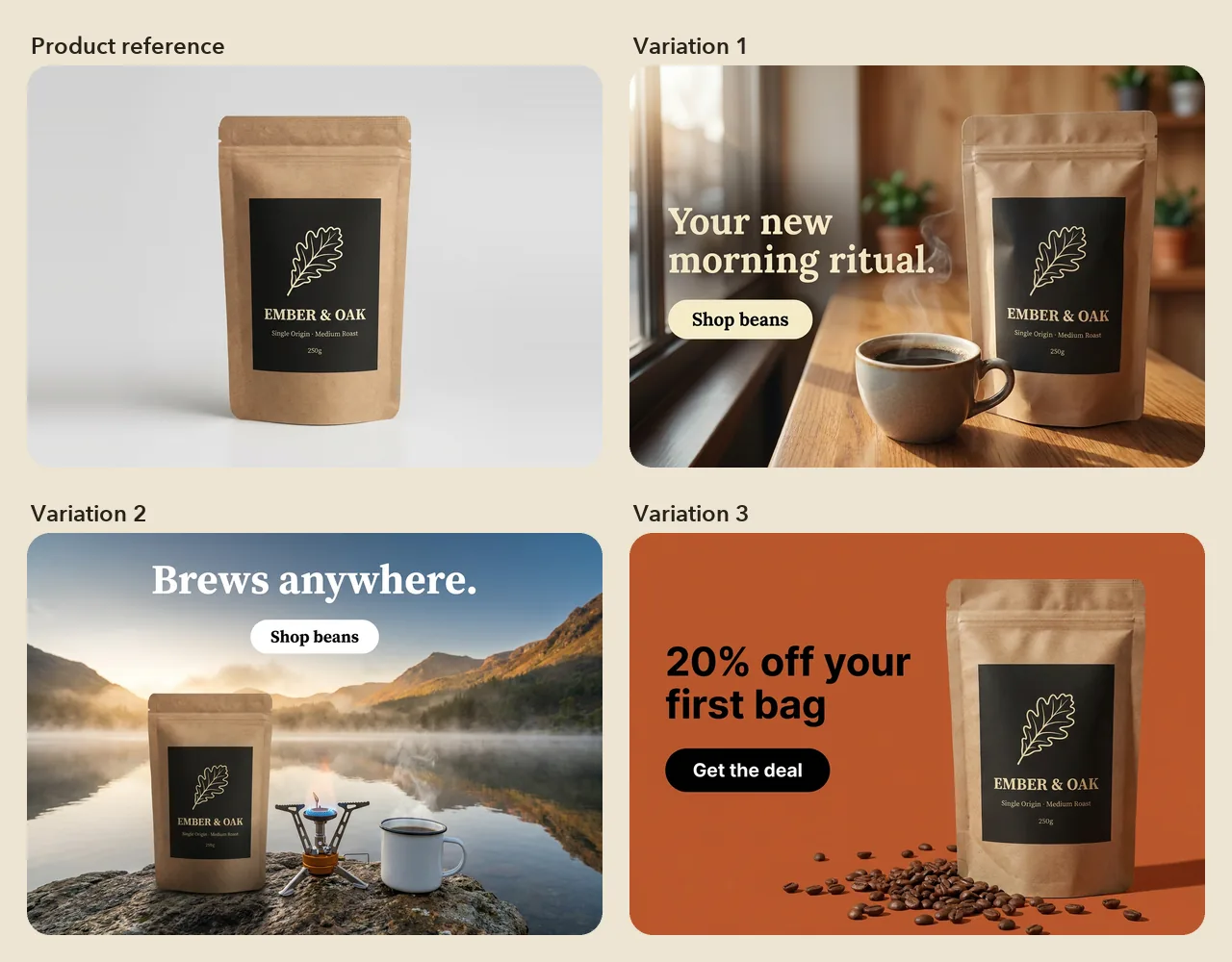
Keep your product and brand consistent
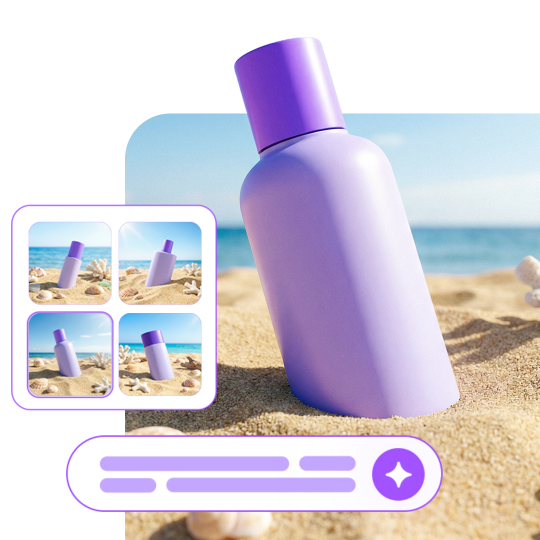
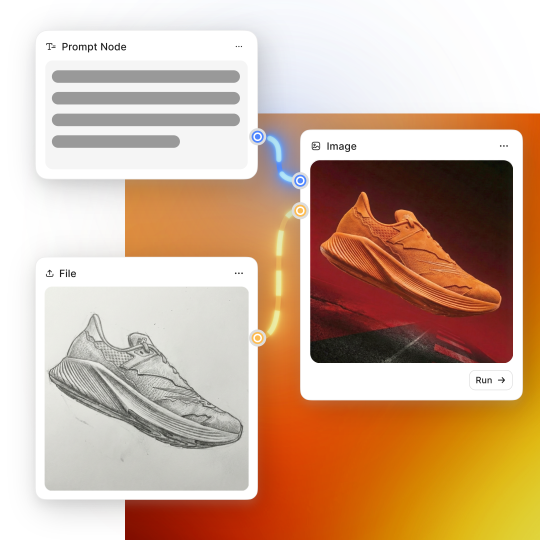
Upload a reference image of your product, packaging or mascot, and the AI keeps it looking the same across every variation. The label stays readable, the colours stay on brand and the shape doesn’t drift. That matters when you’re testing ten versions of an ad and only the background or headline changes.
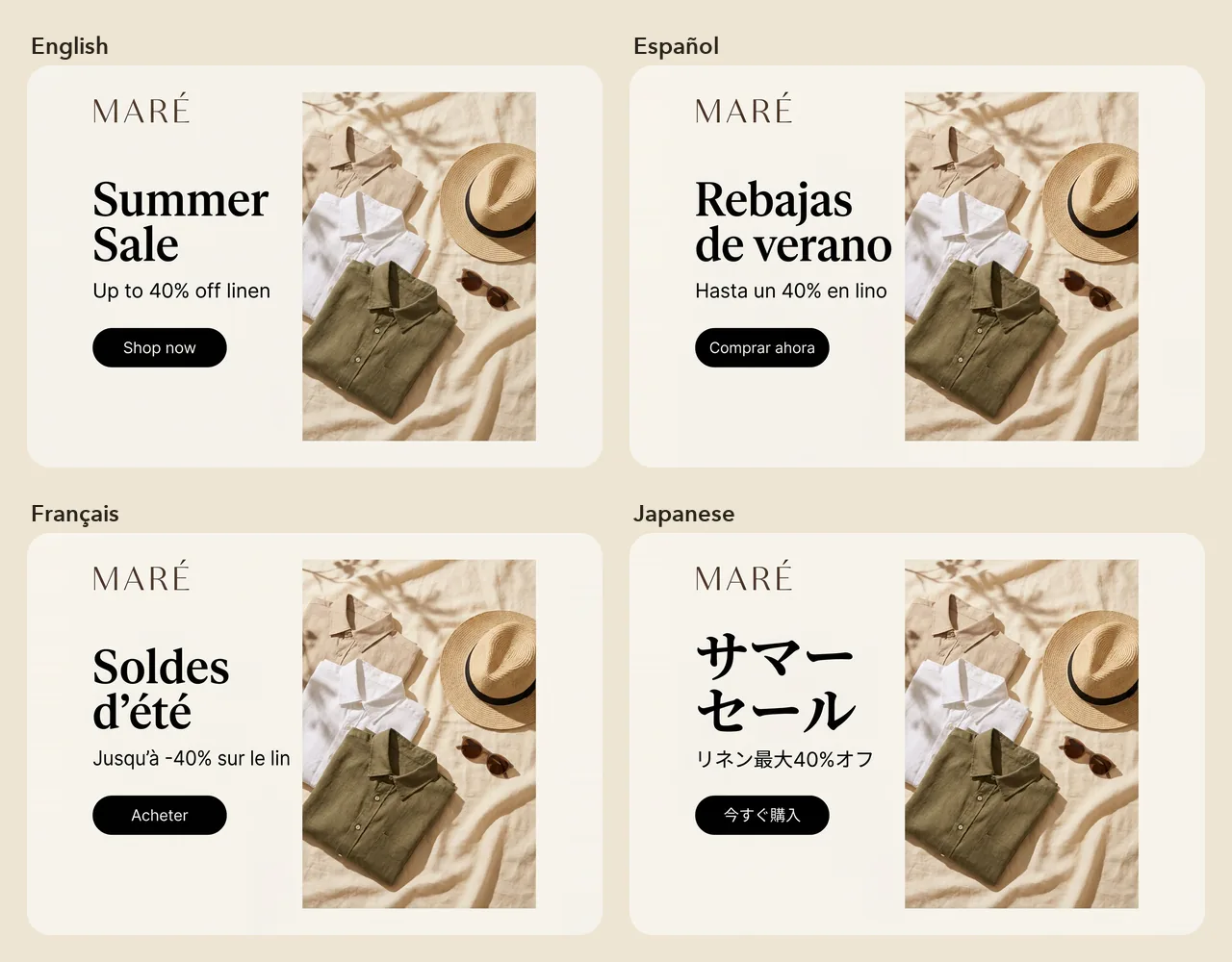
Localise ads for new markets
Running campaigns in more than one country? Generate the headline in another language, or translate the text in an ad you’ve already made, while keeping the layout and visuals intact. Regional teams get native-language ads for local promotions without briefing a designer for every market or waiting on separate files.


Choose a plan that fits your needs
Upgrade to get access to pro features and generate more and better
Kling
Trusted by Professionals and Creators from top Brands and Companies
FAQS
An AI image ad generator is a tool that creates static ads, with visuals, headline and CTA, from a text brief. You describe the product, offer and style, and the AI designs a finished ad. ImagineArt’s AI image ad generator makes ads for Facebook, Instagram, display banners and posters in seconds, with no design software needed.
Image ads are single static visuals, while video ads use motion and sound to tell a story. Static ads are faster to make and test, and they work well in feeds, banners and retargeting.
Yes. Write your headline and CTA in quotes in the prompt, for example headline “Free shipping this week” and CTA “Shop now”, and the AI places them in the ad. Add your offer, like “20% off”, in the brief too. Keep headlines short so they read clearly at feed size.
Yes! Upload your product photo or logo as a reference image, and the AI builds the ad around it so your real item and branding appear in the design. Use a clear, well-lit photo for the best result. Reference images also keep your product consistent across multiple ad variations.
Usually, yes. The AI renders headlines, prices and CTAs with strong accuracy, especially short phrases in quotes. Like any design, though, an AI-generated ad should be proofread before launch. Check spelling, prices and dates carefully, and regenerate or adjust the prompt if anything comes out wrong.
The ad generator creates the design, but you’re responsible for what the ad says. Make sure claims, prices and offers are accurate, and check each platform’s rules on text, health claims and restricted products. Meta and Google review ads before they run, so follow their policies to avoid rejections.